Notebook – AI Notes, Notepad
Voice Memo, To-Do & Planner
Designed for iPhone, iPad
Free · In-app purchases
- Age rating4+
- CategoryProductivity
- DeveloperZoho Corporation
- LanguagesEnglish+ 28 more
- Size221.4 MB
Links to the official App Store page
Download.org hosts no file of Notebook – AI Notes, Notepad. The button opens its official App Store page, published by Zoho Corporation. Listing last checked on Nov 23, 2026.
Screenshots
About
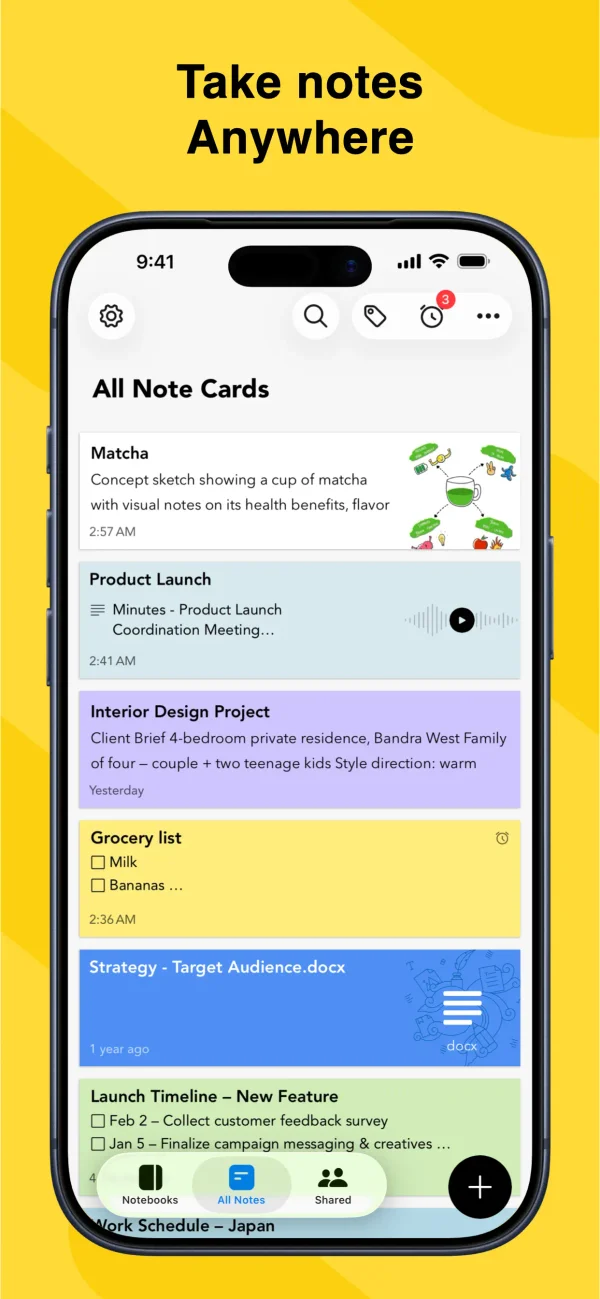
Zoho Notebook is a free, ad-free note-taking app for students, teams and researchers: capture, find and reuse what you write down — typed notes, Apple Pencil handwriting, voice recordings with AI transcription, checklists, files and document scans in one note.
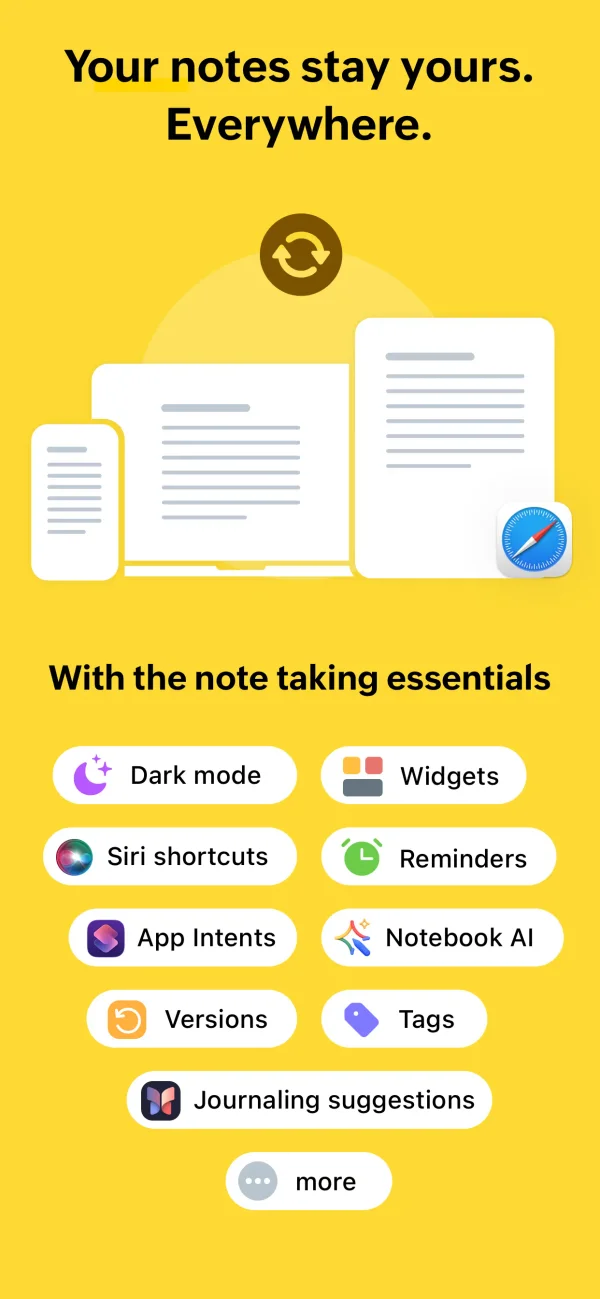
Syncs across iPhone, iPad, Mac, Apple Watch and other devices.
WHAT PEOPLE USE NOTEBOOK FOR
1. MEETING AND LECTURE NOTES
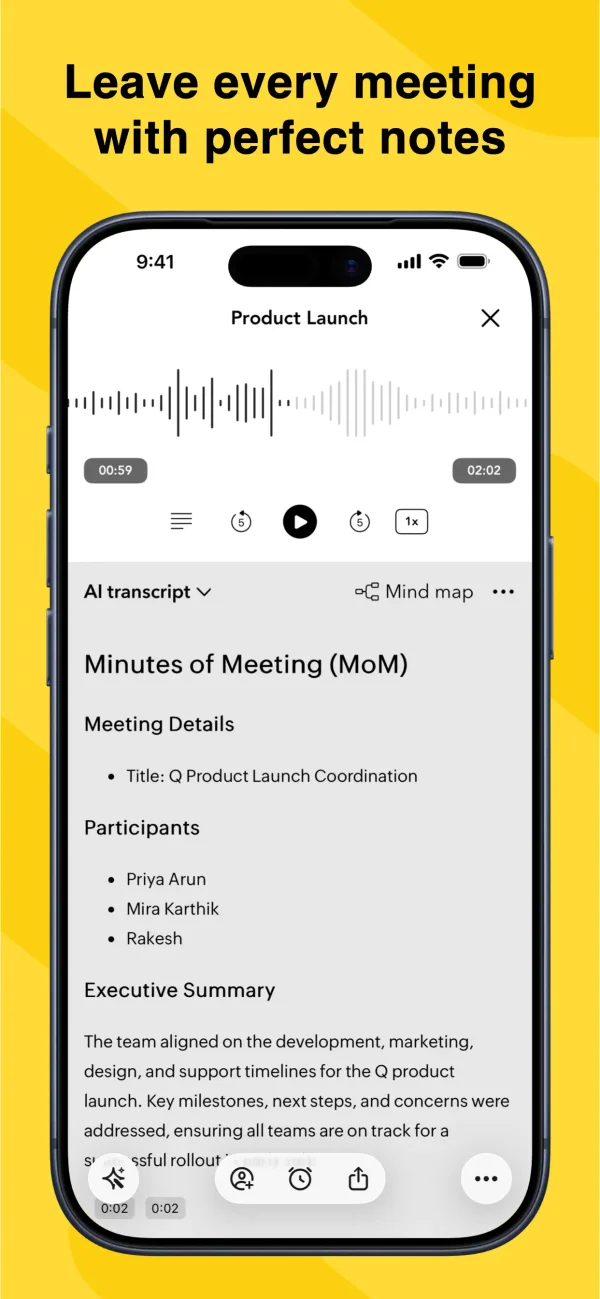
Record with audio or video cards; Notebook AI turns it into searchable text with timestamps, so you jump straight to the decision instead of replaying it. Structured minutes with title, participants, decisions and action points sit in the note beside your highlights. Record screen and self at once; longer videos get chapters.
2. STUDY AND RESEARCH
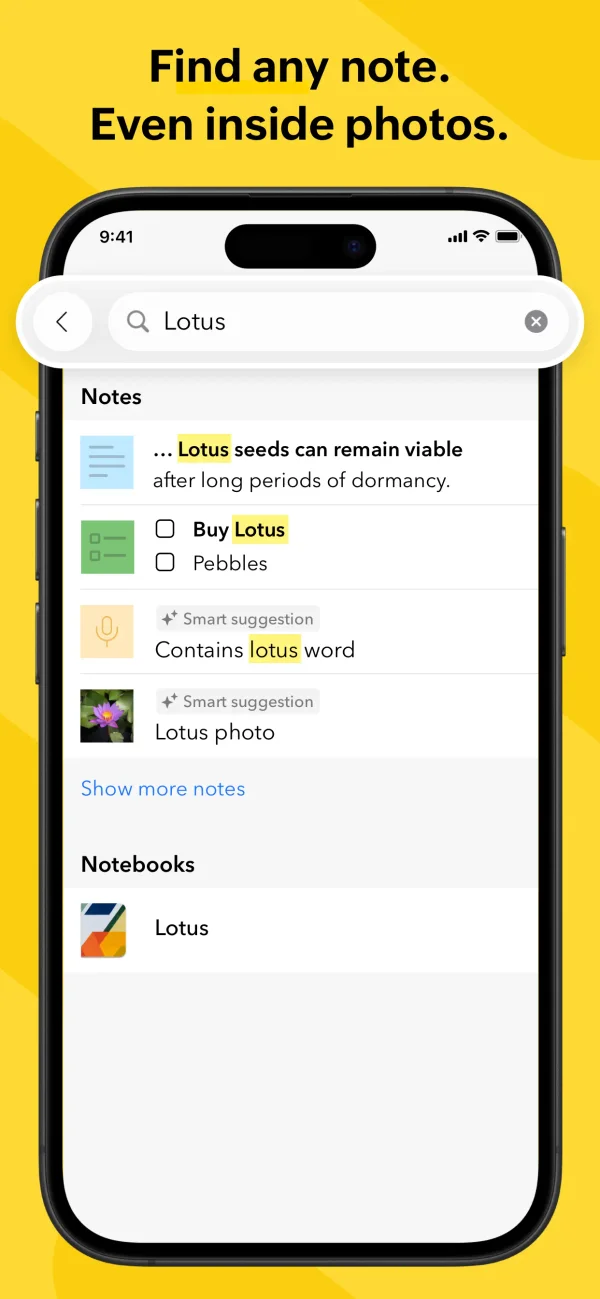
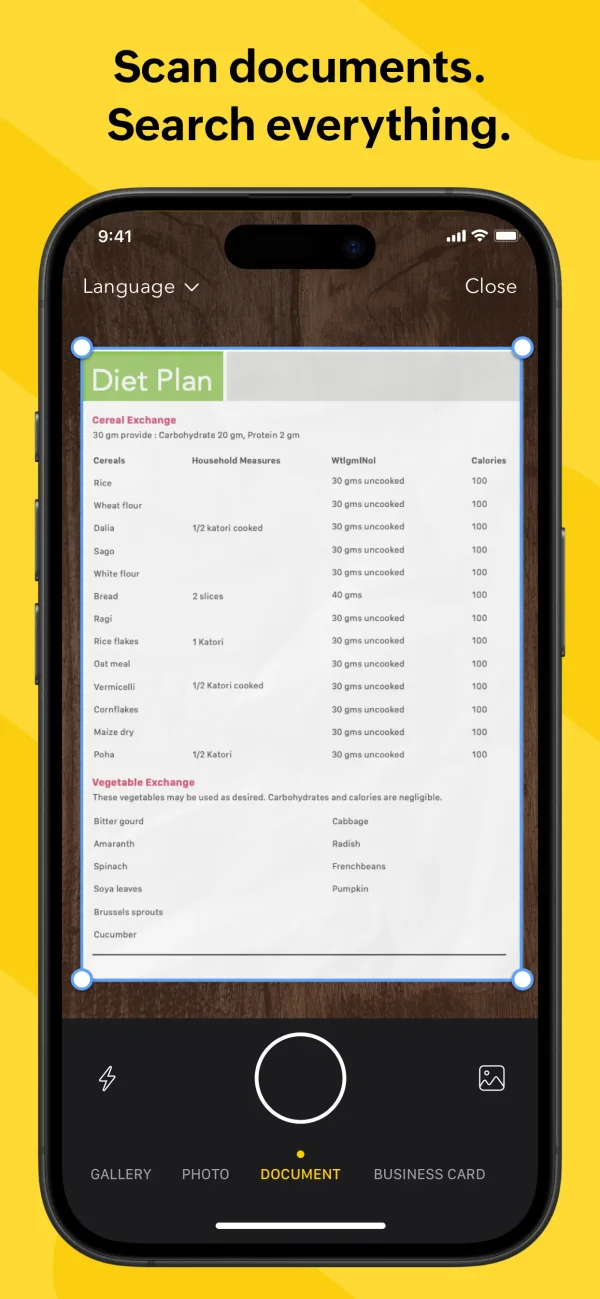
Record lectures and search the transcript weeks later. Scan textbooks and business cards, handwrite and sketch with Apple Pencil, use OCR to find text inside photos and handwritten notes, so nothing you captured becomes unfindable. A long note becomes an AI mind map before an exam.
3. TASKS, TO-DOS AND JOURNALING
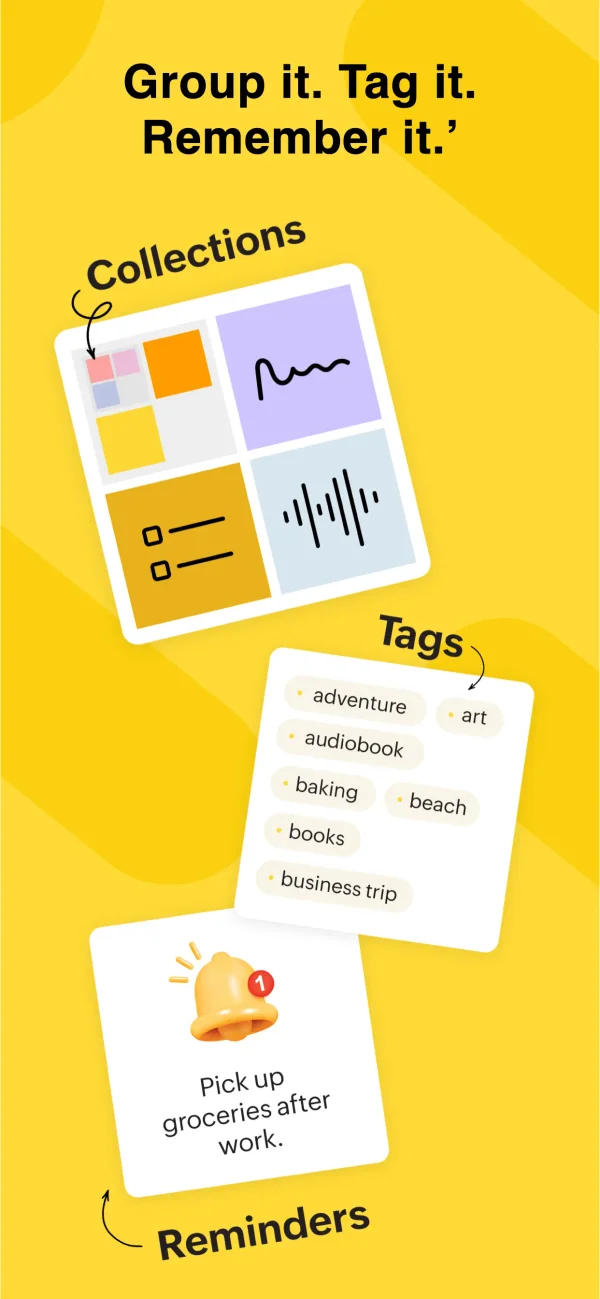
A dedicated To-Do tab sits alongside your notes: break work into subtasks, assign tasks to the right people, set due dates and priorities, and get reminders at the right time. Checklist cards keep shorter lists beside the note they belong to. Journaling prompts come from your own activity, easier to keep than a blank page.
4. FILES, SCANS, AND SAVED READING
Add PDFs, Word docs and spreadsheets with file cards. Articles, videos, recipes and how-tos become Smart Cards, formatted automatically, readable offline and ad-free. Group it all into nested collections.
QUESTIONS PEOPLE ASK
Is it free?
Yes, with 500MB of free storage and no ads. Notebook Pro adds more storage, longer notes, larger attachments, Email-In to save emails as notes, premium covers, and custom recurring reminders.
Can I move my notes from Evernote, Google Keep, or OneNote?
Yes, with dedicated migration tools; it arrives organized.
Is my data private?
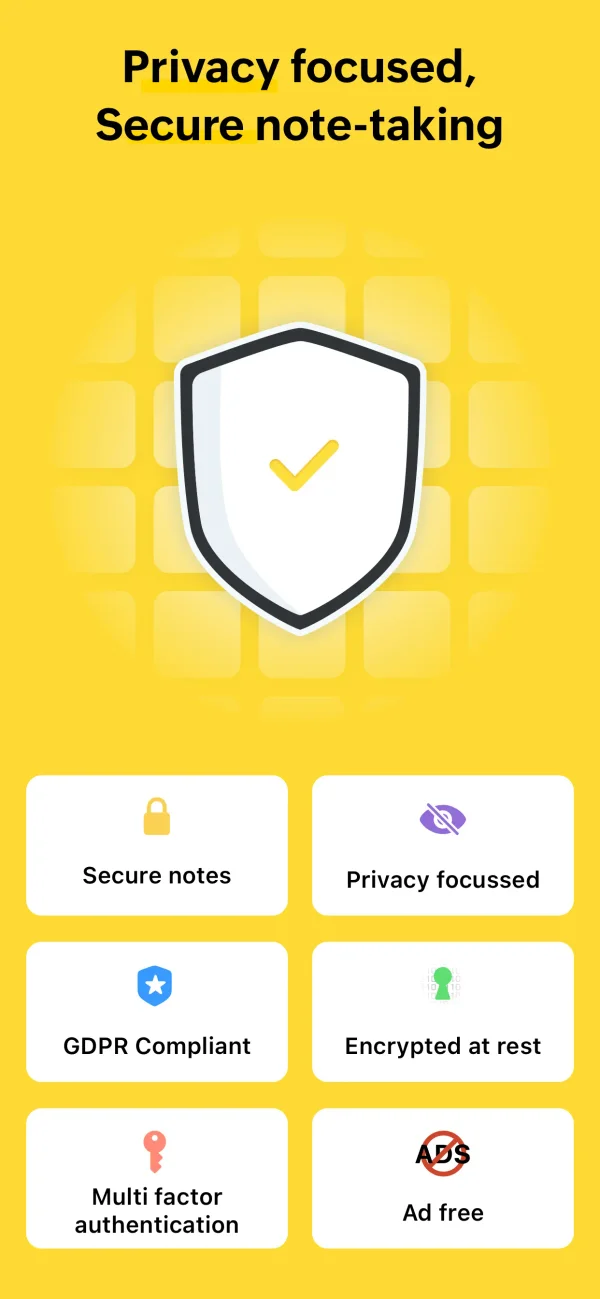
Notes are encrypted in transit and at rest. We never sell your data and never show ads. Lock notes or notebooks with a password, Touch ID or Face ID; previews stay hidden until unlocked.
Does it work offline?
Yes. Create, edit and read offline, then pick up on another device once it syncs to the cloud.
What can Notebook AI do?
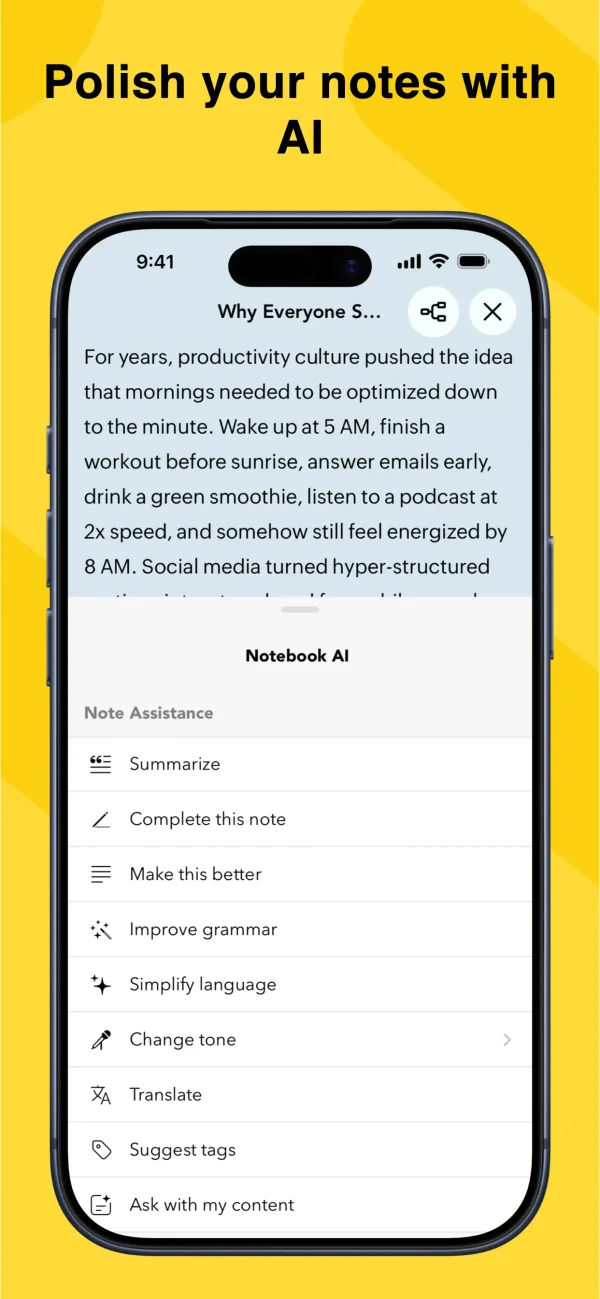
Transcribe audio and video, build mind maps, summarize and simplify, fix grammar, set tone (casual, professional, friendly, direct, or confident), translate into any language, draft notes, checklists, tables, code or a template from a prompt, and suggest tags. Notebook AI is a separate add-on.
Does it use on-device AI and Siri?
Yes. An on-device Knowledge Graph links ideas across notebooks and answers questions from your own notes. Siri creates and updates notes by voice with the app closed, and On-Screen Awareness summarizes what's on screen without switching apps.
Can I share with non-users?
Yes. @mention people to collaborate in real time, or publish a public note or video by link.
MORE INSIDE
- Search by title, content, tag, collaborator, or notebook; filter by any card type, contact, or link; search within one note; sort by date or relevance, with auto-suggestions and recent searches, offline and across languages
- iPhone: text-search audio notes, share via iMessage, dictate with Siri, recent notes from the Notification Bar, SharePlay in calls
- iPad: drag and drop, split view, slide over, multiple windows, Stage Manager
- Apple Watch: record audio, scribble notes, check off lists, add photo notes, record in one tap from a watch face complication
- VoiceOver and a dark interface
- Roll back to any of a note's last 10 versions
Subscriptions auto-renew unless cancelled and are charged to your Apple Account. Prices vary by location. Manage in your account settings.
Privacy - https://www.zoho.com/privacy.html
Terms - https://www.zoho.com/terms.html
What’s new
Version 7.1.4 · Nov 23, 2026
Notebook is now ready for iPhone Duo.
• Optimized layouts for both the outer and inner screens.
• Seamless continuity: fold or unfold your phone and pick up right where you left off.
• More room to view, organize, and edit your notes on the larger display.
Introducing the new To-Do tab in Notebook.
• Break tasks into subtasks and tackle everything step by step.
• Assign tasks to the right people and keep your work moving.
• Set due dates and never let a deadline catch you off guard.
• Get reminders at the right time and stay on top of what matters.
• Set priorities and always know what needs your attention first.
If you have any questions or need assistance, don't hesitate to reach out to us at support@zohonotebook.com.
App privacy
What Zoho Corporation declares on the App Store about how this app handles data.
-
Data linked to you
May be collected and linked to your identity.
- Location
- Contact info
- User content
- Identifiers
- Diagnostics
-
Data not linked to you
May be collected but is not linked to your identity.
- Usage data
Privacy practices may vary, for example with the features you use or your age.
Information
- Seller
- Zoho Corporation
- Category
- Productivity
- Version
- 7.1.4
- Updated
- Nov 23, 2026
- Released
- May 22, 2016
- Size
- 221.4 MB
- Requires
- iOS 16.0 or later
- Age rating
- 4+
- Price
- Free
- In-app purchases
- Yes
- Languages
- English, Arabic, Bengali, Dutch, Filipino, French, German, Gujarati, Hindi, Italian, Japanese, Kannada + 17 more
- Copyright
- © 2026, Zoho Corporation Pvt. Ltd. All Rights Reserved.
You might also like
-
 Bear Markdown Notes & JournalWriting app, notepad & editor
-
 Notebook – Diary & Journal AppPrivate Daily Notes with Lock
-
 Notes Writer: PDF, Quiz, DocsFlashcards, Voice Recorder, AI
-
 MyScript Notes: AI HandwritingSmart note taking, PDF & study
-
 Agenda: Notes meets CalendarTimeline notes
-
 n+otesQuick, easy note, private lock
-
 Notepad: Easy Notes & MemosSimple Notebook & Writing Pad
-
 SimplenoteSimple notes, todos and memos
-
 Penbook: Paper Planner & NotesJournal, Notebook & Study
-
 Element Note: Digital NotebookHandwritten Notes & PDF Markup