
- Age rating4+
- CategoryUtilities
- DeveloperNoah M
- LanguagesEnglish
- Size51.4 MB
Links to the official App Store page
Download.org hosts no file of keyboardSTT. The button opens its official App Store page, published by Noah M. Listing last checked on Nov 20, 2026.
Screenshots
About
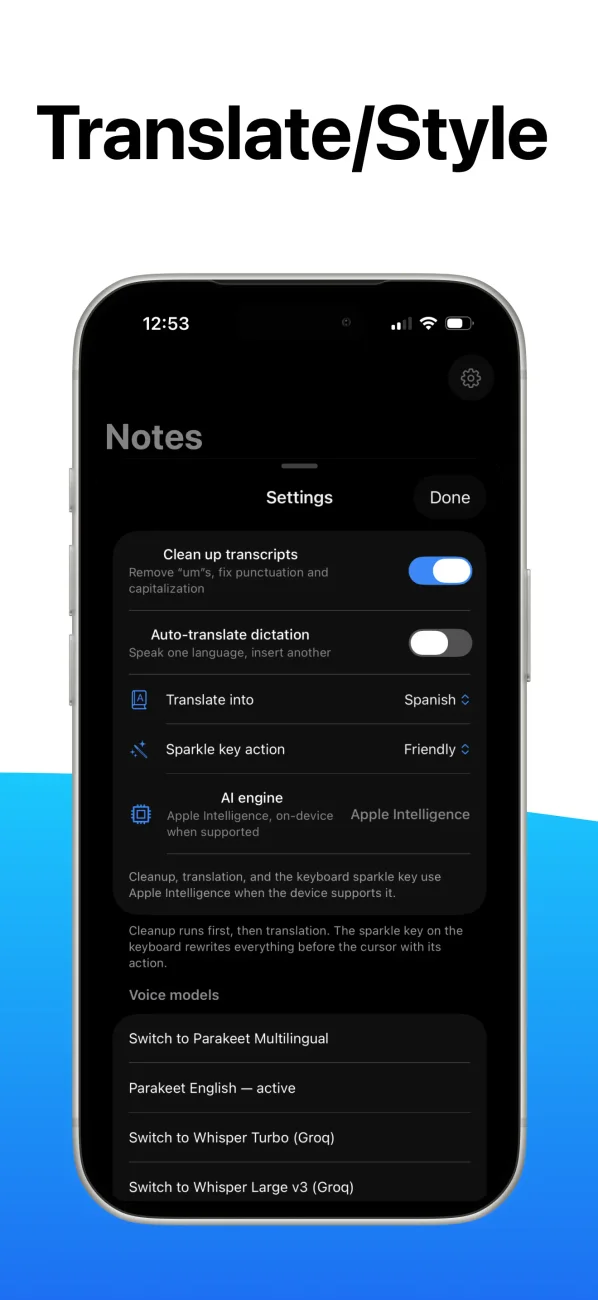
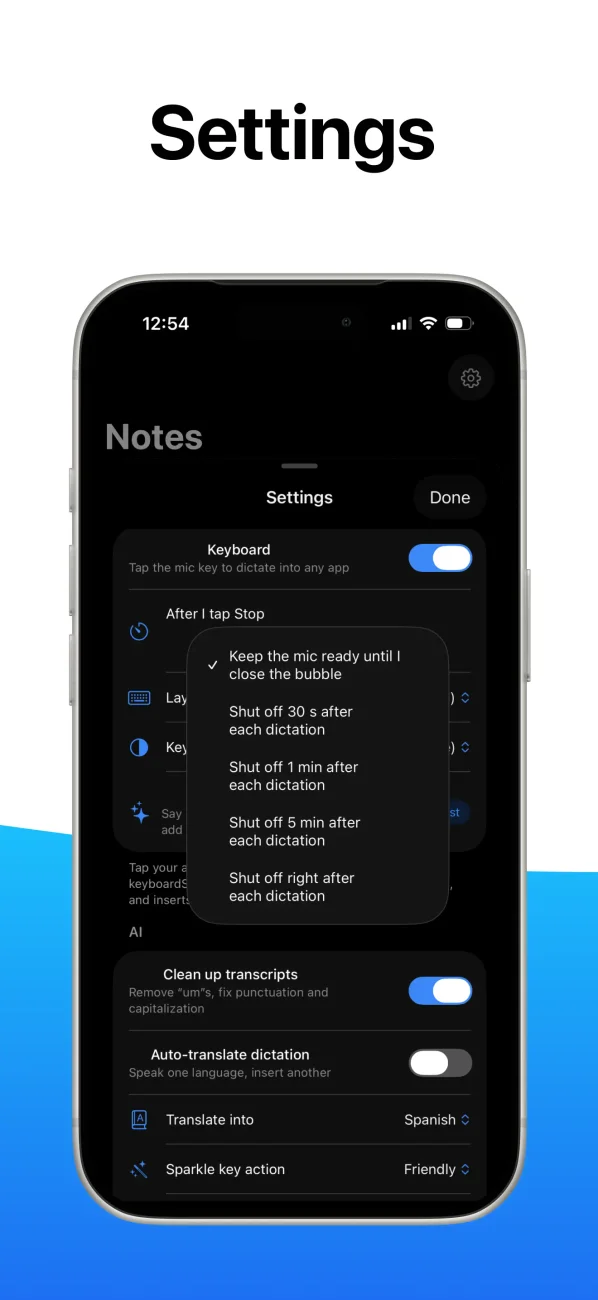
Type with your voice, anywhere on iPhone.
keyboardSTT is a private, on-device dictation keyboard. Tap the mic and speak in any app — Messages, Mail, Notes,
Safari, Slack — and get fast, accurate text inserted right at the cursor. No cloud uploads, no account, no
subscription. It just works, even in airplane mode.
BUILT FOR SPEED & PRIVACY
• 100% on-device speech-to-text powered by Parakeet running on the Apple Neural Engine
• Works offline — perfect for flights, bad Wi-Fi, or private thoughts
• No account, no tracking, your audio never leaves your iPhone
• 25+ languages with automatic detection (Multilingual model) or ultra-accurate English-only mode
DICTATE YOUR WAY
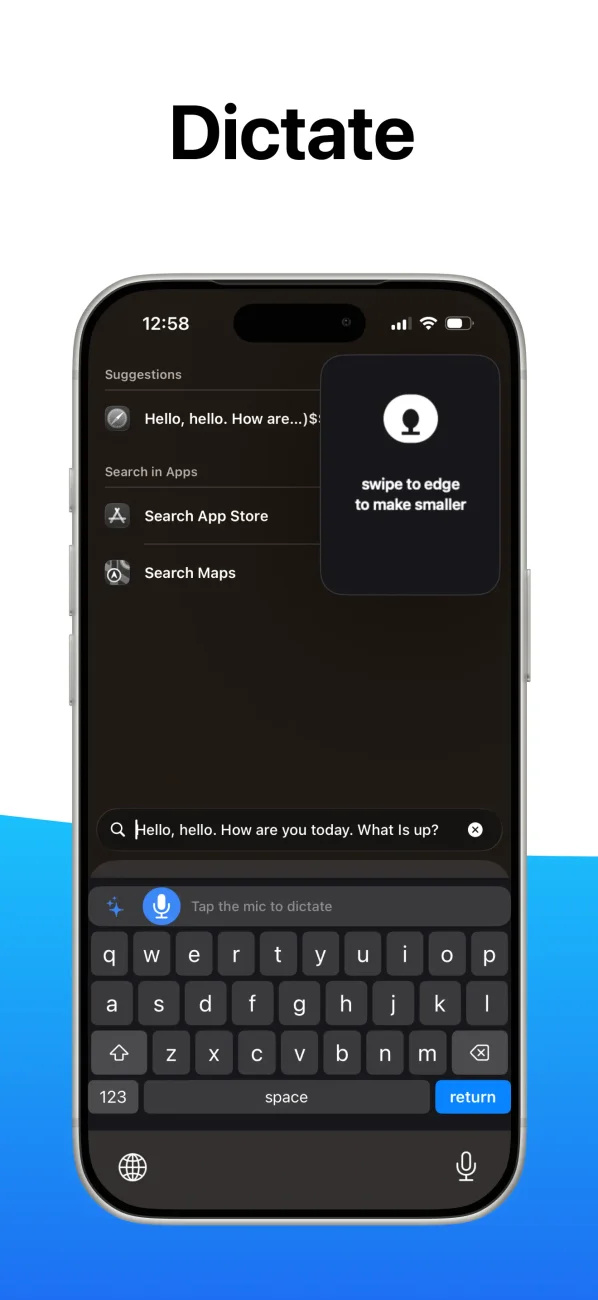
• Dictation Keyboard: full QWERTY keyboard with mic key — type and dictate in any app
• Siri + Action Button: say “Hey Siri, dictate with keyboardSTT” or press your Action Button to start instantly
• Floating Overlay: keep talking while you switch apps — text is copied to your clipboard automatically
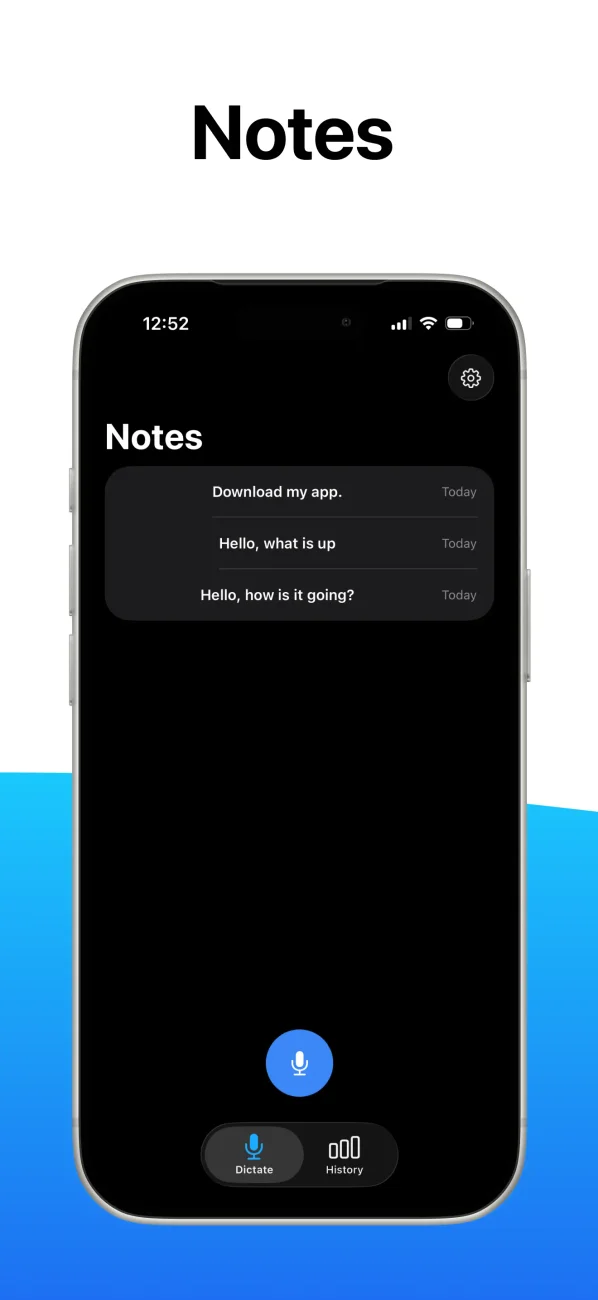
• Notes Inbox: every dictation is saved as a searchable note with titles, previews, and one-tap copy
MADE FOR IPHONE
• Native iOS design with large titles, swipe-to-delete, system search, and Dark Mode
• Haptic feedback on every tap (with mute toggle)
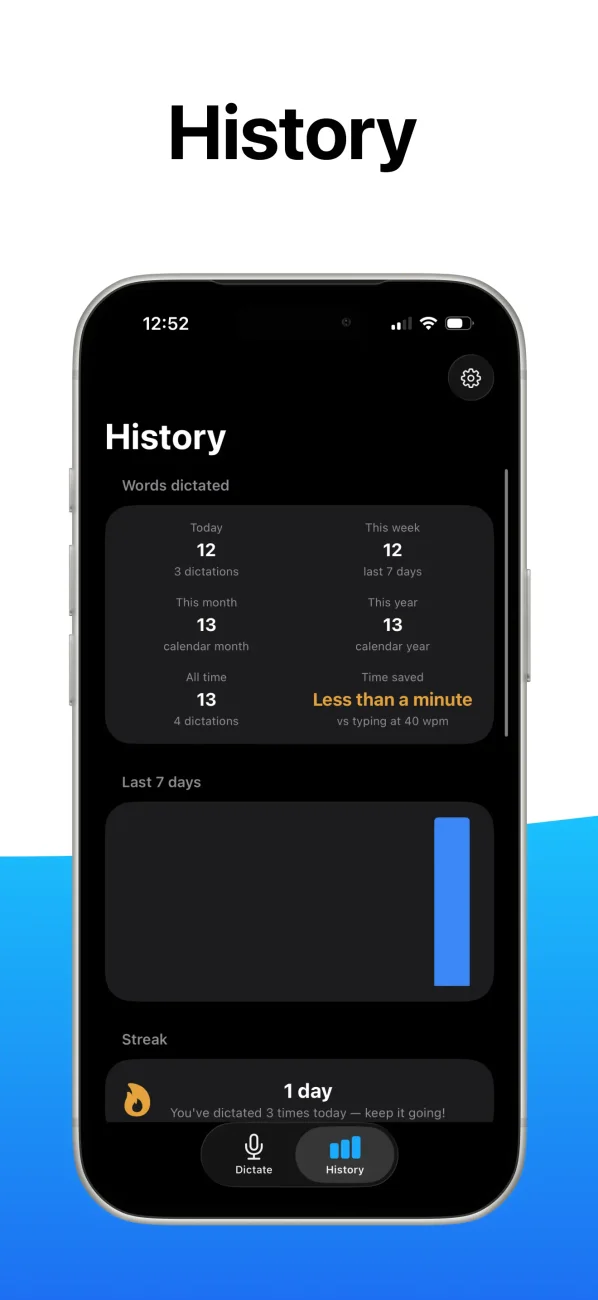
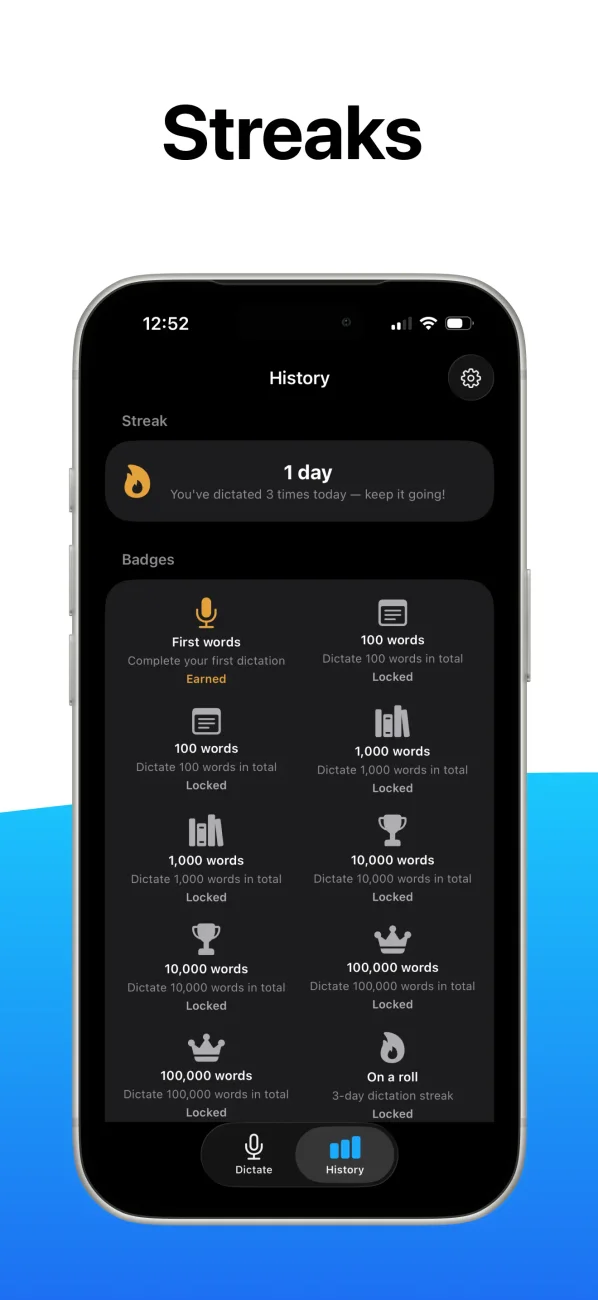
• Words-per-day stats, streaks, time saved, and earnable badges
• System / Light / Dark appearance picker
HOW TO ENABLE THE KEYBOARD
1. Open iPhone Settings > General > Keyboard > Keyboards > Add New Keyboard > keyboardSTT
2. Turn on Allow Full Access
3. In any app, tap the globe key to switch to keyboardSTT, then tap the mic to dictate
Private. Fast. Offline. Download keyboardSTT and stop typing.
Requires iPhone or iPad running iOS 17 or later. First launch downloads the on-device AI model once (~480 MB over
Wi-Fi), then everything runs locally forever.
App privacy
What Noah M declares on the App Store about how this app handles data.
-
Data not collected
The developer does not collect any data from this app.
Privacy practices may vary, for example with the features you use or your age.
Information
- Seller
- Noah M
- Category
- Utilities
- Version
- 1.0
- Updated
- Sep 18, 2026
- Released
- Sep 18, 2026
- Size
- 51.4 MB
- Requires
- iOS 17.0 or later
- Age rating
- 4+
- Price
- Free
- Languages
- English
- Copyright
- © 2026 Nodog
You might also like
-
 Glassly - Smartglasses appUtilities
-
 OnBoardAILocal AI diary and chat
-
 SafePulse BrowserOn-device AI browser
-
 File Converter - LocalConvertImage to PDF & Format Changer
-
 Haptic Focus TimerMulti-notification Watch Timer
-
 AI UsageTrack your AI service usage
-
 ETH Gas Tracker & AlertsFollow Gwei, Get Notifications
-
 TransloaderManage downloads on Macs
-
 Text editor-PWEditorFor source code, HTML and text
-
 dtac OneCallStay connected with dtac.