- Độ tuổi4+
- Danh mụcTiện Ích
- Nhà phát triểnNoah M
- Ngôn ngữTiếng Anh
- Kích thước51,4 MB
Liên kết đến trang App Store chính thức
Download.org không lưu trữ tệp nào của keyboardSTT. Nút này mở trang ứng dụng trên App Store, nơi Noah M phát hành ứng dụng. Trang được kiểm tra lần cuối: 20/11/2026.
Ảnh chụp màn hình
Giới thiệu
Nhà phát triển chưa cung cấp nội dung này bằng ngôn ngữ của bạn.
Type with your voice, anywhere on iPhone.
keyboardSTT is a private, on-device dictation keyboard. Tap the mic and speak in any app — Messages, Mail, Notes,
Safari, Slack — and get fast, accurate text inserted right at the cursor. No cloud uploads, no account, no
subscription. It just works, even in airplane mode.
BUILT FOR SPEED & PRIVACY
• 100% on-device speech-to-text powered by Parakeet running on the Apple Neural Engine
• Works offline — perfect for flights, bad Wi-Fi, or private thoughts
• No account, no tracking, your audio never leaves your iPhone
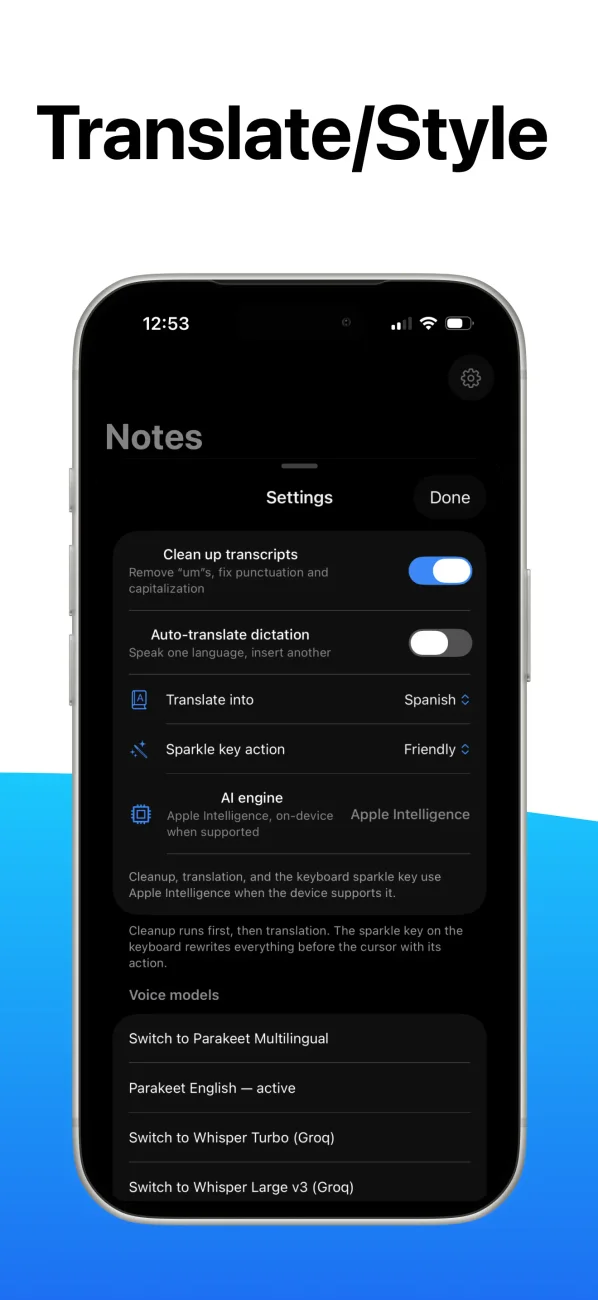
• 25+ languages with automatic detection (Multilingual model) or ultra-accurate English-only mode
DICTATE YOUR WAY
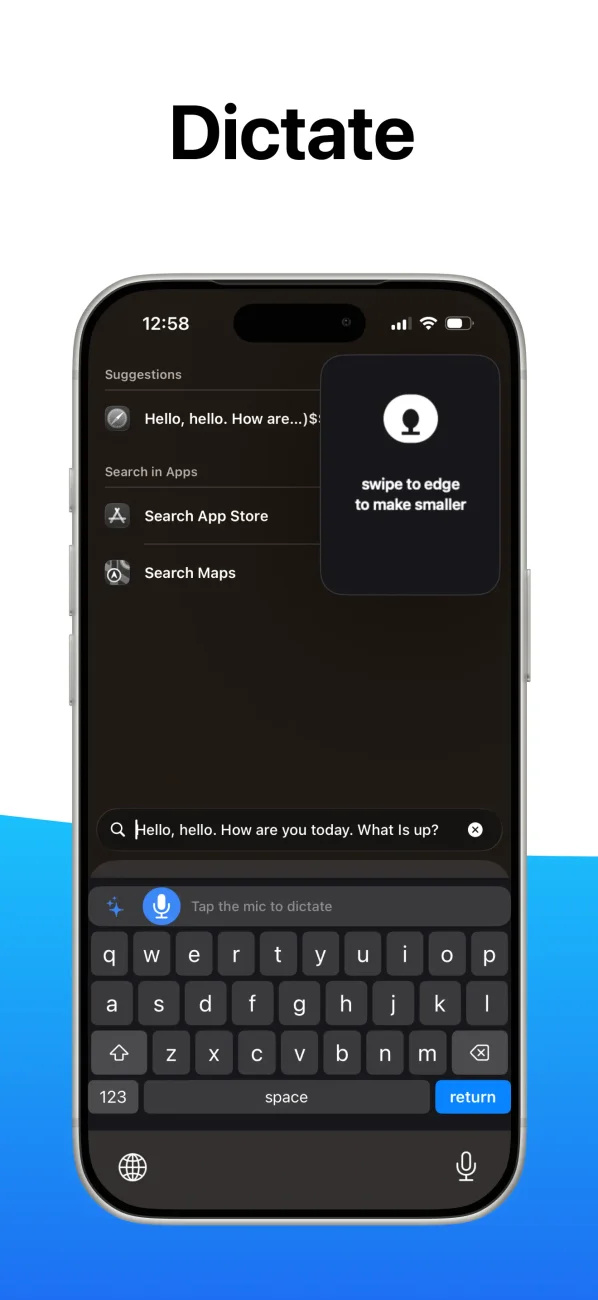
• Dictation Keyboard: full QWERTY keyboard with mic key — type and dictate in any app
• Siri + Action Button: say “Hey Siri, dictate with keyboardSTT” or press your Action Button to start instantly
• Floating Overlay: keep talking while you switch apps — text is copied to your clipboard automatically
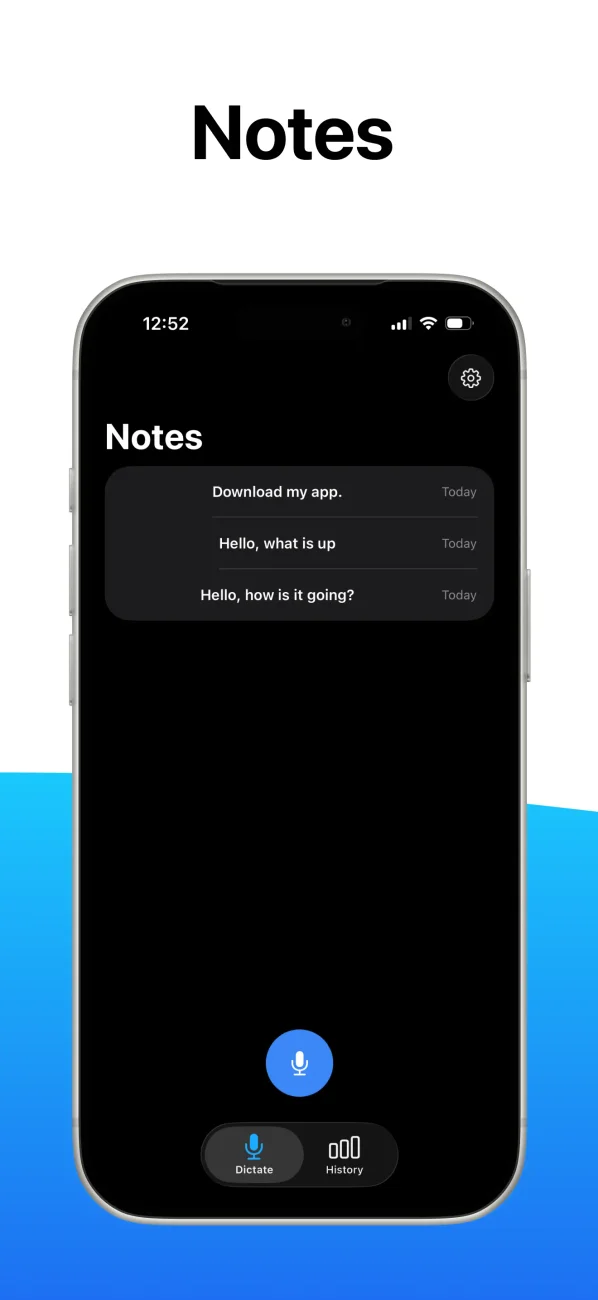
• Notes Inbox: every dictation is saved as a searchable note with titles, previews, and one-tap copy
MADE FOR IPHONE
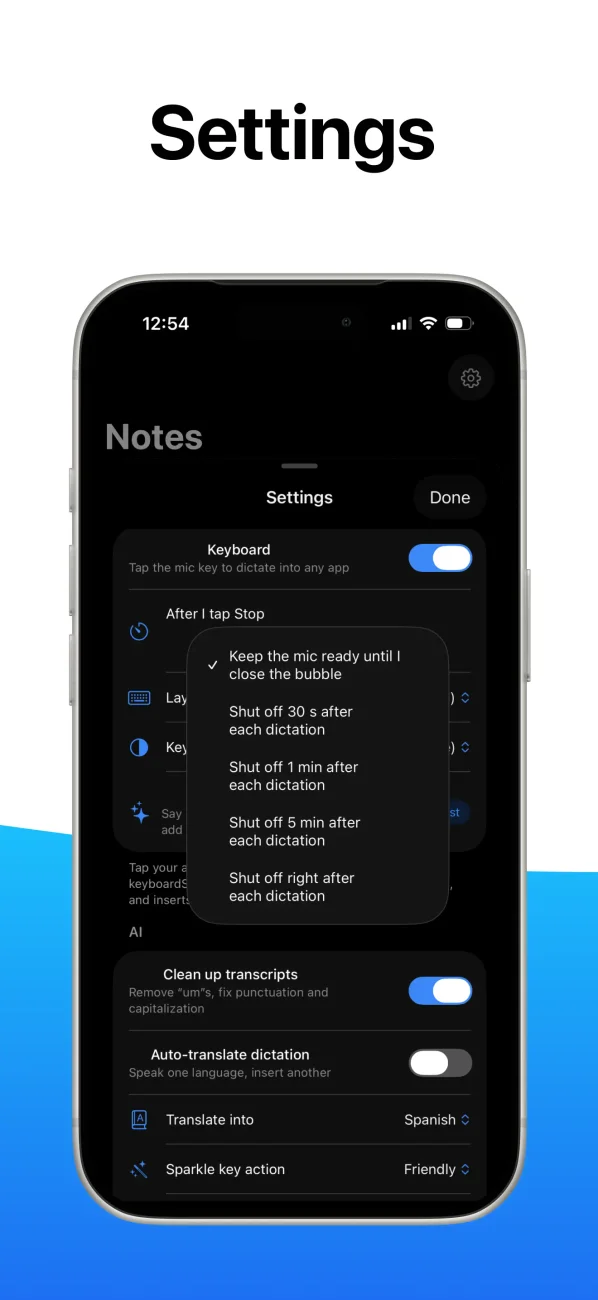
• Native iOS design with large titles, swipe-to-delete, system search, and Dark Mode
• Haptic feedback on every tap (with mute toggle)
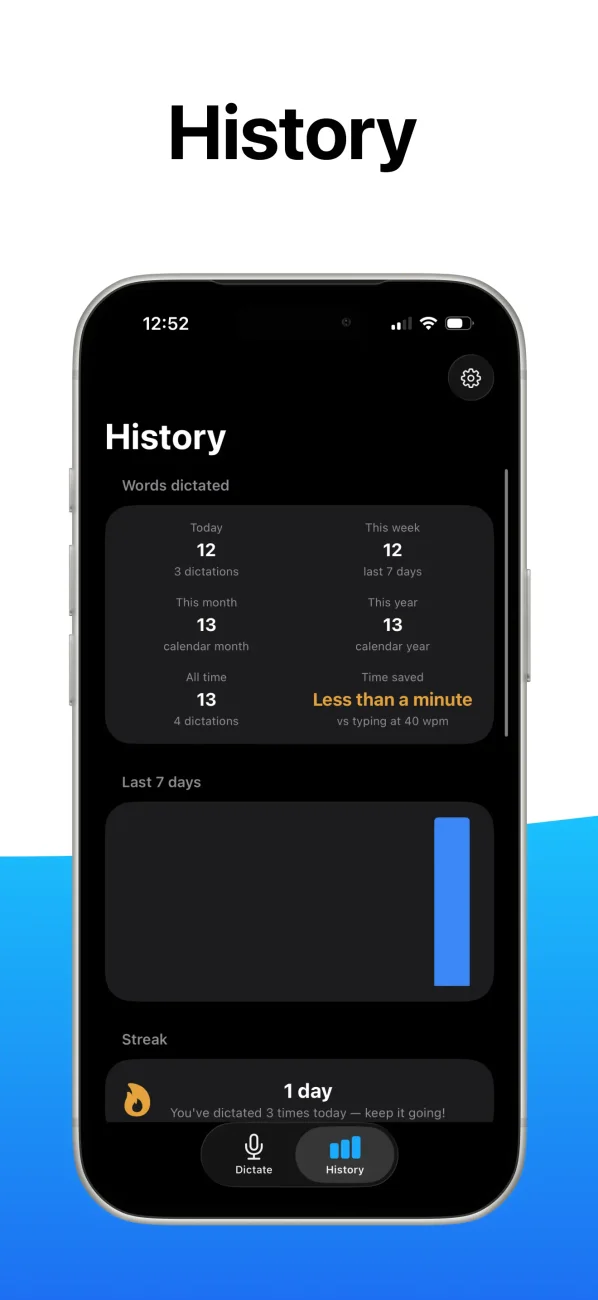
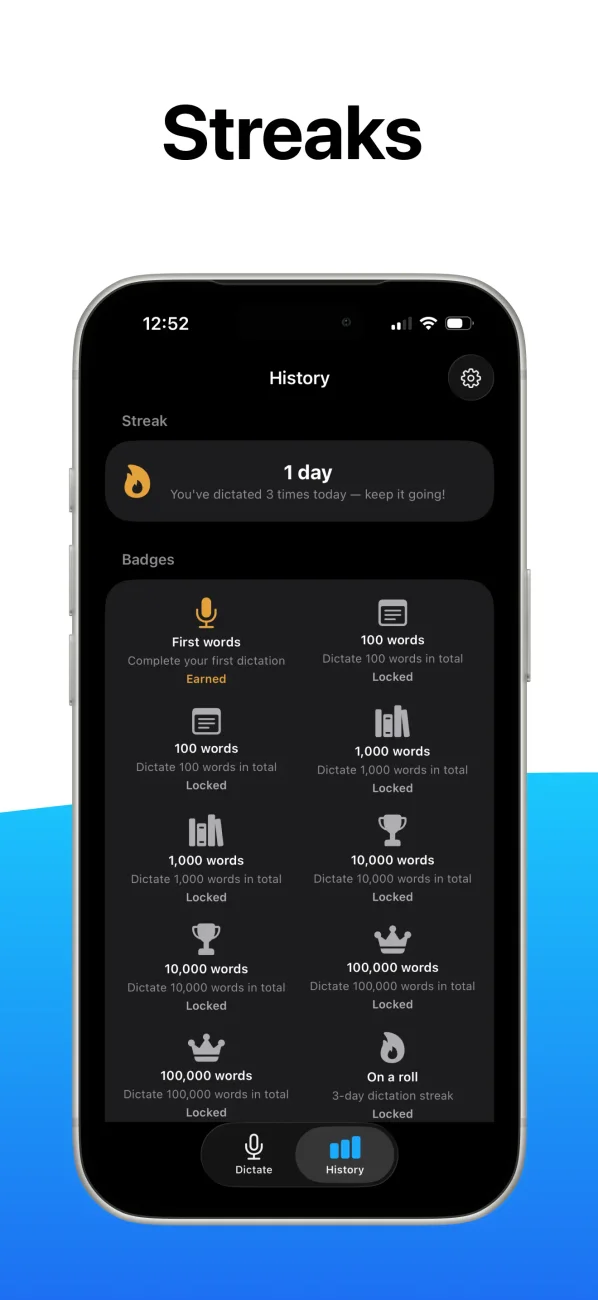
• Words-per-day stats, streaks, time saved, and earnable badges
• System / Light / Dark appearance picker
HOW TO ENABLE THE KEYBOARD
1. Open iPhone Settings > General > Keyboard > Keyboards > Add New Keyboard > keyboardSTT
2. Turn on Allow Full Access
3. In any app, tap the globe key to switch to keyboardSTT, then tap the mic to dictate
Private. Fast. Offline. Download keyboardSTT and stop typing.
Requires iPhone or iPad running iOS 17 or later. First launch downloads the on-device AI model once (~480 MB over
Wi-Fi), then everything runs locally forever.
Quyền riêng tư của ứng dụng
Những gì Noah M khai báo trên App Store về cách ứng dụng này xử lý dữ liệu.
-
Dữ liệu không được thu thập
Nhà phát triển không thu thập bất kỳ dữ liệu nào từ ứng dụng này.
Phương thức đảm bảo quyền riêng tư có thể khác nhau, chẳng hạn như tuỳ theo các tính năng bạn sử dụng hoặc độ tuổi của bạn.
Thông tin
- Người bán
- Noah M
- Danh mục
- Tiện Ích
- Phiên bản
- 1.0
- Cập nhật
- 18/09/2026
- Phát hành
- 18/09/2026
- Kích thước
- 51,4 MB
- Yêu cầu
- iOS 17.0 trở lên
- Độ tuổi
- 4+
- Giá
- Miễn phí
- Ngôn ngữ
- Tiếng Anh
- Bản quyền
- © 2026 Nodog