
- Age rating4+
- CategoryProductivity
- DeveloperDavid BERTRAND
- LanguagesEnglish+ 1 more
- Size2.1 MB
Links to the official App Store page
Download.org hosts no file of Lidget. The button opens its official App Store page, published by David BERTRAND. Listing last checked on Nov 20, 2026.
Screenshots

About
WHY LIDGET?
• Clean, Minimalist Design
Lidget's widgets are designed to be elegant and distraction-free. No unnecessary elements, just your tasks displayed
beautifully.
• Built for Apple Reminders
Works seamlessly with your existing reminder lists. No data migration, no extra setup. Select a list and you're done.
• Multiple Widget Styles
Choose from various designs to match your preference:
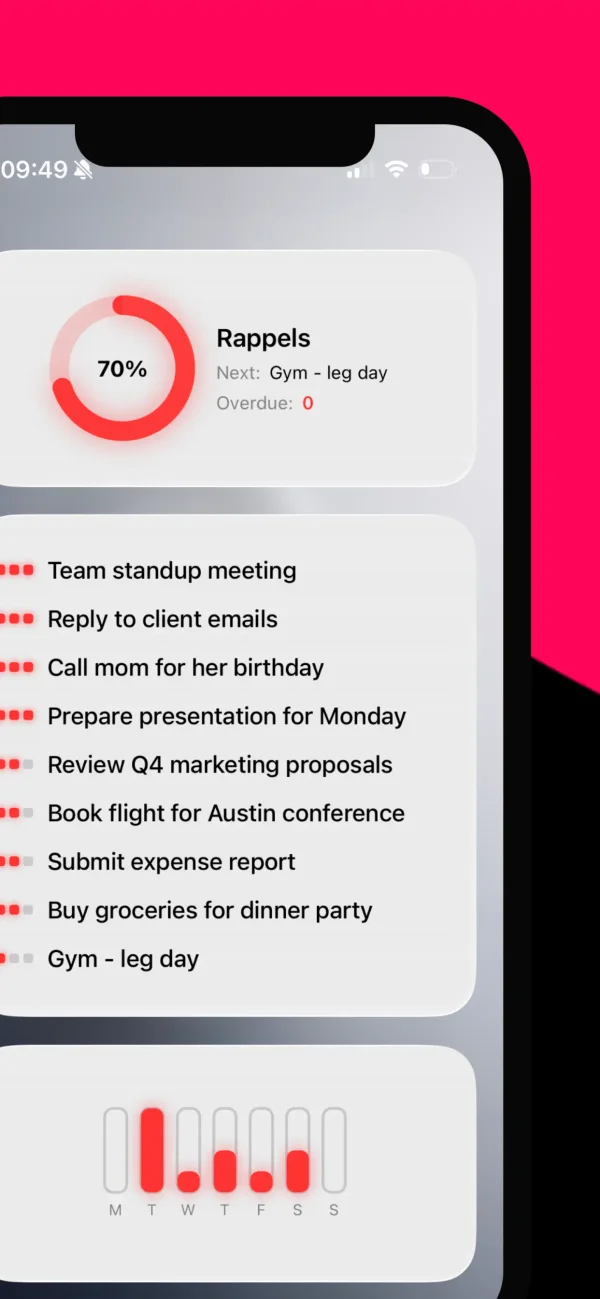
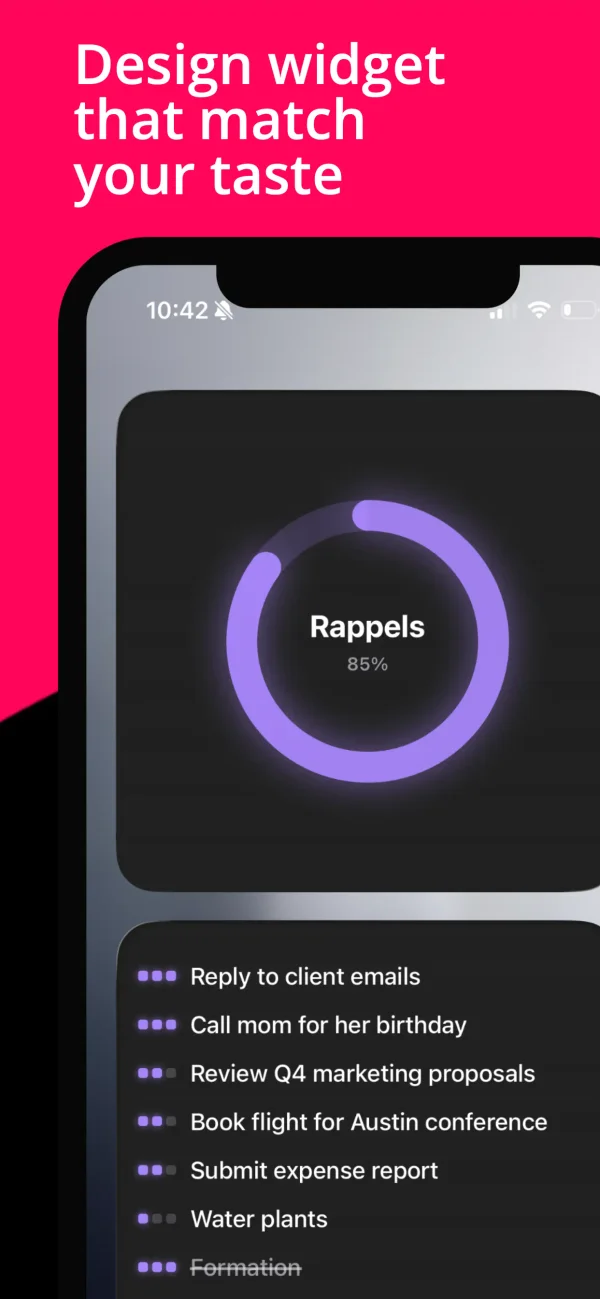
- Ring progress widget for quick completion overview
- List widget with interactive checkboxes
- Weekly bars showing your productivity trends
- Title widget for a minimal look
- Insight widget with helpful statistics
• Fully Customizable
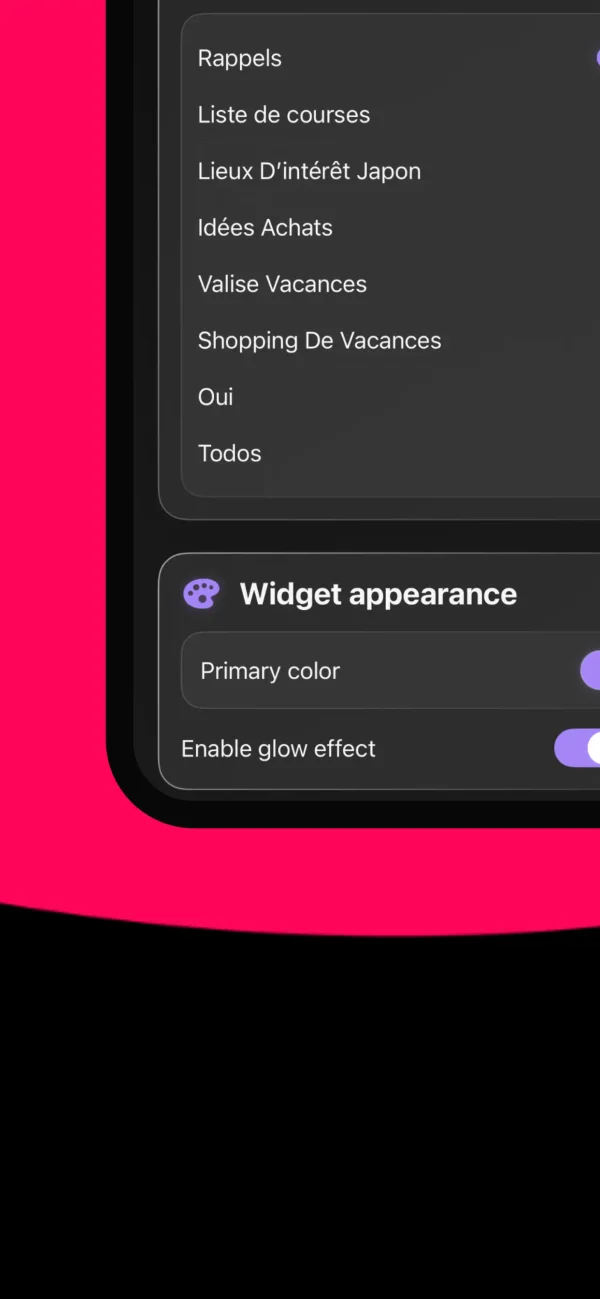
Pick your accent colors, enable glow effects, and make your widgets truly yours. Match your home screen aesthetic perfectly.
• Interactive & Fast
Check off tasks directly from your home screen. No need to open the app—tap and done. Changes sync instantly.
• Privacy First
All your data stays on your device. We don't collect, track, or transmit any personal information. Your reminders are yours
alone.
PREMIUM FEATURES
Unlock all widget styles and future updates with a simple subscription:
- Access to all current widget designs
- All future premium widgets included
- Priority color customization
- Glow effects and advanced styling
- Support independent development
PERFECT FOR
- Professionals managing daily tasks
- Students tracking assignments
- Anyone who values clean design
- Users who want their home screen to look great AND work well
HOW IT WORKS
1. Select a reminder list from Apple Reminders
2. Choose your widget style and size
3. Customize colors to match your taste
4. Add to your home screen
5. Check off tasks directly from widgets
REQUIREMENTS
• iOS 17.6 or later
• Apple Reminders app
Terms of Use: https://www.apple.com/legal/internet-services/itunes/dev/stdeula/
Privacy Policy: https://devidb.github.io/policy/privacy-policy.html
What’s new
Version 1.1 · Nov 24, 2025
UI Improvements :
- Better display when the title is long
- Consistent margins
New price (cheaper and without subscription !)
App privacy
What David BERTRAND declares on the App Store about how this app handles data.
-
Data not collected
The developer does not collect any data from this app.
Privacy practices may vary, for example with the features you use or your age.
Information
- Seller
- David BERTRAND
- Category
- Productivity
- Version
- 1.1
- Updated
- Nov 24, 2025
- Released
- Nov 12, 2025
- Size
- 2.1 MB
- Requires
- iOS 26.0 or later
- Age rating
- 4+
- Price
- Free
- In-app purchases
- Yes
- Languages
- English, French
- Copyright
- © 2025 DACODE
You might also like
-
 LuxTask - To-Do List & TasksRepeats, spans & checklists
-
 diReminder: To Do ListTasks, Countdowns, Reminders
- PopTask: AI To Do List PlannerTasks, Reminders & Daily Plans
-
 GlanceKit: Lock Screen WidgetNotes, Lists, Calendar & Clock
-
 Habits - Routine PlannerGoals, Task & Habit Tracker
-
 WeekOS: Weekly Planner & GoalsHabit Tracker, Todo & Calendar
-
 theGoodSpace: Calendar & TasksADHD Planner by Energy & Sleep
-
 Plandy: Calendar & TasksReminders by title, not dots
-
 Plnnr AI: Daily PlannerYour day, planned & replanned
-
 Kalend: Daily Planner & HabitsTo Do, Habit Tracker & Journal