
LuxTask - To-Do List & Tasks
Repeats, spans & checklists
Designed for iPhone, iPad, iPod touch
Free
- Age rating4+
- CategoryProductivity
- DeveloperJaewon Jung
- LanguagesEnglish+ 16 more
- Size41.2 MB
Links to the official App Store page
Download.org hosts no file of LuxTask - To-Do List & Tasks. The button opens its official App Store page, published by Jaewon Jung. Listing last checked on Nov 23, 2026.
Screenshots
About
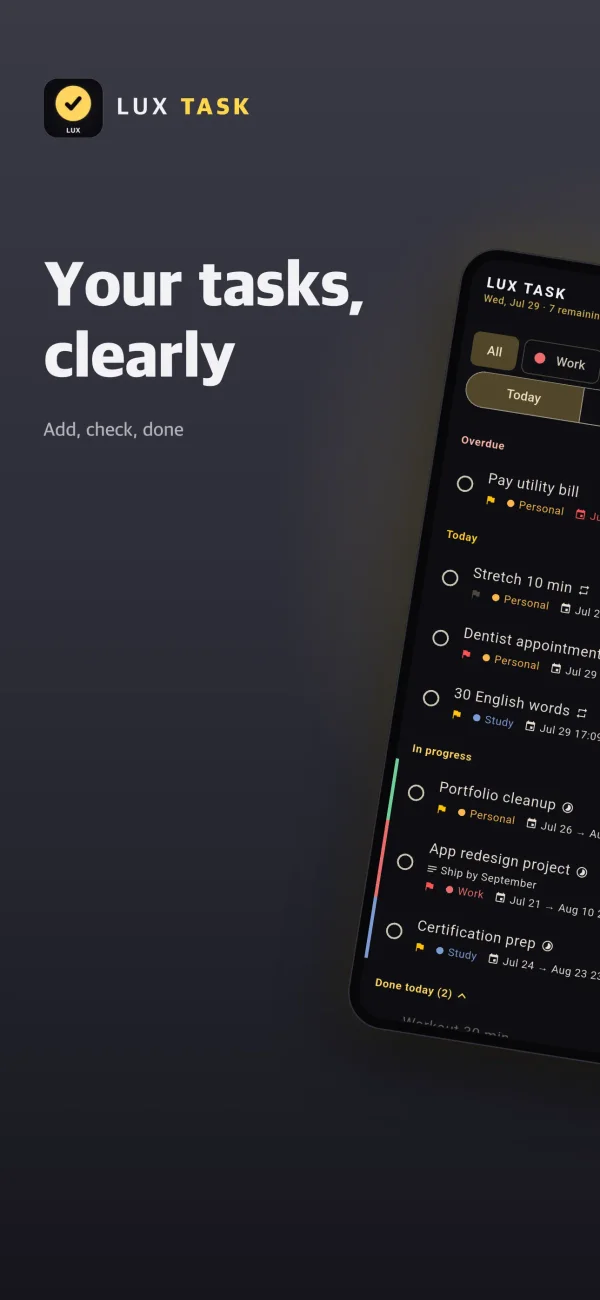
LuxTask — write it, check it, clear it.
A clutter-free, dark & minimal to-do app. No account, no login — use it the moment you install, and every bit of your data stays only on your device.
■ Why LuxTask
· Start instantly — no sign-up, no account
· 100% on-device — your data is never sent to a server (privacy first)
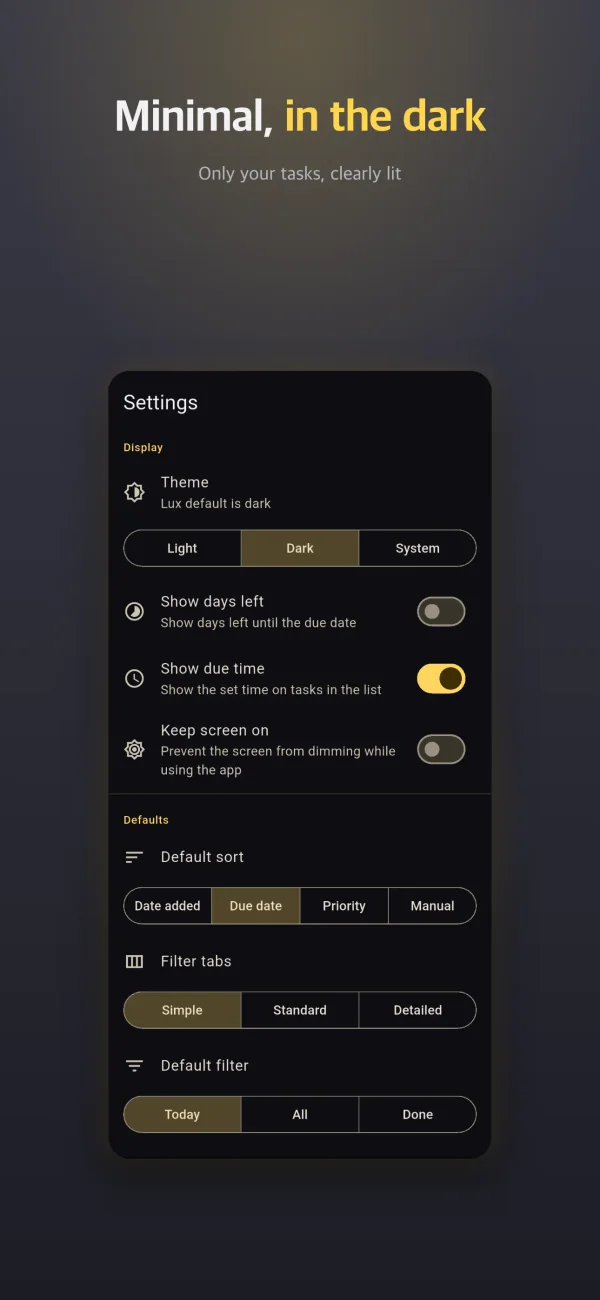
· Dark & minimal design — only your tasks, shining in the dark
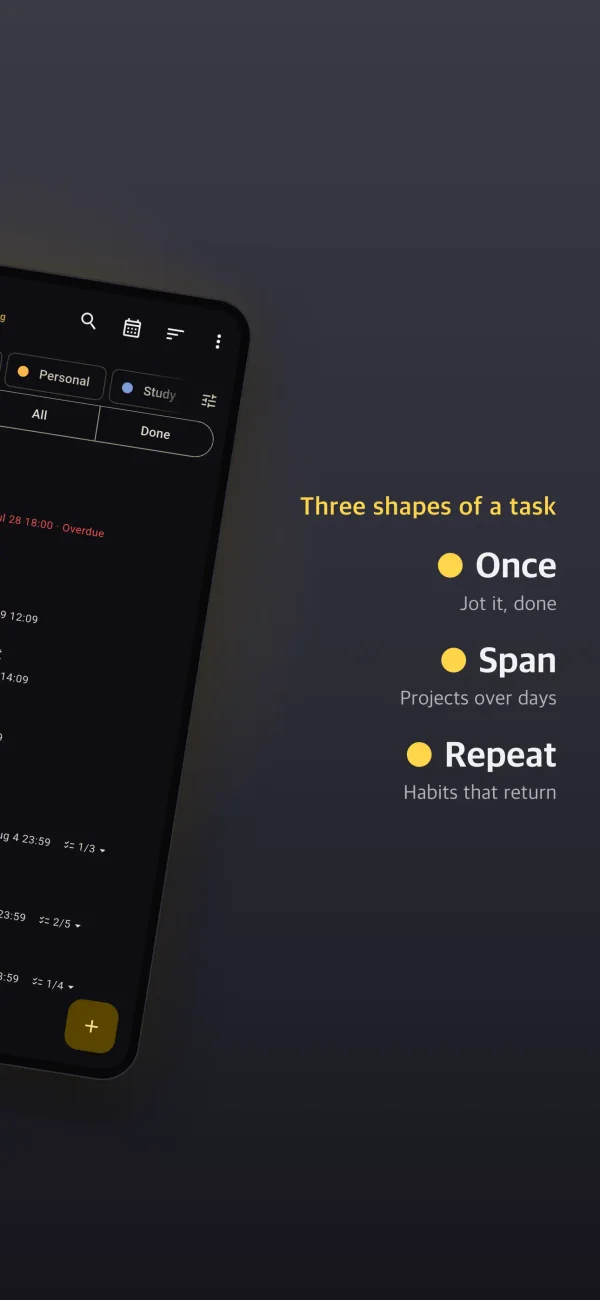
■ Three task types — pick how a task lives in time
· Once — a single deadline, done and gone
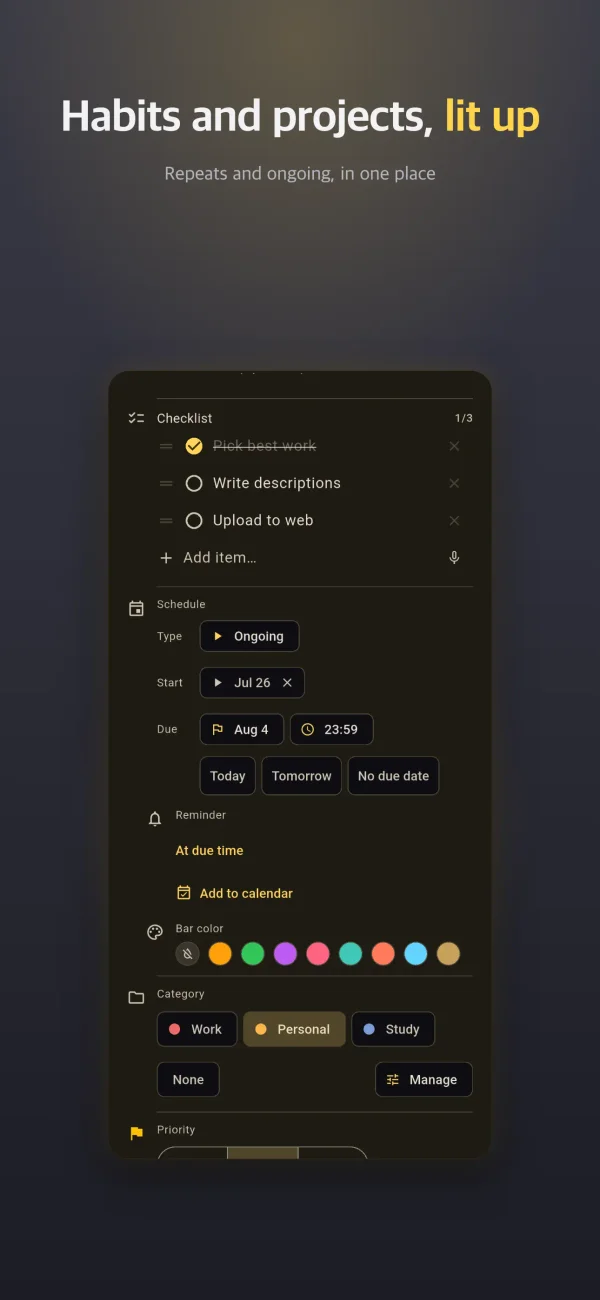
· Ongoing — start → due, stays on Today every day until you finish it
· Repeat — daily, weekly (pick weekdays), monthly, yearly, with end conditions (count/date)
Most apps only do repeats, so a multi-day project has to pretend to be a daily habit — and your progress resets every day. LuxTask keeps habits and projects apart.
■ Key Features
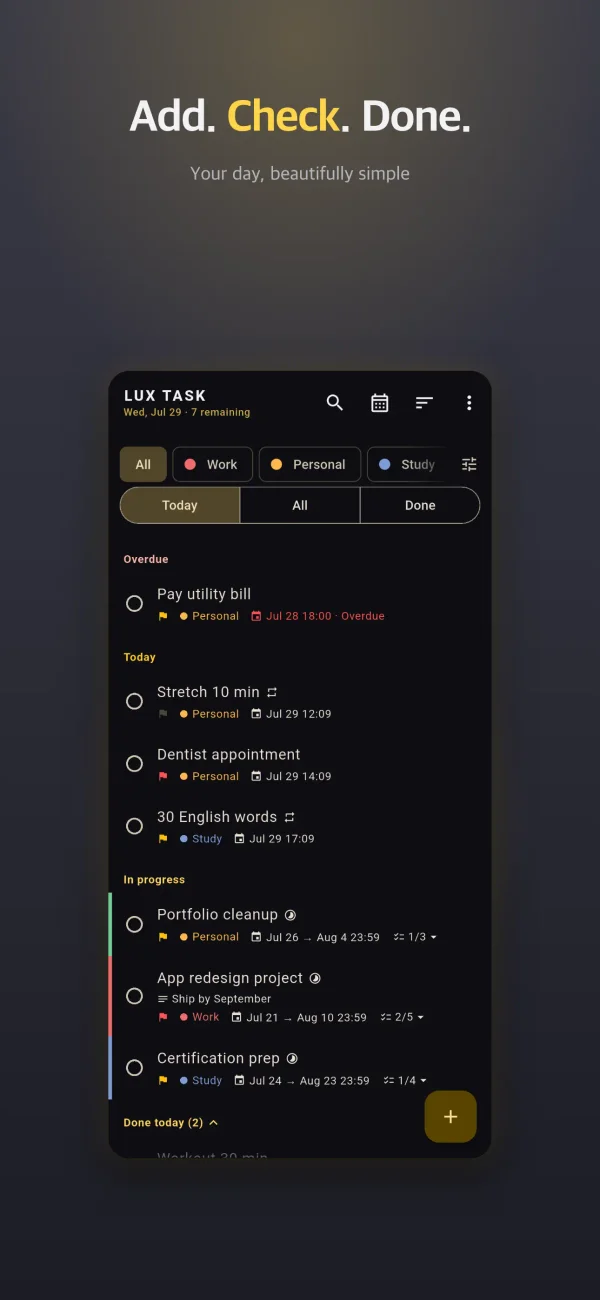
· Quick add · complete · swipe · notes
· Due date/time · priority
· Checklists (sub-items) — expand & check right from the list
· Categories with chip filters
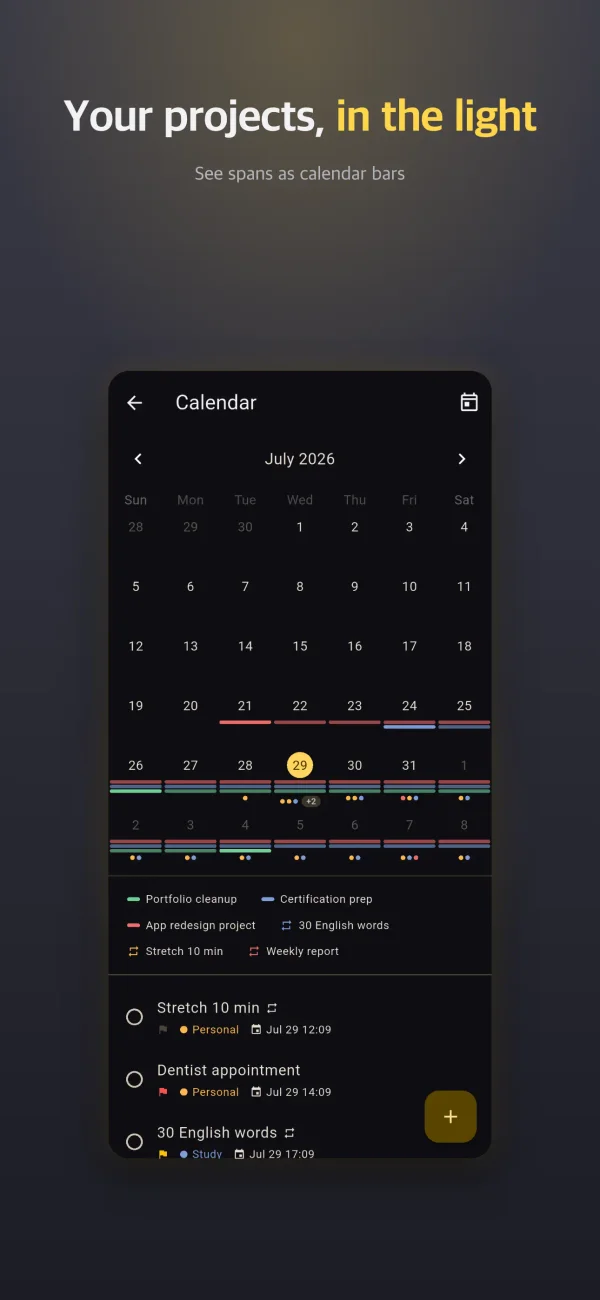
· Calendar view — ongoing projects shown as span bars
· Due reminders + early reminders + a daily morning summary
· Add by voice (dictation)
· Search · sort · manual drag-to-reorder
· Share today's tasks · add to your calendar app
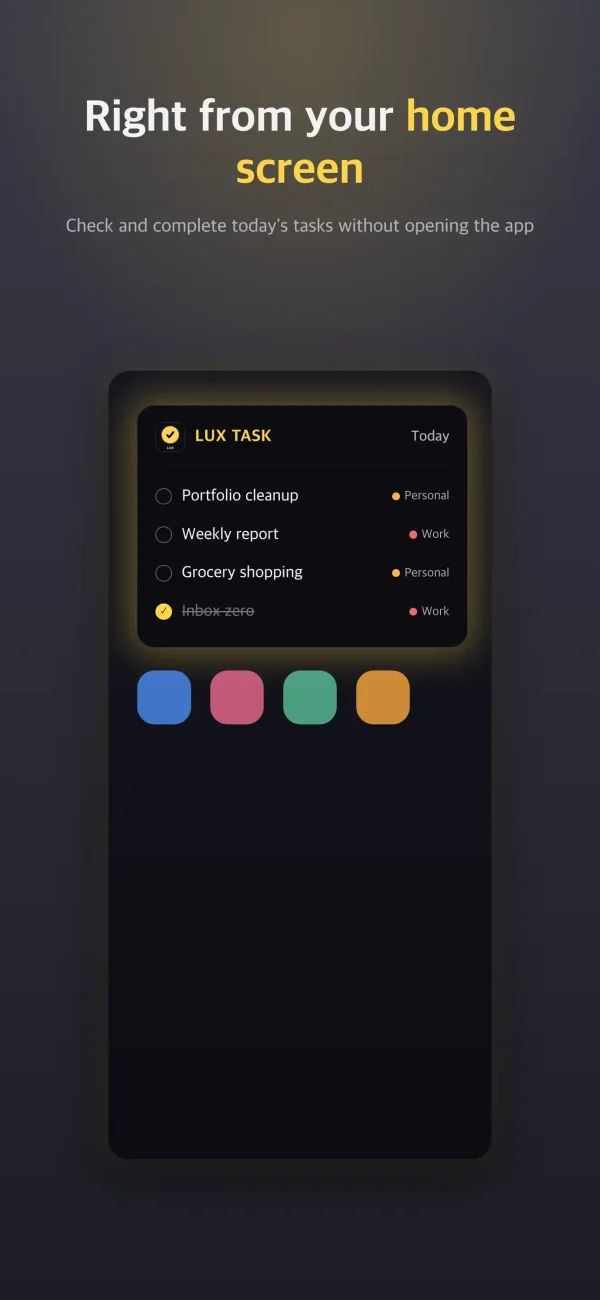
· Home screen widget — check tasks off without opening the app
· 20 languages
■ Minimal by design
No complicated settings, no account, no backup hassle — just focused task management.
What’s new
Version 1.0.1 · Nov 22, 2026
◆ Quick filters — switch Today, This week, This month right from the home screen
◆ Keep screen on — new setting so the screen won't turn off while you work
◆ Fixed titles getting cut off in some longer languages, plus localization polish
◆ Stability improvements and bug fixes
App privacy
What Jaewon Jung declares on the App Store about how this app handles data.
-
Data used to track you
May be used to track you across apps and websites owned by other companies.
- Identifiers
-
Data not linked to you
May be collected but is not linked to your identity.
- Location
- Identifiers
- Usage data
- Diagnostics
Privacy practices may vary, for example with the features you use or your age.
Information
- Seller
- Jaewon Jung
- Category
- Productivity
- Version
- 1.0.1
- Updated
- Nov 22, 2026
- Released
- Aug 25, 2026
- Size
- 41.2 MB
- Requires
- iOS 15.0 or later
- Age rating
- 4+
- Price
- Free
- Languages
- English, French, German, Hindi, Indonesian, Italian, Japanese, Korean, Malay, Portuguese, Russian, Simplified Chinese + 5 more
- Copyright
- © 2026 Jae1 Soft
You might also like
-
 샘의 노트Productivity
-
 Min: Time Blocking PlannerPlan today, push back in a tap
-
 WWW Todo: 3초컷 투두 위젯Productivity
-
 NoteSyncerSimple notes, seamless sync
-
 HourBinder - AI 플래너Productivity
-
 maeoki|SNS制限・スマホ使いすぎ対策Productivity
-
 HourLife: Life PlannerHabit tracker, journal & goals
-
 Yoakari: Distraction BlockerFocus and limit your apps
-
 Hue Plan: Time BlockingDaily planner in color
-
 JoinVia: Reminders to CalendarReminders in your calendar