
Light Meter: Middlegray
Film Exposure & Spot Metering
Designed for iPhone
Free · In-app purchases
- Age rating4+
- CategoryPhoto & Video
- DeveloperKiducate Ltd.
- LanguagesEnglish+ 7 more
- Size4.9 MB
Links to the official App Store page
Download.org hosts no file of Light Meter: Middlegray. The button opens its official App Store page, published by Kiducate Ltd. Listing last checked on Nov 26, 2026.
Screenshots

About
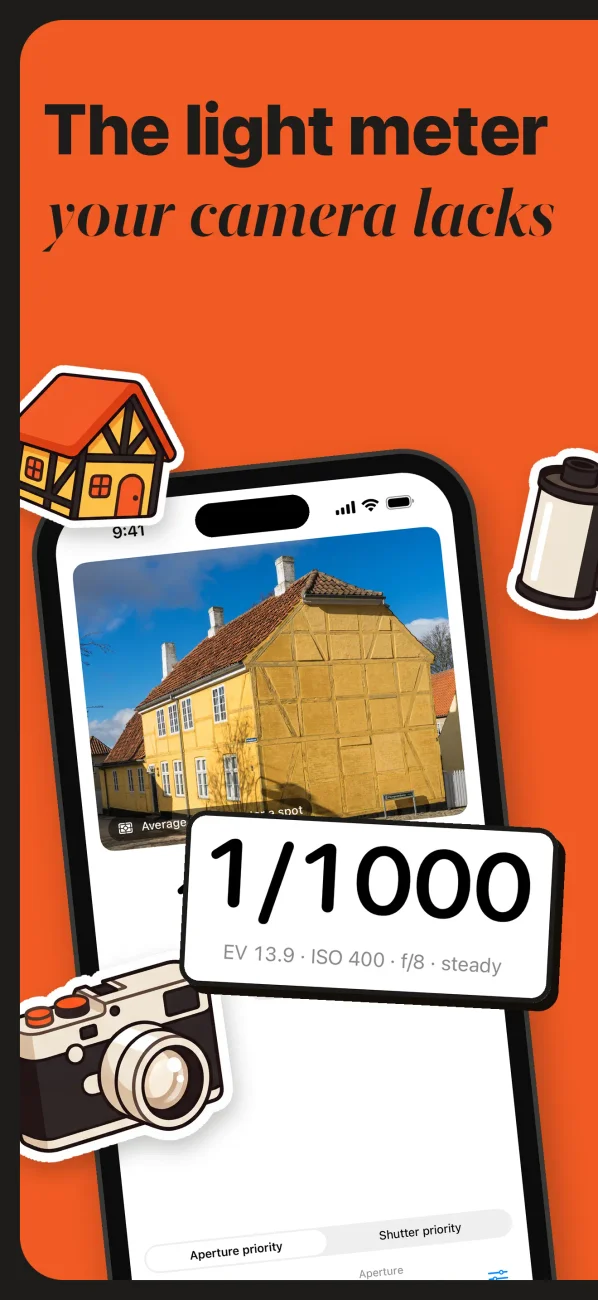
Middlegray is a light meter for film and digital cameras. Point your iPhone at the scene, and it gives you the shutter speed or aperture to set for the ISO you choose.
BUILT TO STAY LIVE
Readings update live while you meter. If the camera feed stops, the reading clears and a restart button appears, so a stale reading doesn't sit on screen looking current. If the camera pauses, for example because another app is using it, Middlegray tells you why. A held reading stays on screen even if the camera stops.
METERING
• Aperture priority or shutter priority
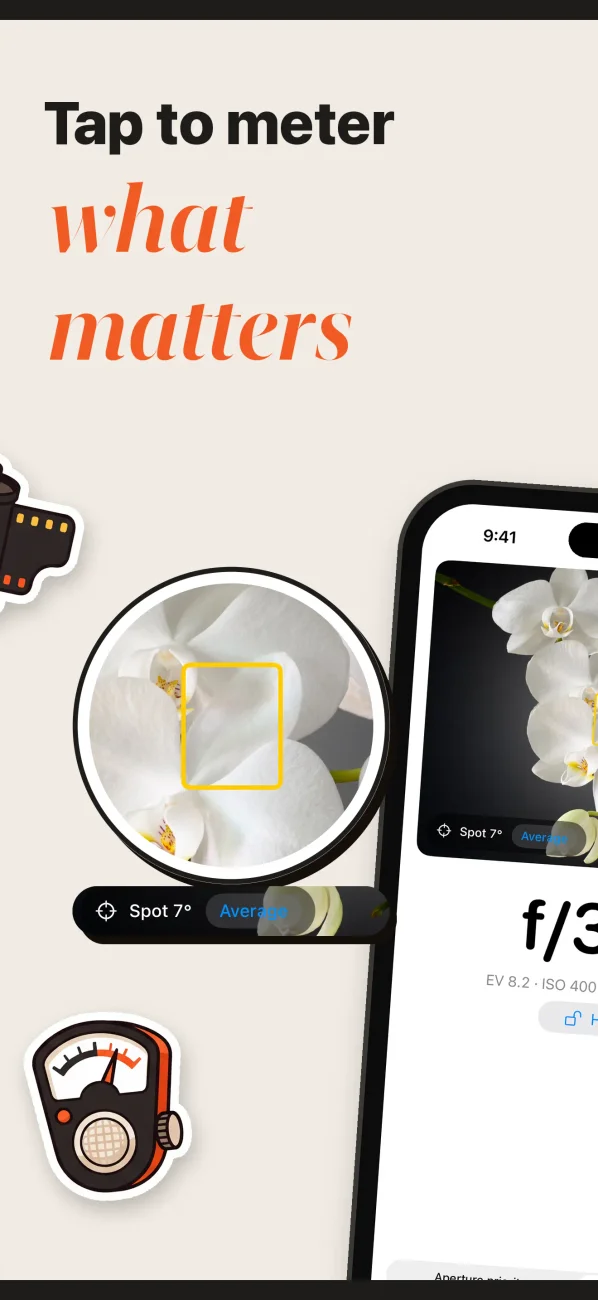
• Tap the preview to meter a small spot, or tap Average to meter everything the preview shows
• Hold a reading while you set your camera
• Each reading shows whether it is still settling or steady
• The screen stays awake while you meter
• "Too dark" tells you when the light is below what the iPhone camera can measure
YOUR STOPS, YOUR CAMERA
• Full, ½ or ⅓ stops for aperture, shutter speed and ISO
• Apertures from f/0.95 to f/128
• Shutter speeds from 1/8000 s to 30 s, with longer exposures shown as a B time
• ISO 3 to 25600, with film speed presets from 50 to 3200
• ND filters up to 20 stops, allowed for in the reading
• Lens presets from fast prime to large format, and shutter presets for mechanical and leaf shutters
• When the exposure falls between marked stops, it shows the difference, such as +⅓
• When your lens or shutter can't reach the exposure, it shows how many stops over or under
CALIBRATION
Every iPhone camera differs slightly. Meter the same evenly lit midtone with Middlegray and with your camera's meter, or another meter you trust, then adjust the calibration offset until they agree. The offset covers ±3 EV in ⅓ stops and is saved for your iPhone model.
ACTION BUTTON
On iPhone models with an Action button, set it to Middlegray's Meter Light shortcut. Press and hold the button to open Middlegray straight into live metering, releasing any held reading.
HOW REFLECTED METERING WORKS
Like every reflected light meter, Middlegray assumes the scene averages to middle gray. Snow or a white wall reads too dark and a black coat too bright, unless you meter a midtone or tap to meter a spot. The first launch explains this and how to calibrate.
WHAT IT DOESN'T DO
Middlegray reads reflected light through the iPhone camera. It doesn't do incident metering or color temperature.
MIDDLEGRAY PRO
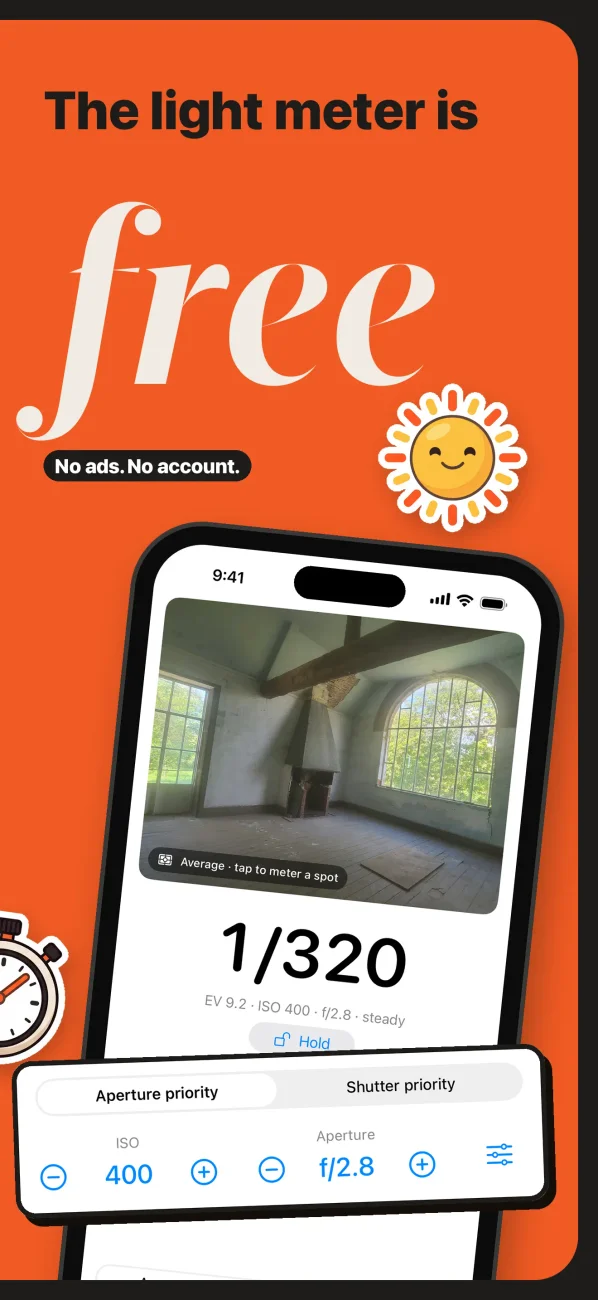
The meter is free. Pro is one purchase, not a subscription, and adds:
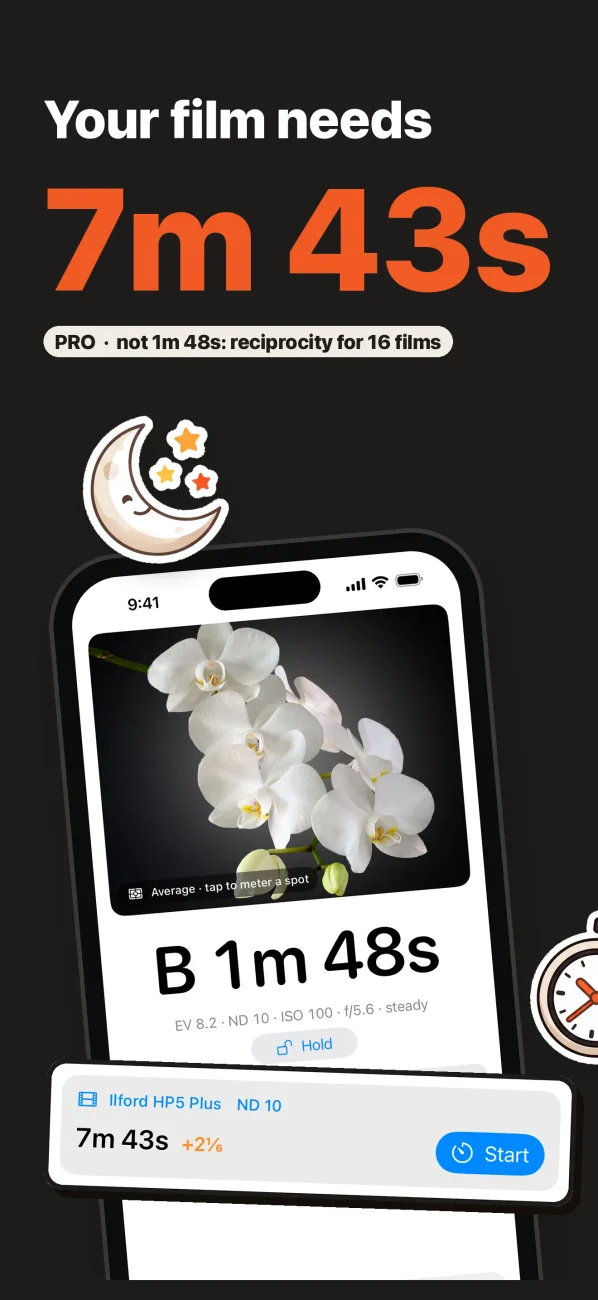
• Long exposures: reciprocity correction for 16 films from Ilford, Kodak and Fujifilm data sheets, and a timer for B
• Saved cameras: each camera's apertures, shutter speeds and film, one tap apart
• Roll notes: every frame's settings as you shoot, shared as text
You can try each first: three timed long exposures, one camera and your first roll are free. No ads and no account.
What’s new
Version 1.2.4 · Nov 24, 2026
A new app icon to match the new screenshots.
App privacy
What Kiducate Ltd. declares on the App Store about how this app handles data.
-
Data not linked to you
May be collected but is not linked to your identity.
- Diagnostics
Privacy practices may vary, for example with the features you use or your age.
Information
- Seller
- Kiducate Ltd.
- Category
- Photo & Video
- Version
- 1.2.4
- Updated
- Nov 24, 2026
- Released
- Sep 17, 2026
- Size
- 4.9 MB
- Requires
- iOS 26.0 or later
- Age rating
- 4+
- Price
- Free
- In-app purchases
- Yes
- Languages
- English, Arabic, French, German, Japanese, Korean, Simplified Chinese, Spanish
- Copyright
- © 2026 Kiducate Ltd
You might also like
-
 Traxxtar VideoviewTap to Record, Instant Replay
-
 FinalBoardPhoto & Video
-
 Sumi - Redact & Blur PhotosAuto-redact screenshots
-
 RollMeterFilm light meter & rangefinder
-
 PanoPeek: 360° Photo ViewerView photos, spin panoramas
-
 berkbrainAI Photo Editor
-
 Photo Clean: Photo OrganizerSort by size & estimated date
-
 Film Camera RemoteFocus & zoom controller
-
 MosinePhoto memories, less clutter
-
 Record ScreenScreen Recorder & Video Editor