
- Age rating4+
- CategoryProductivity
- DeveloperDavid Nester
- LanguagesEnglish
- Size24.2 MB
Links to the official App Store page
Download.org hosts no file of Locinote. The button opens its official App Store page, published by David Nester. Listing last checked on Nov 19, 2026.
Screenshots
About
Locinote is a fast, private note app — and the escape hatch for the one you're leaving.
MOVE YOUR WHOLE LIBRARY IN ONE TAP
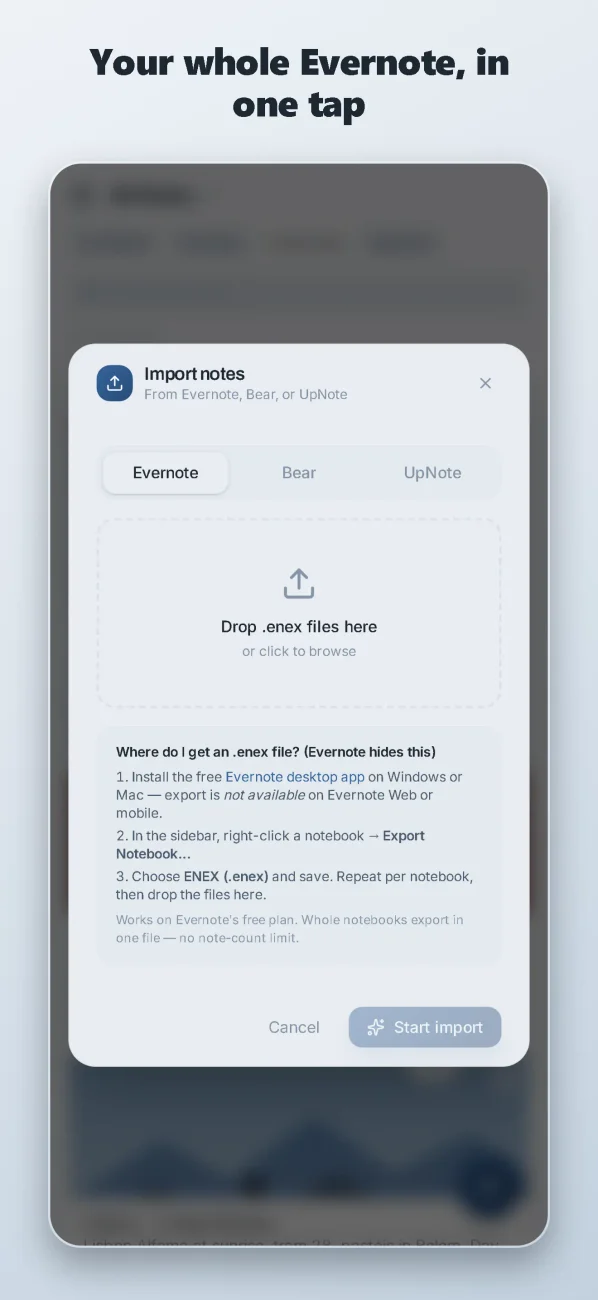
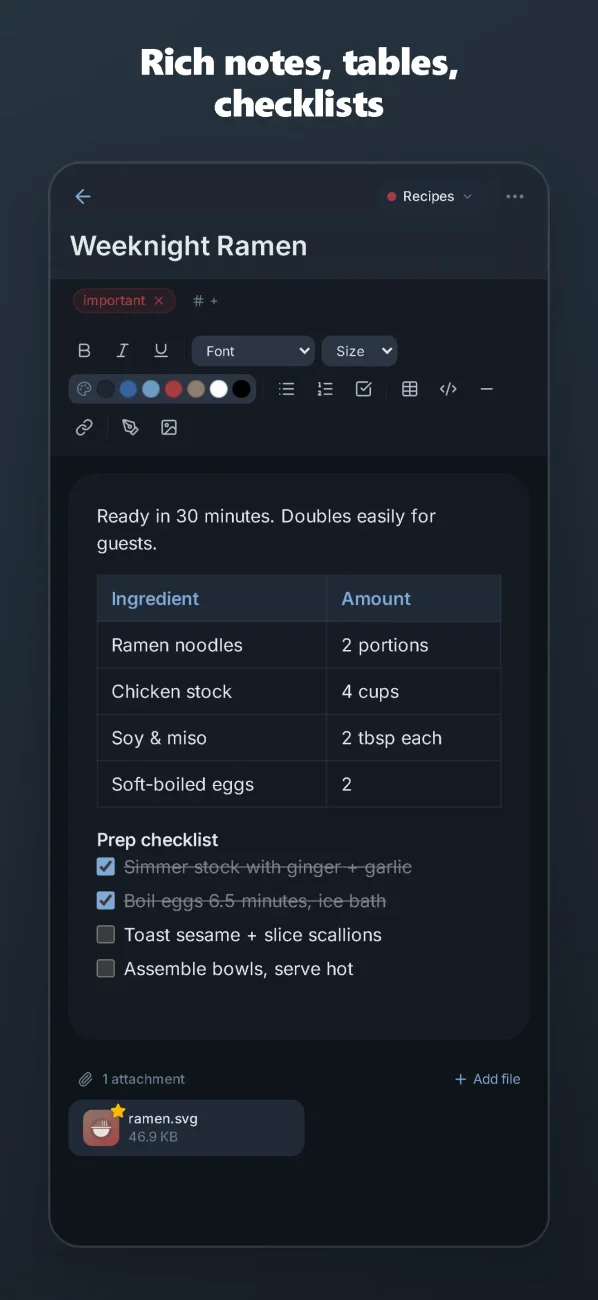
Coming from Evernote, Bear, or UpNote? Locinote imports your notes directly — formatting, checklists, tables, tags, timestamps, images, and PDF attachments included. Evernote (.enex), Bear (.bear2bk), and Markdown exports all work. Large accounts stream in without freezing, and re-running an import never creates duplicates.
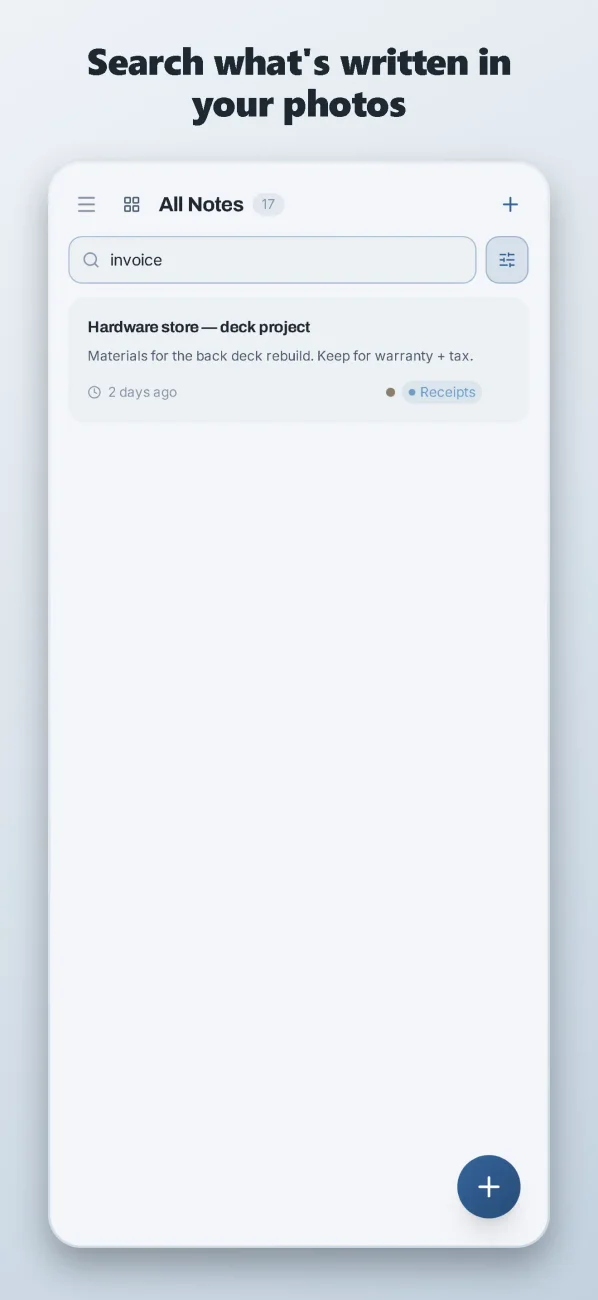
FIND ANYTHING — EVEN INSIDE PHOTOS
Search covers titles, note text, and tags. With Pro, on-device OCR reads the text inside your images and PDFs, so a photo of a receipt, a whiteboard, or a scanned letter becomes searchable. Photos are never uploaded to a server to be read — OCR runs entirely on your device.
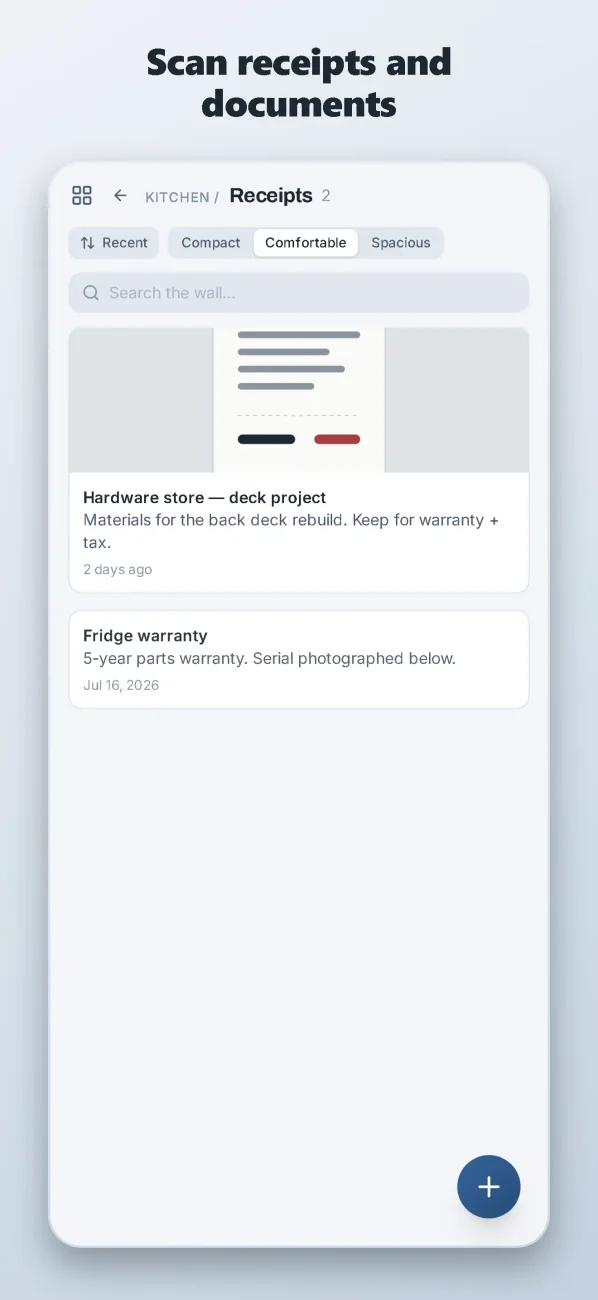
SCAN DOCUMENTS
Point your camera at a page. Locinote finds the edges, straightens the page, and saves a crisp PDF into your note — searchable like everything else.
YOUR NOTES ARE YOURS
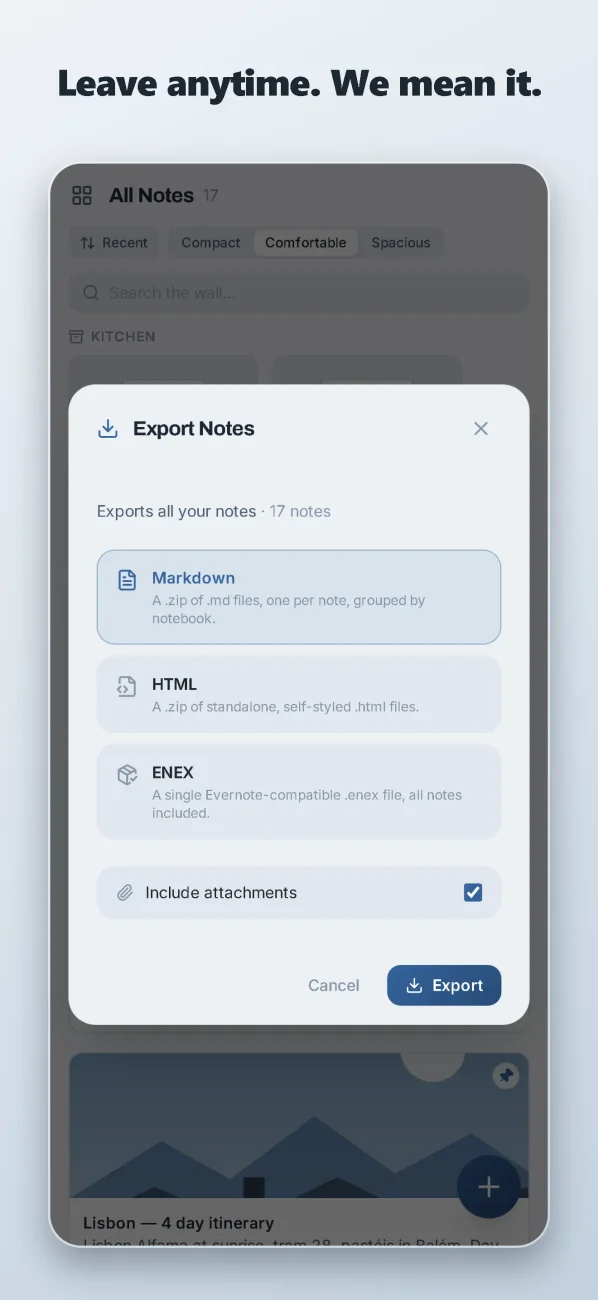
Export is a promise, not a feature: on every plan, free forever, you can download your entire library as ENEX, Markdown, or HTML. You can leave any time and take everything with you. No lock-in, ever.
WORKS OFFLINE
Locinote is local-first. Notes open and edit instantly with no connection, then sync securely across your devices when you're back online.
NO AI. JUST NOTES.
Your notes aren't training data and they aren't a chat window. Locinote does one thing: keeps your notes fast, private, and organized.
EVERYTHING ELSE
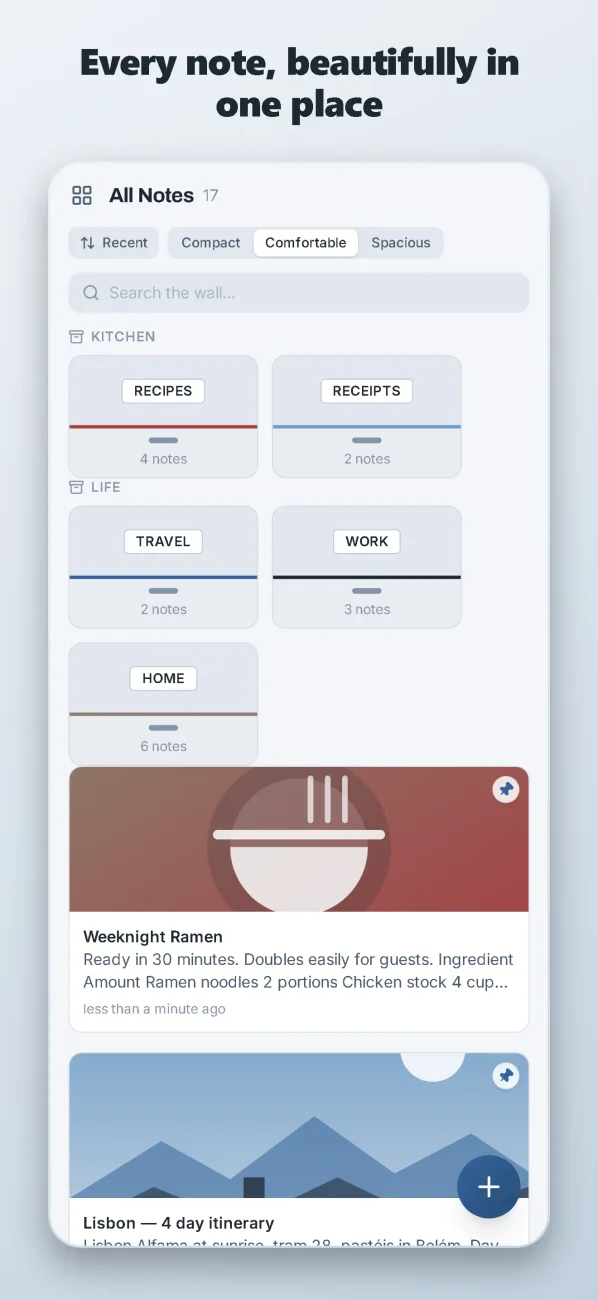
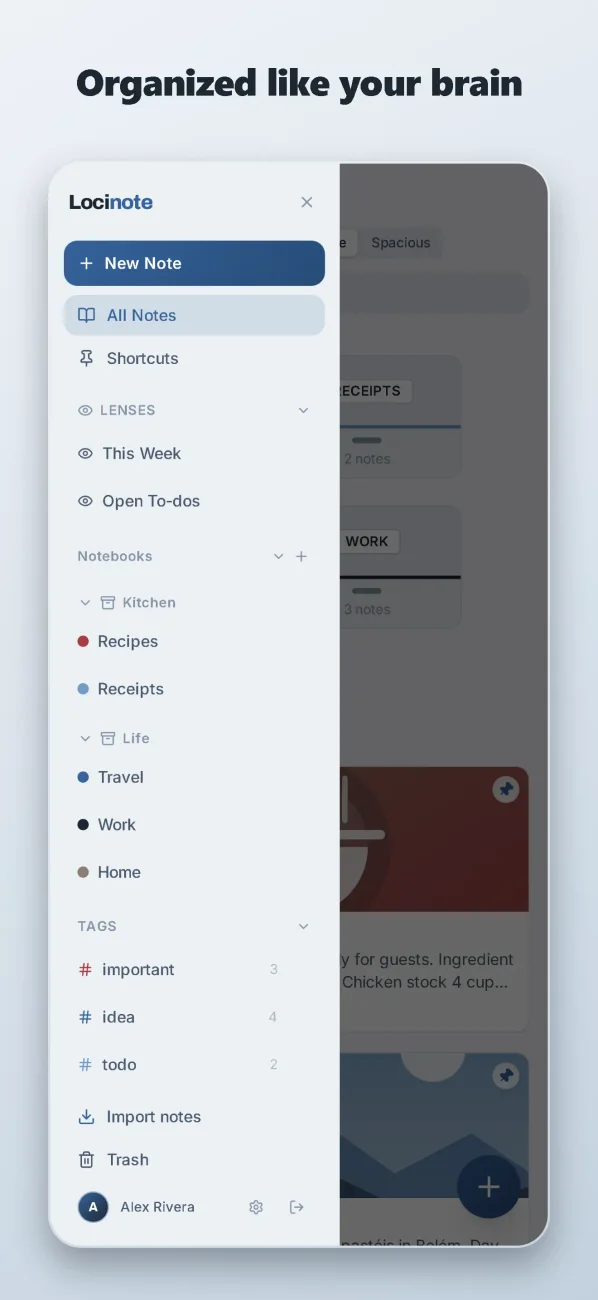
• Notebooks and colored tags to organize your way
• Pin, sort, and filter to keep the important stuff on top
• Reminders on any note with local notifications
• Email-to-note (Pro): forward any email to your private Locinote address and it becomes a note
• Sync across all your devices — phone, tablet, and desktop
• Sign in with Apple, Google, or email
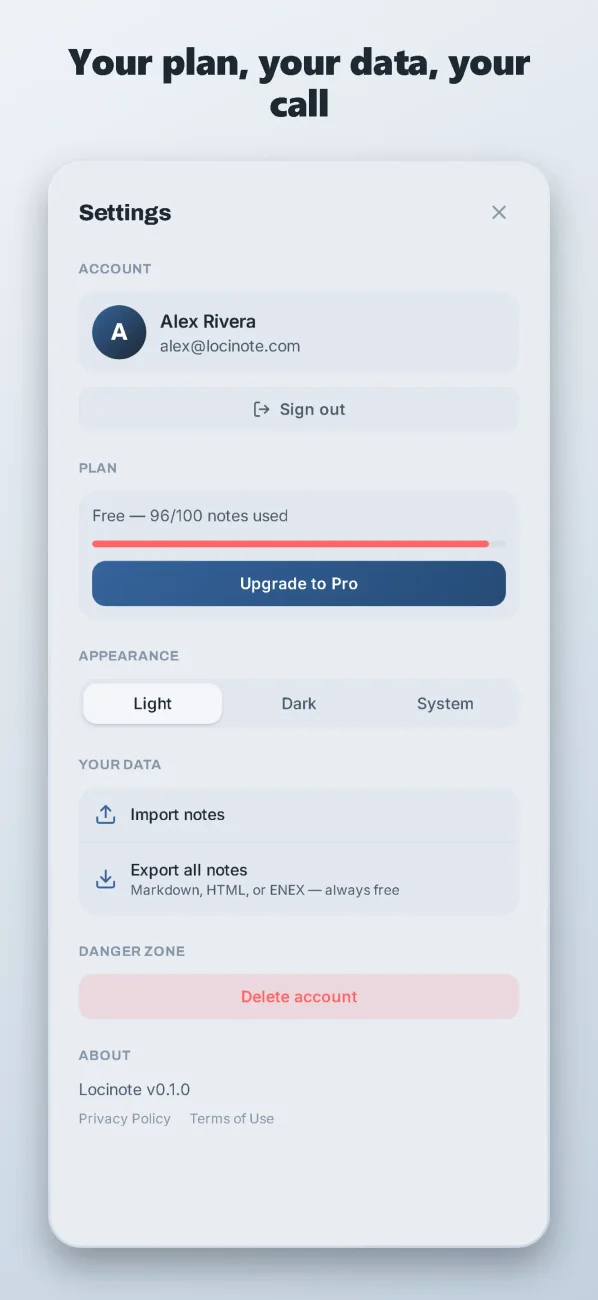
• Delete your account and all data anytime, right from Settings
FREE AND PRO
Free: 100 notes and 100 MB of storage, with full editing, sync, import — and always full export.
Locinote Pro unlocks unlimited notes and storage, OCR search, the document scanner, and email-to-note:
• Pro Monthly — $1.99/month (auto-renews, cancel anytime in your App Store settings)
• Pro Lifetime — $34.99 one-time purchase, no subscription
Payment is charged to your Apple Account at confirmation of purchase. Subscriptions renew automatically unless cancelled at least 24 hours before the end of the current period. Manage or cancel in Settings → Apple Account → Subscriptions.
Privacy Policy: https://locinote.com/privacy
Terms of Use: https://locinote.com/terms
Questions? We answer every email: support@locinote.com
What’s new
Version 1.0.3 · Aug 6, 2026
Updated Search function. Get to your information faster with better highlighting and reduced scrolling through large lists of notes.
App privacy
What David Nester declares on the App Store about how this app handles data.
-
Data not linked to you
May be collected but is not linked to your identity.
- Purchases
- Contact info
- User content
- Identifiers
Privacy practices may vary, for example with the features you use or your age.
Information
- Seller
- David Nester
- Category
- Productivity
- Version
- 1.0.3
- Updated
- Aug 6, 2026
- Released
- Jul 29, 2026
- Size
- 24.2 MB
- Requires
- iOS 15.0 or later
- Age rating
- 4+
- Price
- Free
- Languages
- English
- Copyright
- © 2026 Locinote
You might also like
-
 LookLater — Save for LaterSave your favorite links
-
 DiditsRemembering things you did!
-
 Vault Notes by HanssonProductivity
-
 Nagi PlannerCentered: plans, to-dos, diary
-
 TimorythmSci-Fi Time & Task Manager
-
 Countdown Widget - Till ThenChristmas & Birthday Counter
-
 Quiet Journal: Diary & NotesDaily Writing & Notebook Sync
-
 OCR - LiteLight Offline Text Scan
-
 Memxi: AI Brain CompanionNever forget anything again
-
 Penstar eNoteCapture Every Thought