
Lock Screen Studio: Calendar
Planner Wallpaper & Widgets
Designed for iPhone, iPad
In-app purchases
- Age rating4+
- CategoryProductivity
- DeveloperArinitsolutions
- LanguagesEnglish
- Size7.2 MB
Links to the official App Store page
Download.org hosts no file of Lock Screen Studio: Calendar. The button opens its official App Store page, published by Arinitsolutions. Listing last checked on Nov 12, 2026.
Screenshots
About
Turn your Lock Screen into a personal dashboard.
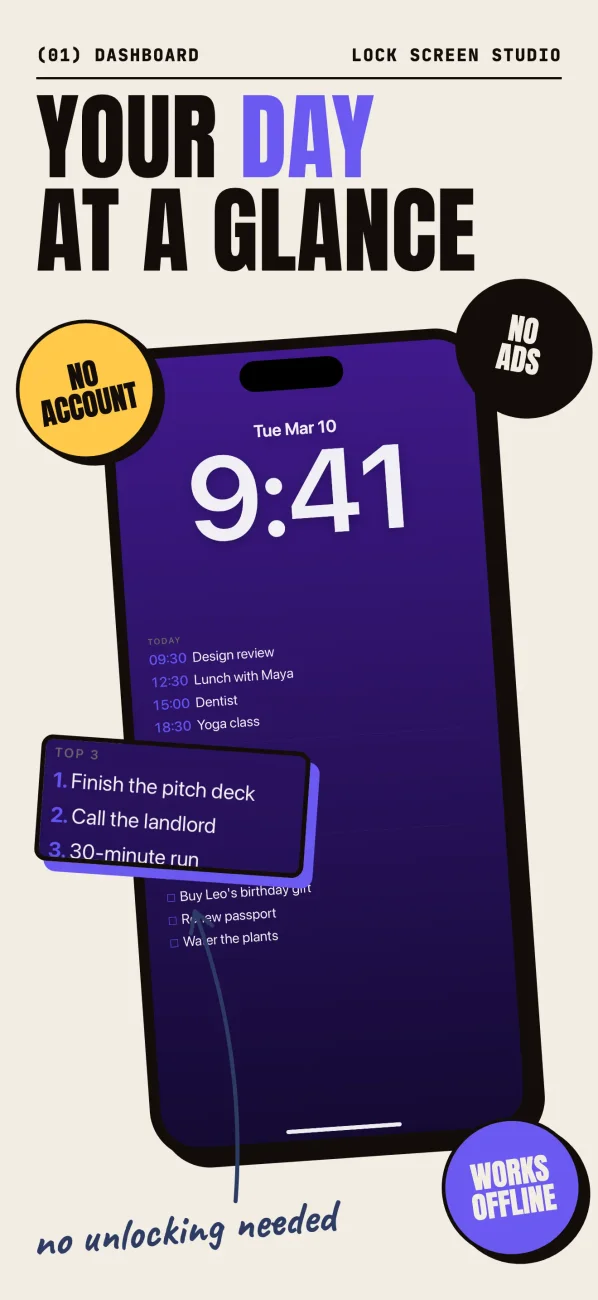
Lock Screen Studio generates custom wallpaper images with your daily agenda, priorities, to-dos, countdowns, and more - all beautifully arranged on your Lock Screen.
HOW IT WORKS
1. Choose from 14 built-in templates or create your own
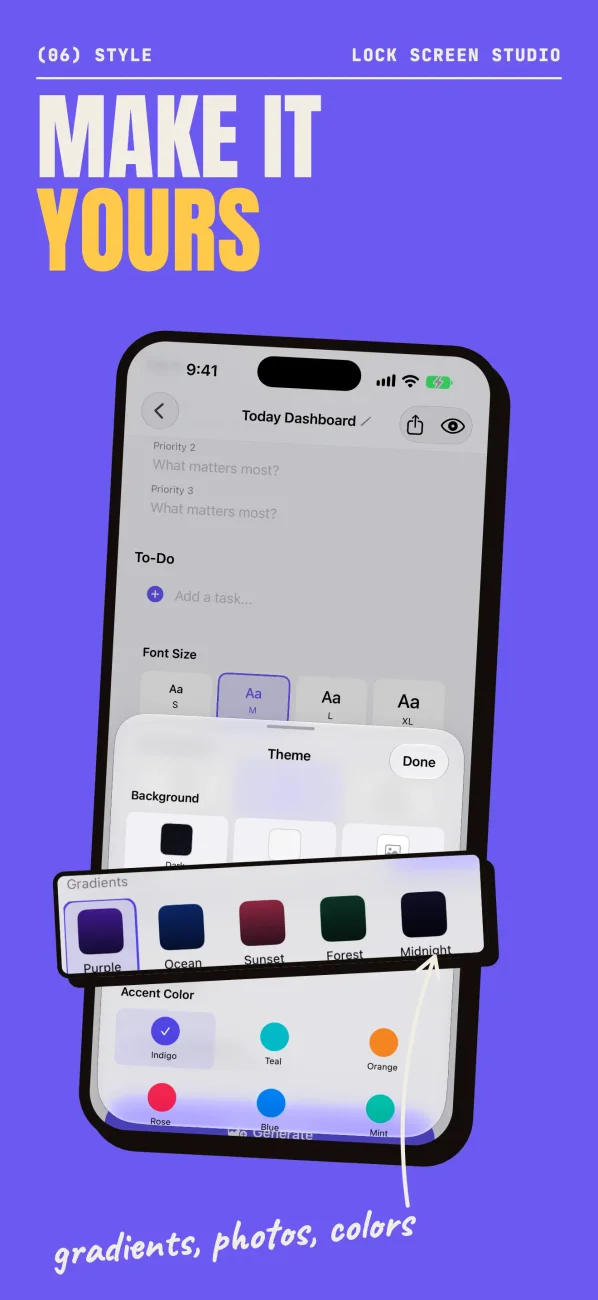
2. Customize panels, themes, colors, and backgrounds
3. Generate - the wallpaper is saved to your Photos, ready to apply as your Lock Screen
FEATURES
• Calendar integration - see today's events at a glance
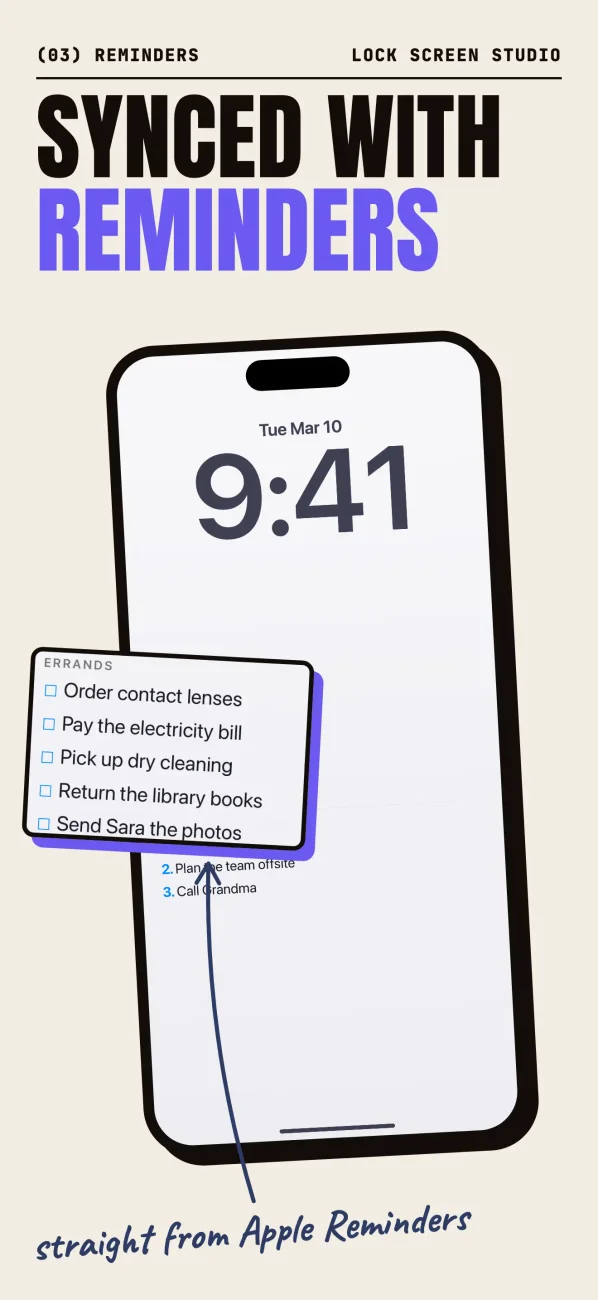
• To-do lists - track tasks right on your Lock Screen, or sync them from Apple Reminders (pick a list, filter by today or the next 7 days)
• Top 3 priorities - stay focused on what matters
• Interactive Home Screen widget - tap to mark todos done without opening the app
• Lock Screen widgets - today's progress above the clock, without unlocking
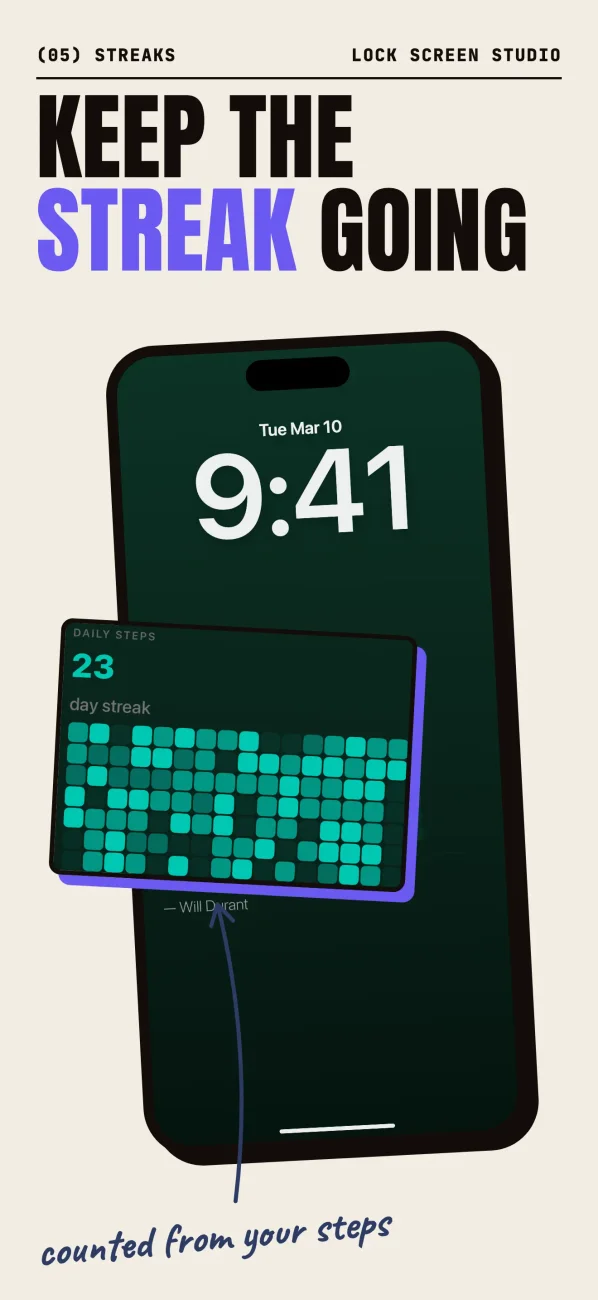
• Consistency panel - your streak as a heatmap, counted from your completed todos or your Apple Health step count
• Year in Pixels - a full-page widget showing your whole year at a glance (iOS 27)
• Todo history with streak stats and a 13-week completion heatmap
• Daily quote packs - hand-picked Stoic, Focus, Calm, and Motivation collections that rotate a fresh quote each day, or write your own
• Share templates with friends - export as a file, import via AirDrop or Files
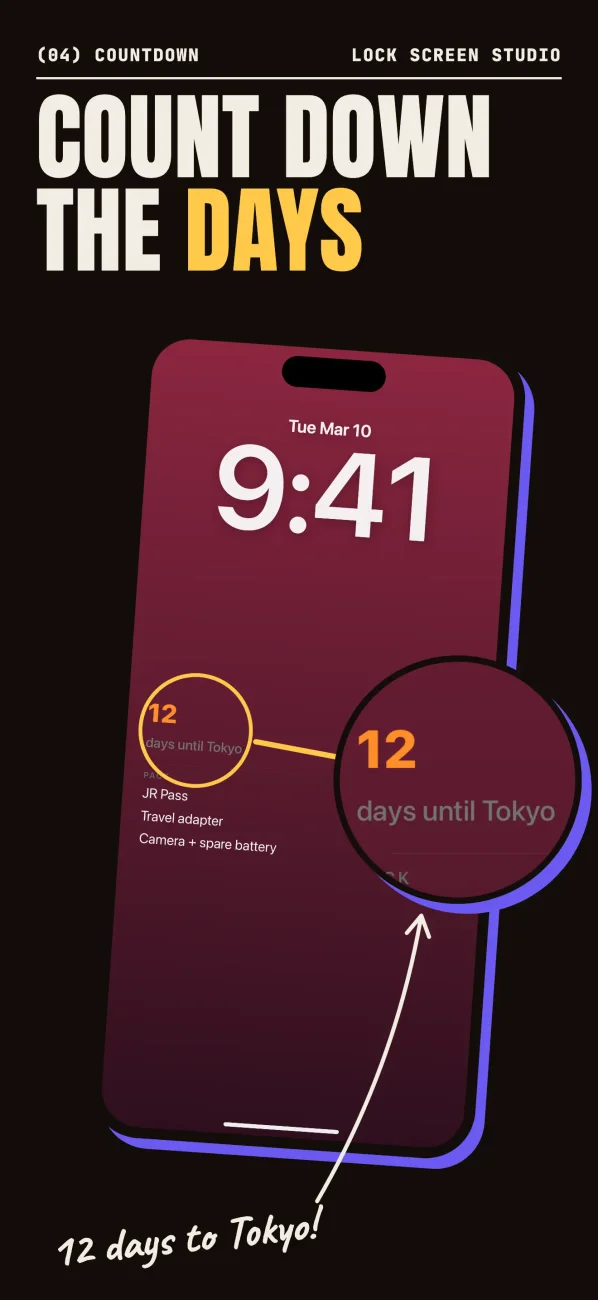
• Countdown timers - count days to important events
• Monthly calendar grid - see the full month
• Custom notes
• Photo backgrounds with blur and dim controls - or add up to 10 photos and get a different one each day
• Dark, light, and gradient themes
• 9 font color options for perfect readability
• Adjustable font size and vertical text position
• Export for any iPhone model (12 through 18 series)
AUTOMATION
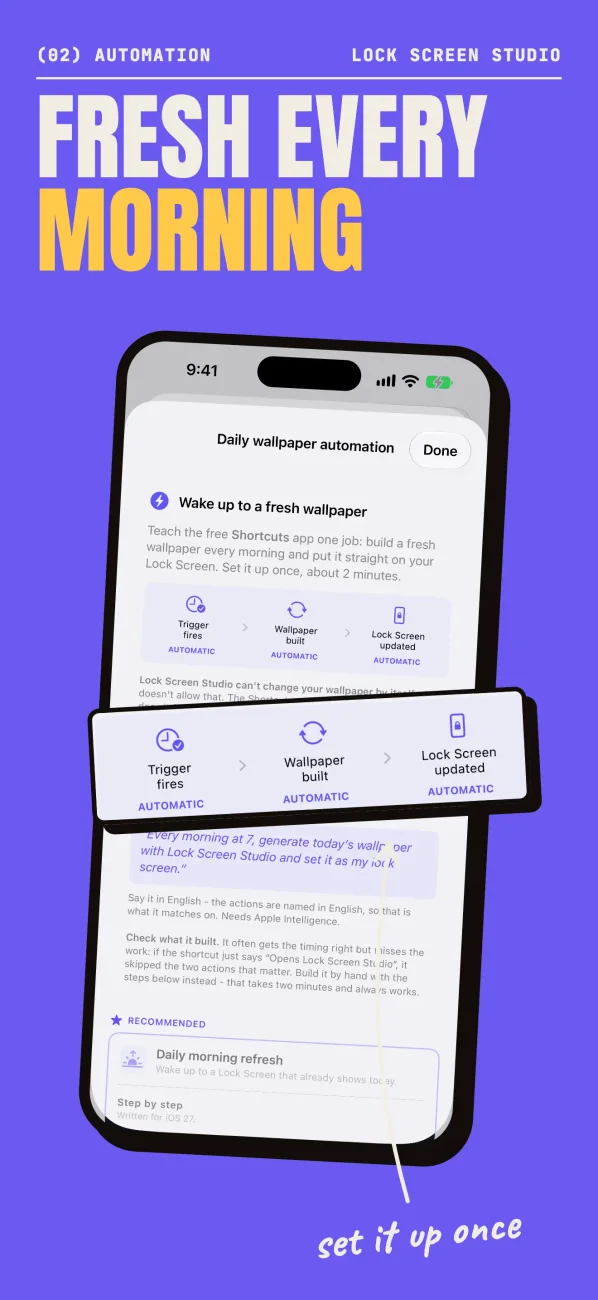
Pair with Apple Shortcuts and your iPhone will generate a fresh wallpaper for you on a schedule - every morning at 7 AM, after your alarm, when Focus turns on, when you arrive at work, or at sunset. The app ships 5 ready-made recipes with clear, step-by-step setup instructions, written separately for iOS 26 and iOS 27.
The new wallpaper is applied to your Lock Screen automatically - no tapping, no confirmation. A notification sums up your day: how many events and open to-dos you have.
PRO
Unlock all templates, unlimited exports, premium gradients, photo backgrounds, quote packs, custom panel creation, and advanced Shortcuts automation. The yearly plan starts with a 7-day free trial.
No accounts, no ads, no third-party tracking. Your data never leaves your device. Health data is read only - never written back, never sent anywhere.
Terms of Use (EULA): https://www.apple.com/legal/internet-services/itunes/dev/stdeula/
Privacy Policy: https://www.lockscreenstudio.com/privacy
What’s new
Version 1.15.0 · Oct 26, 2026
• The daily automation now uses the template you chose
• Add Panel is now open to everyone
• Bug fixes
App privacy
What Arinitsolutions declares on the App Store about how this app handles data.
-
Data not collected
The developer does not collect any data from this app.
Privacy practices may vary, for example with the features you use or your age.
Information
- Seller
- ARINITSOFT PC SRL
- Category
- Productivity
- Version
- 1.15.0
- Updated
- Oct 26, 2026
- Released
- Mar 31, 2026
- Size
- 7.2 MB
- Requires
- iOS 17.0 or later
- Age rating
- 4+
- In-app purchases
- Yes
- Languages
- English
- Copyright
- © 2026 ARINITSOFT PC SRL
You might also like
-
 WiCal - Widget CalendarYour calendar in widgets
-
 Glance Notes: Lock ScreenReminders, To-Dos & Widgets
-
 Ahead: Never Miss What's NextYour calm morning briefing
-
 Daymark: Calendar WidgetsLock Screen Notes & Planner
-
 Lock Screen Notes: LockCardsSticky notes & Reminders
-
 Humanize AI - ByeGPTHumanizer & AI Detector
-
 Habit & Goal Tracker: DotsSee Progress on Lock Screen
-
 WallDay - Live WallpaperQuote, D-day & weather widgets
-
 DayWall: Calendar WallpaperYour calendar on screen
-
 All Format Video Player - HDPlay Any Video, HD Supported