
Lockbox: Password Manager
Passwords & 2FA. Pay once.
Designed for iPhone, iPod touch
Free · In-app purchases
- Age rating4+
- CategoryUtilities
- DeveloperEvgeni Abadzhiev
- LanguagesEnglish
- Size42.0 MB
Links to the official App Store page
Download.org hosts no file of Lockbox: Password Manager. The button opens its official App Store page, published by Evgeni Abadzhiev. Listing last checked on Nov 24, 2026.
Screenshots

About
Lockbox is a password manager you pay for once. Your vault is encrypted on your device before anything is stored, and nobody else can read it, including us.
FREE FOR YOUR FIRST 10 ITEMS
Then one payment unlocks unlimited items for good. No subscription, no renewal, no ads, no tracking.
WHAT IT KEEPS
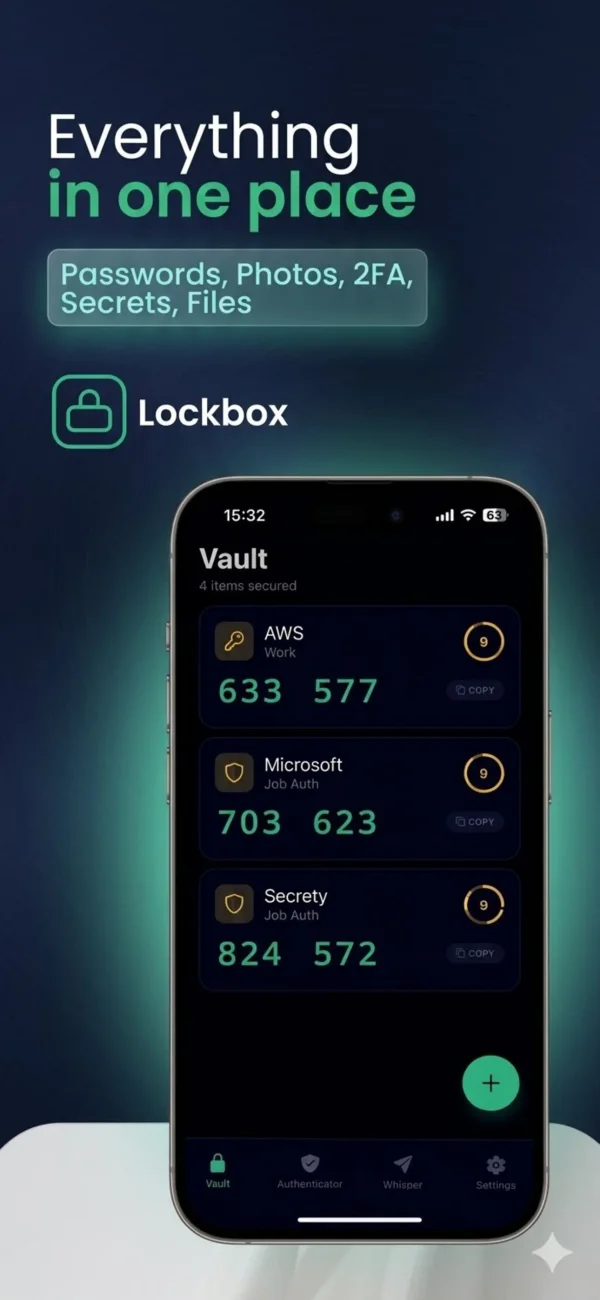
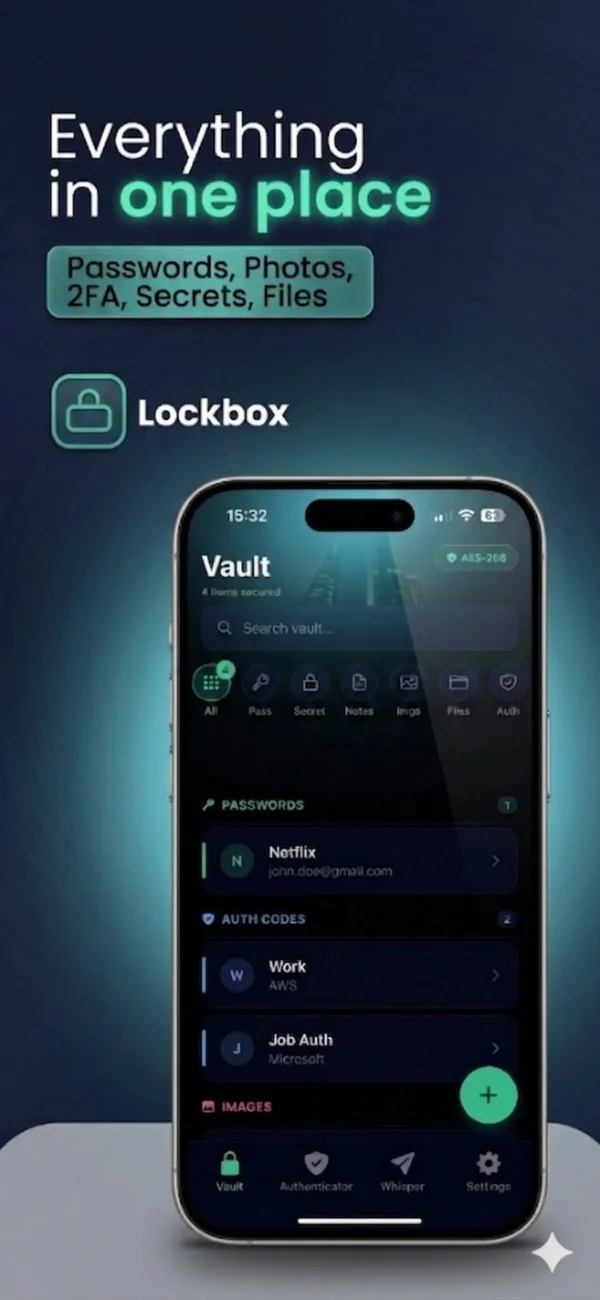
• Passwords, with a strong password generator and a health report for weak and reused ones
• 2FA codes (TOTP) with a live countdown. Scan a QR code to add an account
• Secure notes and secrets such as API keys, PINs and licence keys
• Private photos, including bulk import from your gallery
• Files up to 100MB: documents, PDFs and more
PHONE AND BROWSER, IN SYNC
Optional sync keeps your passwords, 2FA codes and notes the same on your phone and in the Lockbox Chrome extension, which fills your logins on the web. Sync is end-to-end encrypted with a key that is created on your device and shown to you once. Photos and files stay on the phone.
SHARE A PASSWORD SAFELY
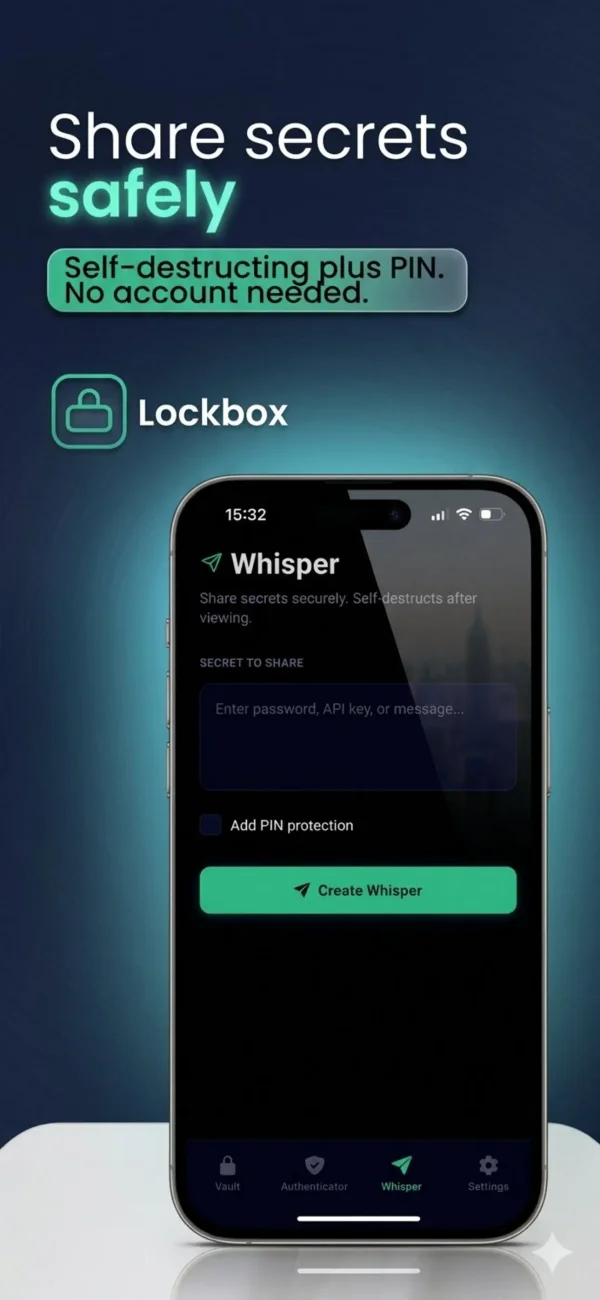
Whisper sends a password or file as a link that destroys itself after it is read, with an optional PIN. The person you send it to needs no account and no app.
HOW IT PROTECTS YOU
• AES-256-GCM encryption for every item, each with its own random IV
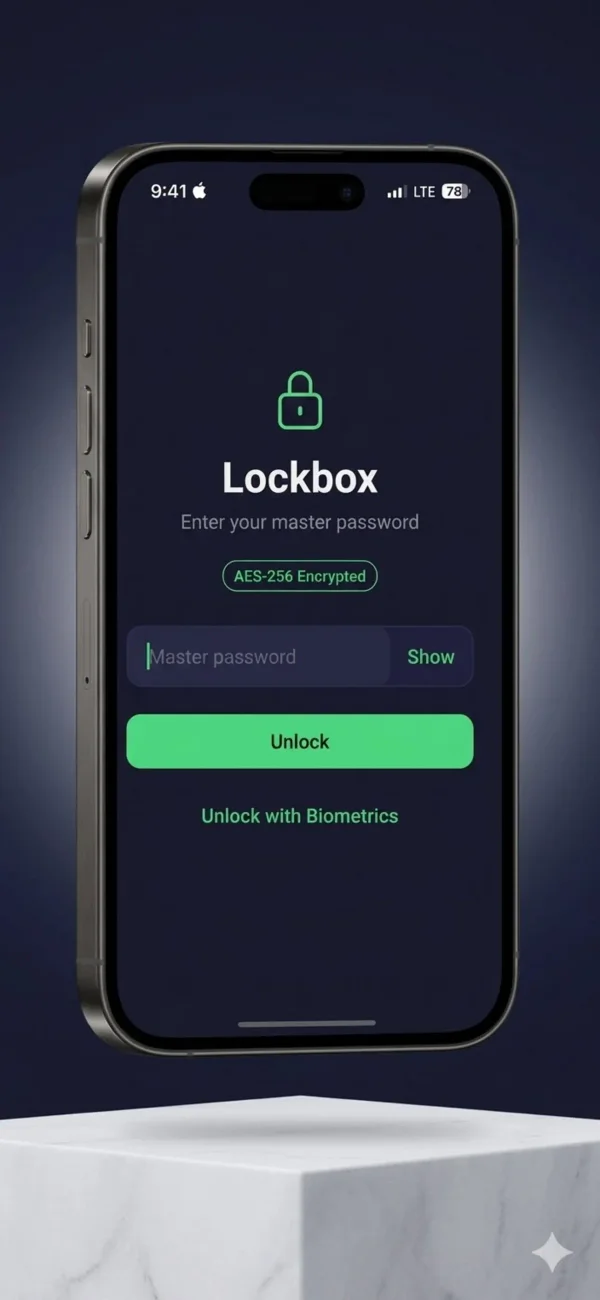
• Your master password is stretched with PBKDF2-SHA256, 600,000 iterations, and never leaves your device
• Face ID, Touch ID or fingerprint unlock
• Screenshots and screen recording are blocked while the vault is open
• Copied passwords clear themselves from the clipboard after 30 seconds and never leave this iPhone
• Auto-lock when you leave the app
• Optional Auto-wipe that erases the vault on this iPhone if you do not open Lockbox for a period you choose
Your master password cannot be reset by us or by anyone else. That is the point of the design, so choose one you will remember.
The encryption code is published for anyone to read: github.com/erolwizard/lockbox-crypto
SWITCH IN MINUTES
Import from 1Password, Bitwarden, LastPass, Google, Apple Passwords or Dashlane.
Full technical detail, including exactly what is and is not encrypted: lockboxnow.app/transparency
Privacy policy: lockboxnow.app/privacy
What’s new
Version 2.1.8 · Nov 23, 2026
What's new in 2.1.8
• Popular sites now show their own logo in your vault and Authenticator. The logos are built into the app, so nothing about your accounts is looked up online.
• Copied passwords now clear themselves after 30 seconds, even if you switch to another app, and they never leave this iPhone. Whisper links and your sync key still copy normally, so you can paste them anywhere.
• Logins show their website, with a button to open it.
• Sharing an item with Whisper now shows the one-time link with Copy and Share, so it can no longer be lost.
• New and changed master passwords can no longer be one of the most common choices. Your current password keeps working.
• CSV export saves a file you share, then deletes it from the phone.
• You can delete the vault on this phone from Settings, behind two confirmations. Your unlock is kept.
• Clearer wording throughout, honest results after imports and restores, Restore purchase on the upgrade screen, and many smaller fixes.
App privacy
What Evgeni Abadzhiev declares on the App Store about how this app handles data.
-
Data not collected
The developer does not collect any data from this app.
Privacy practices may vary, for example with the features you use or your age.
Information
- Seller
- Evgeni Abadzhiev
- Category
- Utilities
- Version
- 2.1.8
- Updated
- Nov 23, 2026
- Released
- Apr 15, 2026
- Size
- 42.0 MB
- Requires
- iOS 15.1 or later
- Age rating
- 4+
- Price
- Free
- In-app purchases
- Yes
- Languages
- English
- Copyright
- © 2026 Lockbox
You might also like
-
 LockMemo: Passwords & 2FAOffline Vault & Secure Notes
-
 Password Manager - PassCoveLocal storage & 2FA codes
-
 One-Time Passwords2FA tokens with iCloud sync
-
 Time Vault: Memory CapsuleSave moments to unlock later
-
 TimeLocked: Self Control LockLock a password from yourself
-
 One Time Password: 2FA VaultAuthenticator and Passwords
-
 Spacer – Invisible WidgetsPlaceholders for lock screen
-
 iPass - Password ManagerAuto-Fill & Password Kepper
-
 UGINEUtilities
-
 FastPass – Password ManagerSecure Password Manager