iPass - Password Manager
Auto-Fill & Password Kepper
Designed for iPhone, iPod touch
Free · In-app purchases
- Age rating4+
- CategoryUtilities
- Developer俊锋 仝
- LanguagesEnglish+ 3 more
- Size25.6 MB
Links to the official App Store page
Download.org hosts no file of iPass - Password Manager. The button opens its official App Store page, published by 俊锋 仝. Listing last checked on Nov 18, 2026.
Screenshots


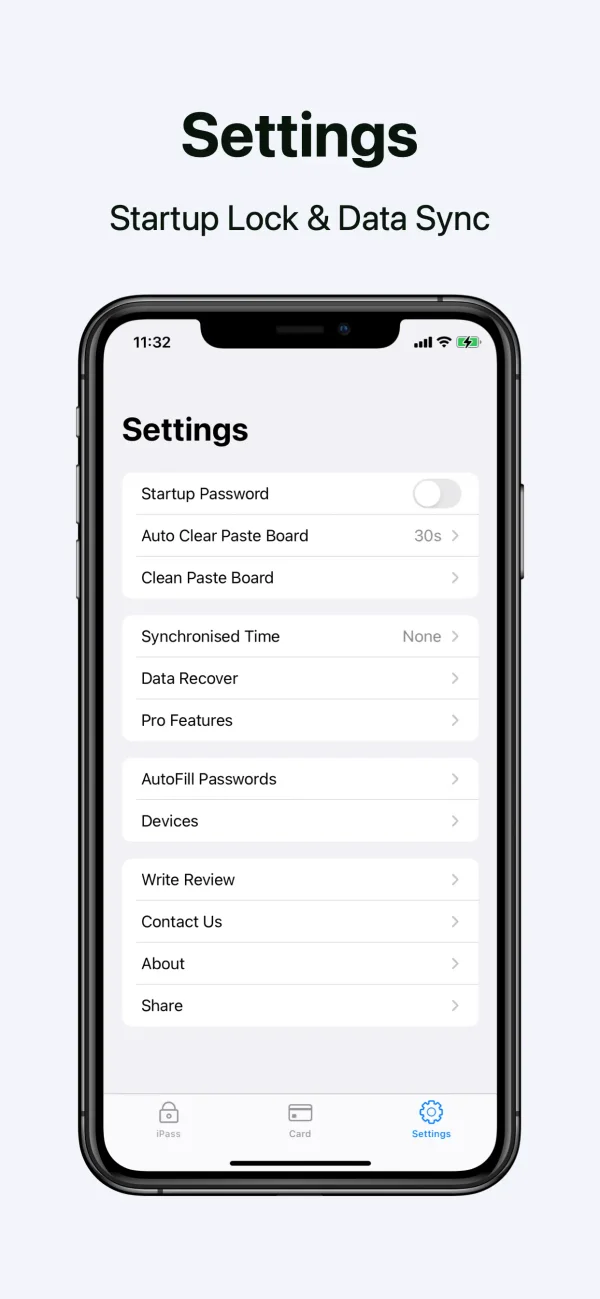
About
Do you constantly forget passwords?
Have you reused the same password across all your accounts?
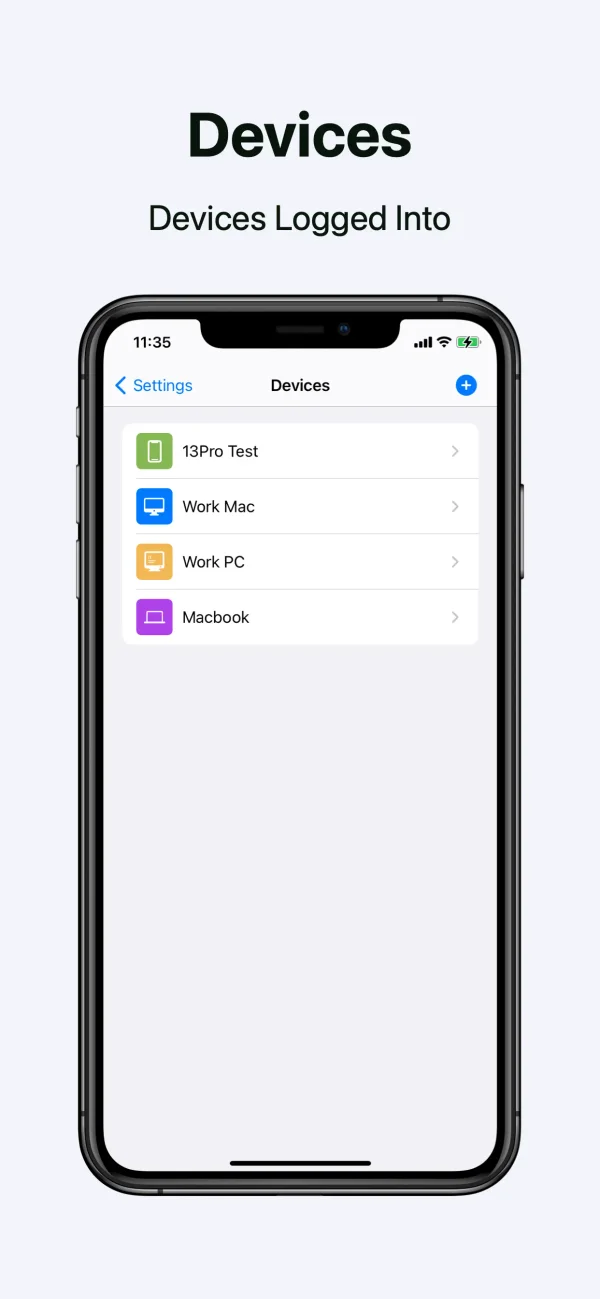
Have you lost track of which devices your accounts are logged into?
These habits can put your data security at risk.
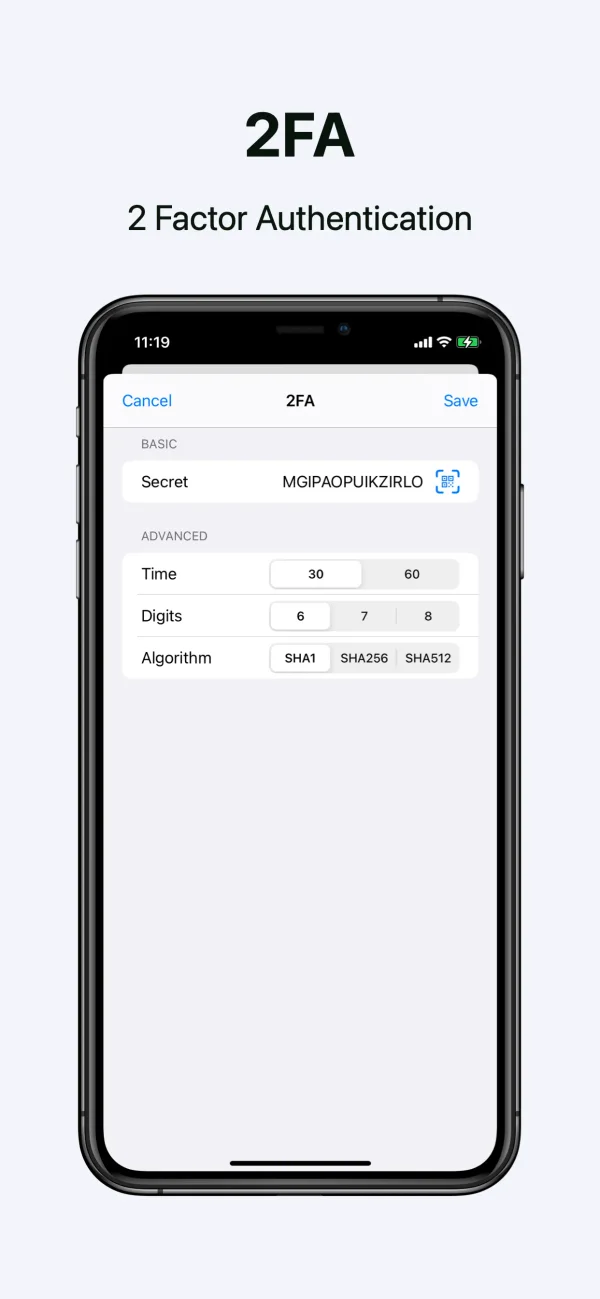
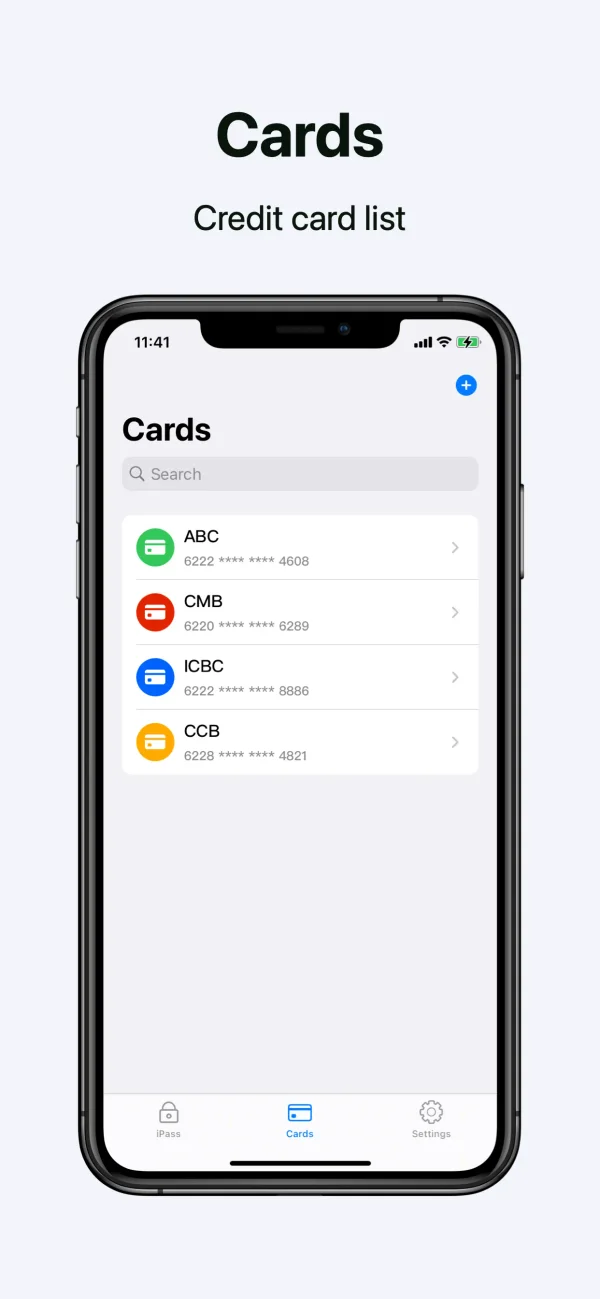
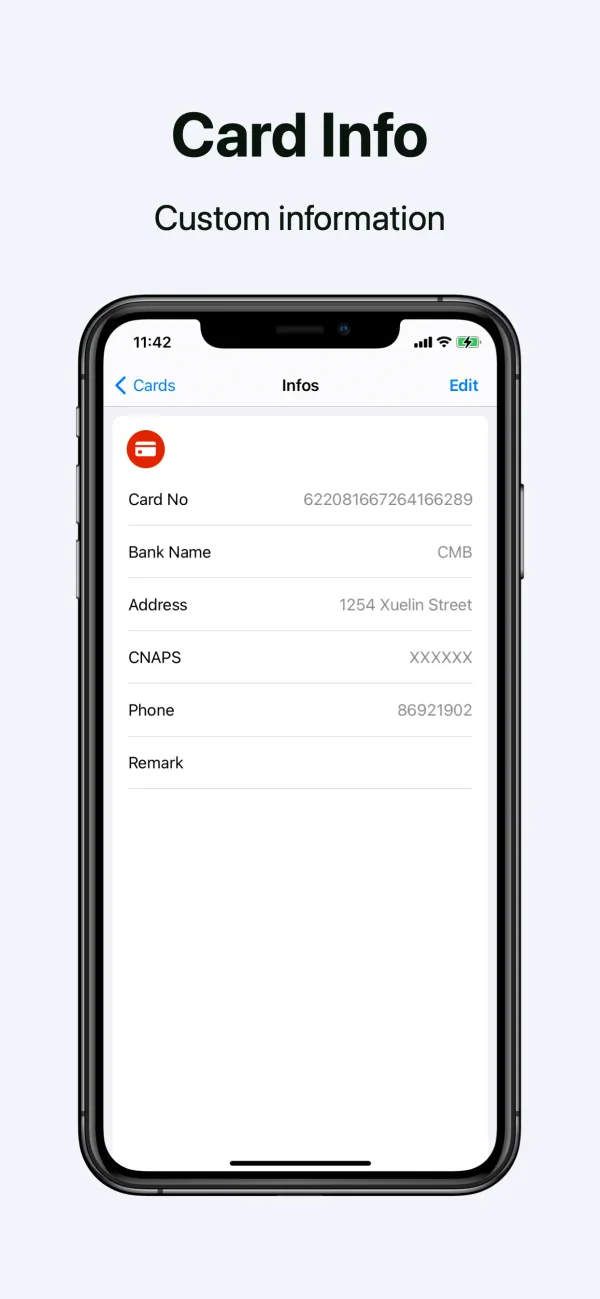
iPass is a tool designed to help you securely store account passwords (including 2FA codes), credit card details, and account login history. It also automatically fills in login credentials, so you never waste time typing manually again. Additionally, iPass can generate stronger, more secure passwords for each account to boost protection.
Key Features:
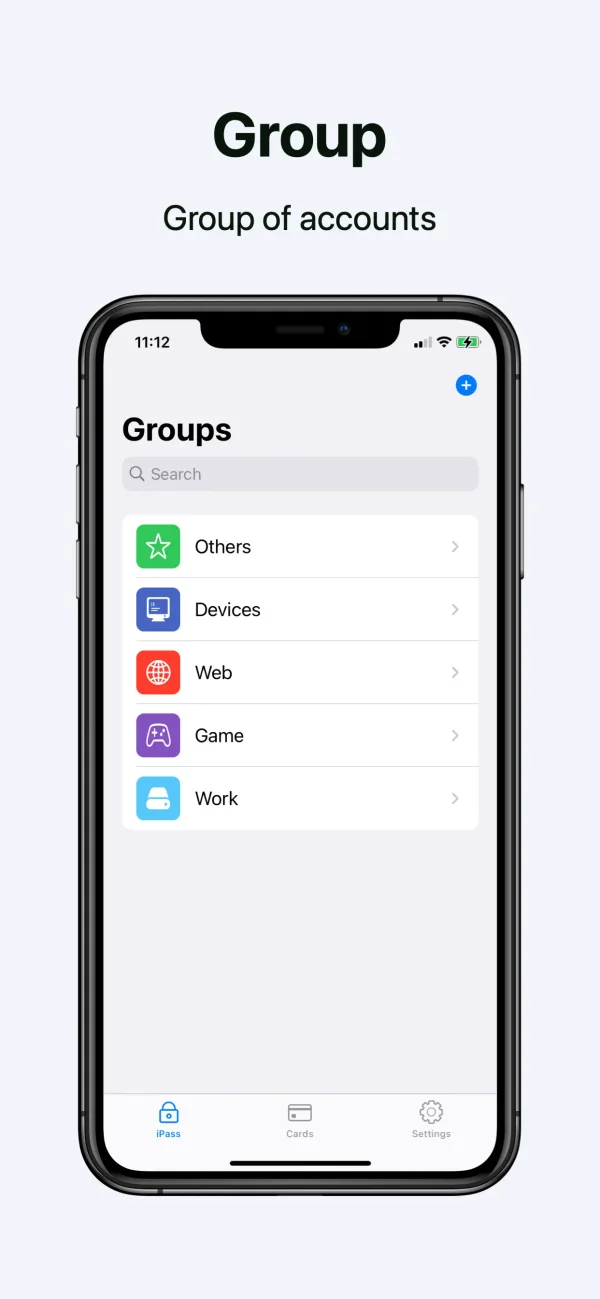
• Customizable Groups: Organize accounts into personalized categories (e.g., work, social, financial) to streamline management.
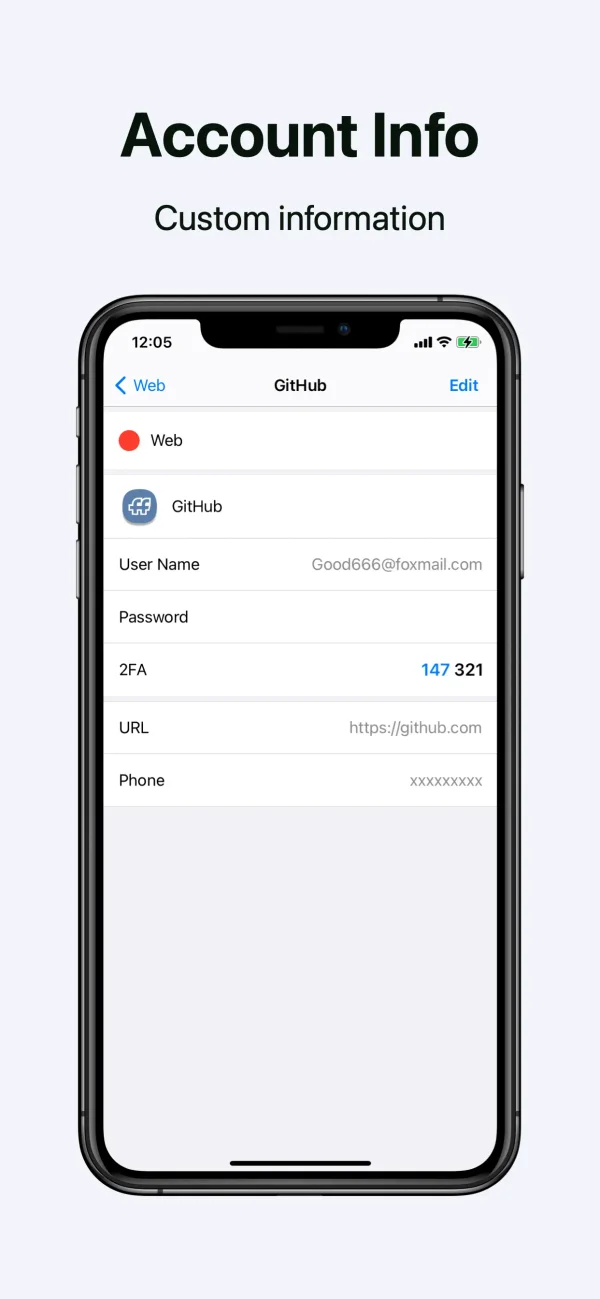
• Custom Attributes: Add and define unique fields beyond default details to store any account-specific information you need (e.g., security questions, authorization codes).
• Cross-Device Sync: Enter data once, then access it seamlessly across all your iOS devices (iPhone, iPad, Mac).
• Auto-Fill: Instantly populate login credentials to skip time-consuming manual entry.
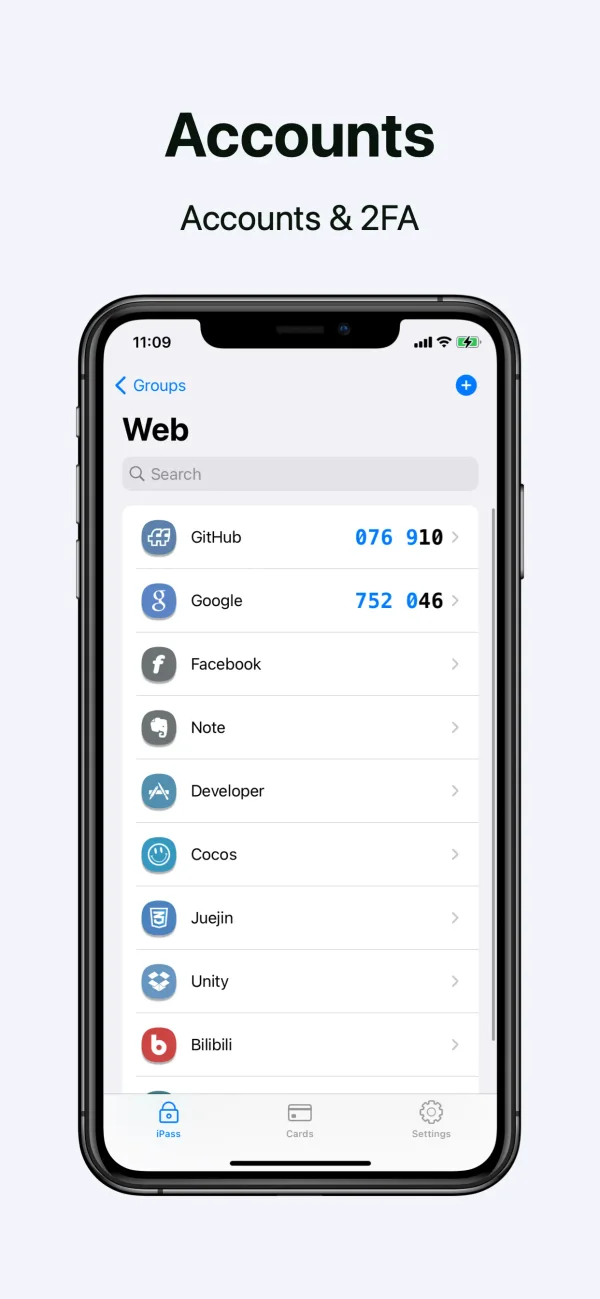
• 2FA Support: Securely store and access 2FA codes alongside your passwords.
• Login History: Track all devices that have accessed your accounts, making it easy to review and remove unauthorized or outdated sessions.
Pricing:
iPass uses a one-time purchase model—pay once, use it forever, with no subscriptions or hidden fees.
Privacy & Security:
• User-Level Protection: A startup passcode (gesture, Touch ID, or Face ID) prevents unauthorized access—even if someone borrows your device.
• System-Level Encryption: All stored data is encrypted using industry-standard algorithms to safeguard against unauthorized access.
• iCloud Sync: Data syncs via iCloud with end-to-end encryption. Information is encrypted both in transit and at rest, and protected by security tokens. Only devices signed into your iCloud account can access your data—no one else, including Apple, can view your encrypted information.
What’s new
Version 3.2.1 · Aug 11, 2025
Fix Bugs.
App privacy
What 俊锋 仝 declares on the App Store about how this app handles data.
-
Data not linked to you
May be collected but is not linked to your identity.
- Diagnostics
Privacy practices may vary, for example with the features you use or your age.
Information
- Seller
- 俊锋 仝
- Category
- Utilities
- Version
- 3.2.1
- Updated
- Aug 11, 2025
- Released
- Nov 17, 2017
- Size
- 25.6 MB
- Requires
- iOS 14.0 or later
- Age rating
- 4+
- Price
- Free
- In-app purchases
- Yes
- Languages
- English, Japanese, Simplified Chinese, Traditional Chinese
- Copyright
- © ZHK
You might also like
-
 Password Manager_My PasswordPassword safe & vault data
-
 Password Manager:SecureSafePassword Generator & Autofill
-
 Keepery: Password ManagerPrivate, simple, no accounts
-
 Password Manager. Login VaultPasswords Generator & Wallet
-
 Password Manager - SecurePassword Manager Safe
-
 My Eyes Only Password ManagerEncrypted Personal Data
-
 Super App Lock: Lock AppsApp lock,Block Apps & Hide
-
 Norton Password ManagerSecure Password Manager
-
 AI Cleaner - Storage CleanupDelete Photos & Free Up Space
-
 VSim: SMS Verification CodeVirtual Phone Number to Verify