Lockd: Pomodoro Timer
Phone Down Focus Timer
Designed for iPhone, iPad
In-app purchases
- Age rating4+
- CategoryProductivity
- DeveloperEslam Younis
- LanguagesEnglish
- Size19.7 MB
Links to the official App Store page
Download.org hosts no file of Lockd: Pomodoro Timer. The button opens its official App Store page, published by Eslam Younis. Listing last checked on Nov 18, 2026.
Screenshots

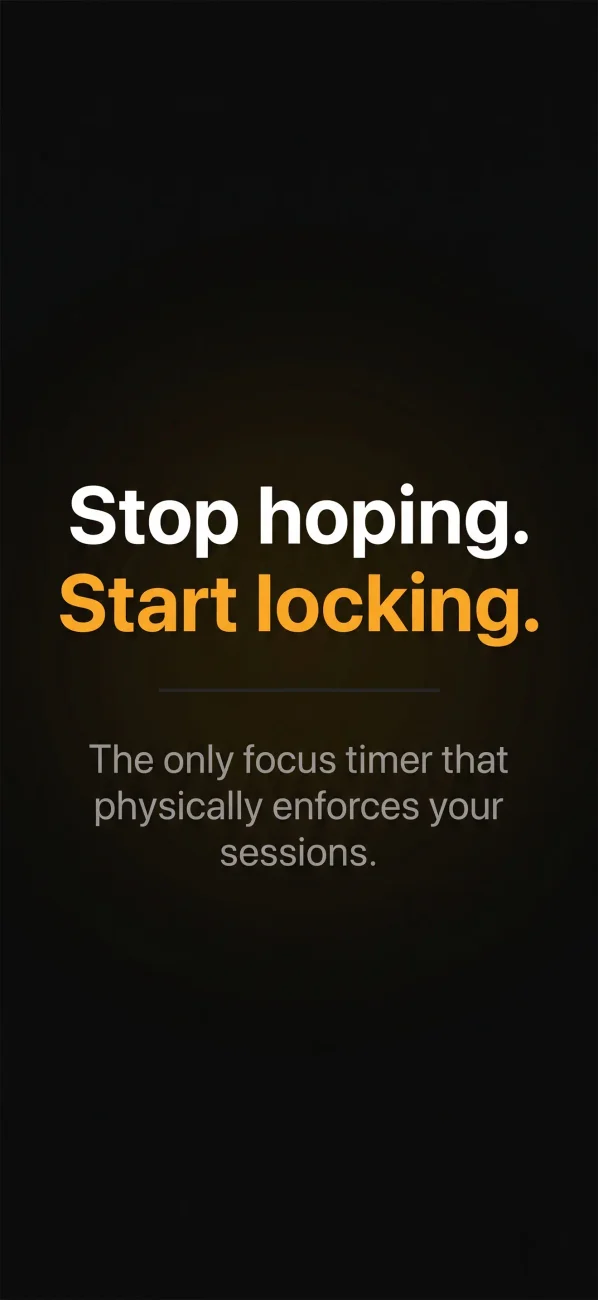
About
Update regarding Legal: Privacy:
Hello App Review Team,
Thank you for your feedback.
We determined that the current version does not require access to Motion & Fitness Activity information. We have therefore removed the Motion & Fitness permission request and its usage-description entry.
We also revised onboarding to request notification permission instead. The explanatory screen now uses a neutral “Continue” action that proceeds directly to Apple’s native permission dialog, without a “Maybe Later” or dismiss option.
Notifications are used for focus-session alerts and remain fully controlled by the user through iOS settings.
Thank you for reviewing the updated submission.
-------------------
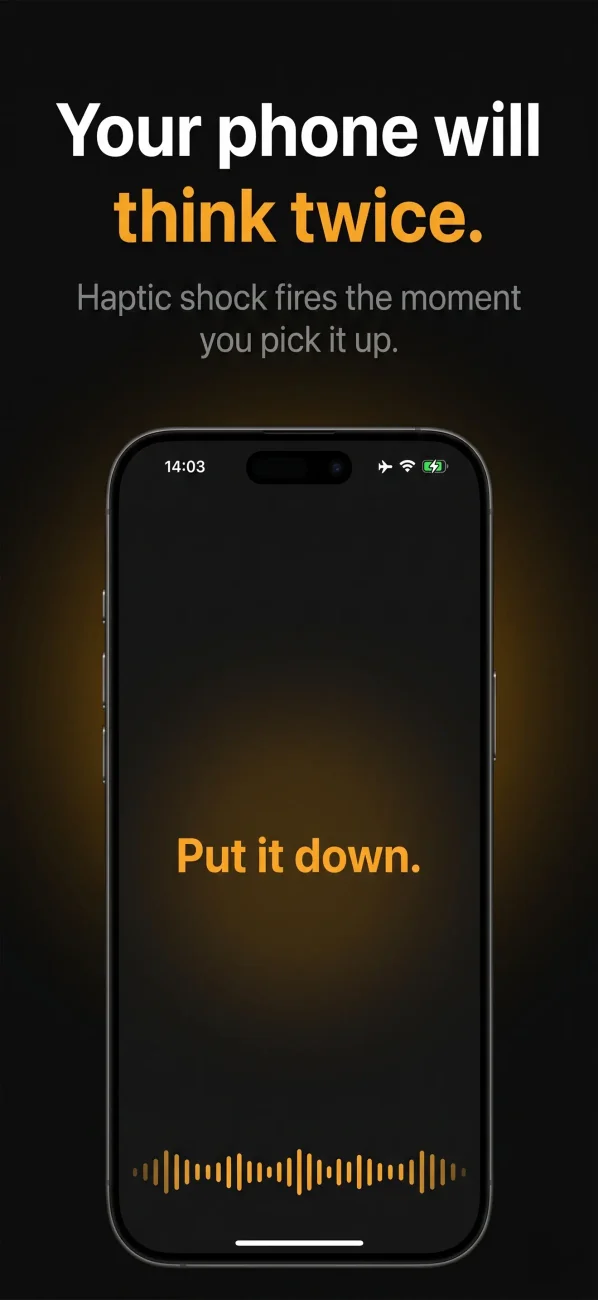
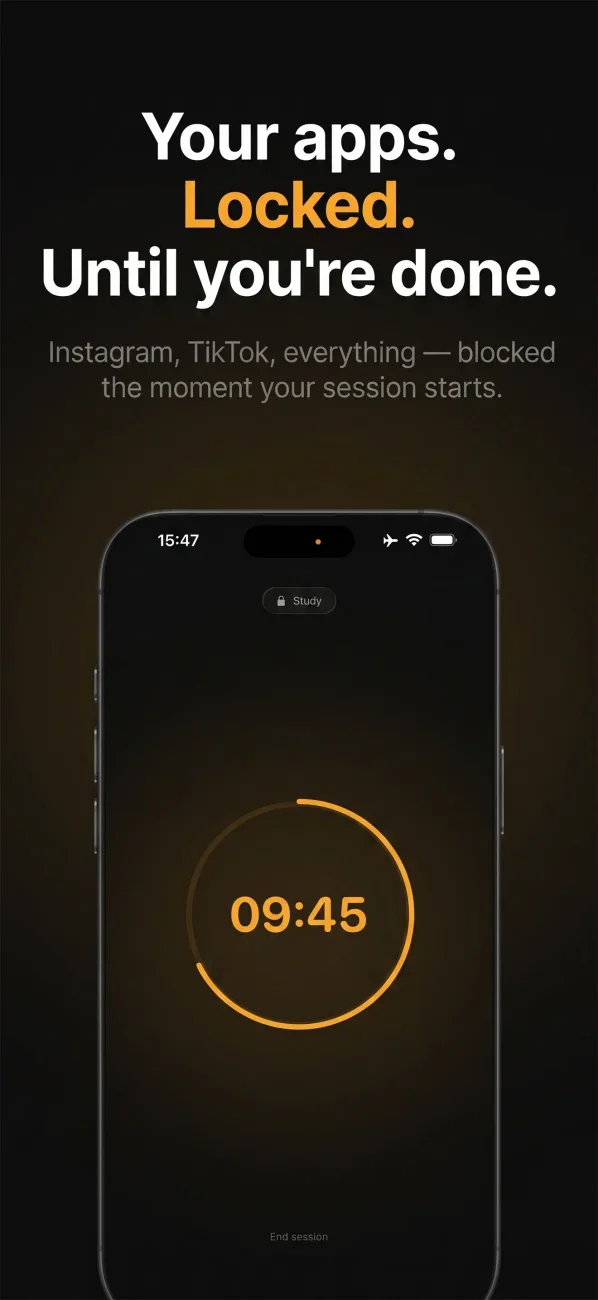
Lockd helps you focus by blocking distracting apps and catching the mindless phone pickups that break your concentration.
WHO IT'S FOR
1. You check your phone without even thinking
2. You lose hours to social media and notifications
3. You struggle to start and stay in deep work
4. You want focus habits that actually stick
KEY FEATURES
1. Pickup detection that pulls you back the moment you lift your phone
2. Real app blocking during sessions, powered by Apple Screen Time
3. Custom focus timers for work, study, reading, or a phone-free break
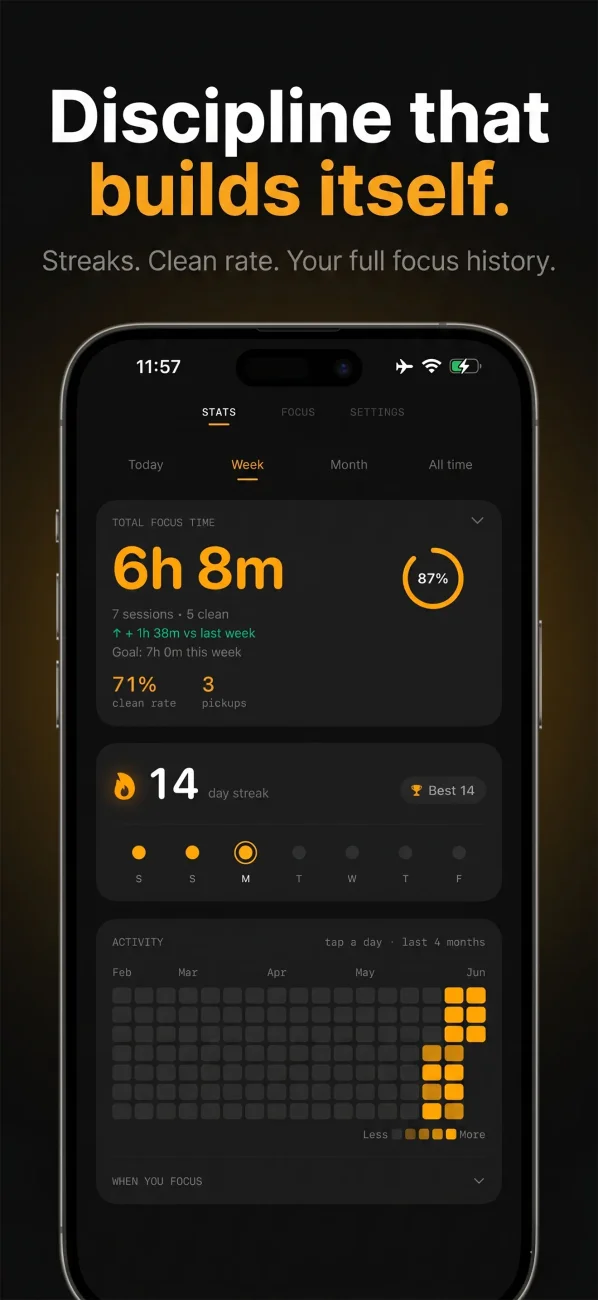
4. Session stats for focused time and how often you reached for your phone
5. Live Activities and widgets for your Lock Screen and Home Screen
6. A clean, minimal, distraction-free design
PRIVACY FIRST
1. No account, name, or email required
2. Your focus data stays on your device
3. Lockd never sees which apps you block, iOS keeps that private
4. Analytics are optional and can be turned off anytime
HOW IT WORKS
1. Pick your focus length
2. Choose the apps to block
3. Press start and stay in the zone
CONTACT AND LINKS
Support: https://lockdfocus.app/support
Privacy: https://lockdfocus.app/privacy
Terms: https://lockdfocus.app/terms
What’s new
Version 1.1.1 · Jun 23, 2026
- minor update
App privacy
What Eslam Younis declares on the App Store about how this app handles data.
-
Data linked to you
May be collected and linked to your identity.
- Purchases
- User content
- Identifiers
- Usage data
Privacy practices may vary, for example with the features you use or your age.
Information
- Seller
- Eslam Younis
- Category
- Productivity
- Version
- 1.1.1
- Updated
- Jun 23, 2026
- Released
- Jun 14, 2026
- Size
- 19.7 MB
- Requires
- iOS 17.0 or later
- Age rating
- 4+
- In-app purchases
- Yes
- Languages
- English
- Copyright
- © 2026 Eslam Younis
You might also like
-
 FocusMind - Pomodoro TimerFocus Timer & Pomodoro Blocker
-
 DevScroll - Ship to UnlockBlock Apps Until You Commit
-
 Pomodoro Focus Timer: OneTapStudy, To-Do & Productivity
-
 LapLogThe stopwatch with named laps!
-
 Sayso: AI Voice AssistantDay Planner, Calendar & Alarms
-
 Flow - Limit Your DistractionsYour Physical App Blocker
-
 FocusDown: Face Down FocusFlip phone down, stay focused
-
 Pomodoro Focus Timer - Tickrostudy productivity clock
-
 Nute Pad: Notepad CalculatorMath, Units & Currency in Text
-
 My Clock: Flip Clock & FocusPomodoro, Timers & Real Alarms