- Age rating4+
- CategoryProductivity
- DeveloperWuhan Jiushu Media Co., Ltd.
- LanguagesEnglish+ 1 more
- Size32.8 MB
Links to the official App Store page
Download.org hosts no file of Lockit: Task App Lock. The button opens its official App Store page, published by Wuhan Jiushu Media Co., Ltd. Listing last checked on Nov 15, 2026.
Screenshots
About
Take Control of Your Screen Time
Ever opened an app for 5 minutes...
and then realized 30 minutes were gone?
Ever tried to study, work, or sleep,
but your just opened the same distracting app again?
Or maybe there are private apps you do not want others to open easily.
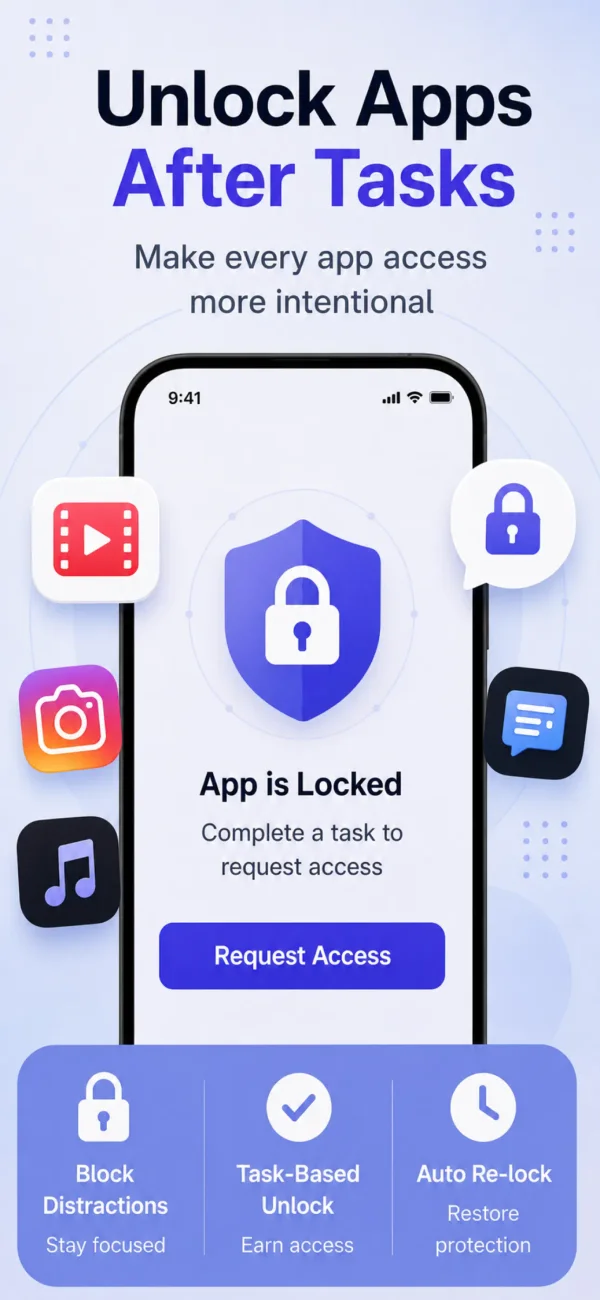
Lockit helps you pause before opening an app.
It does not try to stop you from using your phone forever.
It simply adds one small step before access.
First, protect the apps you want to manage.
Then, when you want to open one,
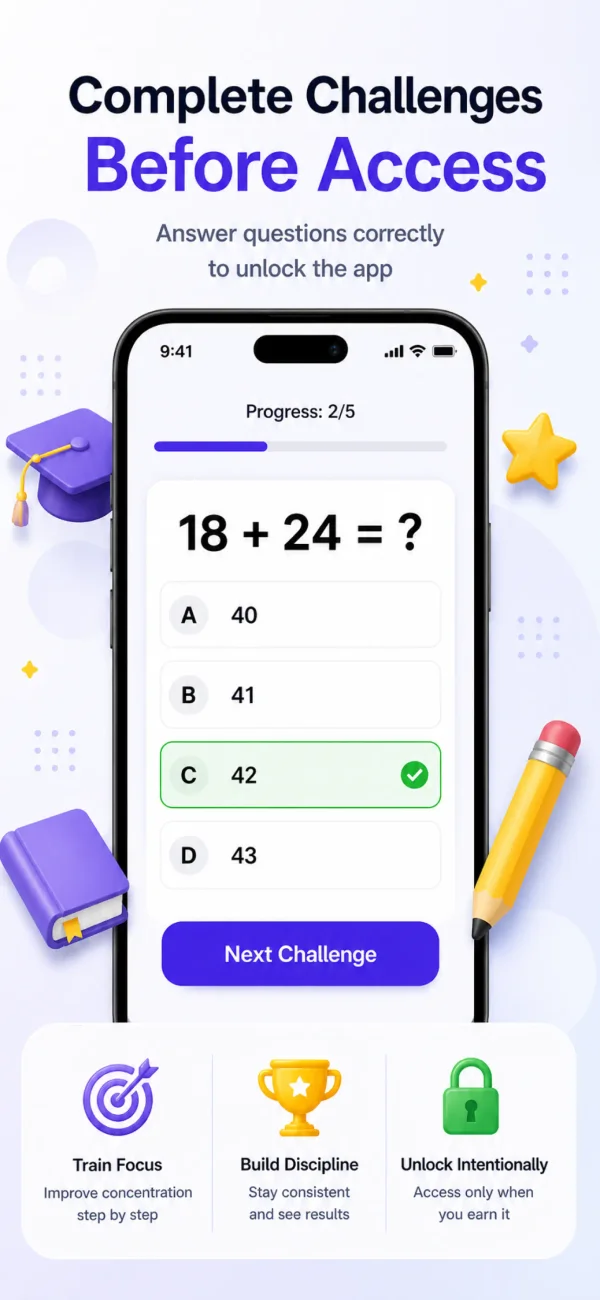
Lockit can ask you to finish a small task first.
It could be a math question.
It could be a simple checklist you create yourself:
Drink water.
Review 5 words.
Clean your desk.
Finish today’s first task.
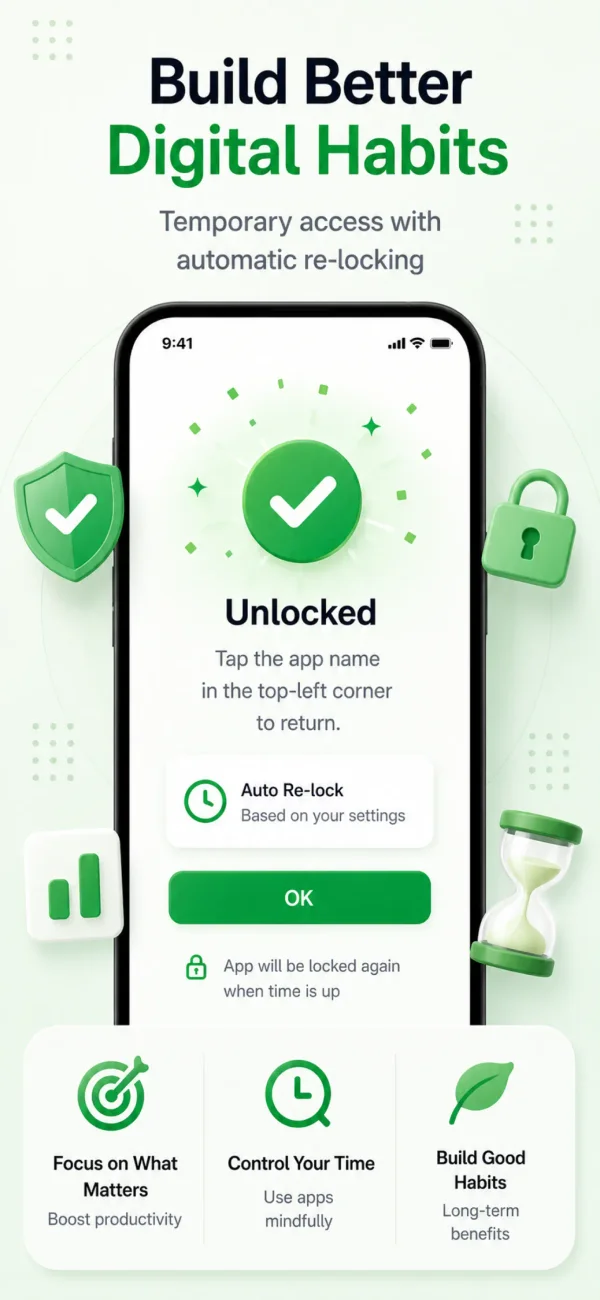
After the task is done,
you get temporary access.
When time is up,
the app is locked again.
This helps you ask:
Do I really want to open this right now?
Can I do one better thing first?
Lockit is useful when:
You want to focus while studying.
You want fewer phone breaks while working.
You want to use your phone less before bed.
You want to hide and protect private apps.
Your child wants to play on the phone,
and you want them to answer questions before unlocking apps.
This way, learning and entertainment can stay in balance.
Less impulse.
More focus.
One small pause before the next app.
Privacy is simple too:
Lockit does not read content from your managed apps.
Your settings, tasks, and progress stay on your device.
Passwords are stored securely using Apple’s Keychain.
Biometric authentication is handled by iOS.
What’s new
Version 1.0.5 · Oct 28, 2026
This update improves the app experience and fixes some known issues.
We are continuously improving Lockit to help you manage app access more easily, protect private apps, and reduce distractions when you need to focus.
Thank you for using Lockit.
App privacy
What Wuhan Jiushu Media Co., Ltd. declares on the App Store about how this app handles data.
-
Data not collected
The developer does not collect any data from this app.
Privacy practices may vary, for example with the features you use or your age.
Information
- Seller
- Wuhan Jiushu Media Co., Ltd.
- Category
- Productivity
- Version
- 1.0.5
- Updated
- Oct 28, 2026
- Released
- Jun 3, 2026
- Size
- 32.8 MB
- Requires
- iOS 16.0 or later
- Age rating
- 4+
- Price
- Free
- Languages
- English, Simplified Chinese
- Copyright
- © 2026 Lockit
You might also like
-
 Hina: Mood & Health JournalVoice notes & AI summaries
-
 CaseKeep: Legal Case OrganizerEvidence, Deadlines & Timeline
-
 TenantDesk: Rental InspectionSecurity Deposit Photo Proof
-
 Minpick5 minutes lost just deciding
-
 屋屋记Productivity
-
 SuperShot: Long ScreenshotStitch Images, Annotate & Blur
-
 SpeedTest: WIFI Speed TestInternet, 5G & Ping Analyzer
-
 DBHub - Your Life OrganizerTrack Books, Habits & Spending
-
 Clip Keyboard: Paste SnippetsClipboard Manager, Quick Reply
-
 Magic Call Pro: AI VoicesNext-Level AI Fake Calls