
- Age rating4+
- CategoryProductivity
- DeveloperLucas Mylon
- LanguagesEnglish
- Size8.3 MB
Links to the official App Store page
Download.org hosts no file of Lockn. The button opens its official App Store page, published by Lucas Mylon. Listing last checked on Nov 16, 2026.
Screenshots
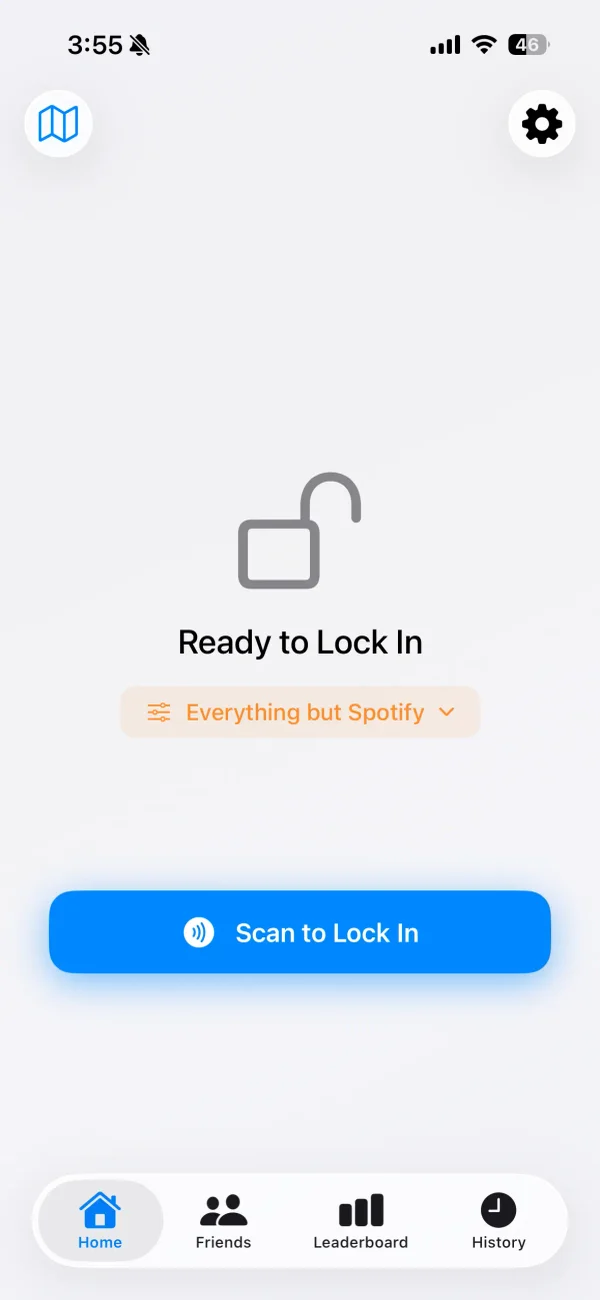
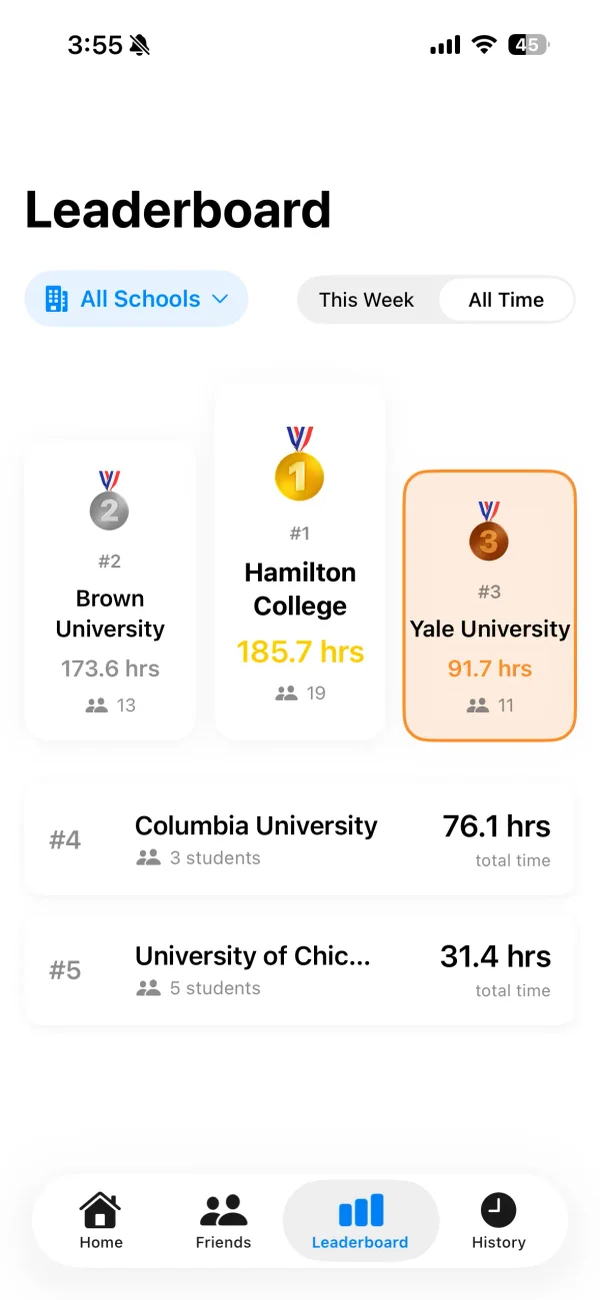
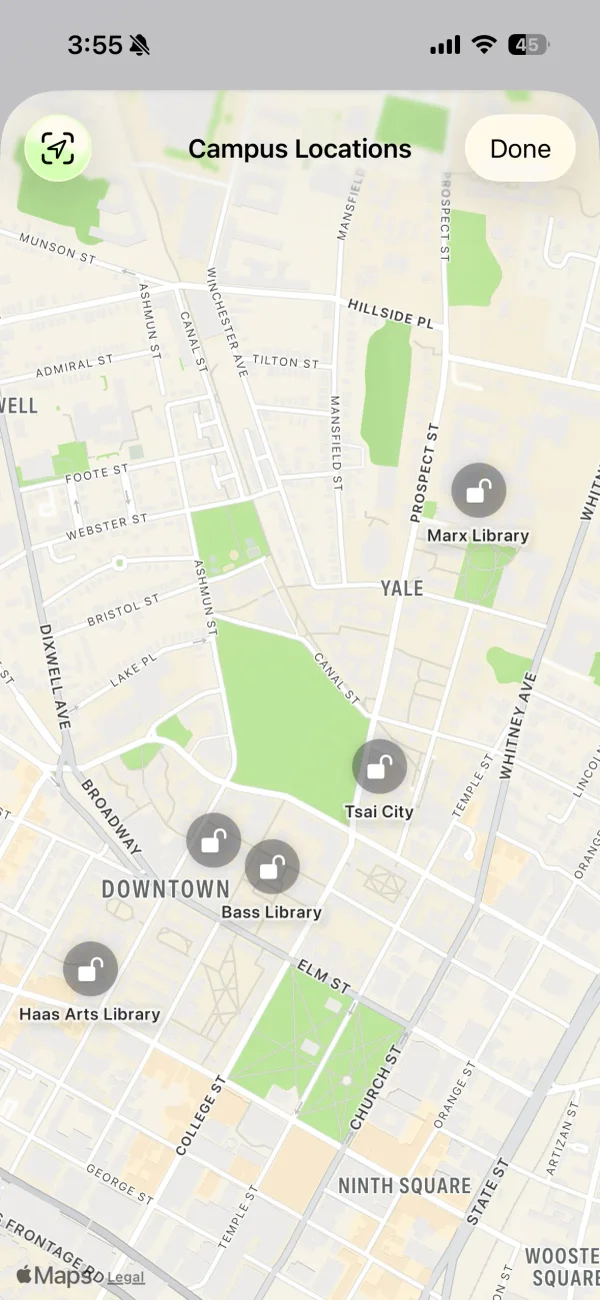
About
**Lockn integrates with installed tap stations in designated areas across libraries and other study spots. Please ensure that your school has partnered with Lockn before downloading the app.**
As you enter the library, tap your phone to a Lockn tap station to disable distracting apps and begin a lock-in session. Use the friends and leaderboard features to interact with your classmates and see whose ahead! Log your sessions in history. When you are done studying, tap your phone on your way out. Lockn prevents phone distractions during study sessions by creating distance between you and your phone.
What’s new
Version 1.1.1 · Sep 26, 2026
Minor bug fixes & improvements.
App privacy
What Lucas Mylon declares on the App Store about how this app handles data.
-
Data linked to you
May be collected and linked to your identity.
- Contact info
Privacy practices may vary, for example with the features you use or your age.
Information
- Seller
- Lucas Mylon
- Category
- Productivity
- Version
- 1.1.1
- Updated
- Sep 26, 2026
- Released
- May 4, 2026
- Size
- 8.3 MB
- Requires
- iOS 18.5 or later
- Age rating
- 4+
- Price
- Free
- Languages
- English
- Copyright
- © 2026 Lockn LLC
You might also like
-
 lockwork: study screen timeblock apps learn exams
-
 ByWhen: Deadline Task PlannerTask Reminders for Due Dates
-
 SparkAM: Motivational AlarmWake up with purpose every day
-
 PlanMate- Student Life PlannerHigh School Academic Manager
-
 Braid: Novel WritingPlot, outline & write a book
-
 Fried: Screen Time ControlApp Blocker & Focus Timer
-
 TaskTomo: AI Study PlannerFocus timer, exams & homework
-
 One Question: Daily JournalOne question. Daily. Done.
-
 learn lock: study to scrollProductivity
-
 App Screen Time LockPer-app daily limits