
lockwork: study screen time
block apps learn exams
Designed for iPhone
Free · In-app purchases
- Age rating4+
- CategoryProductivity
- DeveloperYou Can Just Do Things Limited
- LanguagesEnglish
- Size15.1 MB
Links to the official App Store page
Download.org hosts no file of lockwork: study screen time. The button opens its official App Store page, published by You Can Just Do Things Limited. Listing last checked on Nov 13, 2026.
Screenshots

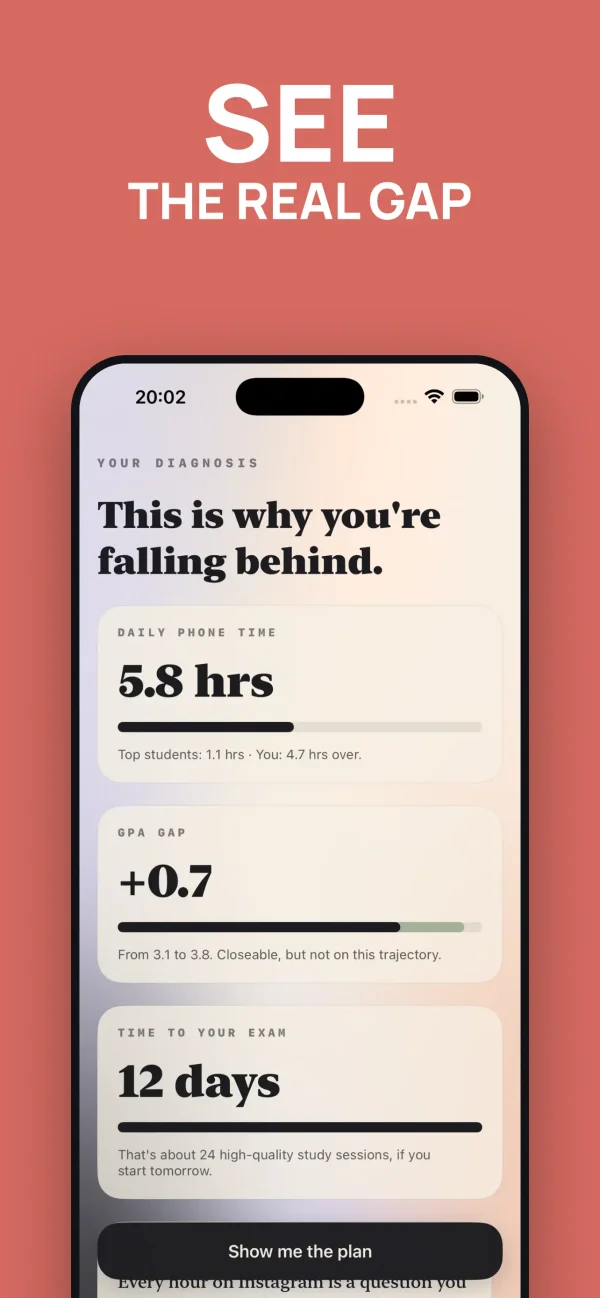
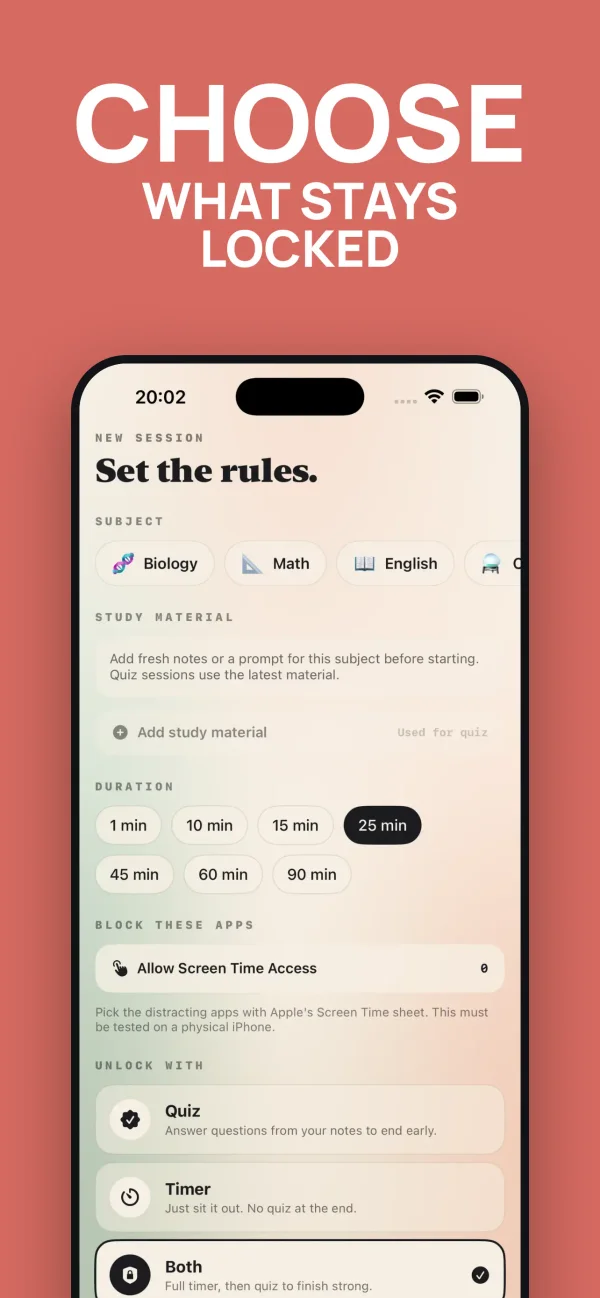
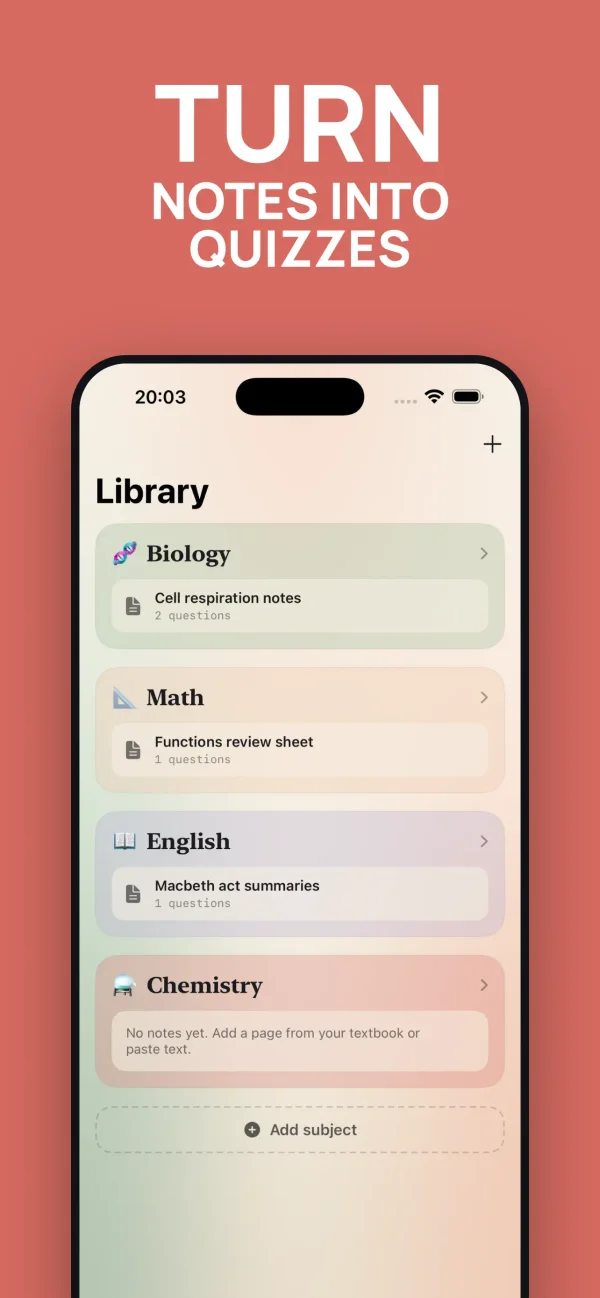
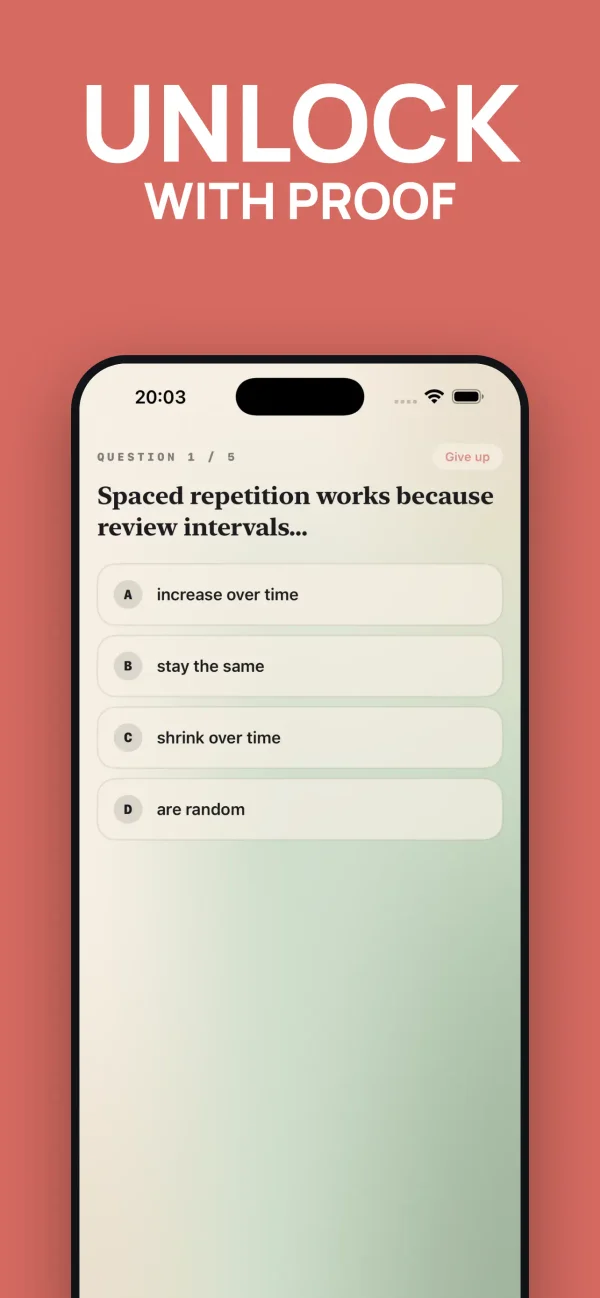
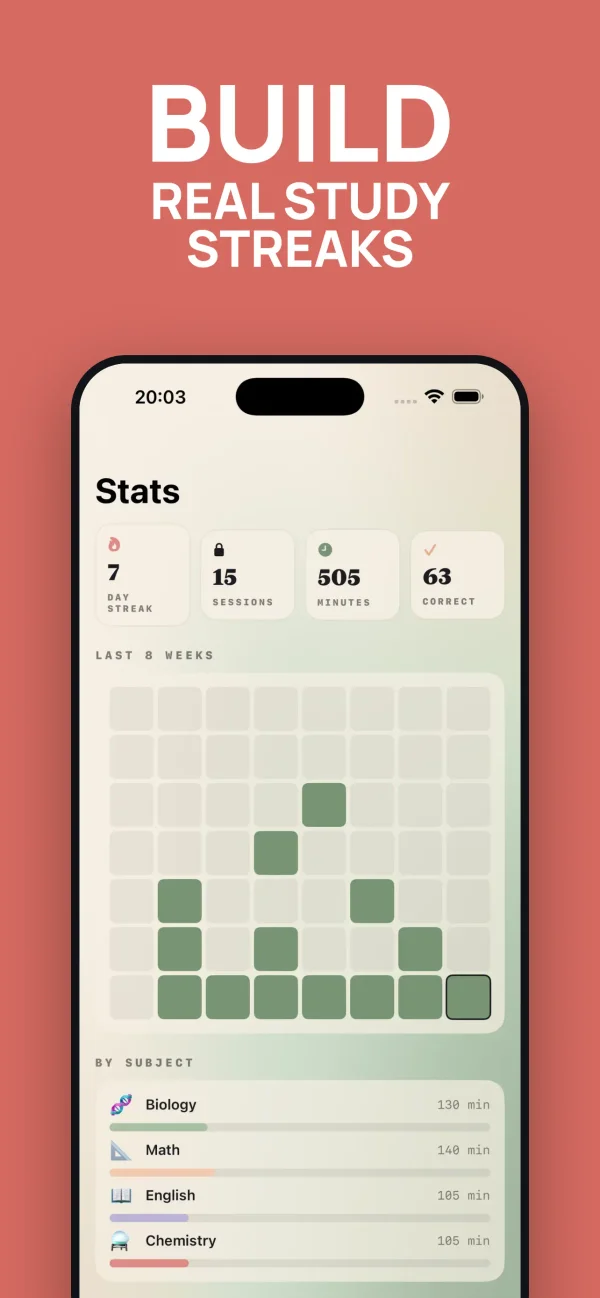
About
Lockwork is a study timer and app blocker for students who need their phone to stop negotiating.
Start a study session, choose the distracting apps you want blocked, and stay locked in until the work is done. Then earn those apps back with quiz questions generated from your own notes, pasted text, or study material.
Lockwork is built for exam prep, daily study routines, and students who need more than a timer to stay honest.
What you can do in Lockwork:
- Block distracting apps during a study session
- Set a session length for focused study time
- Unlock with time, quiz answers, or both
- Turn notes into quiz-ready study material
- Organize study material by subject
- Track streaks, completed sessions, and time studied
Why students use Lockwork:
- It combines a study timer with real app blocking
- It gives you a clear finish line for each session
- It turns your own notes into quizzes for active recall
- It helps you stay focused during exam prep instead of just planning to focus
If you need a study app for exam prep, a focus timer that blocks apps, or a tougher way to protect your study sessions, Lockwork is built for you.
Some features require Screen Time / Family Controls access on iPhone.
SUBSCRIPTION INFORMATION
Full access to all features and the 66-day program requires a Victus subscription (Monthly/Yearly). Payment will be charged to your iTunes Account at confirmation of purchase.
Your subscription will automatically renew unless auto-renew is turned off in your iTunes Account Settings at least 24 hours before the current period ends. You can manage your subscription and turn off auto-renew from your iTunes Account settings. Your iTunes Account will be charged for renewal when the purchase is confirmed.
Privacy policy: https://www.getvictus.com/privacy
Terms: https://www.getvictus.com/terms
App privacy
What You Can Just Do Things Limited declares on the App Store about how this app handles data.
-
Data not linked to you
May be collected but is not linked to your identity.
- Location
- User content
- Usage data
- Diagnostics
Privacy practices may vary, for example with the features you use or your age.
Information
- Seller
- You Can Just Do Things Limited Liability Company
- Category
- Productivity
- Version
- 1.0
- Updated
- May 11, 2026
- Released
- May 11, 2026
- Size
- 15.1 MB
- Requires
- iOS 18.0 or later
- Age rating
- 4+
- Price
- Free
- In-app purchases
- Yes
- Languages
- English
- Copyright
- © 2026 You Can Just Do Things LLC
You might also like
-
 OnLock - Study TimerAI-verified focus & study
-
 LocknFocus with friends on campus
-
 TakeTime: Study App BlockerScroll Less, Study More.
-
 LockLeaf: App BlockerEarn Screen Time With Quizzes
-
 ScreenTimeBlocker - App LimitsTake back your screen time
-
 Mosslock: App Blocker & FocusScreen time & study timer
-
 Scripture Clock: Verse TimeA Bible verse for every minute
-
 Focus: Study TimerFocus Timer & Study Stats
-
 learn lock: study to scrollProductivity
-
 AI Screen Time - Focus MamaScreentime Goal Habit tracker