
- Age rating17+
- CategoryEducation
- DeveloperBae Ho Lee
- LanguagesJapanese+ 19 more
- Size146.3 MB
Links to the official App Store page
Download.org hosts no file of Loopy Player. The button opens its official App Store page, published by Bae Ho Lee. Listing last checked on Nov 23, 2026.
Screenshots
About
Loopy is a media player for language learning that lets you instantly look up, repeat, and save words and sentences you encounter while watching videos, listening to audio, or browsing the web.
Look up words, repeat specific sections, and organize your vocabulary—all in one app, without interrupting your content.
▸ Easily Add Learning Materials
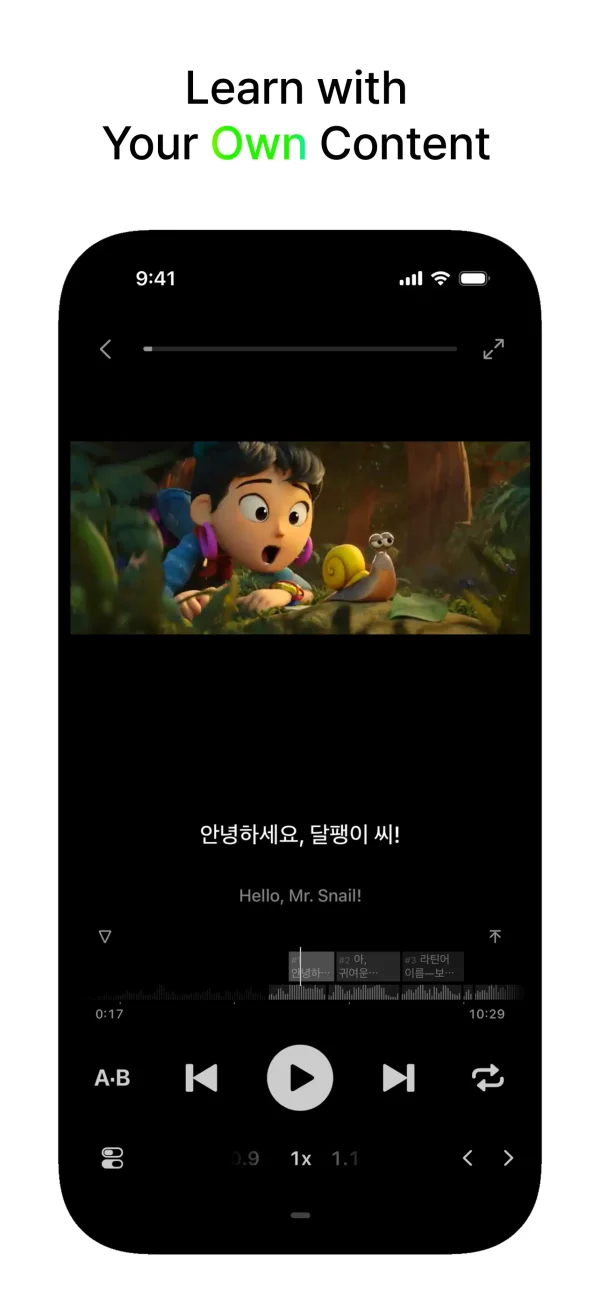
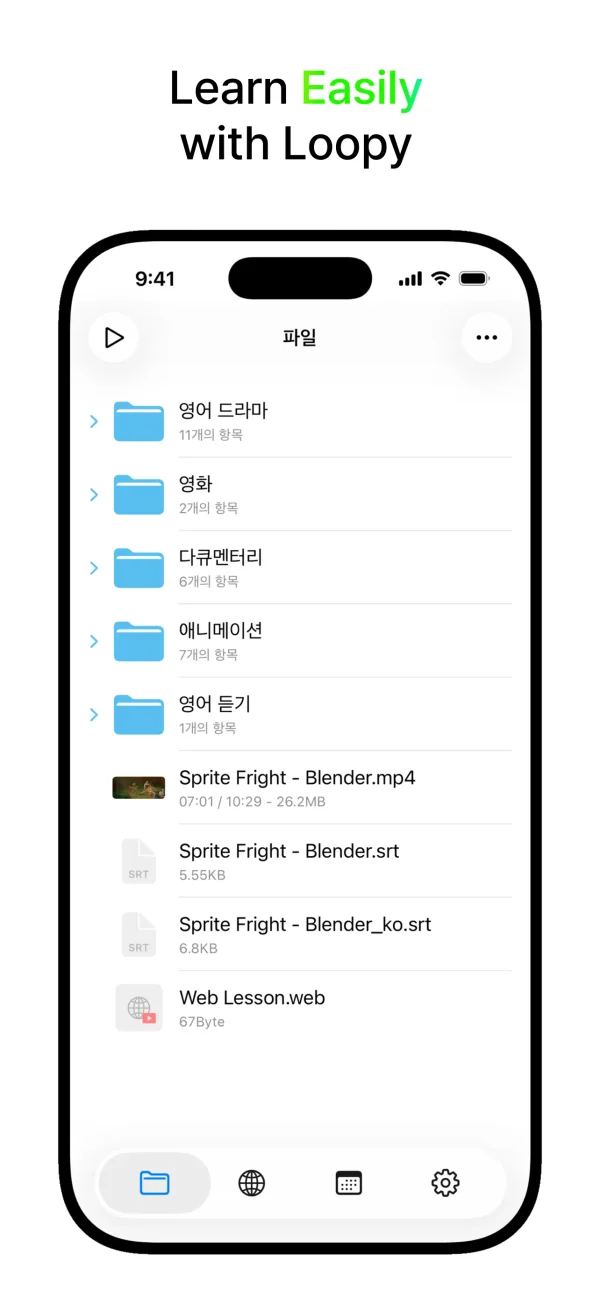
Add video, audio, and subtitle files to Loopy through File Sharing, iCloud Drive, or Wi-Fi transfer.
▸ Dual Subtitles, Even Without Subtitle Files
View both original and translated subtitles simultaneously. If your content doesn’t include subtitles, Loopy can automatically generate and translate them.
▸ Look Up Expressions Instantly
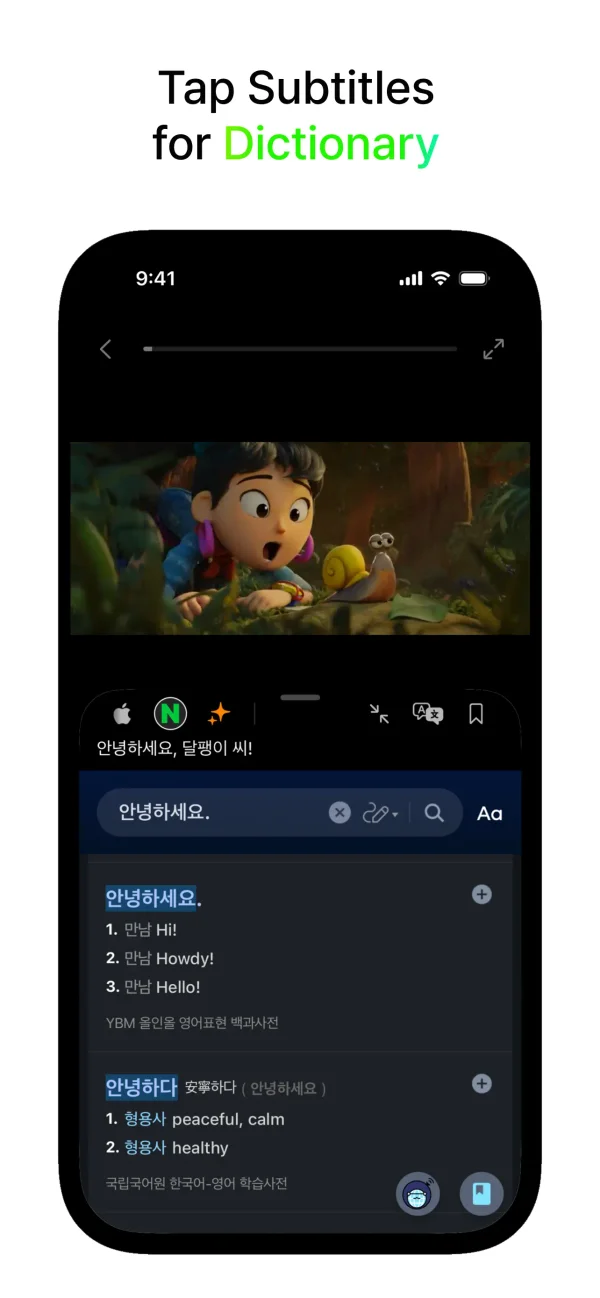
Tap an unfamiliar word in the subtitles to open the dictionary instantly. To understand an entire sentence, simply drag across it to translate.
▸ The Same Learning Tools on the Web
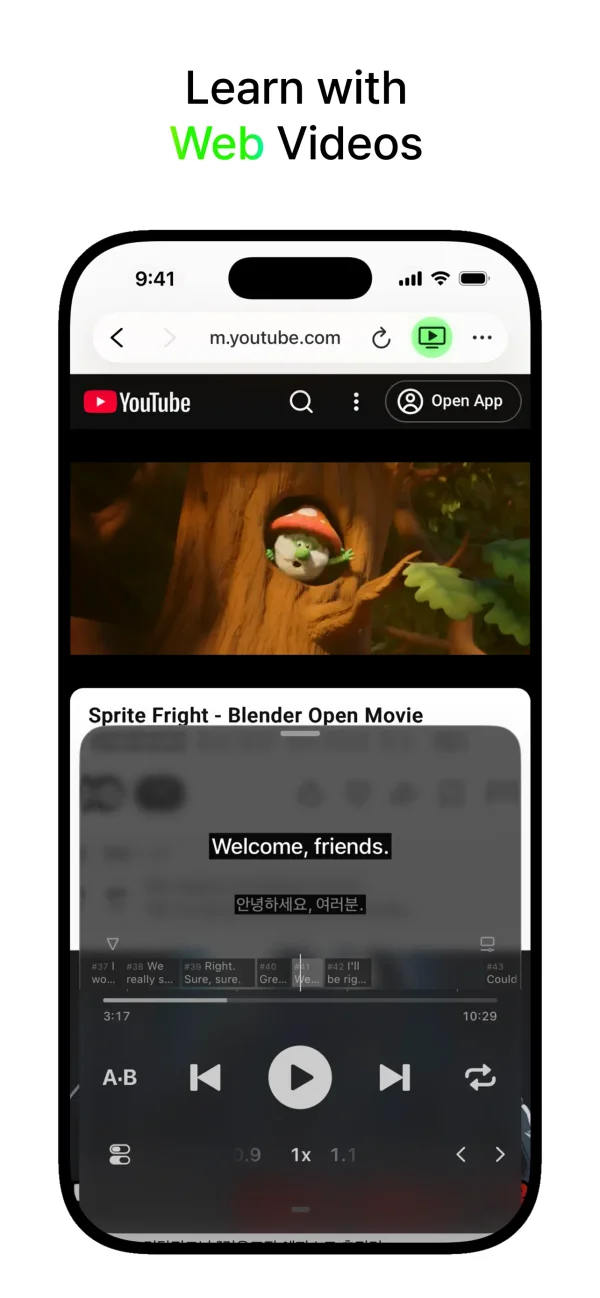
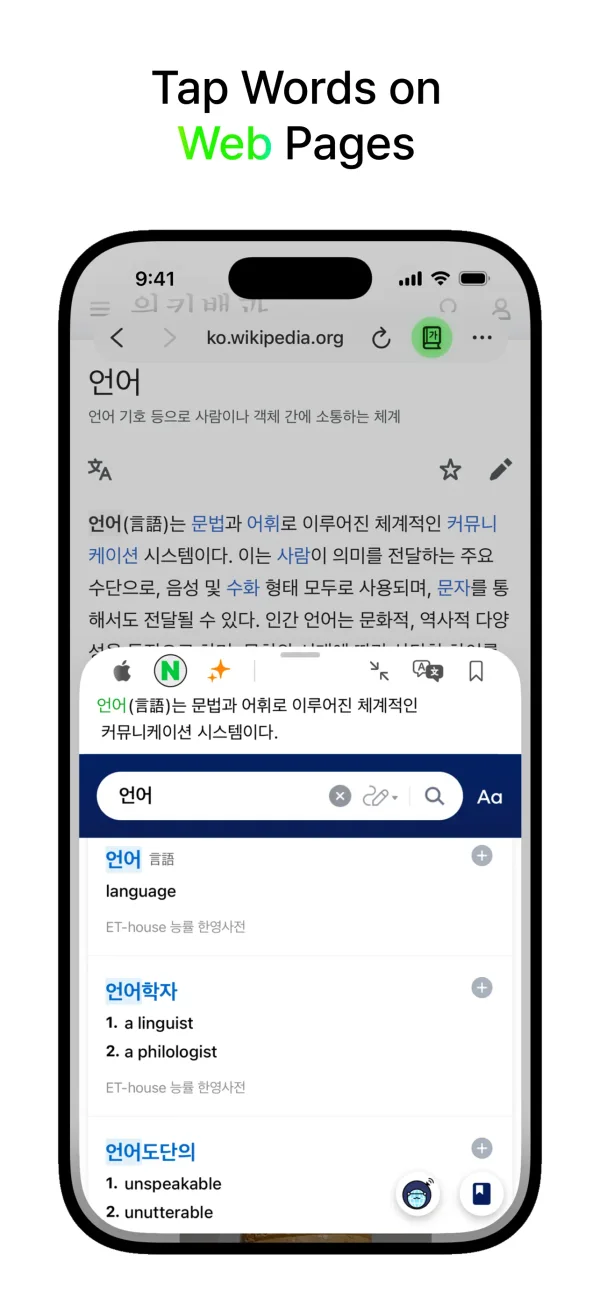
Use dual subtitles, real-time translation, and one-tap dictionary lookup with web videos. You can also tap or drag text on a webpage to look it up or translate it instantly.
▸ Automatically Build Your Personal Vocabulary List
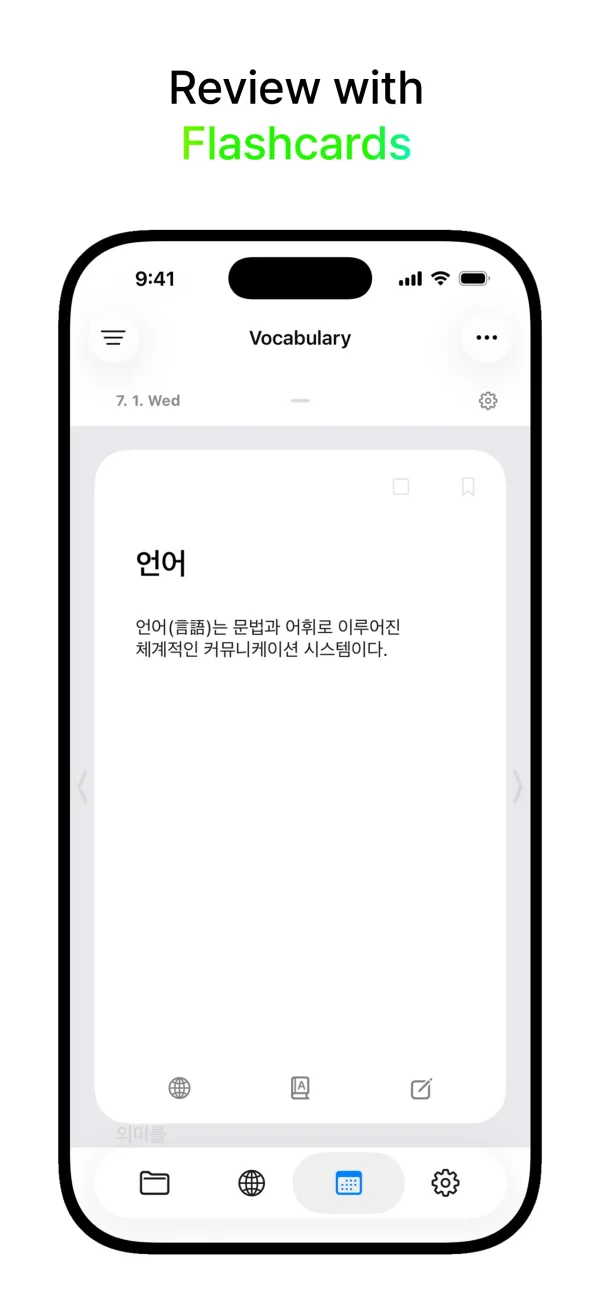
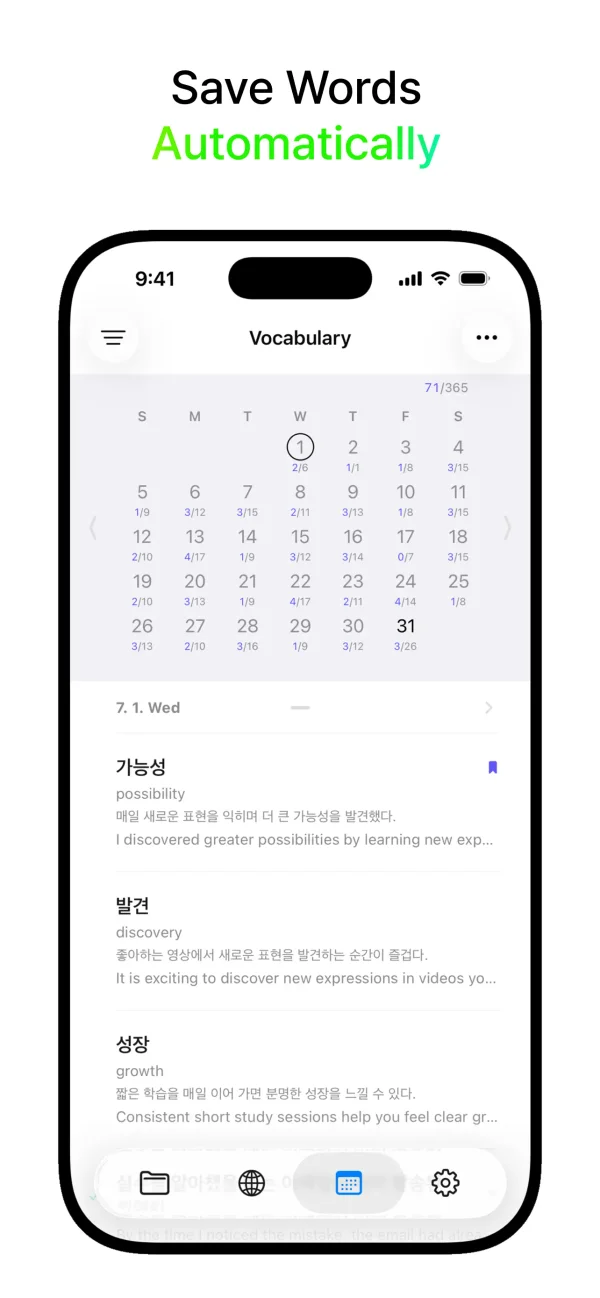
Words you look up and sentences you translate are automatically saved with the date you studied them. Track your daily progress on the calendar, review with flashcards, and manage your learning progress.
▸ Listen, Shadow, and Repeat — Loopy Pro
Loopy Pro analyzes audio waveforms to help you repeat sections containing speech. Jump between subtitle and speech segments, adjust playback speed, and focus on specific parts using subtitle repetition, A-B repetition, and customizable repeat counts. Subtitle navigation, playback speed controls, and repeat playback tools are also available for web videos.
▸ Keep study materials in view — Loopy Pro
Keep notes, documents, or web pages open in a compact window alongside your content. Take notes as you learn or keep reference materials open while you study.
There’s no need to pause a video to open a separate dictionary or record expressions in another app.
Every moment you watch, listen, tap, and repeat naturally becomes part of your learning.
Terms of Use (EULA):
https://www.apple.com/legal/internet-services/itunes/dev/stdeula/
Sample Content
Sprite Fright
(CC) Blender Foundation | studio.blender.org
Licensed under the Creative Commons Attribution 1.0 License (CC BY 1.0).
Official source:
https://studio.blender.org/films/sprite-fright/
License and attribution information:
https://studio.blender.org/projects/sprite-fright/pages/about/
What’s new
Version 1.5.2 · Nov 13, 2026
Fixed an issue when dragging folders within Files.
App privacy
What Bae Ho Lee declares on the App Store about how this app handles data.
-
Data not collected
The developer does not collect any data from this app.
Privacy practices may vary, for example with the features you use or your age.
Information
- Seller
- Bae Ho Lee
- Category
- Education
- Version
- 1.5.2
- Updated
- Nov 13, 2026
- Released
- Oct 21, 2026
- Size
- 146.3 MB
- Requires
- iOS 18.0 or later
- Age rating
- 17+
- In-app purchases
- Yes
- Languages
- Japanese, Arabic, Italian, Indonesian, Ukrainian, Dutch, Spanish, Thai, Turkish, German, Hindi, French + 8 more
- Copyright
- © 2026 Bae Ho Lee
You might also like
-
 Pocket Docent: Art Audio GuidePoint the camera, hear the art
-
 VocaHi - Flashcard, vocabularyvocabulary,flashcard,voca,card
-
 SentelyCollect sentences. Learn words
-
 Bible Heroes: Audio Stories150 Bible Stories to Listen To
-
 Memento: Flashcard MakerPhotos & PDFs into flashcards
-
 Korean Language - K HangulEducation
-
 Loop Note - AB Repeat StudyListening, Dictation & AB Loop
-
 eKo Listen & RepeatLearn Korean from your speech
-
 잊기전에: 영단어 암기, 토익 기초 여행 단어장, 복습Education
-
 면접스터디Education