
Memento: Flashcard Maker
Photos & PDFs into flashcards
Designed for iPhone, iPad, Mac
Free · In-app purchases
- Age rating4+
- CategoryEducation
- DeveloperHyunsang Joo
- LanguagesEnglish+ 11 more
- Size52.2 MB
Links to the official App Store page
Download.org hosts no file of Memento: Flashcard Maker. The button opens its official App Store page, published by Hyunsang Joo. Listing last checked on Nov 26, 2026.
Screenshots

About
Copying a textbook into a notebook eats the time you meant to spend memorizing it. And the words you did get down start to blur a few days later.
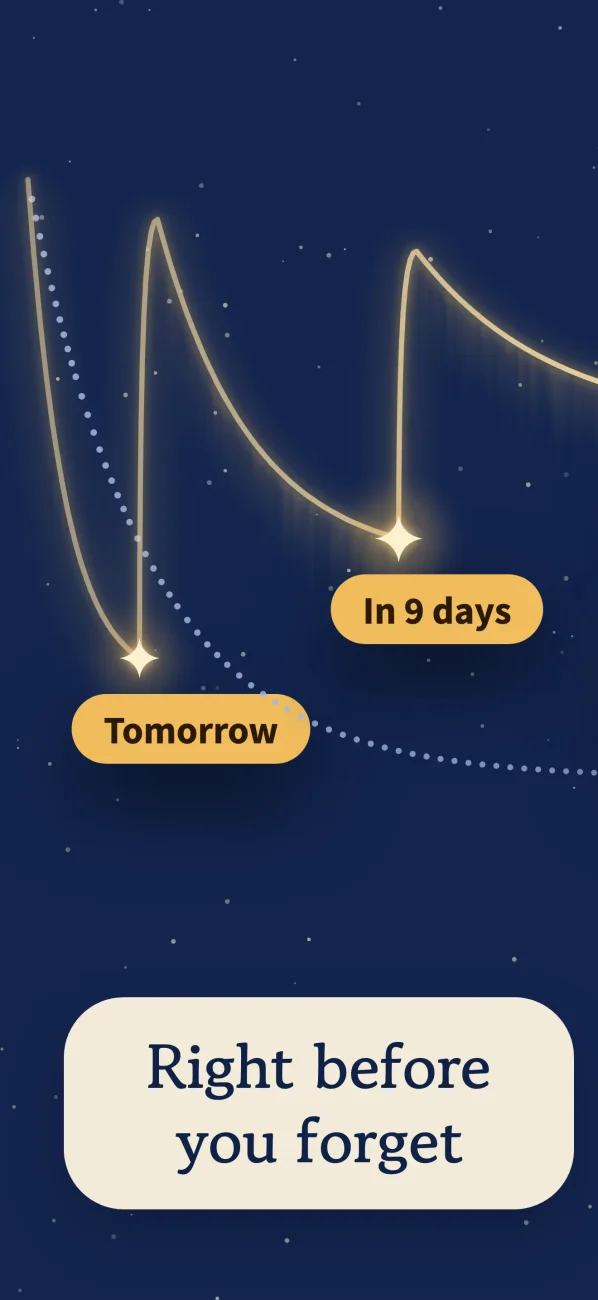
Memento takes the copying off your hands and brings each card back just before you would forget it.
— Snap a page, get the cards
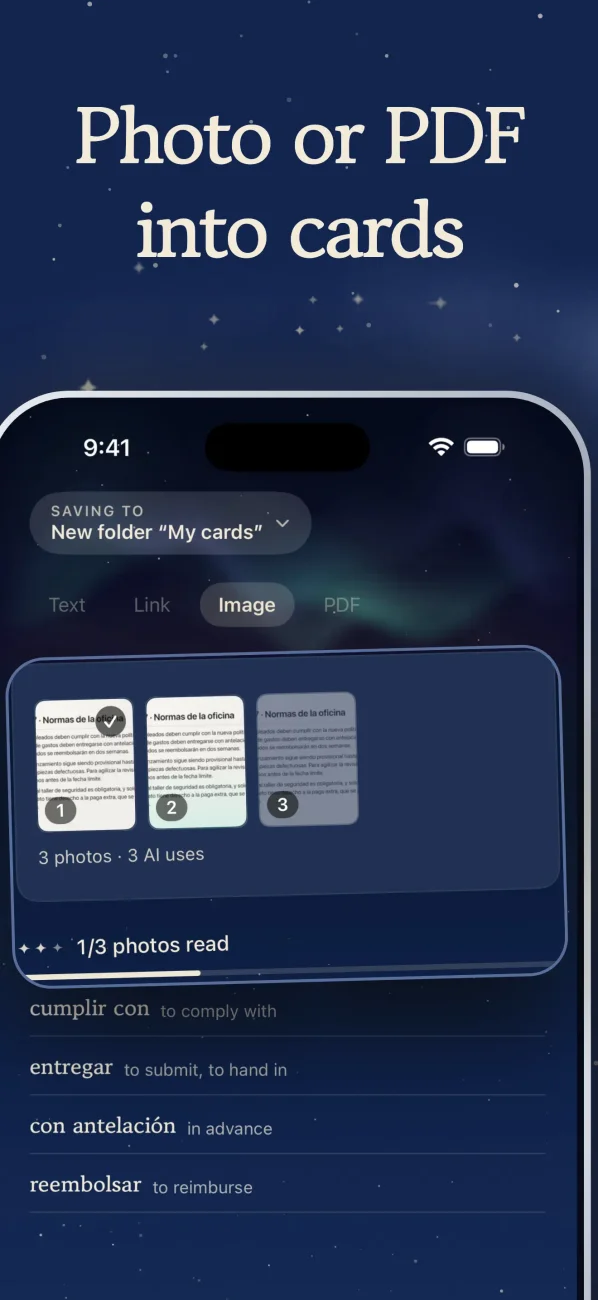
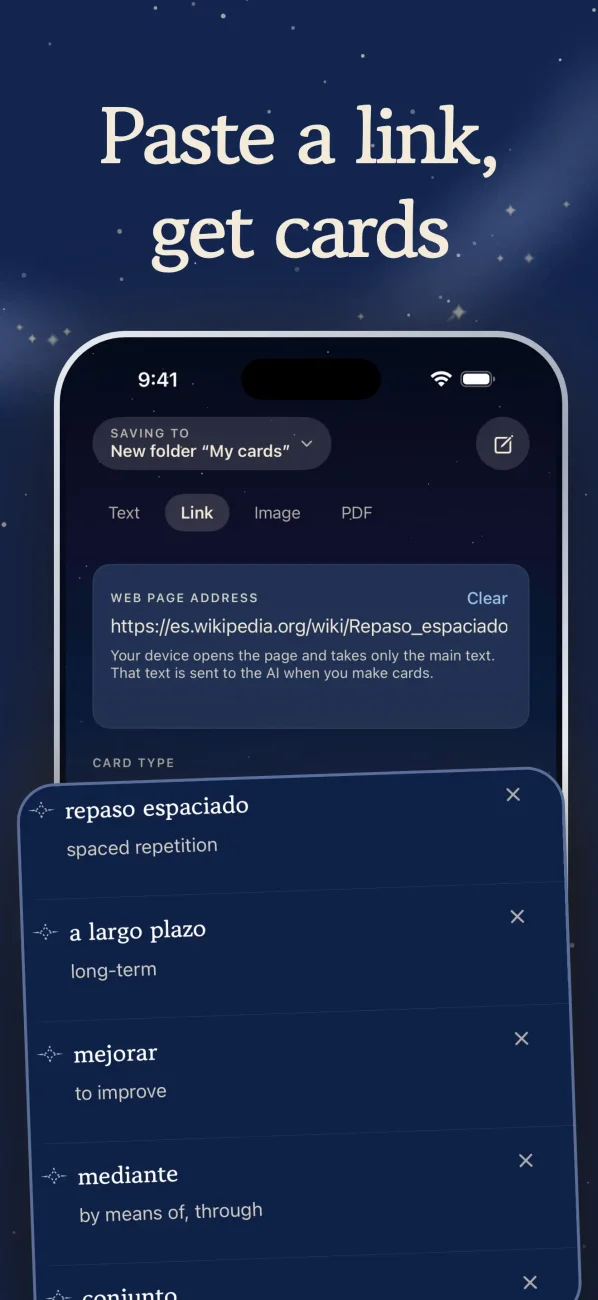
Photograph a textbook page and the words and sentences on it are sorted into a set of cards in one pass. Photos from your library, text you've copied, and PDFs work the same way, including long PDFs of 10+ pages. In a vocabulary folder each card gets a word, a meaning and an example sentence; in a knowledge folder, a concept and an explanation.
— Ask when you get stuck
Stuck on something while you study? Ask right there. Try "How do I say 'rain on someone's parade' in Spanish?" and you get the meaning with an example, plus a draft card under the answer. Only the cards you tap Save on go into a folder.
— Type the word, AI fills in the rest
When you make a card yourself, type just the word and tap AI fill. The meaning and an example sentence are filled in for you. You can add a photo to either side of a card, too.
— Back right before you forget
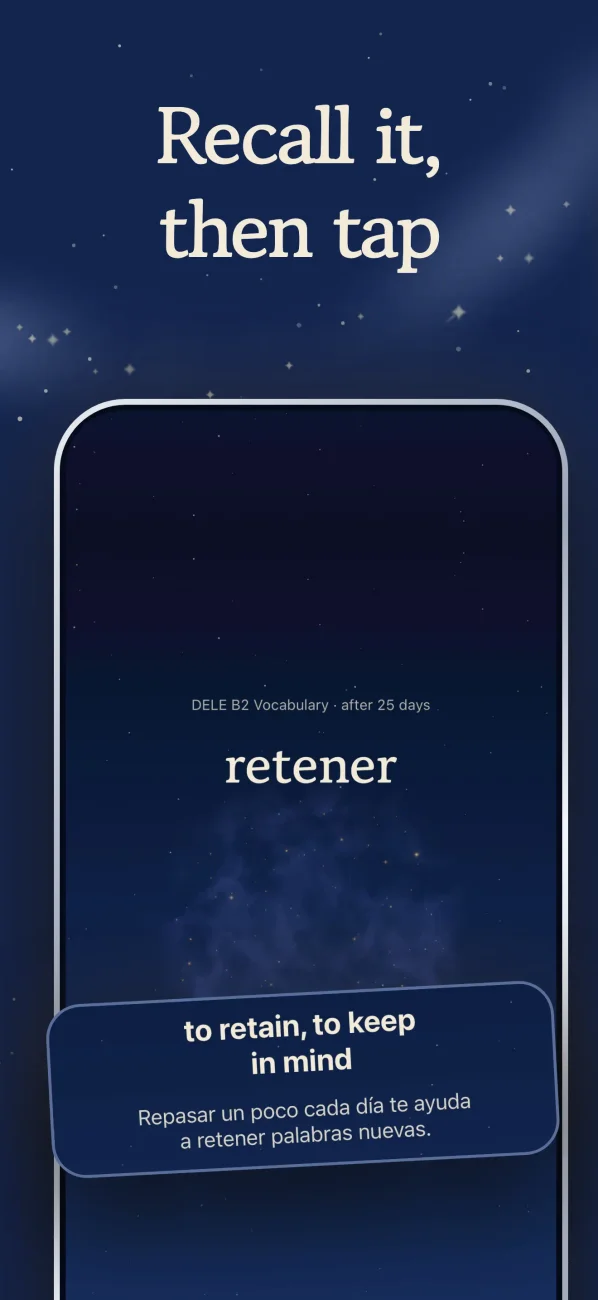
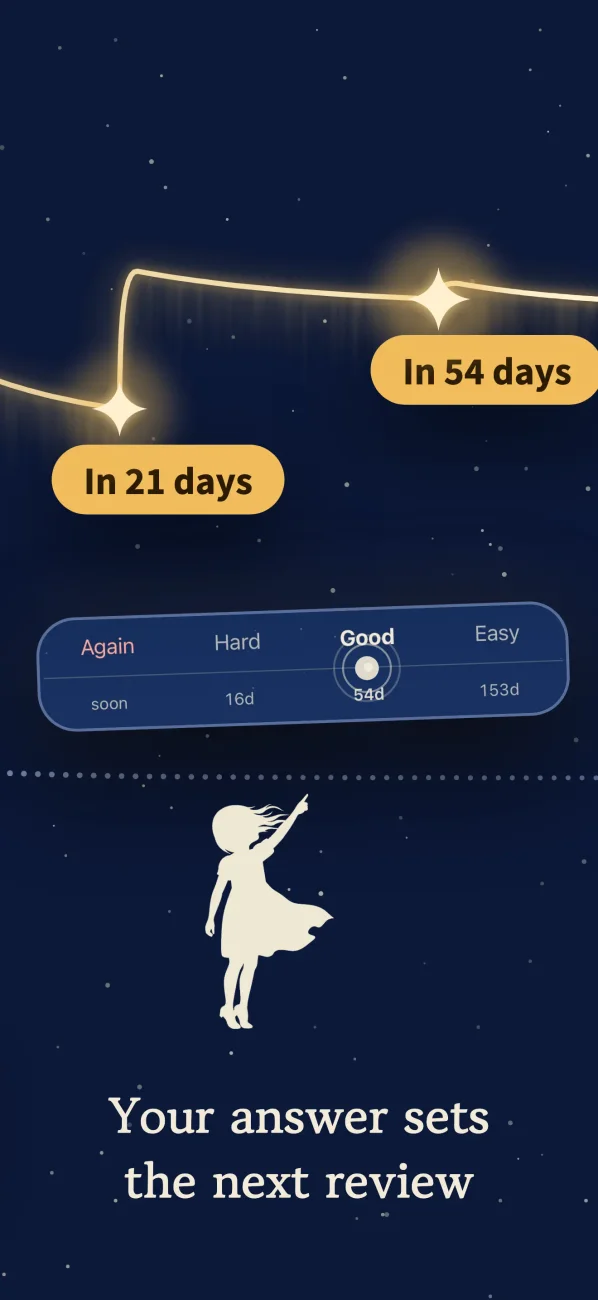
Every card gets its own next review date. Cards you know well come back less often and shaky ones more often, so the same study time goes to your weak spots. To review, tap to reveal the meaning, then tap Again, Hard, Good or Easy. Turn on reminders and you'll get one at the time you choose, only on days with cards due, telling you how many are waiting.
— On your Lock Screen
Pin up to four must-know cards to the Lock Screen. Each shows the word and its meaning without opening the app, and a tap takes you straight into practice. You can also let the cards you miss most fill those spots automatically.
— Paced to your exam date
Set a target date on a folder and the number of new cards per day adjusts so you get through the whole folder by then. Days left and exam readiness show right on the folder.
— Other ways through the same cards
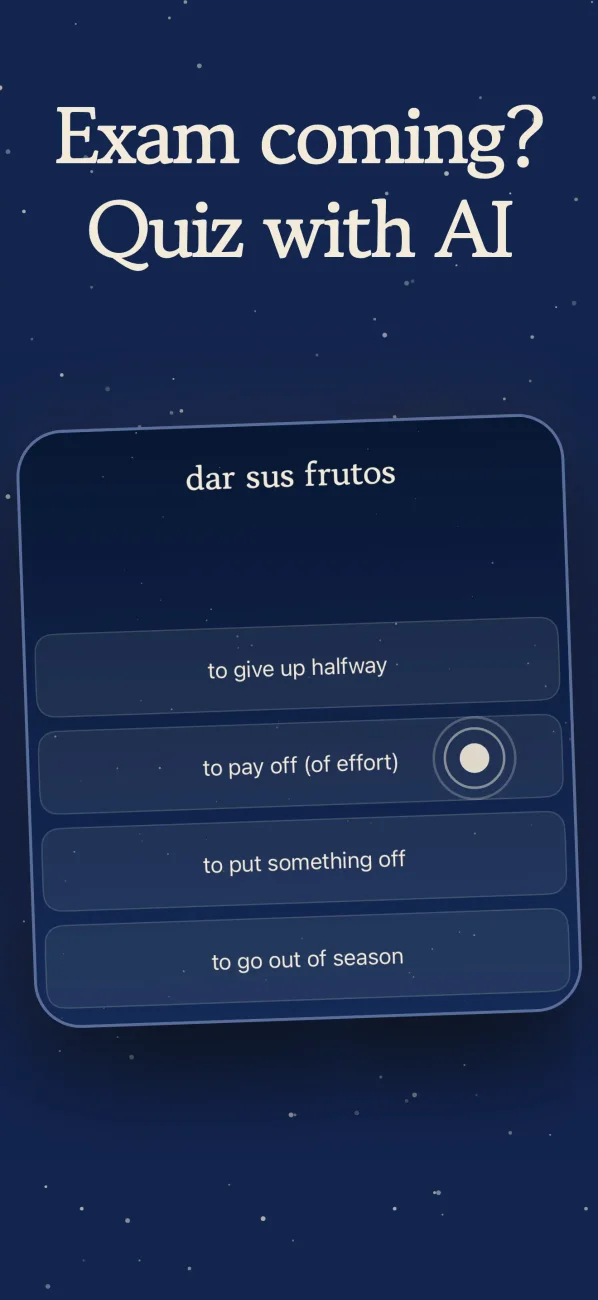
Type answer has you write the answer before you see the back. Autoplay moves through the cards on its own, and Match turns a folder into a matching game that tracks your time and best record and lets you replay the cards you missed. Cards can be read aloud, too.
— See where you stand
Statistics show your current level, your recent trend and how well you know each folder. You can also review only the cards you keep missing.
— Import and sync
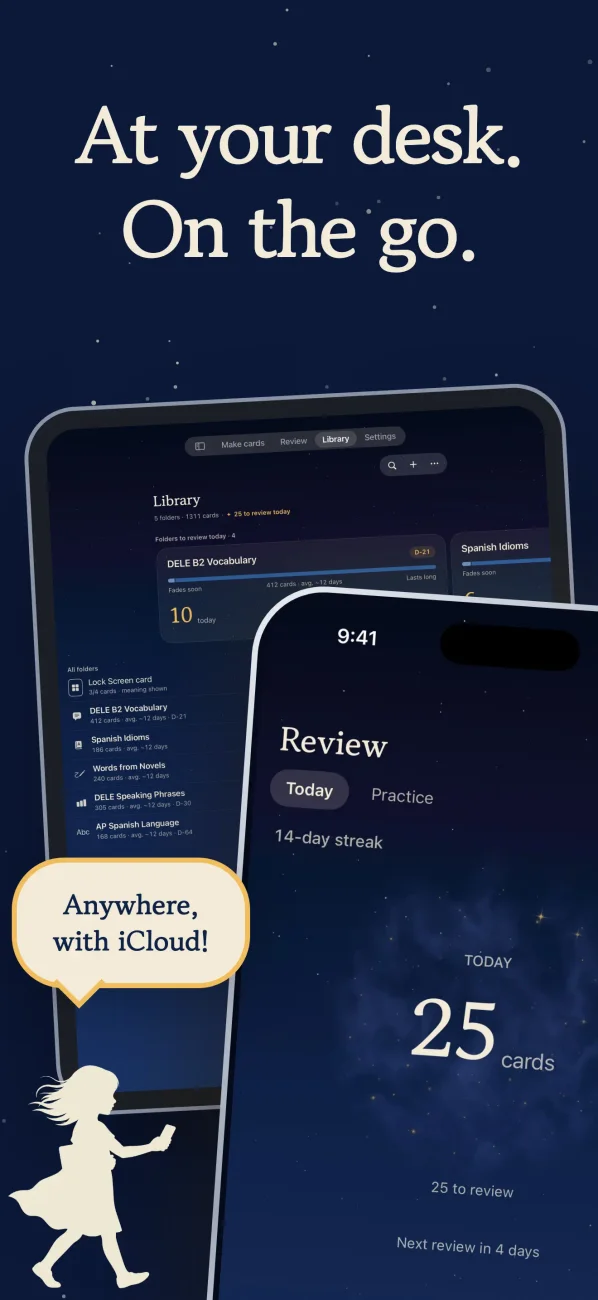
Anki decks (.apkg, .colpkg) import too: each deck becomes a folder, and review schedules and pictures come along (audio is left out). Folders, cards and review history stay in sync across your iPhone, iPad and Mac on the same iCloud account, with no separate app sign-in. Every device needs the latest version of the app, and a device that isn't signed in to iCloud keeps its cards on that device only.
— Memento Pro
The free plan already lets you ask AI questions and make cards from your material. Pro raises your AI limits and removes ads. Reviews, target dates and statistics are the same on free and Pro. Choose a monthly subscription with a 7-day free trial, or a one-time Lifetime purchase.
Pro Monthly is an auto-renewable subscription. Payment is charged to your Apple Account when you confirm the purchase, or when the free trial ends if one applies. It renews automatically unless canceled at least 24 hours before the end of the current period. Manage or cancel anytime in your Apple Account settings. Lifetime is a single payment and does not renew.
Text, photos and PDFs you give the AI features are sent to an external AI service to generate answers and cards. Details are in the Privacy Policy.
Terms of Use (EULA): https://www.apple.com/legal/internet-services/itunes/dev/stdeula/
Privacy Policy: https://hyunsanglabs.com/apps/memento-notes/privacy
What’s new
Version 3.0.1 · Nov 25, 2026
• Coming back to the app now brings in cards and review history changed on your other devices
• Memento is on Mac too. iPhone, iPad and Mac stay in sync through iCloud, with no separate app sign-in
App privacy
What Hyunsang Joo declares on the App Store about how this app handles data.
-
Data not linked to you
May be collected but is not linked to your identity.
- Purchases
- Contact info
- User content
- Identifiers
- Usage data
Privacy practices may vary, for example with the features you use or your age.
Information
- Seller
- Hyunsang Joo
- Category
- Education
- Version
- 3.0.1
- Updated
- Nov 25, 2026
- Released
- Apr 27, 2026
- Size
- 52.2 MB
- Requires
- iOS 18.0 or later
- Age rating
- 4+
- Price
- Free
- In-app purchases
- Yes
- Languages
- English, French, German, Indonesian, Italian, Japanese, Korean, Polish, Portuguese, Spanish, Traditional Chinese, Vietnamese
- Copyright
- © 2026 Hyunsang Joo
You might also like
-
 Pocket Docent: Art Audio GuidePoint the camera, hear the art
-
 Loopy PlayerEducation
-
 VocaHi - Flashcard, vocabularyvocabulary,flashcard,voca,card
-
 SentelyCollect sentences. Learn words
-
 SnapMem: Flashcards & StudyPhoto Cards, Spaced Repetition
-
 AraVocaEducation
-
 JLPT Decode: Japanese VocabFlashcards N5-N1 Kanji Offline
-
 피카보카 - 영단어 암기장Education
-
 HanguldayAI English Vocabulary List
-
 steadi - PDF Notes & AI TutorPast Papers, Review & Timer