
- Age rating4+
- CategoryPhoto & Video
- DeveloperFrancois Guilleme
- LanguagesEnglish+ 1 more
- Size148.2 MB
Links to the official App Store page
Download.org hosts no file of LumoraMagic. The button opens its official App Store page, published by Francois Guilleme. Listing last checked on Nov 12, 2026.
Screenshots

About
Lumora is a complete photo editor built for precise adjustments in a clear, responsive interface that keeps your image at the center.
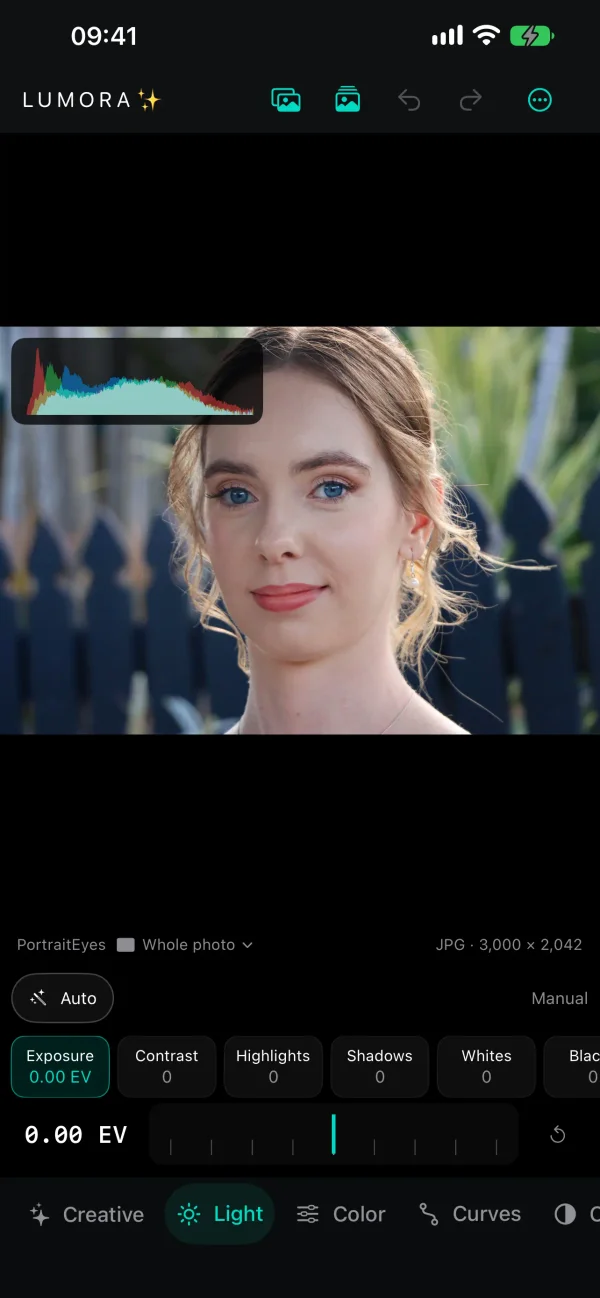
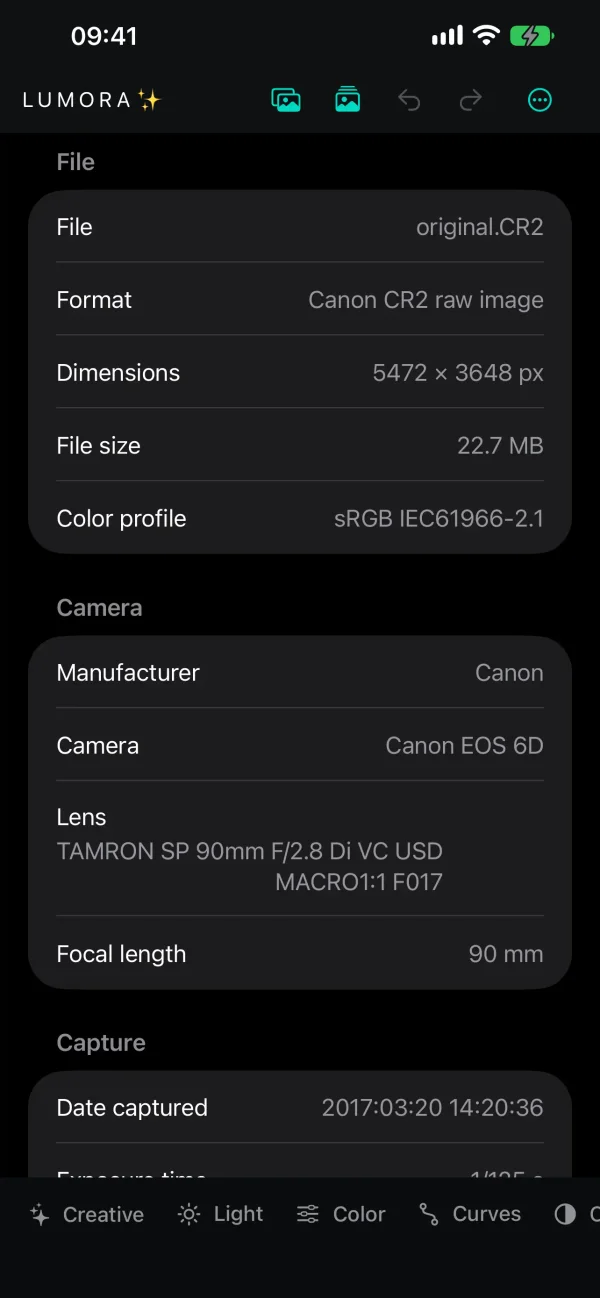
Develop RAW files, fine-tune light and color, then apply adjustments to the entire photo or specific areas using flexible masking tools.
Complete photographic controls
- Exposure, contrast, highlights, and shadows
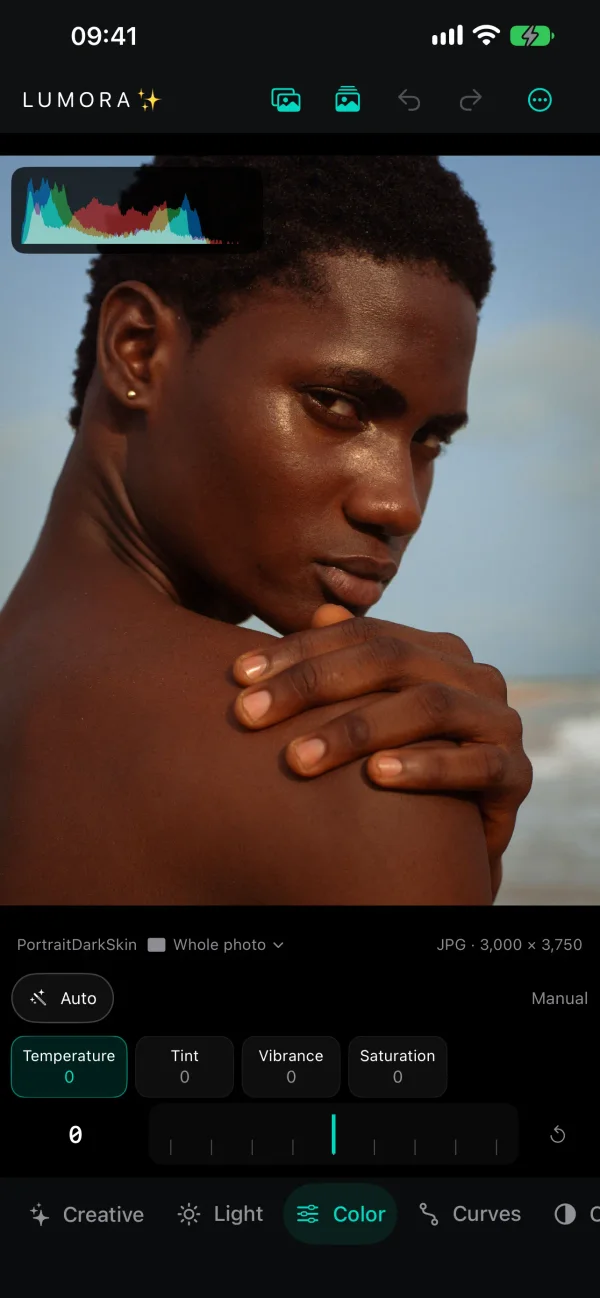
- White balance and color adjustments
- RGB, Red, Green, and Blue curves
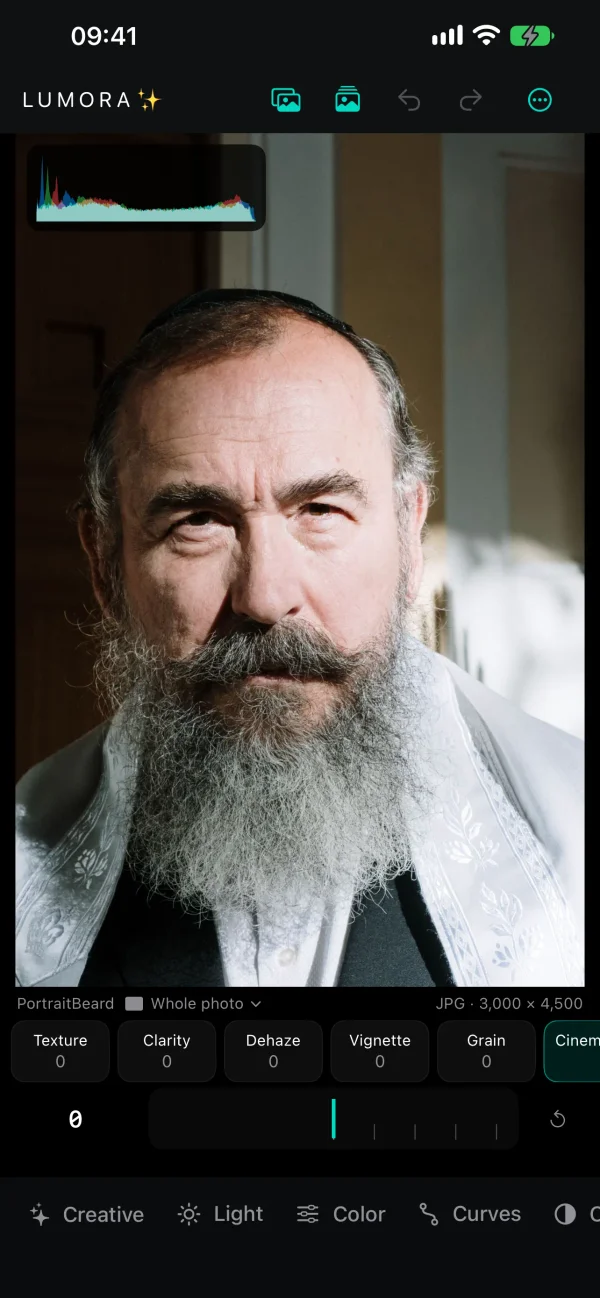
- Creative effects and photographic emulations
- Sharpening, detail, and noise reduction
- Crop, straighten, and perspective correction
Advanced creative tools
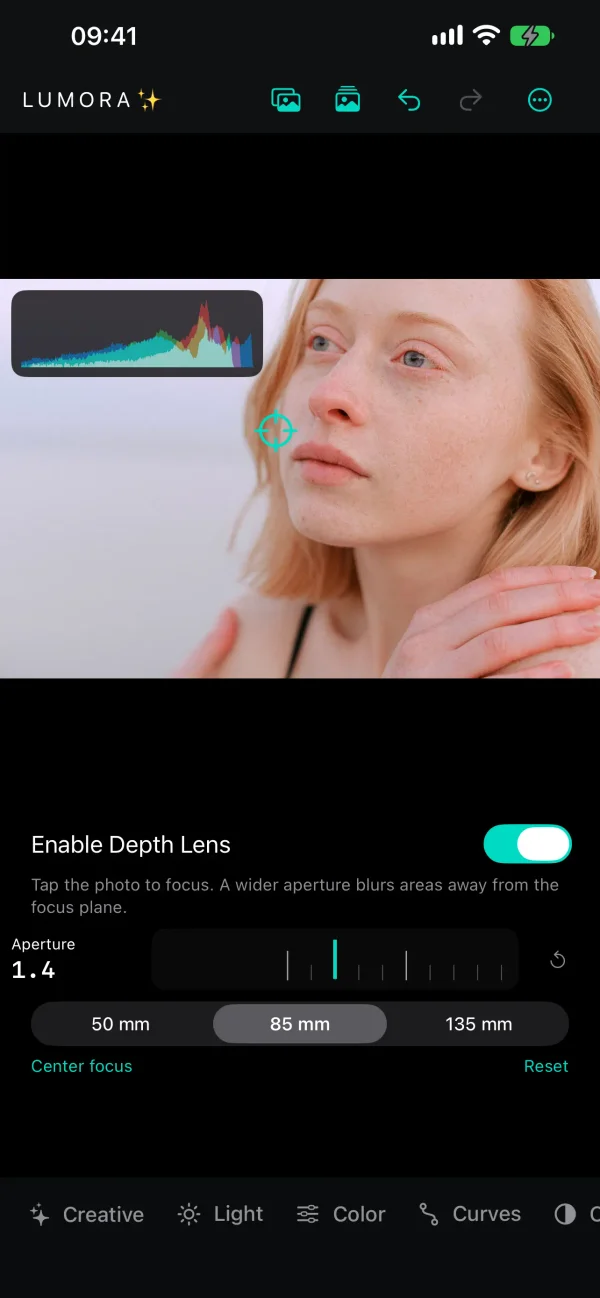
- Depth Lens for photographic depth-of-field effects
- Directional Lighting with direct source and target positioning
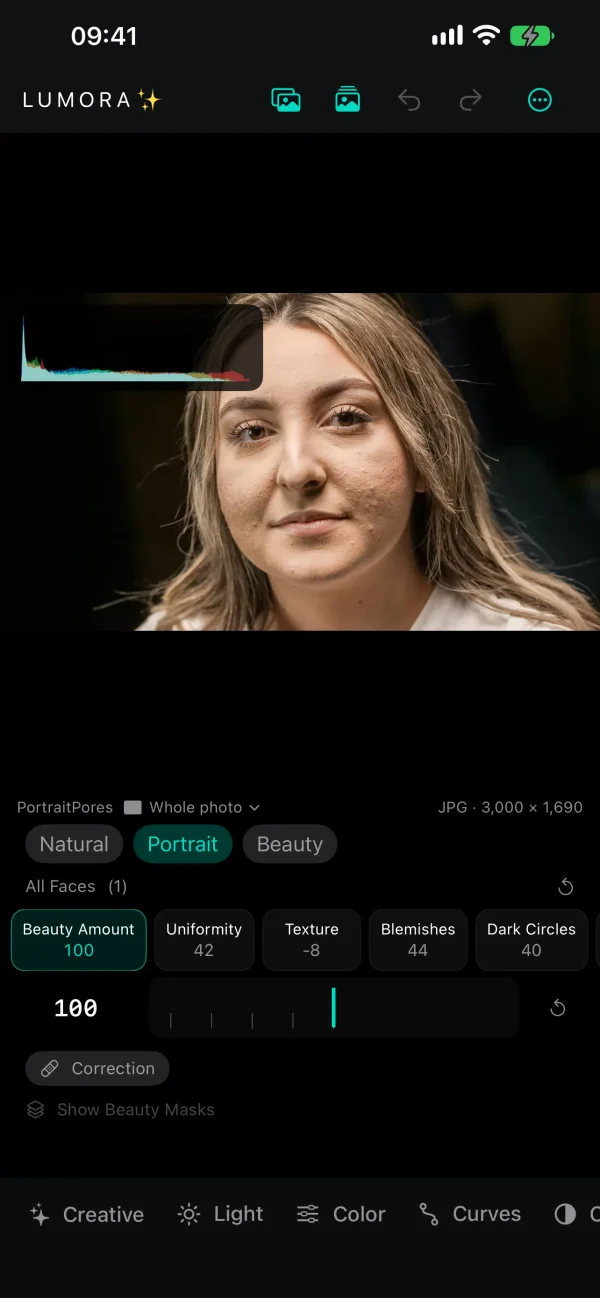
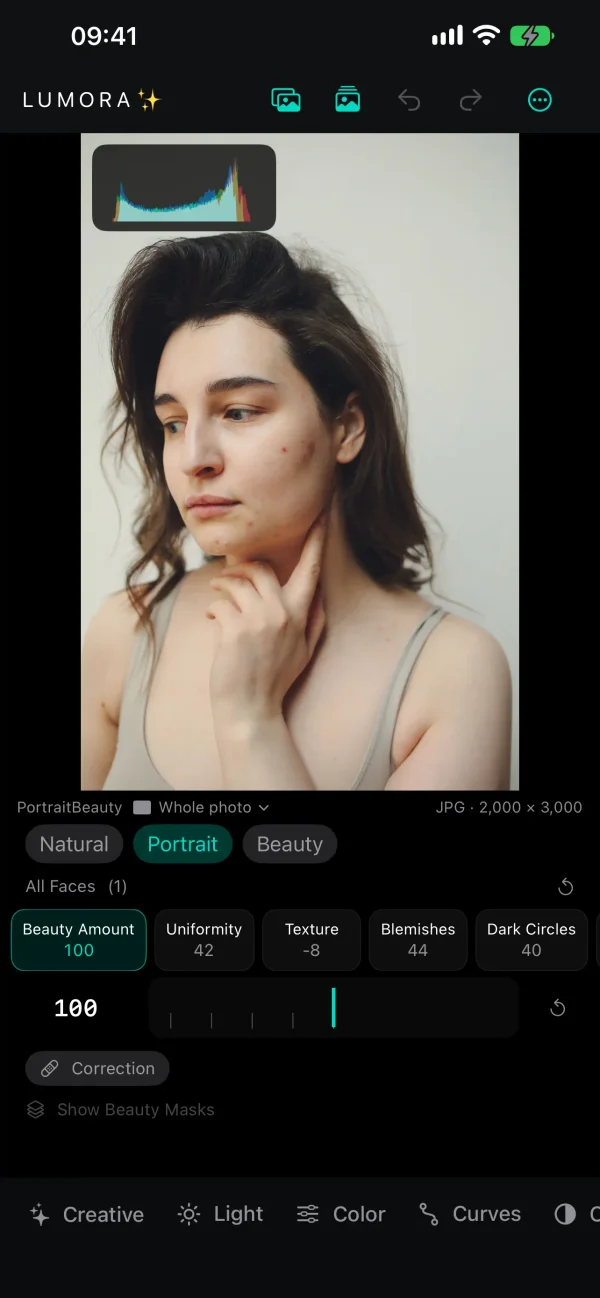
- Beauty retouching for portraits
- Assisted Magic Selection
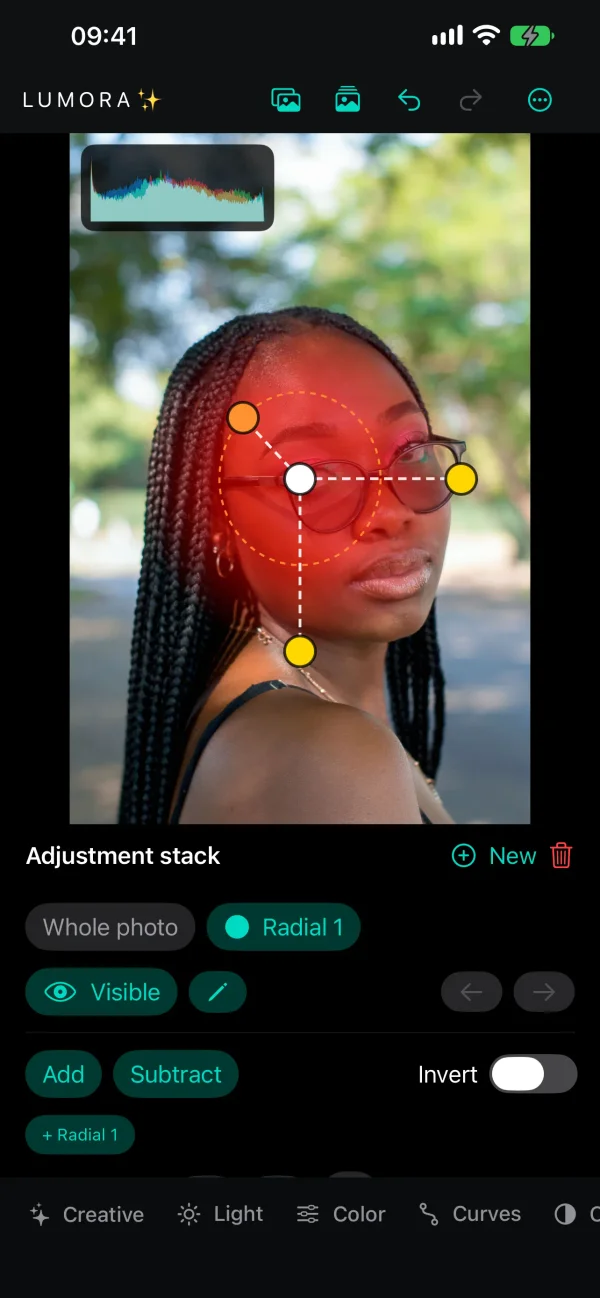
- Brush, linear, and radial masks
- Add or subtract areas within the same mask
An interface designed around your photo
Parameters are arranged in compact rows and adjusted with a precise graduated dial. Your photo keeps as much screen space as possible on both iPhone and iPad, in portrait or landscape orientation.
Curves appear directly over the image in a translucent panel. Interactive tools such as Lighting, masks, and depth of field can be positioned directly on the photo.
Presets and organization
- Create and manage Lumora presets
- Import XMP presets
- Import images and RAW files directly from other apps
- Access your Lumora library in Documents
- Optional iCloud Drive synchronization
Lumora brings RAW development, local adjustments, and creative tools together in one consistent workspace for both quick corrections and detailed photo editing.
What’s new
Version 1.4 · Nov 6, 2026
Adjust radial and linear masks directly on the photo from the Effects tab using the handles that appear as you edit.
Apply blur to the whole photo or use a mask to blur a specific area.
Compare your edits with the eye icon, which lets you temporarily turn off a tab’s effects while keeping its settings.
See each mask’s adjustments in the mask list. Masks stay aligned when you crop or straighten the photo.
Export directly to Photos or to an album using the settings from your last export.
Find your tools faster with optional tab sorting by recent use.
On iPad, adjustment rulers are larger and more clearly separated from the tab bar.
An animated indicator appears while a photo opens, including while depth is being prepared.
Lumora can suggest a smaller export size when available memory is low.
App privacy
What Francois Guilleme declares on the App Store about how this app handles data.
-
Data not collected
The developer does not collect any data from this app.
Privacy practices may vary, for example with the features you use or your age.
Information
- Seller
- Francois Guilleme
- Category
- Photo & Video
- Version
- 1.4
- Updated
- Nov 6, 2026
- Released
- Oct 1, 2026
- Size
- 148.2 MB
- Requires
- iOS 18.0 or later
- Age rating
- 4+
- Languages
- English, French
- Copyright
- © François GUILLEMÉ
You might also like
-
 Maple: Raw Photo EditorProfessional RAW photo editor
-
 Timeflies: Make MemoriesTurn photos into memories
-
 TheEditor photo editorThe Editor
-
 Ensemble PhotoPhoto & Video
-
 TonefoldOffline AI photo editor
-
 Raw ClinicEdit Apple Raw like a pro!
-
 GhostFramePhoto-a-day timelapse camera
-
 PicForge - Photo EditorPro editing · one-tap results
-
 CrevoCAMCâmera com cores de cinema
-
 FlowRec: Web & Screen RecorderRecord any app, face included