Macro Deck Companion
Macro Pad & Automation
Designed for iPhone, iPad, iPod touch
In-app purchases
- Age rating4+
- CategoryProductivity
- DeveloperManuel Mayer
- LanguagesGerman+ 18 more
- Size48.2 MB
Links to the official App Store page
Download.org hosts no file of Macro Deck Companion. The button opens its official App Store page, published by Manuel Mayer. Listing last checked on Nov 26, 2026.
Screenshots
About
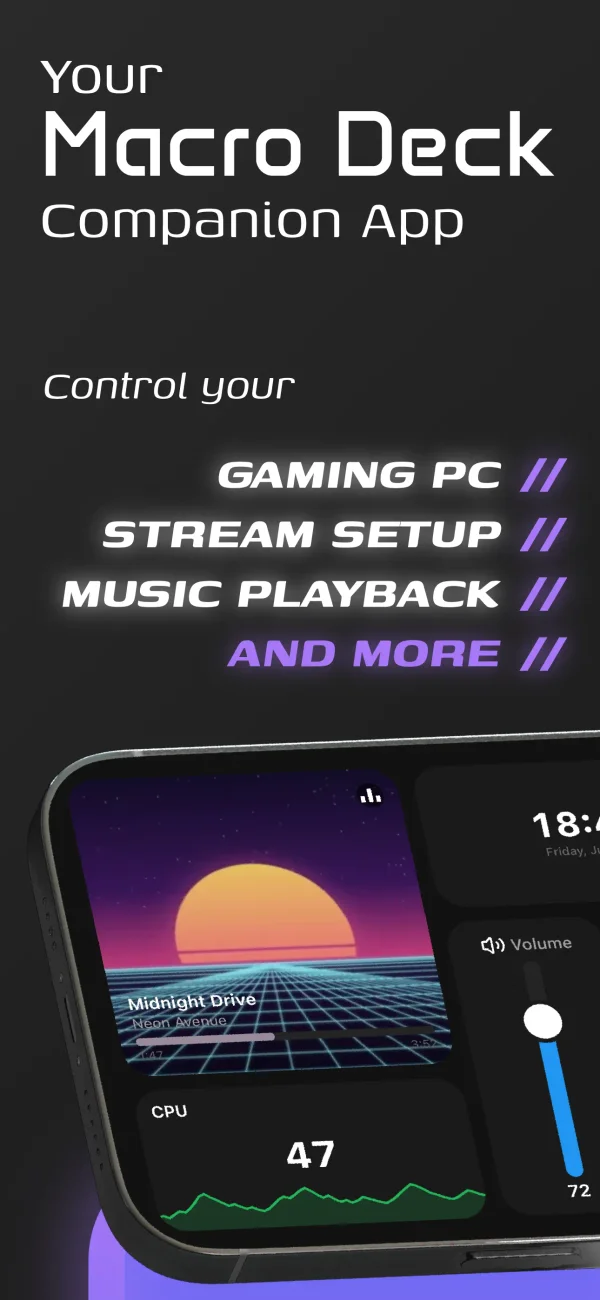
Turn your iPhone or iPad into a wireless macro pad, custom PC control panel and stream controller. Macro Deck Companion is the official native app for Macro Deck, the free, open source macro software for Windows, macOS and Linux. Use your iPhone or iPad as a macro keyboard, hotkey controller or wireless remote control for your computer. Run macros, trigger keyboard shortcuts, control OBS Studio and your stream, switch scenes, manage audio and launch apps with one tap on customizable buttons.
A NATIVE DECK, NOT A WEBSITE
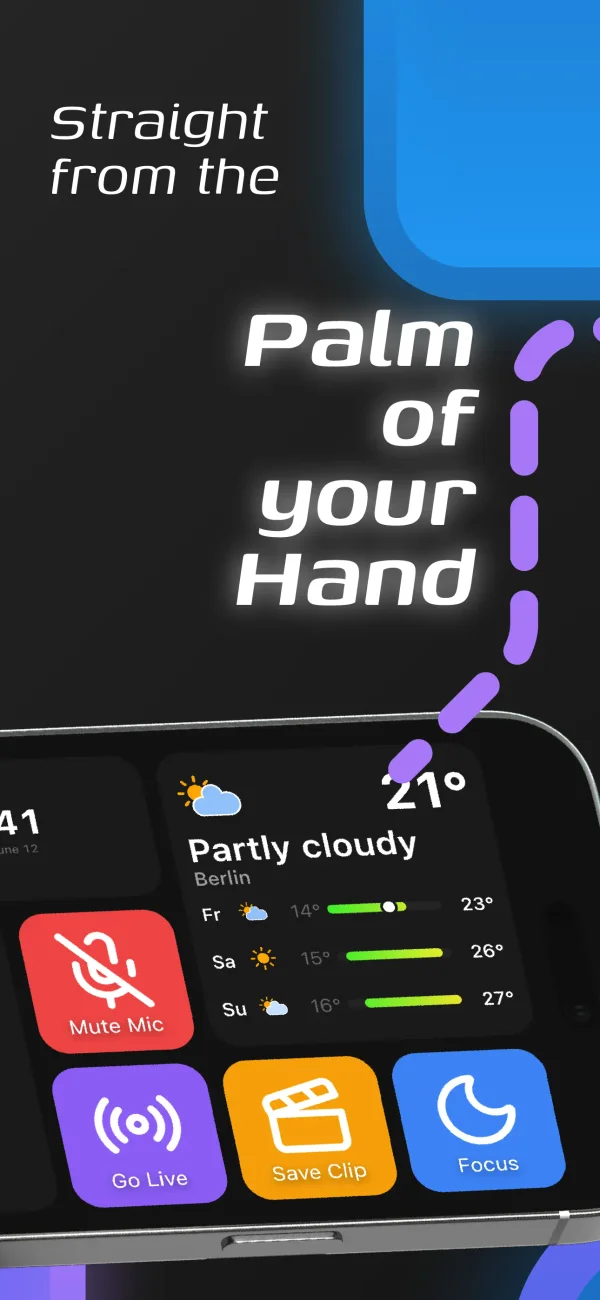
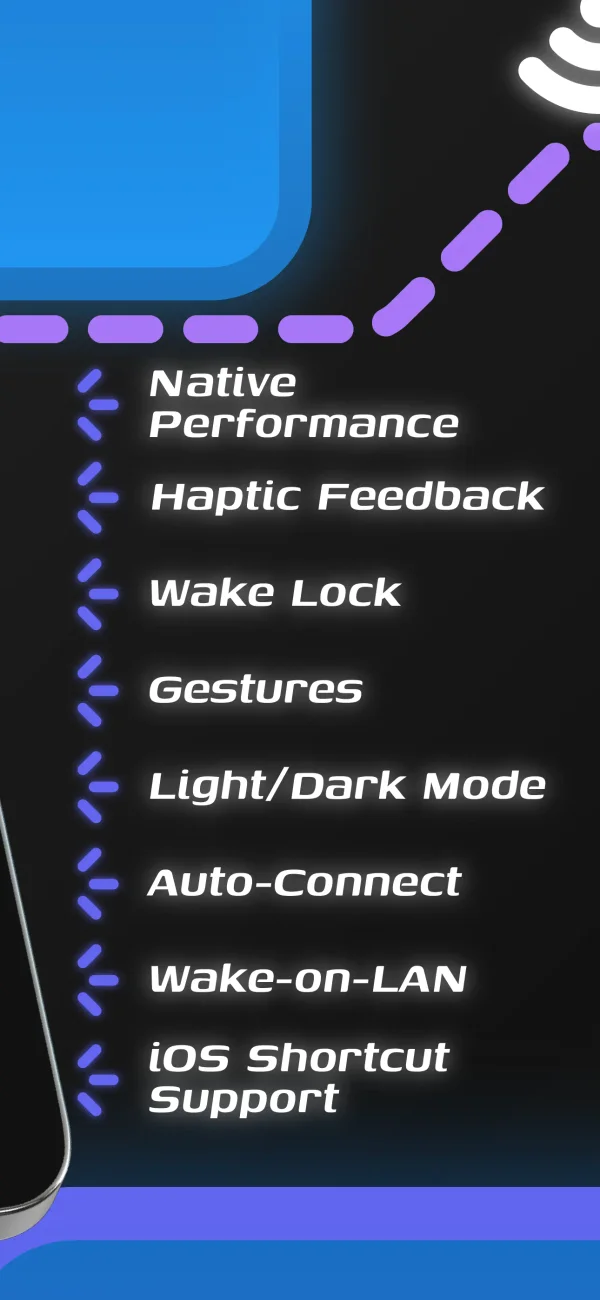
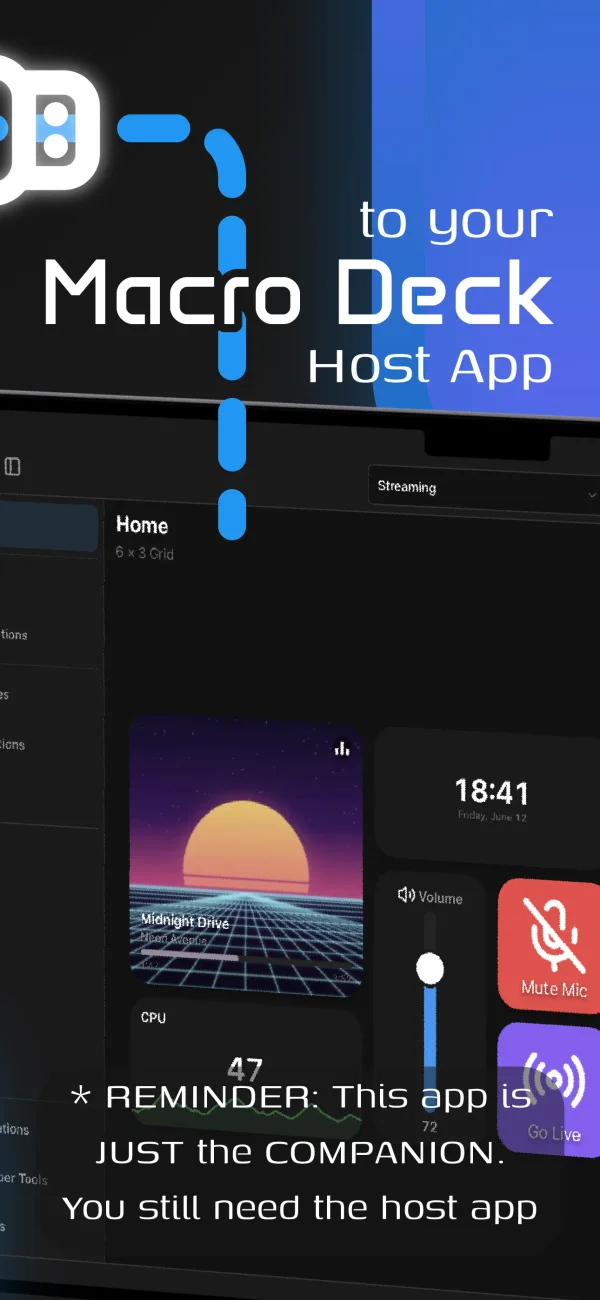
Macro Deck Companion draws your deck natively instead of wrapping a browser. Every button, folder, profile, icon, font and animation looks exactly like it does in Macro Deck, but responds faster, with smooth touch input and haptic feedback on every press. Tap, long press and double tap each run their own action.
CONNECT IN SECONDS
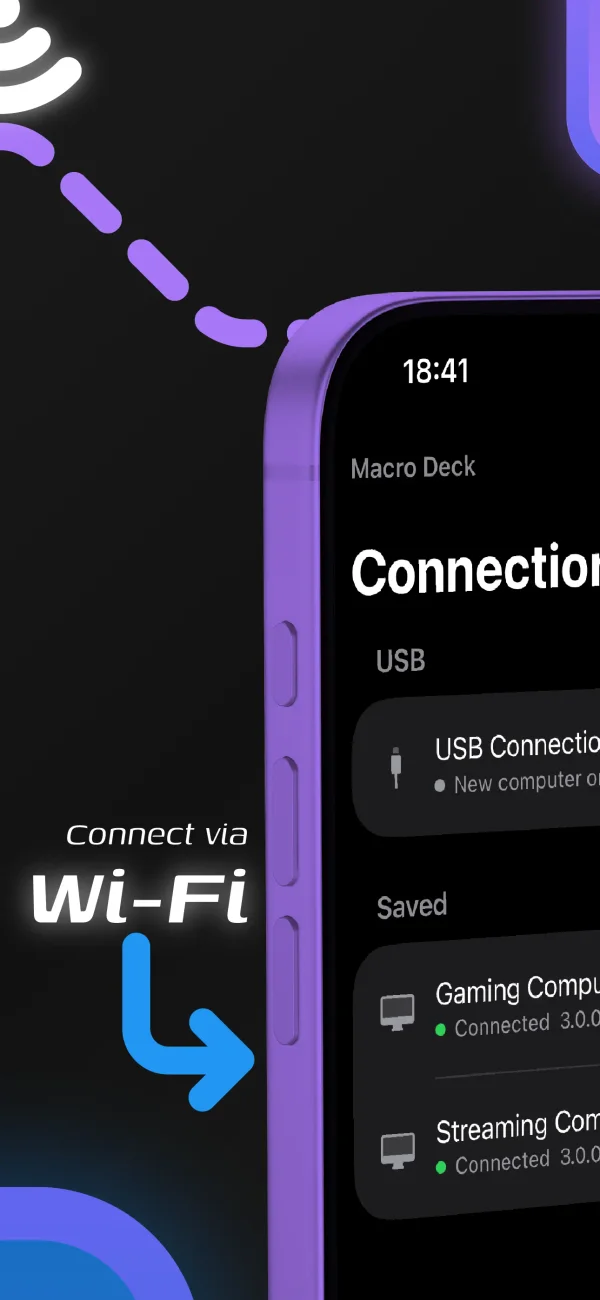
- Automatic discovery finds Macro Deck on your local network
- Scan the QR code shown by Macro Deck to pair instantly
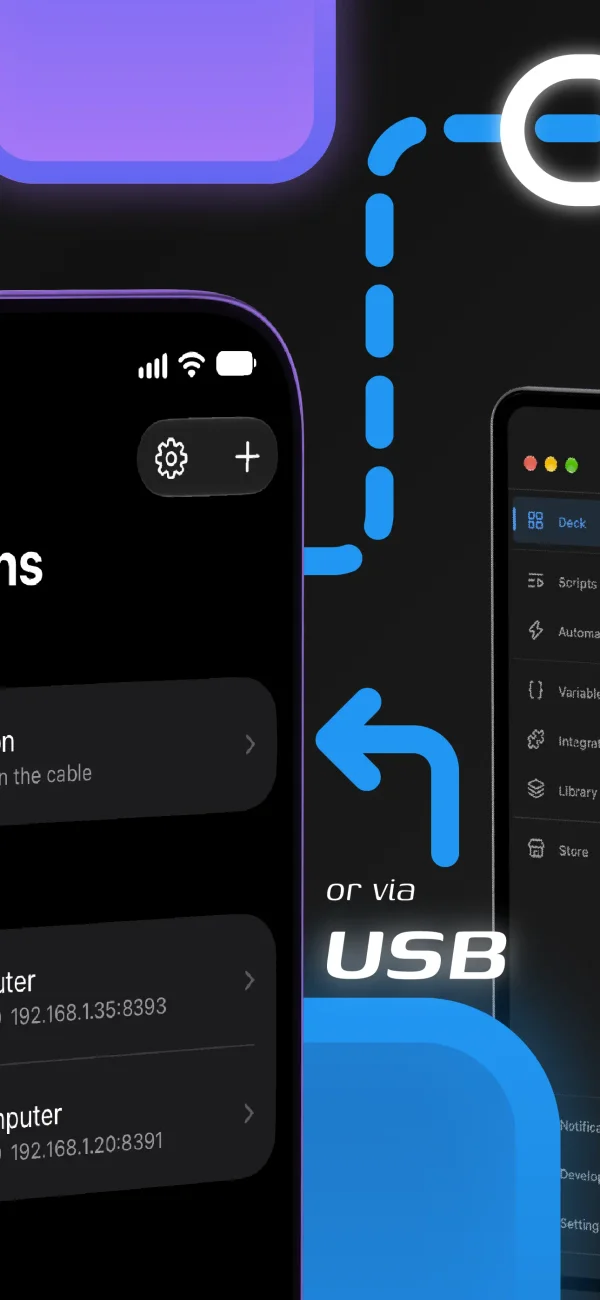
- Add a connection manually by IP address and port
- Wake your computer with Wake-on-LAN before you connect
- Sign in once, your session is stored securely on the device
MULTIPLE COMPUTERS, ONE APP
Save several Macro Deck hosts and keep them open at the same time. Control your gaming PC, your streaming PC and your work laptop from one phone, and see at a glance which ones are online. Choose which connection opens automatically when you launch the app.
FAST GESTURE NAVIGATION
- Swipe with one finger to move between folders
- Swipe up or down to go into a folder or back out
- Swipe with two fingers to switch profiles
- Swipe with three fingers to jump to another computer
THE PERFECT STREAMING CONTROLLER
Use your old phone or tablet as a dedicated stream controller, streaming button box or custom macro keyboard on your desk. Start and stop recording, switch OBS Studio scenes, mute your microphone, play sounds, post to chat, control music and media, and run multi-step automations while you stay live. Macro Deck is also useful as a productivity controller for gamers, content creators, video editors, developers and anyone who wants customizable PC shortcuts and automated workflows.
YOUR DEVICE, PART OF YOUR SETUP
Macro Deck sees your phone as a real device. It shows the battery level, charging state, orientation and brightness, so you can use them in your own macros. With your permission, your computer can also:
- Set the screen brightness and orientation
- Vibrate the device
- Turn the screen on or off
- Bring the deck to the front
- Take a screenshot
MADE FOR DAILY USE
- Background connection keeps your decks ready
- Keep the screen on while a deck is open
- Built-in screensaver support
- Light and dark theme
- Liquid Glass that feels at home on iOS
- Works on iPhone and iPad in portrait and landscape
DIRECT CONNECTION TO YOUR COMPUTER
Your deck talks directly to Macro Deck on your own computer, over your local network. Button presses never take a detour through a remote server, which keeps every action fast and reliable. Your sign-in is kept in iOS's keychain, and the app only asks for the access a companion device needs.
TRY IT FREE
Start a free 7-day trial. One license unlocks Macro Deck Companion on all your devices: buy it once on iPhone or iPad and your Macro Deck shares it with your other devices. Connection management, discovery and settings always stay free to use.
HOW TO GET STARTED
1. Install Macro Deck 3 on your Windows, macOS or Linux computer
2. Open Macro Deck Companion on your phone or tablet
3. Pick your computer from the list or scan its QR code
4. Sign in and start pressing buttons
Macro Deck is a community driven open source project. Need help or have an idea? Visit macro-deck.app and join the community.
Terms of Use (EULA): https://www.apple.com/legal/internet-services/itunes/dev/stdeula/
What’s new
Version 26.4.4 · Nov 25, 2026
- Minor bug fixes and improvements
App privacy
What Manuel Mayer declares on the App Store about how this app handles data.
-
Data not collected
The developer does not collect any data from this app.
Privacy practices may vary, for example with the features you use or your age.
Information
- Seller
- Manuel Mayer
- Category
- Productivity
- Version
- 26.4.4
- Updated
- Nov 25, 2026
- Released
- Oct 3, 2026
- Size
- 48.2 MB
- Requires
- iOS 15.0 or later
- Age rating
- 4+
- In-app purchases
- Yes
- Languages
- German, Arabic, English, French, Hindi, Indonesian, Italian, Japanese, Korean, Dutch, Polish, Portuguese + 7 more
- Copyright
- © Macro Deck
You might also like
-
 Virtual Stream DeckUtilities
-
 DeskTap Stream DeckControl your Computer
-
 StreamPad - Audio & DeckStream control deck & mixer
-
 OBS Remote - Stream ControlControl OBS From Your Phone
-
 Surface Remote for CompanionBitfocus Companion button deck
-
 KlikorUtilities
-
 PcRitualsControl Your Windows PC
-
 Wakey - Wake on LanWake PCs over LAN instantly
-
 WiMouse: Remote Mouse KeyboardLaptop Remote & Media Control
-
 Lo DeckTurn your tablet into a deck