
MadFocus: Screen Time Blocker
Block Apps & Stop Scrolling
Designed for iPhone, iPad
Free · In-app purchases
- Age rating4+
- CategoryProductivity
- Developer翼 张
- LanguagesEnglish+ 1 more
- Size70.8 MB
Links to the official App Store page
Download.org hosts no file of MadFocus: Screen Time Blocker. The button opens its official App Store page, published by 翼 张. Listing last checked on Nov 18, 2026.
Screenshots


About
If you can't control one phone, what part of your life do you actually control?
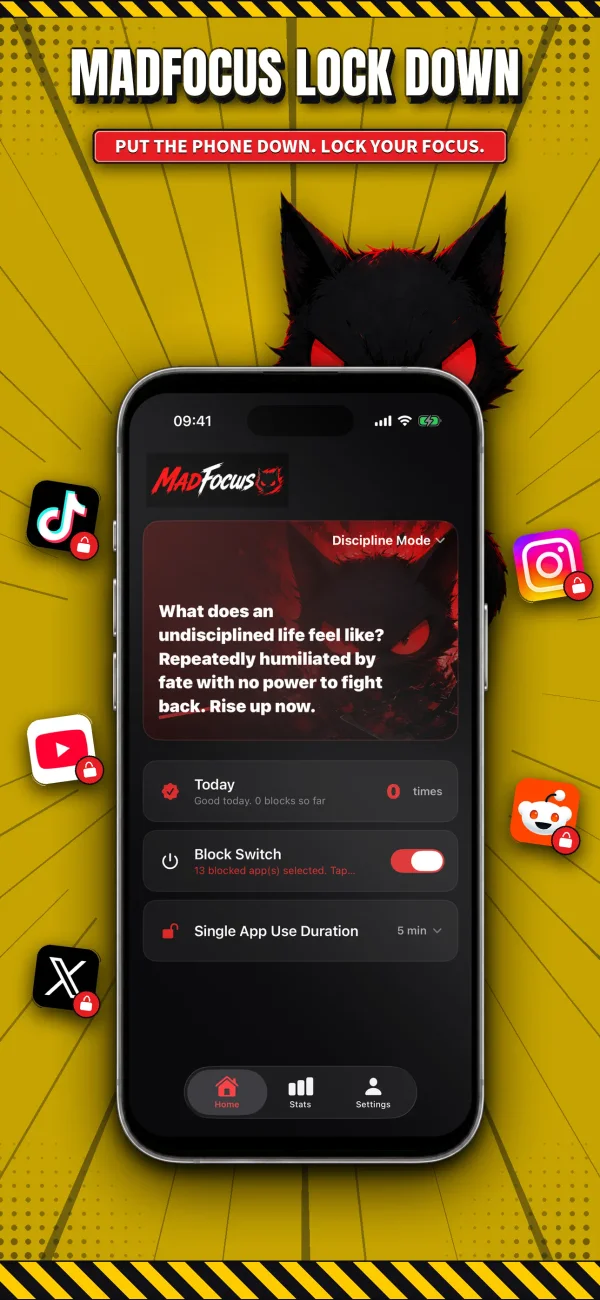
"Just five minutes" turns into an hour. Your work is right in front of you, but your thumb keeps scrolling. MadFocus is the app blocker built for that exact moment.
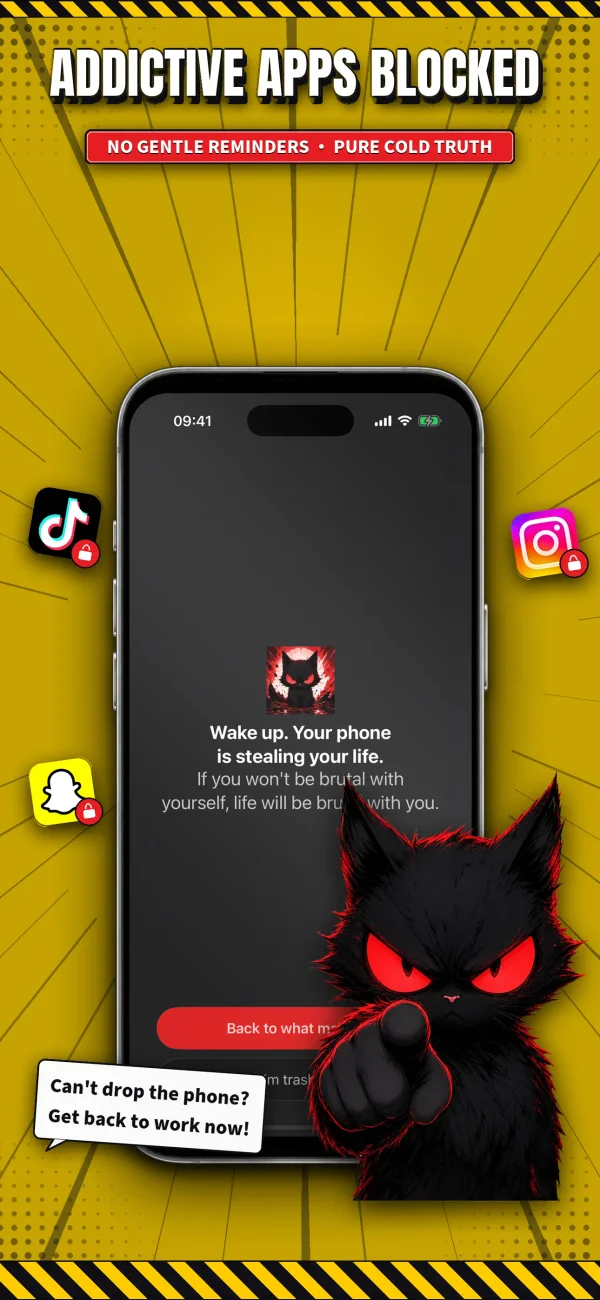
MadFocus locks distracting social, short-video, and gaming apps, stops you when you try to open them, and replaces easy-to-ignore reminders with a brutally honest push back to your goals. Use it for screen time control, digital detox, studying, fitness, deep work, and breaking procrastination.
KEY FEATURES
■ Block distracting apps
Choose individual apps or entire categories. When focus mode is active, blocked apps stay out of reach until you complete an unlock challenge.
■ Get called out, not coddled
The block screen gives you direct, goal-aware messages instead of another gentle notification to dismiss.
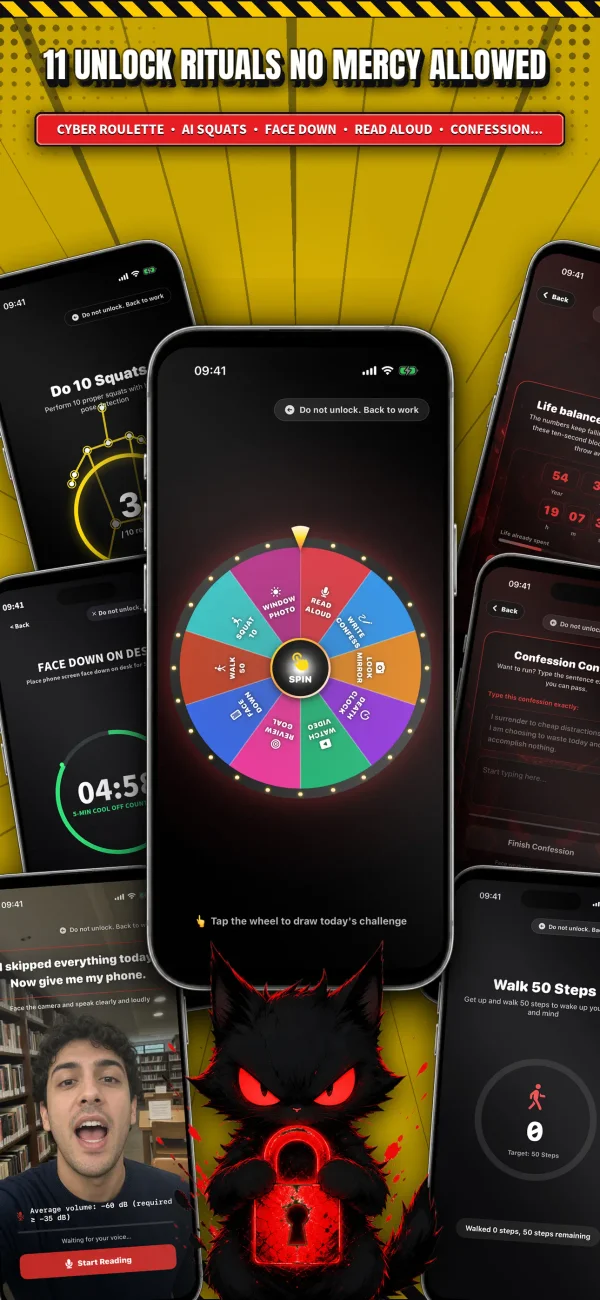
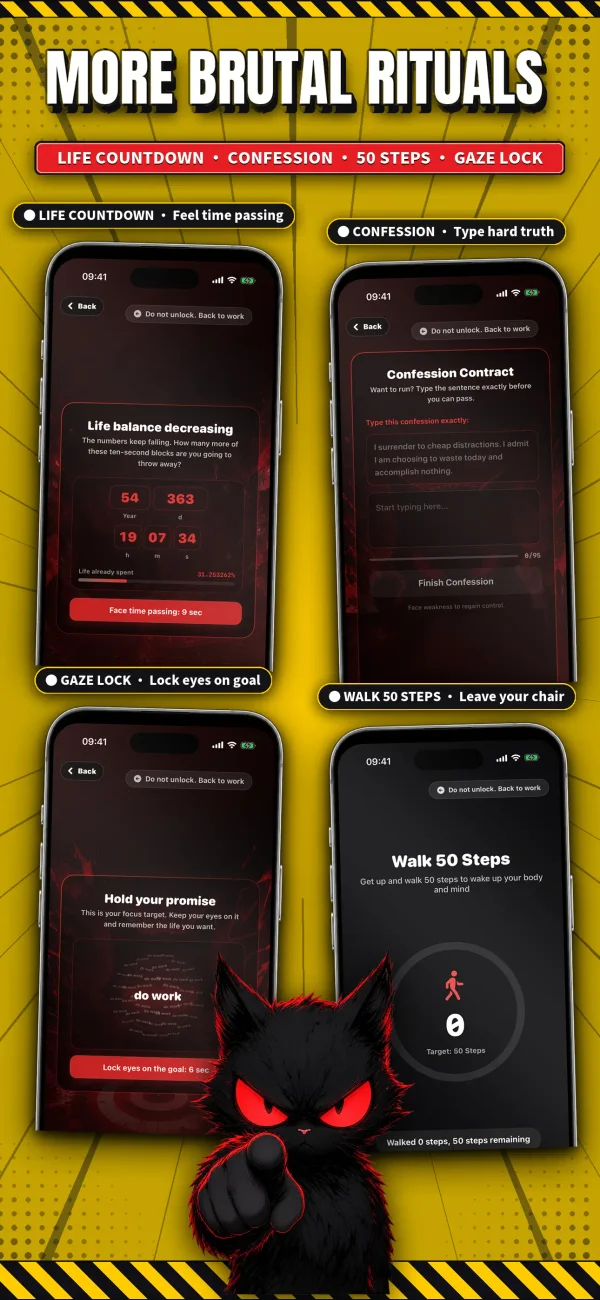
■ 11 hard-to-ignore unlock challenges
Want temporary access? Complete the challenge you draw:
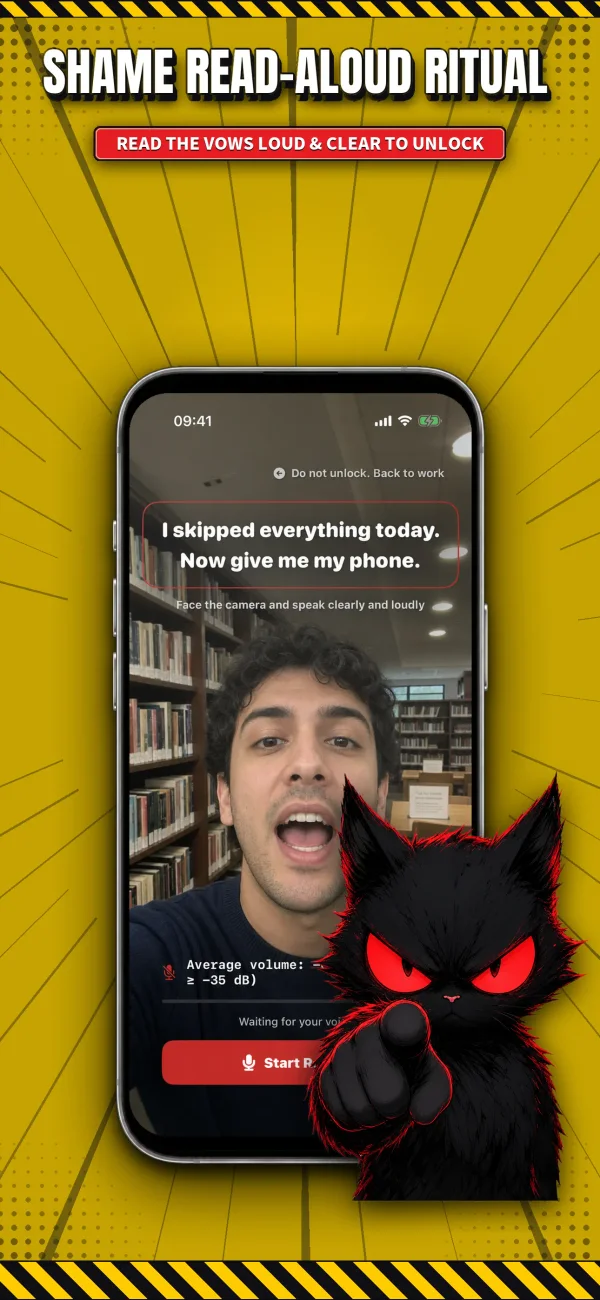
· Read Aloud: face the front camera, read the assigned line, match at least 50% of the text, and reach the volume threshold
· Confession Contract: type a reflection word for word
· Face Yourself: look at yourself through the front camera and confront the impulse
· Life Countdown: watch your remaining time tick away
· Motivation Video: finish a discipline video before continuing
· Hold Your Promise: focus on the goal you wrote for yourself
· Face-Down Reset: place your phone screen-down for five minutes
· Walk 50 Steps: get up and move before unlocking
· 10 Squats: complete ten squats with on-device pose recognition
· Window Photo: walk to a window and photograph daylight and the outdoor scene
· Challenge Roulette: let MadFocus randomly choose your next penalty
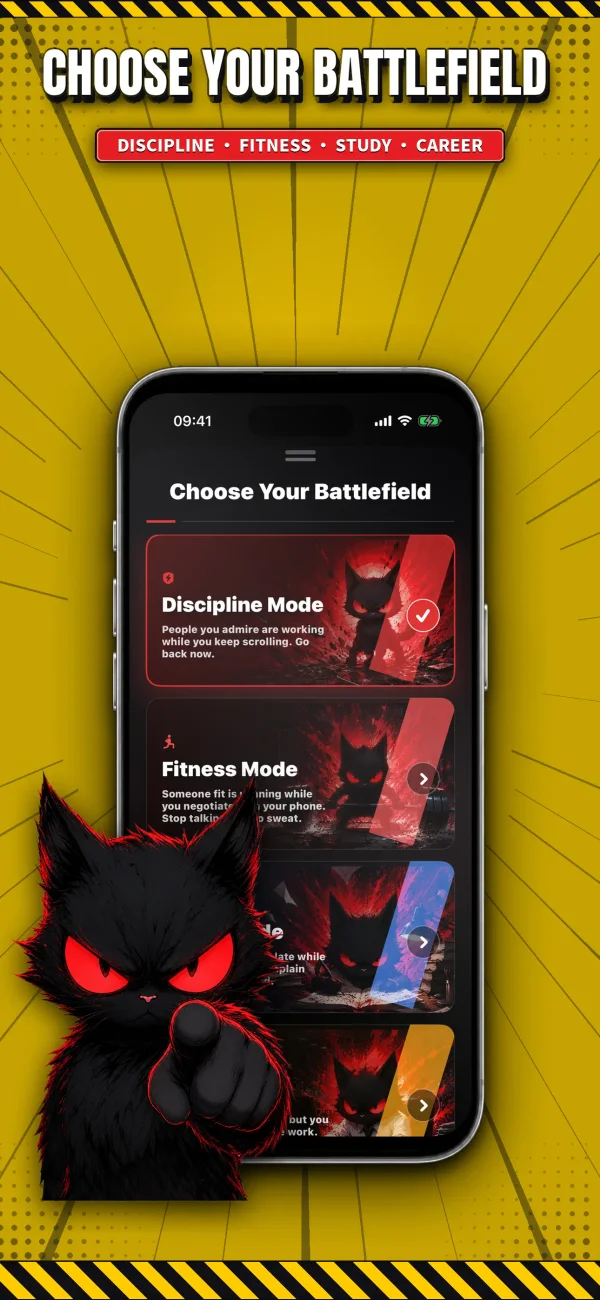
■ Four focus modes
Discipline, Fitness, Study, and Hustle modes tailor the experience to what you are trying to achieve.
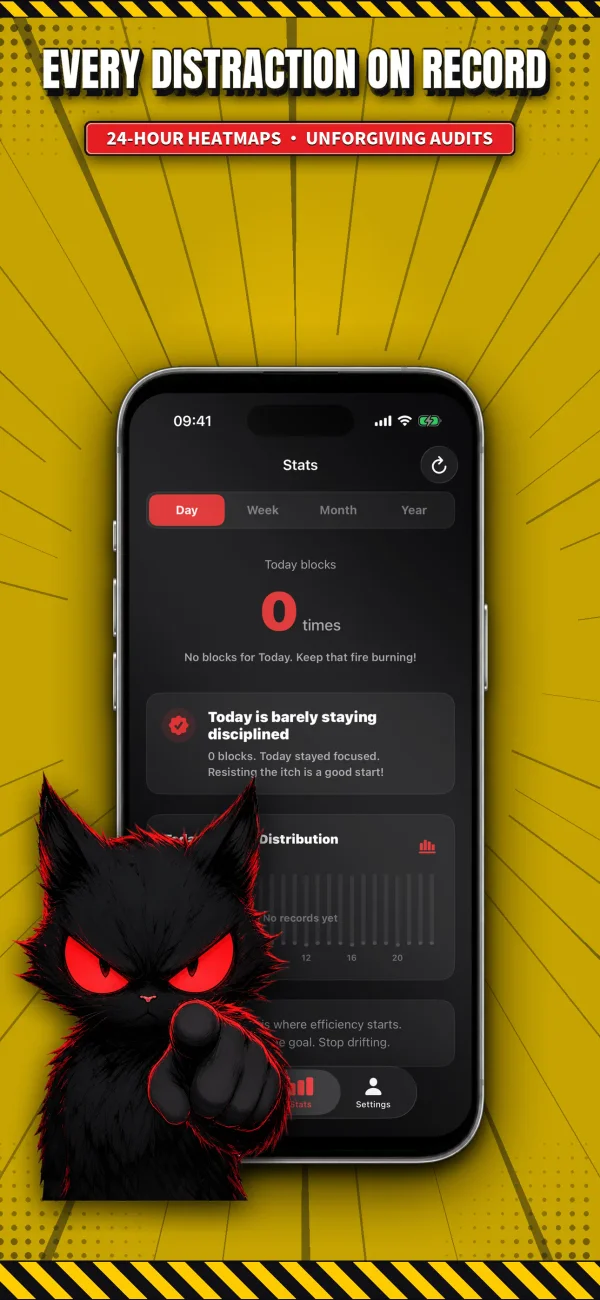
■ Screen time accountability
Review blocked attempts by day, week, month, and year. See how often distraction wins, then take that time back.
WHO IT'S FOR
· Students preparing for exams who lose study time to quick checks
· People building a fitness habit but getting stuck scrolling
· Professionals and creators fighting procrastination
· Anyone doomscrolling late at night and trying to rebuild self-control
Freedom comes from discipline. Turn on blocking, stop mindless scrolling, and put your attention back where it belongs.
Terms, Privacy Policy, and Technical Support: https://media.zyi1024.com/madfocus/legal-support.html
Apple Standard EULA: https://www.apple.com/legal/internet-services/itunes/dev/stdeula/
What’s new
Version 1.1.0 · Sep 8, 2026
More hard-to-ignore unlock challenges are here, including reading, movement, photo, and randomized tasks, plus smoother blocking and localization improvements.
App privacy
What 翼 张 declares on the App Store about how this app handles data.
-
Data not collected
The developer does not collect any data from this app.
Privacy practices may vary, for example with the features you use or your age.
Information
- Seller
- 翼 张
- Category
- Productivity
- Version
- 1.1.0
- Updated
- Sep 8, 2026
- Released
- Jul 12, 2026
- Size
- 70.8 MB
- Requires
- iOS 17.0 or later
- Age rating
- 4+
- Price
- Free
- In-app purchases
- Yes
- Languages
- English, Simplified Chinese
- Copyright
- © 2026 ZYi
You might also like
-
 Screen of ShameDoomscroll with receipts
-
 Lockin App BlockerBlock distractions fast
-
 Offscroll: Screen Time ControlPause before you scroll
-
 MindLock: Quiz App BlockerLimit Screen Time & Focus
-
 Math Shield - Focus & UnlockUnlock Apps with Math
-
 SnapOut : Math App BlockerBlock apps with math puzzles
-
 BrainPass: Think to UnlockApp blocker for screen time
-
 Write First: App BlockerBlock apps until you check in
-
 ClassTime LockLock & Focus. Stay Productive.
-
 Focus Gate: App BlockerLimit Screen Time & Focus