
- Age rating4+
- CategoryProductivity
- Developer艺鹏 张
- LanguagesEnglish+ 13 more
- Size3.9 MB
Links to the official App Store page
Download.org hosts no file of MagicPad for Mac. The button opens its official App Store page, published by 艺鹏 张. Listing last checked on Nov 18, 2026.
Screenshots


About
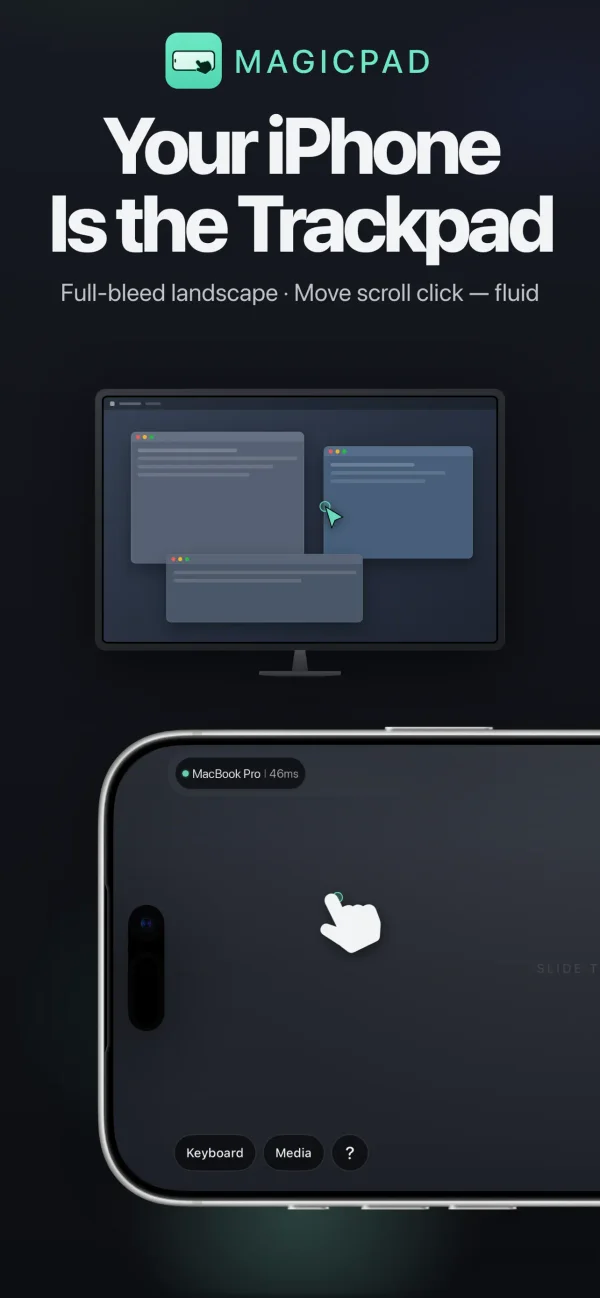
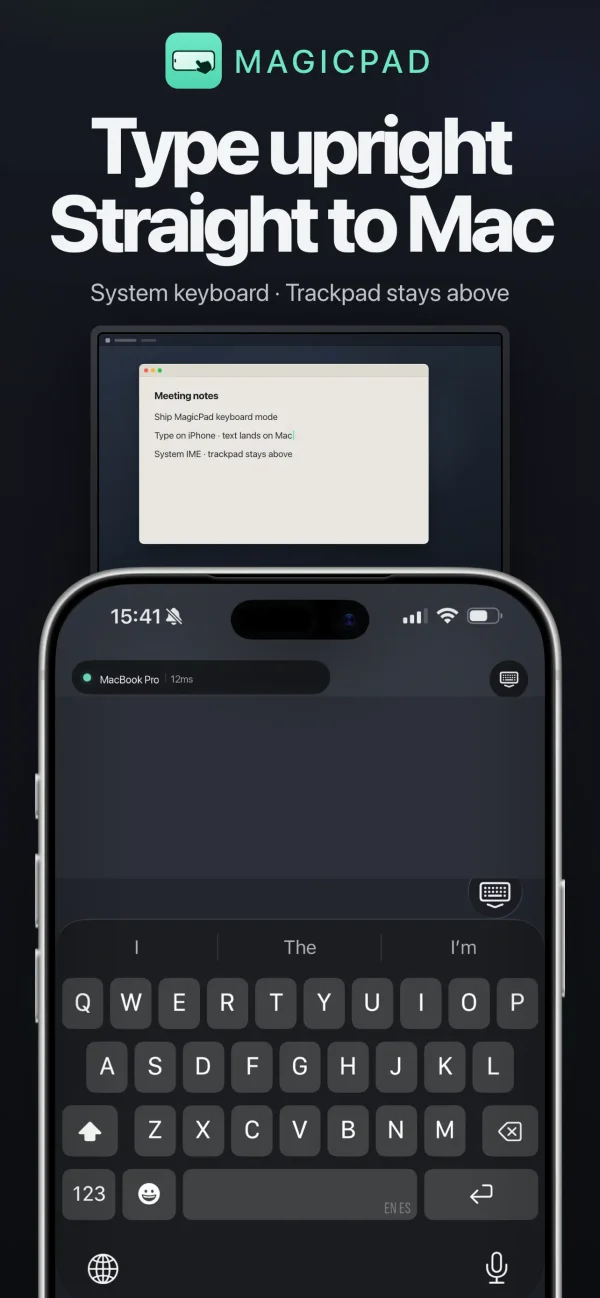
MagicPad turns your iPhone into a wireless trackpad for Mac.
Move the pointer, click, scroll, and right-click over your local network. With MagicPad Pro, use multi-finger system gestures that follow your fingers—Mission Control, Switch Desktop, Launchpad, and Show Desktop.
Getting started
1. Download free MagicPad Server for Mac at https://magicpad.app/download
2. Allow Accessibility when prompted
3. Open MagicPad on iPhone, join the same Wi‑Fi, and pair
MagicPad is free to download. Basic pointing stays available after the trial. MagicPad Pro unlocks advanced multi-finger gestures.
Mac companion is free on the website (not on the Mac App Store).
Privacy Policy: https://magicpad.app/privacy · Terms of Use: https://magicpad.app/eula
App privacy
What 艺鹏 张 declares on the App Store about how this app handles data.
-
Data not collected
The developer does not collect any data from this app.
Privacy practices may vary, for example with the features you use or your age.
Information
- Seller
- 艺鹏 张
- Category
- Productivity
- Version
- 1.0
- Updated
- Aug 21, 2026
- Released
- Aug 20, 2026
- Size
- 3.9 MB
- Requires
- iOS 17.0 or later
- Age rating
- 4+
- Price
- Free
- In-app purchases
- Yes
- Languages
- English, Dutch, French, German, Italian, Japanese, Korean, Polish, Portuguese, Russian, Simplified Chinese, Spanish + 2 more
- Copyright
- © 2026 Yipeng Zhang
You might also like
-
 SuguMemo: Notes & ListsWrite first. Sort it later.
-
 Remote TrackpadControl PC with Your Phone
-
 Google Tasks: VIBRA TasksMultiple Accounts & Widgets
-
 PXS External Screen DesktopYour phone is the computer
-
 TypeDrawYour new Notebook
-
 Staff Me UpFind Top Jobs in Production
-
 Bringme the official appProductivity
-
 Invoice, Quotation & ReceiptCreate PDF receipt and invoice
-
 Sublime InternetCollect anything interesting
-
 Huion Note数智原笔迹,记录好生活