- Age rating4+
- CategoryProductivity
- DeveloperDavid Seaman
- LanguagesEnglish+ 2 more
- Size10.1 MB
Links to the official App Store page
Download.org hosts no file of MegaPDF. The button opens its official App Store page, published by David Seaman. Listing last checked on Nov 18, 2026.
Screenshots


About
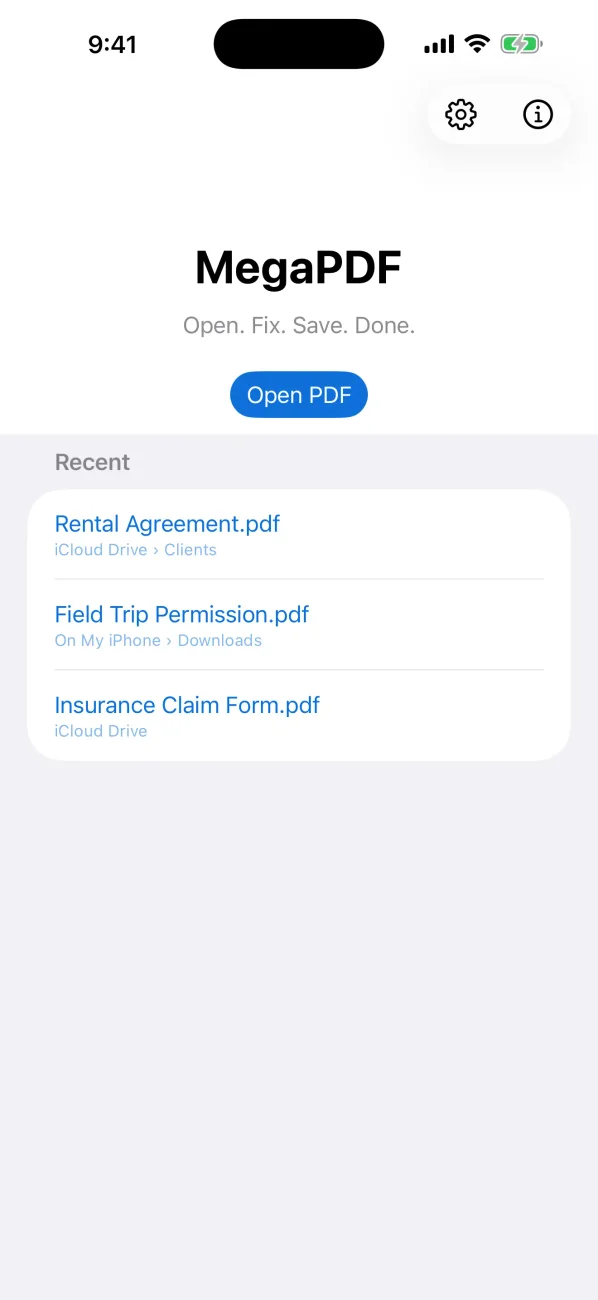
Open. Fix. Save. Done.
MegaPDF does the one job most people actually have with a PDF: someone sent you a form, and you need to send it back filled in, checked off, and signed. No account. No subscription. No cloud. Everything happens on your device.
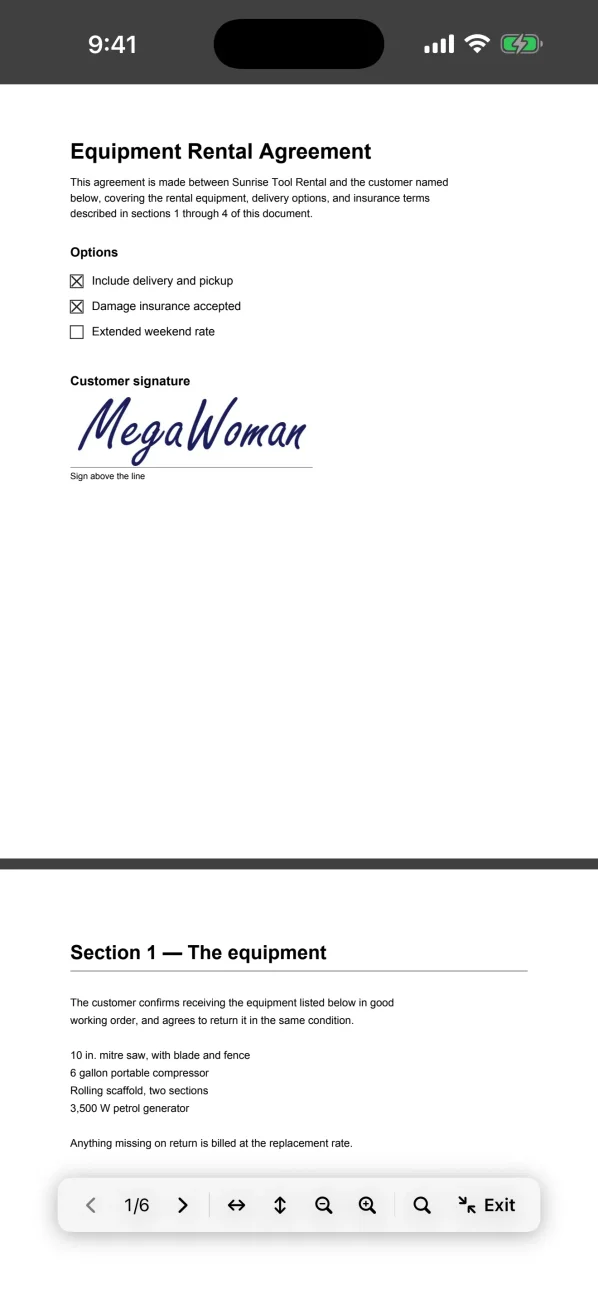
Check any box
Tap a checkbox and it's checked — real interactive form fields and plain printed squares alike. MegaPDF recognizes drawn checkboxes that other apps treat as decoration.
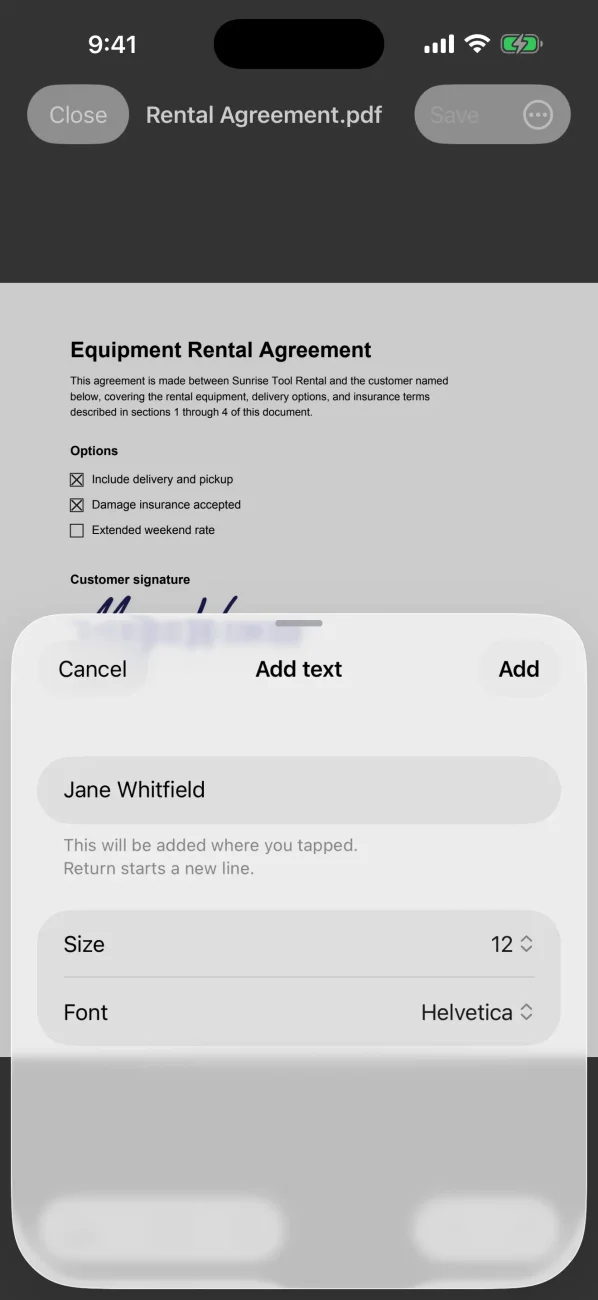
Type on any line
Tap where the answer goes and type it. Choose the size and the face — sans, serif or monospace — so what you add matches the form you are filling in. Drag it into place, or tap it again to fix a typo. Everything you add is real, searchable text, not a sticker on top of the page.
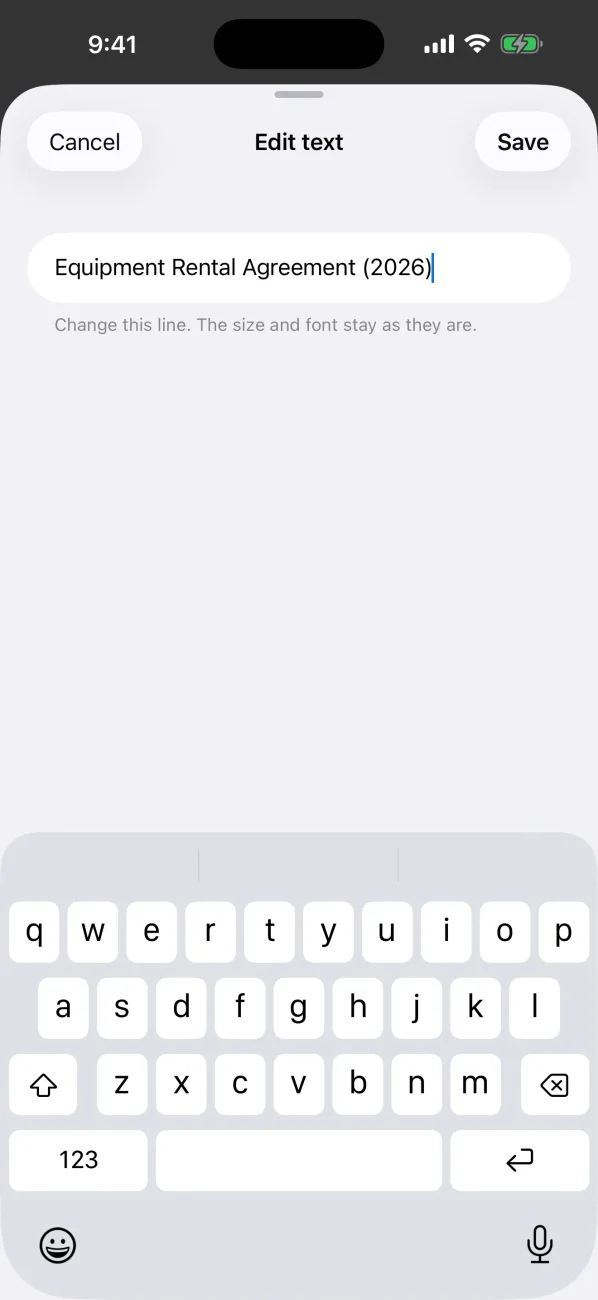
Fix the document's own text
Wrong date? Misspelled name? Tap the line and retype it. MegaPDF keeps the document's own font where it can and tells you when it had to use a similar one. If a change would disturb the rest of the page, it says so instead of quietly moving things. Undo puts the original back exactly.
Redact, and it really is gone
Mark what has to come out — a name, an address, a picture — and MegaPDF takes it out of the file rather than covering it over. What was underneath is gone: no other app can copy it or search for it.
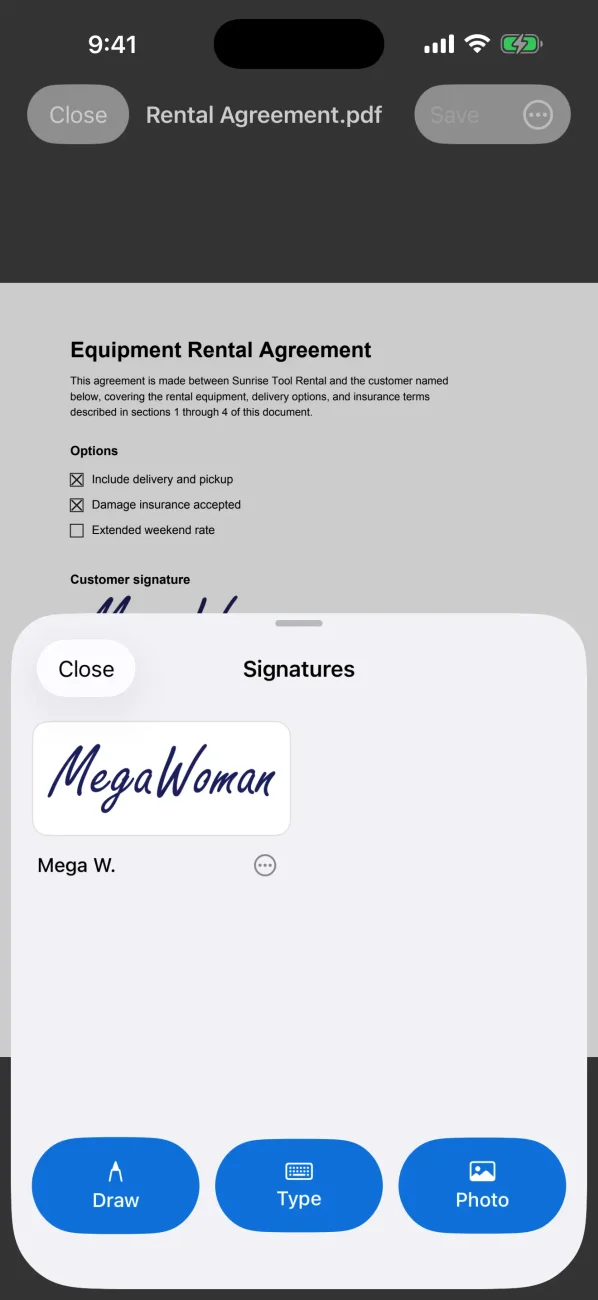
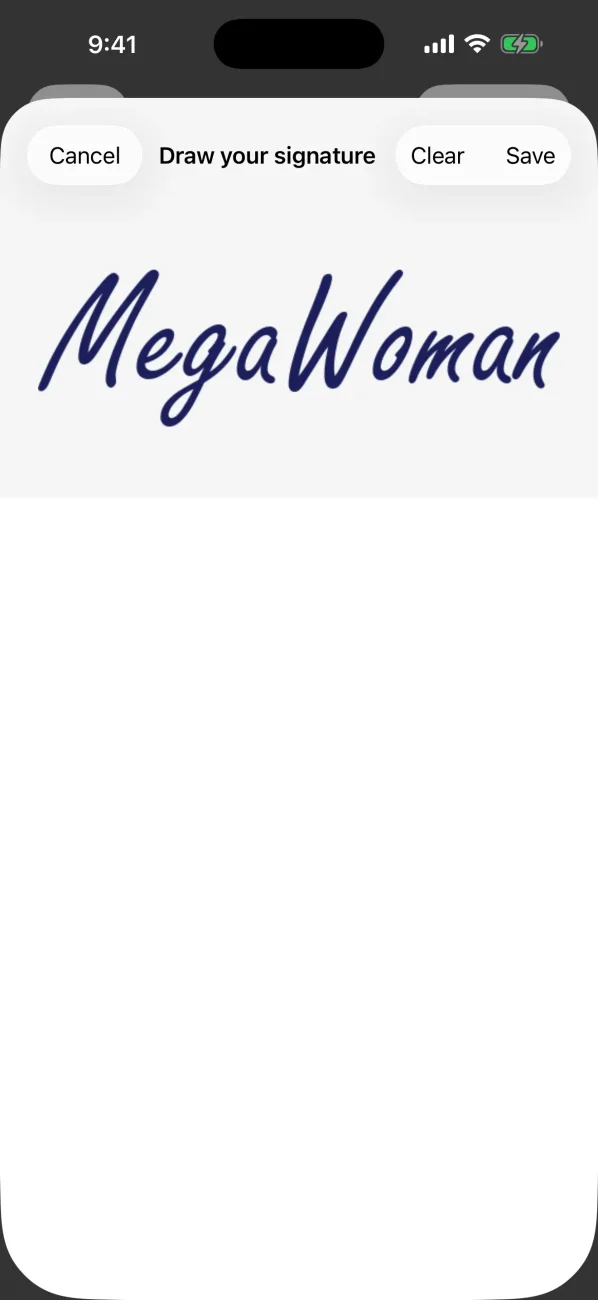
Sign like you mean it
Draw your signature with a finger, or photograph the one on paper — the white background disappears automatically. Your signatures stay in a private library on your device; drop one on a document and move and resize it until it sits right on the line.
Save without fear
Save writes back to the original file — safely. MegaPDF verifies every document before it touches your original, so a failed save can never corrupt the file someone sent you. Or keep the original and save a copy. Export as Markdown writes the document's text — headings, lists, the values you filled in — as a Markdown file, and leaves the PDF as it was.
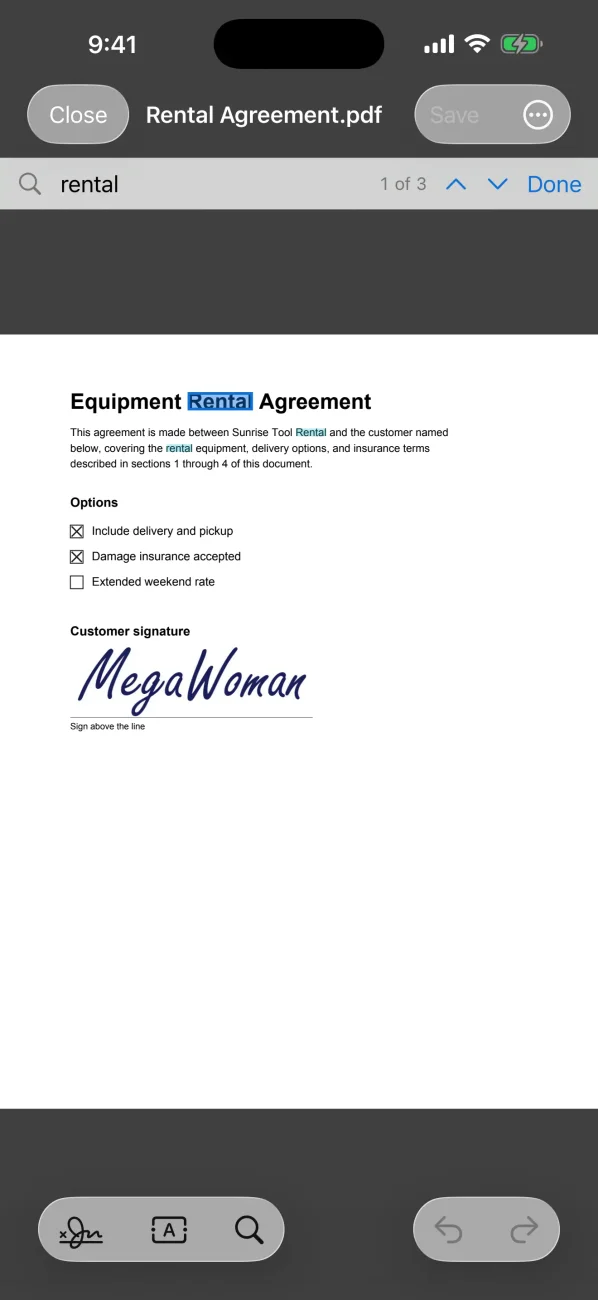
Find any word
Search the whole document as you type: every match lights up and the counter says how many, so the one clause you need in a forty-page lease is a few taps away.
Read it, not the app
Reading mode takes the toolbars off the screen and leaves the page. Page colours come with it: Sepia for a long read, Night for a dark room — and Night inverts pictures too, deliberately. MegaPDF can open every document that way.
Put the pages in order
Rotate a page that came in sideways, delete one, drag pages into the right order, insert a blank page, add the pages of another PDF, or save a few pages out as their own file. Each is a single step, and one Undo puts it back.
Private by design
MegaPDF requests zero permissions and makes zero network connections. Your documents and your signature never leave your device — there is no server for them to go to. The app is open source, so anyone can verify that.
Works with everything
Open a PDF from Mail, Files, iCloud Drive or any app that shares one — MegaPDF is among the apps they offer to open it in — and send it back with Share. Documents you fill and sign here are standard PDFs: they open perfectly in any other PDF app.
MegaPDF is deliberately simple: it doesn't bury you in toolbars. It opens, it fixes, it saves. Done.
What’s new
Version 2.5.0 · Nov 17, 2026
About MegaPDF now links to the new support page.
App privacy
What David Seaman declares on the App Store about how this app handles data.
-
Data not collected
The developer does not collect any data from this app.
Privacy practices may vary, for example with the features you use or your age.
Information
- Seller
- David Seaman
- Category
- Productivity
- Version
- 2.5.0
- Updated
- Nov 17, 2026
- Released
- Sep 16, 2026
- Size
- 10.1 MB
- Requires
- iOS 16.0 or later
- Age rating
- 4+
- Price
- Free
- Languages
- English, French, Spanish
- Copyright
- © 2026 Electric RV
You might also like
-
 EasyTierConnectEasyTier VPN for Remote Work
-
 DartPDF: Edit PDF DocumentsSign, Annotate, Fill & Redact
-
 Forms App for GG FormsAI Form builder, View Response
-
 Virtual numbers / Second linePhone numbers / Calls & SMS
-
 AhumadappProductivity
-
 Notesnook: Private notepadEncrypted notes & secure vault
-
 MyEDEDOCProductivity
-
 Strongbox - Password ManagerKeePass & Password Safe Vault
-
 Spy Phone ® Phone TrackerFamily GPS & Contacts Tracking
-
 Foqos - Tap to BlockPhysical App Blocker