
Strongbox - Password Manager
KeePass & Password Safe Vault
Designed for iPhone, iPad, Mac, iPod touch
Free · In-app purchases
- Age rating4+
- CategoryProductivity
- DeveloperPhoebe Code Limited
- LanguagesEnglish+ 17 more
- Size145.0 MB
Links to the official App Store page
Download.org hosts no file of Strongbox - Password Manager. The button opens its official App Store page, published by Phoebe Code Limited. Listing last checked on Nov 24, 2026.
Screenshots

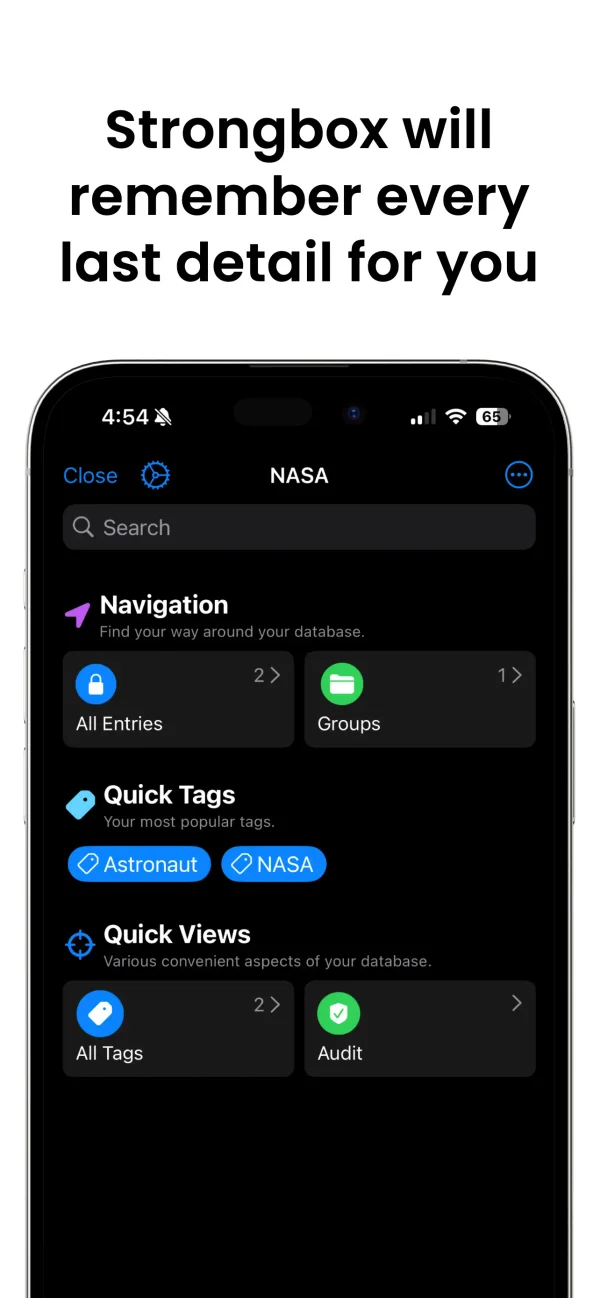
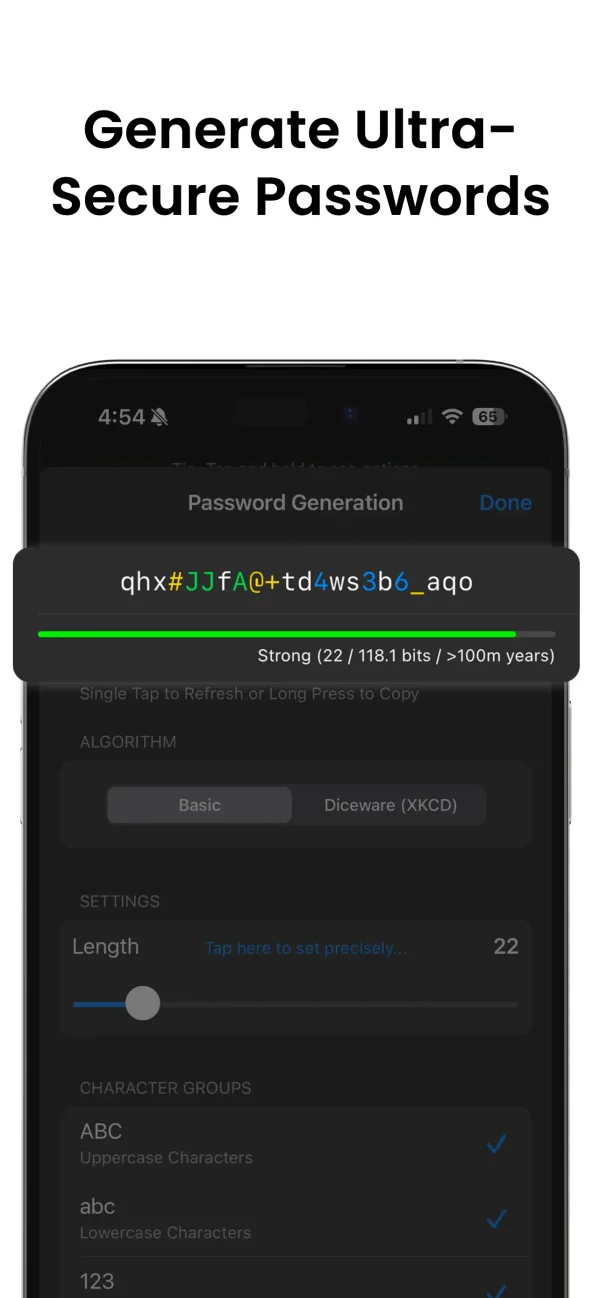
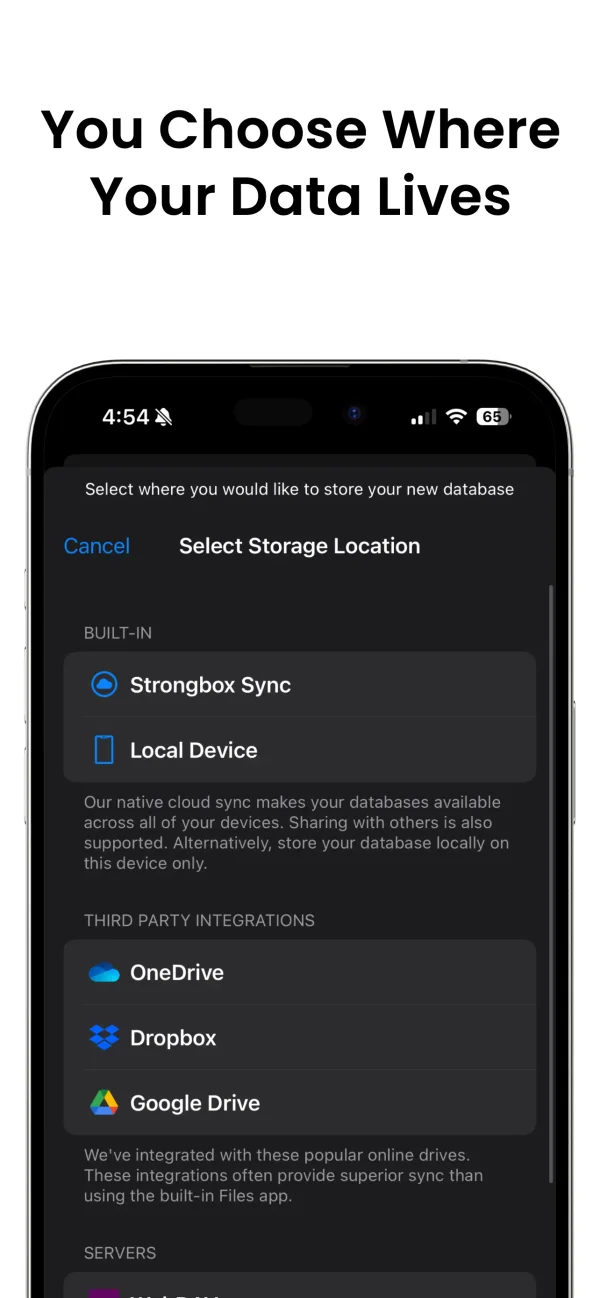
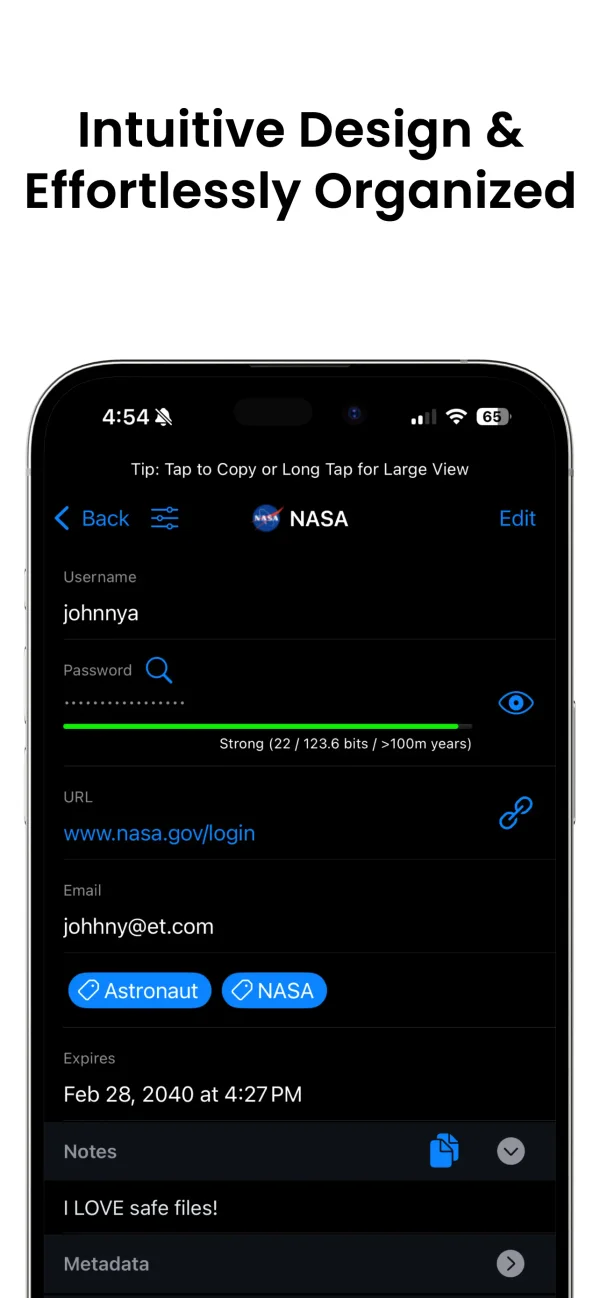
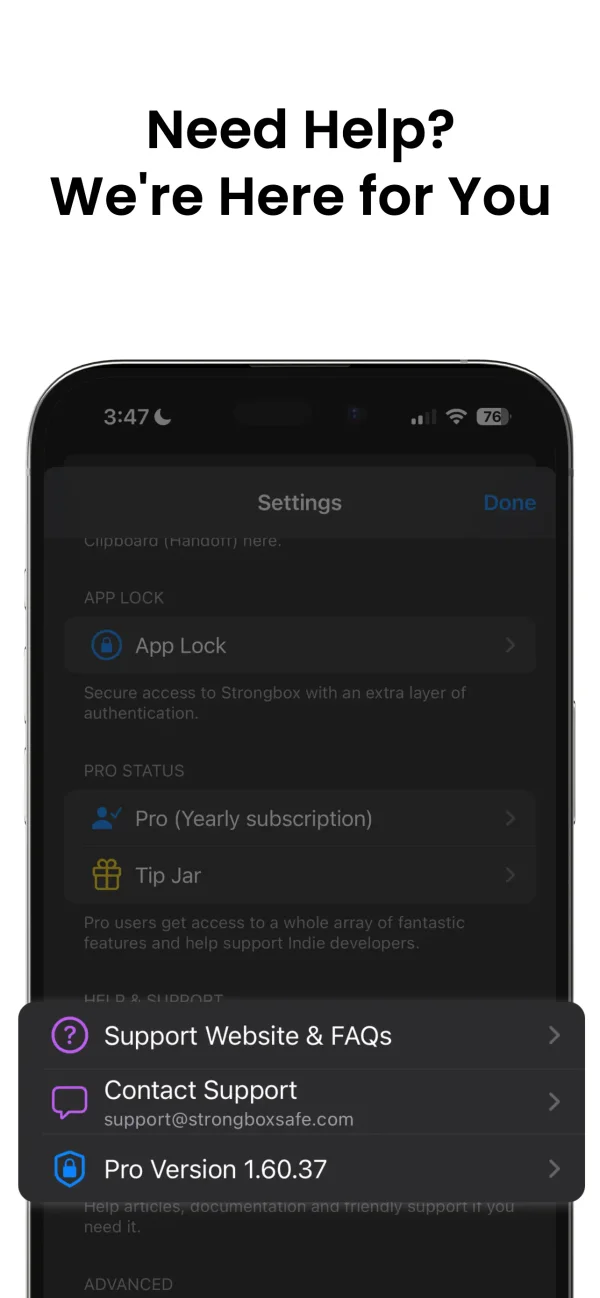
About
Strongbox is an application for keeping all your passwords safely stored and protected by one master password. Supporting the open source Password Safe and KeePass formats.
*** Features ***
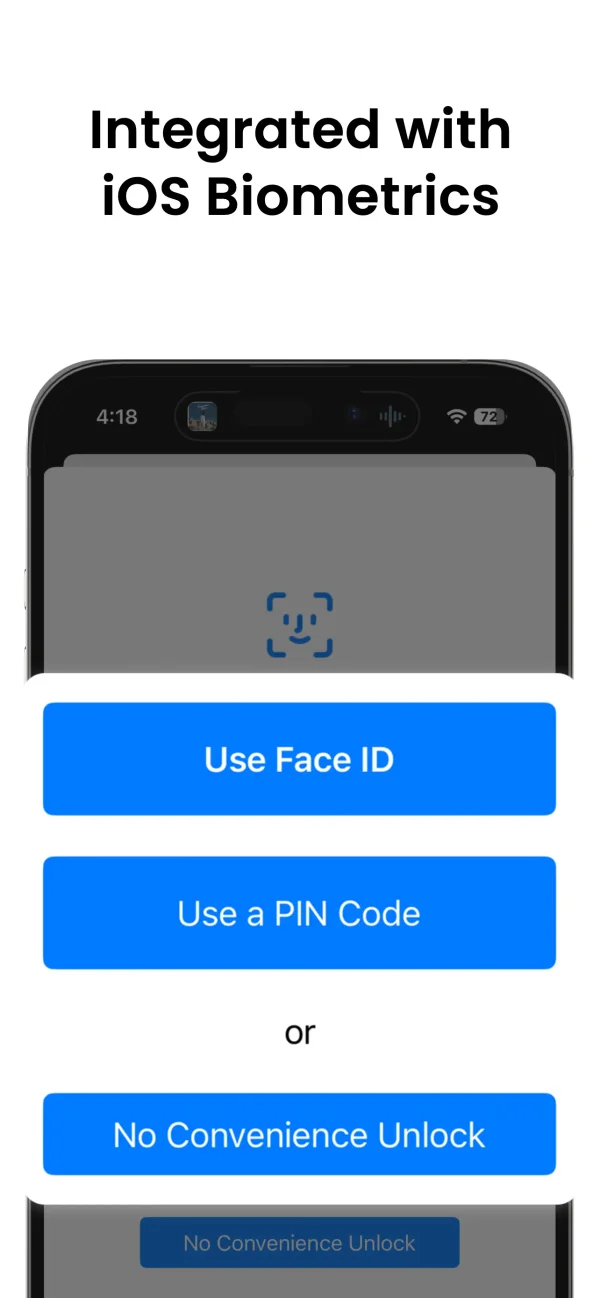
- Face ID/Touch ID Unlock for the ultimate in convenience, security and speed.
- Passkey support - The latest, most convenient and most secure authentication method (passkeys).
- PIN Code Unlock with a Duress PIN option for those tricky situations.
- YubiKey protection - secure your databases with a hardware token.
- Secure - protected by time tested military grade cryptography.
- Private - Isolated In-App attachments viewer for your sensitive documents, photos & videos.
- Audit your passwords - Automatically check your database for weak password including a 'Have I Been Pwned?' check.
- Cloud Support, so you can access your cloud safes using iCloud, Dropbox, OneDrive, Google Drive, WebDAV or SFTP even when offline. Use the built in Files app for many other storage options or store them securely only on your local device. You choose your storage.
- Search your entire set of passwords and secrets instantly and powerfully, with deep search. Autocomplete new entries, and auto generate secure passwords.
- Compatible - Import/Export by Files app, Email, CSV, iTunes File Sharing or use cloud storage.
- Standards compliant - using the time tested Password Safe and KeePass formats so you can import any existing password safe you have.
- Features galore
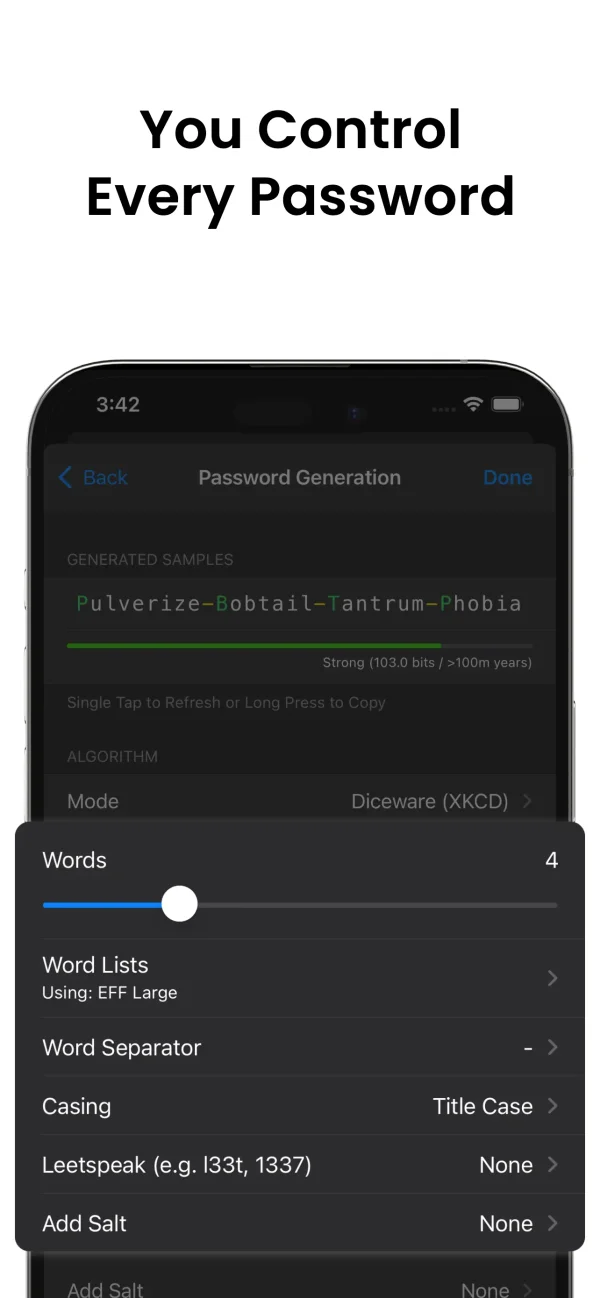
- Incredibly configurable password generation including Diceware (XKCD) & regular passwords.
- Timed Auto Clear Clipboard.
- Entry History.
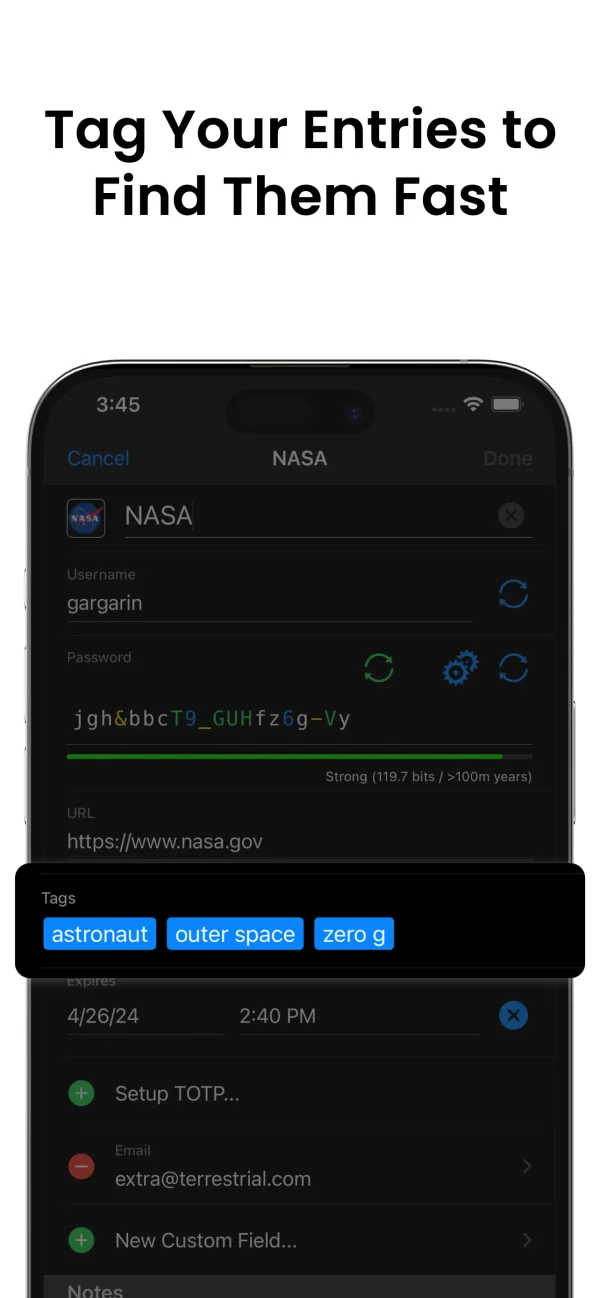
- KeePass Field References, Tags, Custom Icon & FavIcons (including automatic search & download).
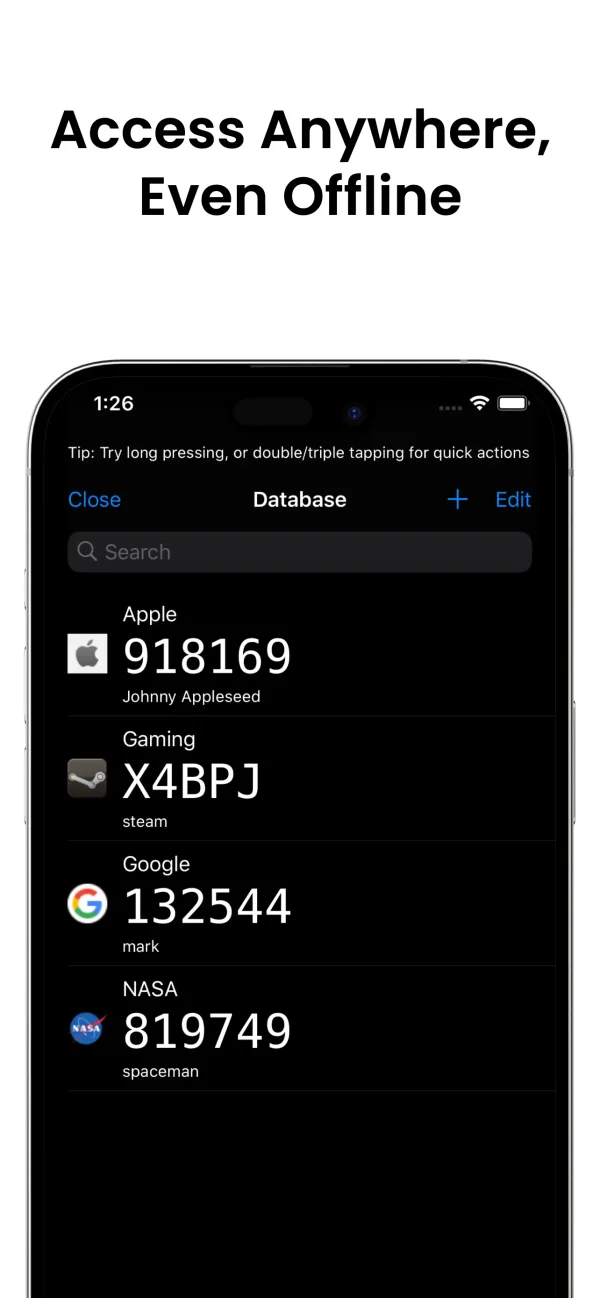
- Two Factor Authentication codes (TOTP) - QR Code, Steam & Manual.
*** Strongbox is Freemium ***
This means that Strongbox is free with a basic feature set, but if you like there are enhanced Pro features too. You can opt-in to a 90 day Free Trial of all the Pro features if you like, no obligations, but most find the Free version perfectly adequate.
---------------------------------------------------------------------
• Strongbox provides In-App Purchases (both auto renewable subscriptions and one-off non-consumable) for Pro versions of the App
• An outright/upfront (i.e. non In-App Purchase) option exists also, please see the Strongbox website for details.
• Subscriptions are auto renewable with recurring billing. Cancel anytime.
• The time period of the subscriptions are monthly, 3-monthly or yearly at users discretion
• The user can also choose to purchase a 'Lifetime' one-off Pro version of the App
• Payment will be charged to iTunes Account at confirmation of purchase
• Subscription automatically renews unless auto-renew is turned off at least 24-hours before the end of the current period
• Account will be charged for renewal within 24-hours prior to the end of the current period, and identify the cost of the renewal
• Subscriptions may be managed by the user and auto-renewal may be turned off by going to the user's Account Settings after purchase
• Any unused portion of a free trial period, if offered, will be forfeited when the user purchases a subscription to that publication, where applicable
• Strongbox Privacy Policy may be found here: https://strongboxsafe.com/privacy-policy/
• Strongbox Terms of Use may be found here: https://strongboxsafe.com/terms/
What’s new
Version 1.65.2 · Sep 1, 2026
This update for Strongbox adds saving newly generated entries from Safari, adds experimental PRF Passkey support and more.
New
- Save new entries to Strongbox directly from Safari.
- Sort entry lists by the date passwords were last changed.
- Experimental support for PRF Passkeys.
Fixes
- Fixed an issue where some entries tapped in audit results would not open.
- Improved resilience to WebDAV connection issues.
- Fixed a crash when importing logins with multiple URLs.
If you are enjoying the new version of Strongbox it would be great if you could leave a positive review for us in the App Store. It makes a huge difference to us as indie developers. Thank you!
If you're experiencing any problems or are not happy, just let us know (support@strongboxsafe.com) and we'll make it right.
The Strongbox Team
App privacy
What Phoebe Code Limited declares on the App Store about how this app handles data.
-
Data not linked to you
May be collected but is not linked to your identity.
- Purchases
Privacy practices may vary, for example with the features you use or your age.
Information
- Seller
- Phoebe Code Limited
- Category
- Productivity
- Version
- 1.65.2
- Updated
- Sep 1, 2026
- Released
- Jul 20, 2014
- Size
- 145.0 MB
- Requires
- iOS 15.0 or later
- Age rating
- 4+
- Price
- Free
- In-app purchases
- Yes
- Languages
- English, Czech, Dutch, French, German, Greek, Hungarian, Italian, Japanese, Polish, Portuguese, Russian + 6 more
- Copyright
- © 2025 Phoebe Code Limited
You might also like
-
 KeePassium (KeePass passwords)Respects your privacy
-
 KeePass TouchThe Password Manager
-
 KeePass - Password ManagerPassword Saver and Autofill
-
 OneKeePass - Password ManagerStore passwords safely
-
 Cryptomator: Protect PrivacyOpen Source Cloud Encryption
-
 Möbius SyncFile sync with Syncthing
-
 Enpass Password ManagerGenerate & Autofill Passwords
-
 KeyPass – Passwords ManagerPasswords, Passkeys & Autofill
-
 SynctrainSynchronize files securely
-
 Notesnook: Private notepadEncrypted notes & secure vault