Mellowake: Gentle Alarm Clock
Bedtime reminders & countdown
Designed for iPhone
In-app purchases
- Age rating4+
- CategoryUtilities
- Developer伟秀 吴
- LanguagesFrench+ 8 more
- Size24.7 MB
Links to the official App Store page
Download.org hosts no file of Mellowake: Gentle Alarm Clock. The button opens its official App Store page, published by 伟秀 吴. Listing last checked on Nov 25, 2026.
Screenshots

About
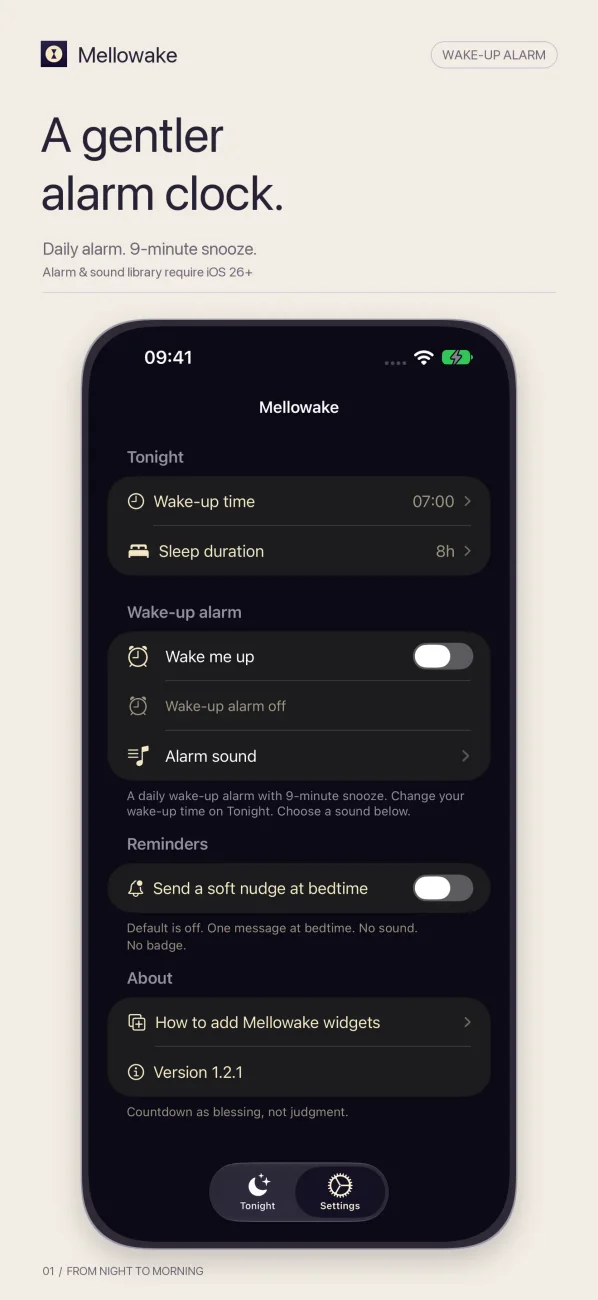
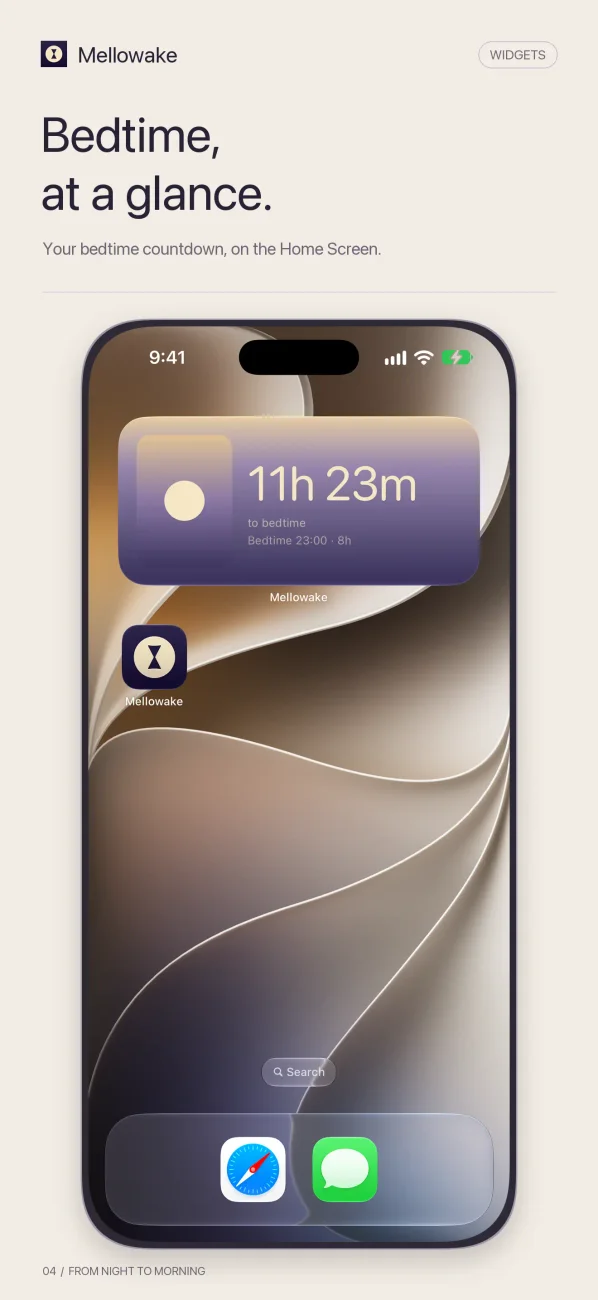
Mellowake brings a gentle alarm clock, bedtime reminders and a clear bedside clock together. Plan when to turn in, choose your morning sound, and set a daily wake-up alarm. Alarms and the sound library, including previews and purchases, require iOS 26 or later.
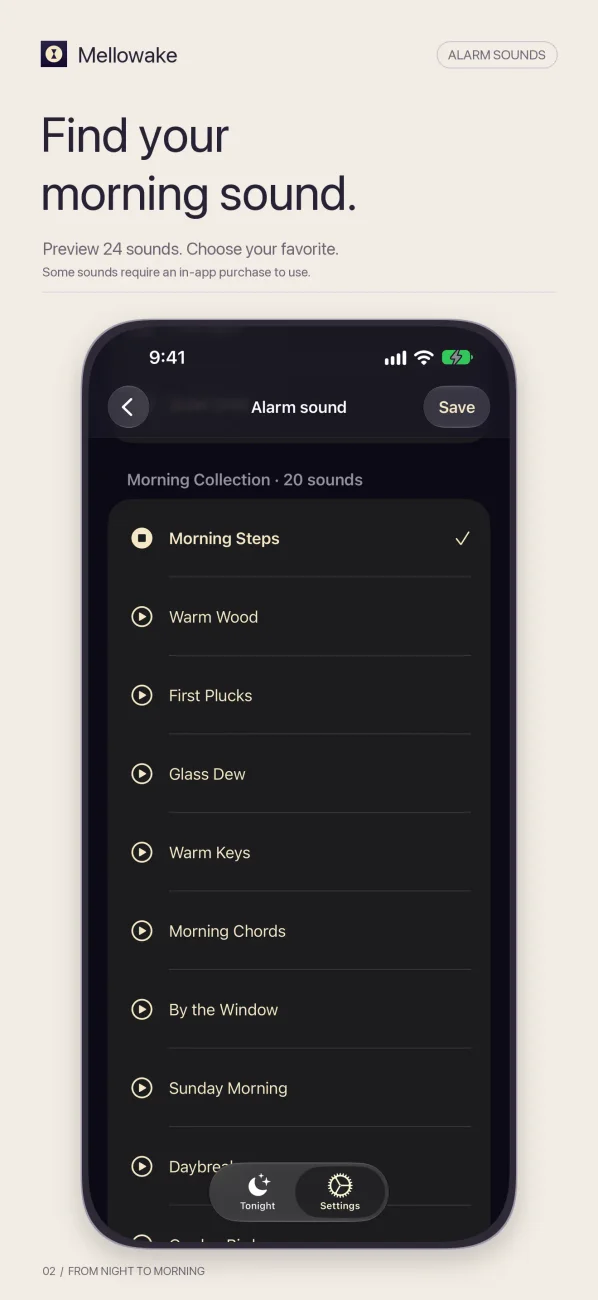
Preview all 24 alarm sounds before choosing: 4 are free, and 20 are available in Morning Collection with a one-time in-app purchase. The system default sound is also free. No subscription. Restore a valid purchase with the same App Store account; purchasing and restoring require an internet connection.
A SOUND FOR YOUR MORNING
Tap a sound’s name to listen, then tap again to stop. Choose your sound and tap Save to use it for your alarm. Wake-up alarms require iOS 26 or later and alarm permission. Set a daily alarm at your wake-up time, with a 9-minute snooze. The morning alarm and bedtime reminder have separate switches.
KNOW WHEN IT’S BEDTIME
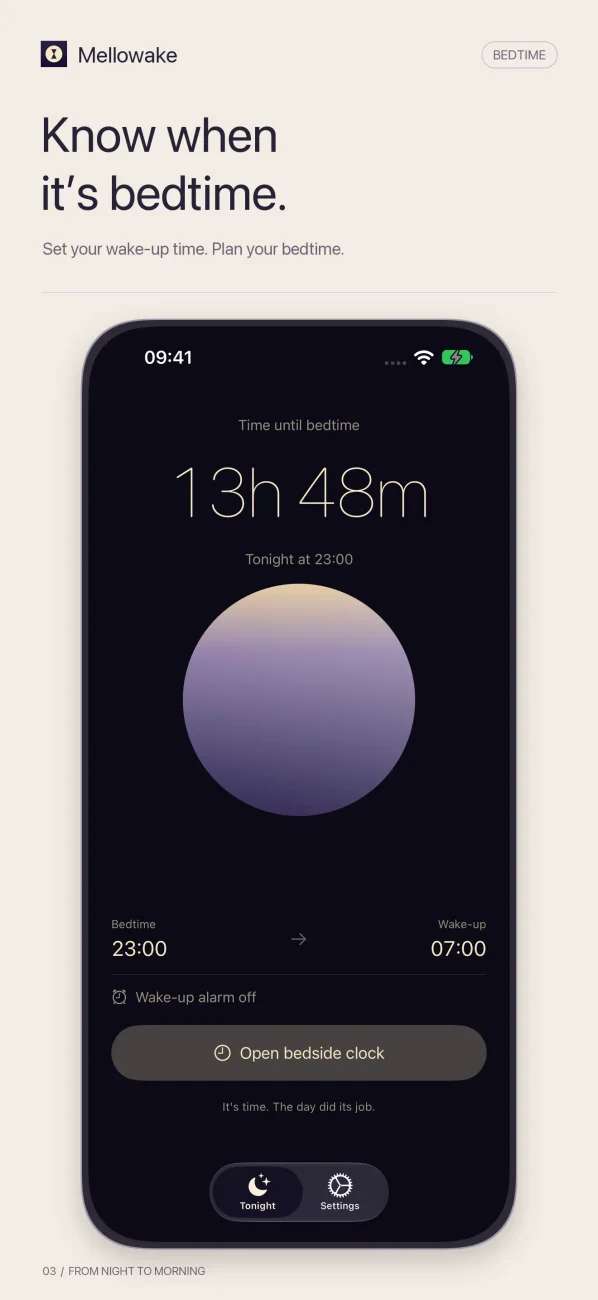
Set your wake-up time and planned sleep duration. Mellowake calculates your bedtime and shows how long you have left. Add Home Screen and Lock Screen widgets, or turn on a gentle bedtime reminder. Bedtime Live Activities start when you open Mellowake near bedtime.
A CALMER BEDSIDE CLOCK
See the time, your alarm status and the next alarm’s date and time at a glance. One tap dims both the clock and bedtime plan areas. Open Clock options to manage the keep-awake setting and read its explanation; it works only while the clock is open and Mellowake is in the foreground. The layout adapts to portrait, landscape, and iPhone Duo half-folded or open. Bedside clock features remain free.
YOUR ROUTINE, ON YOUR DEVICE
No Mellowake account is needed. Your schedule and settings stay on your device, and the core features and sound previews work offline. Purchase restoration restores access to Morning Collection, not your schedule or alarm settings. Sleep duration is your plan, not a measurement.
What’s new
Version 1.2.1 · Nov 24, 2026
Tap a sound’s name to preview it. Clearer unlock buttons and a purchase entry that stays visible make the sound library easier to use. The bedside clock now shows alarm status and the next alarm’s date and time. One tap dims the clock and bedtime plan together, with keep-awake controls in Clock options. Refined text sizing and layouts for iPhone landscape and iPhone Duo half-folded or open.
App privacy
What 伟秀 吴 declares on the App Store about how this app handles data.
-
Data not collected
The developer does not collect any data from this app.
Privacy practices may vary, for example with the features you use or your age.
Information
- Seller
- 伟秀 吴
- Category
- Utilities
- Version
- 1.2.1
- Updated
- Nov 24, 2026
- Released
- Apr 21, 2026
- Size
- 24.7 MB
- Requires
- iOS 17.0 or later
- Age rating
- 4+
- In-app purchases
- Yes
- Languages
- French, German, English, Simplified Chinese, Traditional Chinese, Korean, Spanish, Japanese, Portuguese
- Copyright
- © 2026 Wu Xin
You might also like
-
 InSight CountdownSpecify time. Sleek. Synced.
-
 Time Log - Activity TrackerStudy, work and reading time
-
 AuraSeason: Time ProgressSeason. Year. Month. Day. Life
-
 Minimalist ProgressTrack your goals with clarity.
-
 DaysYet: Life & Time CountdownWidgets for goals & milestones
-
 Habit Tracker Garden - LoopyDaily Routine & Streak Log
-
 Tomorrow: Smart AlarmCalendar wake-up clock
-
 Listly: tasks & notesKeep organisation simple
-
 Routino: habit routinesBuilt around your real week
-
 LectureWatchAnalog Clock & Stopwatch, Bell