Merge Pdf-Split, Combine Files
Merge,Split,Sign PDF Converter
Designed for iPhone, iPad, iPod touch
Free · In-app purchases
- Age rating4+
- CategoryProductivity
- DeveloperMomina Khalid
- LanguagesEnglish
- Size18.3 MB
Links to the official App Store page
Download.org hosts no file of Merge Pdf-Split, Combine Files. The button opens its official App Store page, published by Momina Khalid. Listing last checked on Nov 23, 2026.
Screenshots

About
Tired of sending multiple PDF files separately?
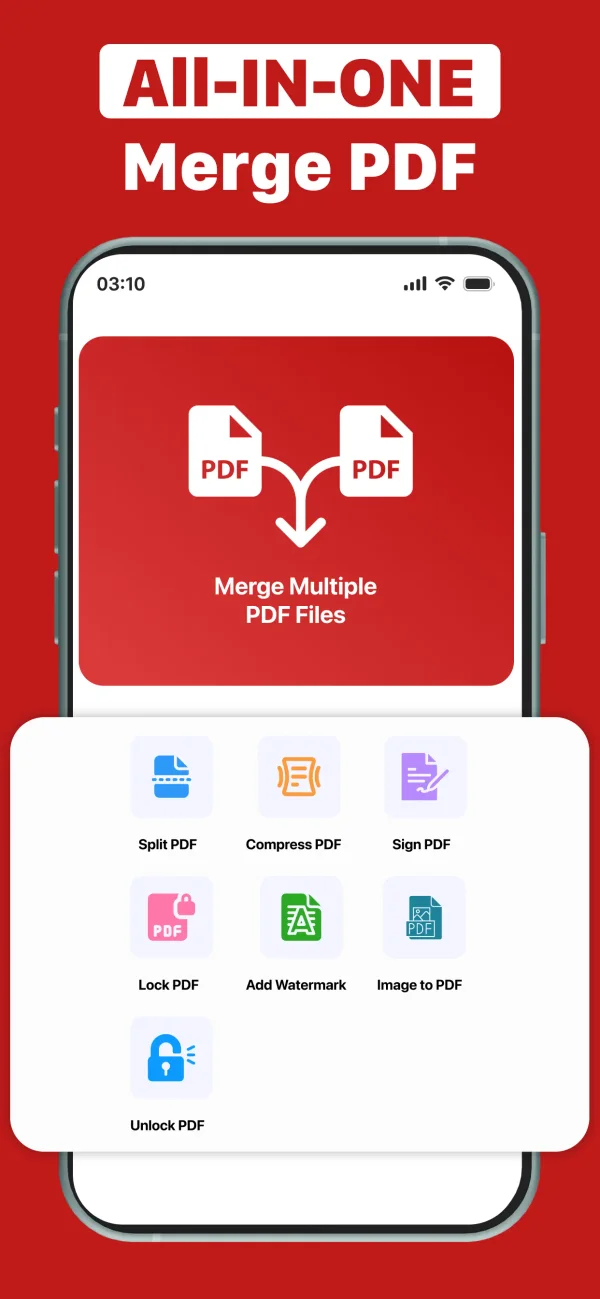
Merge PDF files into one clean document in seconds. This fast and offline PDF merger lets you combine, organize, and manage files directly on your iPhone—without watermarks or complicated steps.
Whether you're dealing with work documents, study notes, or scanned files, this app helps you combine PDFs quickly, securely, and without losing quality.
Features:
Merge Multiple PDF Files
Combine unlimited PDF files into one organized document instantly.
Fast & Offline Processing
No uploads. No waiting. Everything works directly on your device.
No Watermark
Your files stay clean and professional—always.
Smart File Management:
• Reorder pages before merging
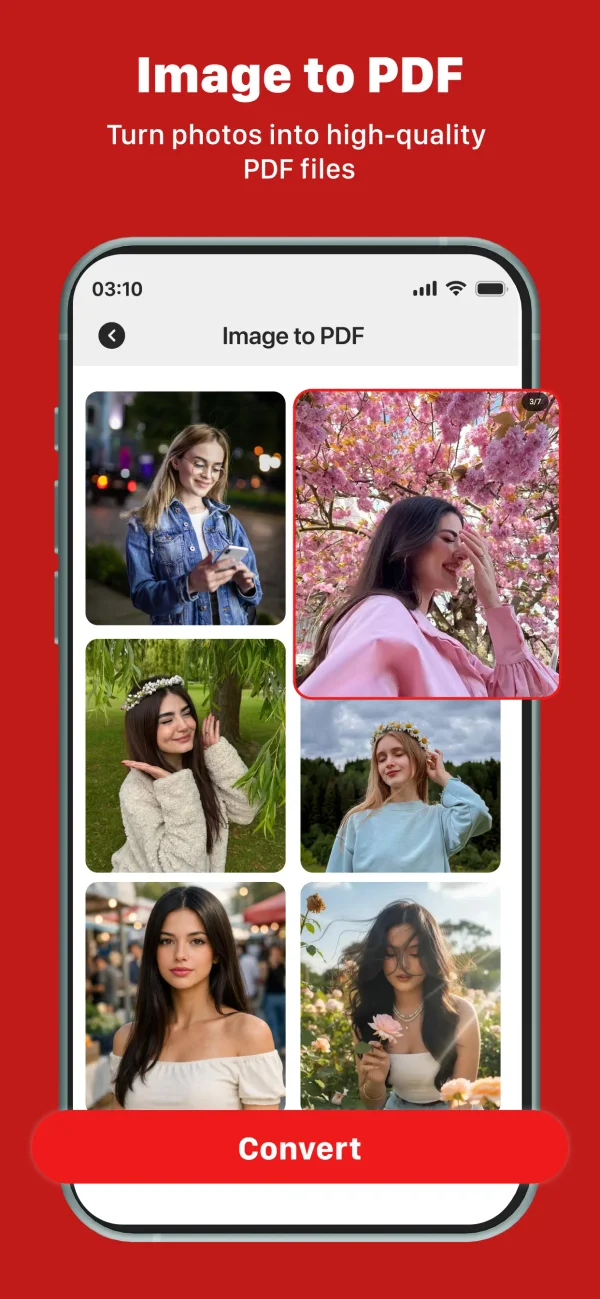
• Combine images into PDF
• Split large PDF files
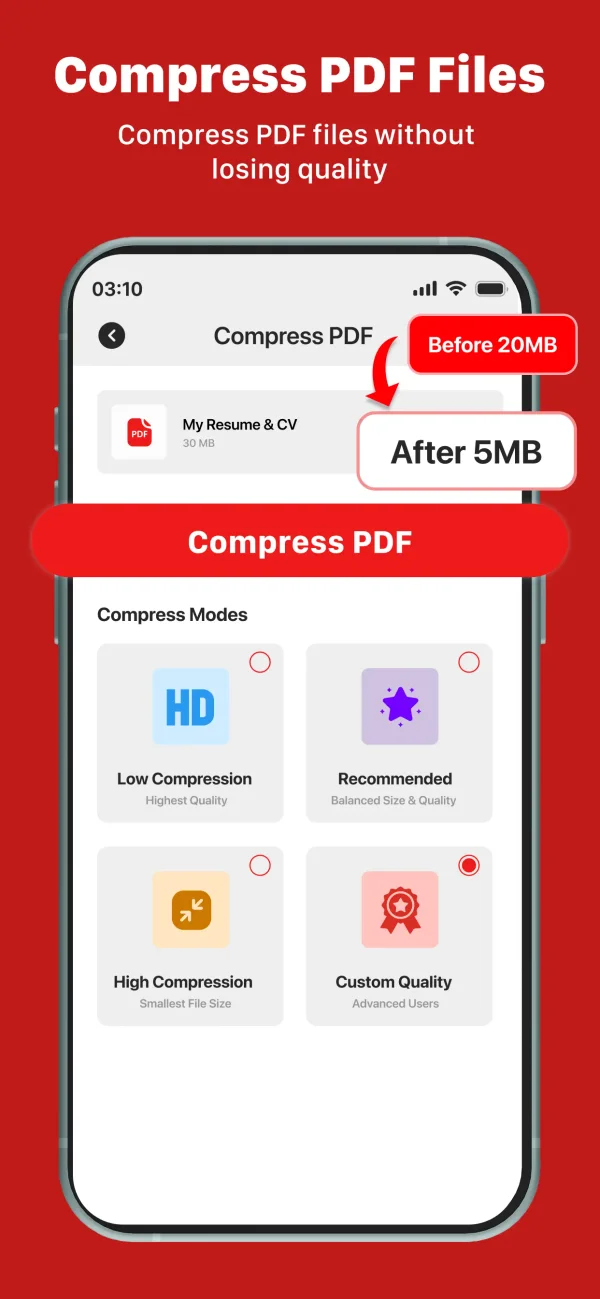
• Compress file size
Real Use Cases:
• Merge assignments into one PDF
• Combine invoices & reports
• Join scanned documents
• Create one file for email sharing
• Organize contracts & forms
Why Choose This PDF Merger?
Unlike complex or bloated alternatives, this app focuses on one thing: fast, simple PDF merging that actually works.
Download now and merge PDF files faster than ever. Combine, organize, and manage your documents with a lightweight and powerful PDF merger built for iPhone.
Note:
STEP 1: Payment will be charged to your iTunes account at confirmation of purchase. Your subscription will automatically renew unless auto-renew is turned off at least 24 hours before the end of the current subscription period.
STEP 2: Your account will be charged for renewal within 24 hours before the end of the current subscription period. Automatic renewals will cost the same price you were originally charged for the subscription.
STEP 3: You can manage your subscriptions and turn off auto-renewal by going to your Account Settings on the App Store after purchase. Read our terms of service and Privacy Policy for more information.
Terms of Use:
https://sites.google.com/view/namigamesstudio/terms-of-use
Privacy Policy:
https://sites.google.com/view/mergepdfapp?usp=sharing
What’s new
Version 1.3 · Nov 22, 2026
What's New in Version 1.3:
• Faster PDF Merging: Optimized speed for combining multiple documents and images.
• Improved Page Reordering: Easily organize and rearrange pages before merging.
• Offline & Secure: Enjoy smooth, private document handling with no cloud uploads.
• Bug fixes and stability improvements for a seamless user experience.
App privacy
What Momina Khalid declares on the App Store about how this app handles data.
-
Data used to track you
May be used to track you across apps and websites owned by other companies.
- Location
-
Data not linked to you
May be collected but is not linked to your identity.
- Location
Privacy practices may vary, for example with the features you use or your age.
Information
- Seller
- Momina Khalid
- Category
- Productivity
- Version
- 1.3
- Updated
- Nov 22, 2026
- Released
- May 26, 2026
- Size
- 18.3 MB
- Requires
- iOS 15.6 or later
- Age rating
- 4+
- Price
- Free
- In-app purchases
- Yes
- Languages
- English
- Copyright
- Copyright © 2026 Momina Khalid. All rights reserved.
You might also like
-
 Combine & Merge PDF ConverterProductivity
-
 Merge PDF Files - Combine PDFSplit Pdf - Extract Pdf Pages
-
 Merge PDF Files-Split PDF DocsCombine PDF Files In Seconds
-
 Merge PDF - Combine PDFJPG to PDF Converter & Merger
-
 UniPDF: PDF Converter, ScannerPDF editor, photo to PDF, sign
-
 PDF Converter.ㅤConvert Word, PNG, JPG to PDF
-
 PDF Combiner - Merge & SplitPhoto to PDF & Image Converter
-
 PDF Compressor-Compress PDFReduce PDF Size & Keep Quality
-
 Convert PDF to Word OCRConvert PDF to DOC and DOCX
-
 PDF Converter -Convert Photo to PDF