- Age rating4+
- CategoryProductivity
- DeveloperAnastasiia Bondarenko
- LanguagesEnglish+ 2 more
- Size54.1 MB
Links to the official App Store page
Download.org hosts no file of MINOA Archive. The button opens its official App Store page, published by Anastasiia Bondarenko. Listing last checked on Nov 23, 2026.
Screenshots
About
YOUR ARCHIVE COMES ALIVE!
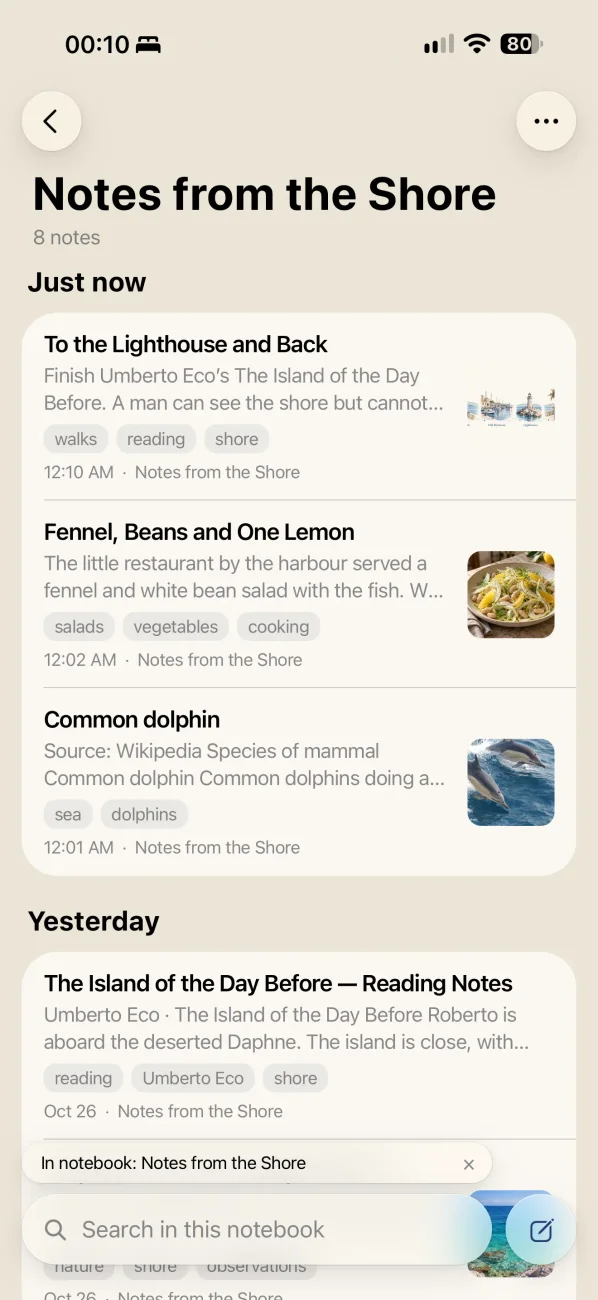
MINOA Archive is a notes app and personal knowledge base for work, study and exploring any topic.
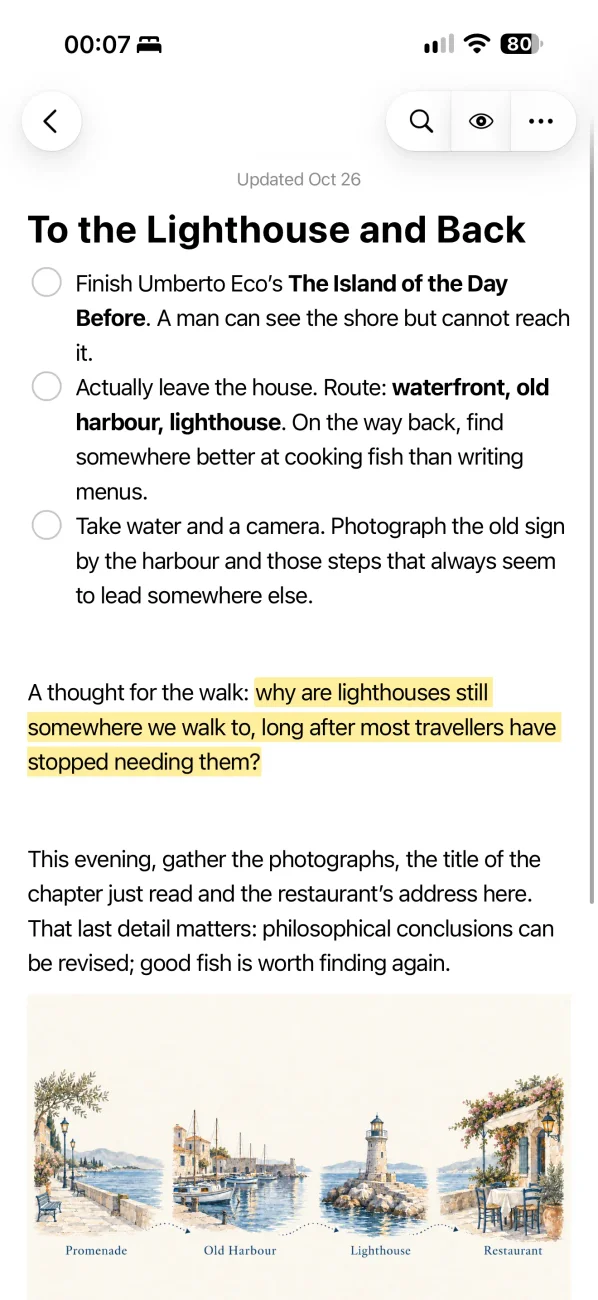
Write notes, read saved articles and posts, and connect your entries. Add documents, photos and links, with your own comments alongside them.
Collect, store, search and edit both source material and your own conclusions on a topic.
FROM YOUR BROWSER TO A NOTE
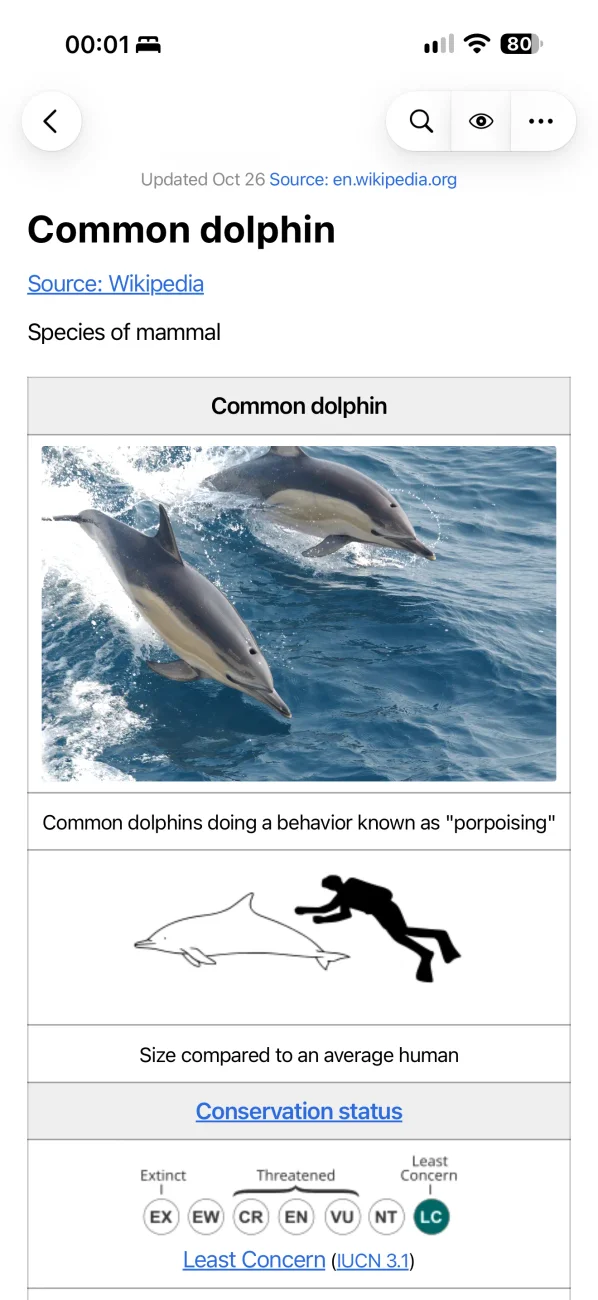
Save an article with its formatting and images. Keep just the text without formatting, or save a link to read it on the website. On your phone, send pages through Share → MINOA Archive.
FROM TELEGRAM TO YOUR NOTEBOOK
Forward posts, messages, photos and files to your own MINOA Archive bot. MINOA Archive saves them in the notebook you choose, so useful content from channels, groups and conversations does not get lost in the message stream.
EXPORT YOUR EVERNOTE ARCHIVE
Transfer Evernote notes in ENEX format using the full Mac edition of MINOA Archive. Text, formatting, tags, dates and attachments are preserved.
ACROSS ALL YOUR DEVICES
Connect devices through the unique MINOA Sync system and continue working with the same notes across your computer, phone and tablet. Download the notebooks you need to your phone in full, including attachments, and read them offline.
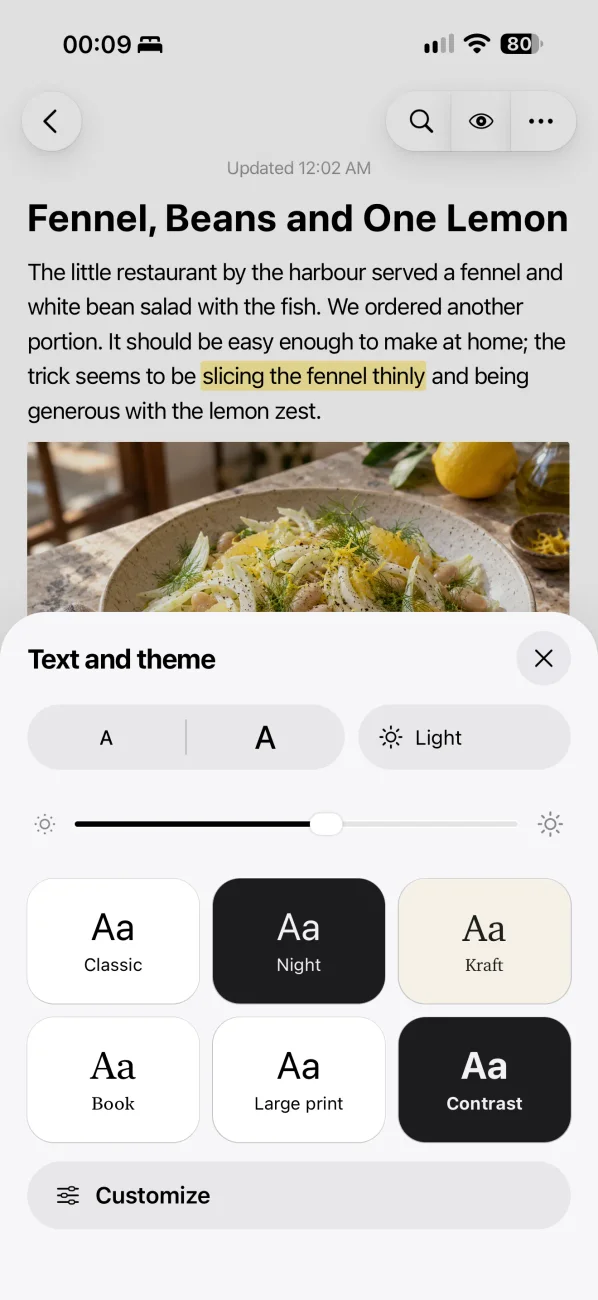
MAKE THE IMPORTANT DETAILS STAND OUT
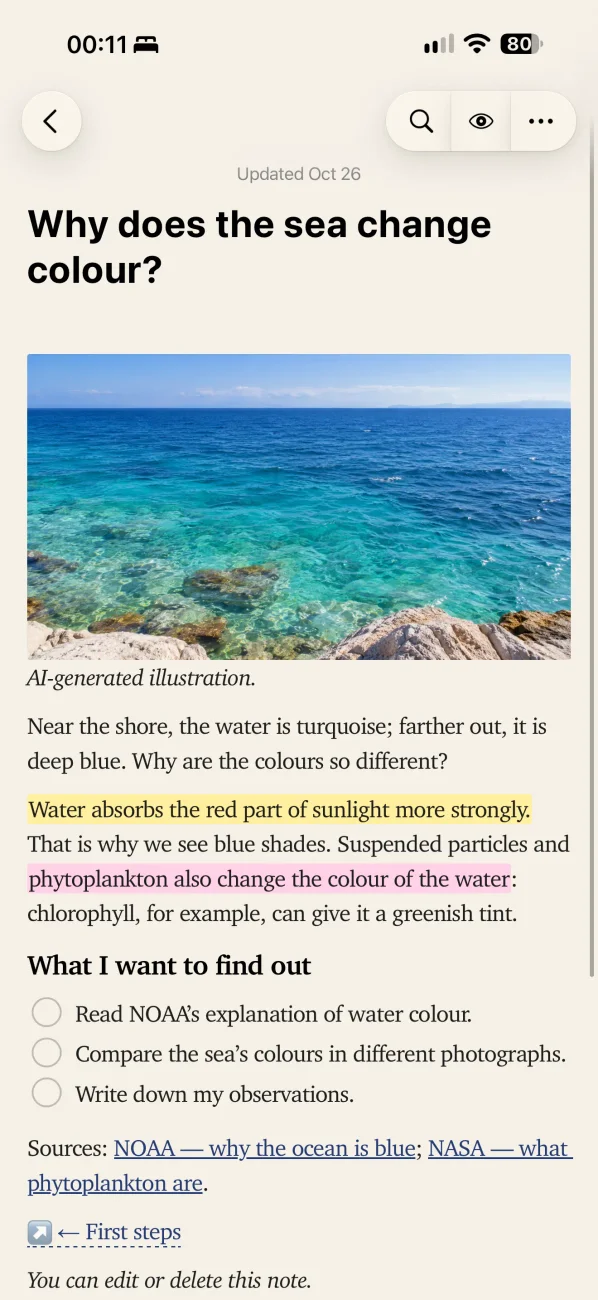
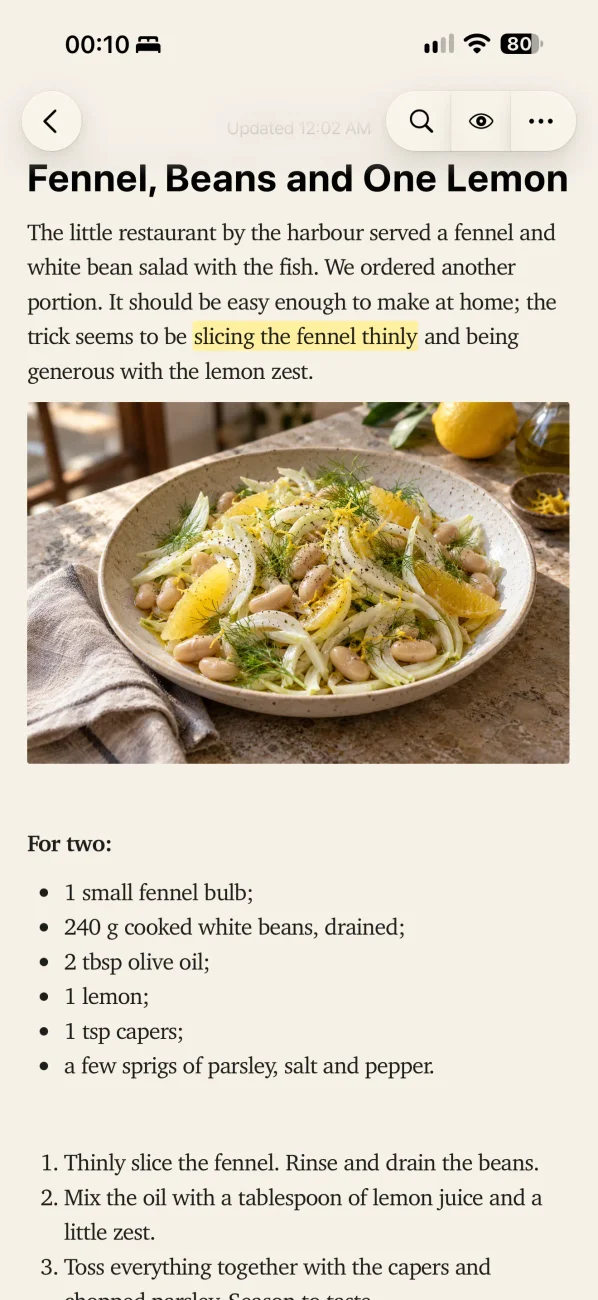
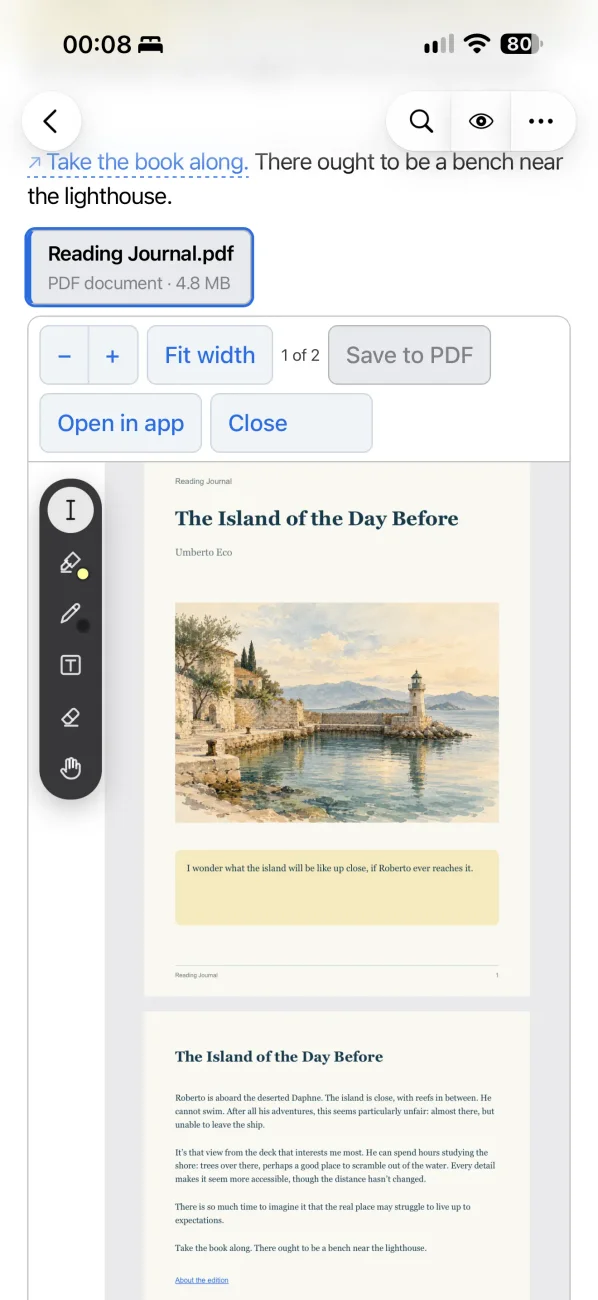
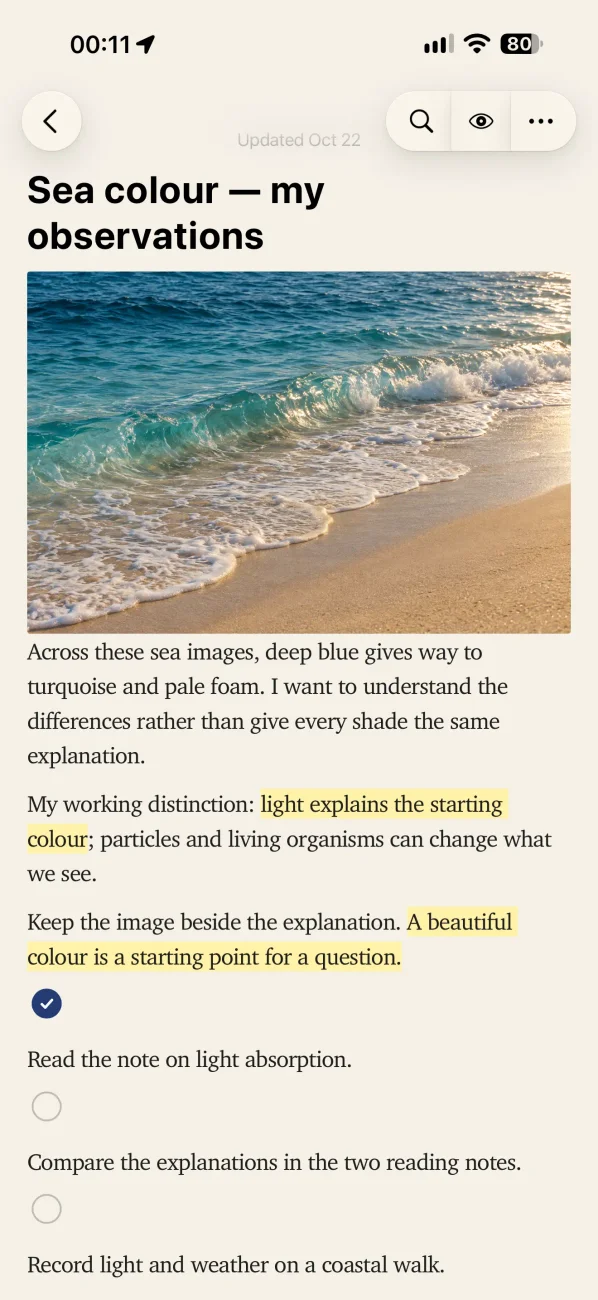
Highlight text with color, format quotations and tables, and create checklists. In PDFs, mark passages with the highlighter, add text comments and make handwritten annotations.
WORD DOCUMENTS
Read Word attachments inside a note. To edit the content, import the .docx file as a note. Headings, tables, lists, footnotes and images are preserved.
LINKS AND MERGED NOTES
Link a reading note to a saved article, or a conclusion to the observations behind it. Backlinks show which entries link to the note you have open.
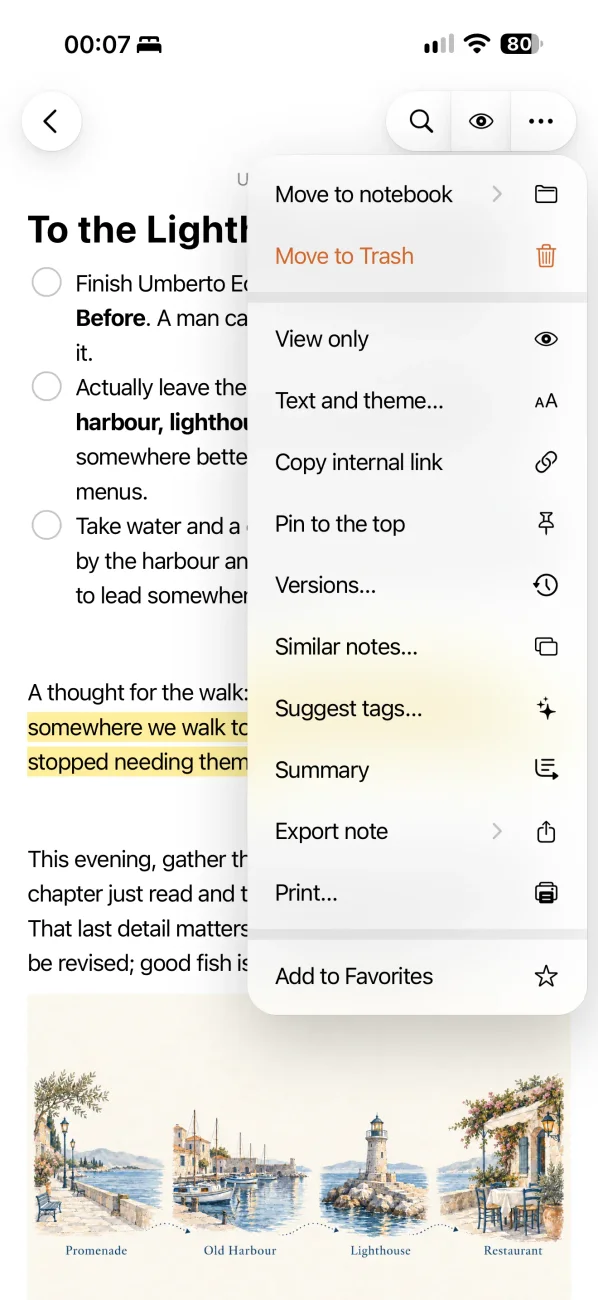
Assign tags to several notes, move them to another notebook or merge them into one note with their tags and attachments. You can undo and redo these actions.
VERSATILE SEARCH
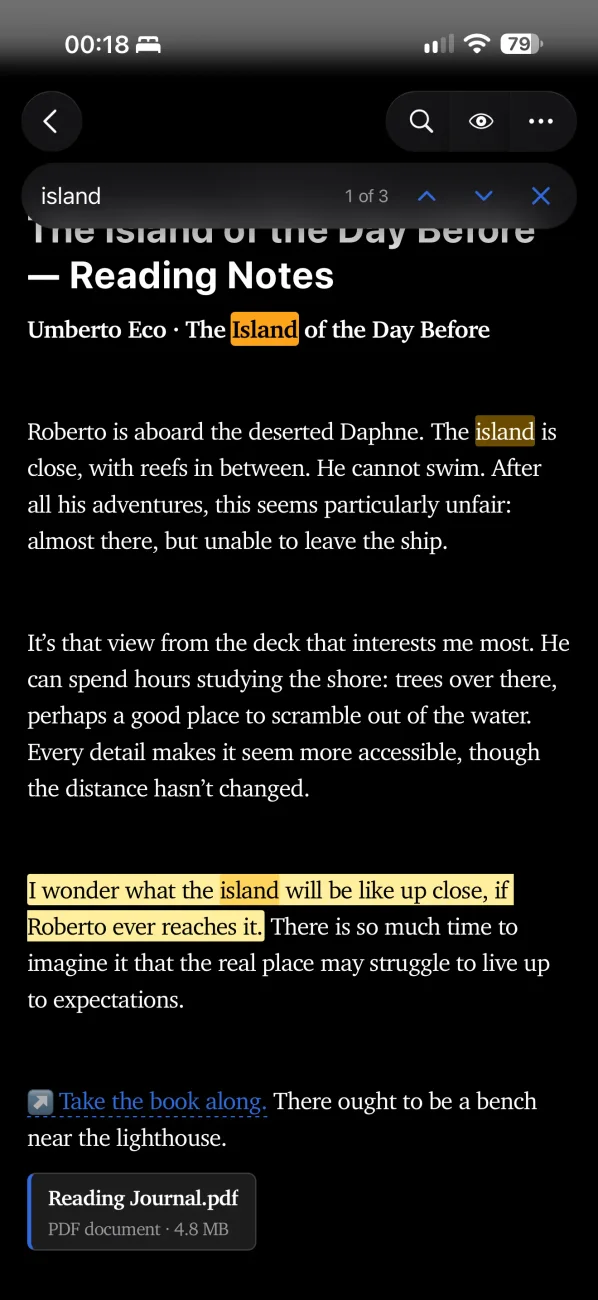
Search for words and phrases in notes, narrow your query by tag, notebook or date, and save searches you use often. Search is in the header; when you search a note's text, it opens at the first match.
AI SUGGESTIONS BASED ON MEANING
Local AI helps you discover related notes and suggests suitable tags from your existing set. You choose which suggestions to accept.
A SEPARATE PASSWORD FOR PRIVATE NOTES
Keep confidential notes and attachments in encrypted notebooks, protected by a separate password.
Manual: https://minoa.biz/minoa-archive/guide/
ACCESS OPTIONS
The features described above are included with full access to MINOA Archive. Choose a monthly or annual subscription, or get lifetime access with a one-time payment.
A 3-day free trial may be available with a subscription. If the offer is available to you, it will be shown before you confirm your purchase. After the trial, your subscription becomes paid and renews automatically until you cancel it. You can manage or cancel your subscription in your Apple Account settings. The price and terms are shown before you confirm your purchase.
Lifetime access is a one-time purchase, with no trial period or automatic renewal.
Use MINOA Archive on all your compatible Mac, iPhone and iPad devices with the same Apple Account. This applies to both subscriptions and lifetime access. Use Restore Purchases to restore a previous purchase.
Privacy Policy: https://minoa.biz/en/minoa-archive/privacy/
Support: help-desk@minoa.biz
Terms of Use: https://www.apple.com/legal/internet-services/itunes/dev/stdeula/
What’s new
Version 3.3.11 · Nov 18, 2026
◆ You can now sign in to the full version on iPhone and iPad with the email address you used for your purchase and a one-time code from the email!
◆ Export a note as a Word document (.docx): the file opens in Word, Pages and Google Docs, with pictures and tables preserved.
◆ Save a note as a single web page with its pictures and attachments inside — one file that is easy to share.
App privacy
What Anastasiia Bondarenko declares on the App Store about how this app handles data.
-
Data linked to you
May be collected and linked to your identity.
- Purchases
- Contact info
- Identifiers
Privacy practices may vary, for example with the features you use or your age.
Information
- Seller
- Anastasiia Bondarenko
- Category
- Productivity
- Version
- 3.3.11
- Updated
- Nov 18, 2026
- Released
- Nov 8, 2026
- Size
- 54.1 MB
- Requires
- iOS 16.0 or later
- Age rating
- 4+
- Price
- Free
- Languages
- English, Romanian, Russian
- Copyright
- Copyright © 2026 Anastasiia Bondarenko, Serghei Golubițchi
You might also like
-
 FoxTrot Attaché SearchProductivity
-
 goals.ai - AI Goal PlannerTurn Goals Into Daily Action
-
 Chirp: Offline TranslatorTalk to anyone, hands-free
-
 QV.ACYour AI assistant. 100% local.
-
 GZ WhisperOn-device speech to text
-
 Zenkit ChatChat + Tasks = Magic
-
 Aijora: AI Chat AssistantClaude Gemini DeepSeek AI
-
 PearPassPrivate password manager
-
 SkedPalSmart calendar + to-do list
-
 RevPDF: PDF Editor & ReaderOCR, Sign, Redact & Convert