MINOA Archive
Your notes and knowledge base
Được thiết kế cho iPhone, iPad, Mac
Miễn phí · Mua hàng trong ứng dụng
- Độ tuổi4+
- Danh mụcHiệu Suất
- Nhà phát triểnAnastasiia Bondarenko
- Ngôn ngữTiếng Anh+ 2 ngôn ngữ khác
- Kích thước54,7 MB
Liên kết đến trang App Store chính thức
Download.org không lưu trữ tệp nào của MINOA Archive. Nút này mở trang ứng dụng trên App Store, nơi Anastasiia Bondarenko phát hành ứng dụng. Trang được kiểm tra lần cuối: 25/11/2026.
Ảnh chụp màn hình
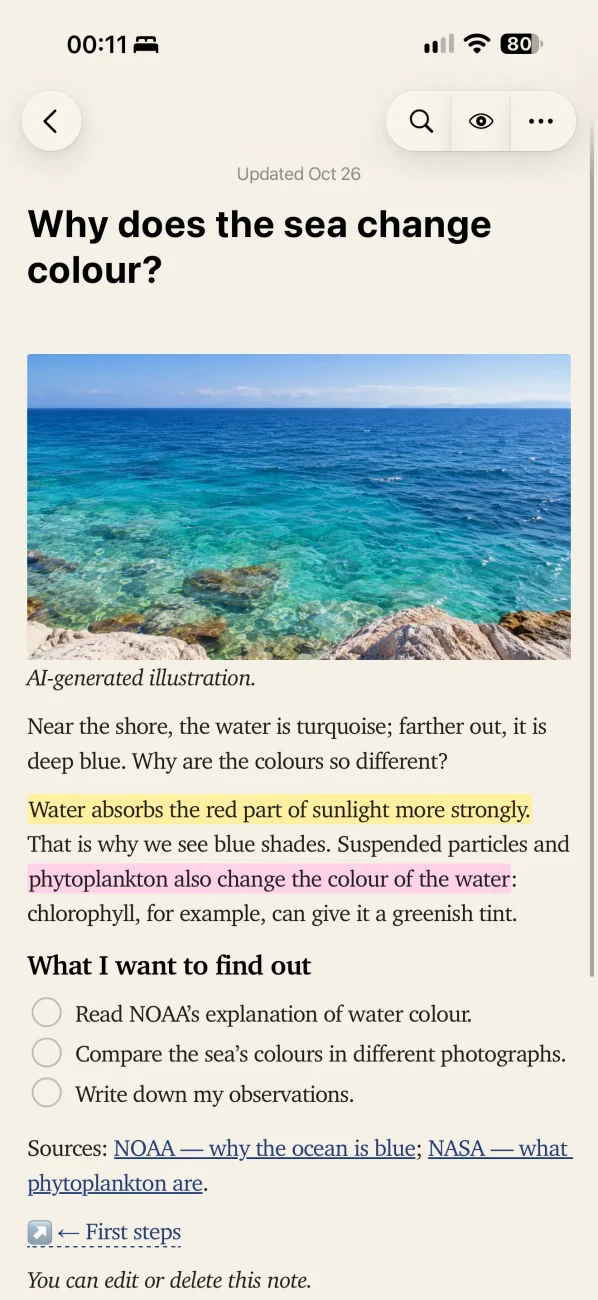
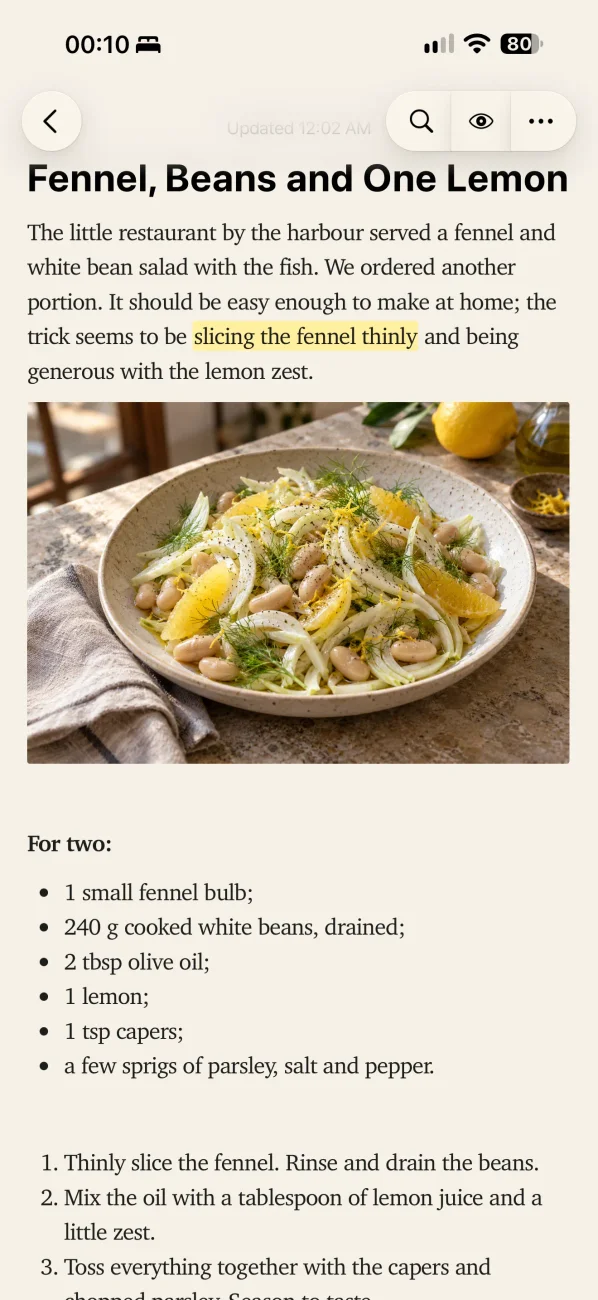
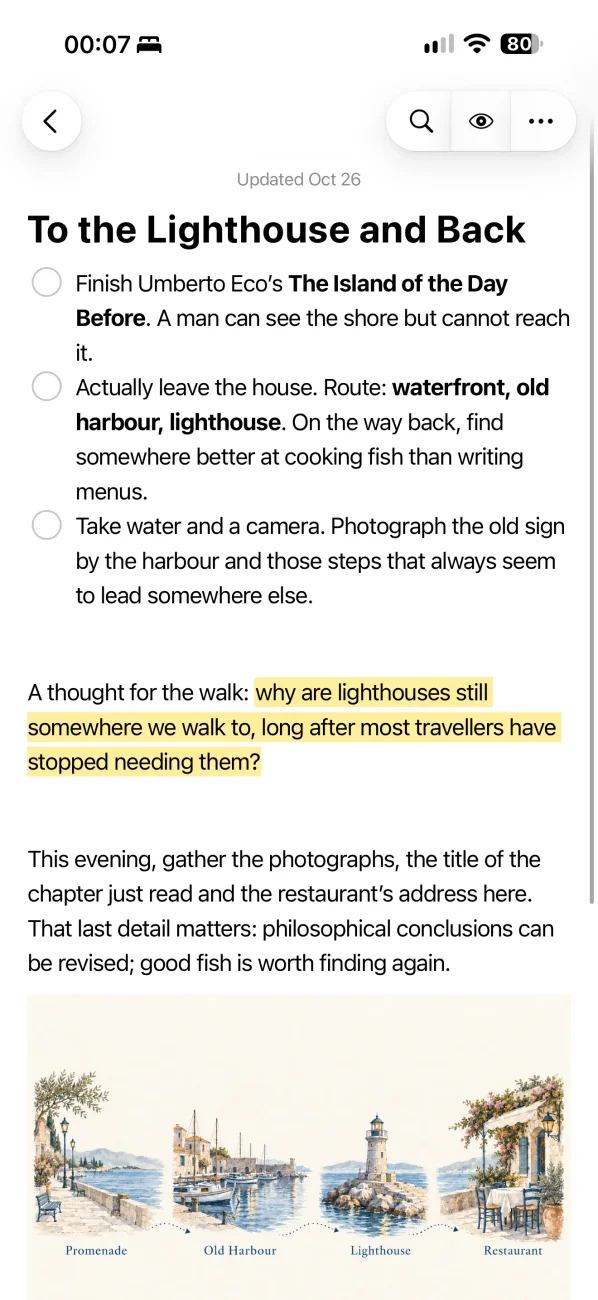
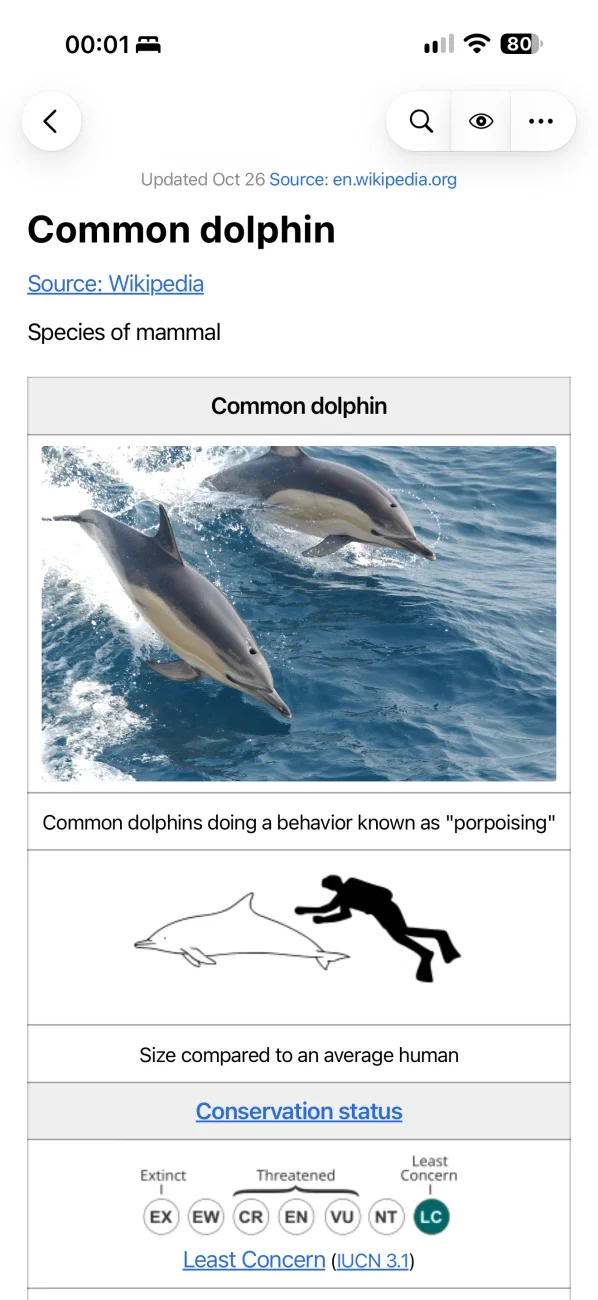


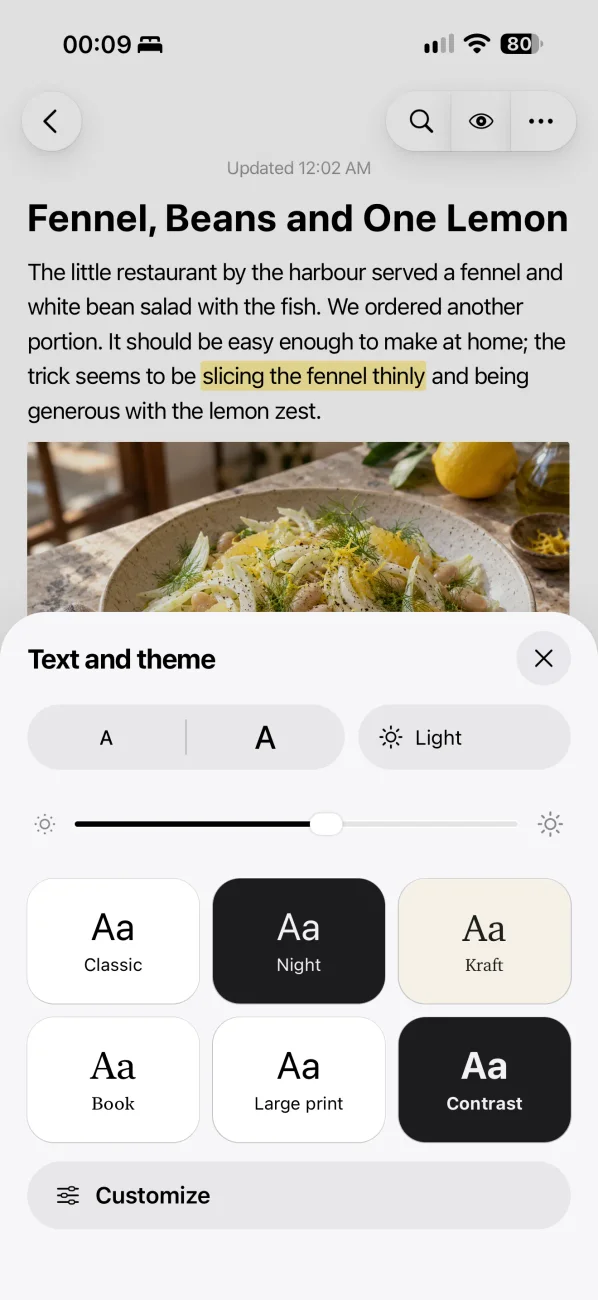
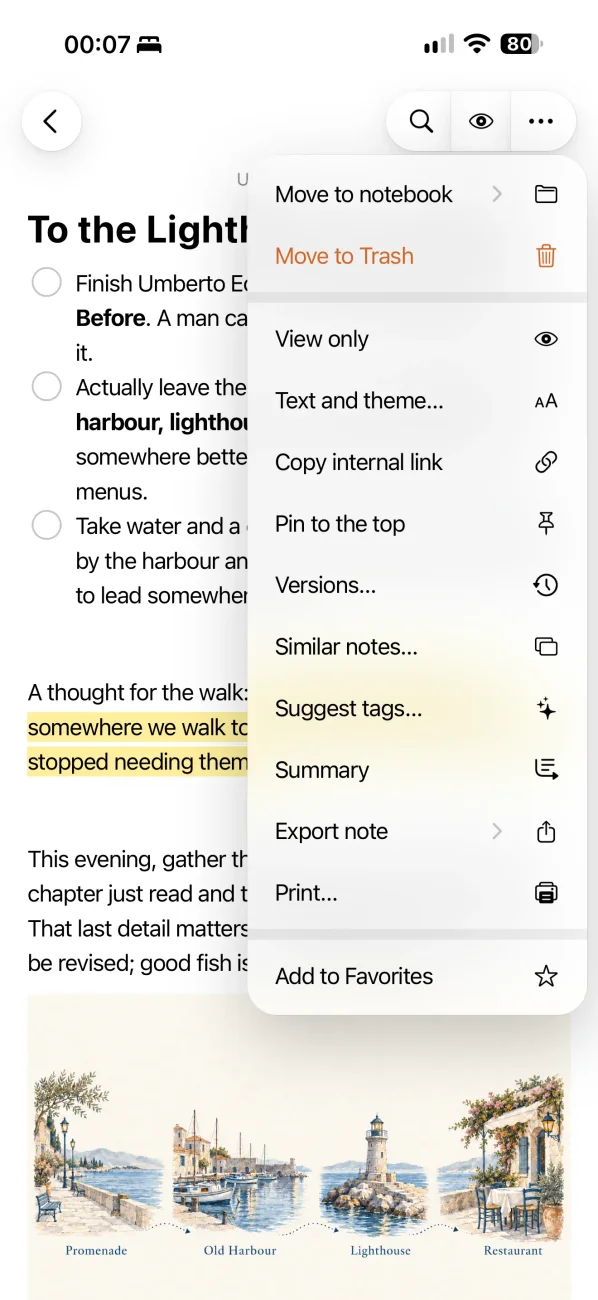
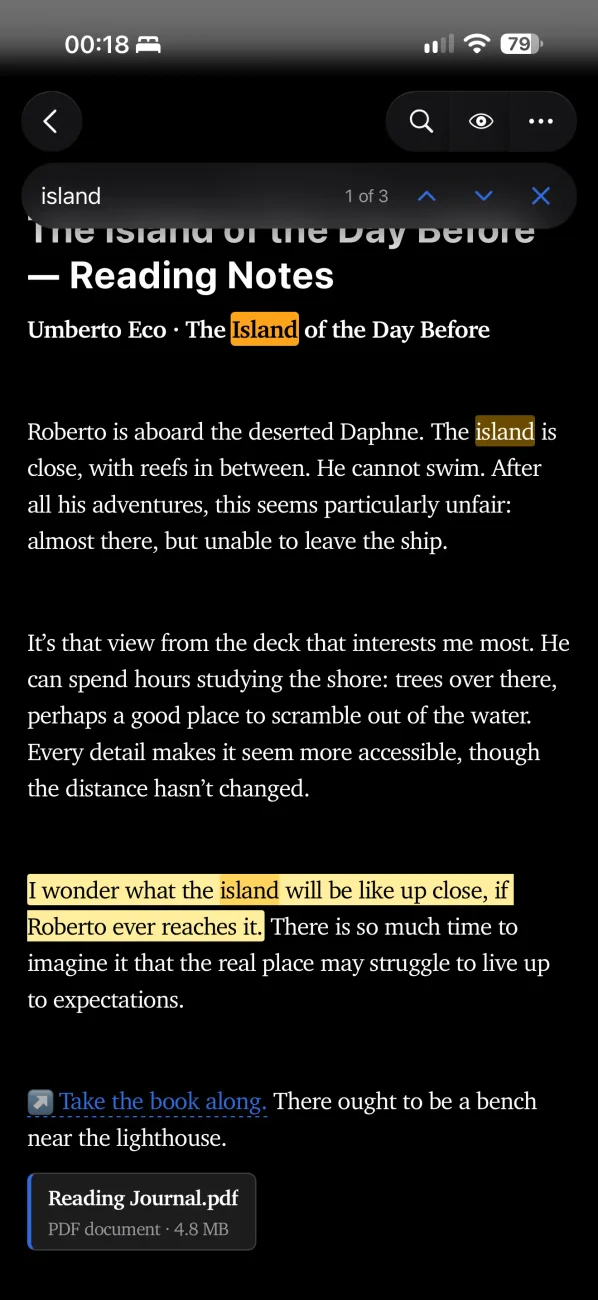
Giới thiệu
Nhà phát triển chưa cung cấp nội dung này bằng ngôn ngữ của bạn.
YOUR ARCHIVE COMES ALIVE!
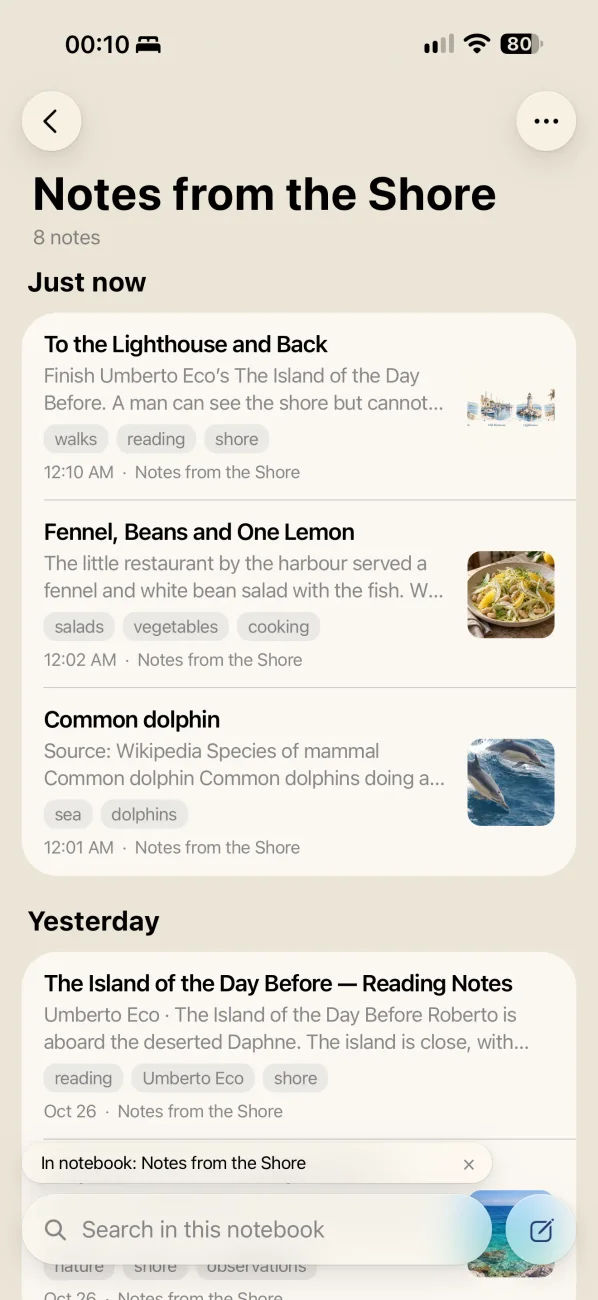
MINOA Archive is a notes app and personal knowledge base for work, study and exploring any topic.
Write notes, read saved articles and posts, and connect your entries. Add documents, photos and links, with your own comments alongside them.
Collect, store, search and edit both source material and your own conclusions on a topic.
FROM YOUR BROWSER TO A NOTE
Save an article with its formatting and images. Keep just the text without formatting, or save a link to read it on the website. On your phone, send pages through Share → MINOA Archive.
FROM TELEGRAM TO YOUR NOTEBOOK
Forward posts, messages, photos and files to your own MINOA Archive bot. MINOA Archive saves them in the notebook you choose, so useful content from channels, groups and conversations does not get lost in the message stream.
EXPORT YOUR EVERNOTE ARCHIVE
Transfer Evernote notes in ENEX format using the full Mac edition of MINOA Archive. Text, formatting, tags, dates and attachments are preserved.
ACROSS ALL YOUR DEVICES
Connect devices through the unique MINOA Sync system and continue working with the same notes across your computer, phone and tablet. Download the notebooks you need to your phone in full, including attachments, and read them offline.
MAKE THE IMPORTANT DETAILS STAND OUT
Highlight text with color, format quotations and tables, and create checklists. In PDFs, mark passages with the highlighter, add text comments and make handwritten annotations.
WORD DOCUMENTS
Read Word attachments inside a note. To edit the content, import the .docx file as a note. Headings, tables, lists, footnotes and images are preserved.
LINKS AND MERGED NOTES
Link a reading note to a saved article, or a conclusion to the observations behind it. Backlinks show which entries link to the note you have open.
Assign tags to several notes, move them to another notebook or merge them into one note with their tags and attachments. You can undo and redo these actions.
VERSATILE SEARCH
Search for words and phrases in notes, narrow your query by tag, notebook or date, and save searches you use often. Search is in the header; when you search a note's text, it opens at the first match.
AI SUGGESTIONS BASED ON MEANING
Local AI helps you discover related notes and suggests suitable tags from your existing set. You choose which suggestions to accept.
A SEPARATE PASSWORD FOR PRIVATE NOTES
Keep confidential notes and attachments in encrypted notebooks, protected by a separate password.
Manual: https://minoa.biz/minoa-archive/guide/
ACCESS OPTIONS
The features described above are included with full access to MINOA Archive. Choose a monthly or annual subscription, or get lifetime access with a one-time payment.
A 3-day free trial may be available with a subscription. If the offer is available to you, it will be shown before you confirm your purchase. After the trial, your subscription becomes paid and renews automatically until you cancel it. You can manage or cancel your subscription in your Apple Account settings. The price and terms are shown before you confirm your purchase.
Lifetime access is a one-time purchase, with no trial period or automatic renewal.
Use MINOA Archive on all your compatible Mac, iPhone and iPad devices with the same Apple Account. This applies to both subscriptions and lifetime access. Use Restore Purchases to restore a previous purchase.
Privacy Policy: https://minoa.biz/en/minoa-archive/privacy/
Support: help-desk@minoa.biz
Terms of Use: https://www.apple.com/legal/internet-services/itunes/dev/stdeula/
Có gì mới
Phiên bản 3.3.17 · 24/11/2026
◆ If you signed in with your email address, Settings → License shows how many seats are in use, and “Unlink this device” frees a seat before you move to a new one.
◆ The guide has a new “Install on iPhone/iPad” section: first launch, connecting to MINOA Sync by QR code, full access and moving to a new device.
◆ Separate “glued” English words with the Fix glued words command: every line in the preview has its own checkbox — clear it where nothing should change.
Quyền riêng tư của ứng dụng
Những gì Anastasiia Bondarenko khai báo trên App Store về cách ứng dụng này xử lý dữ liệu.
-
Dữ liệu liên kết với bạn
Có thể được thu thập và liên kết với danh tính của bạn.
- Mục mua
- Thông tin liên hệ
- Mã định danh
Phương thức đảm bảo quyền riêng tư có thể khác nhau, chẳng hạn như tuỳ theo các tính năng bạn sử dụng hoặc độ tuổi của bạn.
Thông tin
- Người bán
- Anastasiia Bondarenko
- Danh mục
- Hiệu Suất
- Phiên bản
- 3.3.17
- Cập nhật
- 24/11/2026
- Phát hành
- 08/11/2026
- Kích thước
- 54,7 MB
- Yêu cầu
- iOS 16.0 trở lên
- Độ tuổi
- 4+
- Giá
- Miễn phí
- Mua hàng trong ứng dụng
- Có
- Ngôn ngữ
- Tiếng Anh, Tiếng Rumani, Tiếng Nga
- Bản quyền
- Copyright © 2026 Anastasiia Bondarenko, Serghei Golubițchi