- Age rating4+
- CategoryProductivity
- DeveloperDongKwan Kho
- LanguagesKorean+ 16 more
- Size36.6 MB
Links to the official App Store page
Download.org hosts no file of Moa PDF: Scanner & Editor. The button opens its official App Store page, published by DongKwan Kho. Listing last checked on Nov 12, 2026.
Screenshots
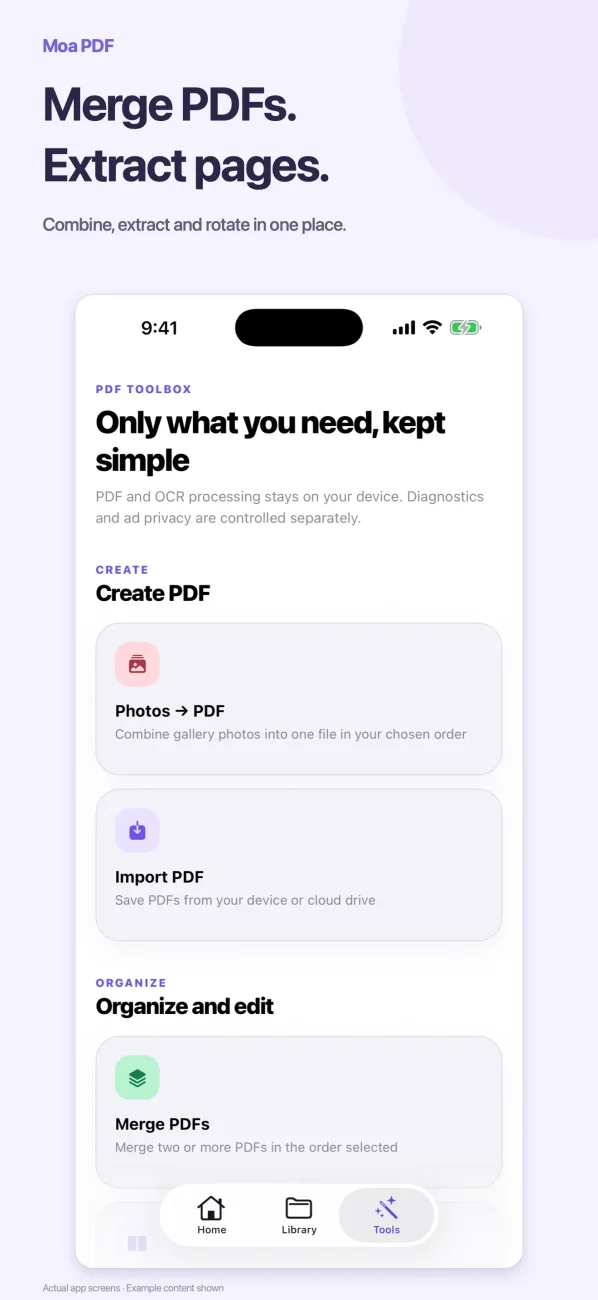
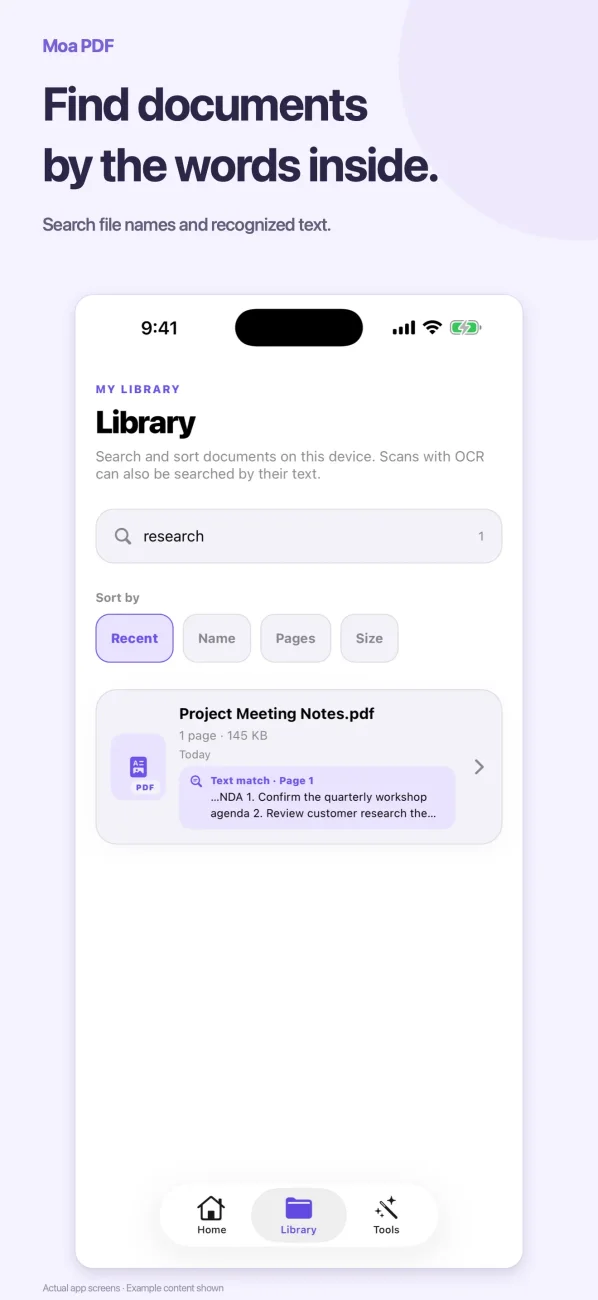
About
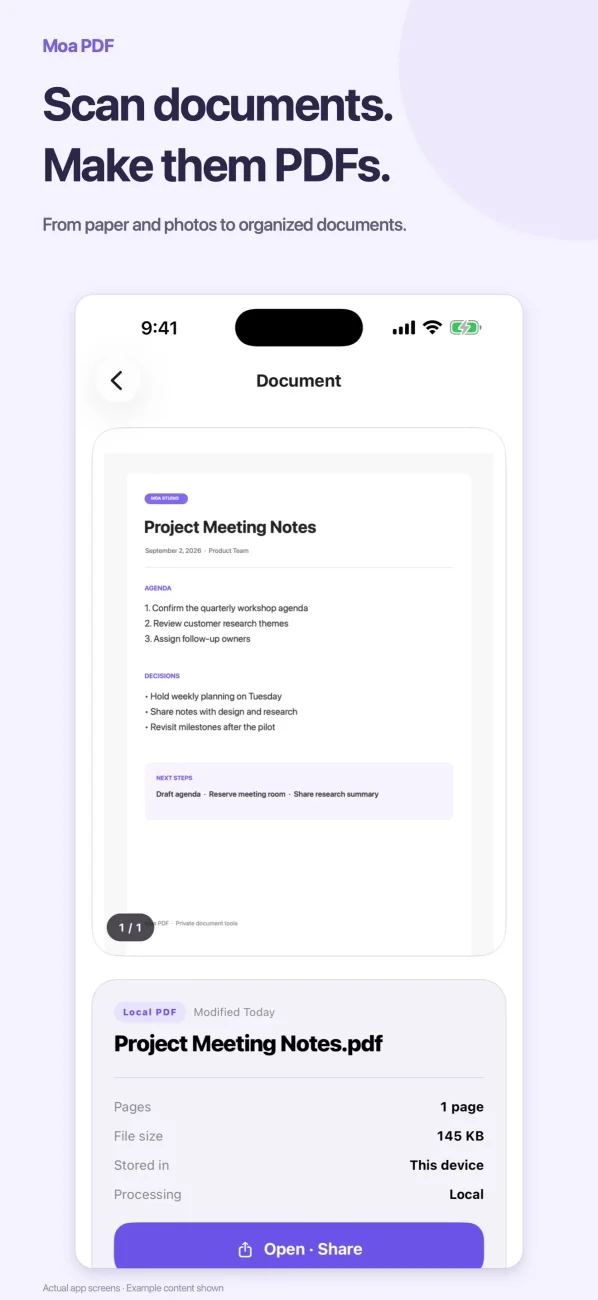
Moa PDF helps you scan, create, search, and organize PDFs on your device—no account needed.
- Scan documents with automatic page detection and straightening
- Turn photos into PDFs or import existing PDF files
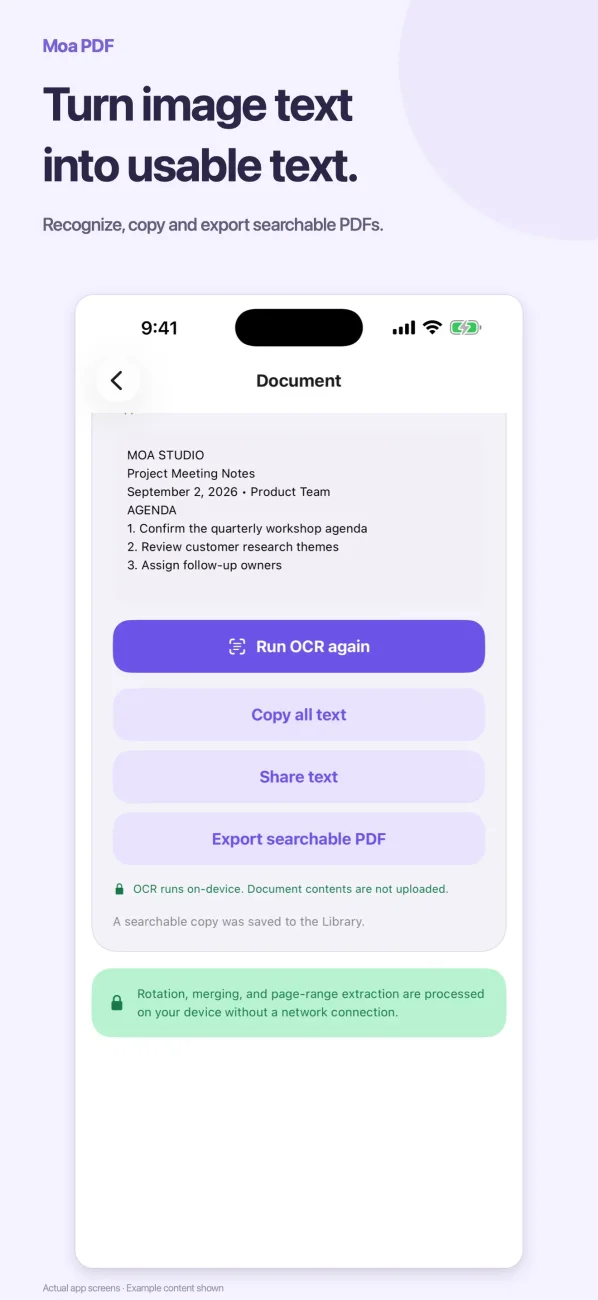
- Recognize text in scans on your device, then search names and recognized text
- Copy or share recognized text and export a searchable PDF copy
- Merge PDFs, extract a page range, and rotate pages
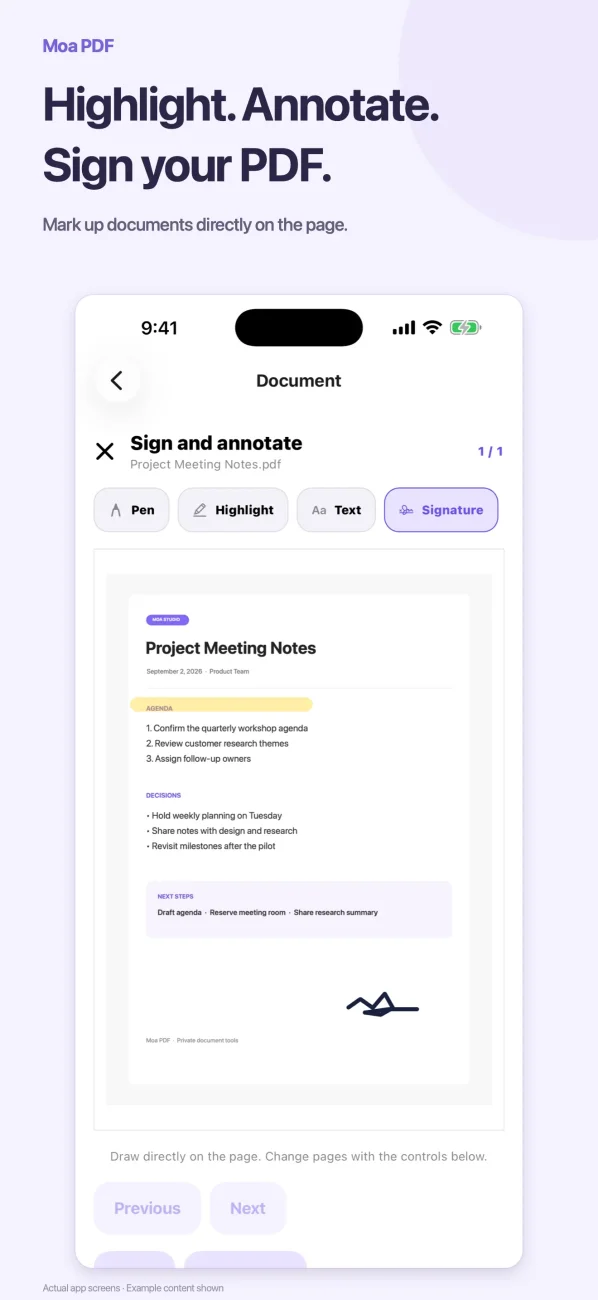
- Add pen, highlight, text, and signature annotations
- Improve scans with black-and-white, grayscale, contrast, and shadow-reduction filters
- Keep, rename, share, and delete documents
Moa PDF processes documents and recognized text on your device. It does not send them to a server for scanning or editing. Files you choose to share or save to a cloud service go to that service. Available text-recognition languages and results vary by device and document condition.
What’s new
Version 1.0.4 · Oct 23, 2026
Updated the App Store description and search information to make the app easier to find. Core app features remain unchanged.
App privacy
What DongKwan Kho declares on the App Store about how this app handles data.
-
Data used to track you
May be used to track you across apps and websites owned by other companies.
- Identifiers
-
Data linked to you
May be collected and linked to your identity.
- Identifiers
- Usage data
- Diagnostics
-
Data not linked to you
May be collected but is not linked to your identity.
- Location
- Diagnostics
Privacy practices may vary, for example with the features you use or your age.
Information
- Seller
- DongKwan Kho
- Category
- Productivity
- Version
- 1.0.4
- Updated
- Oct 23, 2026
- Released
- Oct 3, 2026
- Size
- 36.6 MB
- Requires
- iOS 16.4 or later
- Age rating
- 4+
- Languages
- Korean, German, Russian, Vietnamese, Spanish, Arabic, English, Italian, Indonesian, Japanese, Simplified Chinese, Traditional Chinese + 5 more
- Copyright
- © 2026 DongKwan Kho
You might also like
-
 Paperlo: PDF Filler & SignerRead, Merge & eSign Forms
-
 PDF NotedExtract and export PDF notes
-
 References On TapReference management on the go
-
 AeroFocus: Study Flight TimerFocus timer that takes flight
-
 ScriptBuilderBuild your Screenplay outline
-
 RevPDF: PDF Editor & ReaderOCR, Sign, Redact & Convert
-
 Lextra: PDF Text to SpeechNatural Voice Document Reader
-
 Drawboard PDF Annotate, MarkupWrite & Type on PDFs and Notes
-
 Highlights: PDF Reader & NotesEdit Research Documents/Books
-
 Text to Speech PDF ReaderListen to PDF Books, Documents