
- Age rating4+
- CategoryUtilities
- DeveloperShanghai Transsion Co.,Ltd.
- LanguagesEnglish+ 67 more
- Size27.6 MB
Links to the official App Store page
Download.org hosts no file of Mobile Cloner. The button opens its official App Store page, published by Shanghai Transsion Co.,Ltd. Listing last checked on Nov 22, 2026.
Screenshots
About
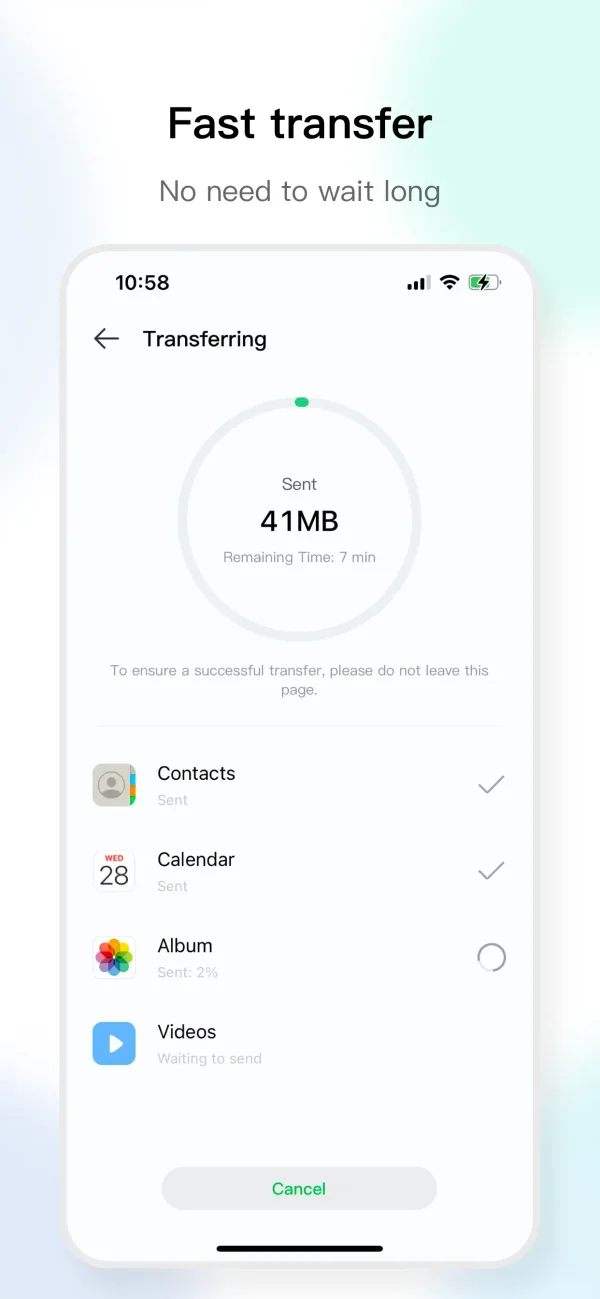
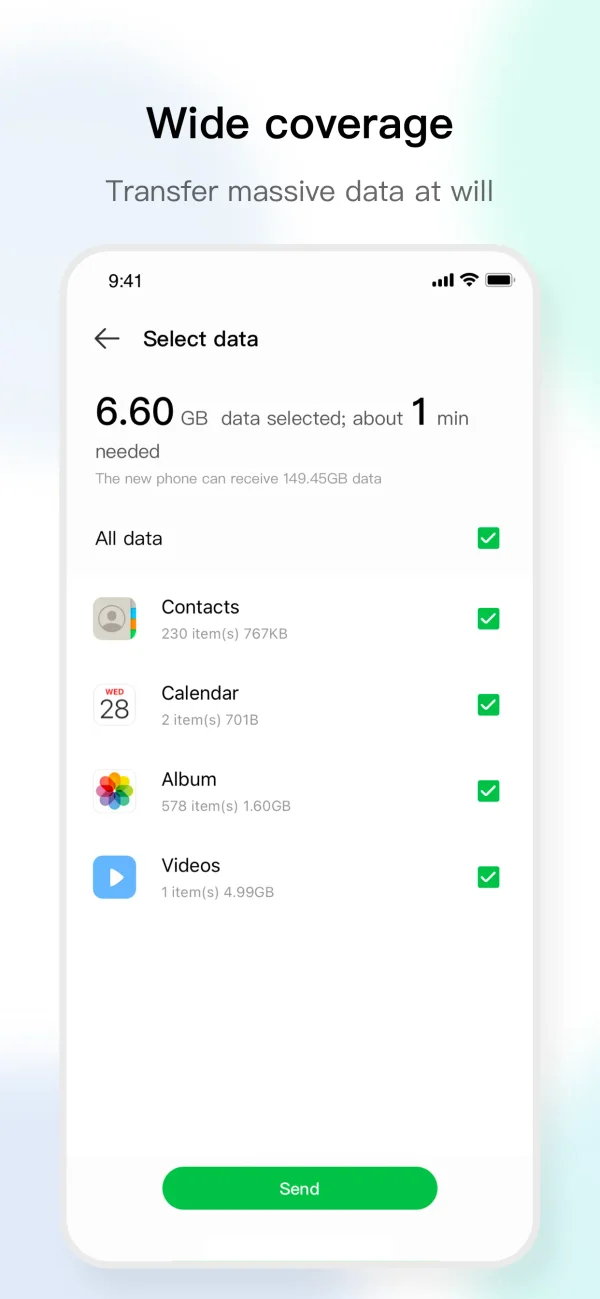
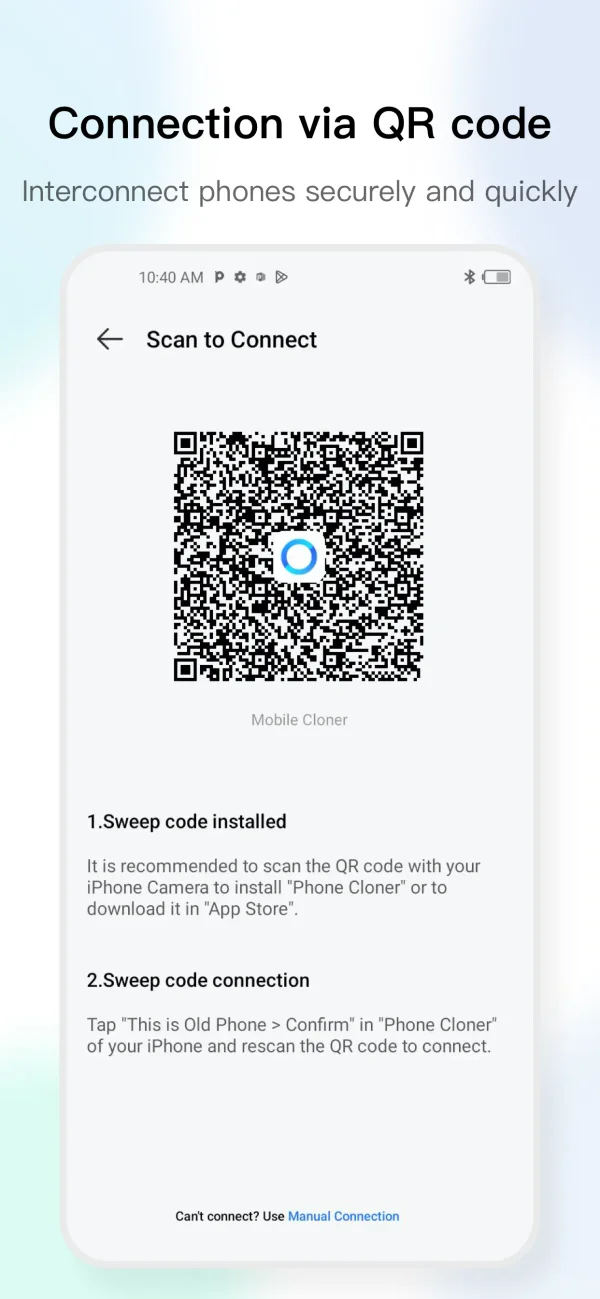
Mobile Cloner is a data transfer app. It can transfer contacts, calendar events, photos, and videos to a new phone with one tap, and does not require computers, data cables, SIM cards, internet, registration, login, or backup to the cloud. The operation is simple and convenient, and the interface is concise and aesthetic. You only need to select the data to be transferred and scan the code for quick connection. The transfer speed is much faster than that via Bluetooth, and the whole transfer process is smooth and comfortable.
What’s new
Version 2.2.9 · Dec 5, 2025
Bug fixes
App privacy
What Shanghai Transsion Co.,Ltd. declares on the App Store about how this app handles data.
-
Data not linked to you
May be collected but is not linked to your identity.
- Location
- Contacts
- User content
- Diagnostics
Privacy practices may vary, for example with the features you use or your age.
Information
- Seller
- Shanghai Transsion Co.,Ltd.
- Category
- Utilities
- Version
- 2.2.9
- Updated
- Dec 5, 2025
- Released
- Sep 8, 2022
- Size
- 27.6 MB
- Requires
- iOS 11.0 or later
- Age rating
- 4+
- Price
- Free
- Languages
- English, Albanian, Amharic, Arabic, Assamese, Bengali, Bosnian, Bulgarian, Burmese, Cambodian, Central Kurdish, Croatian + 56 more
- Copyright
- © 2022 Shanghai Transsion Co.,Ltd.
You might also like
-
 Clone PhoneFor OPPO, OnePlus, and realme
-
 Data Transfer - MobileTransSmart Transfer: Clone Phone
-
 Data Transfer - Copy My DataFile Manager, Mobile Transfer
-
 Honor Device CloneUtilities
-
 Copy My DataCopy My Data
-
 Android SwitchGoogle’s official transfer app
-
 Smart Transfer AppCopy Contacts, Photos & Videos
-
 Smart Switch | Copy My DataMove to iOS, Phone Transfer
-
 Contacts Backup Share & ExportShare Contacts in vcf file
-
 Data Transfer Move to OSMove Data from Phone to Phone