
Model Dash: Speed & Navigation
Live Themes & Tesla Controls
Designed for iPhone, iPad, iPod touch
Free · In-app purchases
- Age rating4+
- CategoryNavigation
- Developer丹丹 詹
- LanguagesEnglish+ 10 more
- Size196.6 MB
Links to the official App Store page
Download.org hosts no file of Model Dash: Speed & Navigation. The button opens its official App Store page, published by 丹丹 詹. Listing last checked on Nov 25, 2026.
Screenshots

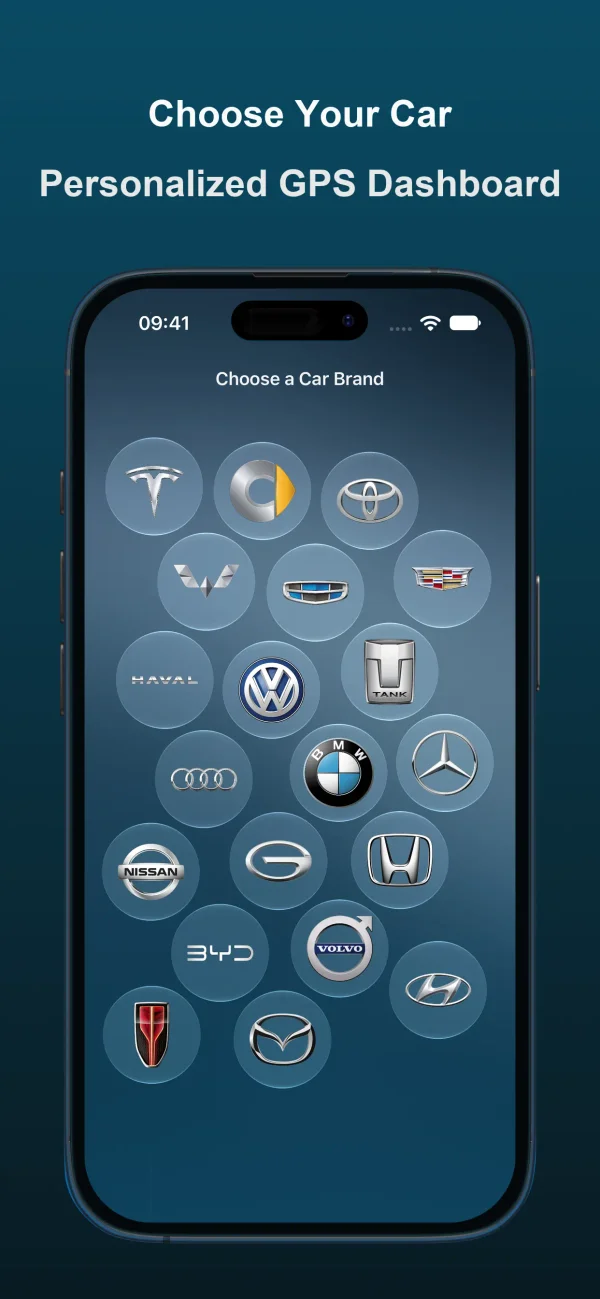

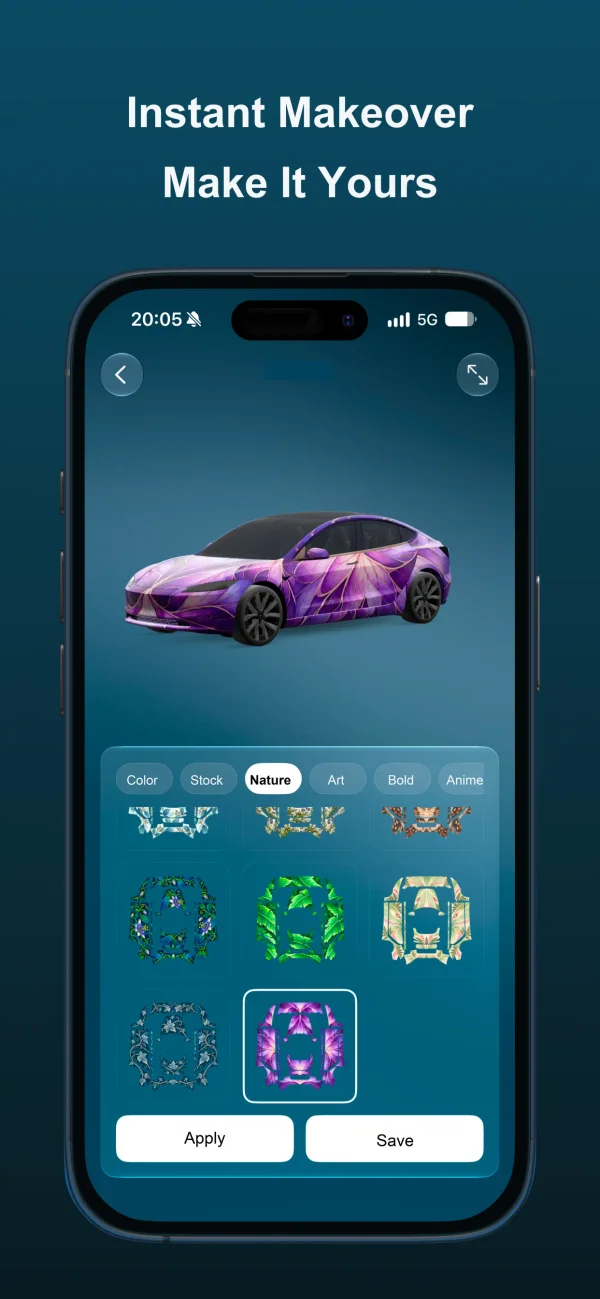
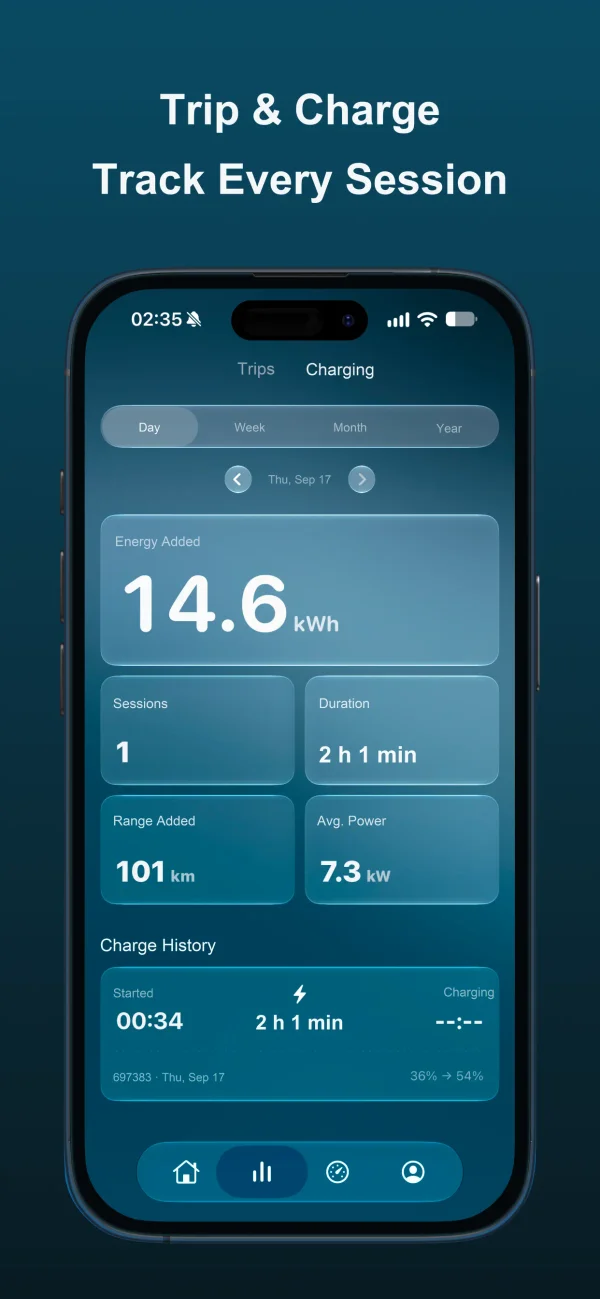
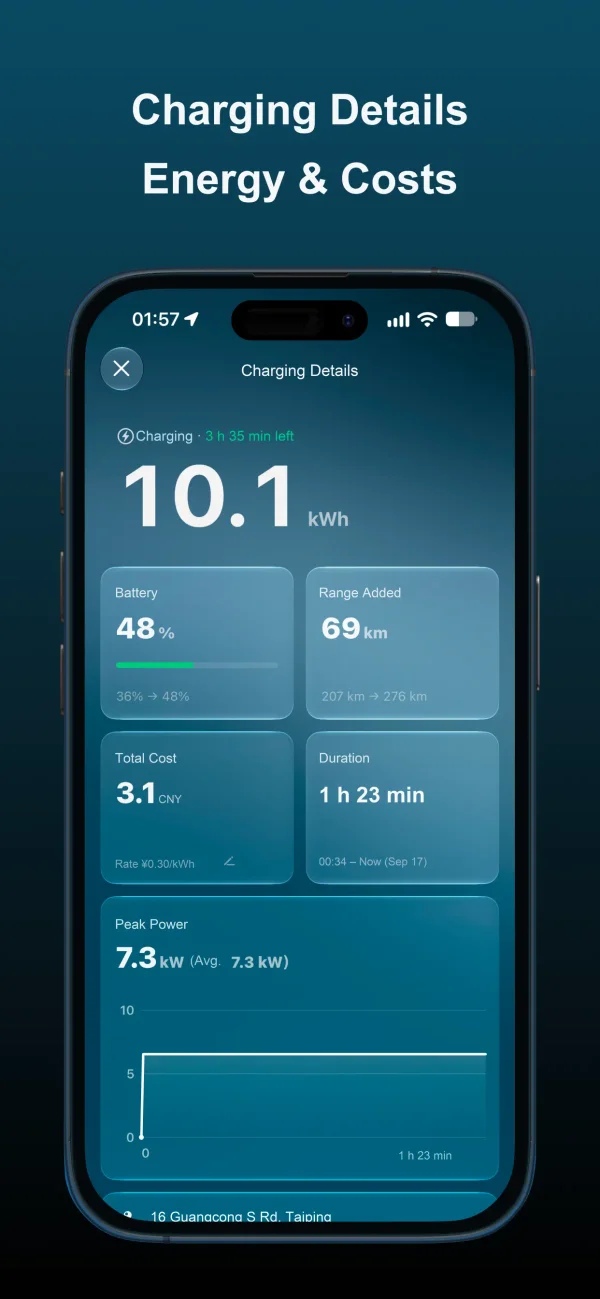
About
Model Dash is a customizable driving dashboard and companion for iPhone and iPad, with rich connected features for Tesla owners. Drivers of other car brands can also use phone GPS speed, dynamic dashboard themes and phone navigation without connecting a vehicle.
【Tesla Controls & Shortcuts】
Authorize your Tesla account and select a compatible vehicle to control locks, front and rear trunks, climate, charging and more. Customize home-screen shortcuts for common actions.
Controls require membership, Tesla authorization, appropriate permissions and any required key setup. Online controls require internet access. Availability depends on vehicle model, configuration, software, region and state. Only control vehicles you own or are authorized to use.
【Tesla Bluetooth & Phone Key】
Use Bluetooth Low Energy (BLE) with compatible Tesla vehicles to display supported live speed and gear, without an extra OBD adapter or communication box. Pairing and Bluetooth permission are required.
After owner authorization and key pairing, phone key supports nearby access and unlocking, including background connections where permitted by iOS. Availability depends on vehicle support, permissions and iOS background conditions.
【Tesla on Apple Watch】
Complete Tesla authorization and watch setup on your paired iPhone to view battery, range and vehicle status. Use shortcuts for locks, horn, lights, trunks, climate and charging. Controls require membership, internet access and a compatible vehicle.
【Dynamic Dashboards & Navigation】
Choose rings, minimalist digits, particles, waves and more. Animations respond to speed and acceleration. View smooth speed readings and speed-limit alerts when data is available.
View turn directions, lane guidance and junction views where supported by map services and route data. Tesla mode displays supported vehicle information, music and turn signals. Sending destinations to Tesla requires authorization and membership.
【Tesla Trips & Charging】
View trip records, cloud history, driving statistics, estimated highway tolls and mileage badges. Charging details show curves, battery levels, energy loss and costs where available. Supported notifications provide trip-completion and charging updates.
Historical trip and charging records can be viewed without membership, with account authorization and available data.
【Other Car Brands】
Use phone GPS speed, currently available dashboard themes and phone navigation without a vehicle connection or membership. Connected vehicle data, controls and charging records are currently for Tesla vehicles.
【Display & Membership】
Supports portrait and landscape layouts, custom vehicle colors and 3D appearance. Find My Car shows the location of an authorized vehicle.
Dashboard themes in Tesla mode and vehicle controls require membership. Monthly/yearly subscriptions and a one-time lifetime membership are available. Benefits, prices, durations and trial eligibility are shown in the app. Membership does not replace authorization, pairing or vehicle compatibility.
【Privacy & Safe Use】
Authorize through Tesla's authorization flow. Bluetooth supports local vehicle communication; location supports speed and navigation. Online services use authorized account and vehicle data for controls, trip and charging records. See the privacy policy for details.
Independently developed; not affiliated with or endorsed by Tesla. Set up while parked. Use controls only when safe and avoid phone interaction while driving.
【Subscriptions】
Eligible users receive a 3-day trial on the monthly plan, then renew at the displayed monthly price unless canceled. Manage or cancel subscriptions in Apple ID settings at least 24 hours before the subscription or trial ends to avoid renewal.
Terms of Use (EULA):
https://www.apple.com/legal/internet-services/itunes/dev/stdeula/
Privacy Policy:
https://unicloud.tanglaoer.cn/static/privacy.html?lang=en
What’s new
Version 1.5.5 · Nov 24, 2026
Fixed known issues.
App privacy
What 丹丹 詹 declares on the App Store about how this app handles data.
-
Data linked to you
May be collected and linked to your identity.
- Purchases
- Location
- Identifiers
- Usage data
- Diagnostics
-
Data not linked to you
May be collected but is not linked to your identity.
- Diagnostics
Privacy practices may vary, for example with the features you use or your age.
Information
- Seller
- 丹丹 詹
- Category
- Navigation
- Version
- 1.5.5
- Updated
- Nov 24, 2026
- Released
- May 26, 2026
- Size
- 196.6 MB
- Requires
- iOS 15.0 or later
- Age rating
- 4+
- Price
- Free
- In-app purchases
- Yes
- Languages
- English, Dutch, French, German, Japanese, Korean, Norwegian Bokmål, Simplified Chinese, Thai, Traditional Chinese, Turkish
- Copyright
- © 2026 Zhan Dandan
You might also like
-
 Tespit Vehicle DashboardYour Custom Cockpit
-
 TeraScreen Dashboard for TeslaSpeedometer, Range & Tire PSI
-
 DriveCluster for TeslaEV speedometer & range
-
 Dashla: Wireless DashboardYour phone. EV dashboard.
-
 CarDash: Car Dashboard & HUDGPS Digital Speedometer & Maps
-
 Speedometer GPS Speed & HUDSpeed Limit Alert, Trip Meter
-
 Kilovati: EV Charging StationsCompare prices, find cheapest
-
 ChargeSquare: Shared ChargingEV Charging Stations
-
 SpeedTracker - GPS SpeedometerGPS Speed HUD Trip Log Dash
-
 GPS Speed Tracker: SpeedometerHUD Speed, Odometer & Altitude