Mosslock: App Blocker & Focus
Screen time & study timer
Designed for iPhone, iPad
In-app purchases
- Age rating4+
- CategoryProductivity
- DeveloperJIYULMOM
- LanguagesFrench+ 15 more
- Size12.2 MB
Links to the official App Store page
Download.org hosts no file of Mosslock: App Blocker & Focus. The button opens its official App Store page, published by JIYULMOM. Listing last checked on Nov 23, 2026.
Screenshots
About
Mosslock locks the apps that pull you away while you study, and turns every locked minute into your study record.
PICK WHAT TO PAUSE
Choose apps or whole categories once, like social media and games. Mosslock uses Apple's Screen Time features, so the apps you choose stay private, even from us.
START A SESSION
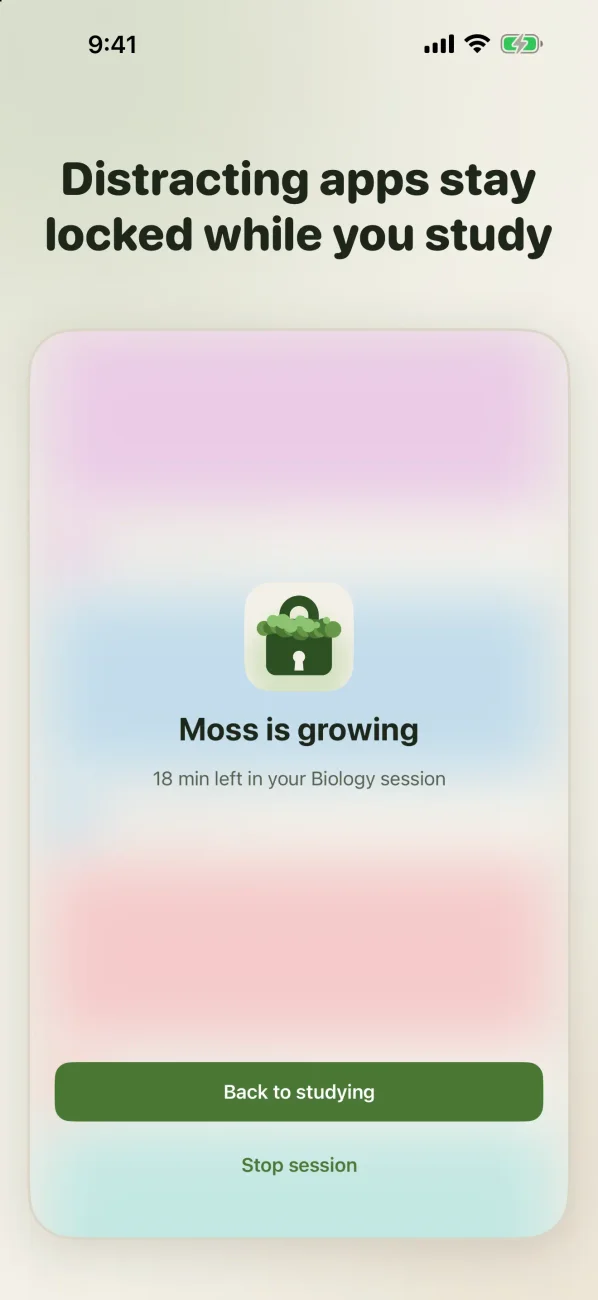
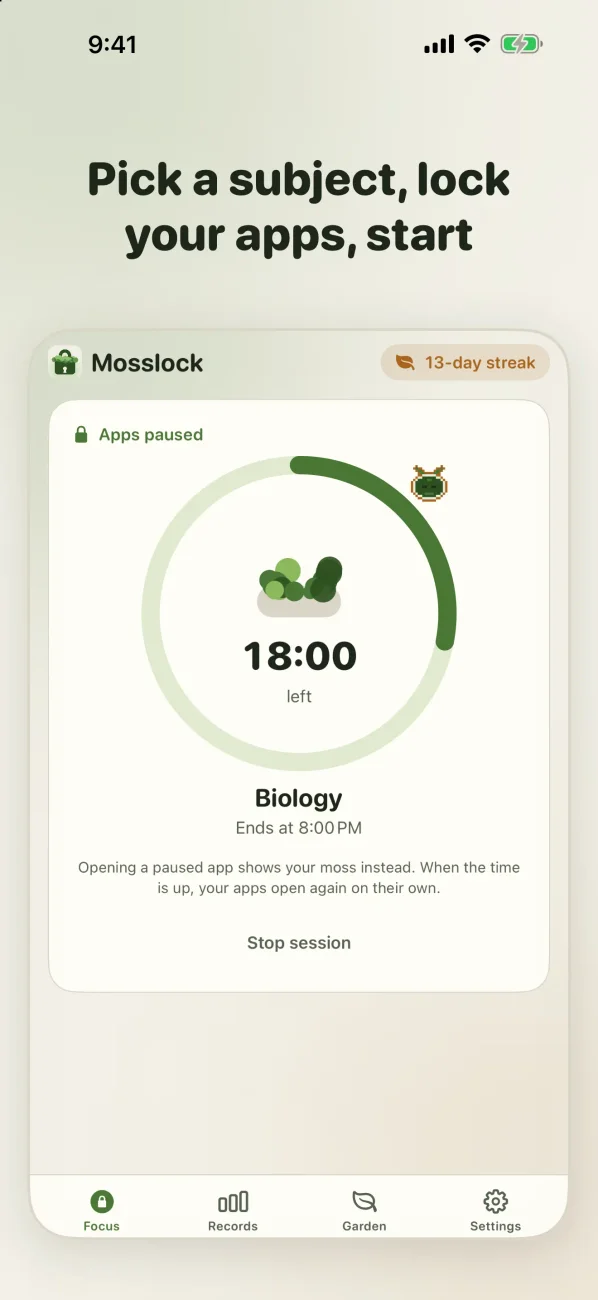
Pick a subject and a length (25, 50 or 90 minutes) and start. Paused apps show your moss instead of the feed. When the time is up, they open again on their own.
A STUDY RECORD YOU CAN TRUST
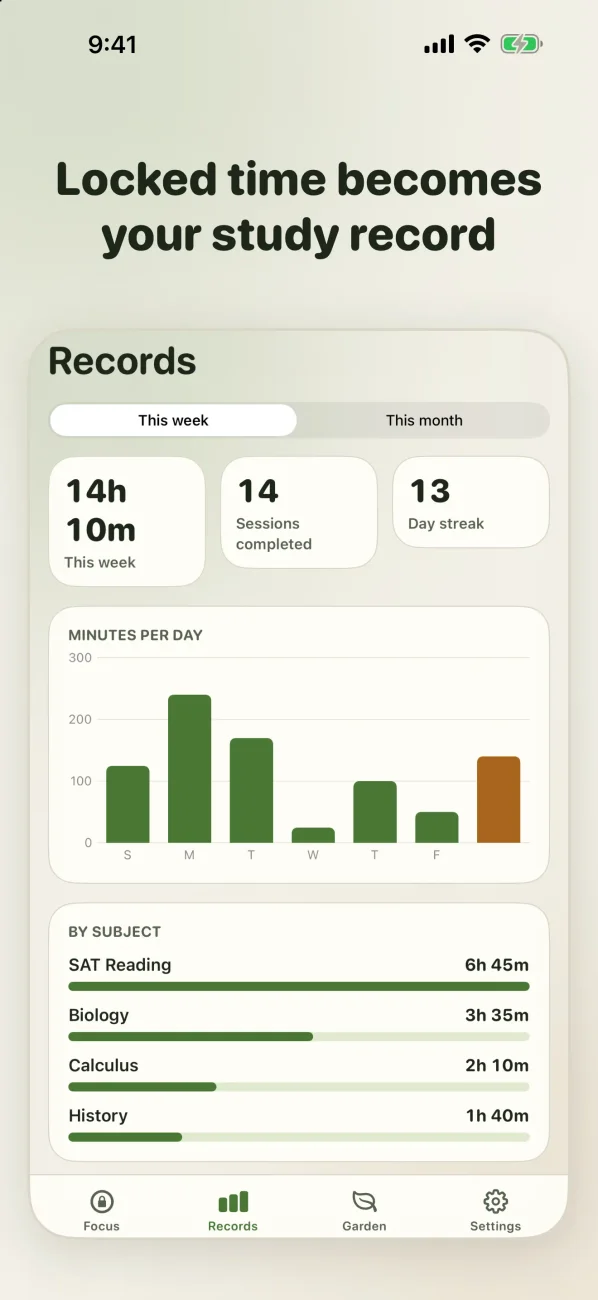
Only time your apps were really locked is counted. See today, this week and each subject at a glance.
GROW A MOSS GARDEN
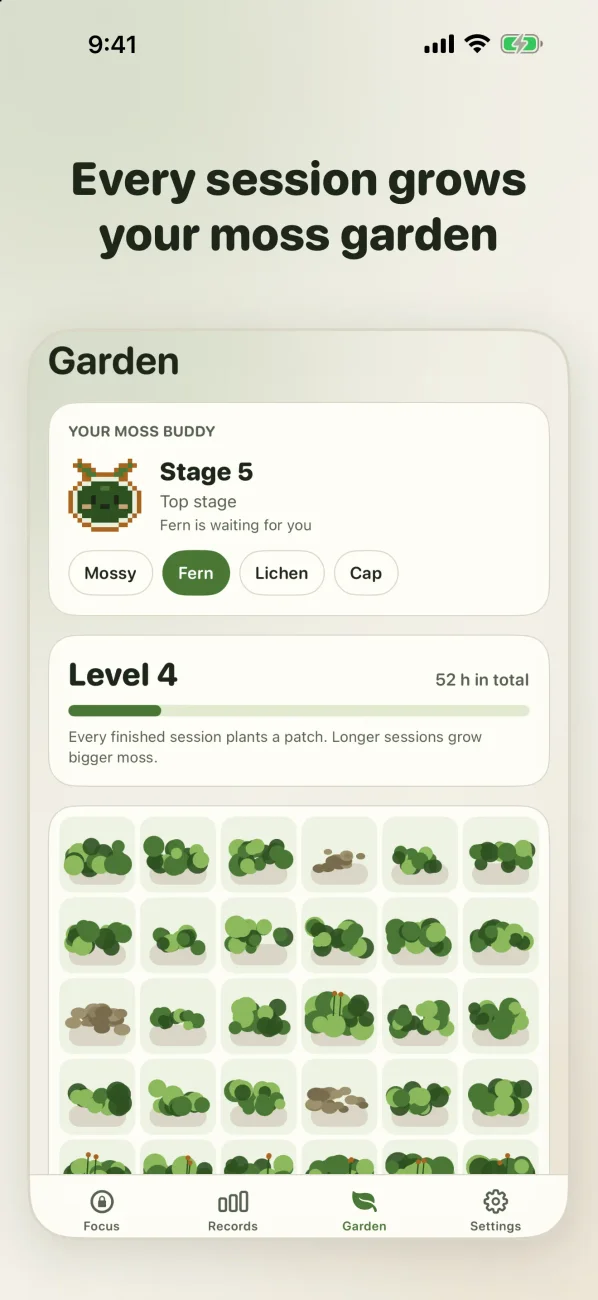
Every finished session plants a patch of moss. Longer sessions grow bigger moss. Stop early and that patch withers. Keep your streak going day after day.
FREE
- Pause any apps and categories during sessions of up to 50 minutes
- Up to 3 subjects
- The last 7 days of records
- Moss garden and Home Screen widget
MOSSLOCK PRO
- Your full study history
- This month's report with a subject breakdown
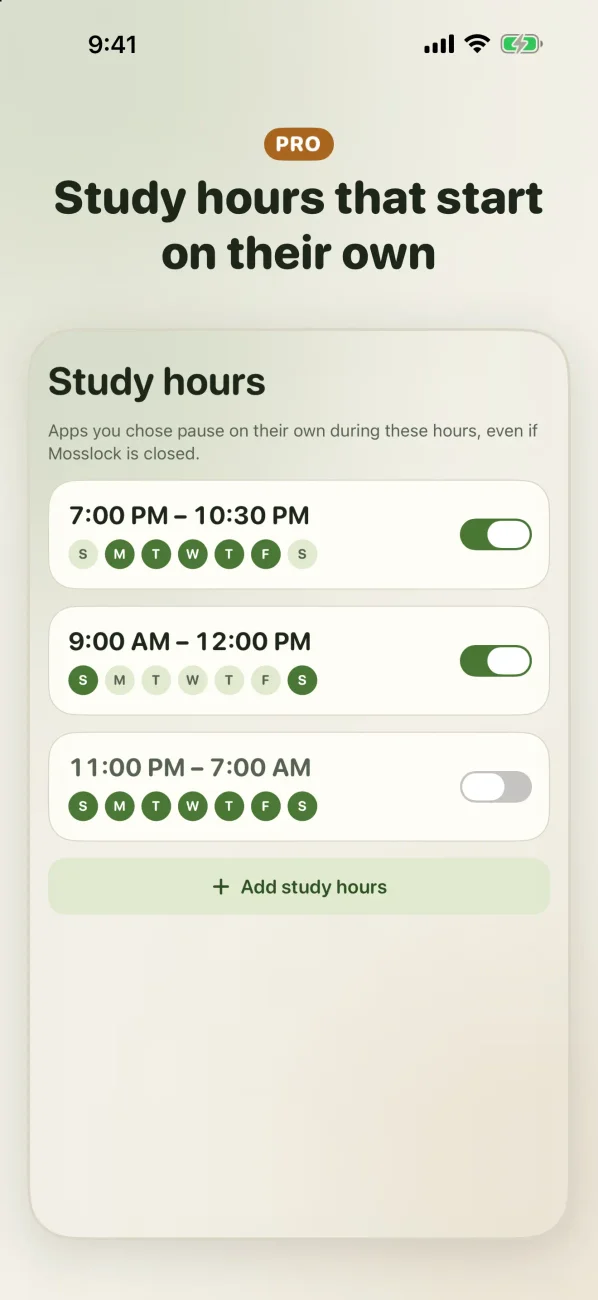
- Weekly study hours that start on their own
- Strict mode for exam season
- Study sessions up to 4 hours
- Unlimited subjects
PRIVATE BY DESIGN
No account, no ads, no analytics. Your study records and the apps you choose stay on your iPhone. Purchases are processed by Apple and managed by RevenueCat with an anonymous ID.
YOU'RE ALWAYS IN CONTROL
You can stop a session in the app, and you can turn off Mosslock's Screen Time access in the Settings app at any time. Mosslock is a study tool, not medical treatment.
SUBSCRIPTION
Mosslock Pro is available as a yearly subscription with a 7-day free trial for eligible new subscribers ($29.99 per year), a monthly subscription ($5.99 per month), or a one-time Lifetime purchase ($59.99). Prices are in US dollars and may vary by country; your local price is shown in the app before you buy. Payment is charged to your Apple Account when you confirm the purchase or when the free trial ends. Subscriptions renew automatically unless canceled at least 24 hours before the end of the current period, and your account is charged for renewal within 24 hours before the period ends. Manage or cancel in Settings > Apple Account > Subscriptions.
Terms of Use: https://www.apple.com/legal/internet-services/itunes/dev/stdeula/
Privacy Policy: https://ootssu.com/mosslock/privacy.html
What’s new
Version 1.2.2 · Nov 21, 2026
• Settings has a new “Send Feedback · Report a Bug” row in place of the old Contact row.
• It opens an email with your app version and device model already filled in.
• If no mail app is set up, it shows our address to copy and a link to the support page.
App privacy
What JIYULMOM declares on the App Store about how this app handles data.
-
Data not linked to you
May be collected but is not linked to your identity.
- Purchases
- Identifiers
Privacy practices may vary, for example with the features you use or your age.
Information
- Seller
- JIYULMOM
- Category
- Productivity
- Version
- 1.2.2
- Updated
- Nov 21, 2026
- Released
- Oct 4, 2026
- Size
- 12.2 MB
- Requires
- iOS 17.0 or later
- Age rating
- 4+
- In-app purchases
- Yes
- Languages
- French, German, English, Arabic, Simplified Chinese, Traditional Chinese, Korean, Spanish, Hindi, Indonesian, Italian, Japanese + 4 more
- Copyright
- © 2026 ootssu.com
You might also like
-
 App Blocker: StayBriefScreen Time & Focus Timer
-
 lockwork: study screen timeblock apps learn exams
-
 AppBlock Screen Time ControlApp Blocker & Push Up Unlock
-
 Kissa: Cozy Focus TimerPomodoro, Study & ADHD
-
 NoMo: App Blocker, Focus TimerPomodoro, Screen Time & Pets
-
 Time Wallet: FocusBlock apps. Take breaks.
-
 Pomodoro & App Blocker: KohruScreen time limit & Timer
-
 Focus: Study TimerFocus Timer & Study Stats
-
 squi - ai focus friend & timerPomodoro Timer & App Blocker
-
 SupaFocus: Screen Time ControlBlock Distractions & Focus