Trackpad: Mouse & Keyboard
Bluetooth Remote for Mac
Designed for iPhone
Free · In-app purchases
- Age rating4+
- CategoryUtilities
- DeveloperMikita Dzidzenka
- LanguagesEnglish+ 23 more
- Size23.7 MB
Links to the official App Store page
Download.org hosts no file of Trackpad: Mouse & Keyboard. The button opens its official App Store page, published by Mikita Dzidzenka. Listing last checked on Nov 23, 2026.
Screenshots
About
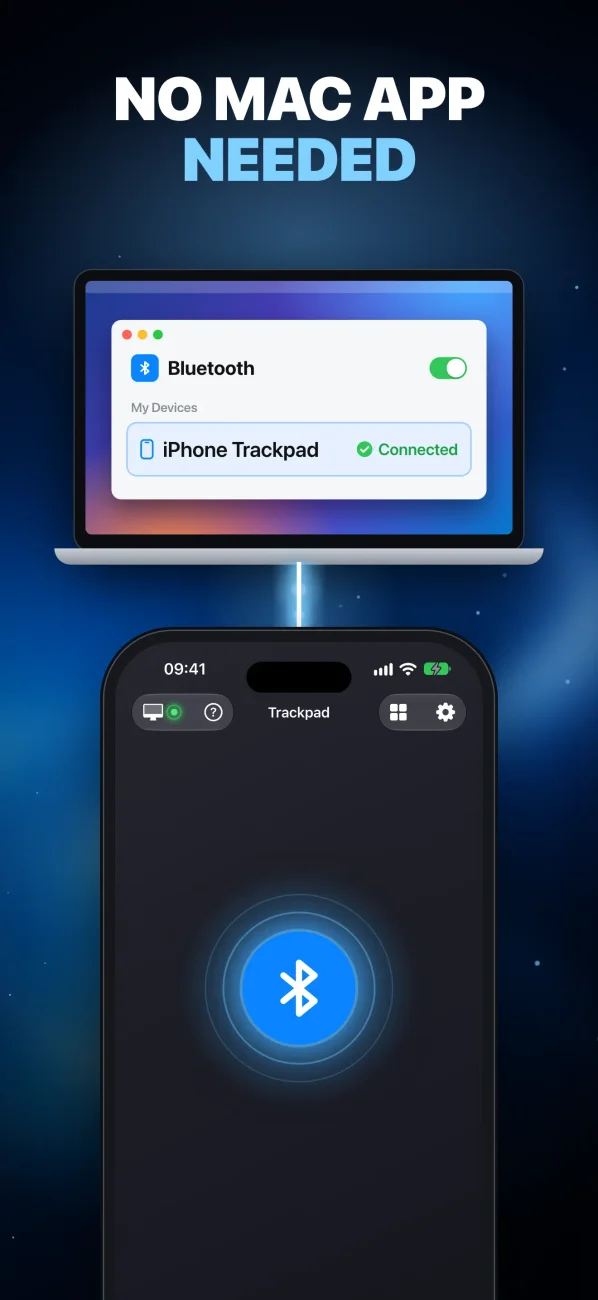
Use your iPhone as a trackpad and keyboard for your Mac. It connects over Bluetooth like any wireless mouse, so there's nothing to install on your Mac and no Wi-Fi needed.
Pair your iPhone once in System Settings → Bluetooth on your Mac. After that, it reconnects automatically every time you open the app.
TRACKPAD GESTURES YOU ALREADY KNOW
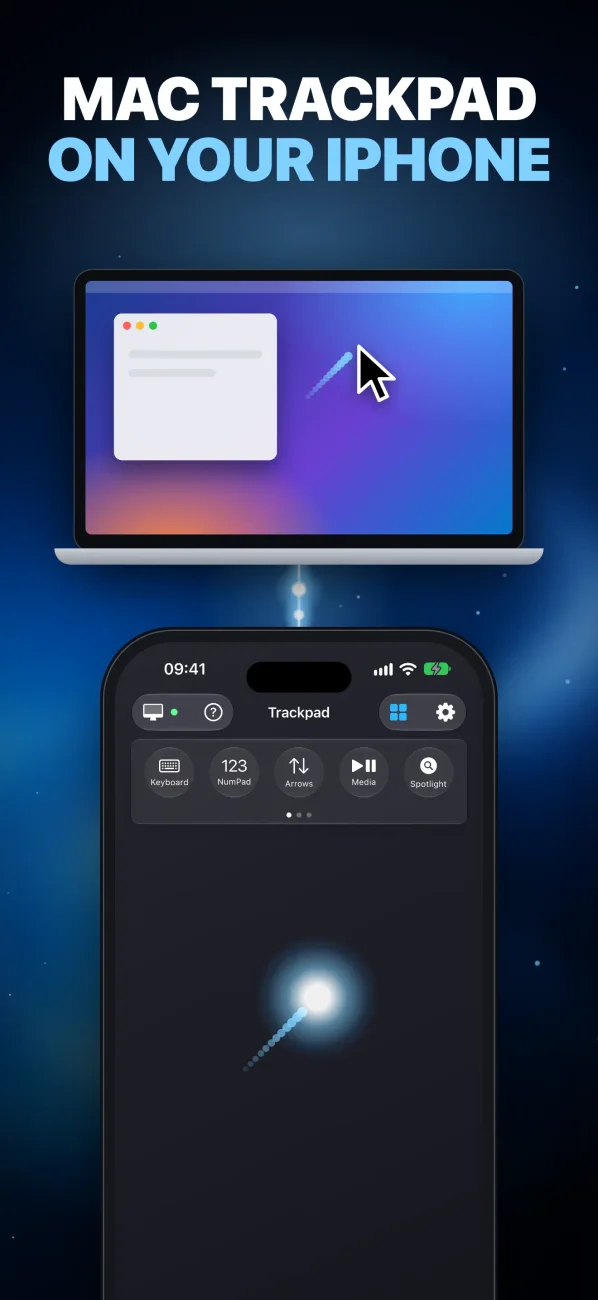
• Move the pointer with one finger
• Tap to click, double-tap to double-click
• Tap with two fingers to right-click
• Scroll up, down, or sideways with two fingers
• Swipe left or right with three fingers to switch desktops
• Swipe up with three fingers for Mission Control, or down for App Exposé
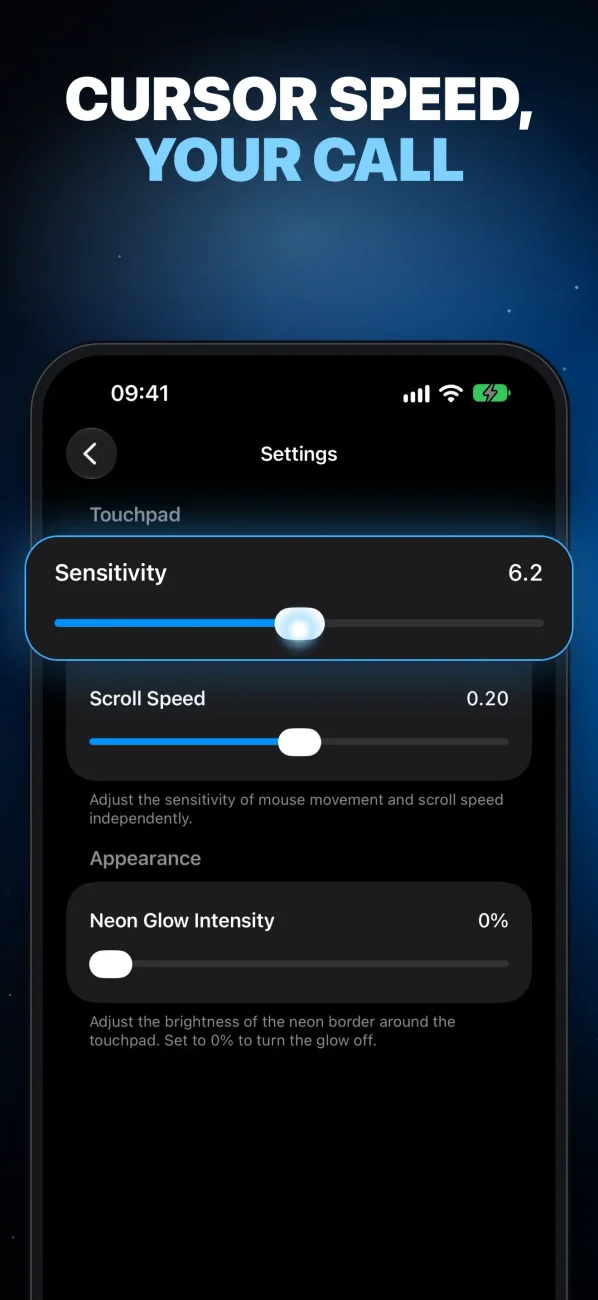
Adjust pointer speed and scrolling speed separately until it feels just right.
TYPING AND SHORTCUTS
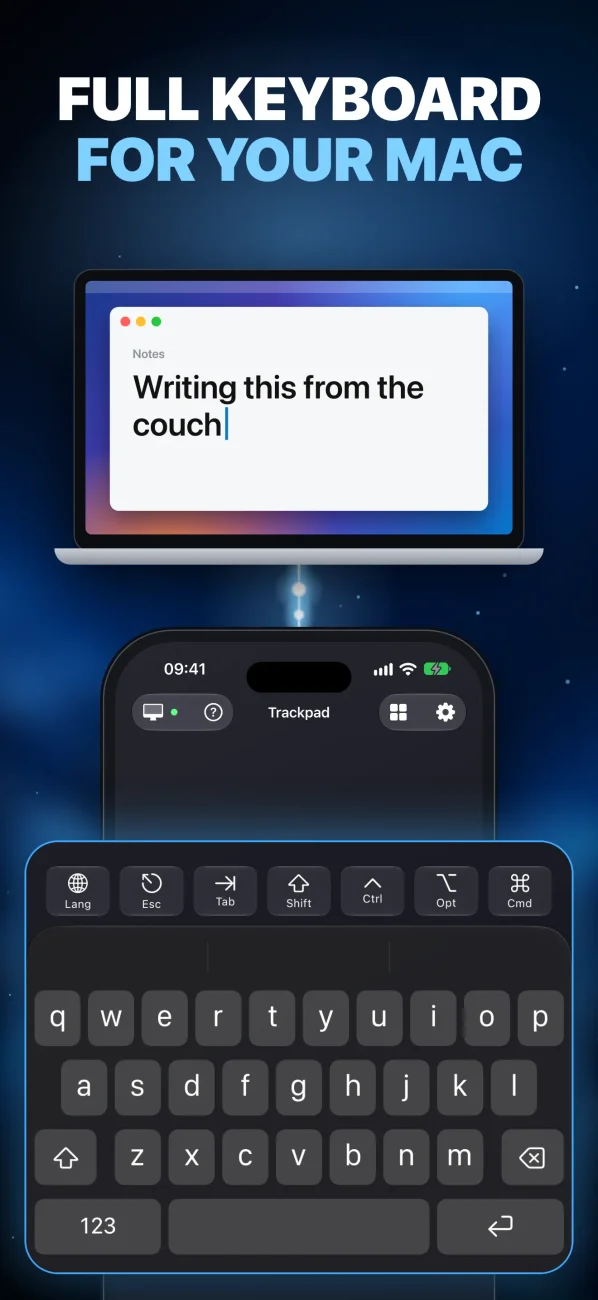
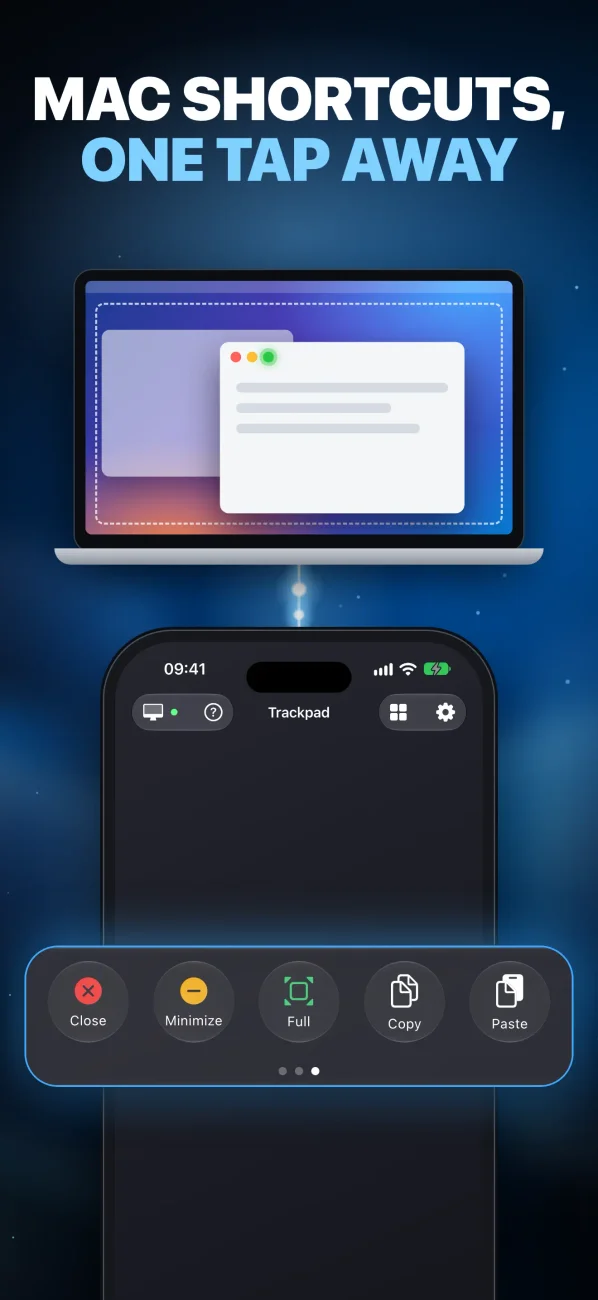
Type on the iPhone keyboard or use dictation, and the text appears on your Mac. The bar above the keyboard adds Esc, Tab, Shift, Control, Option, and Command, so ⌘C, ⌘Z, and all your other shortcuts work as usual. A number pad and arrow keys are just a tap away.
A REMOTE FOR THE COUCH
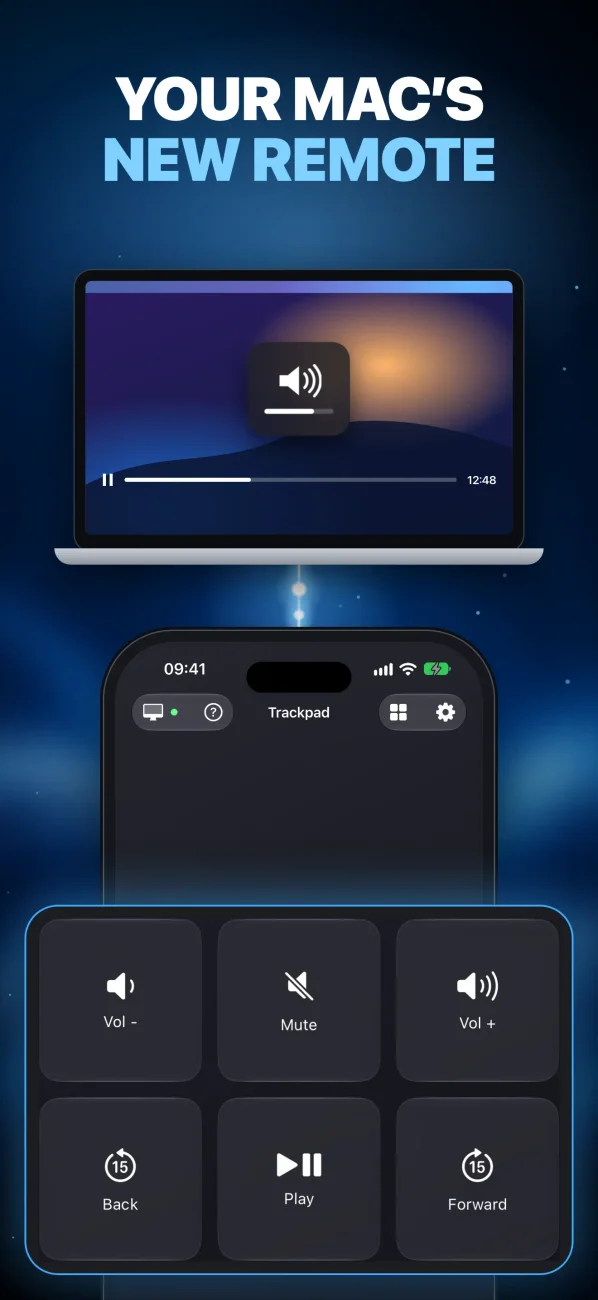
Watching something on your Mac from across the room? Play, pause, jump back or forward, mute, and adjust the volume right from your phone. The control panel also has brightness controls, Spotlight, Lock Screen, and copy and paste, plus buttons to minimize, close, or go full screen.
PRESENTATIONS
Walk around the room and move through your slides with the arrow keys. Your iPhone becomes your clicker.
BEYOND THE MAC
Your iPhone shows up as a standard Bluetooth mouse and keyboard, so the pointer and typing work with an iPad or a Windows PC too; gestures and shortcut buttons are made for the Mac. Nothing to install on any of them, and no account to create.
TRACKPAD PRO
Try it free to check that everything connects and get a feel for the controls. Trackpad Pro removes the free version's limit. Choose a weekly plan with a 3-day free trial, or a yearly plan. Pricing for your country or region is shown in the app before you subscribe.
Payment will be charged to your Apple Account at confirmation of purchase. Your subscription renews automatically unless auto-renew is turned off at least 24 hours before the end of the current period. Your account will be charged for renewal within 24 hours prior to the end of the current period. You can manage or cancel your subscription in your Apple Account settings. Any unused portion of a free trial period will be forfeited when you purchase a subscription.
Privacy Policy: https://nsdidenko.github.io/legal/2022/11/15/privacy.html
Terms of Use: https://www.apple.com/legal/internet-services/itunes/dev/stdeula/
What’s new
Version 1.2 · Nov 19, 2026
• If your Mac doesn't reconnect, Trackpad now brings the connection back on its own. No need to restart the app.
• Restoring purchases when there's nothing to restore now says “No purchases to restore”.
App privacy
What Mikita Dzidzenka declares on the App Store about how this app handles data.
-
Data linked to you
May be collected and linked to your identity.
- Purchases
- Location
- Identifiers
- Usage data
Privacy practices may vary, for example with the features you use or your age.
Information
- Seller
- Mikita Dzidzenka
- Category
- Utilities
- Version
- 1.2
- Updated
- Nov 19, 2026
- Released
- Nov 5, 2026
- Size
- 23.7 MB
- Requires
- iOS 17.6 or later
- Age rating
- 4+
- Price
- Free
- In-app purchases
- Yes
- Languages
- English, Arabic, Czech, Danish, Dutch, French, German, Hebrew, Italian, Japanese, Korean, Malay + 12 more
- Copyright
- © Mikita Dzidzenka
You might also like
-
 PC Remote: Mouse & KeyboardTrackpad, Presentation Clicker
-
 Trackpad & KeyboardYour phone as a desktop pad
-
 BluKeyUtilities
-
 AirType – Keyboard & MouseWireless Remote for PC & Mac
-
 Remote Mouse: Deck PointerKeyboard & Trackpad for PC
-
 Air Pointer - Aim & ClickA pointer for Mac and PC
-
 Ubícame YaUtilities
-
 Presence RemoteRemote lock and slide clicker
-
 RPad: Remote Trackpad & MousePresentation Remote & Laser
-
 Trace PrivacyPhone Security & Privacy