MRS: PDF Editor, Scanner & OCR
Document Signer & Photo to PDF
Designed for iPhone
Free · In-app purchases
- Age rating4+
- CategoryProductivity
- DeveloperSongtive
- LanguagesEnglish+ 32 more
- Size24.8 MB
Links to the official App Store page
Download.org hosts no file of MRS: PDF Editor, Scanner & OCR. The button opens its official App Store page, published by Songtive. Listing last checked on Nov 17, 2026.
Screenshots
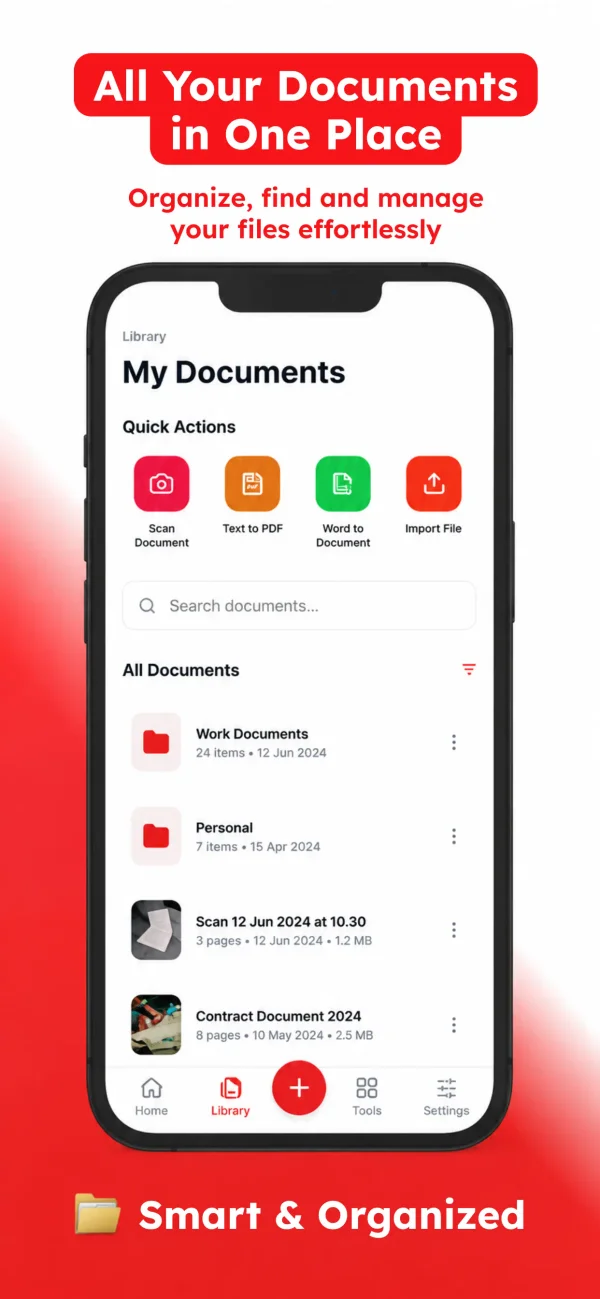
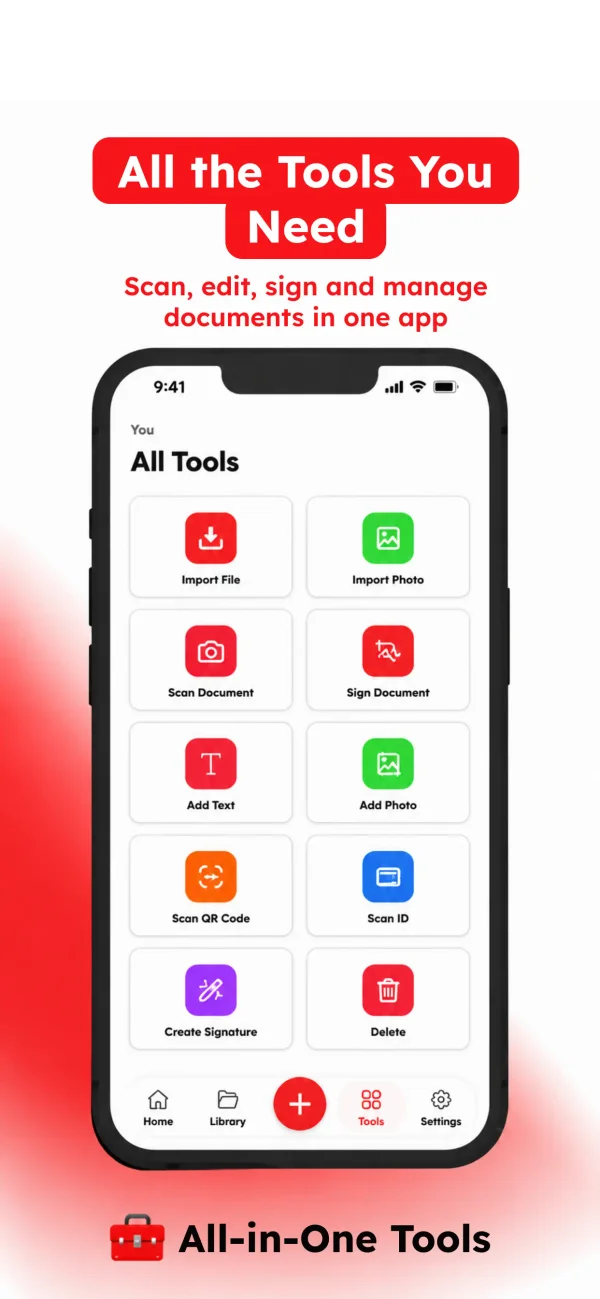
About
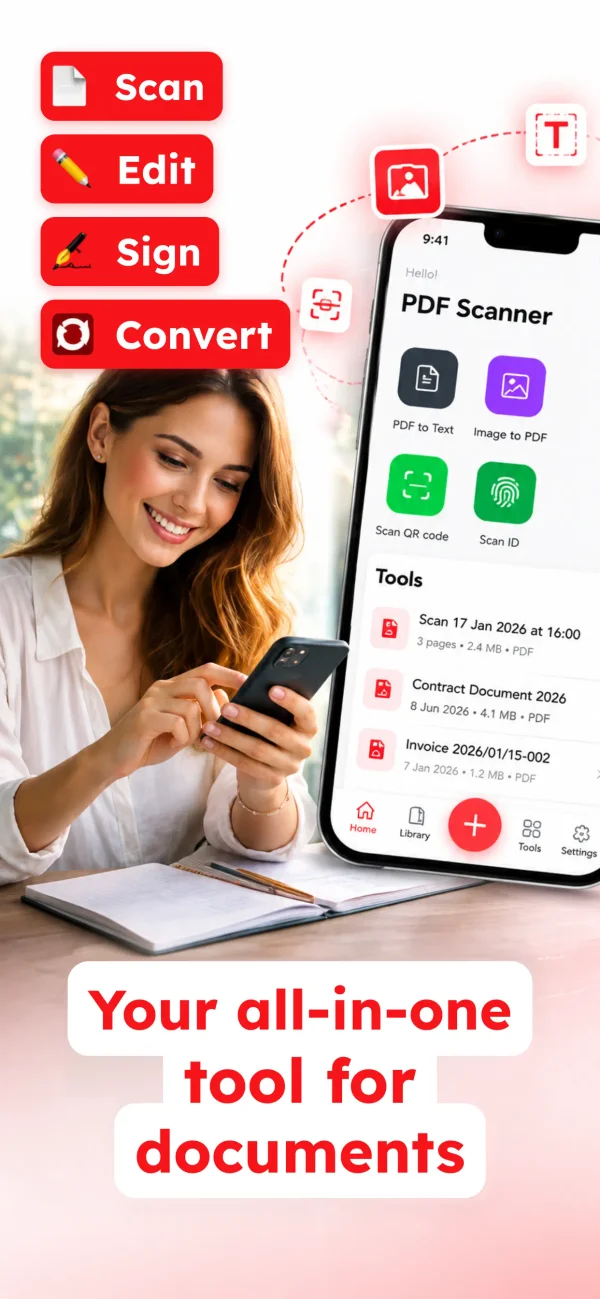
MRS turns your iPhone into a PDF scanner and PDF editor. Scan paper, convert photos to PDF, find any word inside your scans, add text and sign by hand, then share. All in one app.
Point the camera at a contract, a receipt, a form or a page of notes. MRS finds the edges, straightens the page and saves a clean PDF. It reads the text on the page, so the PDF becomes searchable. Then edit it right away: type text, draw, place an image or your signature, and add more pages.
NEW: TEXT RECOGNITION (OCR)
• Every scan gets a hidden text layer. Select and copy text in any PDF app
• Search your library by words inside your documents, not only by name
• Text recognition runs on your iPhone. Your pages are not uploaded
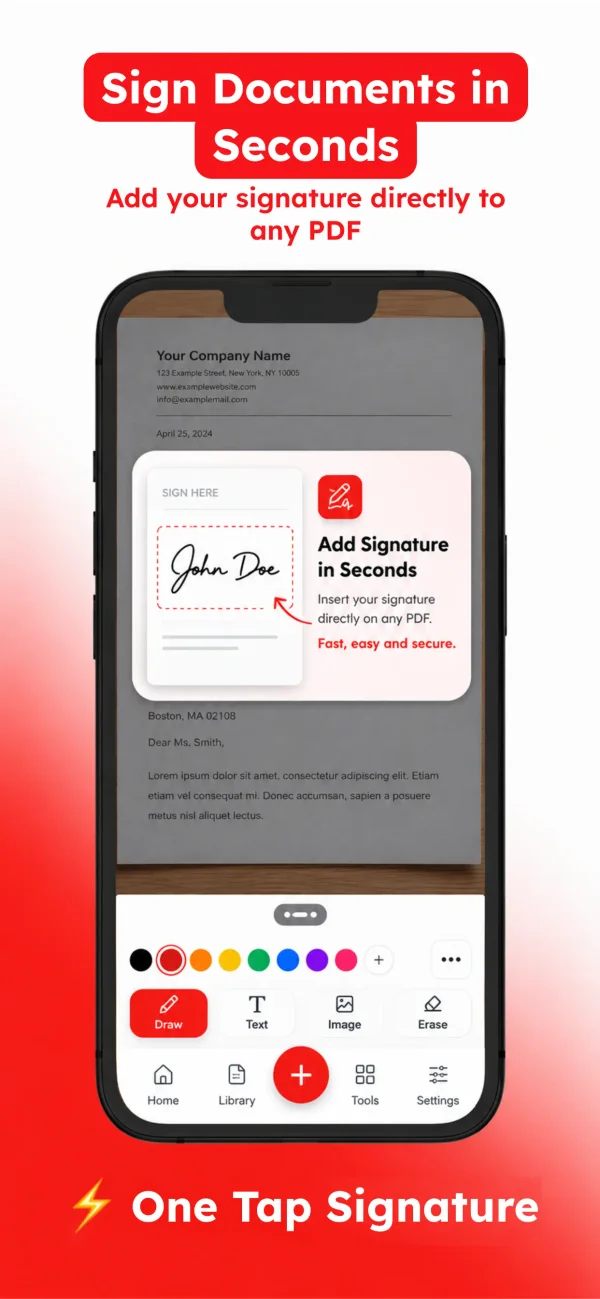
NEW: SIGN DOCUMENTS
• Draw your signature with your finger or Apple Pencil, in black or blue ink
• MRS keeps your recent signatures, so the next document takes two taps
• Place, move and resize the signature on any page
• "Sign document": scan or import a PDF and start signing at once
SCAN
• Document scanner with automatic edge detection
• Crop and fix perspective for sharp, readable pages
• Scan many pages into one PDF
CONVERT
• Photo to PDF: turn pictures from your library into a PDF
• Import PDF files from the Files app
EDIT
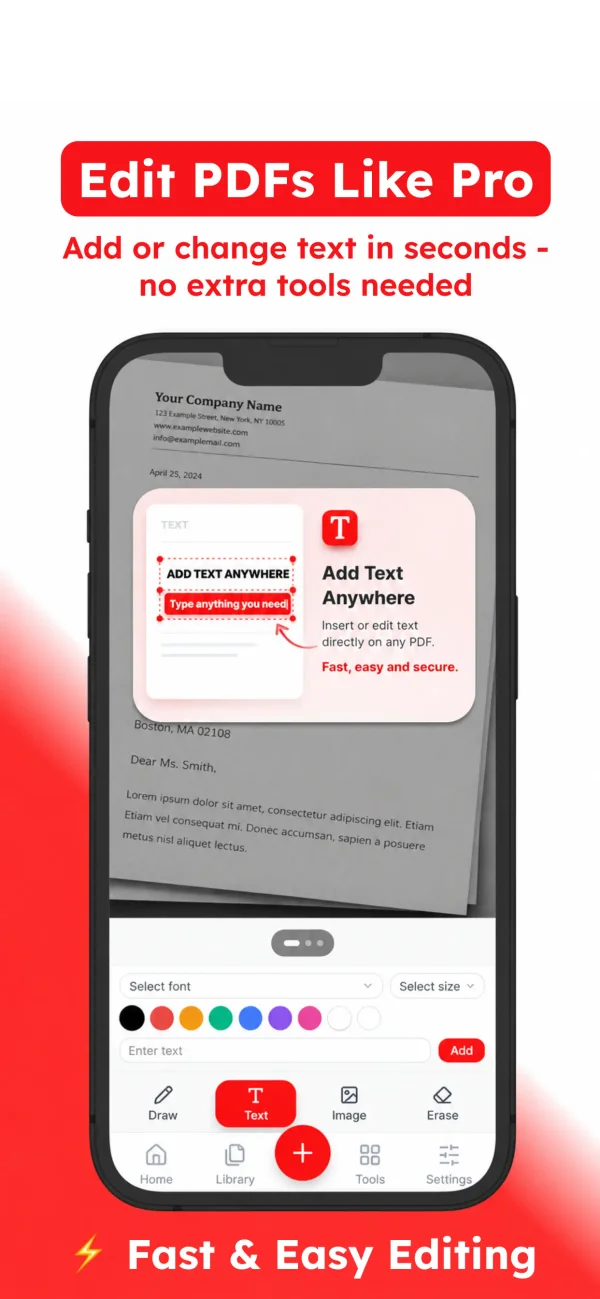
• Add text anywhere on the page
• Draw and mark up pages by hand
• Insert images or logos
• Erase marks, add blank pages or photo pages
ORGANIZE & SHARE
• Folders, rename and move documents
• Trash with restore, so nothing is lost by mistake
• Share or send your PDF by email, message or any app
IN YOUR LANGUAGE
The app is available in 33 languages.
PRIVATE BY DESIGN
Your documents are stored on your iPhone. MRS does not upload their content.
SUBSCRIPTION
Some features need MRS Premium, an auto-renewable weekly, monthly or yearly subscription. Some plans start with a 3-day free trial; when the trial ends, the subscription price is charged unless you cancel at least 24 hours before the trial ends. Payment is charged to your Apple ID account at confirmation of purchase. The subscription renews automatically unless canceled at least 24 hours before the end of the current period. Manage or cancel it anytime in your App Store account settings. Prices can differ by region.
Privacy Policy: https://mrspdfapp.com/privacy
Terms of Use: https://www.apple.com/legal/internet-services/itunes/dev/stdeula/
Support: https://mrspdfapp.com/support
What’s new
Version 1.6.929 · Sep 30, 2026
New: scan a receipt and MRS saves it as a PDF plus a text summary with the shop, date, total, tax and items, ready in the Files app. Signatures and images on your PDFs now resize and rotate with two fingers, and the saved document stays clean. Plus stability improvements and bug fixes.
Love our app? Please rate us - each vote is very important for us! Your feedback keeps us motivated to continue development.
App privacy
What Songtive declares on the App Store about how this app handles data.
-
Data used to track you
May be used to track you across apps and websites owned by other companies.
- Purchases
- Identifiers
- Usage data
-
Data not linked to you
May be collected but is not linked to your identity.
- Purchases
- Identifiers
- Usage data
- Diagnostics
Privacy practices may vary, for example with the features you use or your age.
Information
- Seller
- Songtive SIA
- Category
- Productivity
- Version
- 1.6.929
- Updated
- Sep 30, 2026
- Released
- Apr 5, 2026
- Size
- 24.8 MB
- Requires
- iOS 16.0 or later
- Age rating
- 4+
- Price
- Free
- In-app purchases
- Yes
- Languages
- English, Arabic, Catalan, Croatian, Czech, Danish, Dutch, Finnish, French, German, Greek, Hebrew + 21 more
- Copyright
- © 2026 Songtive
You might also like
-
 PDF Text Editor ‑ Edit PDFChange & rewrite existing text
-
 PDF Editor - Read, Fill & EditEdit PDF Files & Documents
-
 PDF Editor : EditorPDF Editor Scan, Merge PDFs
-
 PDF Editor: PDF fill and signEdit PDF, reader & viewer
-
 DocFill – PDF Editor & MergerFill, Sign, Merge & Compress
-
 PDF Document Editor, Read BookScanner App, Edit, Sign, View
-
 PDF Editor: Scanner & SignMerge, Split, Compress, OCR
-
 PDF Editor and Scanner ProDoc Scanner PDF Converter
-
 PDF Editor: Scan & Sign DocScan, sign, edit & share docs
-
 PDF Editor - PDF4.comProductivity