
MSG Viewer EML File Viewer
Open, Create & Convert Emails
Designed for iPhone, iPad
Free · In-app purchases
- Age rating4+
- CategoryProductivity
- DeveloperCode Stars
- LanguagesEnglish
- Size65.6 MB
Links to the official App Store page
Download.org hosts no file of MSG Viewer EML File Viewer. The button opens its official App Store page, published by Code Stars. Listing last checked on Nov 17, 2026.
Screenshots

About
MailVault is the ultimate email file manager for iPhone and iPad. Open, view, create, compare, and convert MSG and EML files, all from one beautifully designed app.
Whether you're a business professional archiving important emails, a legal team preserving correspondence, or someone who just needs to open that email attachment. MailVault has you covered.
OPEN & VIEW EMAIL FILES
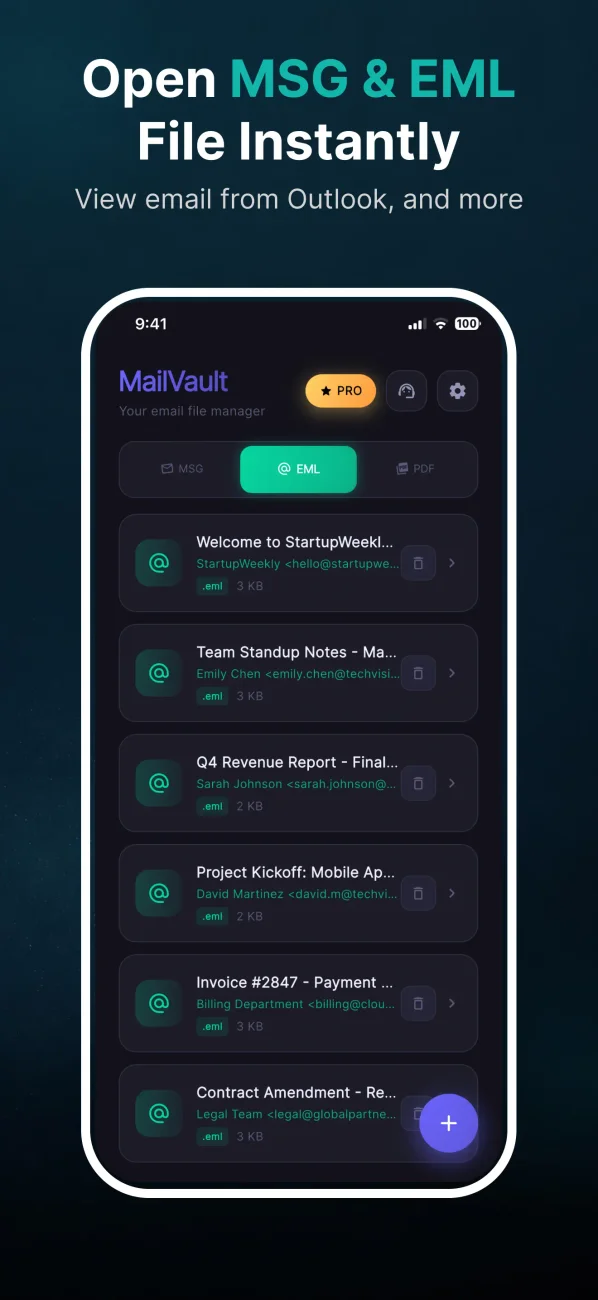
• Open MSG and EML files with a clean, easy-to-read layout
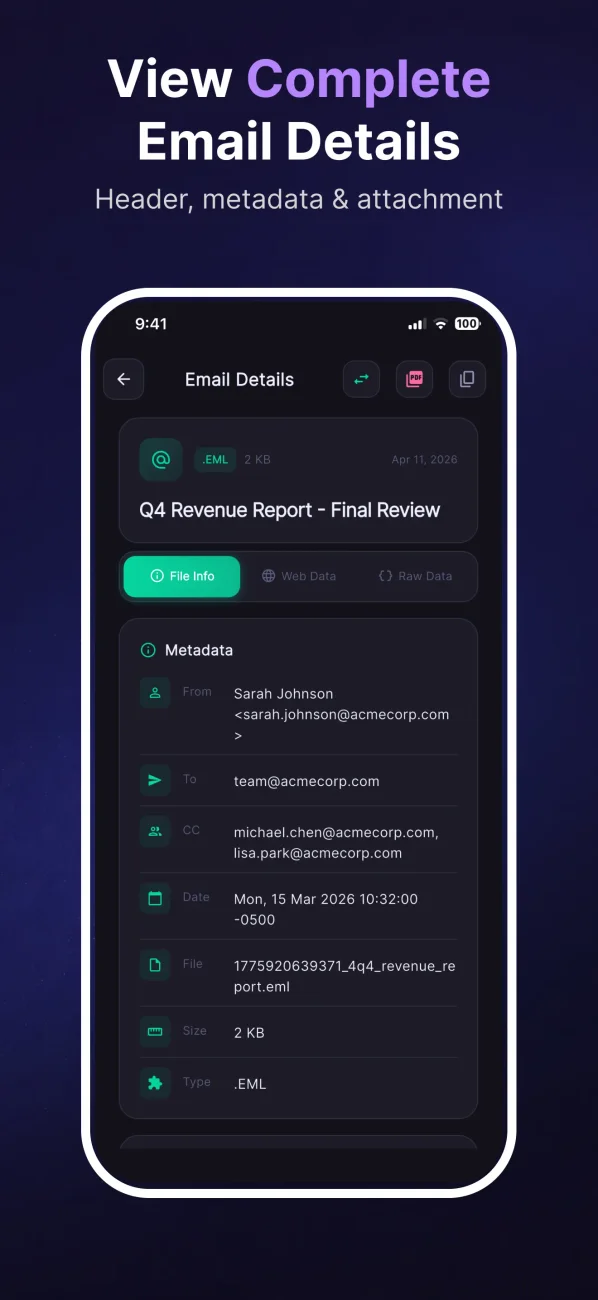
• View email headers, body content, and attachments in separate tabs
• Render HTML email bodies beautifully
• Extract and preview attachments with a single tap
• Never struggle with email file formats again
CREATE PROFESSIONAL EMAILS
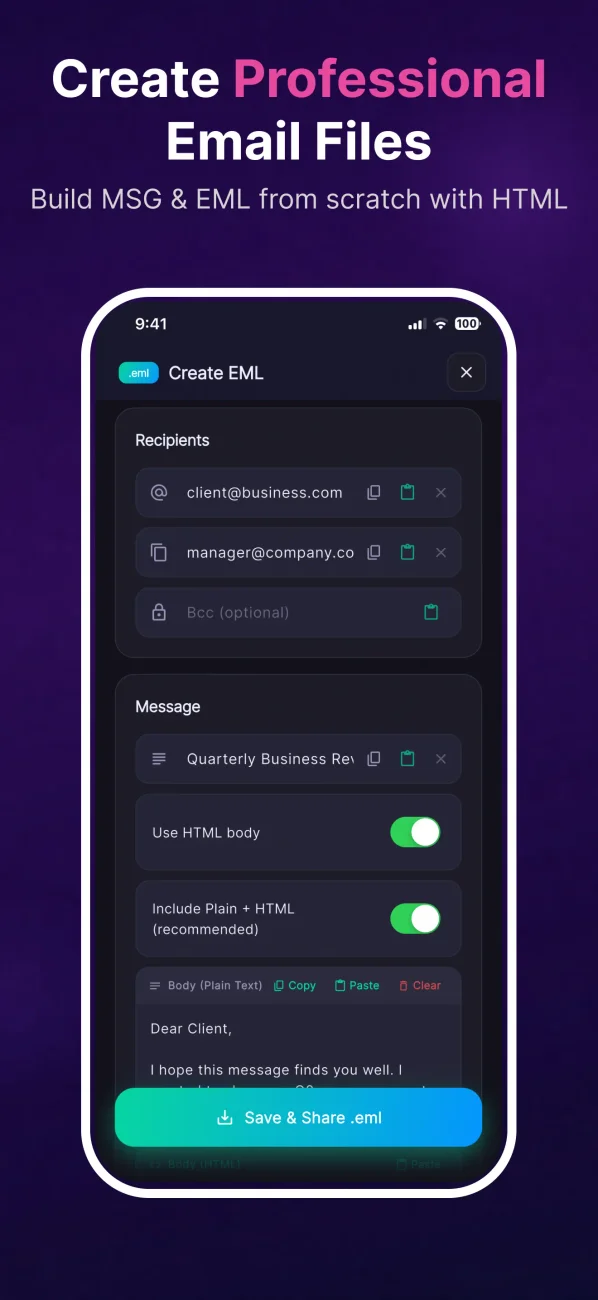
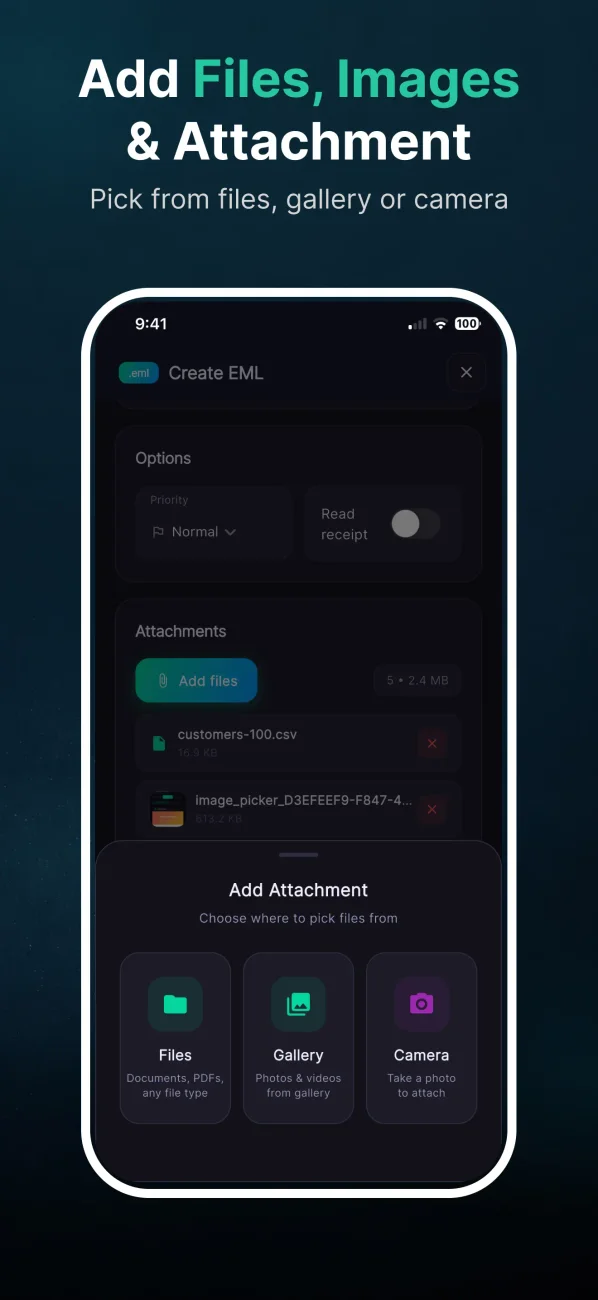
• Build MSG and EML files from scratch
• Add HTML-formatted body text with plain text alternatives
• Attach files and images directly from your device
• Set CC, BCC, subject, priority level, and read receipts
• Save and share your created emails instantly
CONVERT TO PDF
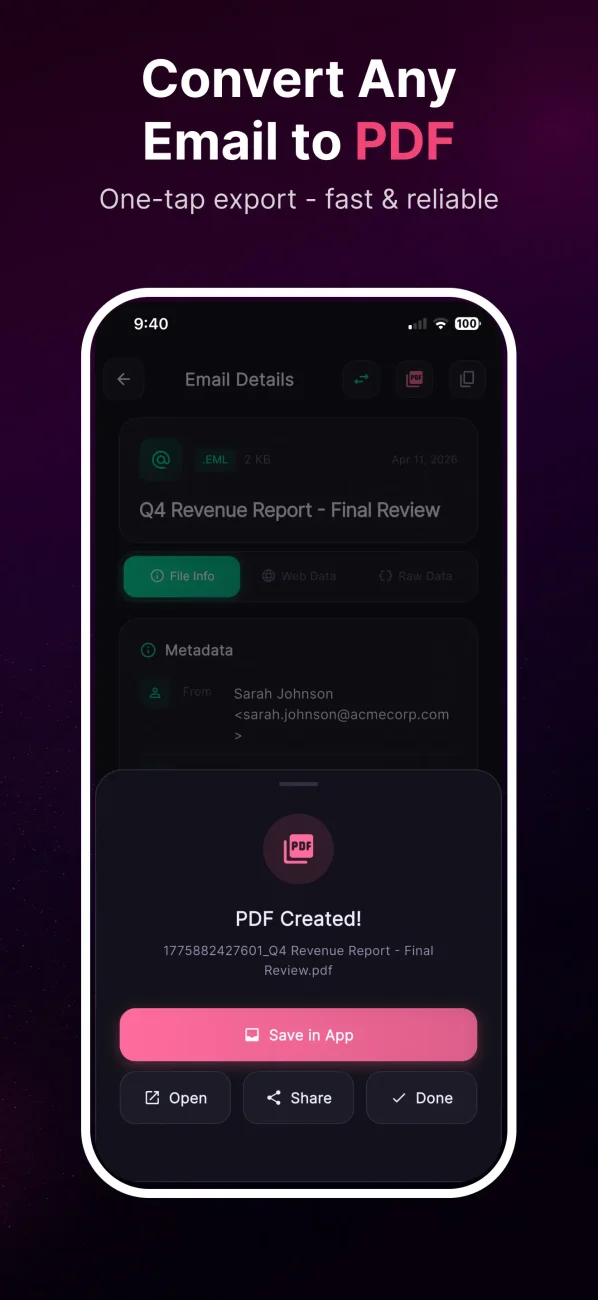
• Transform any MSG or EML file into a polished PDF document
• Styled formatting preserves the look of the original email
• Share PDFs with colleagues, clients, or legal teams
• One-tap export. fast and reliable
COMPARE EMAILS SIDE BY SIDE
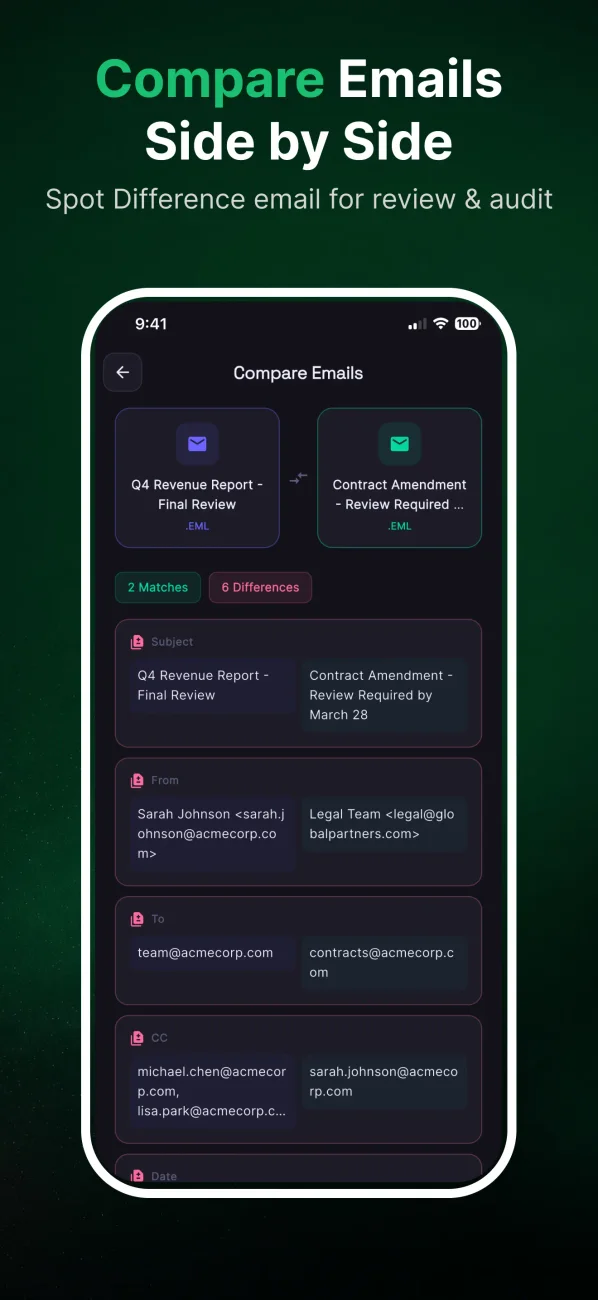
• Load two email files and compare them instantly
• Spot differences in headers, body, and metadata
• Perfect for legal review, compliance checks, and auditing
PERSONALIZE YOUR EXPERIENCE
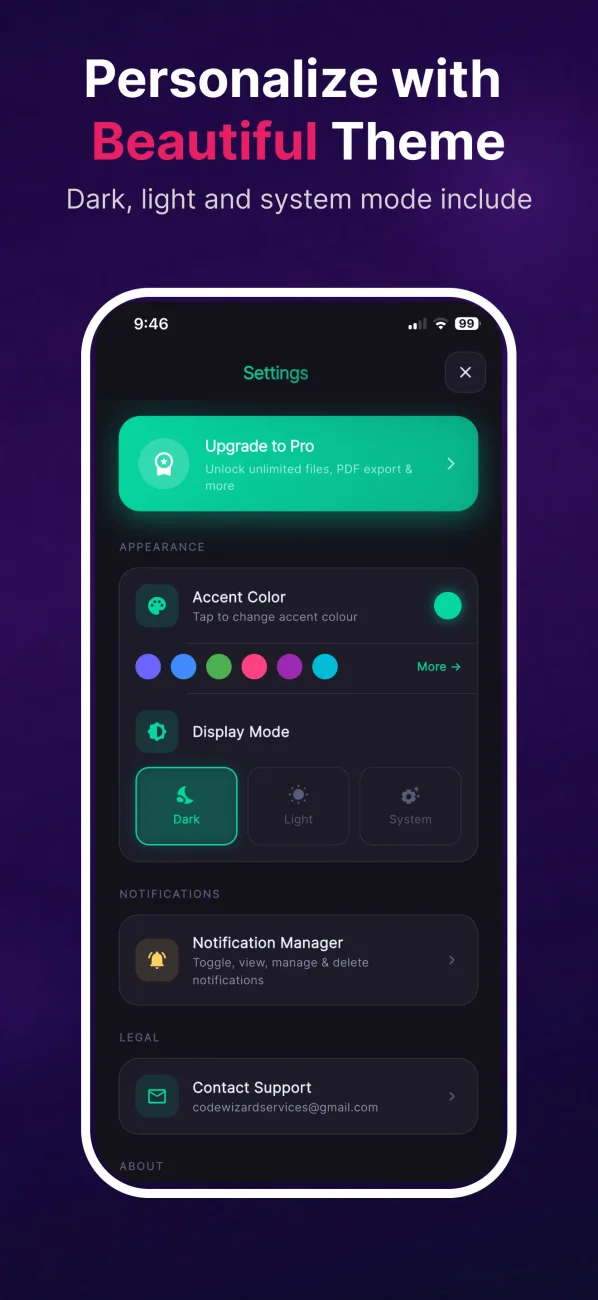
• Choose from 12 beautiful accent colors
• Switch between Dark, Light, and System display modes
• Smooth animations and a modern interface
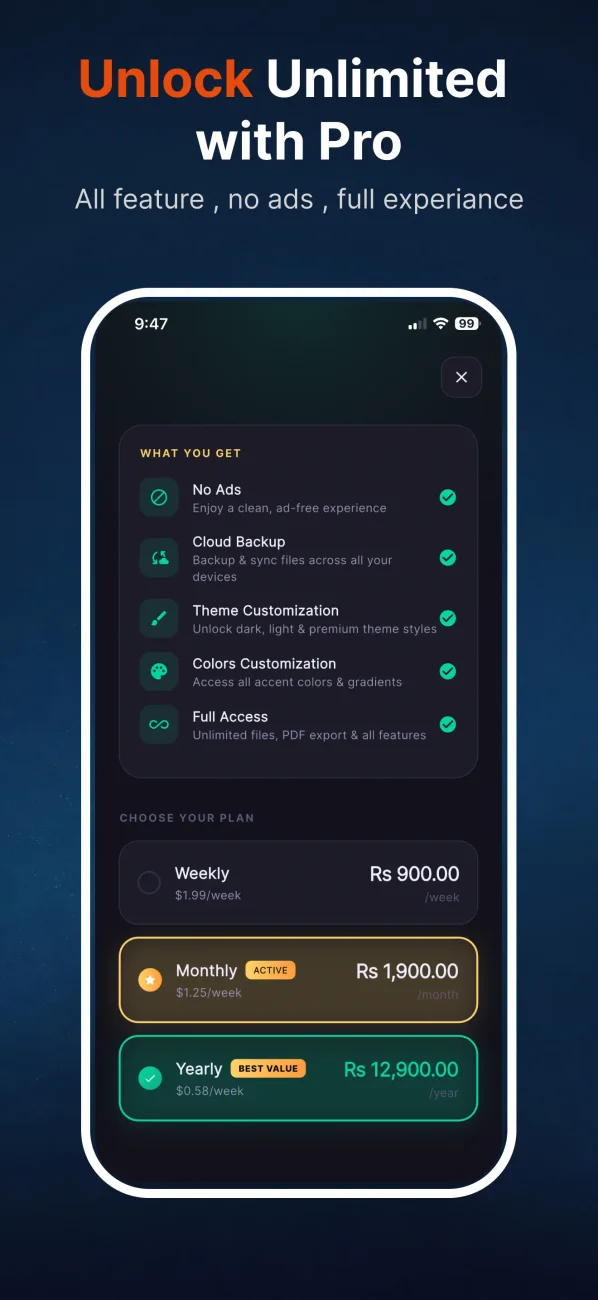
MAILVAULT PRO
Upgrade to MailVault Pro and unlock the full experience:
• Unlimited file creation and conversions
• Unlimited PDF exports
• All premium themes and display modes
• Completely ad-free
Payment will be charged to your Apple ID account at confirmation of purchase. Subscription automatically renews unless cancelled at least 24 hours before the end of the current period. Your account will be charged for renewal within 24 hours prior to the end of the current period. You can manage and cancel your subscriptions by going to your account settings on the App Store after purchase.
Terms of Use: https://www.apple.com/legal/internet-services/itunes/dev/stdeula/
Privacy Policy: http://codstars.com/policy.html
Customer Support:
Have questions or feedback? Contact us at codewizardservices@gmail.com for assistance. Your input helps us enhance the MSG & EML File Viewer
What’s new
Version 1.1.6 · Aug 26, 2026
bugs fixes and user experience improve
App privacy
What Code Stars declares on the App Store about how this app handles data.
-
Data used to track you
May be used to track you across apps and websites owned by other companies.
- Identifiers
-
Data not linked to you
May be collected but is not linked to your identity.
- Identifiers
Privacy practices may vary, for example with the features you use or your age.
Information
- Seller
- CODE STARS (SMC-PRIVATE) LIMITED
- Category
- Productivity
- Version
- 1.1.6
- Updated
- Aug 26, 2026
- Released
- Nov 9, 2024
- Size
- 65.6 MB
- Requires
- iOS 16.6 or later
- Age rating
- 4+
- Price
- Free
- In-app purchases
- Yes
- Languages
- English
- Copyright
- Copyright © 2024 CodStars, Ltd.
You might also like
-
 EML ViewerProductivity
-
 Winmail Reader LiteProductivity
-
 MSG ViewOpen Microsoft Outlook .msg
-
 CSV File Viewer - Smart CSVReader, Editor & PDF Export
-
 Message Viewer ProOpen MSG and EML files
-
 CSV file Create Edit & ViewerTables, search, sort & filter
-
 CSVReaderViewing and editing CSV files
-
 Unzipper: Zip and Unzip filesThe Best Zip File Viewer
-
 ExcalidrawZWhiteboard & Diagrams
-
 eM ClientSecure e-mail app