
- Age rating4+
- CategoryProductivity
- DeveloperTactivos Inc.
- LanguagesEnglish
- Size29.7 MB
Links to the official App Store page
Download.org hosts no file of Mural - Visual Collaboration. The button opens its official App Store page, published by Tactivos Inc. Listing last checked on Nov 17, 2026.
Screenshots
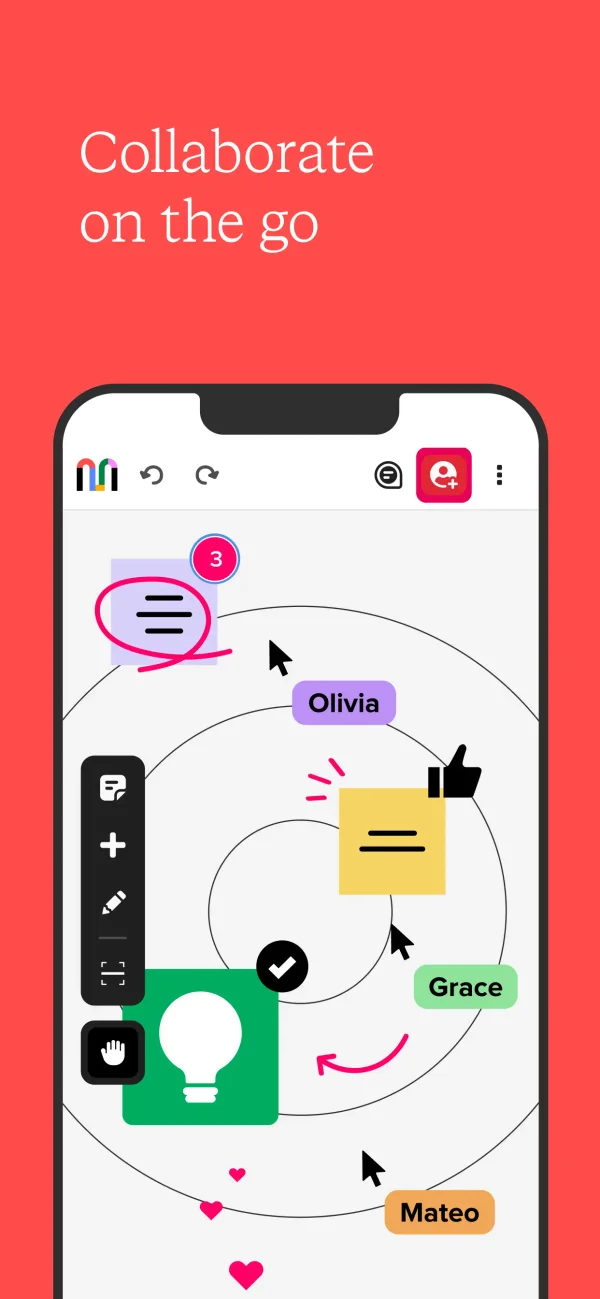

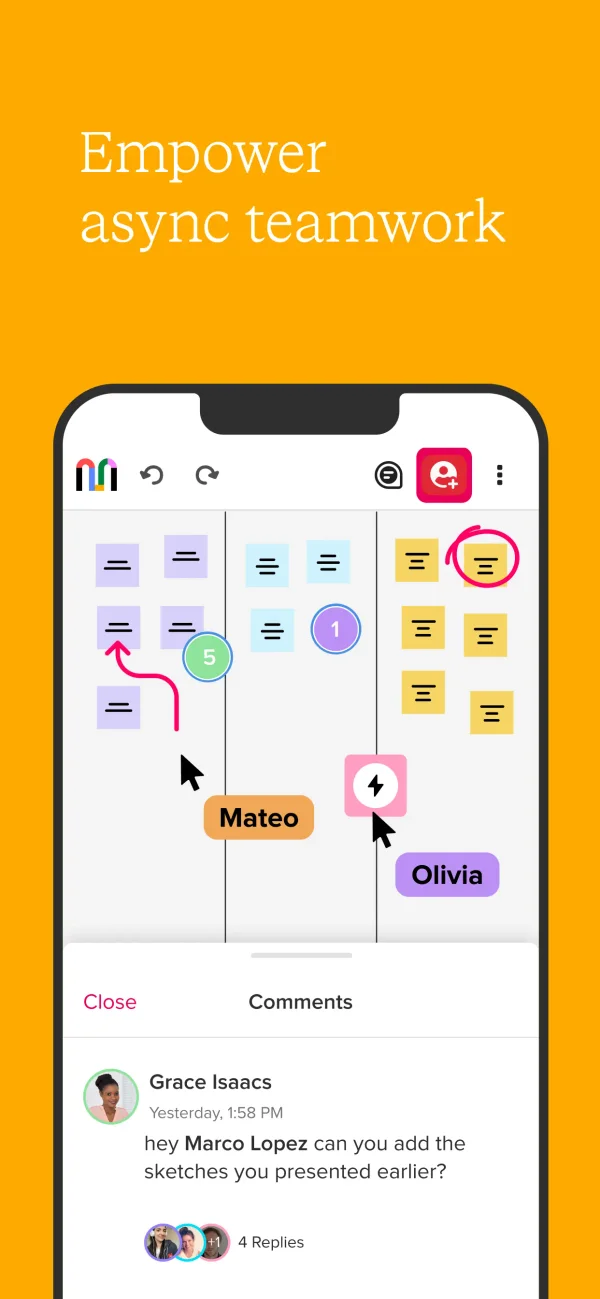

About
Mural is a collaborative intelligence company powering effective ideation, innovation, alignment, and team building at 95% of the Fortune 100. Work together in real-time or asynchronously with a digital whiteboard and collaboration features designed to inspire better collaboration that leads to business-driving outcomes.
The Mural app for iPhone and iPad keeps you connected to your team and enables you to capture and share inspiration on the go.
Innovative teams at IBM, Intuit, Microsoft, GitLab, Steelcase, Thoughtworks, and Atlassian use Mural to collaborate from anywhere. Use the Mural iPhone and iPad apps to:
* Bring your best ideas to life, wherever you work best
* Invite your team to a collaboration session no matter where they are
* Review content and provide feedback to keep work moving forward
* Spark creative thinking with freehand drawing
* Map concepts and ideas with your Apple Pencil
Mural meets security standards for enterprise organizations with mobile device management and secure sign in supported by our Microsoft Intune Mobile Application Management integration.
With the Mural app for mobile devices, you can:
* Create a new mural
* Add content in sticky notes, shapes, and text boxes with a variety of formatting options at your fingertips
* Draw ideas and sketch notes with a number of colors and line sizes
* Invite collaborators to your murals and easily change link permissions
* Add, edit, delete, and mention other collaborators in comments
* Enhance your visual thinking with a library of icons
* Participate in a voting session
* Share excitement and visual feedback with reactions
* Export a mural as a PDF, image, or zip file
* Add images from your photo library, take in the moment photos, or upload files
* Send a mural to a touchscreen display for hybrid collaboration sessions
* Organize content and ideas with frameworks
* Change mural settings
* Digitize physical sticky notes with Mural Scan or Post-it® App integration
* Easily present with outline and presentation mode
To use the Mural app, an account and sign-in is required. Learn more at www.mural.co.
What’s new
Version 6.0.1 · Feb 5, 2025
Simplified and intuitive UI for Phones
Faster and smoother navigation
Enhanced overall performance
Update now for the best on-the-go experience!
App privacy
What Tactivos Inc. declares on the App Store about how this app handles data.
-
Data linked to you
May be collected and linked to your identity.
- Identifiers
- Usage data
- Diagnostics
- Other data
Privacy practices may vary, for example with the features you use or your age.
Information
- Seller
- Tactivos Inc.
- Category
- Productivity
- Version
- 6.0.1
- Updated
- Feb 5, 2025
- Released
- Dec 20, 2016
- Size
- 29.7 MB
- Requires
- iOS 15.5 or later
- Age rating
- 4+
- Price
- Free
- Languages
- English
- Copyright
- © 2025 Mural. All rights reserved.
You might also like
-
 Miro: your visual workspaceBuild the next big thing
-
 LucidchartFlowchart & Diagram Maker
-
 Microsoft LoopThink, plan & create together
-
 LucidsparkInteractive online whiteboard
-
 Jira Cloud by AtlassianTrack tasks, projects & work
-
 Confluence CloudCollaborate on the go
-
 Microsoft PlannerProductivity
-
 Jira Data CenterTrack tasks, projects & work
-
 Confluence Data CenterWork together from anywhere
-
 Glean WorkThe Work AI platform