
Miro: your visual workspace
Build the next big thing
Designed for iPhone, iPad
Free
- Age rating4+
- CategoryProductivity
- DeveloperRealtimeBoard Inc.
- LanguagesEnglish+ 7 more
- Size49.1 MB
Links to the official App Store page
Download.org hosts no file of Miro: your visual workspace. The button opens its official App Store page, published by RealtimeBoard Inc. Listing last checked on Nov 22, 2026.
Screenshots



About
Miro is a visual workspace for innovation that enables distributed teams of any size to dream, design, and build the future together. With the magic of Miro's Intelligent Canvas™, visualizing concepts, ideas, and solutions as a team can happen anywhere — no dry-erase markers needed. Sync, flow, and feel the connection of working side by side with your team — even in remote, distributed, or hybrid work environments.
The Miro app for iPad and iPhone gives you the tools to collaborate with boards that put projects and context all in one place.
Our customers love using Miro to:
• Run online meetings and team workshops
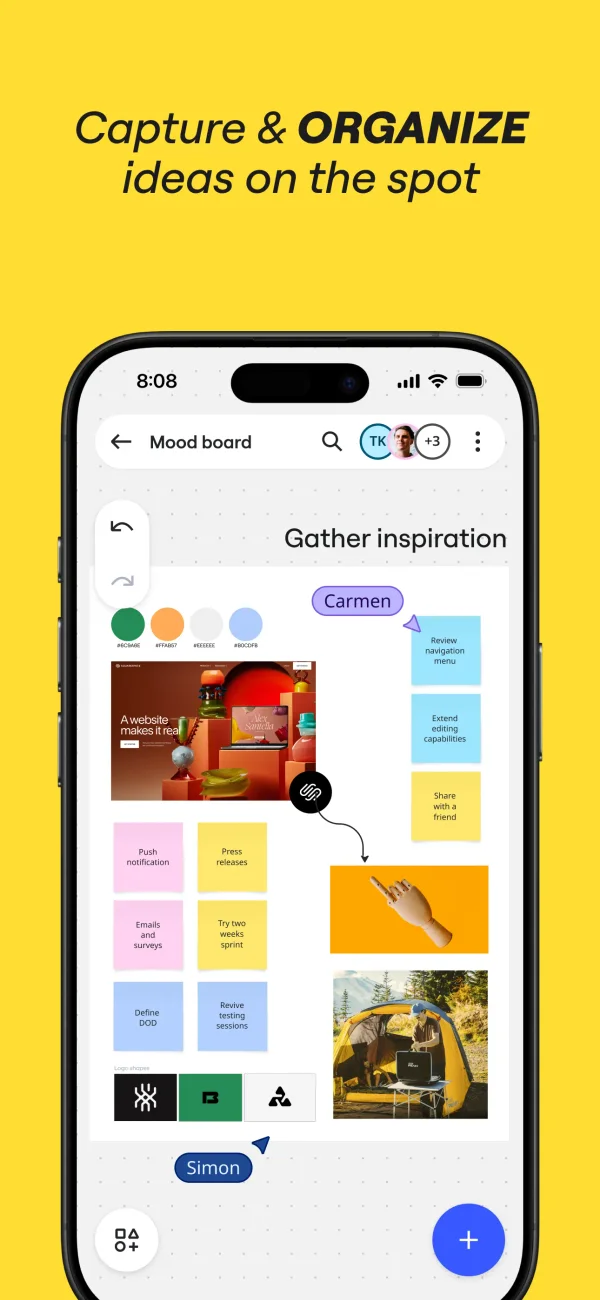
• Brainstorm new ideas and designs on a limitless board
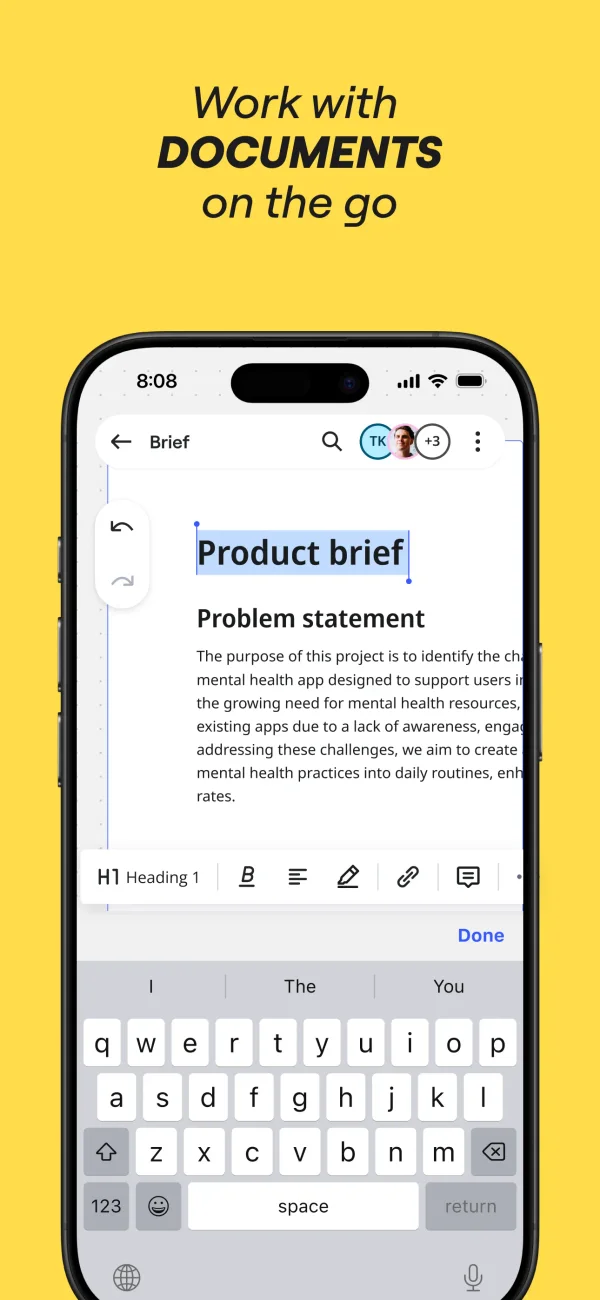
• Edit, annotate and mark up documents and PDFs
• Take digital notes with an Apple Pencil (and reduce paper use!)
• Easily collect resources, photos, docs, links, and references
• Plan and manage agile workflows and scrum rituals
• Create user journeys, map processes, and develop personas
• Teach and facilitate interactive classes in a collaborative space
• Create a vision board of ideas and inspiration
Miro allows you to create anytime, anywhere. With over 200+ pre-made templates, a drag-and-drop interface, and no limit on collaborators, working on a Miro board is fast and fun.
With Miro’s mobile app, you can:
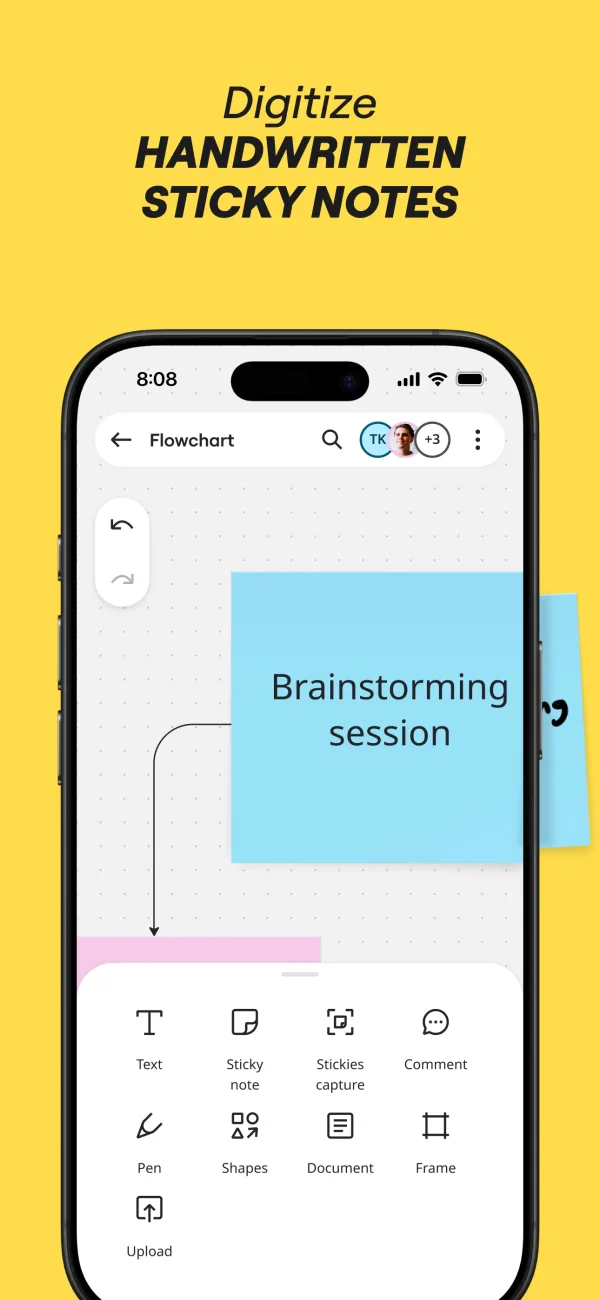
• Scan paper post-it notes and convert them into editable digital notes
• Create, view, and edit all your boards
• Capture and organize your ideas on the go
• Share boards publicly or invite team members to edit
• Upload images, pictures, docs, spreadsheets, and more
• Share boards and invite team members to edit
• Review, add and resolve comments
On tablets, you can also use Miro to:
• Draw concepts and sketch new design ideas with an Apple Pencil
• Convert pencil or stylus drawings into shapes, notes, and diagrams
• Set up your tablet as the second screen with Zoom or Microsoft Teams
- Create Mind Maps to visualize your ideas
• Use Lasso to select and move sketches, drawings, or text anywhere on the board
• Use Highlighter to capture the attention of your team during a meeting
If you enjoy using Miro for collaboration, please leave us a review.
If something’s not working right or if you have a question or comment, get in touch with us using this form: https://help.miro.com/hc/en-us/requests/new?referer=store
What’s new
Version 3.25.30241470 · Nov 10, 2026
Bug-fixing and improving is part of our collaborative DNA. You just get to reap the benefits.
App privacy
What RealtimeBoard Inc. declares on the App Store about how this app handles data.
-
Data not linked to you
May be collected but is not linked to your identity.
- Location
- Identifiers
- Usage data
- Diagnostics
Privacy practices may vary, for example with the features you use or your age.
Information
- Seller
- Realtimeboard Inc.
- Category
- Productivity
- Version
- 3.25.30241470
- Updated
- Nov 10, 2026
- Released
- Jan 3, 2017
- Size
- 49.1 MB
- Requires
- iOS 17.0 or later
- Age rating
- 4+
- Price
- Free
- Languages
- English, French, German, Japanese, Korean, Polish, Portuguese, Spanish
- Copyright
- © 2011 RealtimeBoard Inc.
You might also like
-
 LucidchartFlowchart & Diagram Maker
-
 Mind Mapping - MindMeisterBrainstorming and note taking
-
 Xmind: AI Mind Map, BrainstormNotes, Study, Plan & Outline
-
 ClickUp: Tasks, Chat, Docs, AI#1 AI Workspace & Agents
-
 Obsidian - Connected NotesYour second brain on the go
-
 MilanoteThe notes app for creatives
-
 Jira Cloud by AtlassianTrack tasks, projects & work
-
 Mural - Visual CollaborationProductivity
-
 SimpleMind - Mind MappingCapture your ideas and notes
-
 Confluence CloudCollaborate on the go