- Age rating4+
- CategoryPhoto & Video
- DeveloperRyan Bulcher
- LanguagesEnglish
- Size73.5 MB
Links to the official App Store page
Download.org hosts no file of MyRender. The button opens its official App Store page, published by Ryan Bulcher. Listing last checked on Nov 13, 2026.
Screenshots
About
Ever wonder "what if?"
What if that object wasnt there?
What if your car was matte black?
What if you decluttered that messy basement?
Stop wondering and start seeing.
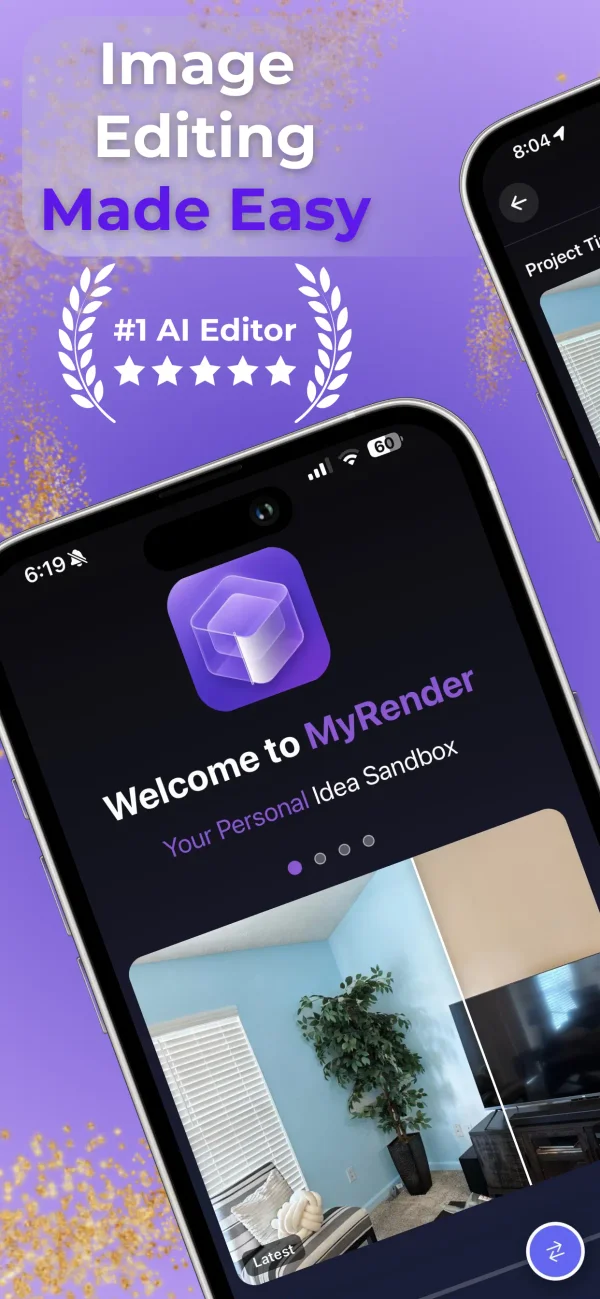
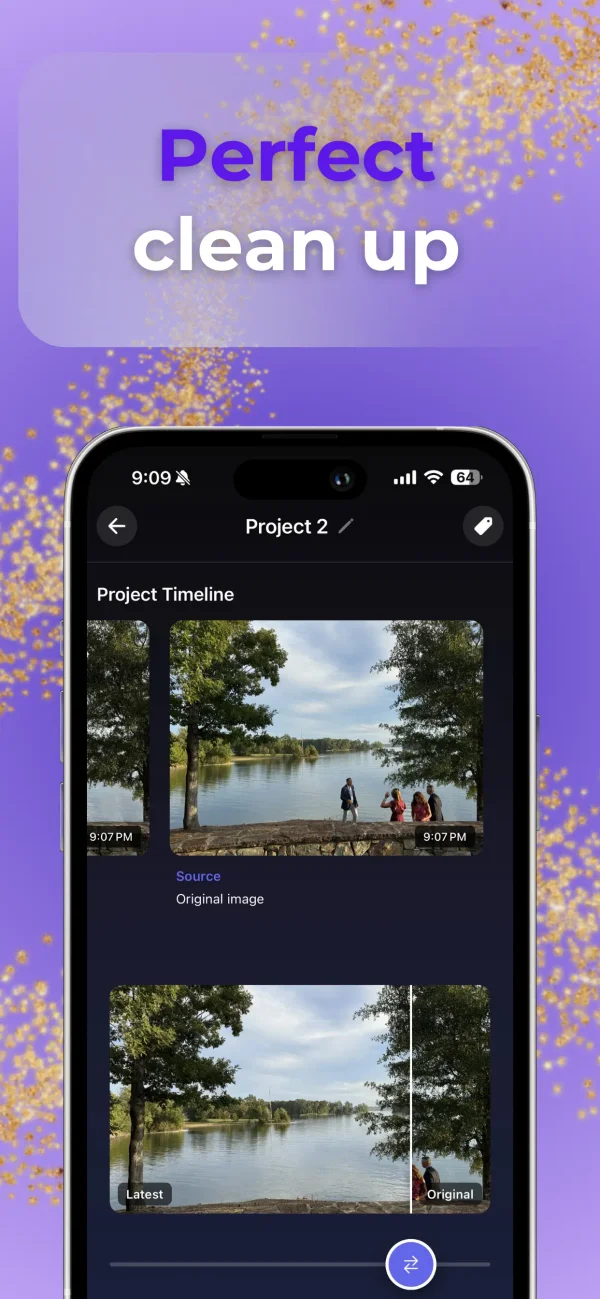
Introducing MyRender, your personal idea sandbox. Go beyond simple filters and edits. MyRender uses powerful AI to transform your photos based on simple text descriptions, allowing you to visually brainstorm and explore any possibility in seconds.
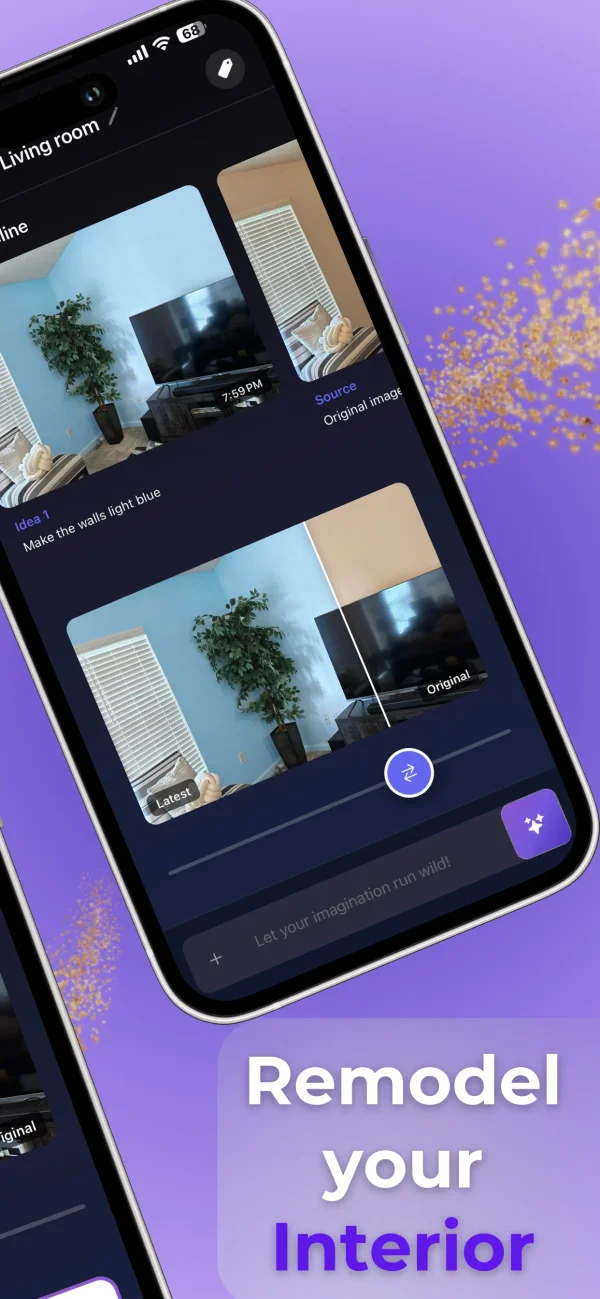
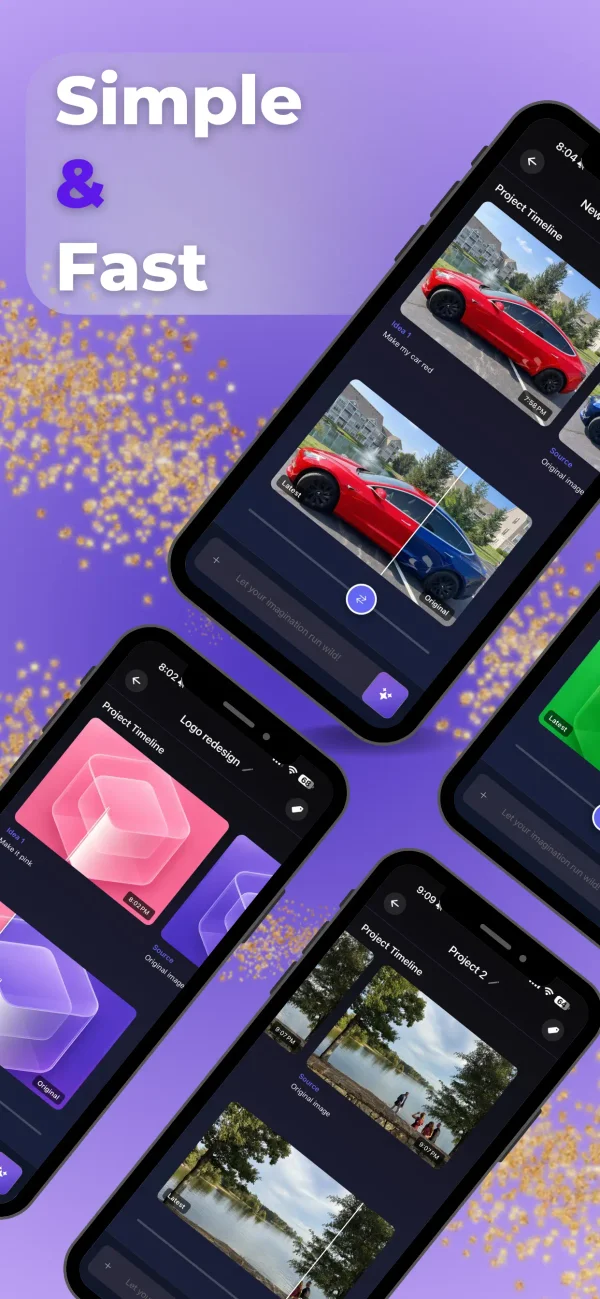
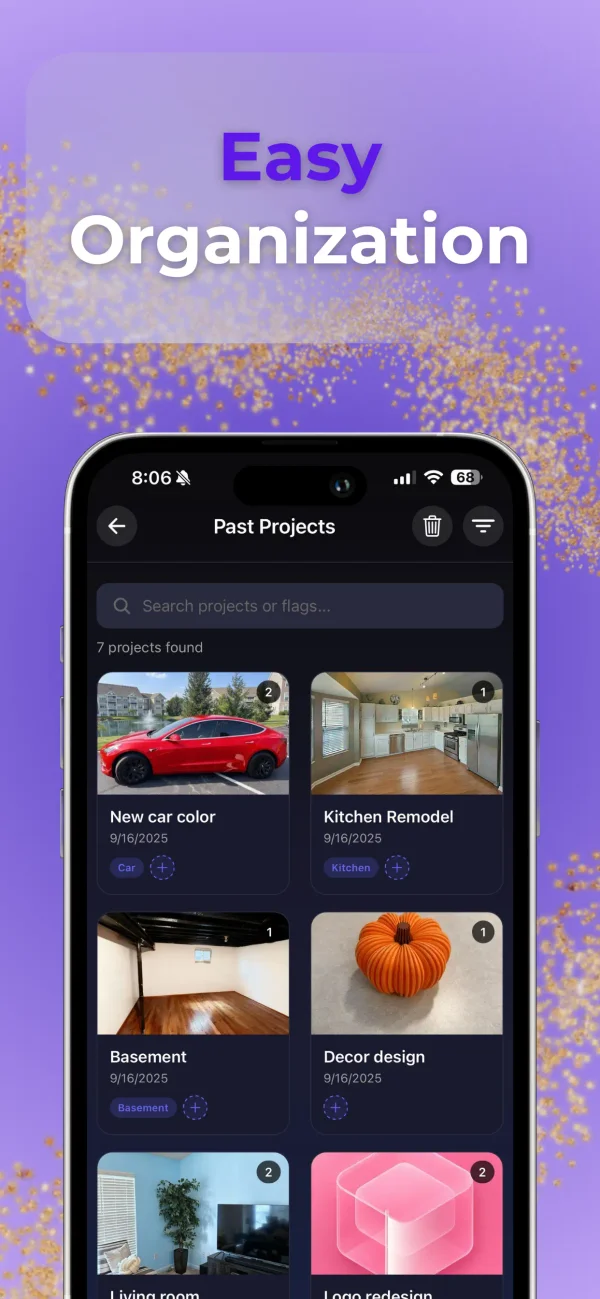
Our clean, project-based timeline lets you build on your ideas. Start with an original image, try one idea, then another, and another, all while keeping your creative journey organized. See your concepts evolve and compare variations side-by-side with our intuitive slider.
PERFECT FOR:
HOMEOWNERS & RENTERS: Visualize a new paint color, flooring, or furniture arrangement before you commit.
CAR ENTHUSIASTS: Dream up new wheel styles, paint jobs, or body kits for your ride.
DIY & CRAFT LOVERS: Mock up project ideas and color schemes on the fly.
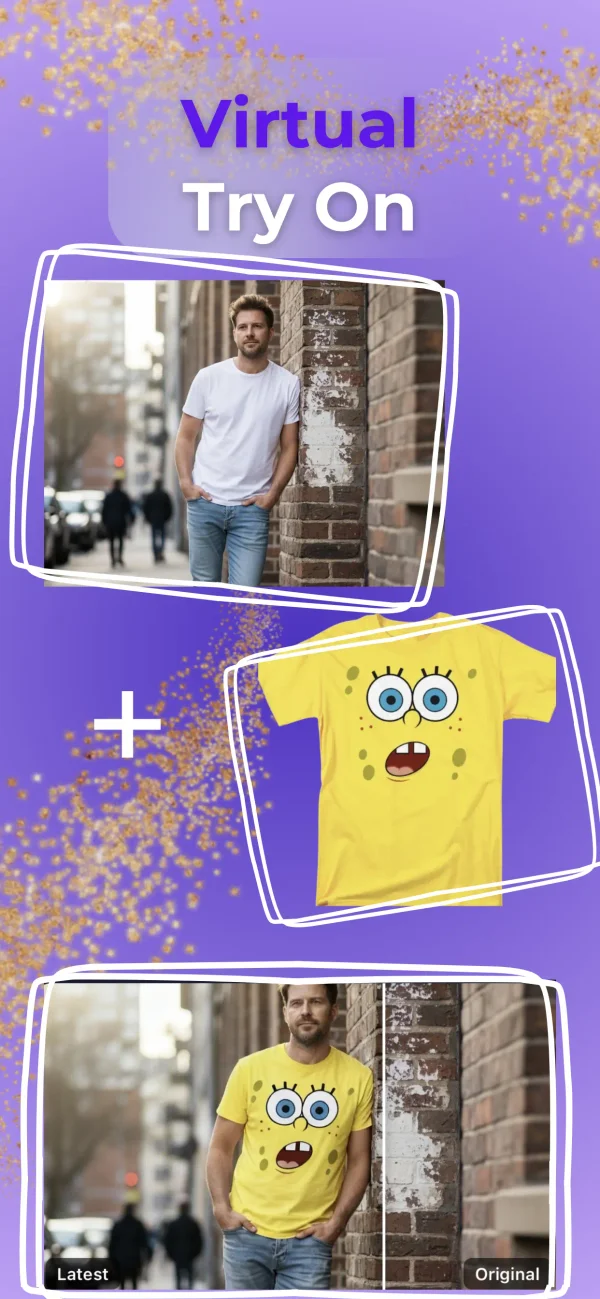
FASHION EXPLORERS: Instantly see what a different shirt style or color would look like.
ANYONE WITH AN IDEA: If you can describe it, you can see it. Let your imagination run wild!
WHY YOU'LL LOVE MYRENDER:
INSTANT VISUALIZATIONS: Our fast and advanced AI brings your text prompts to life in moments.
ORGANIZED IDEA TIMELINES: Every render is saved to your project. Never lose a great idea again.
INTUITIVE BEFORE & AFTER: Use the simple slider to instantly compare your render with the original photo.
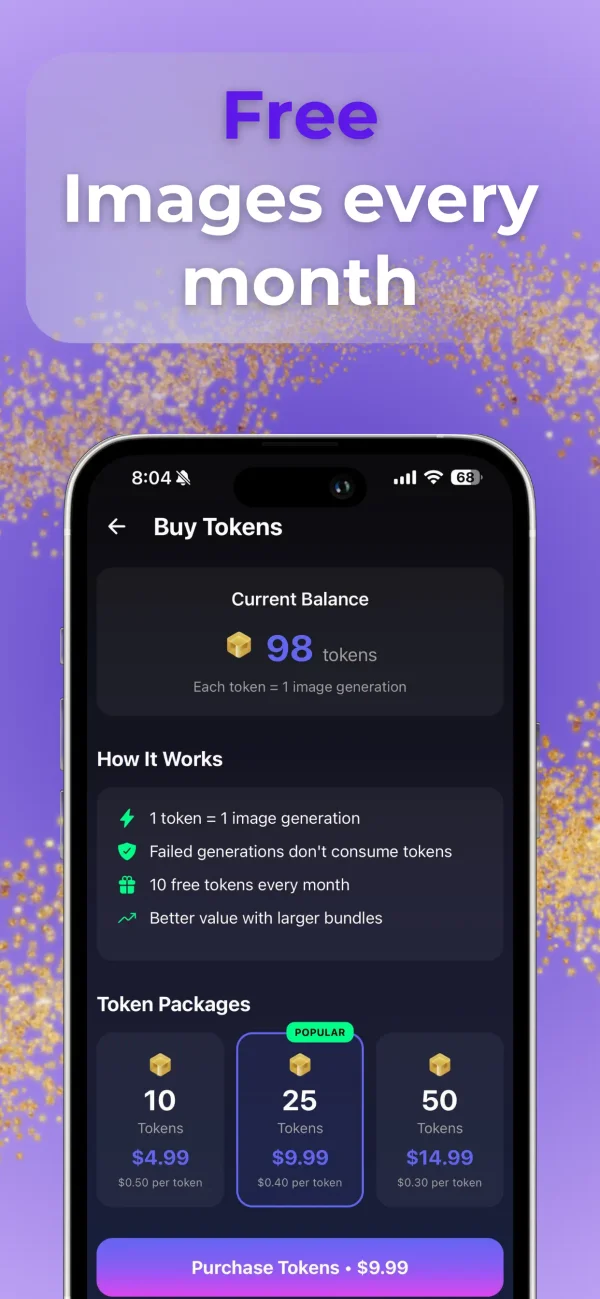
GENEROUS FREE TIER: Get 10 free renders every single month to explore your creativity.
SIMPLE & CLEAN: No confusing tools or cluttered interfaces. Just your image and your imagination.
SHARE WITH EASE: Quickly save your favorite creations to your gallery or copy them to your clipboard to share with friends, family, or clients.
Terms of Use: https://www.apple.com/legal/internet-services/itunes/dev/stdeula/
What’s new
Version 1.2 · Oct 3, 2025
Support for iOS 26 Liquid Glass!
App privacy
What Ryan Bulcher declares on the App Store about how this app handles data.
-
Data linked to you
May be collected and linked to your identity.
- Contact info
- User content
Privacy practices may vary, for example with the features you use or your age.
Information
- Seller
- Ryan Bulcher
- Category
- Photo & Video
- Version
- 1.2
- Updated
- Oct 3, 2025
- Released
- Sep 24, 2025
- Size
- 73.5 MB
- Requires
- iOS 15.1 or later
- Age rating
- 4+
- Price
- Free
- In-app purchases
- Yes
- Languages
- English
- Copyright
- © 2025 Ryan Bulcher
You might also like
-
 Glazr Photo: Photo EditorLayers, Curves & Cutouts
-
 AI Shorts MakerAI Shorts Maker
-
 Editioz: Video EditorOffline video maker
-
 AI Effects: VyeSwipe, Choose Filter, Adjust
-
 Render - Video ComposerTimeline, Keyframes & Effects
-
 JustMerge - Join Video ClipsMerge videos, combine photos
-
 Photogenic AI: Picture EditorOld Photo Restore & Repair
-
 Pixeldrop — Redact Your PhotosProtect your privacy
-
 DramaMint: AI Video GeneratorPhoto to Video AI Generator
-
 Voice Over Video: VoiceoversRecord Audio & Add Narration