
Nautomate
Notion actions in Shortcuts
Designed for iPhone, iPad, Mac, iPod touch
Free · In-app purchases
- Age rating4+
- CategoryUtilities
- DeveloperSnailed It Development Ltd
- LanguagesEnglish
- Size14.8 MB
Links to the official App Store page
Download.org hosts no file of Nautomate. The button opens its official App Store page, published by Snailed It Development Ltd. Listing last checked on Nov 16, 2026.
Screenshots
About
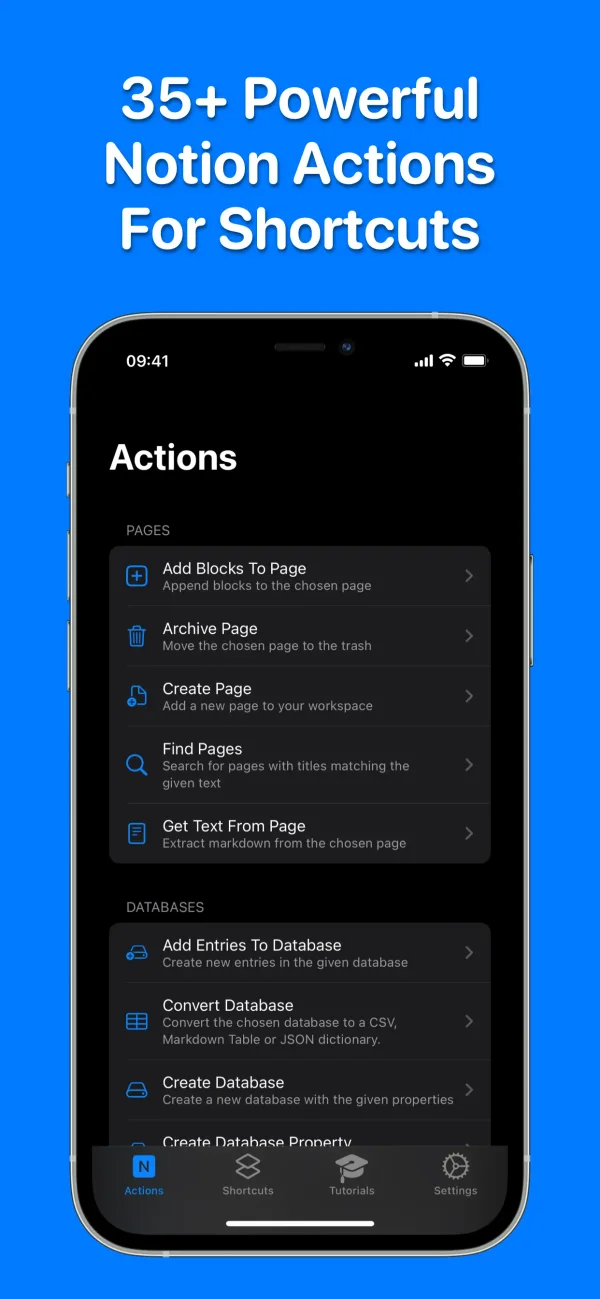
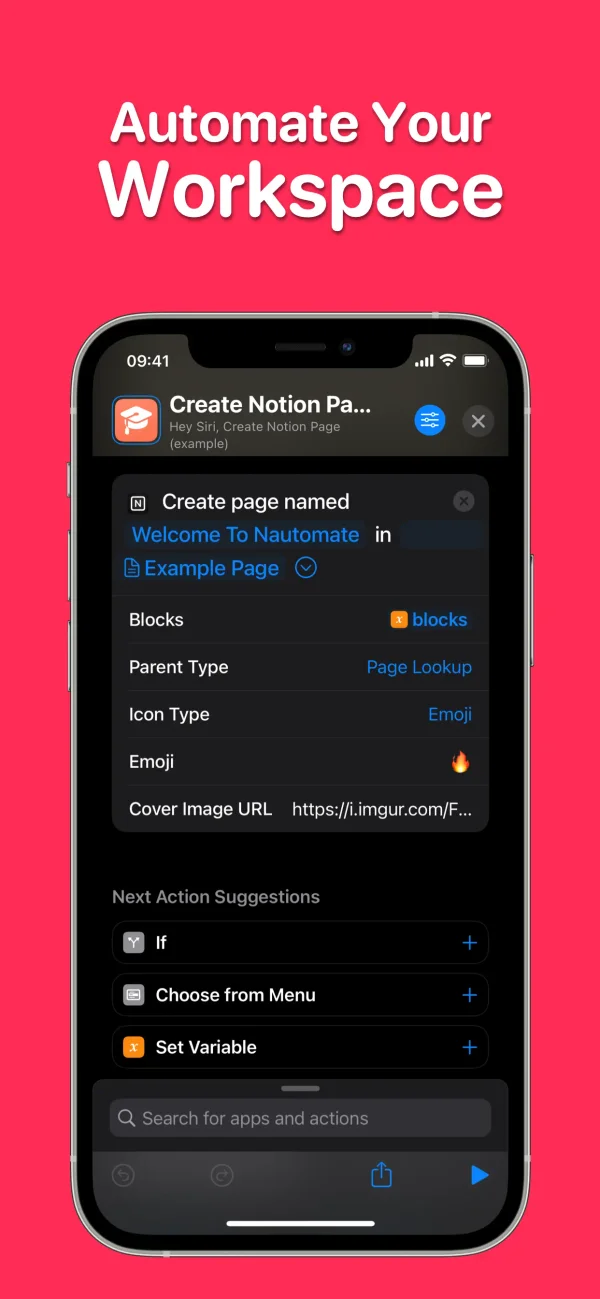
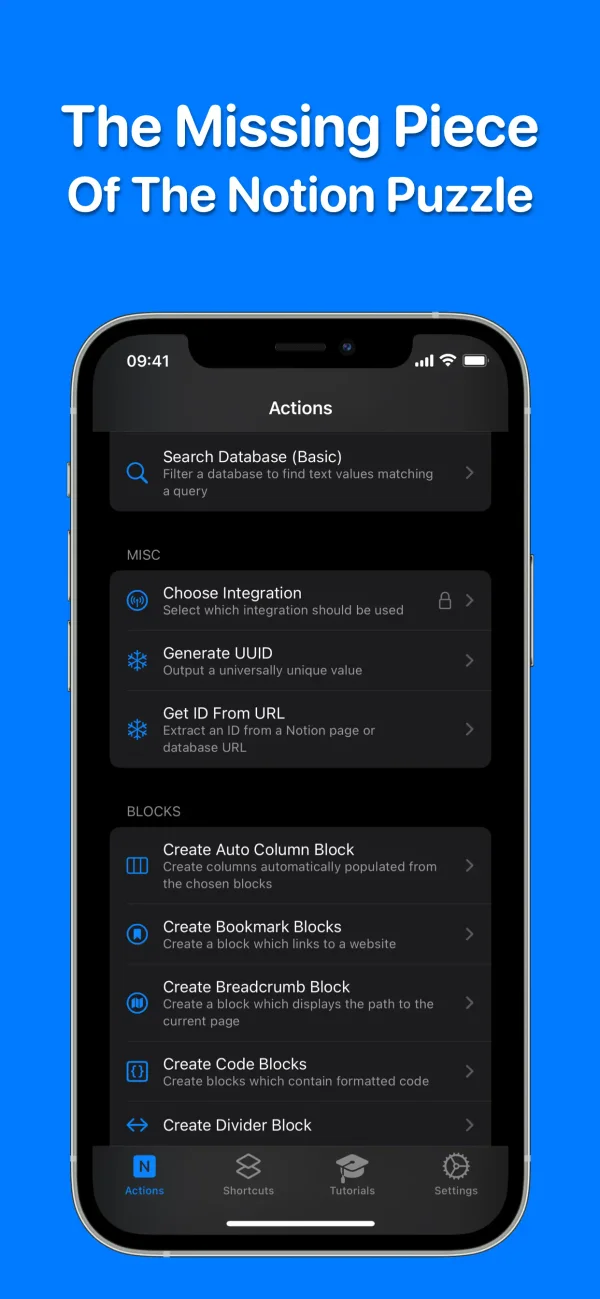
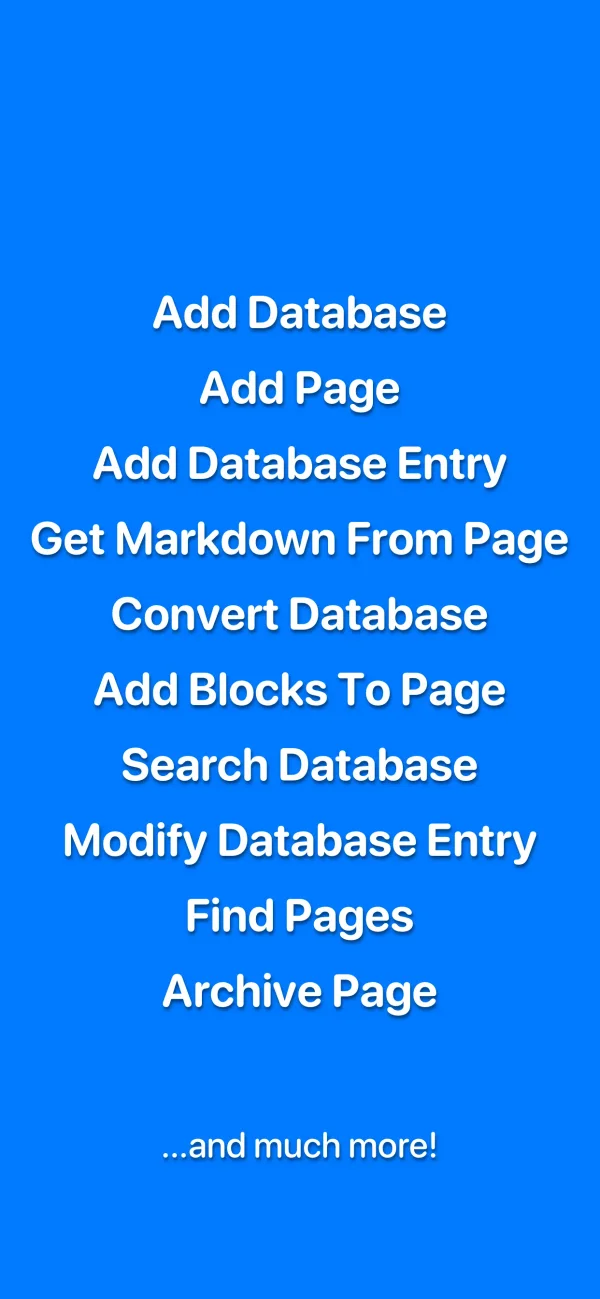
Nautomate adds 40+ native Notion actions to Shortcuts, giving you automation superpowers!
Fully automate your whole Notion world:
• Create pages with rich content blocks
• Create databases with custom properties
• Add to or modify values in a database
• Create powerful searches for databases
• Extract markdown from a page
• Convert a database to a CSV, Markdown Table or JSON Dictionary
• Supports connections to multiple workspaces
...and much more!
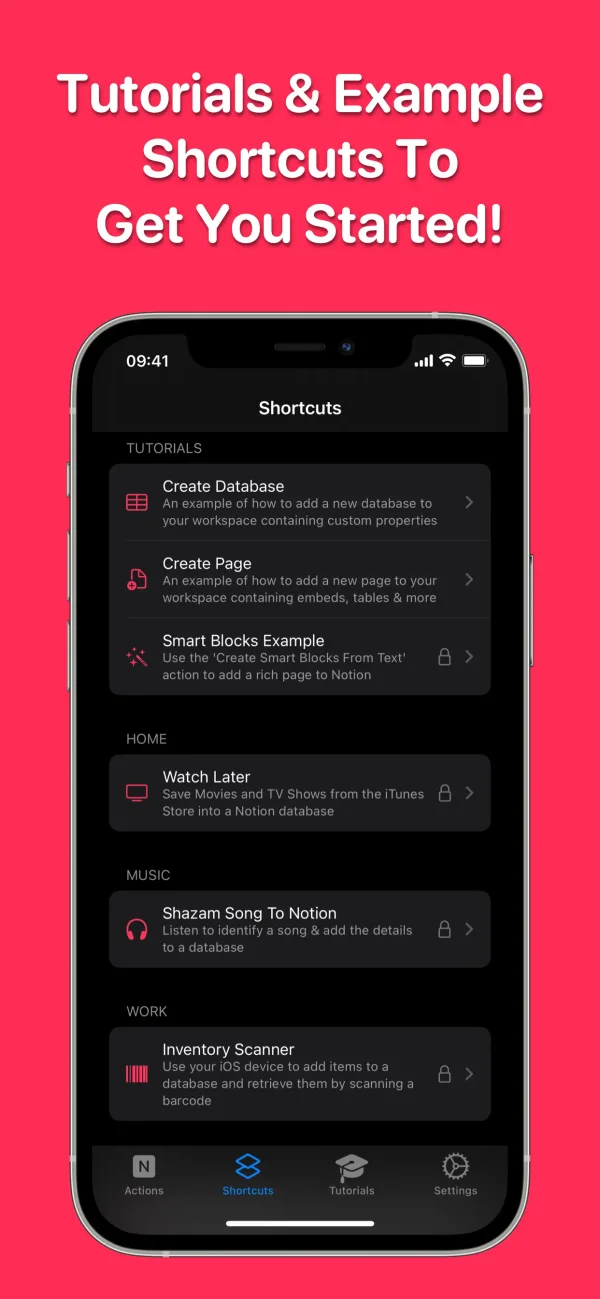
Each action includes a detailed description along with example shortcuts and tutorials to get you started.
More than half of the actions are completely FREE to use, forever.
Available on iOS, iPadOS & Mac. A single subscription unlocks everything across all devices and allows family sharing.
None of your Notion data is ever viewable by any third-parties.
---
Terms of Use: https://nautomate.app/terms
Privacy Policy: https://nautomate.app/privacy
What’s new
Version 2.0.6 · Aug 4, 2026
In 2.0.6:
- Fix Get ID from URL not working with Notion’s new URLs
In 2.0.5:
- Fix issues with the newly-added "Icon" type
- Add Entries to Database will now ignore properties of type URL, Email, or Phone Number if they are blank
In 2.0.4:
- Update docs for Add Entry to Data Source and Modify Data Source Entry to describe handling Relation, Select, and Multi-Select Properties.
- Clearing a Date property using Modify Database Entry no longer requires only a single property to be updated.
- You can now clear a Select property using Modify Data Source Entry by including the key without a value.
- Fix errors when adding some text-based block types to a page.
- Fix Upload File not working with m4a files.
In 2.0.3:
- Files Uploads added to a property using the Add Entries to Data Source action now use the file name from the upload, rather than Notion's internal ID
- Modify Data Source Entry now support using uploaded files with File properties.
In 2.0.2:
- For some reason, Notion has started returning `null` as a value for Unique ID properties. This shouldn't happen, according to the docs, but it is happening so Nautomate now allows it.
- Get Text From Page now displays an explanation if an empty Page ID is provided as input, rather than just a 404 error
- Use the cache to improve performance of Modify Database Entry
- Use cache to improve performance most places we need to fetch a Data Source (hoping to reduce the chance of timeouts on data sources with a lot of properties)
- Fix rich text with colour of “default_background”
- Fix adding Text blocks to pages
- Fix processing pages that are placed inline inside a block in another page
- Fix actions no longer working on some older iOS versions
- Fix Find Pages not returning results where the "Title" property has been renamed
In 2.0.1:
- Fix options not being offered for Data Source parameter in Add Entries to Data Source, Convert Data Source, and Get Options From Select
- Fix error when decoding pages with "Created By" properties
In 2.0.0:
- You can now upload files to Notion via Nautomate. We've added Upload File and Find File Upload actions.
- Nautomate now fully supports Notion's "Data Source" update. All relevant actions now have a "Data Source" parameter that can be used for databases with multiple data sources.
- Nautomate now supports pages/databases that are using a workspace-wide "Custom Emoji" as their icon.
- Performance of the "Console" is substantially improved on iOS and macOS when you have a large number of entries.
- Fix images not appearing in tutorials for users in the UK.
App privacy
What Snailed It Development Ltd declares on the App Store about how this app handles data.
-
Data not linked to you
May be collected but is not linked to your identity.
- Purchases
Privacy practices may vary, for example with the features you use or your age.
Information
- Seller
- Snailed It Development Ltd
- Category
- Utilities
- Version
- 2.0.6
- Updated
- Aug 4, 2026
- Released
- Mar 1, 2022
- Size
- 14.8 MB
- Requires
- iOS 15.0 or later
- Age rating
- 4+
- Price
- Free
- In-app purchases
- Yes
- Languages
- English
- Copyright
- © 2022 Snailed It Development Ltd
You might also like
-
 Text CaseText Cleanup & Reusable Flows
-
 Clipboard Manager - OneTapCopy Paste History & Shortcuts
-
 Memo WidgetSticky Notes on Home Screen
-
 ActionsUtilities
-
 Interval Timer: TimeWaveStudy, Workout, Meditate, etc.
-
 Shortcut app : SRTCTAll Pre shortcuts, commands
-
 AI Actions - Shortcut AITranscribe, Search & Automate
-
 Keyboard Shortcuts: FlexiBoardClipboard Snippets & Tools
-
 ElsewhenTime zones, translated.
-
 Highlighter for SafariAnnotate & take notes on pages