Interval Timer: TimeWave
Study, Workout, Meditate, etc.
Designed for iPhone, iPad, Mac
Free · In-app purchases
- Age rating4+
- CategoryUtilities
- DeveloperMuhammed Sahil Arayakandy
- LanguagesEnglish
- Size49.5 MB
Links to the official App Store page
Download.org hosts no file of Interval Timer: TimeWave. The button opens its official App Store page, published by Muhammed Sahil Arayakandy. Listing last checked on Nov 17, 2026.
Screenshots


About
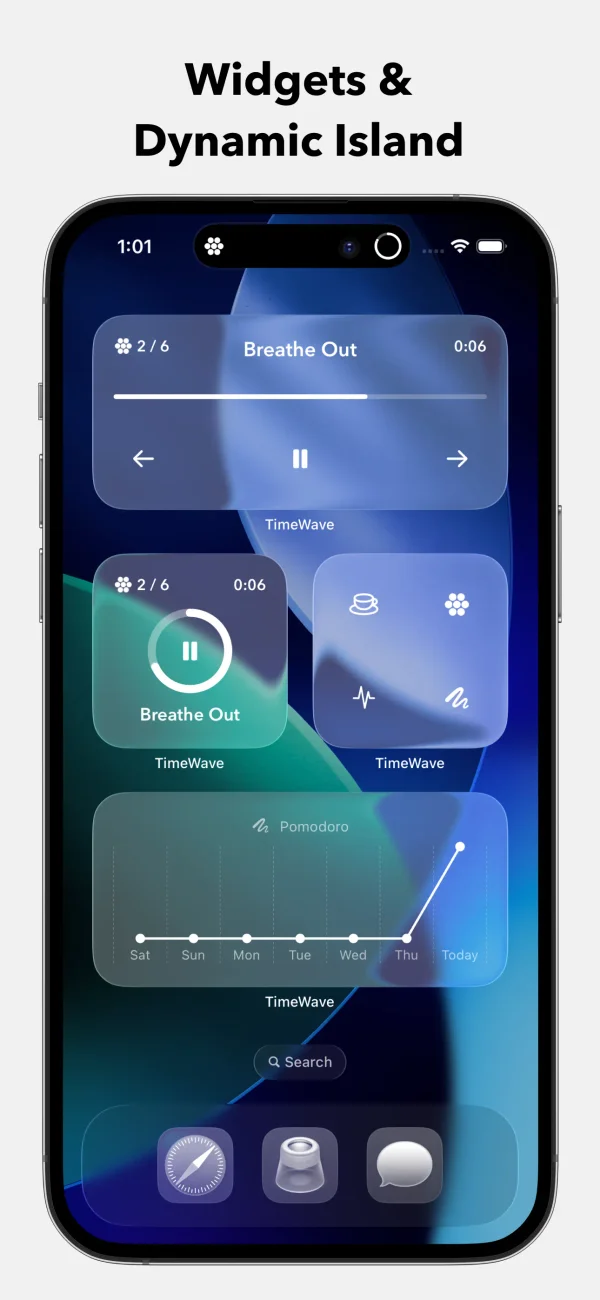
"Liquid Glass really comes to life on its widgets"
- Michael Burkhardt, 9to5Mac.
"What I like most about TimeWave, though, is its clean, black-and-white design"
- John Voorhees, MacStories.
"Best iPhone Apps of July, 2021"
- Beau Hamilton, Slashdot.
WHAT CAN YOU DO WITH TIMEWAVE?
TimeWave allows you to combine your breathwork app, your workout app, your focus timer, cooking timer and much more into one single app. You can use TimeWave for:
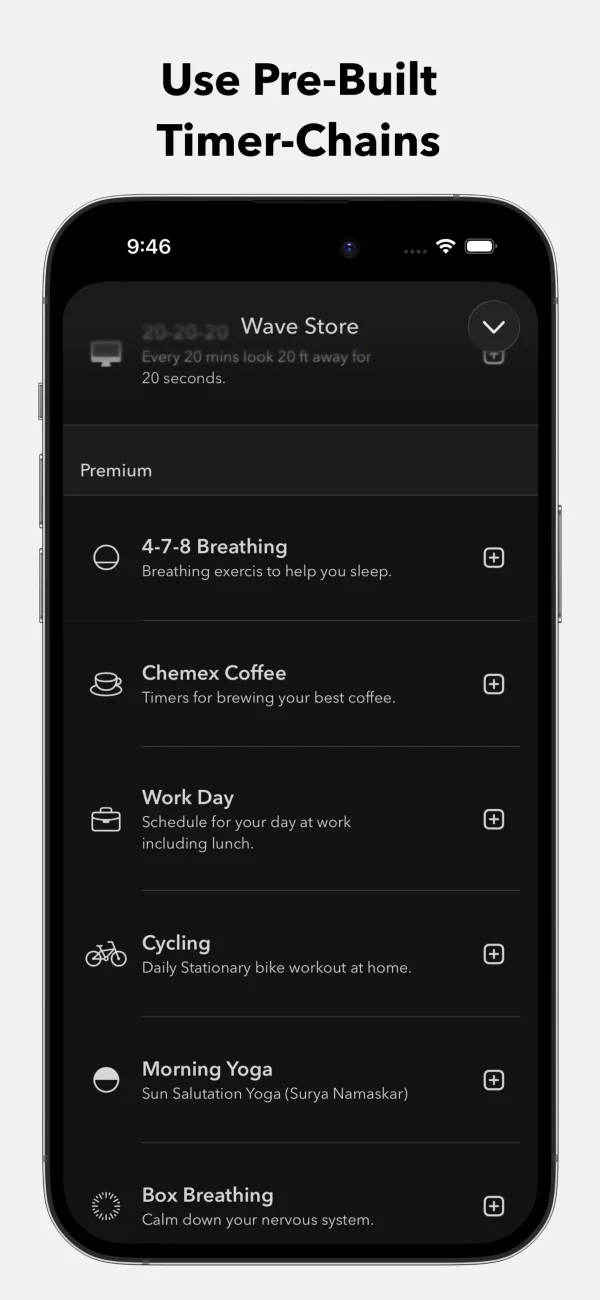
• Breathwork — build custom breathing flows like 4-7-8 Breathing to lower blood pressure, Physiological Sigh to reduce stress and anxiety, Wim Hof Breathing to increase alertness, Box Breathing to relax and much more.
• Intermittent Fasting — Create your own intermittent fasting using various splits like 16:8, 12:12, 5:2, etc. You can create timer-splits for each day or for the entire week.
• Workout Routines — create your own workouts by chaining excercise and break durations. You can make Tabata/HIIT workouts or even yoga routines.
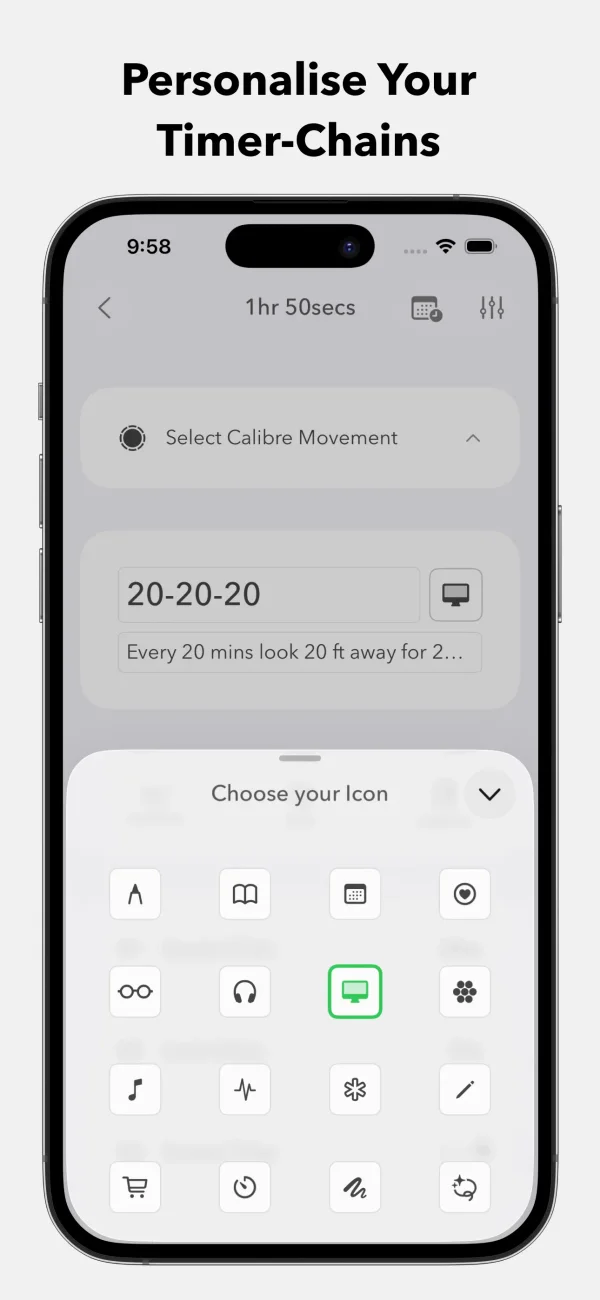
• 20-20-20 Rule — create a timewave to follow the 20-20-20 rule (Every 20 minutes look at something 20 ft away for 20 seconds) while working with screens to prevent eye-strain.
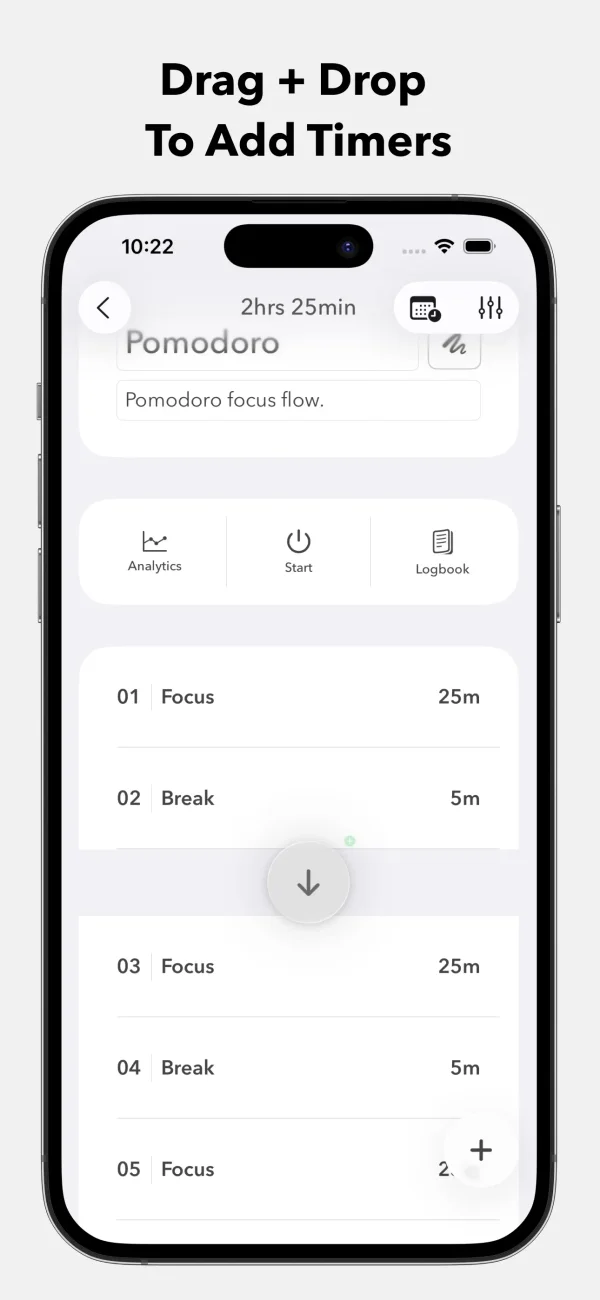
• Focus Timers — create pomodoro timers or any kind of work-break timewaves. You are not restricted to 25 minute session, you can create any sequence that suits your preferences.
• Cooking — ever had to keep resetting your timers after each whistle? well, now you wont have to. Just create a timewave for each recipe.
• Everything — anything else that involves timed sequential tasks.
SPECIAL FEATURES:
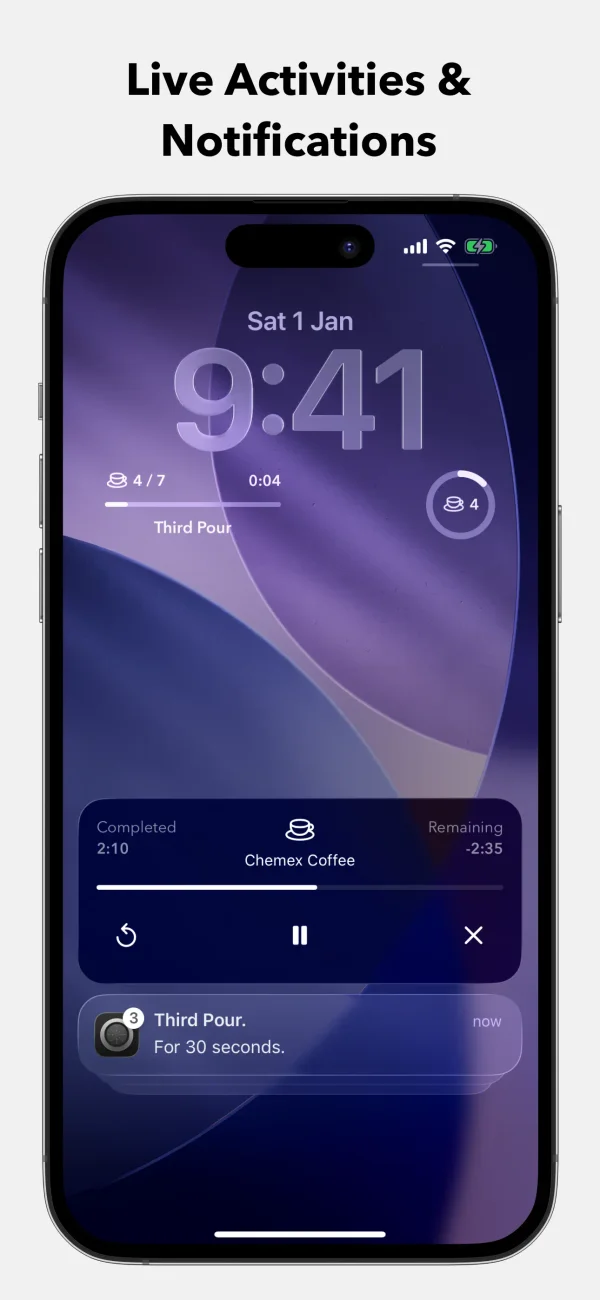
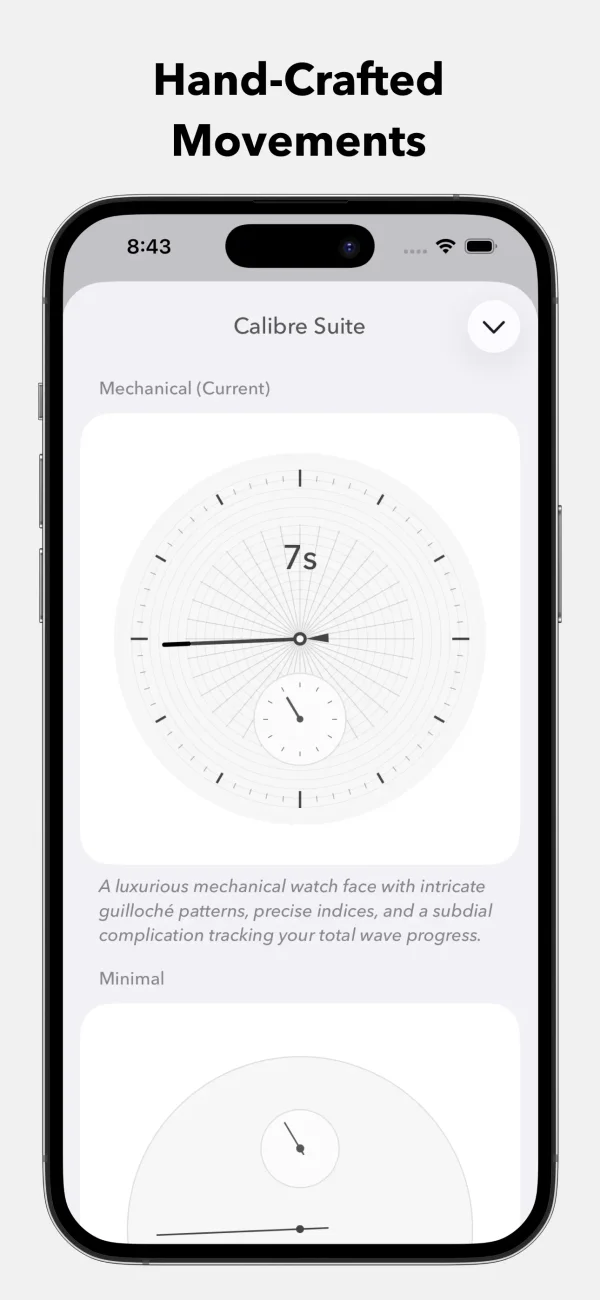
• TimeWave A.I — TimeWave will tell you what has to be done for how long while the Calibre is running. For eg: "Breathe In For 4 Seconds" so you don't have to look at the screen.
• iCloud Sync — Available on Mac, iPad, iPhone and Apple Watch and keeps everything up-to to date on all your devices with iCloud Sync.
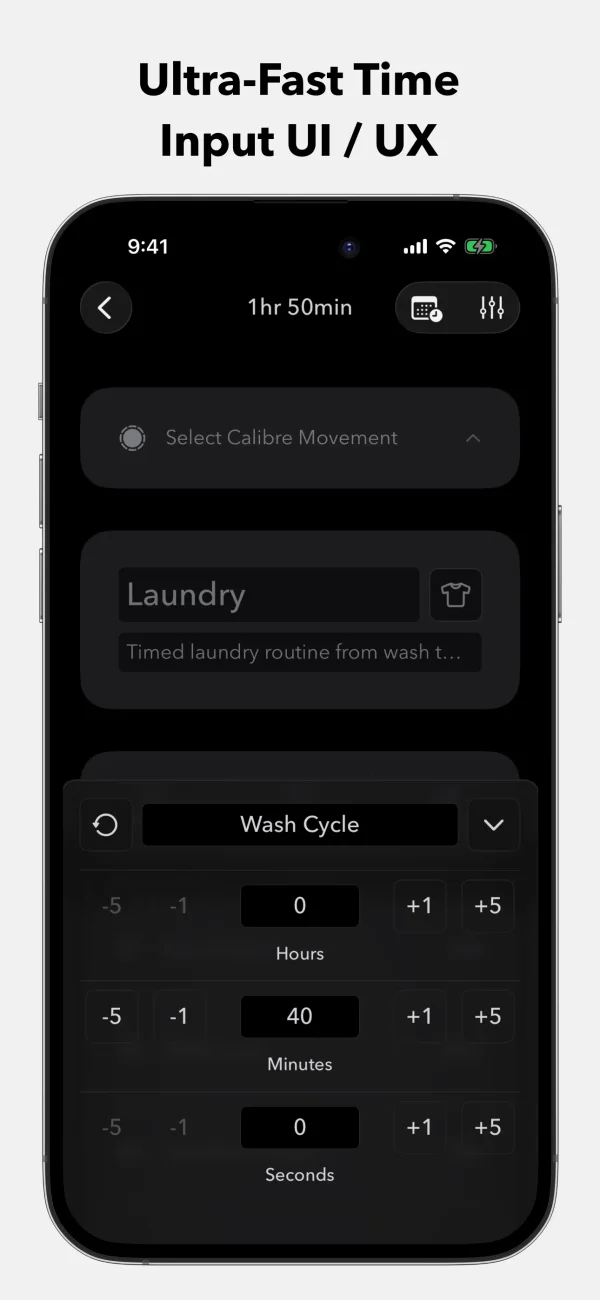
• Black & White UI — B&W is a lot of colours. If you are anything like us, you'll love our ironically modern black and white UI.
MORE:
• Personal touch — a hand-crafted Indie app.
If you have any questions or feedback, you can reach out to us at timewave.team@gmail.com
Privacy Policy: https://timewaveapp.com/privacy
Terms of Use: https://timewaveapp.com/terms
What’s new
Version 4.51 · Nov 2, 2026
Bug fixes and performance improvements.
App privacy
What Muhammed Sahil Arayakandy declares on the App Store about how this app handles data.
-
Data linked to you
May be collected and linked to your identity.
- Purchases
- Identifiers
-
Data not linked to you
May be collected but is not linked to your identity.
- Identifiers
- Usage data
Privacy practices may vary, for example with the features you use or your age.
Information
- Seller
- Muhammed Sahil Arayakandy
- Category
- Utilities
- Version
- 4.51
- Updated
- Nov 2, 2026
- Released
- Aug 17, 2020
- Size
- 49.5 MB
- Requires
- iOS 26.0 or later
- Age rating
- 4+
- Price
- Free
- In-app purchases
- Yes
- Languages
- English
- Copyright
- © 2023 Muhammed Sahil Arayakandy
You might also like
-
 Chain TimersTimers work in sequence
-
 Just TimersThe missing timers app
-
 timer. - Multi Countdown TimerLive Activities / Widget Timer
-
 HEIC to JPG - Pics2PDFCreate JPG, PNG, or PDF Files
-
 Loop - Interval & Multi TimerFor Sport, Meditation & Study
-
 ClosetLogDigital closet planner & log
-
 Text CaseText Cleanup & Reusable Flows
-
 Tidur: Multiple TimersKitchen & Tea Countdowns
-
 VariAlarm: Alarm ClockSkip a day, keep your routine
-
 PWM - Password ManagerSecure your passwords Smartly!