NC File Manager
PDF, ZIP, RAR & Document Tools
Designed for iPhone, iPad
Free · In-app purchases
- Age rating4+
- CategoryProductivity
- DeveloperMartin Neifer
- LanguagesEnglish+ 5 more
- Size11.7 MB
Links to the official App Store page
Download.org hosts no file of NC File Manager. The button opens its official App Store page, published by Martin Neifer. Listing last checked on Nov 23, 2026.
Screenshots



About
NC File Manager is a powerful and versatile file and document manager for iPad and iPhone. Import, scan, search, organize, view and export your files — all in one app.
Import & Access
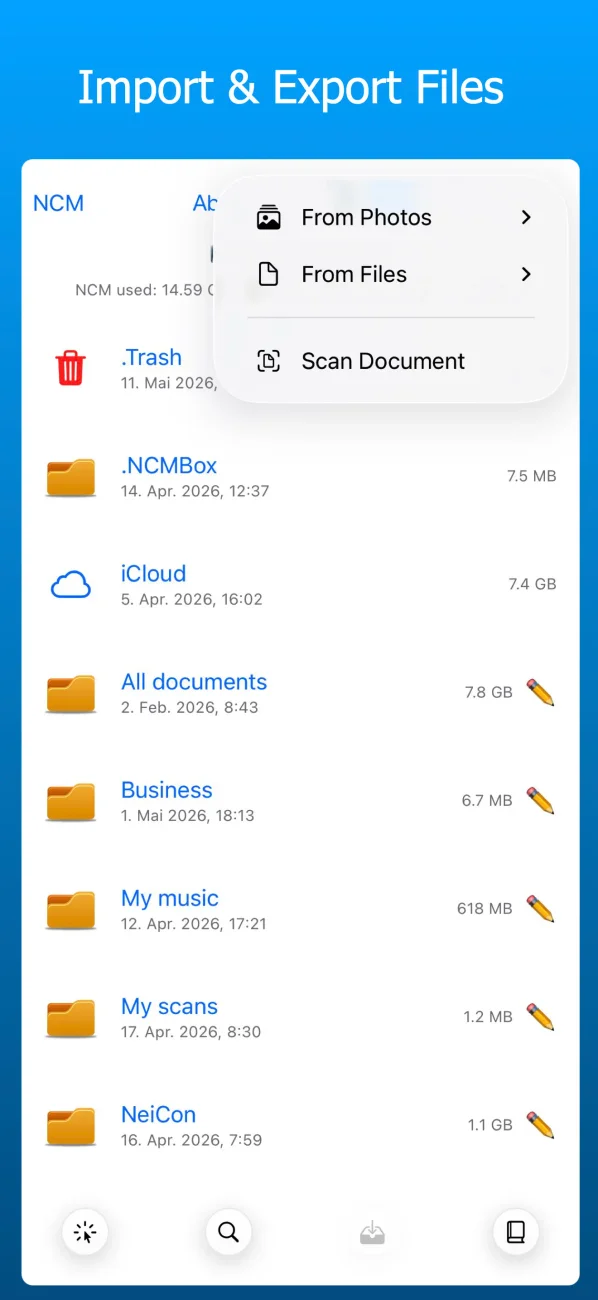
• Import documents from Mail and Files
• Import photos and videos from the Photos app
• Scan documents to PDF
• Access files stored locally and in iCloud
• File Sharing via Finder and iTunes
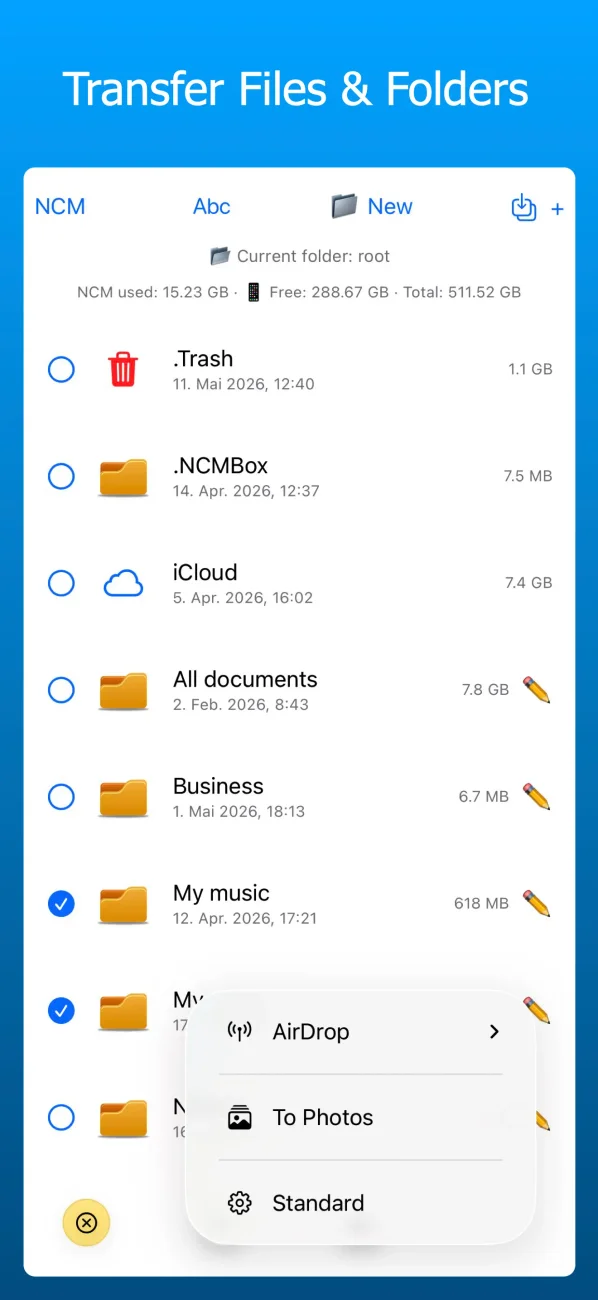
• Direct file transfers between NC File Manager devices via AirDrop
File Management
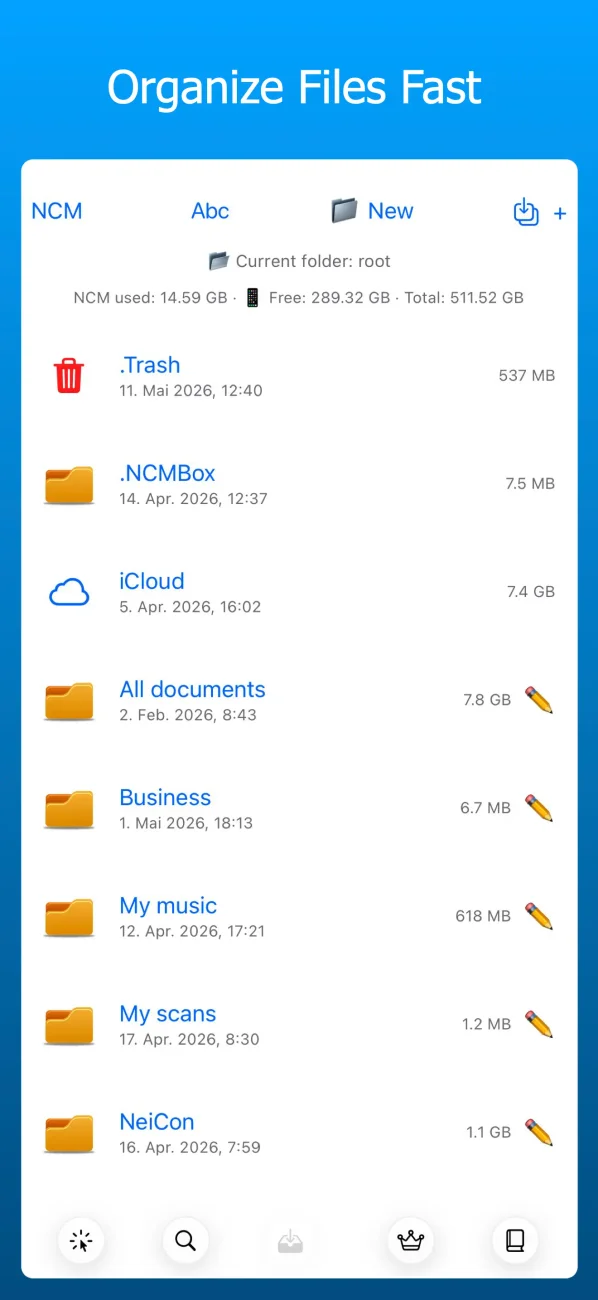
• Create and manage folders
• Organize documents efficiently
• Move, rename and delete files
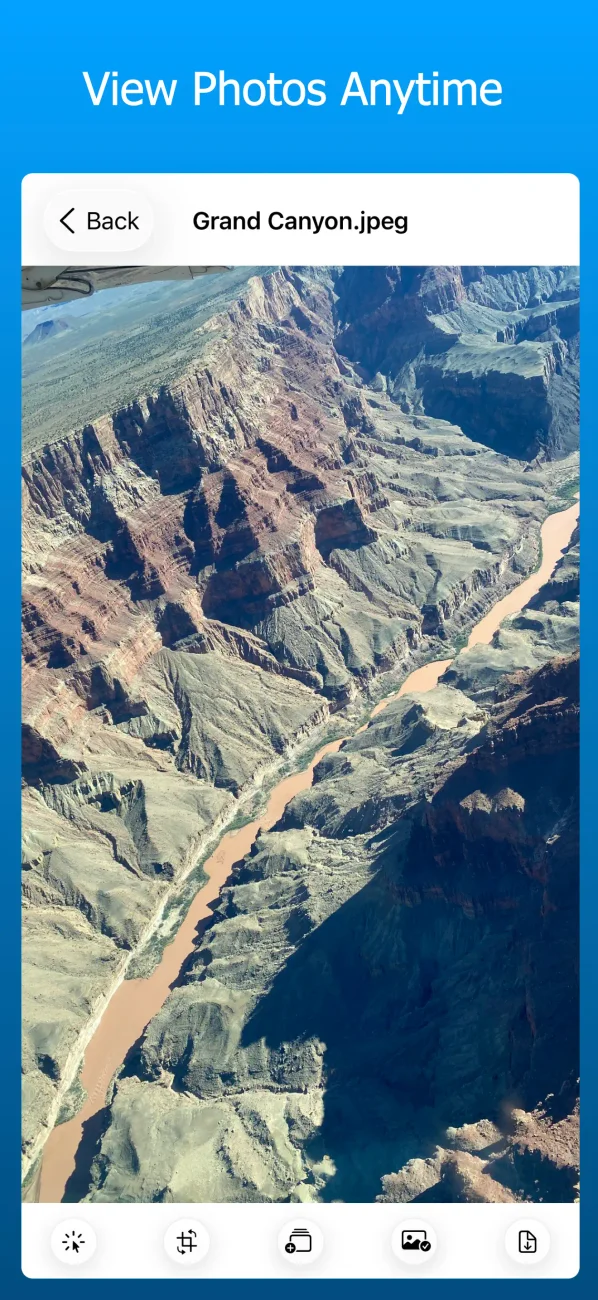
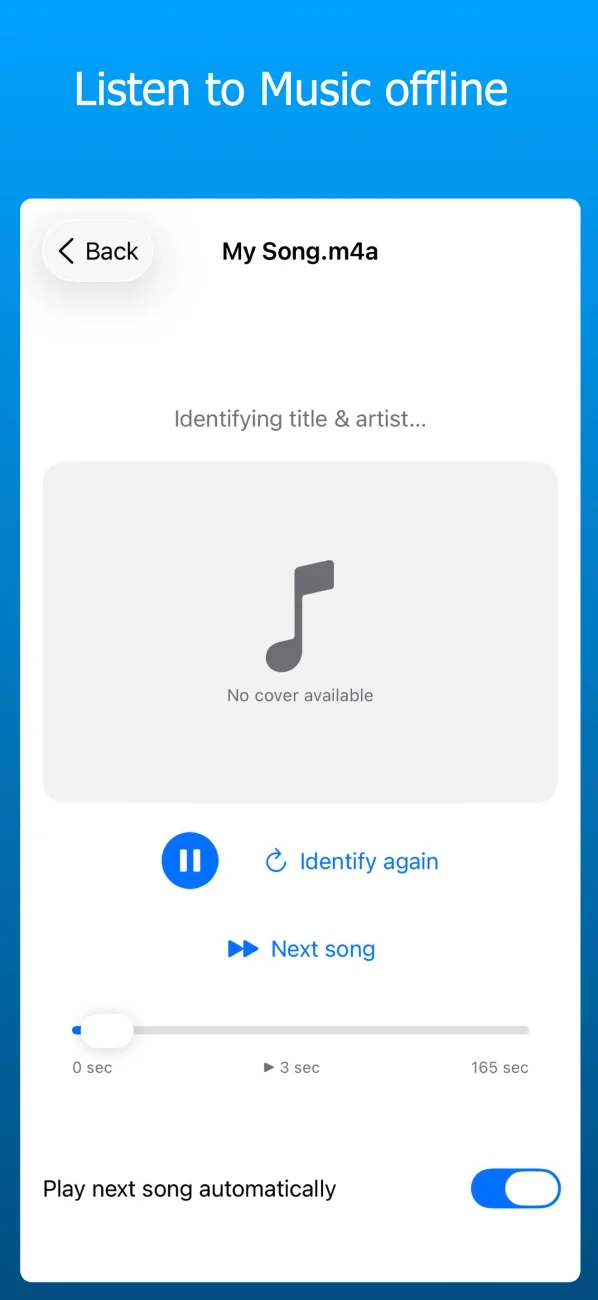
• View files, photos and videos
• Manage and view OpenDocument Text (ODT) files
• Manage and view OpenDocument Spreadsheet (.ods) and OpenDocument Presentation (.odp) files
• Export OpenDocument files (.odt, .ods, .odp), Word documents (.docx) and photos as PDF files
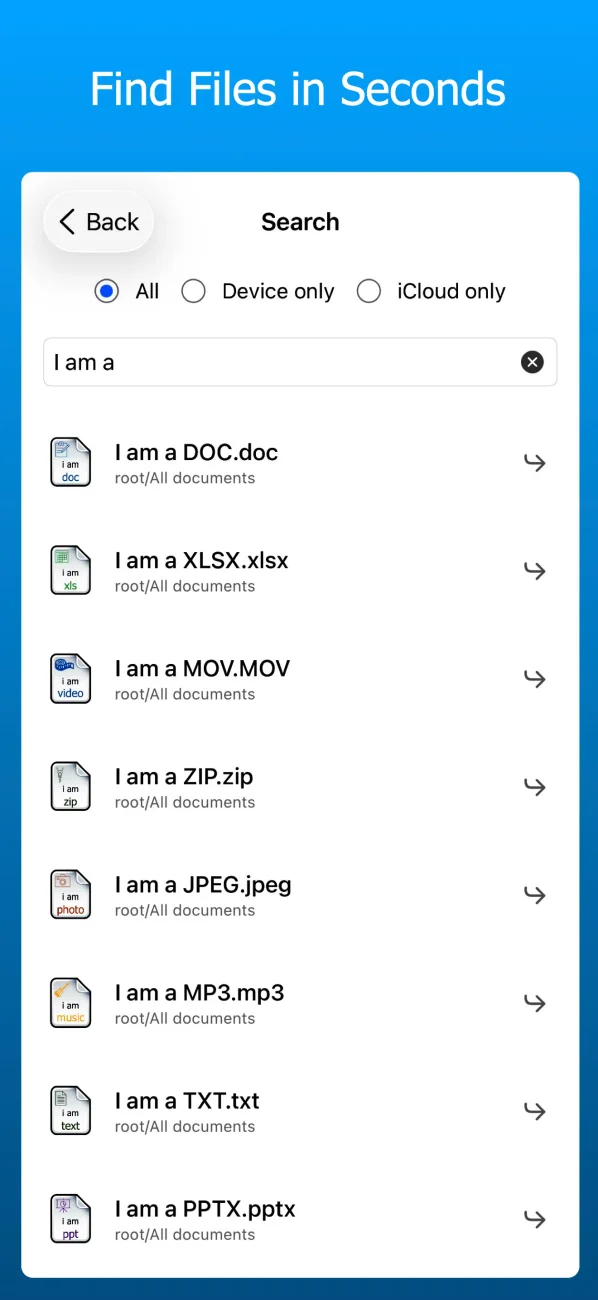
• Built-in search for files and documents
• Clear overview of storage usage
PDF Tools
• View PDF documents
• Open and view a second PDF alongside the first
• Switch between horizontal and vertical PDF views
• Rotate entire PDF documents or individual PDF pages
• Split PDF documents before or after the current page
• Cover selected areas in a PDF
• Annotate PDFs with pen, highlighter and eraser tools
• Choose from multiple colors and pen thicknesses
• Edit and fill out PDF forms
• Compress PDF files
• Save edited PDFs as new files
Compression & Merge
• Extract standard ZIP archives
• Compress videos, photos and PDF files
• Merge videos and PDF documents
Premium Features
Try all the Premium features listed below during the free trial period. After the trial, an in-app purchase or subscription is required to continue using these features.
• Export and share files
• Transfer files directly from NCM to NCM
• Create ZIP archives
• Create password-protected ZIP archives
• Extract password-protected ZIP archives
• Extract RAR archives
• Extract password-protected RAR archives
Privacy First
NC File Manager works locally on your device. No account required. No tracking. No ads.
Designed for users who want full control over their files and documents on iPad and iPhone.
Terms of use (EULA): https://www.apple.com/legal/internet-services/itunes/dev/stdeula/
What’s new
Version 1.1.8 · Nov 21, 2026
• Manage and view OpenDocument Spreadsheet (.ods) and OpenDocument Presentation (.odp) files, and export them as PDF files.
• Improved viewing of Word documents (.docx).
App privacy
What Martin Neifer declares on the App Store about how this app handles data.
-
Data not collected
The developer does not collect any data from this app.
Privacy practices may vary, for example with the features you use or your age.
Information
- Seller
- Martin Neifer
- Category
- Productivity
- Version
- 1.1.8
- Updated
- Nov 21, 2026
- Released
- Apr 21, 2026
- Size
- 11.7 MB
- Requires
- iOS 26.0 or later
- Age rating
- 4+
- Price
- Free
- In-app purchases
- Yes
- Languages
- English, French, German, Italian, Portuguese, Spanish
- Copyright
- © NeiCon Apps
You might also like
-
 EmpiricCommander File ManagerDual-pane SFTP, SSH and Git
-
 FileZen - File ManagerFile Manager File Comparison
-
 Docs24 - Organize documentsAll documents in one place
-
 StockClientManage consignment stock
-
 MyDocuBox – Dokumenten TresorProductivity
-
 Files:Myfile Organizer,InboxSave Files and Clean Downloads
-
 DropMate: File ManagerAirDrop, Downloads & Documents
-
 B&W To-DoCalm tasks, lists & reminders
-
 Flyout: Notes, Markdown, CodeReminders, checklists, tags
-
 Archive ToolkitCompress, extract, repair