
Net Tools ULTIMATE
Ultimate Hacking Network Tools
Designed for iPhone, iPad
Free · In-app purchases
- Age rating4+
- CategoryUtilities
- DeveloperGeekme
- LanguagesEnglish+ 8 more
- Size25.5 MB
Links to the official App Store page
Download.org hosts no file of Net Tools ULTIMATE. The button opens its official App Store page, published by Geekme. Listing last checked on Nov 13, 2026.
Screenshots

About
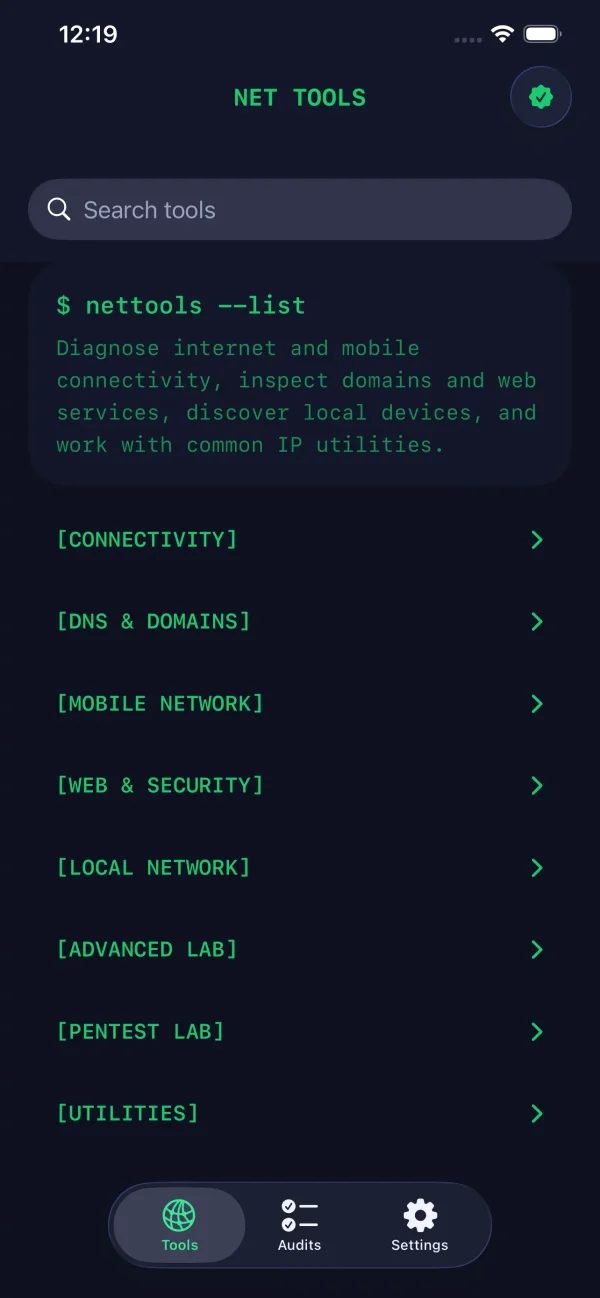
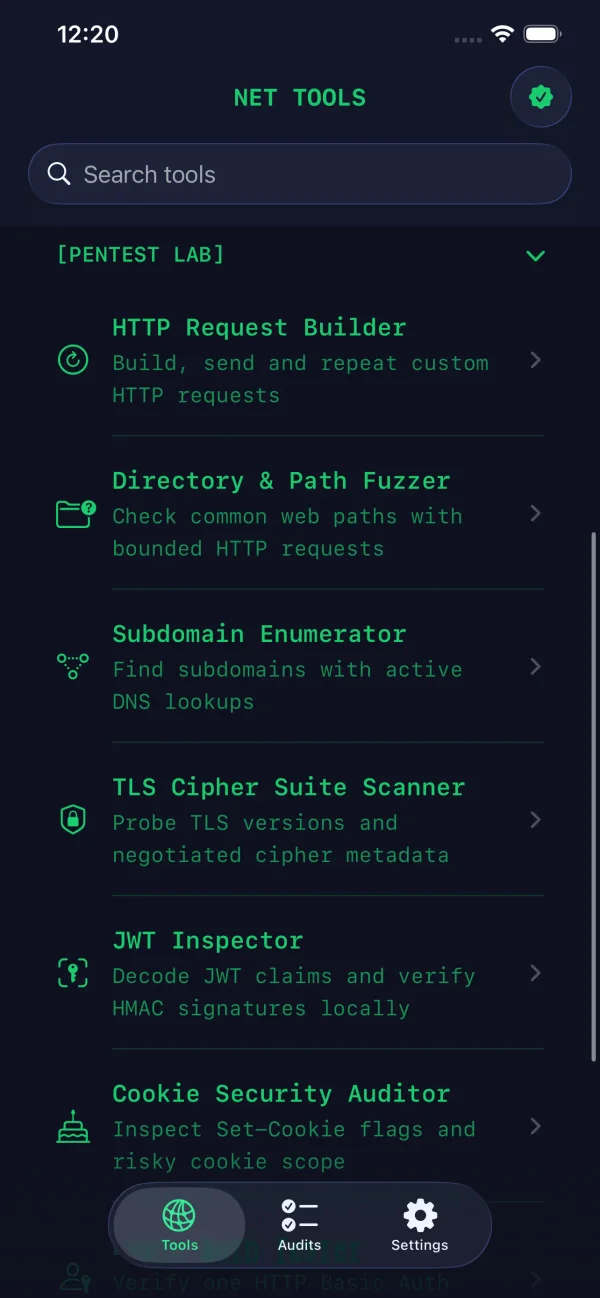
Net Tools is a practical network diagnostics toolkit for iPhone and iPad. It helps you inspect connections, troubleshoot domains, test servers, and understand what is happening on the network you are using.
The app is built for people who want clear answers without sending every diagnostic input to a remote service. Many checks run directly on device using iOS networking APIs, with plain-language results, useful timing details, and redacted export output where available.
Use Net Tools to:
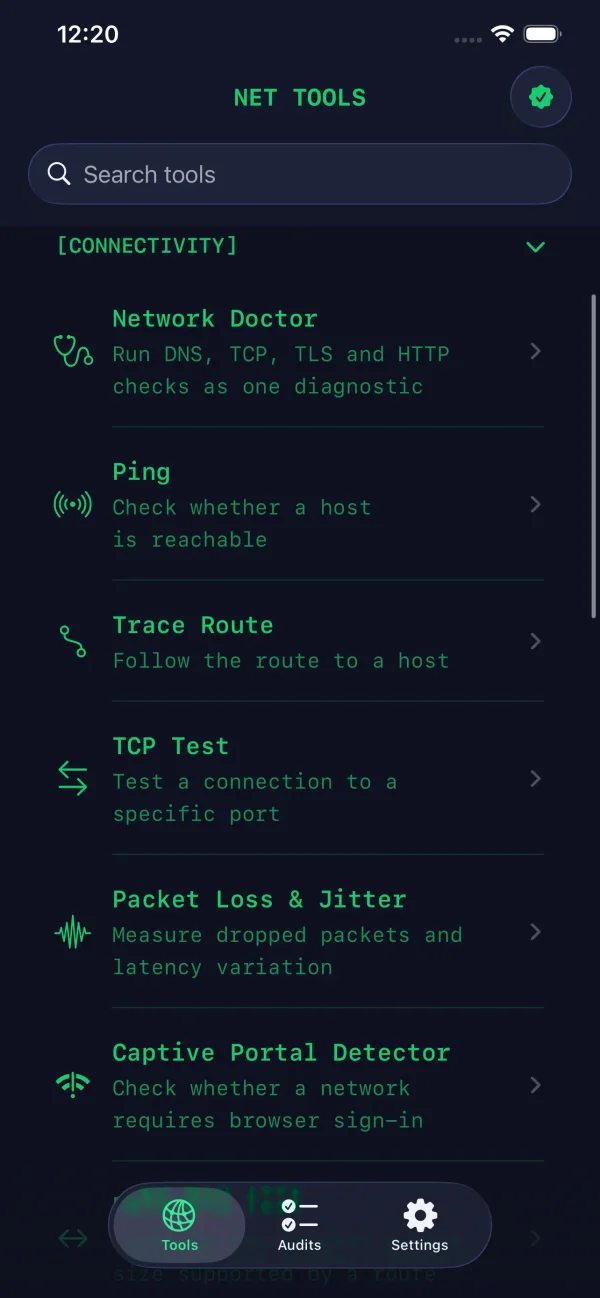
- Check reachability with Ping, Trace Route, TCP Test, packet loss, jitter, IPv6, and path MTU diagnostics
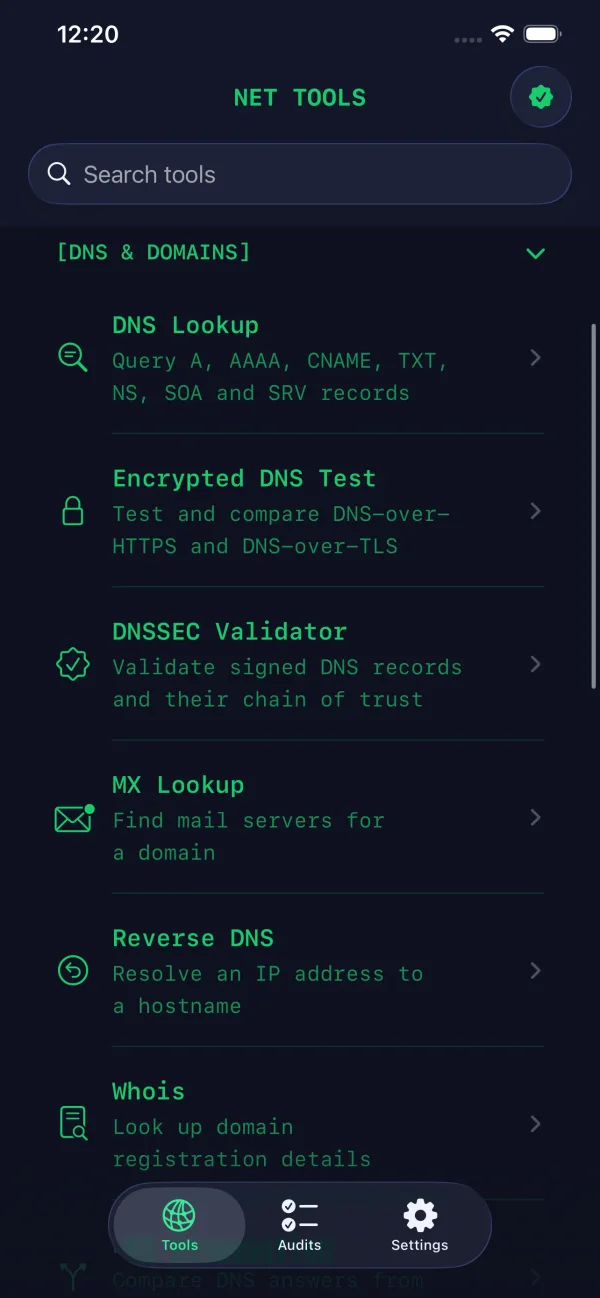
- Inspect DNS records, MX records, reverse DNS, DNSSEC evidence, DNS propagation, and email security configuration
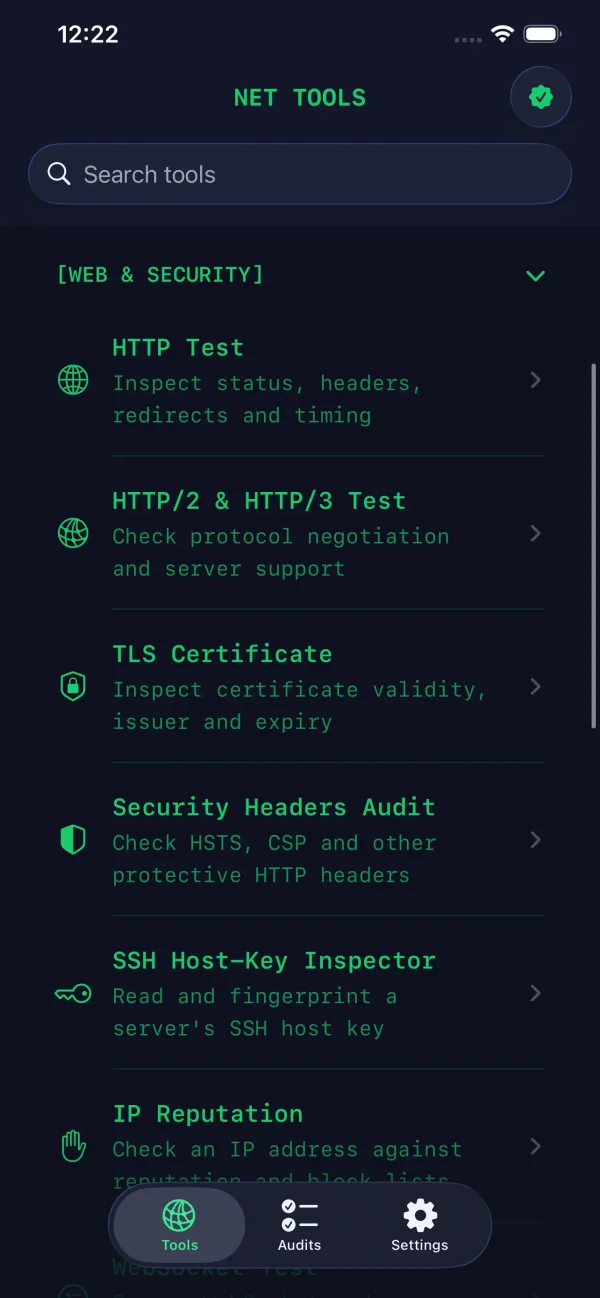
- Review HTTP status, redirects, headers, protocol negotiation, TLS certificates, SSH host keys, service banners, and WebSocket behavior
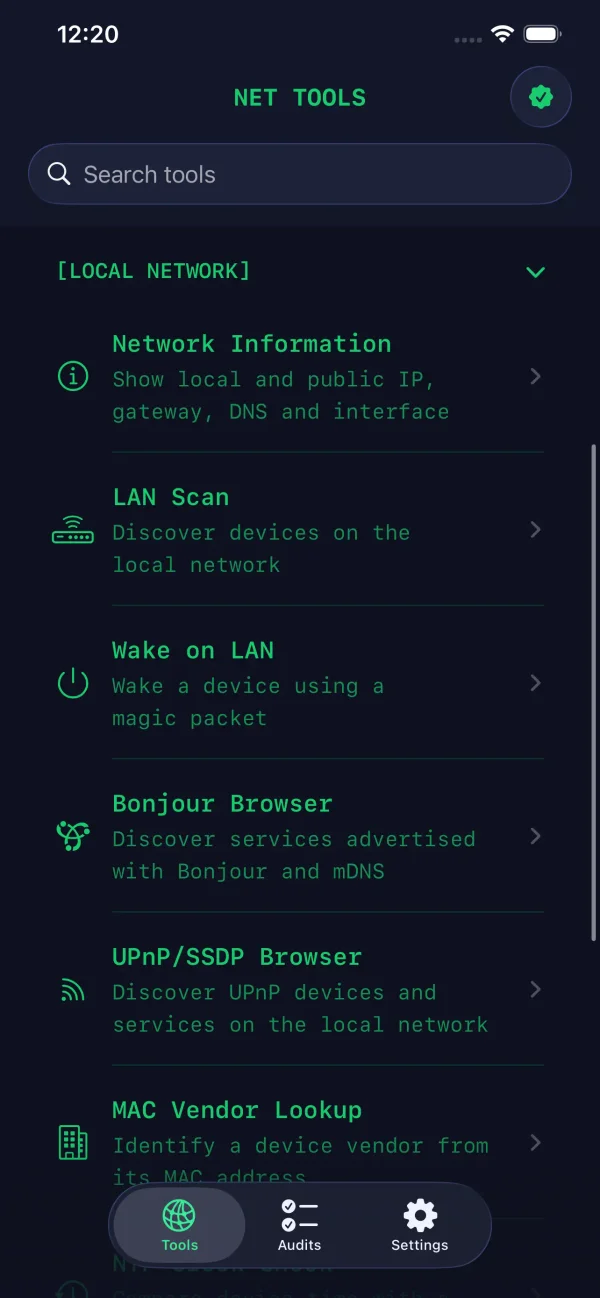
- Explore local network details with LAN scan, Bonjour, UPnP/SSDP, NTP, Wake on LAN, MAC vendor lookup, and subnet calculations
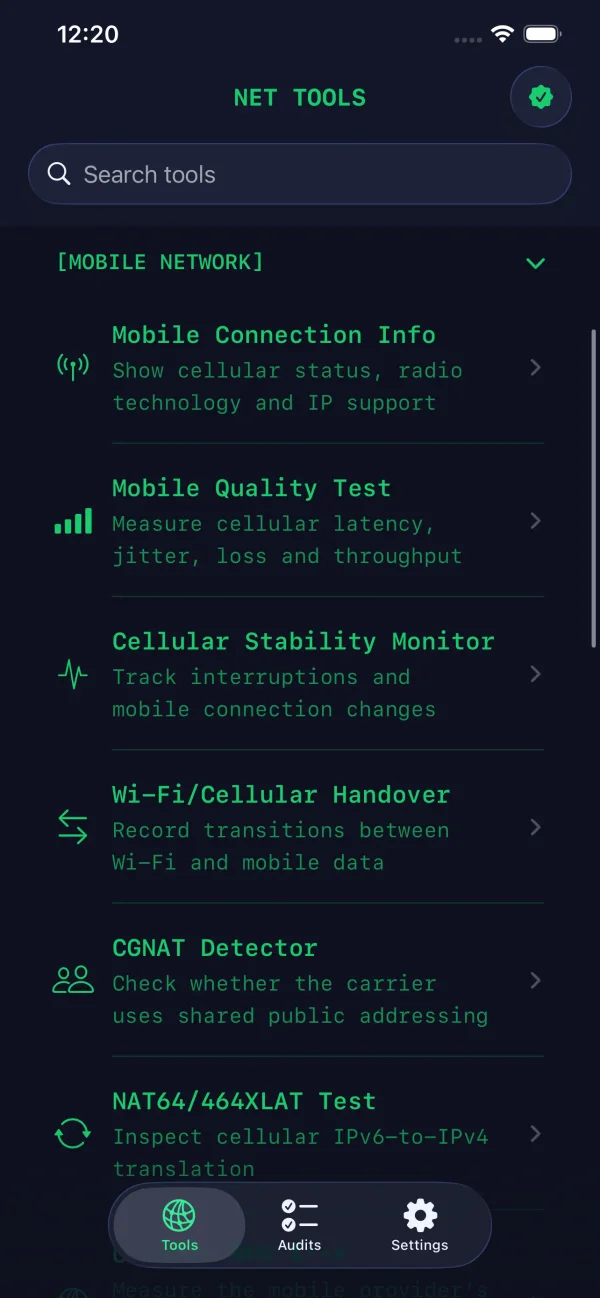
- Measure mobile-network quality, handovers, NAT64/464XLAT behavior, carrier DNS, VoIP readiness, and streaming readiness
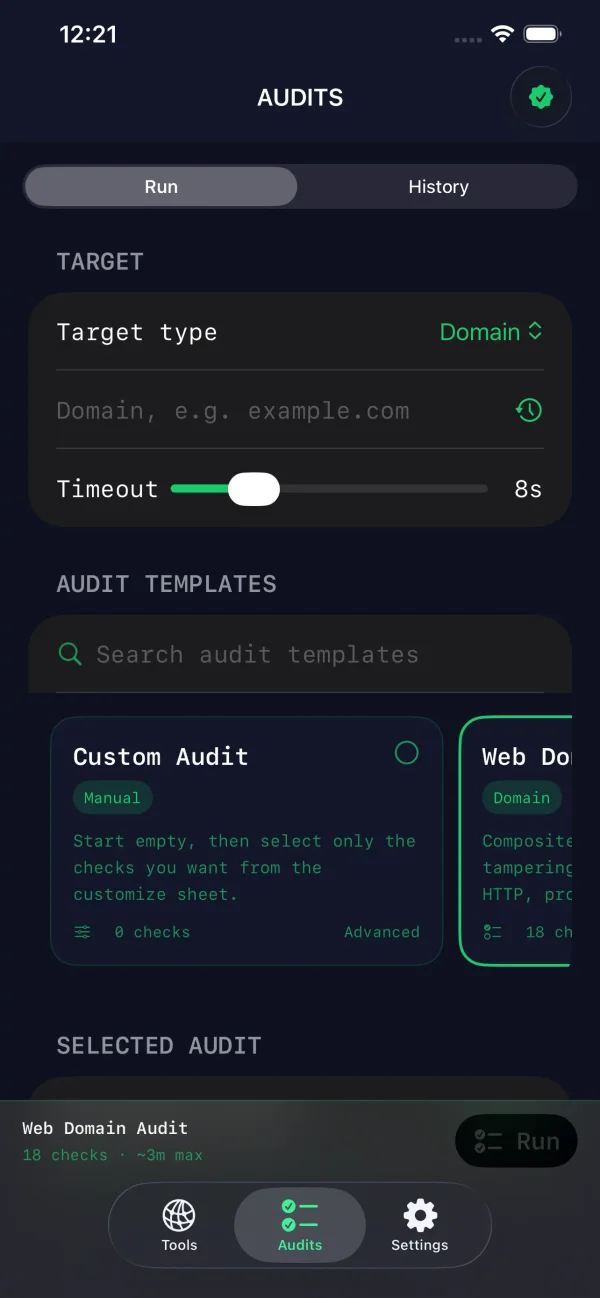
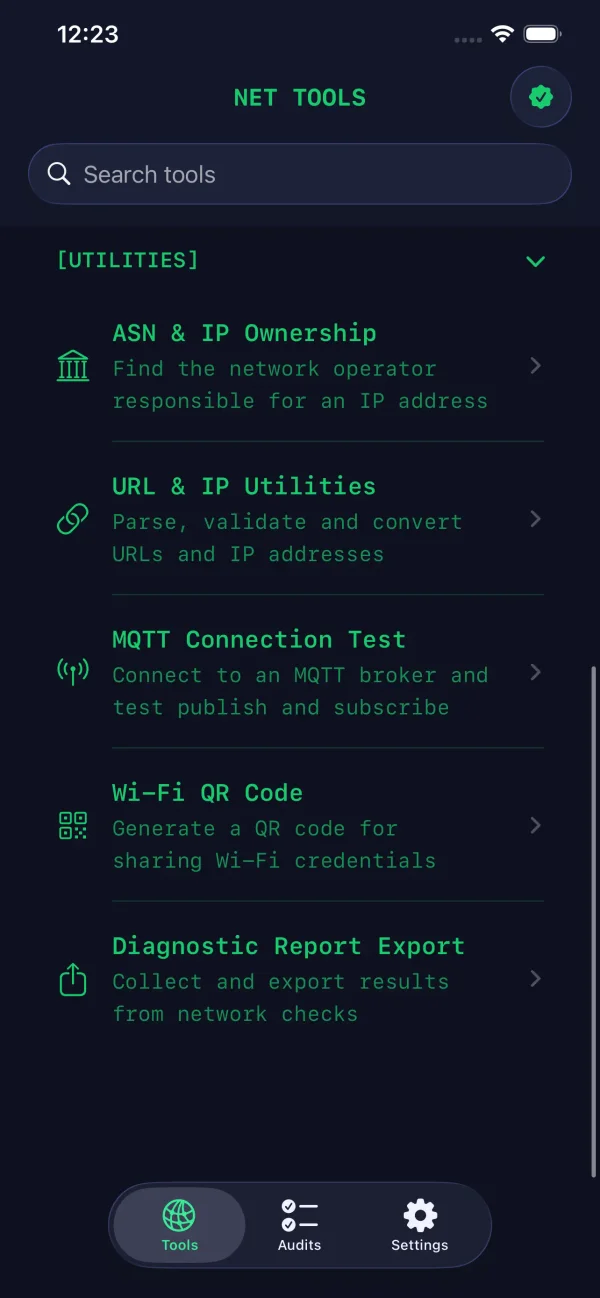
- Use advanced utilities such as TCP/UDP terminal, DNS tampering detection, STUN/TURN/ICE testing, TLS interception checks, JWT inspection, MQTT testing, Wi-Fi QR code generation, and diagnostic report export
Net Tools keeps the interface compact and searchable, with tools grouped by category so you can get from a question to a result quickly. The terminal-inspired design stays readable, focused, and friendly to repeated use.
For responsible testing, security and pentest-style tools are bounded and designed for systems you own or have permission to test. Some network environments, iOS privacy controls, carrier limitations, and local-network permissions may affect what can be inspected.
What’s new
Version 2.0 · Nov 10, 2026
Net Tools 2.0 expands your toolkit to 76 tools and adds a connected Pentest Lab workflow.
• New diagnostics: iPerf3 LAN Speed Test, DNS Trace & Delegation Health, Mail Server TLS Tester, HTTP Cache & CDN Inspector, Read-Only SNMP Browser, SSH Terminal, Proxy Tester and CORS Policy Auditor.
• Request Workbench: import cURL, raw HTTP and HAR requests, edit query parameters, headers, cookies and bodies, then replay and compare responses.
• New Authorization Matrix, API Explorer, Parameter Fuzzer and Session & Token Testbench.
• Projects & Evidence: organize scoped tests and findings, then export HTML, Markdown or JSON reports.
• JWT Inspector: verify RS256 and ES256 signatures locally with supplied public keys.
Advanced tools and audits require PRO, available with a one-time purchase. Use testing features only on systems you own or are authorized to test.
App privacy
What Geekme declares on the App Store about how this app handles data.
-
Data not collected
The developer does not collect any data from this app.
Privacy practices may vary, for example with the features you use or your age.
Information
- Seller
- Geekme GmbH
- Category
- Utilities
- Version
- 2.0
- Updated
- Nov 10, 2026
- Released
- Jun 24, 2026
- Size
- 25.5 MB
- Requires
- iOS 17.0 or later
- Age rating
- 4+
- Price
- Free
- In-app purchases
- Yes
- Languages
- English, French, German, Italian, Japanese, Korean, Portuguese, Simplified Chinese, Spanish
- Copyright
- © Geekme
You might also like
-
 Ultimate Network ToolsUltimate Network Tools
-
 PocketAdmin – AI IT ToolkitSysadmin & Homelab SSH Tools
-
 OniNetwork: Network AnalyzerPing, Traceroute & LAN Scanner
-
 Network Tools/ToolkitTest or debug your connection.
-
 mDNSShark: Network ScannerBonjour Browser, WiFi & LAN
-
 Ferret OSINTMobile OSINT for investigators
-
 Network Tools AIMonitor • Protect • Diagnose
-
 HE.NET Network ToolsUtilities
-
 OSINT ResearcherExplore GitHub orgs & repos
-
 Network Analyzer: WiFi ScannerWiFi Analyzer, Network Scanner