
Network Analyzer: WiFi Scanner
WiFi Analyzer, Network Scanner
Designed for iPhone, iPad, iPod touch
Free · In-app purchases
- Age rating4+
- CategoryUtilities
- DeveloperSETUP TECH
- LanguagesEnglish+ 27 more
- Size51.7 MB
Links to the official App Store page
Download.org hosts no file of Network Analyzer: WiFi Scanner. The button opens its official App Store page, published by SETUP TECH. Listing last checked on Nov 27, 2026.
Screenshots

About
Network Analyzer is an advanced network tool designed as WiFi analyzer, WiFi scanner, network scanner, WiFi speed tester, internet speed tester and port scanner to troubleshoot and improve network security, connectivity issues and performances. It also offers a wide range of features to assist in diagnosing the problems within your office and home WiFi/local network, router, Internet connection and even on remote servers. All the Key features include:
Network Information:
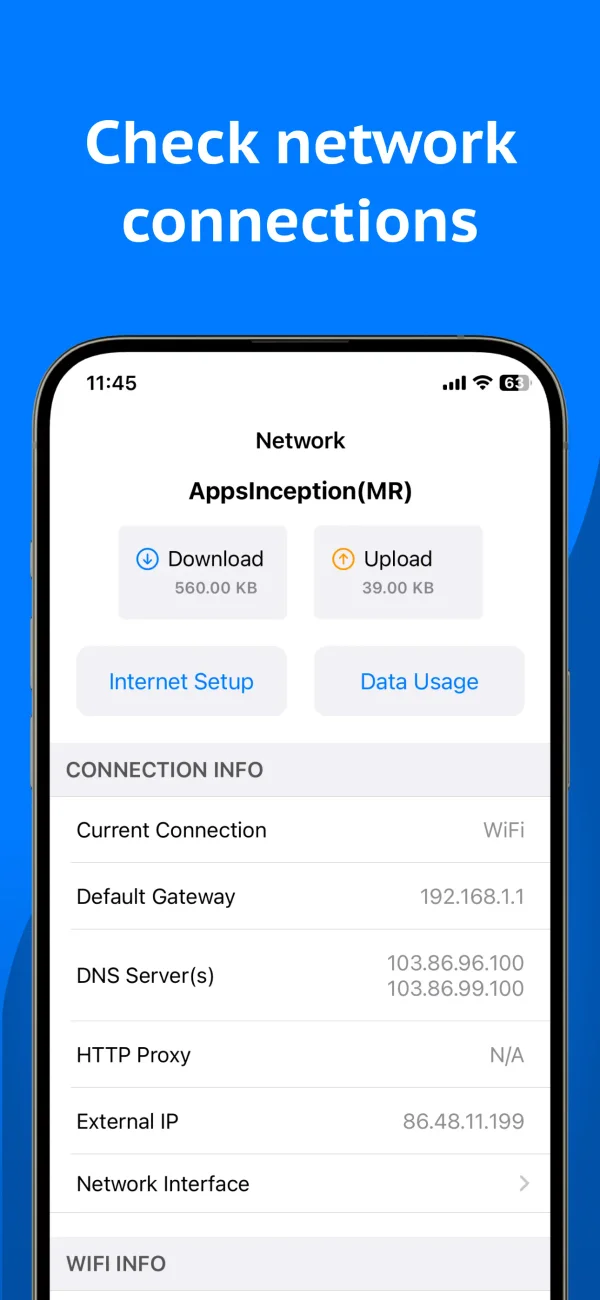
- Current connection with default gateway, HTTP Proxy, Public IP, DNS server(s), ISP name
- Provides WiFi information & analysis with network details (SSID, BSSID, vendor, IP address, IPv6 address, subnet mask, broadcast, WiFi security type)
- Shows cell/mobile network information (network type, IP Address, IPv6 address, subnet mask)
- VPN and HOTSPOT Network Information
- Internet Information (AS Number, AS Name, Public Address, Hostname, Time Zone, Location with MAP)
- Monitors WiFi, cellular, vpn & hotspot data usage
- Network Interface of your device
- Real time internet speed meter
- Network routing tables
- ARP table with IP and MAC addresses of devices on your network (iOS 27 and later)
Device Discovery (LAN / IP Scanner):
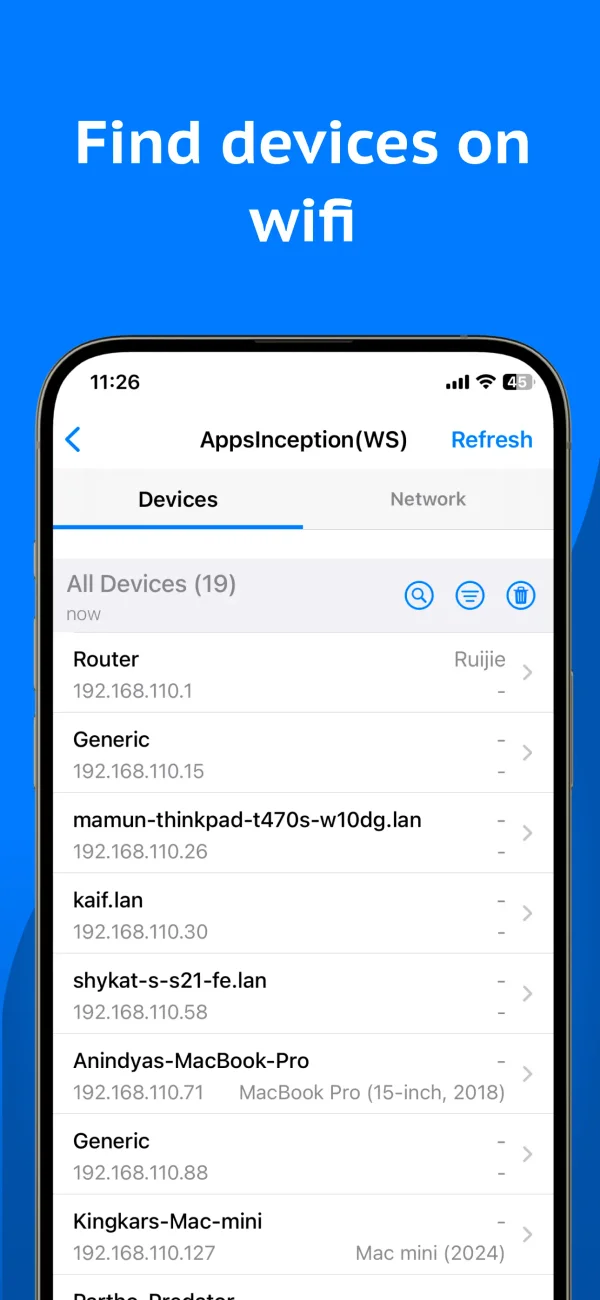
- WiFi analyzer and Scanner to detect all online devices connected to the network
- Provides IP addresses of all detected devices
- Identifies mDNS (Bonjour), netBIOS, LLMNR, UPnP and DNS names where available
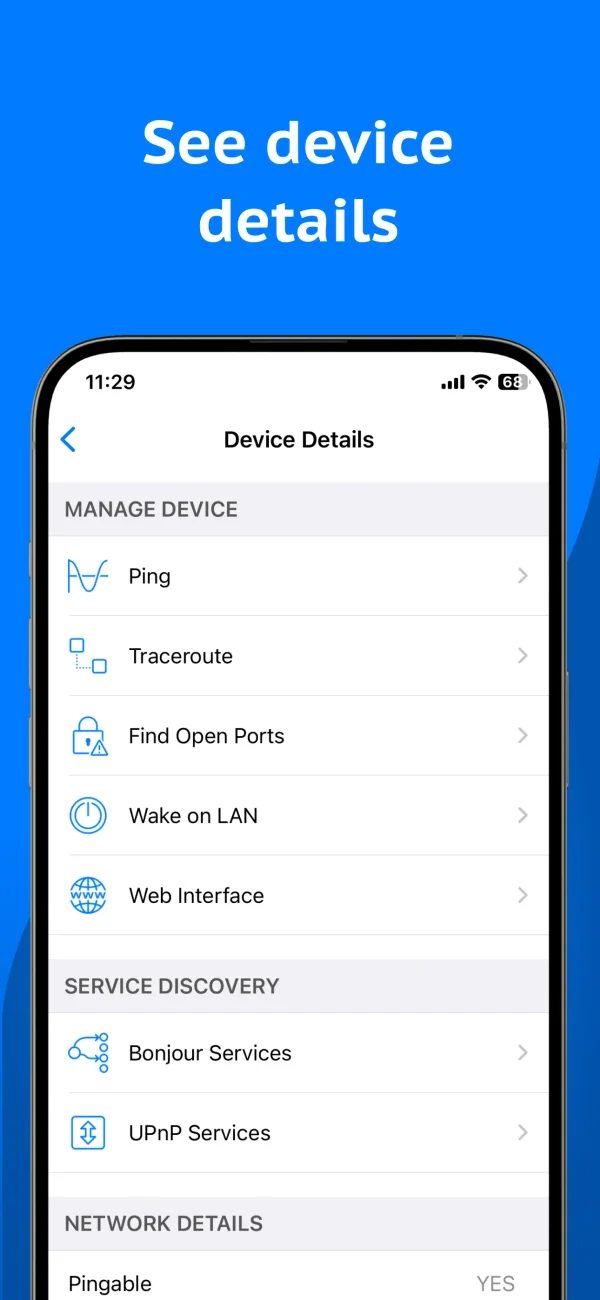
- Conducts ping tests on discovered devices
- Device details (Manage device, Local service discovery and Network details)
- WiFi Network details (Access points, Network setup)
- Discover online devices in home and office WiFi network
- MAC addresses and vendors of discovered devices (iOS 27 and later)
- Network Security checks: WiFi security and encryption strength, security downgrade, DNS hijacking, and changes to DNS servers, router address, access points and proxy
- Detects man-in-the-middle attacks such as ARP spoofing (iOS 27 and later)
Network Tools:
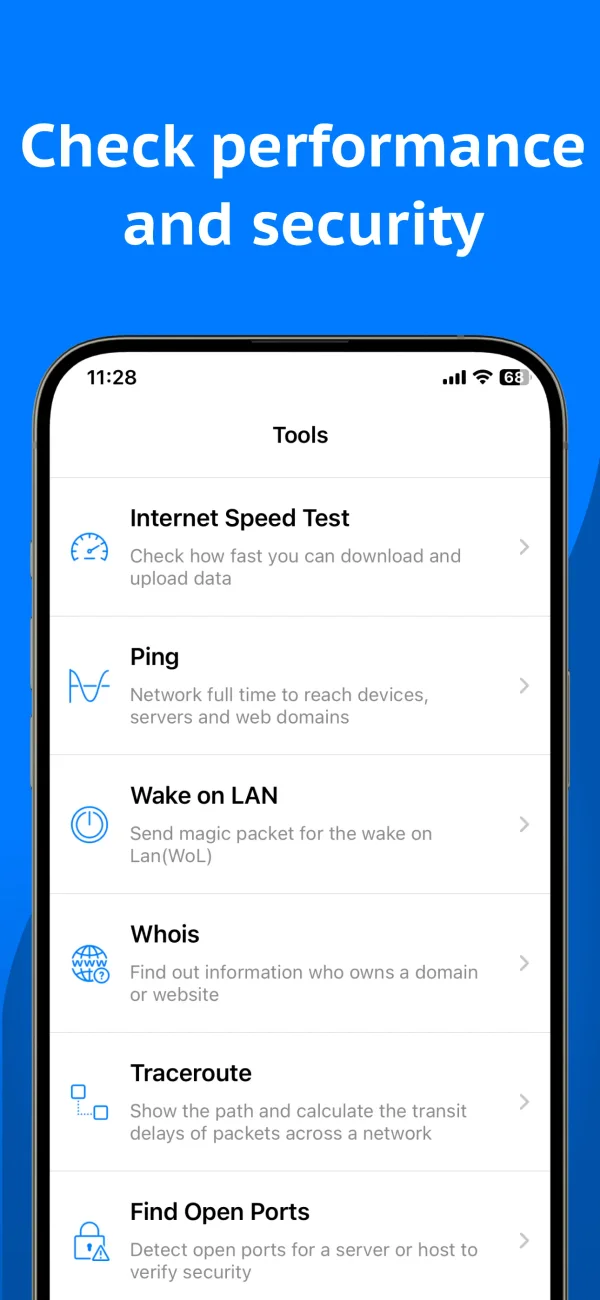
Our advanced network tools are used to verify internet performance, improve network security, troubleshoot and monitor network and more -
- Internet speed test / WiFi speed test
- DNS Speed Test
- BLE devices / Bluetooth Low Energy (BLE) Scanner
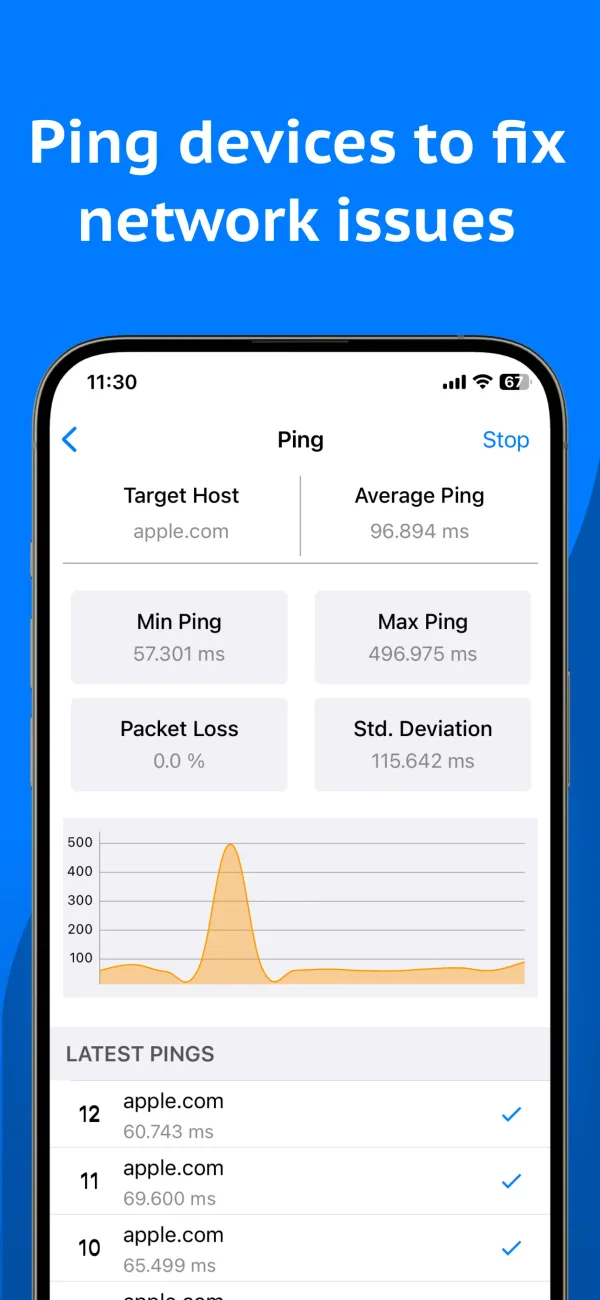
- Ping
- Wake on LAN (WOL)
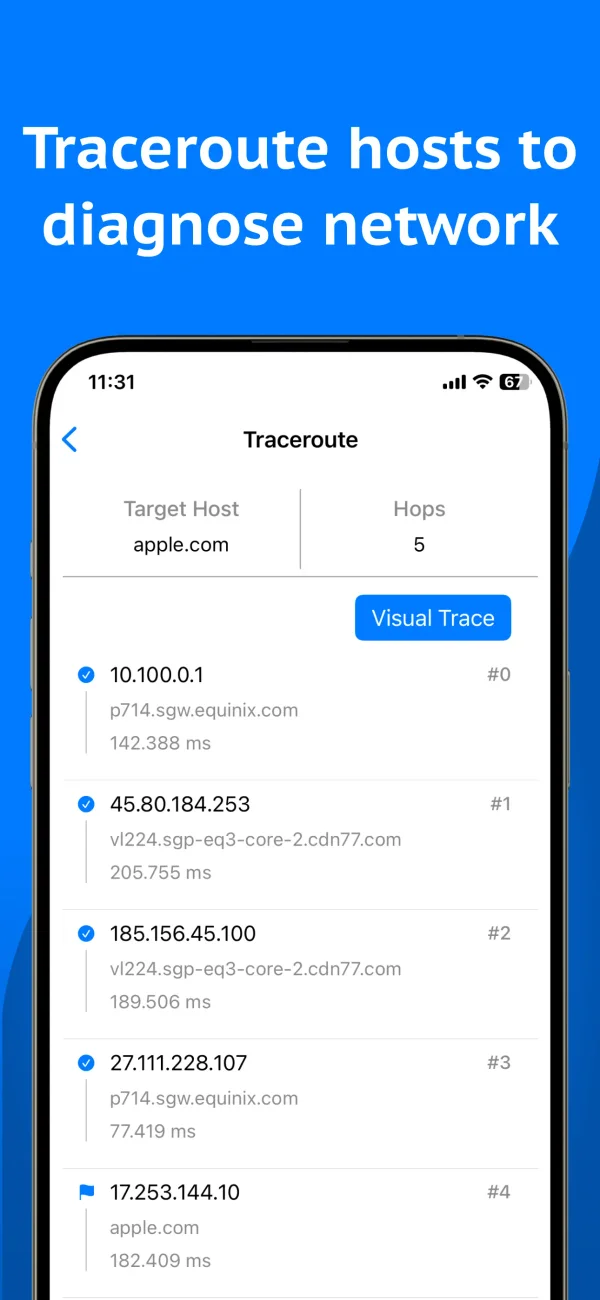
- Traceroute (Including Visual Trace)
- Find open ports
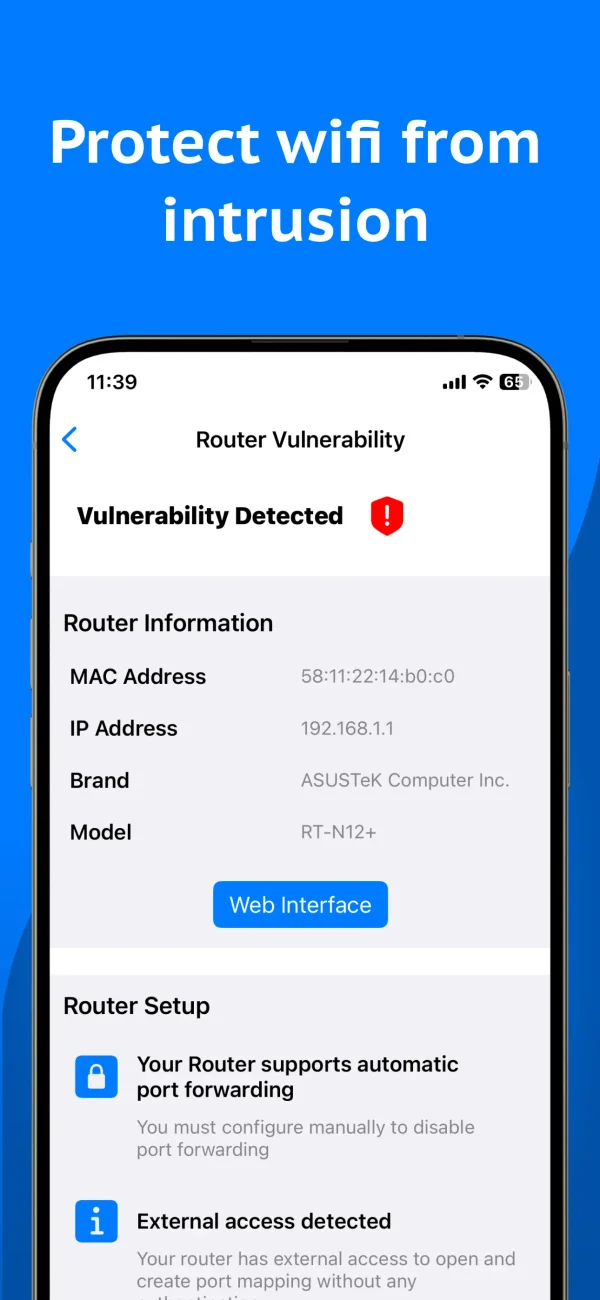
- Router vulnerability
- Privacy Analyzer
- SSL Certificate Checker
- Whois
- IP Address Lookup
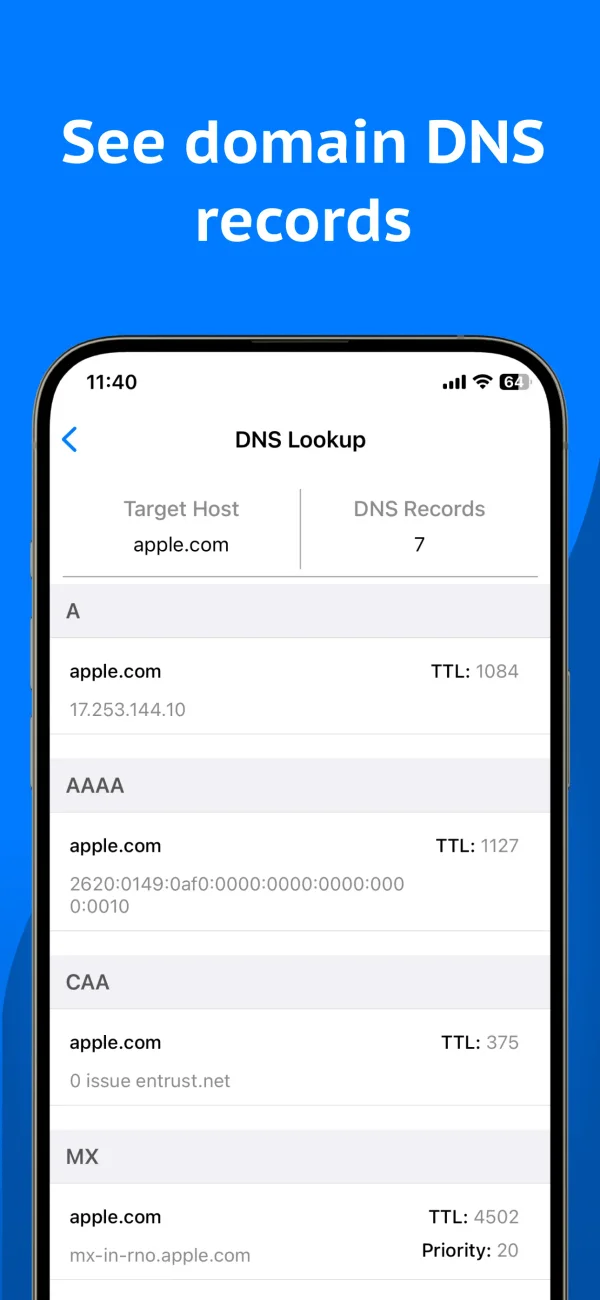
- DNS Lookup (A, AAAA, CAA, MX,NS, TXT more)
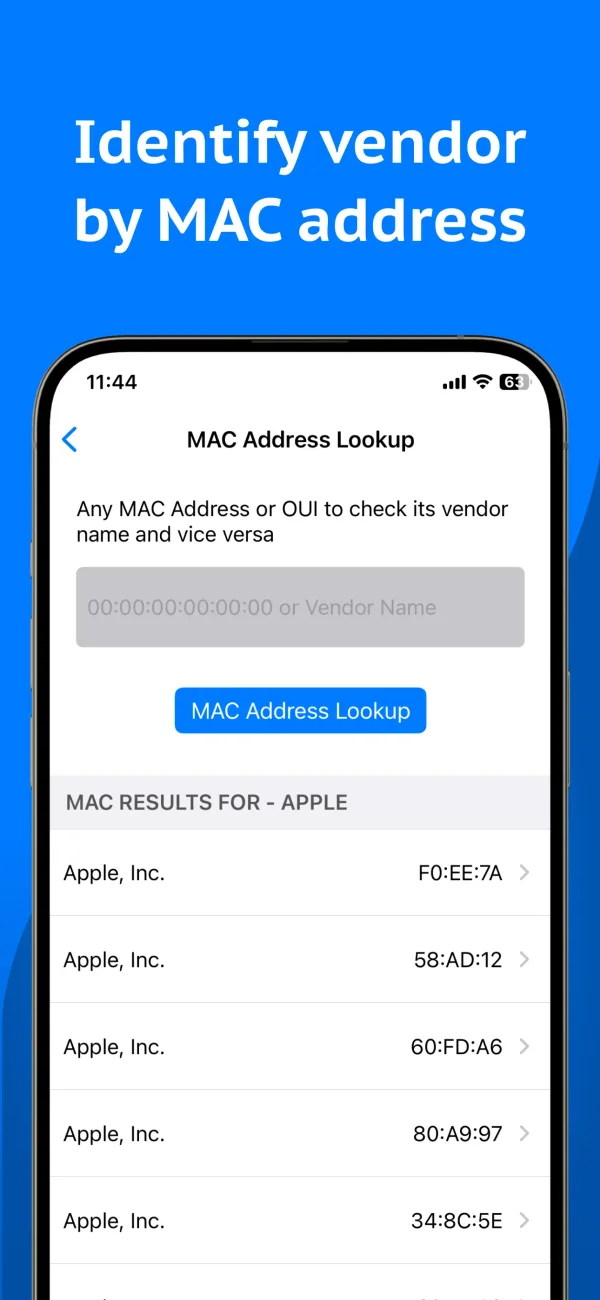
- MAC Address Lookup (Including MAC address, OUI and Vendor name)
Local Service Discovery:
- Bonjour services browser
- UPnP services and device browser
More Features:
- Light & Dark Appearance
- Full IPv6 Support
- Optimized for iPhone & iPad
Network Analyzer: WiFi Scanner is an essential net tools and network analyzer for anyone looking forward to managing and troubleshooting their network efficiently.
Privacy Policy: https://networkanalyzer.io/privacy-policy
Terms of Use: https://networkanalyzer.io/terms-of-service
What’s new
Version 2.11.2 · Nov 25, 2026
- MAC addresses now appear in the device list and can be searched
- Faster, more reliable network scans that no longer get stuck when refreshing
- Better detection of devices that don't respond to ping, like printers, TVs and NAS drives
- Speed test charts now display correctly on iPad in landscape
- Bug fixes, performance improvements and a recommended update for all users
App privacy
What SETUP TECH declares on the App Store about how this app handles data.
-
Data not linked to you
May be collected but is not linked to your identity.
- Location
- Identifiers
- Usage data
- Diagnostics
Privacy practices may vary, for example with the features you use or your age.
Information
- Seller
- SETUP TECH, UNIPESSOAL LDA
- Category
- Utilities
- Version
- 2.11.2
- Updated
- Nov 25, 2026
- Released
- Jan 6, 2024
- Size
- 51.7 MB
- Requires
- iOS 15 or later
- Age rating
- 4+
- Price
- Free
- In-app purchases
- Yes
- Languages
- English, Arabic, Croatian, Czech, Danish, Dutch, Finnish, French, German, Hungarian, Indonesian, Italian + 16 more
- Copyright
- © 2026 AppsInception
You might also like
-
 Network UtilityNetwork tools made easy
-
 ScanNet - Network ScannerUtilities
-
 NetScan - IP ScannerNetwork Analyzer & Ping & Wifi
-
 iNetTools - Ping,DNS,Port ScanBest Network Diagnosis App
-
 WiFiy Analyzer- Internet SpeedNetwork Scanner & Tester
-
 Network Analyzer: WiFi ScanLAN scanner, ping, DNS & whois
-
 IP ScannerNetwork Scanner (WiFi/LAN)
-
 WiFi Network Scanner, AnalyzerScan Bluetooth & Find Device
-
 Internet QualityWiFi & Network AR Analyzer
-
 NetSpot WiFi AnalyzerWiFi Heat Map & Speed Test