
NetAnalyzer: Network Tools
WiFi, Ping, DNS & LAN Scan
Designed for iPhone, iPad
Free · In-app purchases
- Age rating4+
- CategoryUtilities
- Developervamosnet
- LanguagesEnglish+ 3 more
- Size9.5 MB
Links to the official App Store page
Download.org hosts no file of NetAnalyzer: Network Tools. The button opens its official App Store page, published by vamosnet. Listing last checked on Nov 16, 2026.
Screenshots
About
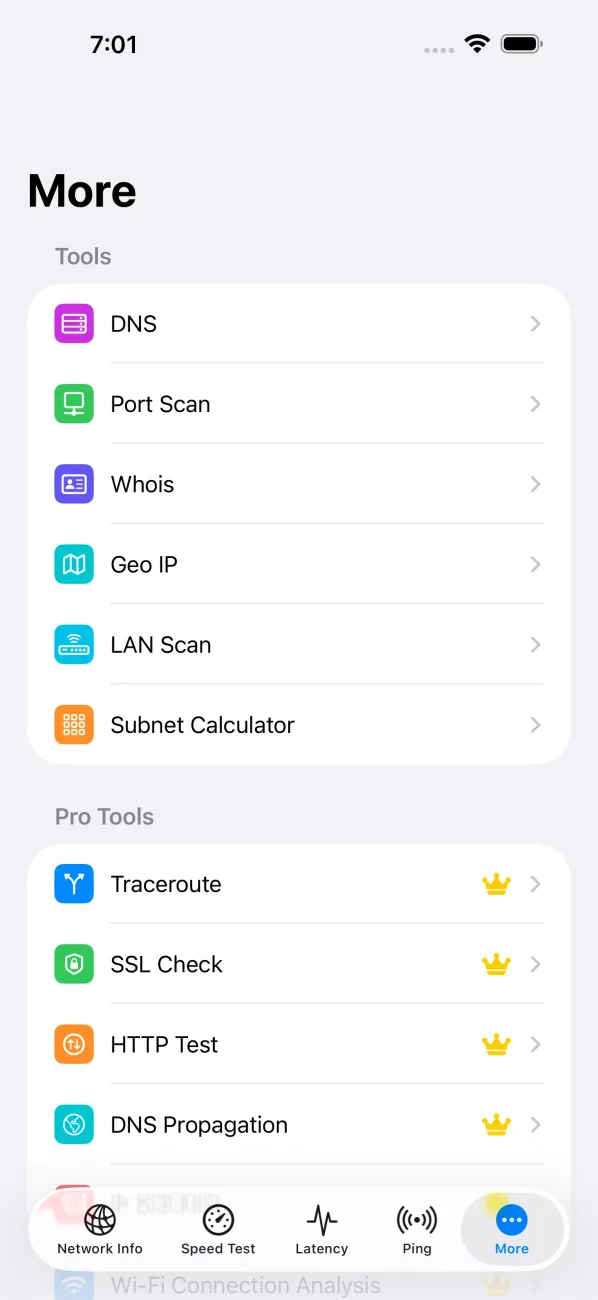
NetAnalyzer is a native network diagnostics app for iPhone and iPad. Diagnose slow or unstable connections, DNS issues, and local-network problems with clear summaries and technical details when you need them.
NETWORK TOOLS
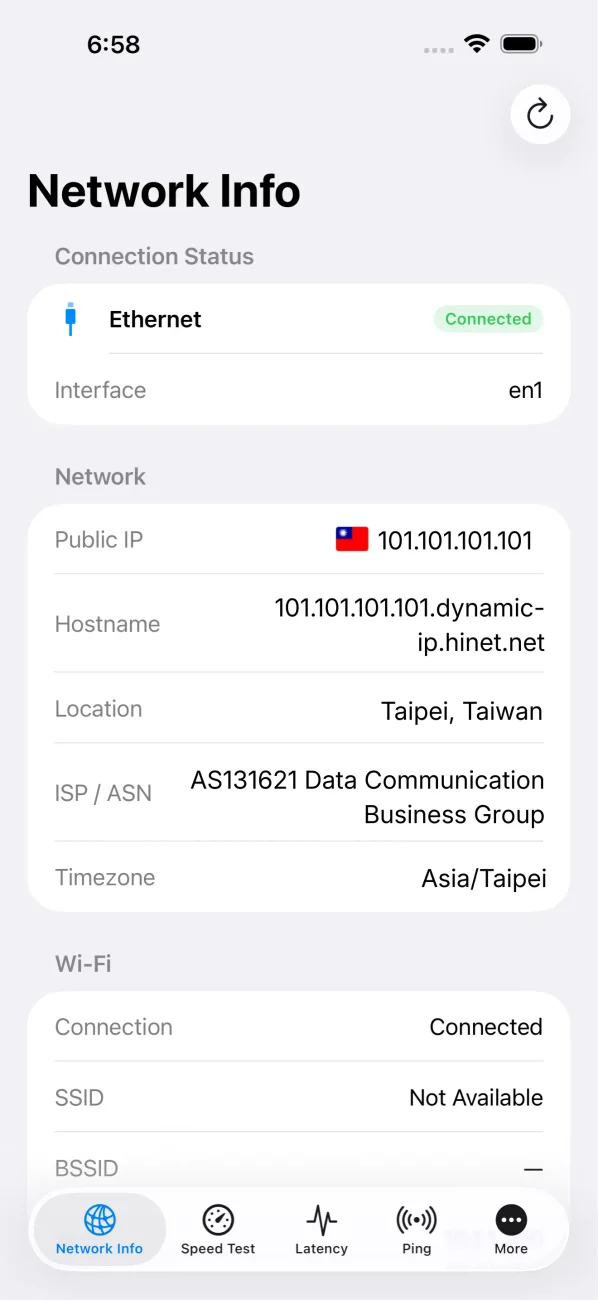
• Network Info: View connection type, local and public IP addresses, DNS, gateway, and current Wi‑Fi connection information.
• Connection Diagnostics: Check a target step by step through local connectivity, DNS, TCP, TLS, and HTTPS response.
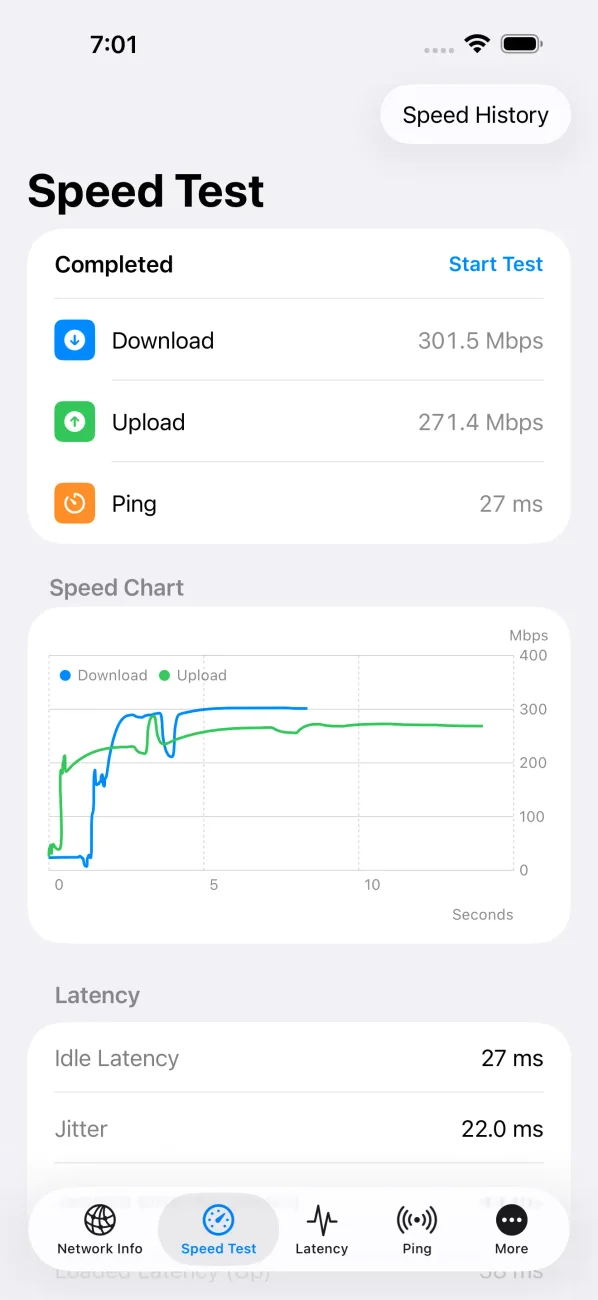
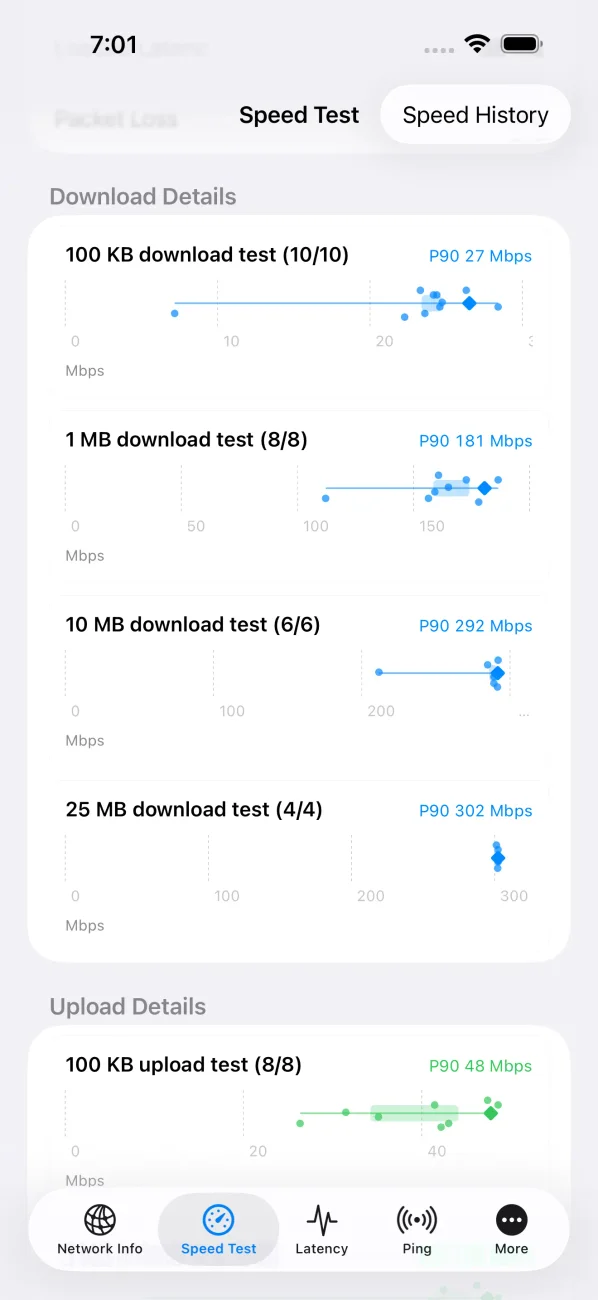
• Speed Test: Measure download, upload, idle and loaded latency, jitter, and packet loss with summary history.
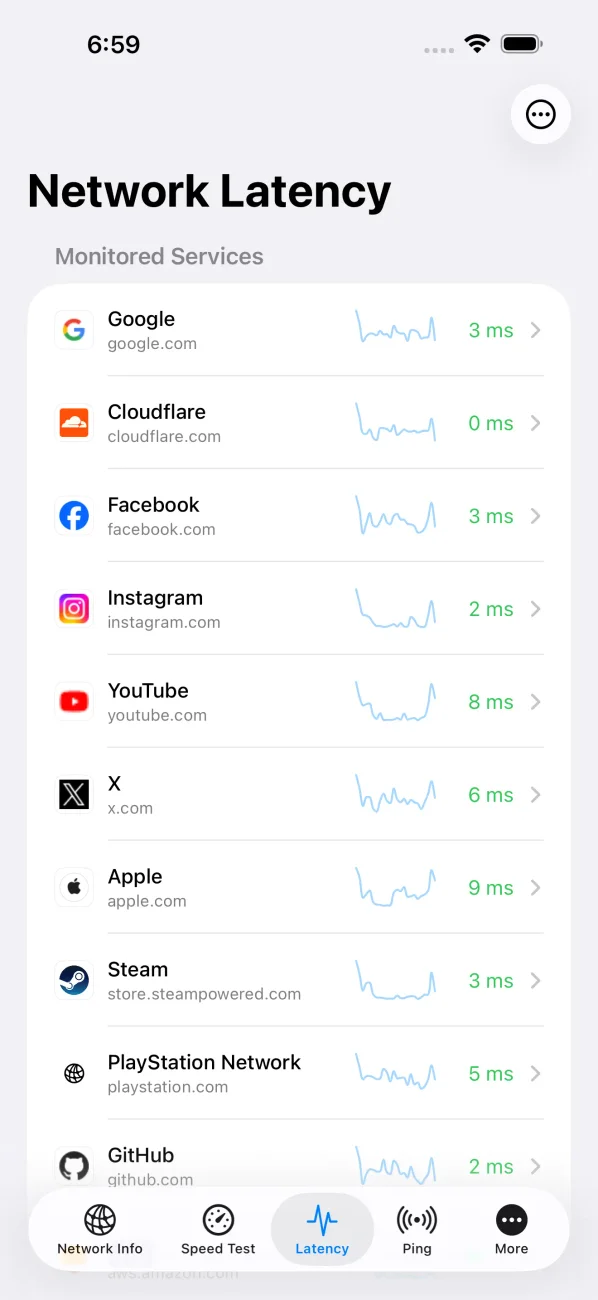
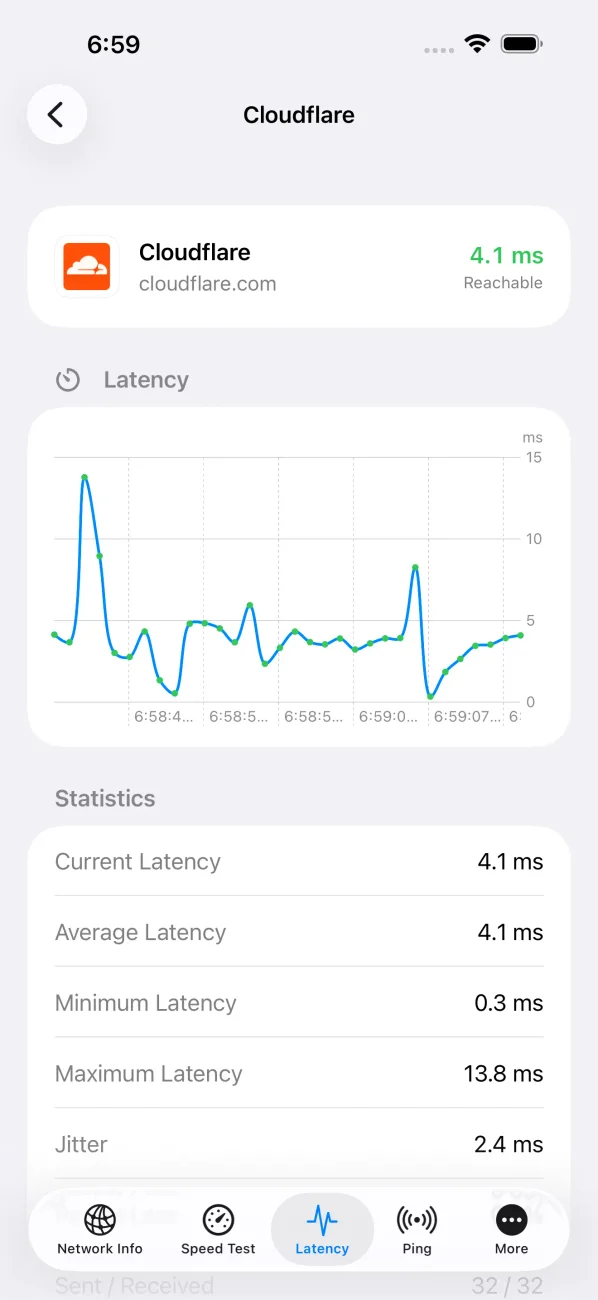
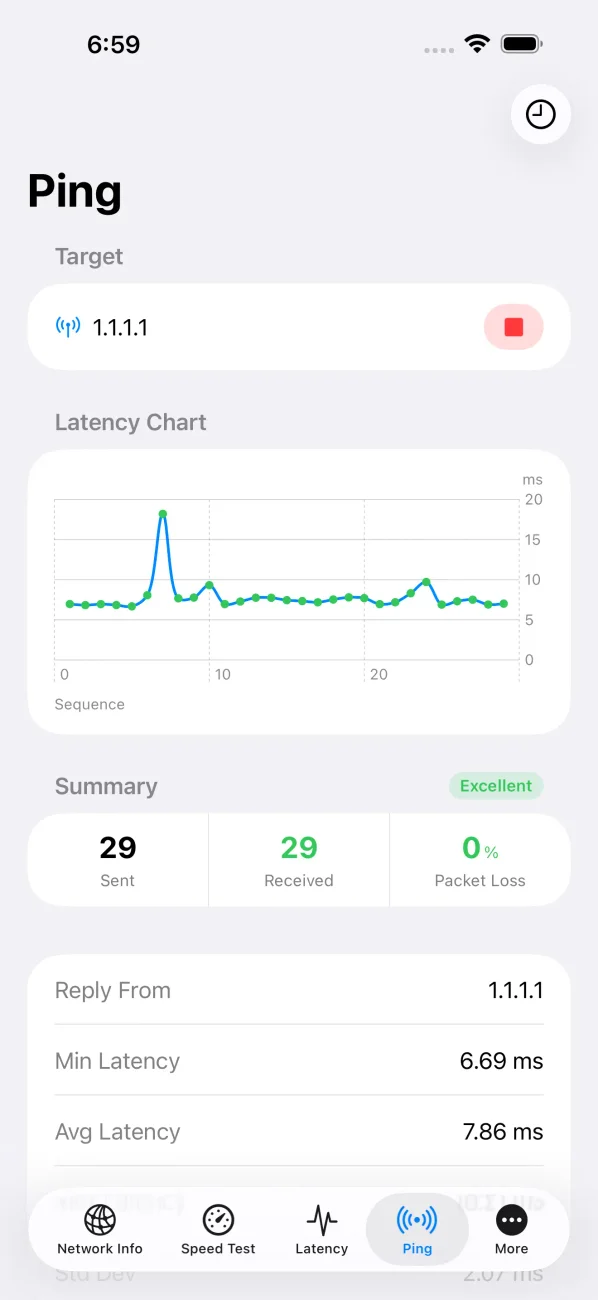
• Ping & Latency Monitoring: Track latency, packet loss, quality, and trends.
• DNS Lookup: Query A, AAAA, CNAME, MX, TXT, NS, PTR, and SOA records using system DNS, UDP, DoT, or DoH resolvers.
• TCP Port Scan: Test a single port or a common TCP port list.
• Whois: Look up domain registration information.
• Geo IP: Look up your current public IP or a submitted public IP address for network and approximate location details.
• LAN Scan: Discover reachable IPv4 devices on your current local network, with Bonjour/mDNS service discovery.
• IPv4 Subnet Calculator: Calculate CIDR, masks, broadcast addresses, and host ranges.
PRO FEATURES
• Traceroute: Display IPv4 routes and latency hop by hop.
• Advanced TCP Port Scan: Scan custom and complete port ranges.
• DNS Propagation: Compare DNS responses from 18 public resolvers queried directly from your device.
• SSL/TLS Inspector: View certificate chains, system trust, SAN matching, protocol, cipher, and expiry status.
• HTTPS Request Tester: Send requests and inspect headers, redirects, and response content.
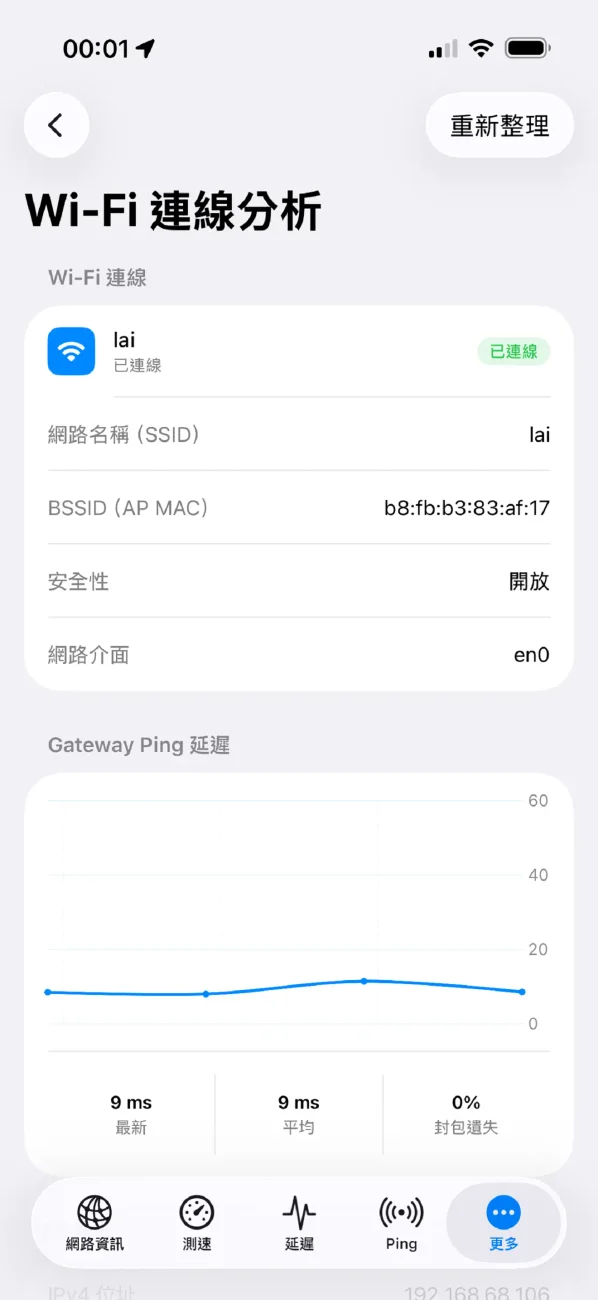
• Wi‑Fi Analysis: View current Wi‑Fi settings, gateway latency, and interface traffic.
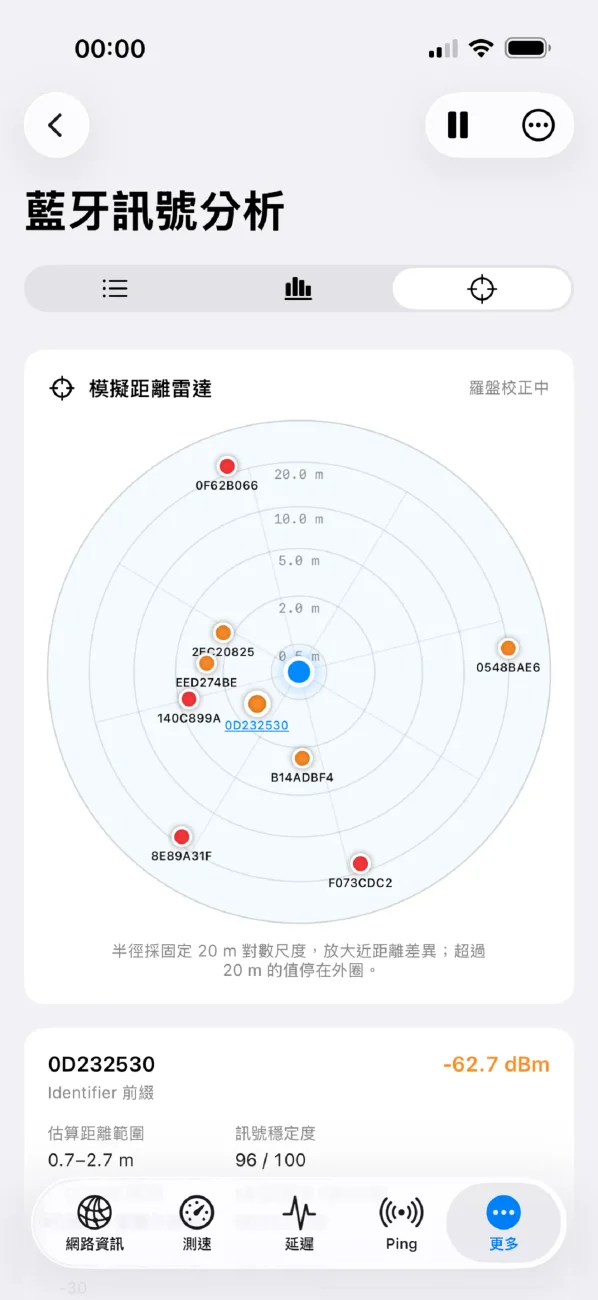
• Bluetooth Signal Analysis: Passively scan nearby BLE advertisements without connecting or pairing.
• IP DNSBL Check: Query 20 built-in blocklists for IPv4 addresses.
• No ads with Pro.
Terms of Use: https://www.apple.com/legal/internet-services/itunes/dev/stdeula/
What’s new
Version 2.5.0 · Oct 3, 2026
Add a Wi-Fi QR code generator and a feedback feature.
Fixed some known issues.
App privacy
What vamosnet declares on the App Store about how this app handles data.
-
Data not collected
The developer does not collect any data from this app.
Privacy practices may vary, for example with the features you use or your age.
Information
- Seller
- Vamosnet Co., Ltd.
- Category
- Utilities
- Version
- 2.5.0
- Updated
- Oct 3, 2026
- Released
- Jul 7, 2026
- Size
- 9.5 MB
- Requires
- iOS 16.0 or later
- Age rating
- 4+
- Price
- Free
- In-app purchases
- Yes
- Languages
- English, Japanese, Simplified Chinese, Traditional Chinese
- Copyright
- © 2026 Vamosnet Co., Ltd
You might also like
-
 Net-Analyzer: Network ScannerWiFi Scan & Security Audit
-
 Ping Tools: Network UtilityPing, Traceroute, DNS, Speed
-
 Network Analyzer Pro: IP ToolsWiFi scanner & internet speed
-
 Network Analyzer: WiFi ScanLAN scanner, ping, DNS & whois
-
 iNetTools - Ping,DNS,Port ScanBest Network Diagnosis App
-
 Screens 5: VNC Remote DesktopFast & Secure Computer Access
-
 NetSpot WiFi AnalyzerWiFi Heat Map & Speed Test
-
 Ping - network utilityTest host reachability
-
 Ubiquiti WiFimanUtilities
-
 Comet - AI Browser & AssistantBrowser and AI assistant