
NetProbe: Network Tools
Wi-Fi Scanner, Ping & DNS
Designed for iPhone, iPad
Free · In-app purchases
- Age rating4+
- CategoryDeveloper Tools
- DeveloperCoreLift LLC
- LanguagesEnglish
- Size4.8 MB
Links to the official App Store page
Download.org hosts no file of NetProbe: Network Tools. The button opens its official App Store page, published by CoreLift LLC. Listing last checked on Nov 18, 2026.
Screenshots
About
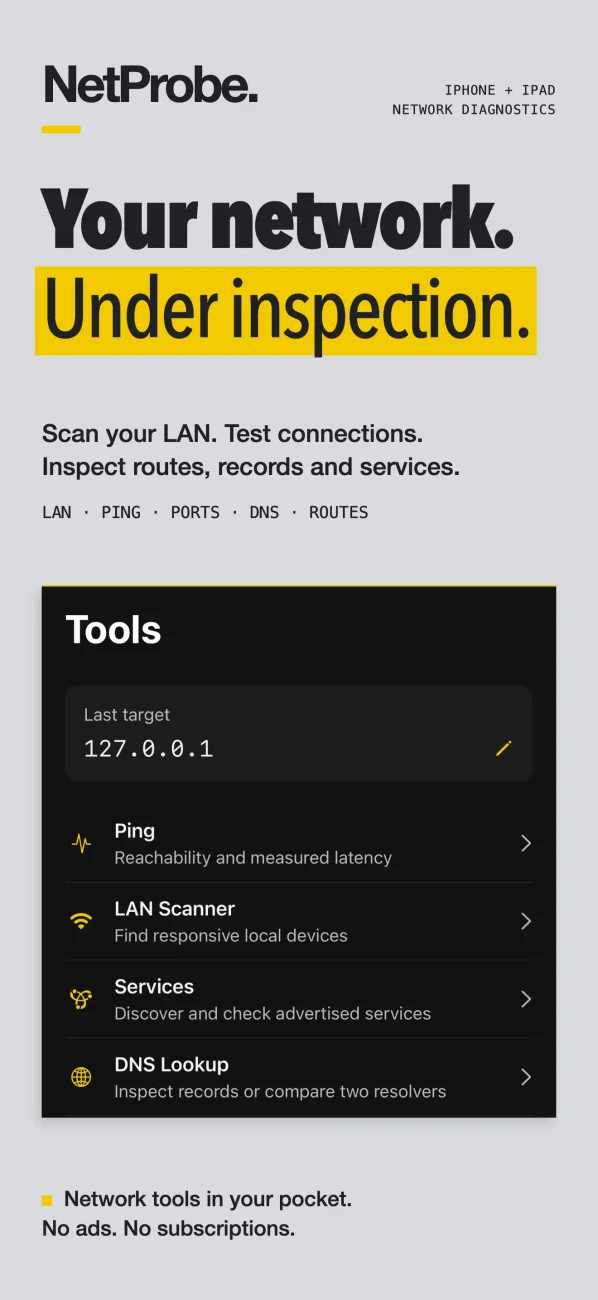
When a connection acts up, reach for NetProbe.
Find responding hosts, check latency and TCP ports, trace routes, inspect DNS and HTTPS, and save the evidence—all from your iPhone or iPad.
CHECK THE CONNECTION
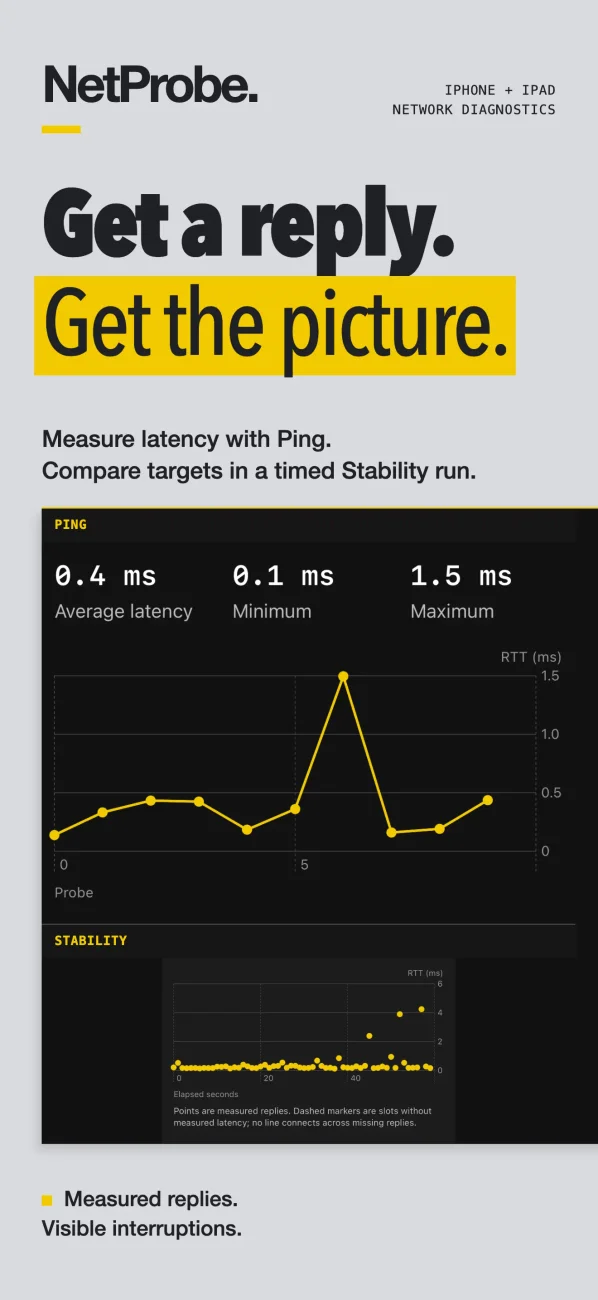
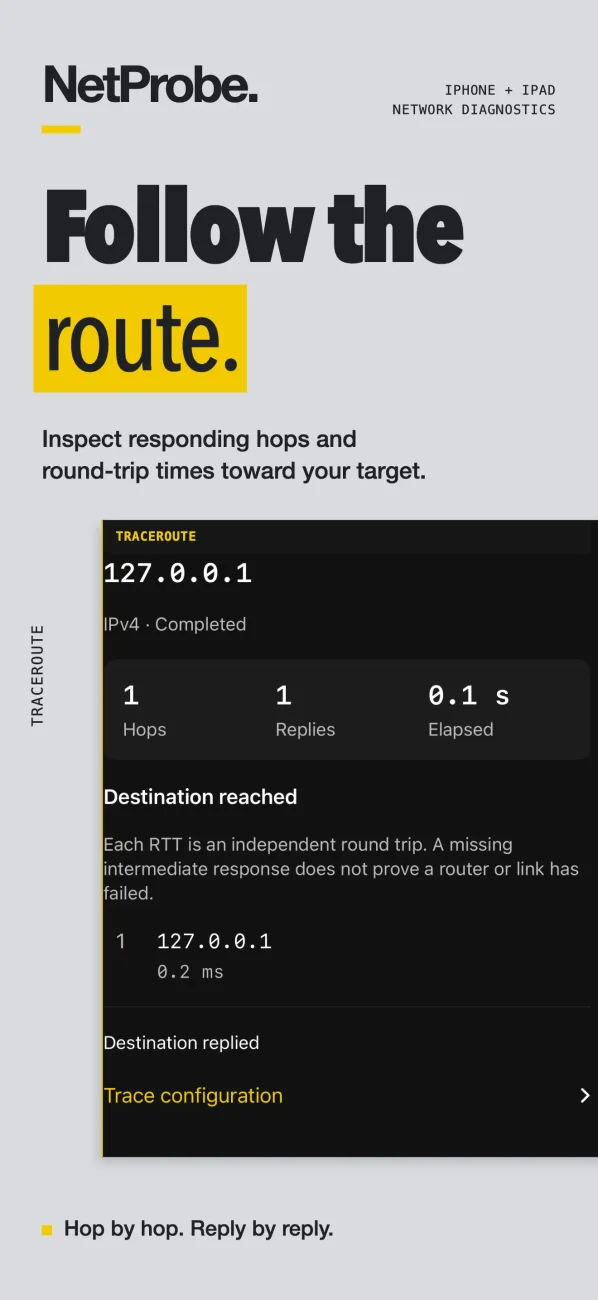
Use real IPv4 ICMP Ping with live latency charts and packet-loss statistics. Trace responding hops to a destination. Compare up to three targets in a timed foreground Stability session, with a timeline and notes to capture what happened.
EXPLORE YOUR LOCAL NETWORK
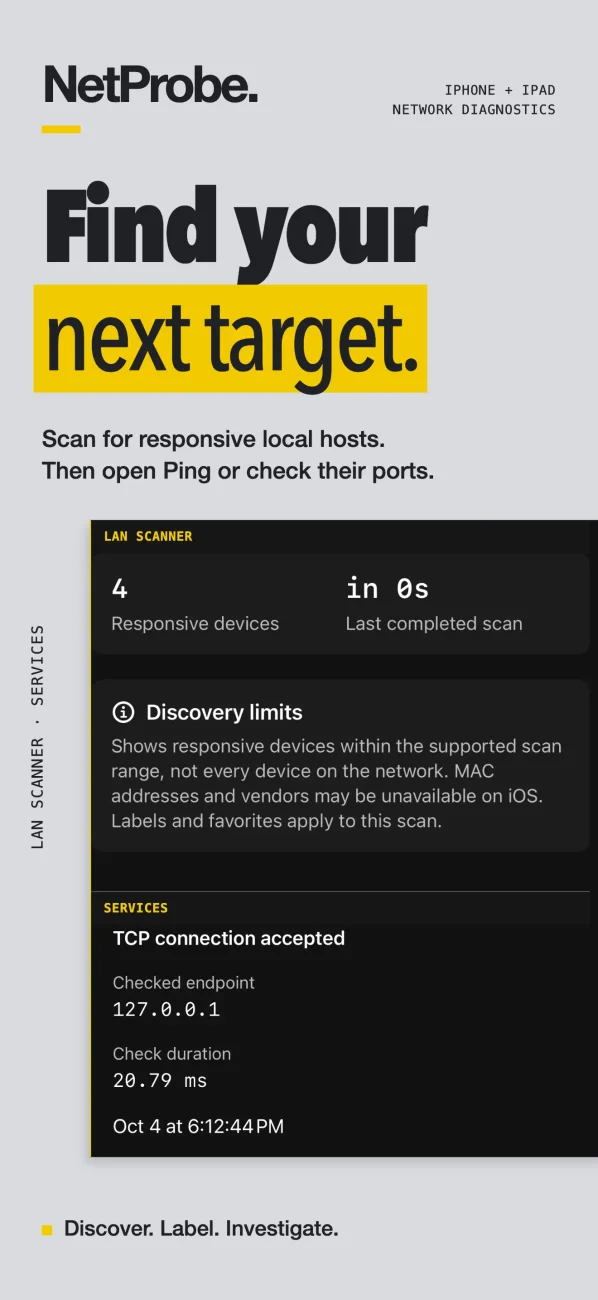
Scan your LAN for responding IPv4 hosts, label saved results, and jump into Ping or a port check. Browse supported Bonjour services, inspect their advertised addresses and ports, and test a selected TCP endpoint.
SEE WHICH PORTS RESPOND
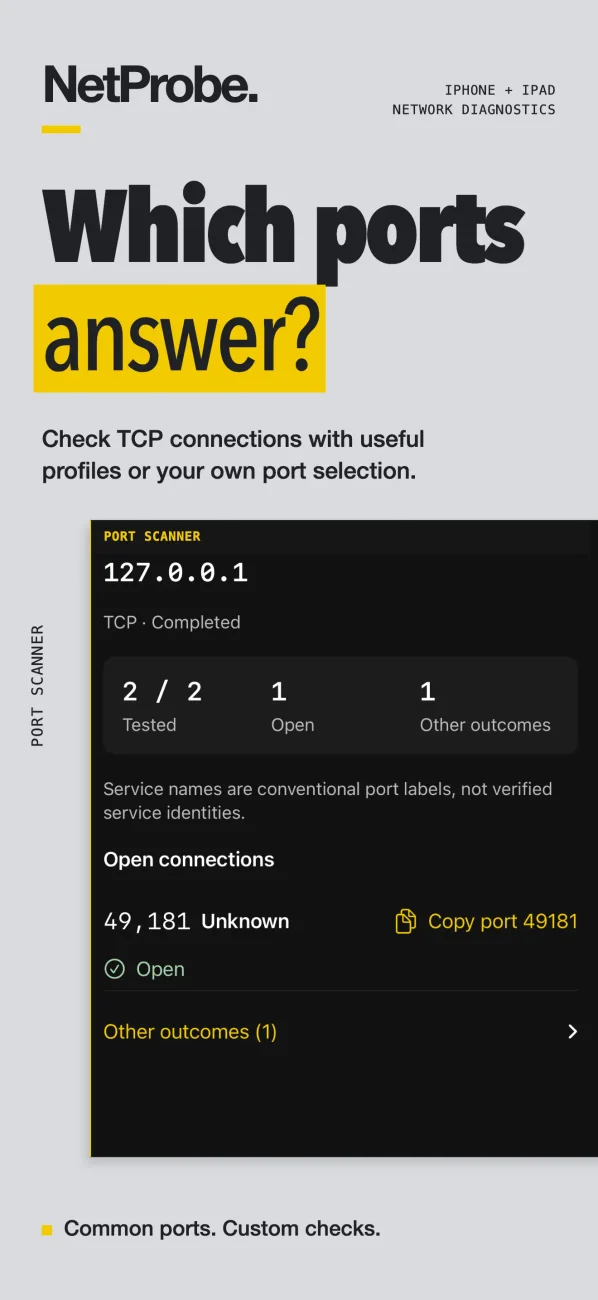
Check common TCP ports or choose your own. Use web, database and other port presets to check whether an endpoint accepts a connection.
LOOK CLOSER AT DNS AND HTTPS
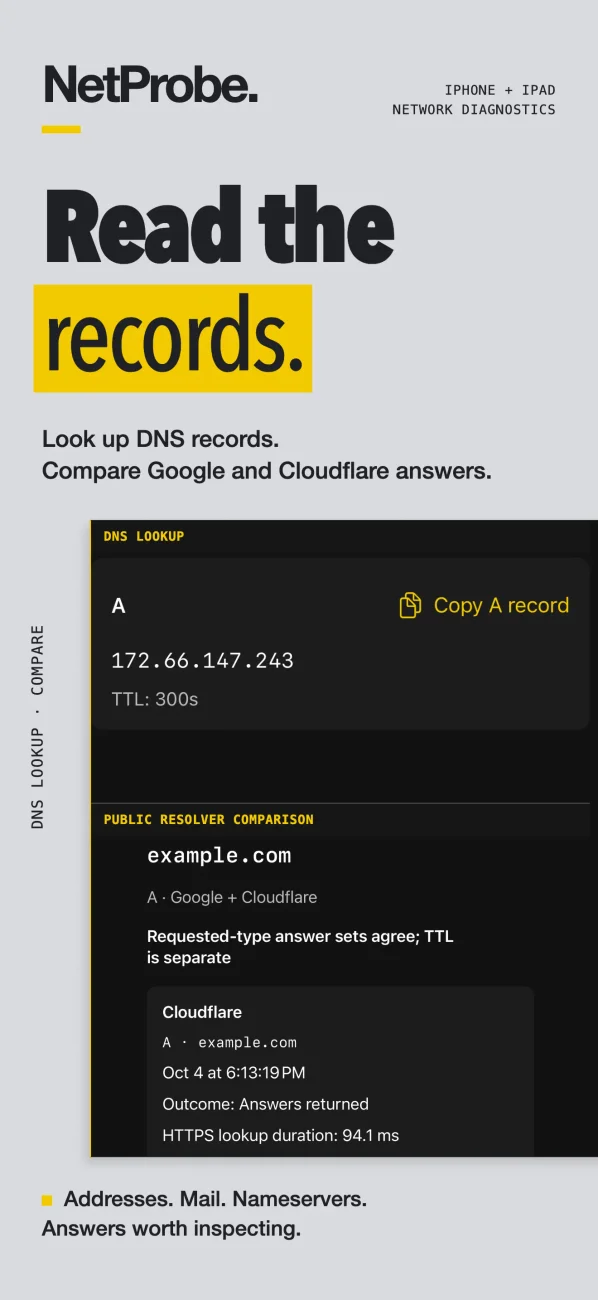
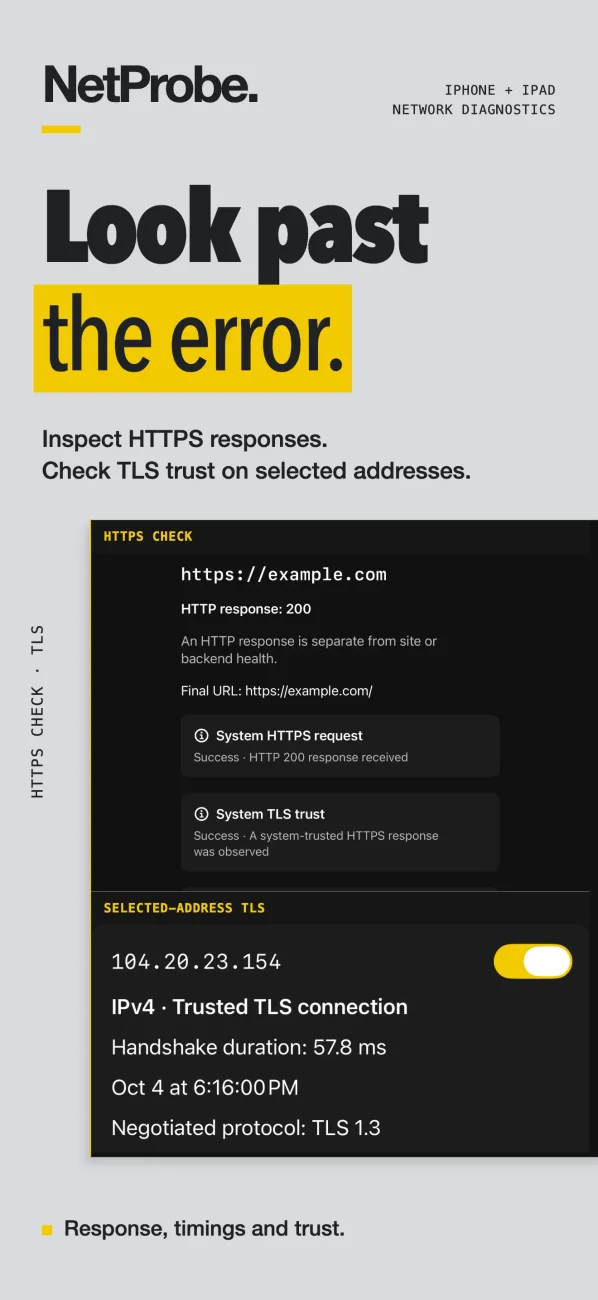
Look up A, AAAA, MX, TXT, CNAME, NS, SOA and PTR records through Google or Cloudflare. Compare both providers side by side. Inspect HTTPS status, redirects and available connection timings. Follow DNS results into selected-address TLS checks that preserve the hostname and system trust.
KEEP A USEFUL RECORD
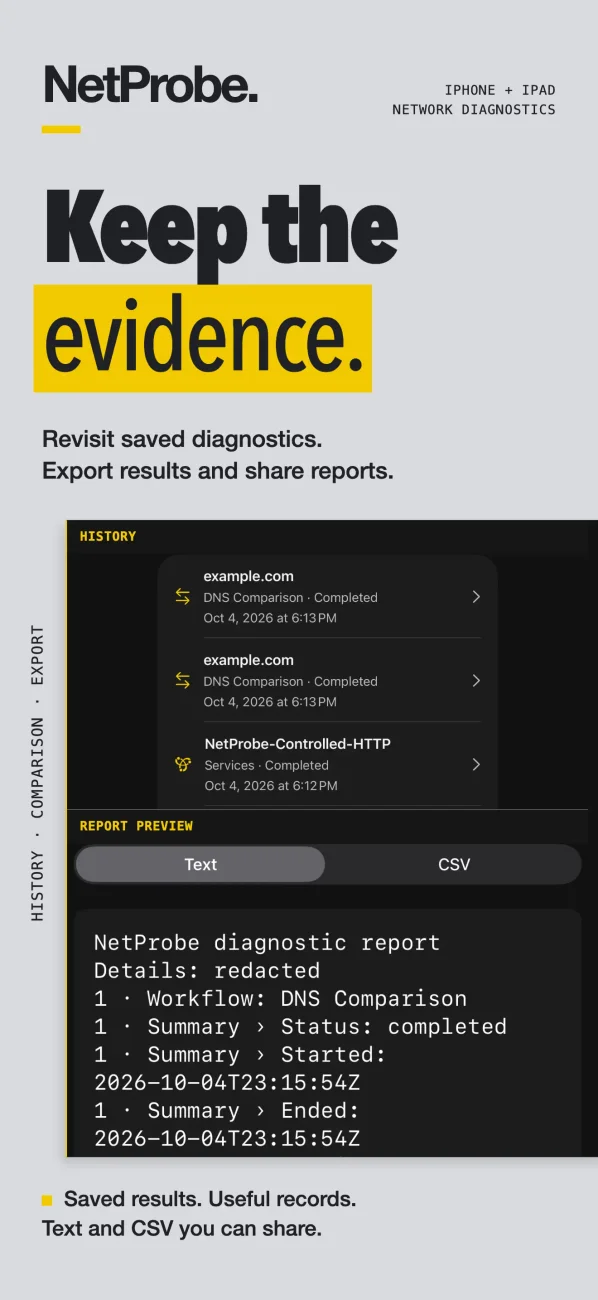
Save diagnostics in local History and revisit the details. Compare supported service/TCP or DNS runs before and after a change. Preview reports with detail redaction, then share text or CSV when you need to explain what you found.
THE EVERYDAY EXTRAS
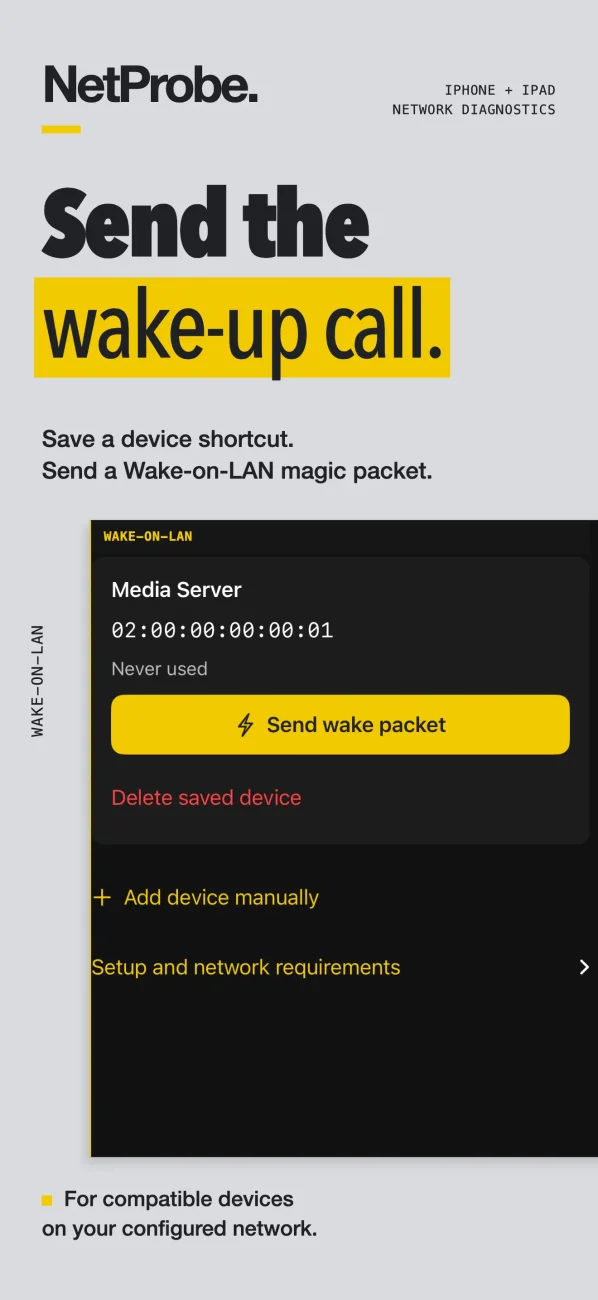
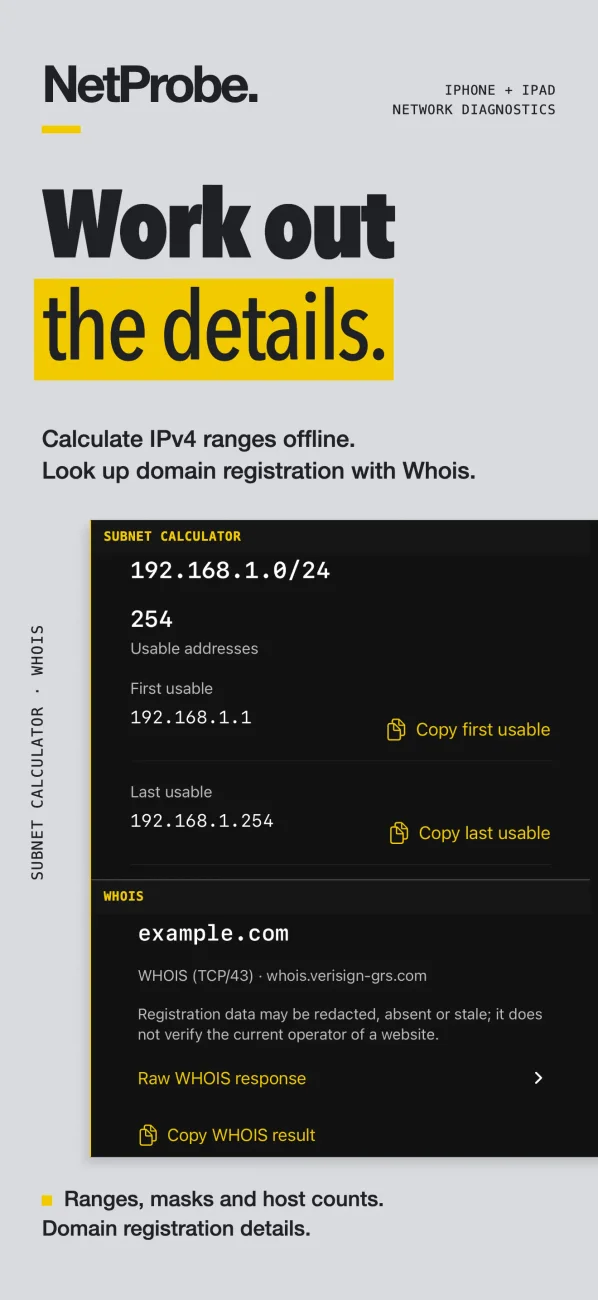
Send Wake-on-LAN magic packets to compatible devices using saved shortcuts. Calculate IPv4 subnet ranges, masks and broadcast addresses offline. Look up available Whois registration details for supported domains.
BUILT FOR IPHONE AND IPAD
A focused phone layout and an iPad sidebar workspace. Dark, light and automatic appearance. No app account required. No ads or subscriptions.
TRY THE TOOLKIT. UNLOCK IT ONCE.
Start a seven-day free trial. Keep access with a one-time lifetime in-app purchase; the app shows your regional price before purchase.
Diagnostics contact the targets and providers you choose. Saved history stays on your device until you export it. Discovery shows responding hosts and supported advertised services, not a guaranteed inventory. Missing replies do not prove a host is offline. Stability runs in the foreground; before-and-after comparison supports service/TCP and DNS runs. Wake-on-LAN requires compatible hardware and network settings; sending a packet does not confirm a wake. Review reports before sharing.
What’s new
Version 2.0 · Oct 5, 2026
NetProbe 2.0 brings a sharper workspace and more ways to investigate a connection.
• New graphite and yellow design across iPhone and iPad.
• Browse Bonjour services and check their advertised TCP endpoints.
• Compare Google and Cloudflare DNS answers side by side.
• Inspect HTTPS responses, redirects and available connection timings.
• Check selected DNS addresses with hostname-verified TLS.
• Compare up to three targets in timed foreground Stability sessions.
• Compare saved service/TCP or DNS runs and share reports with detail redaction.
Your familiar LAN Scanner, Ping, Port Scanner, Traceroute, DNS Lookup, Wake-on-LAN, Subnet Calculator and Whois tools remain together in one toolkit.
App privacy
What CoreLift LLC declares on the App Store about how this app handles data.
-
Data not collected
The developer does not collect any data from this app.
Privacy practices may vary, for example with the features you use or your age.
Information
- Seller
- CORELIFT LLC
- Category
- Developer Tools
- Version
- 2.0
- Updated
- Oct 5, 2026
- Released
- Apr 12, 2026
- Size
- 4.8 MB
- Requires
- iOS 26.2 or later
- Age rating
- 4+
- Price
- Free
- In-app purchases
- Yes
- Languages
- English
- Copyright
- © 2026 CoreLift LLC
You might also like
-
 dev-mux: AI coding fleet mgmtWatch & steer all your agents
-
 deepdig.devdeepdig.dev
-
 Base64 Encode Decode OfflineURL Hex JWT Hash Dev Tools
-
 ProbePad - API ClientDebug APIs without your laptop
-
 Beacons Pro: iBeacon ScannerBLE Beacon Broadcaster & RSSI
-
 Netdata server monitoringBeautiful open source client
-
 Telcoaio - Network ToolboxPing, MTR, port scan and more
-
 Codeye: Web InspectorAI DevTools: HTML View Source
-
 ifconfig Mobile: Network InfoIP Address & Interface Viewer
-
 Hey Terminal: SSH ClientKeyboard-first shell for iPad