
Network Atlas
WiFi Scanner & Network Monitor
Designed for iPhone, iPad, Mac
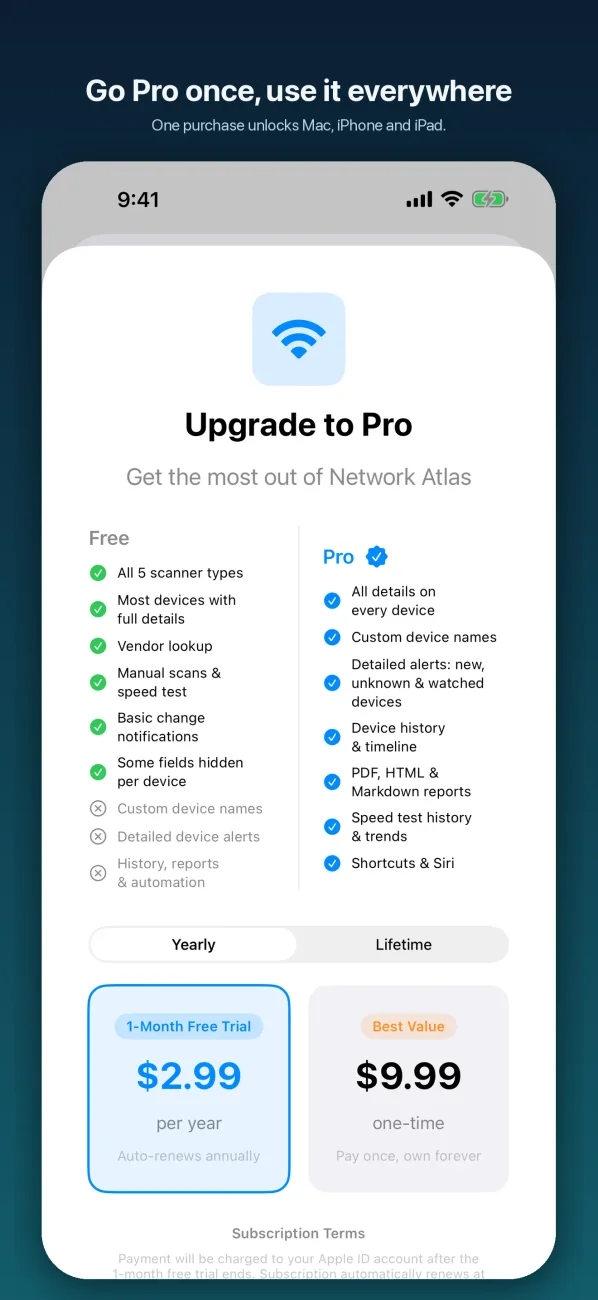
Free · In-app purchases
- Age rating4+
- CategoryDeveloper Tools
- DeveloperDanny Bolick
- LanguagesEnglish
- Size6.5 MB
Links to the official App Store page
Download.org hosts no file of Network Atlas. The button opens its official App Store page, published by Danny Bolick. Listing last checked on Nov 25, 2026.
Screenshots

About
Get a clear view of every device on your network.
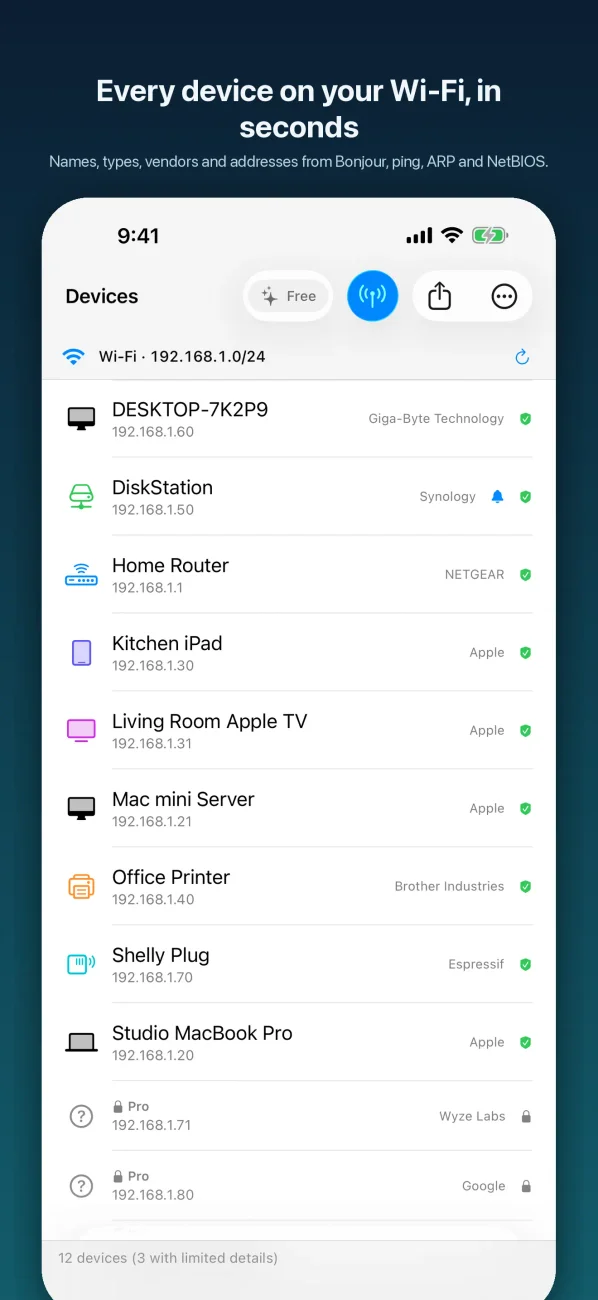
Network Atlas scans your local network and shows you exactly what's connected — computers,
phones, printers, smart home devices, servers, and everything in between. No command line
needed, just a clean Mac app that gets the job done.
HOW IT WORKS
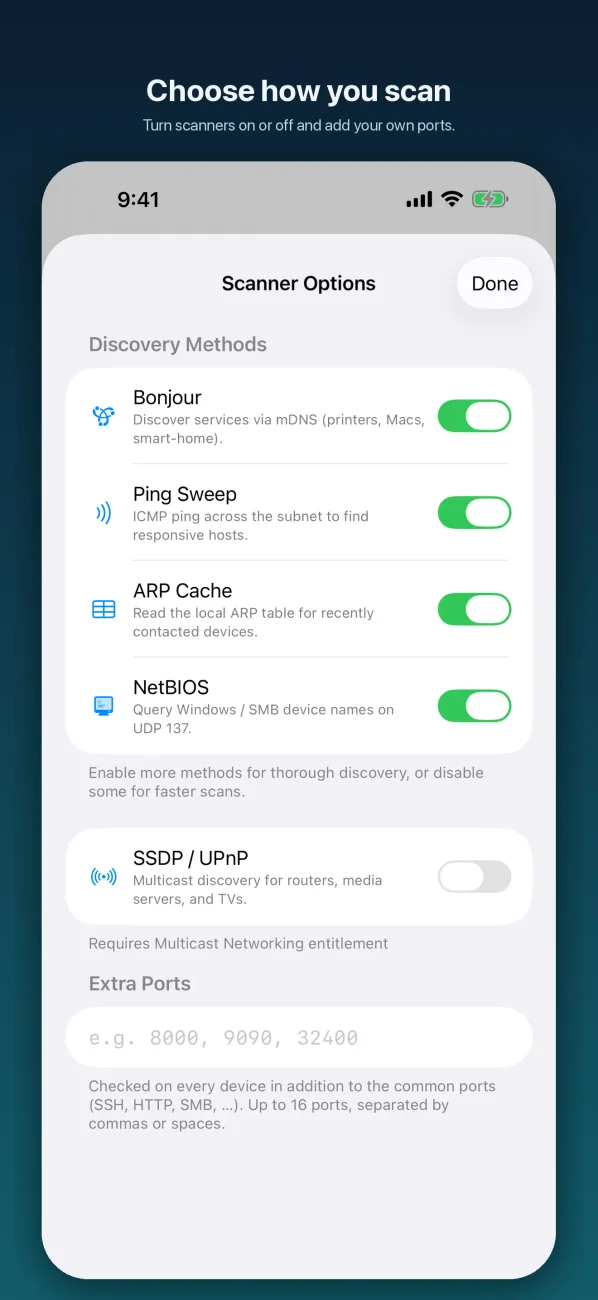
Click scan. Network Atlas runs five discovery methods in parallel to detect devices across
your network. In about 30 seconds, you'll have a complete list with all the details that
matter.
WHAT YOU'LL SEE
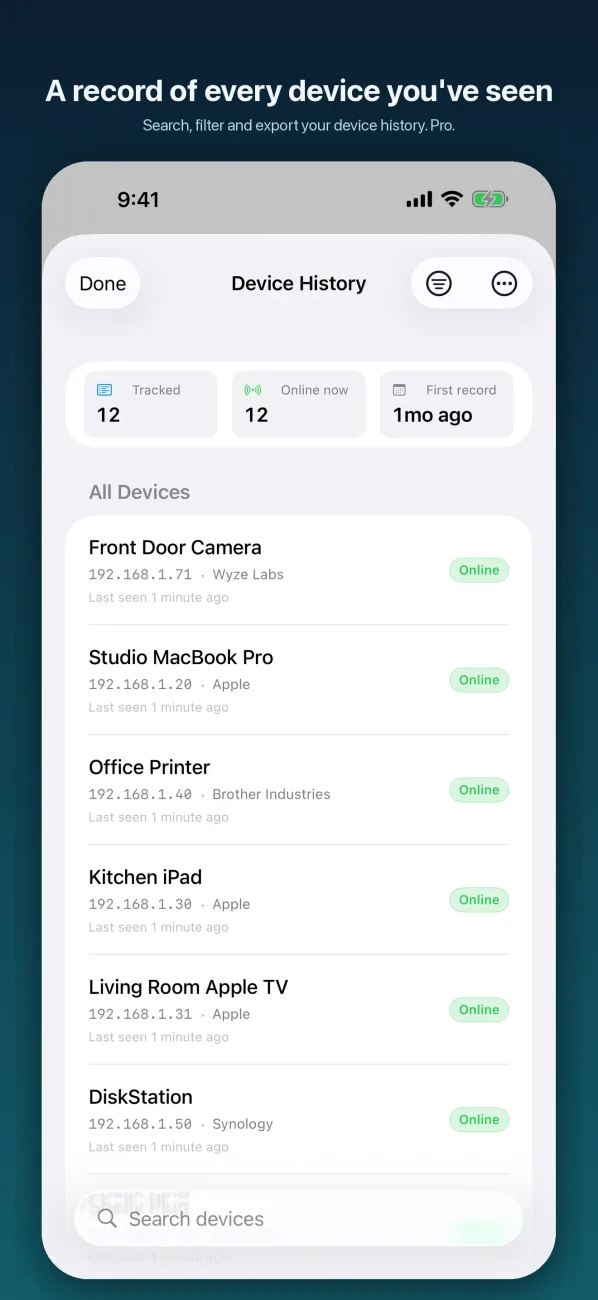
• Device names and IP addresses
• MAC addresses with vendor identification
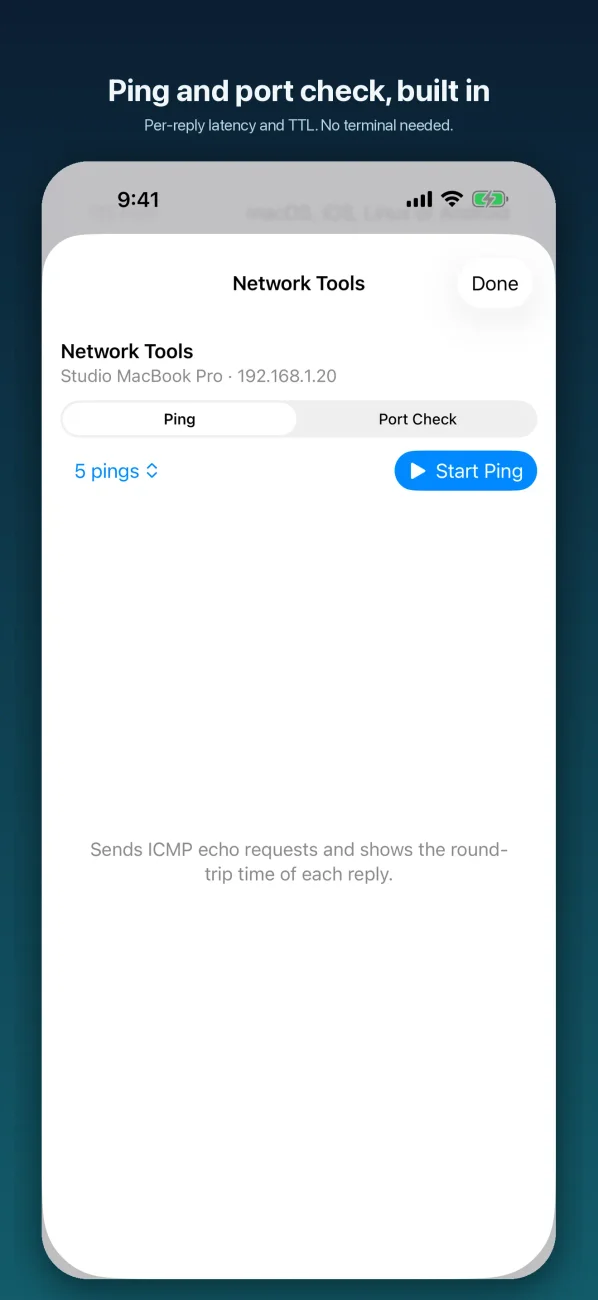
• Open ports and active services
• Hostnames you can customize for easy reference
BUILT FOR REAL-WORLD USE
→ Identify unknown devices showing up on your network
→ Find the IP address of a printer, NAS, or IoT device
→ Verify your smart home gear is actually online
→ Troubleshoot connection issues without guesswork
→ Keep a mental map of what's running on your LAN
A PROPER MAC APP
Native SwiftUI interface. Sortable table columns. Search filtering. Detail inspector. Fast,
responsive, and fits right in on your Mac.
PRIVACY RESPECTING
All scanning stays local to your network. No accounts. No cloud sync. No analytics. Optional
MAC vendor lookups are the only external requests, and those just match hardware IDs
Terms of Use (EULA) --
https://www.apple.com/legal/internet-services/itunes/dev/stdeula/
Privacy Policy --
https://zarware.com/privacy/network-atlas manufacturer names.
What’s new
Version 1.2.4 · Nov 25, 2026
What's New in 1.2.4
• Fixed: a device note could be erased if you opened the device while a
scan was still running.
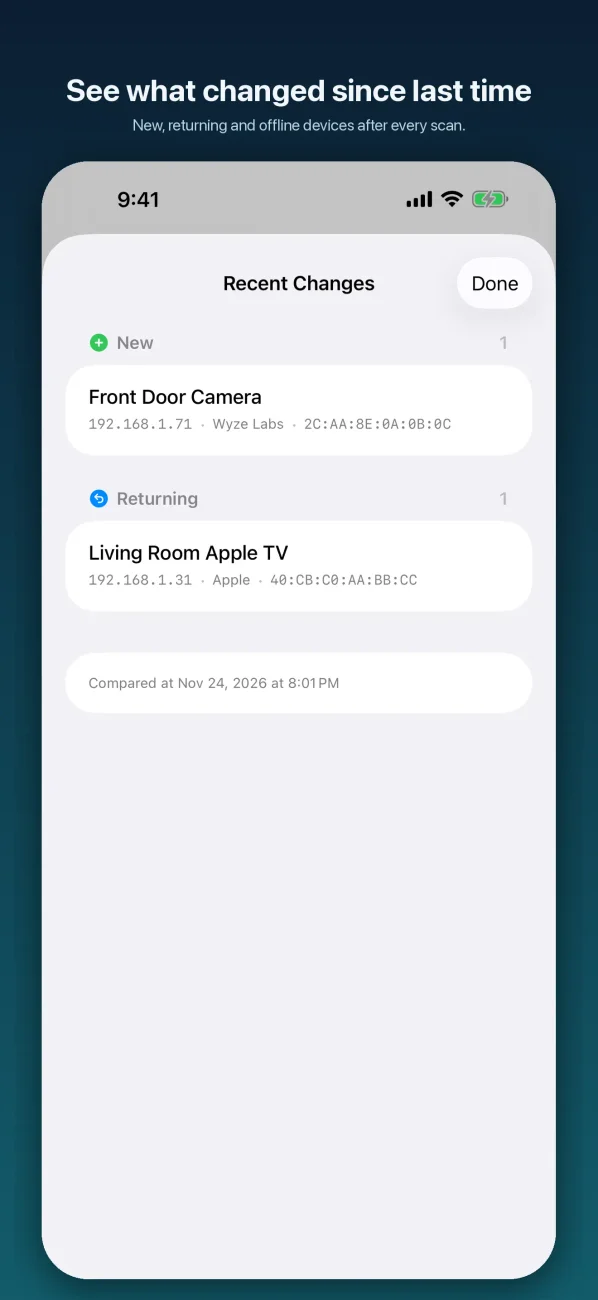
• Fewer false "went offline" and "back online" alerts after custom-range
scans and when a device first reports its hardware address.
• Custom names keep apostrophes, dashes and emoji.
• Shortcuts now report an error when a scan could not run, instead of an
answer from an old device list.
• Reports show the time of the scan, not the time of the export.
App privacy
What Danny Bolick declares on the App Store about how this app handles data.
-
Data not linked to you
May be collected but is not linked to your identity.
- Other data
Privacy practices may vary, for example with the features you use or your age.
Information
- Seller
- Danny Bolick
- Category
- Developer Tools
- Version
- 1.2.4
- Updated
- Nov 25, 2026
- Released
- Jan 10, 2026
- Size
- 6.5 MB
- Requires
- iOS 17.0 or later
- Age rating
- 4+
- Price
- Free
- In-app purchases
- Yes
- Languages
- English
- Copyright
- © Danny Bolick
You might also like
-
 AlertsBoardMonitor Everything
-
 InterroBotWebsite Crawler & Analyzer
-
 SearchMind - Search ConsoleSearch Console in your pocket
-
 DevForge - Developer ToolsDeveloper Tools Toolkit
-
 Npp - Lightweight Text EditorEditor with Tabs persistence
-
 RequestLabSimple API development tool
-
 Private LLMAppPrivateAI - Runs On YourDevice
-
 Developer-ToolsAll-in-one HTTP debugging tool
-
 HTML Editor + ViewerAll-in-One HTML Tool
-
 API Dash - API Client, TestingAPI Client to easily test APIs