
- Age rating4+
- CategoryUtilities
- DeveloperHSU TUNG LIAO
- LanguagesEnglish
- Size36.4 MB
Links to the official App Store page
Download.org hosts no file of Network IP Scanner. The button opens its official App Store page, published by HSU TUNG LIAO. Listing last checked on Nov 17, 2026.
Screenshots


About
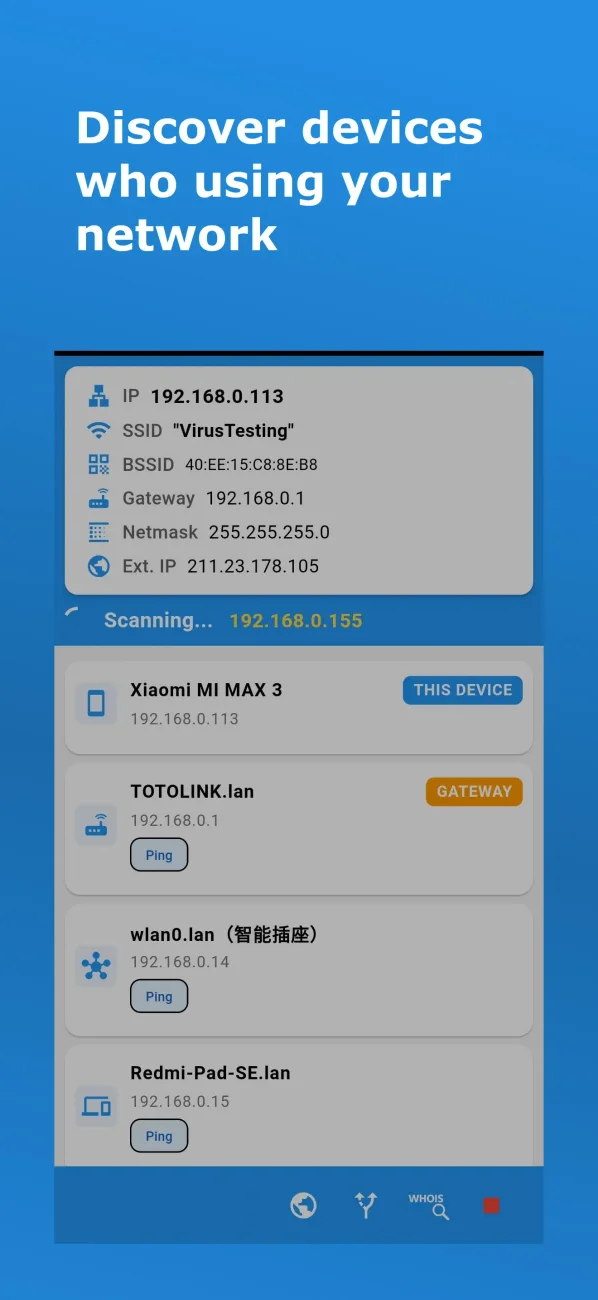
Network IP Scanner brings network discovery, port scanning, and server monitoring together in one app. Explore connected devices, inspect available services, and track service health with clear results and practical tools.
DISCOVER YOUR NETWORK
• Find devices connected to your local network.
• View IP addresses, gateway information, and available device details.
• Identify advertised services and distinguish devices with custom names and icons.
EXPLORE EXTERNAL HOSTS
• Scan a specified external network range.
• Review discovered hosts, resolved hostnames, and detected open ports.
• Choose quick scans or resumable full scans for supported network ranges.
SCAN OPEN PORTS
• Check a host for open TCP ports.
• Use fast scans or customize your port selection.
• Review port numbers and associated service labels in a focused workspace.
ACCESS PRACTICAL DEVICE TOOLS
• Start a port scan directly from a device’s action menu.
• Use traceroute to investigate the network path to a host.
• Copy IP addresses for use in other tools.
• Send Wake-on-LAN packets to compatible, properly configured devices.
MONITOR SERVICE HEALTH
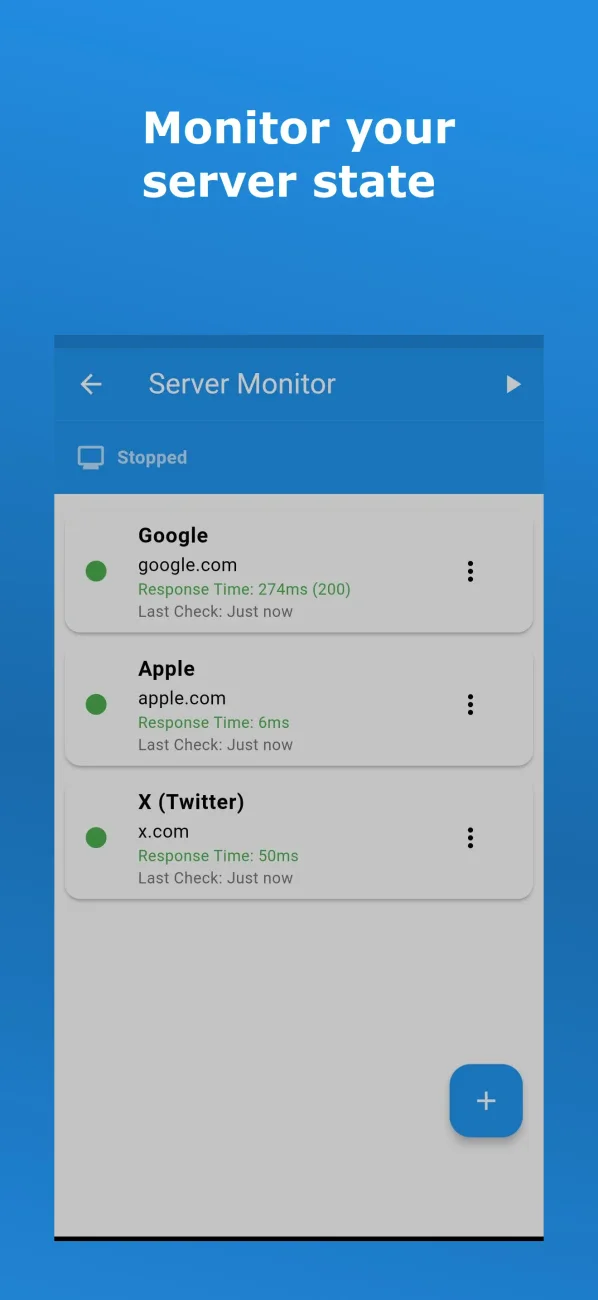
• Monitor targets using Ping, TCP, or HTTP checks.
• Track response times and review HTTP status results.
• Configure slow-response thresholds and TLS certificate expiry warnings.
• Watch for DNS address changes.
• Validate monitoring settings and inspect connection details.
UNDERSTAND PERFORMANCE
• Explore response-time trends over selectable time ranges.
• Review uptime, successful checks, latency statistics, and incidents.
• Recognize slow responses and investigate changes in service health.
REVISIT YOUR SCANS
• Browse saved local and external scan history.
• Review devices discovered during previous scans.
• Compare saved complete LAN scans and export results for further review.
Designed for everyday network troubleshooting, home networks, and service checks—all from your device.
IMPORTANT NOTES
Only scan networks and hosts you own or are authorized to test. Discovery results depend on network permissions, device responses, firewalls, and router settings. Service labels indicate common port associations and do not guarantee the identity of the running service. Wake-on-LAN requires compatible hardware and network configuration.
Terms of Use (EULA): https://www.apple.com/legal/internet-services/itunes/dev/stdeula/
What’s new
Version 5.4.0 · Oct 19, 2026
Enhance the device's identification capability.
App privacy
What HSU TUNG LIAO declares on the App Store about how this app handles data.
-
Data not collected
The developer does not collect any data from this app.
Privacy practices may vary, for example with the features you use or your age.
Information
- Seller
- HSU TUNG LIAO
- Category
- Utilities
- Version
- 5.4.0
- Updated
- Oct 19, 2026
- Released
- Jul 21, 2025
- Size
- 36.4 MB
- Requires
- iOS 15.6 or later
- Age rating
- 4+
- Price
- Free
- In-app purchases
- Yes
- Languages
- English
- Copyright
- © Good Idea Software.
You might also like
-
 Simply IP ScannerNetwork Scanner with Utilities
-
 IP Scanner: Network ToolsIP Tools & Network Scanner
-
 Network Scanner ProWiFi Security & Device Scanner
-
 LANScannerUtilities
-
 Network Scanner & IP,PORT,WİFİLan,Device,PORT,IP,WİFİ Scan
-
 NetScan - IP ScannerNetwork Analyzer & Ping & Wifi
-
 My Network ScannerManage your Network
-
 Wi-Fi Analyzer Network Scannerpinger,scanner,dns & wifi map
-
 ScanNet - Network ScannerUtilities
-
 Network Monitor ∞ IP TrackerLive Connection & VPN Status