
Nook: Read, Write, Own
Offline RSS reader and writer
Designed for iPhone, iPad
Free
- Age rating17+
- CategoryProductivity
- DeveloperKANG SEUNGHYUN
- LanguagesEnglish+ 3 more
- Size16.2 MB
Links to the official App Store page
Download.org hosts no file of Nook: Read, Write, Own. The button opens its official App Store page, published by KANG SEUNGHYUN. Listing last checked on Nov 12, 2026.
Screenshots

About
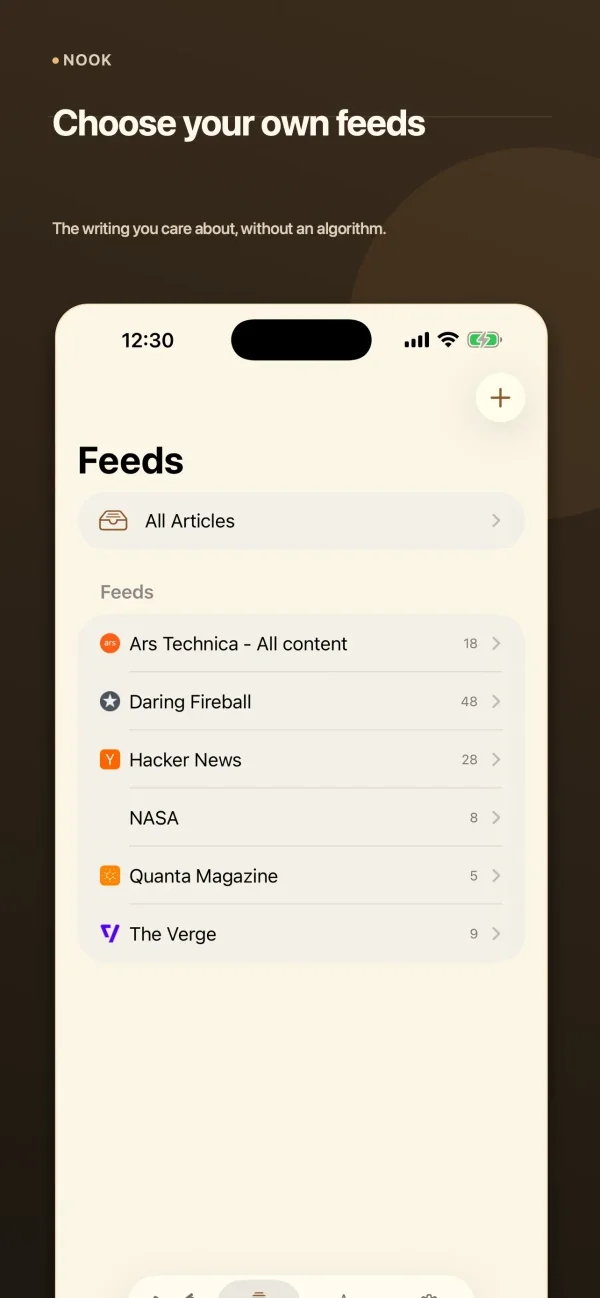
Nook is an RSS reader for people who would rather choose what they read.
Add a feed, or paste a website and let Nook find the feed for you. Your
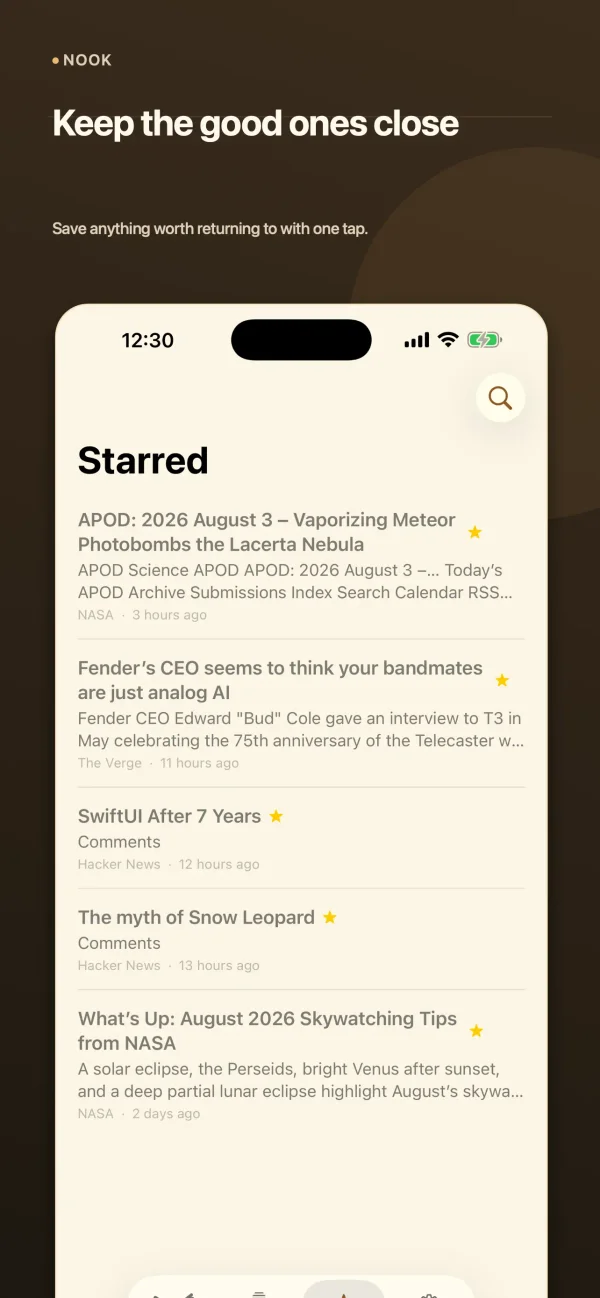
subscriptions, what you have read, and what you have starred live on your device.
There is no account to create, and nothing about your reading is sent anywhere.
A READER THAT GETS OUT OF THE WAY
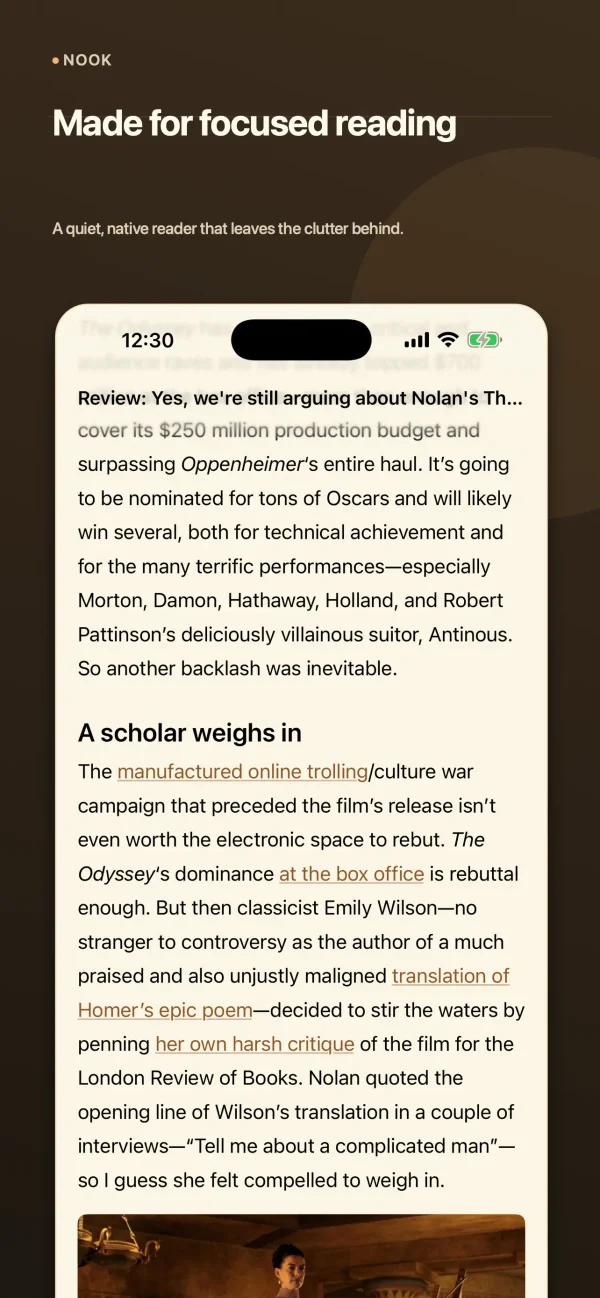
Articles render natively, with real typography rather than a web page squeezed into
a phone. Headings, quotes, code, tables, nested lists, images, and video all keep
their structure. Set the font, size, line height, letter spacing, and colours, and
switch any single feed to a full-page reader or the original site when its own
layout is worth keeping.
WORKS WITHOUT A NETWORK
Nook is offline-first, not offline-capable. It launches, lists, and reads with no
connection. Choose the articles to keep for later and decide when they expire.
SYNC WITHOUT AN ACCOUNT
Point Nook at a folder in iCloud Drive, Dropbox, or anywhere else that syncs files,
and your feeds, read state, stars, categories, and folders follow you between
devices. The folder service moves the files; Nook merges them, per device, so two
devices changed at once do not overwrite each other. No server of ours is involved,
because there isn't one.
TRANSLATION, ON YOUR TERMS
Translate a full article or just the titles in a list. Apple Intelligence runs on
the device and costs nothing. Gemini is opt-in and uses an API key you provide,
kept in this device's Keychain and never placed in the sync folder.
ORGANISE IT HOWEVER YOU THINK
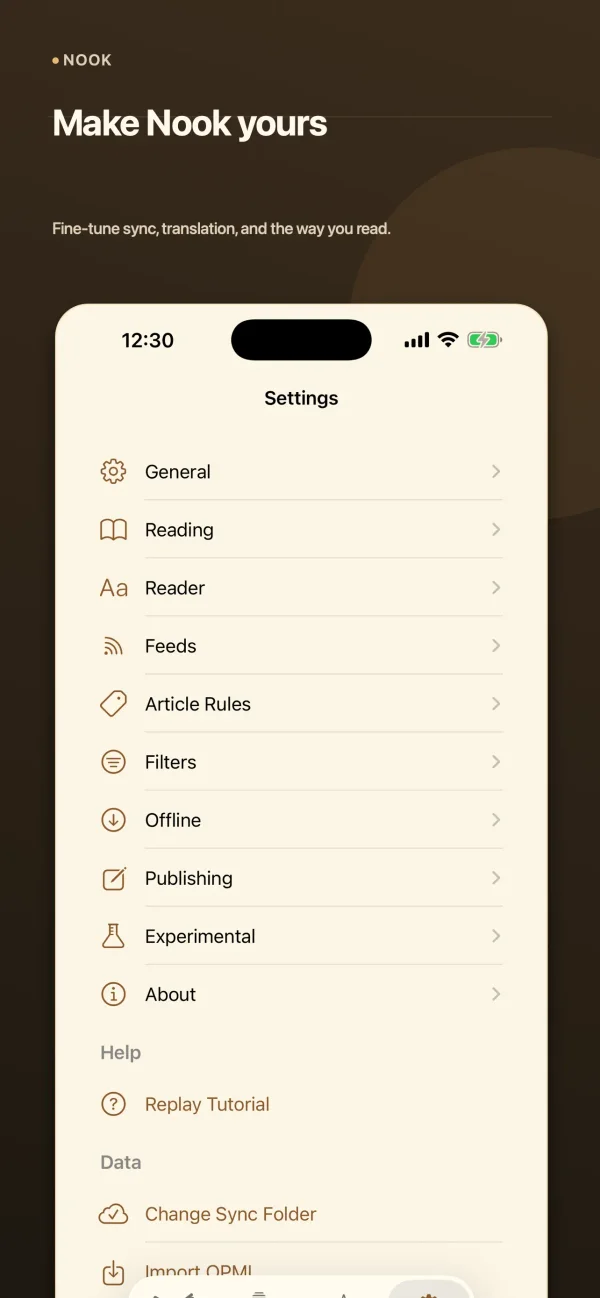
Folders for feeds, colour-coded categories for articles, keyword rules, and text
filters that collect what you would rather not see instead of deleting it.
Optionally let Apple Intelligence or Gemini sort new articles by subject.
QUIET BY DEFAULT
No advertising, no tracking, no analytics, and no engagement mechanics. Badges and
new-article notifications start off, and Nook asks for permission only after you
turn one on — never at launch.
PUBLISHING (BETA, INVITATION ONLY)
Nook can also publish what you write. Articles are stored as records in an AT
Protocol repository that belongs to you, and served as a web page with a real feed
others can subscribe to. You can export every record and delete it at any time,
including while publishing is suspended. This part of Nook is in beta and needs an
invitation; everything above works without one.
What’s new
Version 0.1.2 · Aug 27, 2026
- Importing an OPML keeps your folders, shows its progress, and no longer freezes the app while it loads.
- Exporting an OPML now includes your folders, so exporting and re-importing keeps the same structure.
- Delete several folders at once.
- The feed list is faster and smoother — including selecting all your feeds.
App privacy
What KANG SEUNGHYUN declares on the App Store about how this app handles data.
-
Data not collected
The developer does not collect any data from this app.
Privacy practices may vary, for example with the features you use or your age.
Information
- Seller
- KANG SEUNGHYUN
- Category
- Productivity
- Version
- 0.1.2
- Updated
- Aug 27, 2026
- Released
- Aug 21, 2026
- Size
- 16.2 MB
- Requires
- iOS 18.0 or later
- Age rating
- 17+
- Price
- Free
- Languages
- English, Japanese, Korean, Simplified Chinese
- Copyright
- © 2026 Tim
You might also like
-
 Inkstone: AI Knowledge BaseDrop files in, AI files them
-
 OkojoSimple Markdown Reader
-
 Anycap: Capture & BookmarksSave anything. Ask your AI.
-
 Kasten - Zettelkasten CardsLinked thinking, plain text
-
 Folio: Notes, PDFs & CanvasIdeas, sketches & daily plans
-
 Markdown Viewer: Copy for AI[Read-only] Copy .md for AI
-
 PureKanbanGoal-oriented Markdown Kanban
-
 PDFDockYour PDF workspace
-
 FocusRabbit: Screen Time DetoxApp Blocker to Stop Scrolling
-
 Space4LinksOrganize Links & Bookmarks