- Age rating17+
- CategoryProductivity
- DeveloperNagarjuna Reddy Bhimavarapu
- LanguagesEnglish
- Size20.0 MB
Links to the official App Store page
Download.org hosts no file of PDFDock. The button opens its official App Store page, published by Nagarjuna Reddy Bhimavarapu. Listing last checked on Nov 12, 2026.
Screenshots


About
Bring your documents together in a simple PDF workspace.
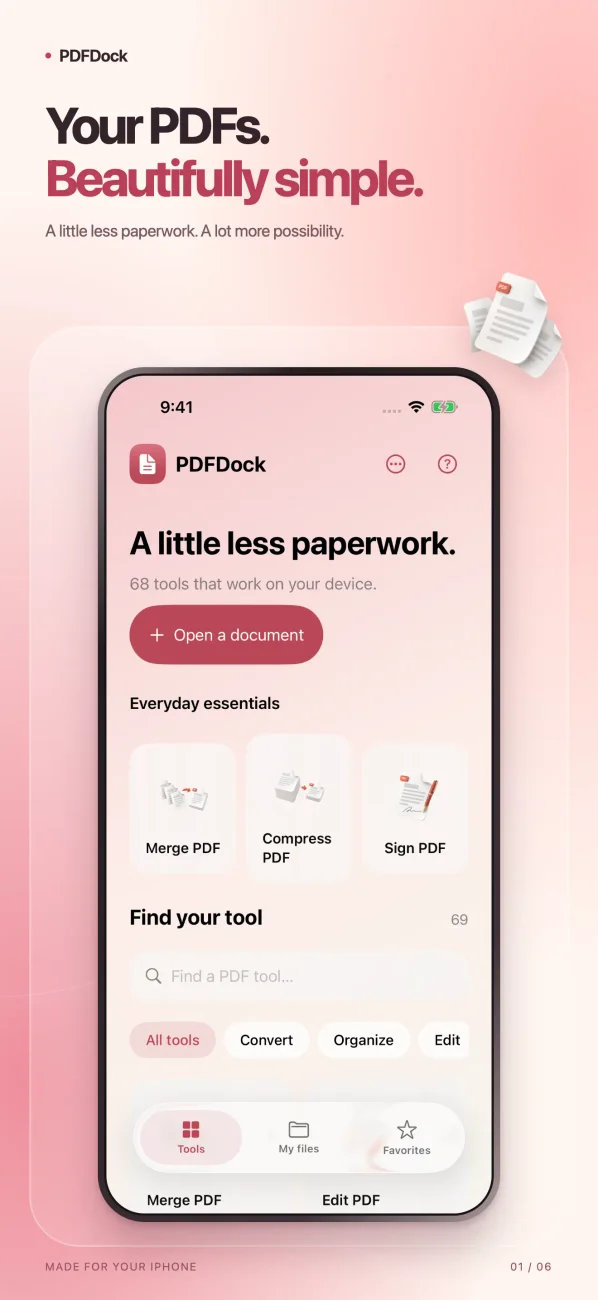
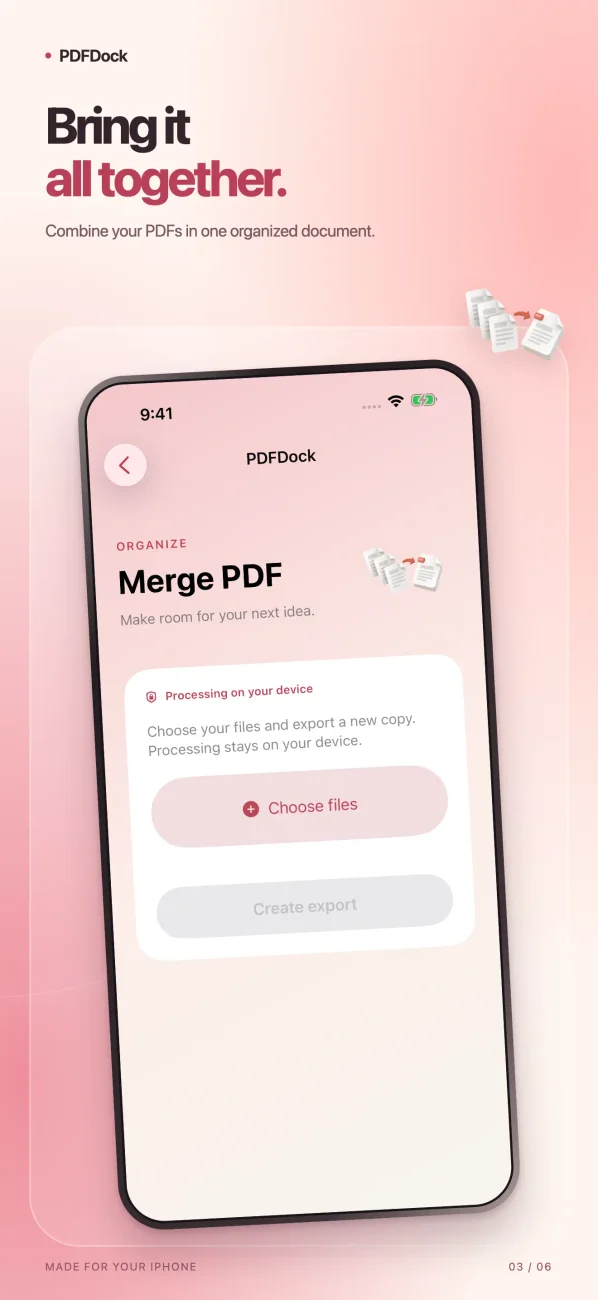
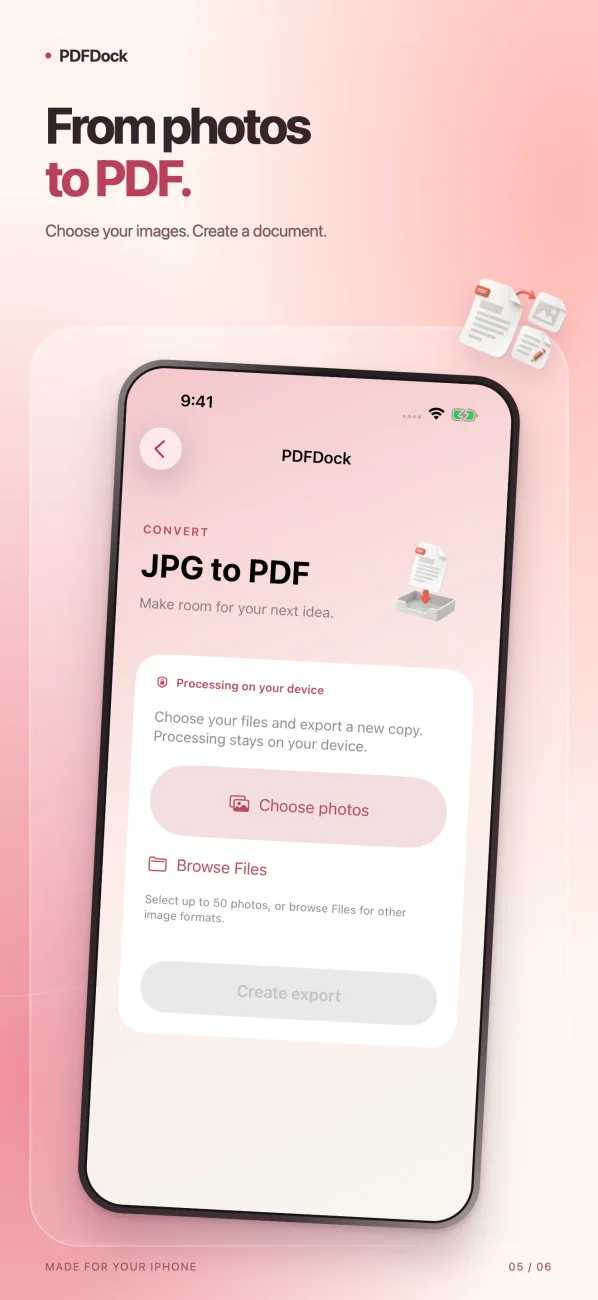
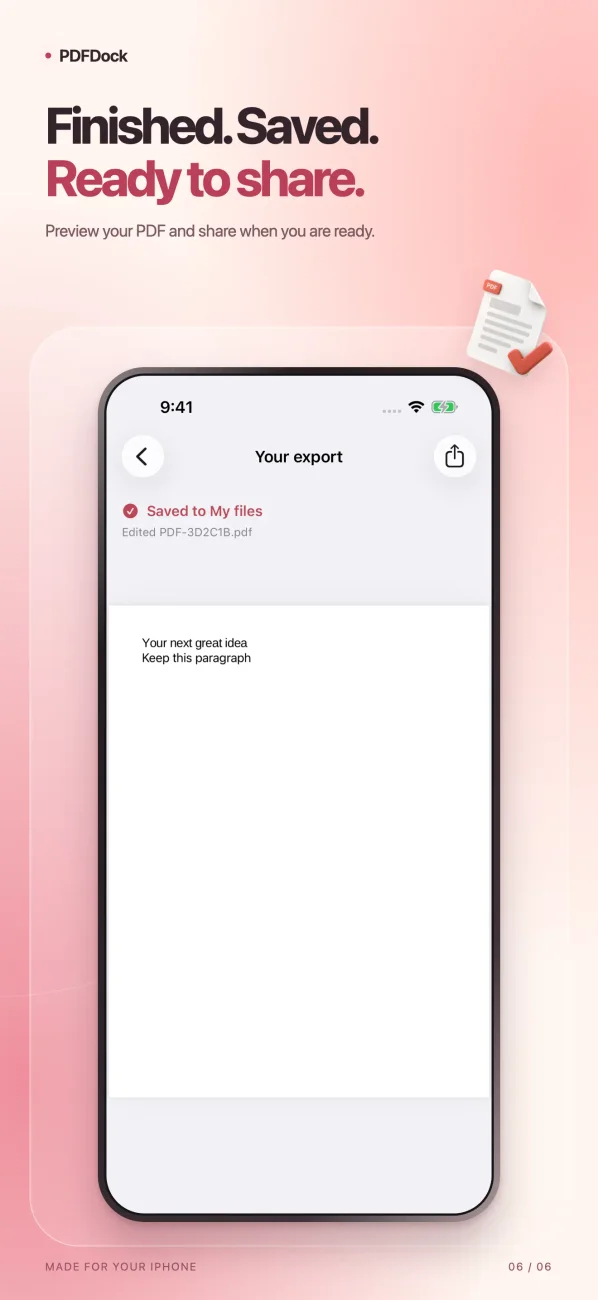
Merge and organize pages, scan paper documents, turn photos into PDFs, annotate, add saved handwritten signatures and preview your finished work before sharing. Keep exported files locally and find them again in My files or the Files app.
Edit supported PDF text directly on the page. Import compatible static TrueType fonts, use undo and redo, and save an edited copy while keeping your original document.
Most tools process documents on your device. URL to PDF connects to the website you choose. No conversion account is required.
Conversion support varies by format. Office and ebook conversions focus on readable text and may omit original layout and images. PDF spreadsheet exports contain text rows rather than reconstructed tables. Text editing supports compatible individual text runs, not automatic paragraph reflow. Handwritten signatures are visual marks rather than certificate verified digital signatures.
App privacy
What Nagarjuna Reddy Bhimavarapu declares on the App Store about how this app handles data.
-
Data not collected
The developer does not collect any data from this app.
Privacy practices may vary, for example with the features you use or your age.
Information
- Seller
- Nagarjuna Reddy Bhimavarapu
- Category
- Productivity
- Version
- 1.0
- Updated
- Sep 21, 2026
- Released
- Sep 20, 2026
- Size
- 20.0 MB
- Requires
- iOS 26.5 or later
- Age rating
- 17+
- Price
- Free
- Languages
- English
- Copyright
- © 2026 Nagarjuna Reddy Bhimavarapu
You might also like
-
 Inkstone: AI Knowledge BaseDrop files in, AI files them
-
 OkojoSimple Markdown Reader
-
 Markdown Viewer: Copy for AI[Read-only] Copy .md for AI
-
 Anycap: Capture & BookmarksSave anything. Ask your AI.
-
 Nook: Read, Write, OwnOffline RSS reader and writer
-
 Kasten - Zettelkasten CardsLinked thinking, plain text
-
 PureKanbanGoal-oriented Markdown Kanban
-
 PureOpen — Markdown EditorPer-block RTL, AI file to Word
-
 Narratives: Private AI NotesTurn thoughts into clear notes
-
 FocusRabbit: Screen Time DetoxApp Blocker to Stop Scrolling