NoRemote: TV Remote Control
Remote for Roku, Fire TV & LG
Designed for iPhone, iPod touch
Free · In-app purchases
- Age rating4+
- CategoryUtilities
- DeveloperSIA Vesoft
- LanguagesEnglish+ 30 more
- Size54.9 MB
Links to the official App Store page
Download.org hosts no file of NoRemote: TV Remote Control. The button opens its official App Store page, published by SIA Vesoft. Listing last checked on Nov 24, 2026.
Screenshots
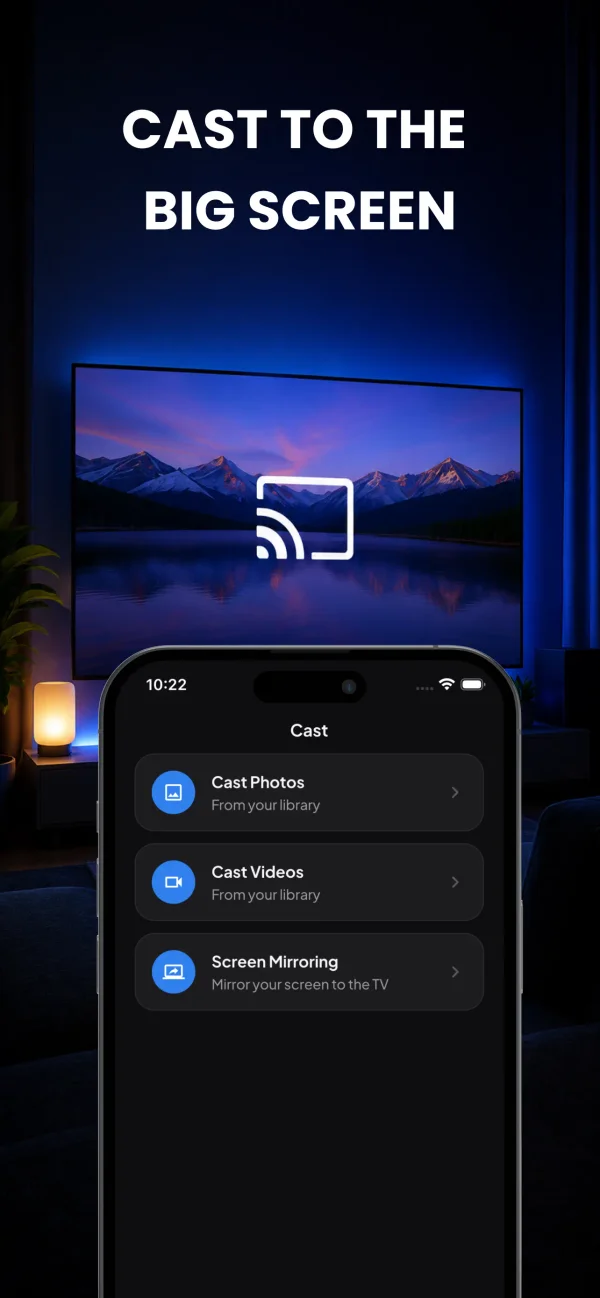
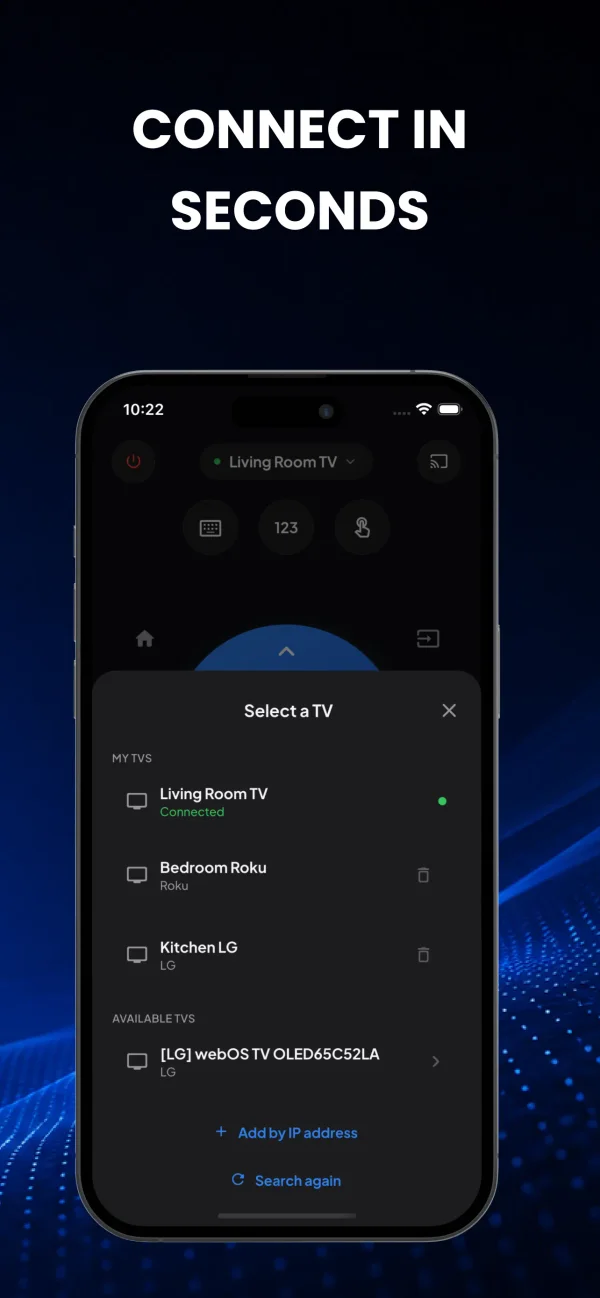
About
Turn your phone into a universal remote for every TV in your home. NoRemote connects over Wi-Fi and works with Samsung, LG, Roku, Fire TV, Vizio, Android TV, Google TV, Sony, TCL and Hisense — no extra hardware, no infrared, no cables.
Open the app, tap your TV, and you are in control in seconds.
THE REMOTE IS FREE — AND STAYS FREE
• Automatic TV discovery on your Wi-Fi network
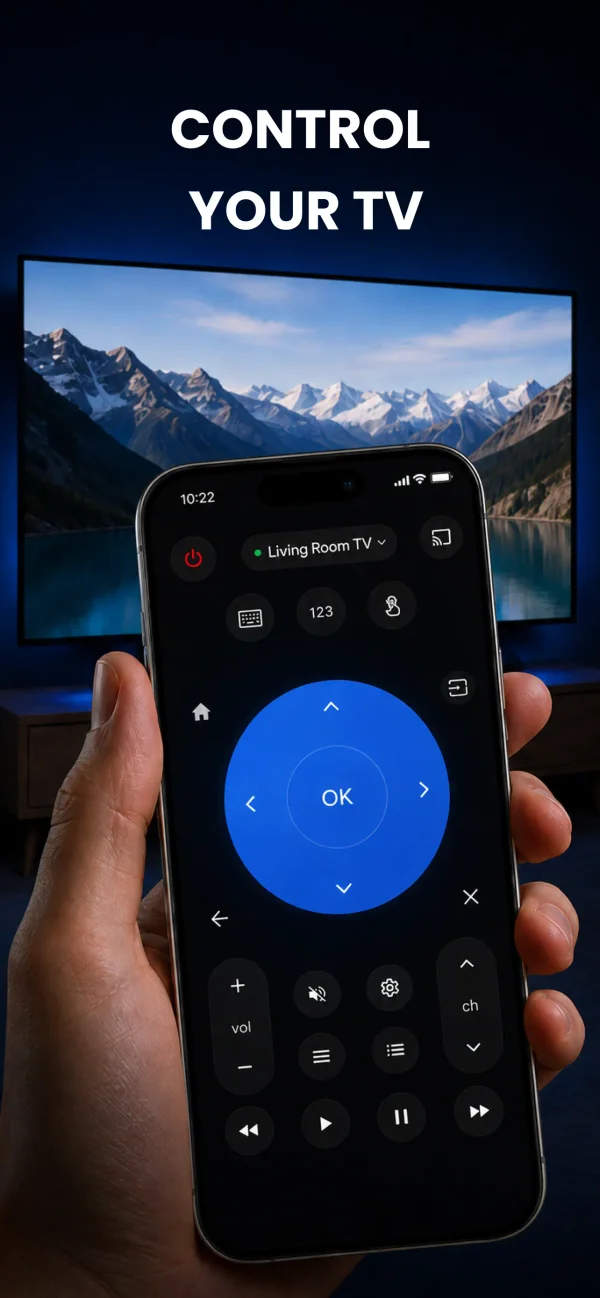
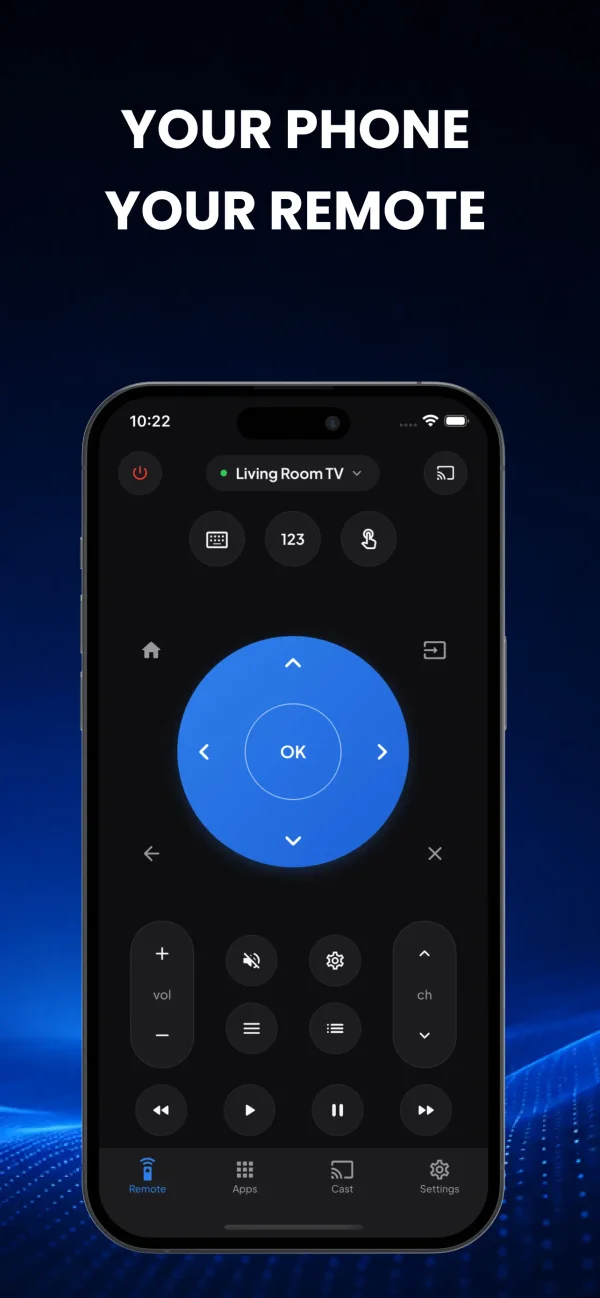
• Full button remote: power, volume, channels, D-pad, OK, back, home
• Switch inputs (HDMI, TV, AV) with a single tap
• Type with your phone keyboard instead of hunting letters on screen
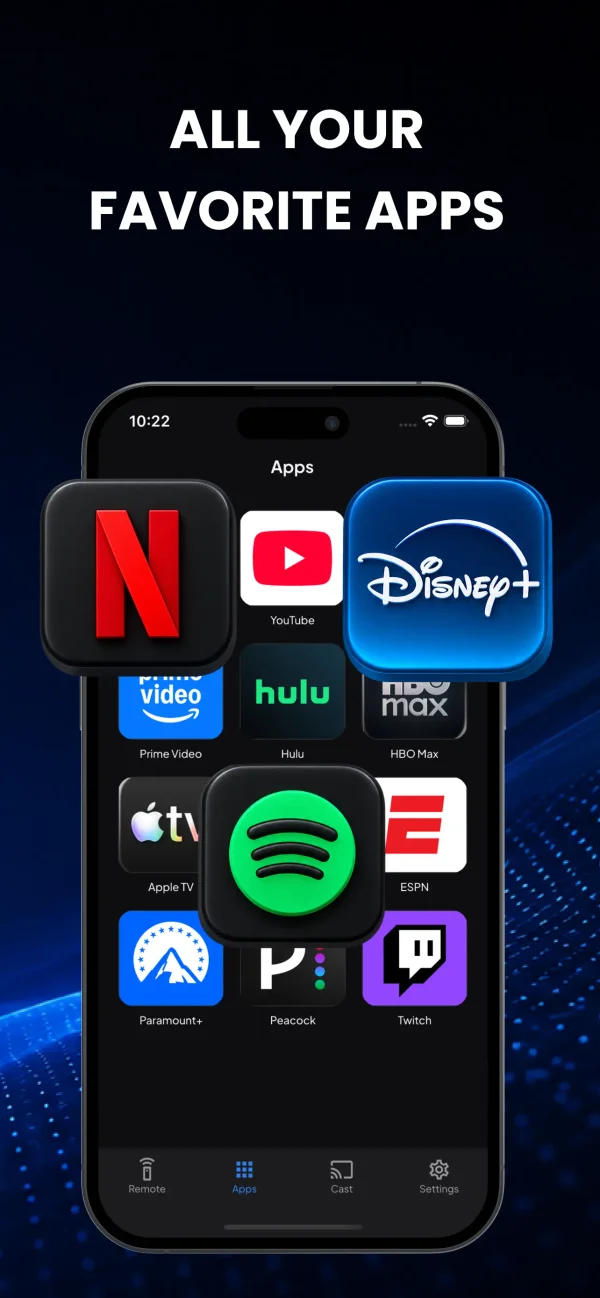
• Launch your streaming apps straight from your phone
• Every button press is free for your connected TV. Forever.
WORKS WITH
• Samsung Smart TV (2016 and newer, Tizen)
• LG Smart TV (webOS)
• Roku, TCL Roku TV and Hisense Roku TV
• Amazon Fire TV and Fire TV Stick
• Android TV and Google TV, including Sony
• Vizio SmartCast
PREMIUM
• Cast photos and videos from your phone to the big screen
• Live screen mirroring — share what you see, in real time
• Save several TVs and switch between them instantly
WHY YOU WILL KEEP IT
Remote lost in the sofa? Batteries dead? Kids hid it again? Your phone is always within reach. Everything runs over your home Wi-Fi, so there is nothing to pair, plug in or point at the screen.
HOW TO START
Connect your phone and your TV to the same Wi-Fi network, open the app and pick your TV from the list. Some TVs ask you to confirm the connection once on screen — after that it simply works.
---
NoRemote offers an optional subscription with a 3-day free trial. Payment is charged to your Apple Account at confirmation of purchase. The subscription renews automatically unless auto-renew is turned off at least 24 hours before the end of the current period. Manage or cancel your subscription in your Apple Account settings. Any unused portion of a free trial is forfeited when a subscription is purchased.
Not affiliated with, endorsed by or sponsored by Samsung, LG, Roku, Amazon, Vizio, Sony, TCL, Hisense or Google. All trademarks are the property of their respective owners.
Terms of Use: https://vesoftapps.com/terms
Privacy Policy: https://vesoftapps.com/privacy
What’s new
Version 1.0.8 · Nov 23, 2026
Fixes Samsung TVs that dropped the connection while the Allow prompt was showing, accepts IP addresses typed with commas or local digits, and walks Roku owners through enabling app control on the TV.
App privacy
What SIA Vesoft declares on the App Store about how this app handles data.
-
Data not linked to you
May be collected but is not linked to your identity.
- Identifiers
Privacy practices may vary, for example with the features you use or your age.
Information
- Seller
- Vesoft SIA
- Category
- Utilities
- Version
- 1.0.8
- Updated
- Nov 23, 2026
- Released
- Sep 16, 2026
- Size
- 54.9 MB
- Requires
- iOS 15.6 or later
- Age rating
- 4+
- Price
- Free
- In-app purchases
- Yes
- Languages
- English, Arabic, Catalan, Croatian, Czech, Danish, Dutch, Finnish, French, German, Greek, Hebrew + 19 more
- Copyright
- © 2026 SIA Vesoft
You might also like
-
 Zap: Universal TV RemoteSamsung, LG, Roku, Google TV
-
 Remote for Roku TV,AD-Free AppUniversal TV Remote Controller
-
 Myra: Universal TV RemoteTouchpad, Keyboard, Android TV
-
 TV Remote Control | UniversalRemote Control for Smart TV
-
 TV Remote Control Universal ·Stick & Smart TV Controller
-
 Direct TV Remote Control AppSmart & Universal Controller
-
 Hey Remote - Smart TV ControlUniversal TV Remote & Cast
-
 Remoto: Universal Remote TVRemote for All TV & Cast to TV
-
 Tivi – TV Remote ControlSamsung,LG,Sony,TCL & Google
-
 TV Remote Pro & Screen MirrorRemote Control & Mirroring