Notebook – Diary & Journal App
Private Diary, One Page a Day
Designed for iPhone
Free · In-app purchases
- Age rating4+
- CategoryProductivity
- DeveloperKoji Ito
- LanguagesEnglish+ 7 more
- Size26.1 MB
Links to the official App Store page
Download.org hosts no file of Notebook – Diary & Journal App. The button opens its official App Store page, published by Koji Ito. Listing last checked on Nov 25, 2026.
Screenshots
About
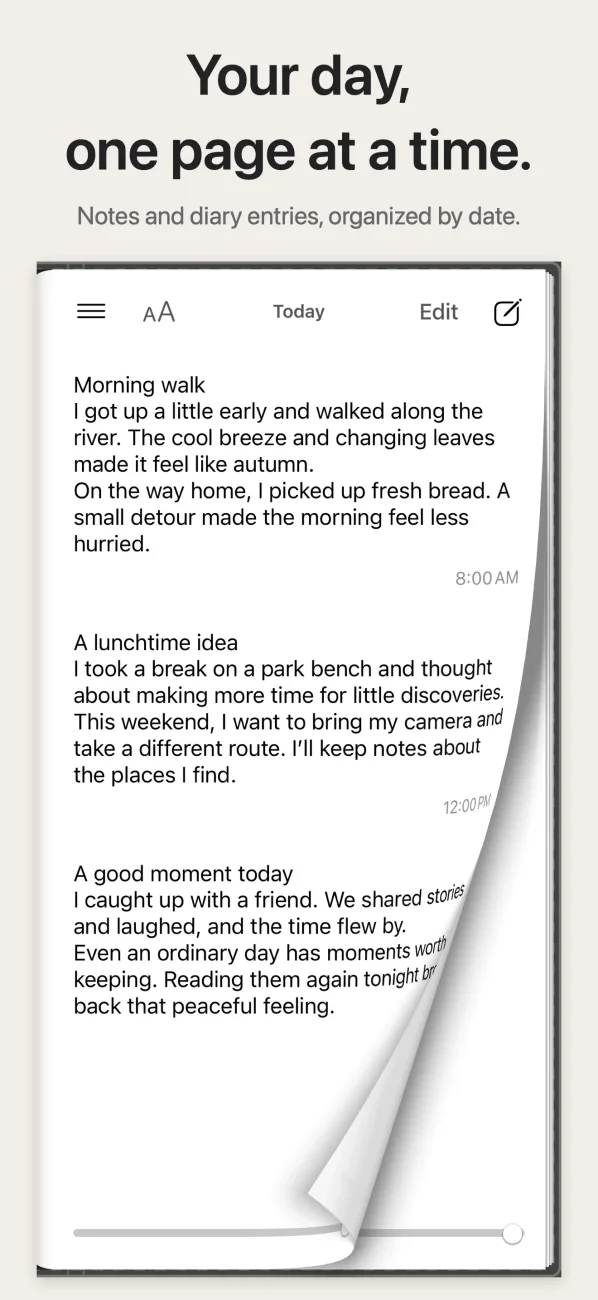
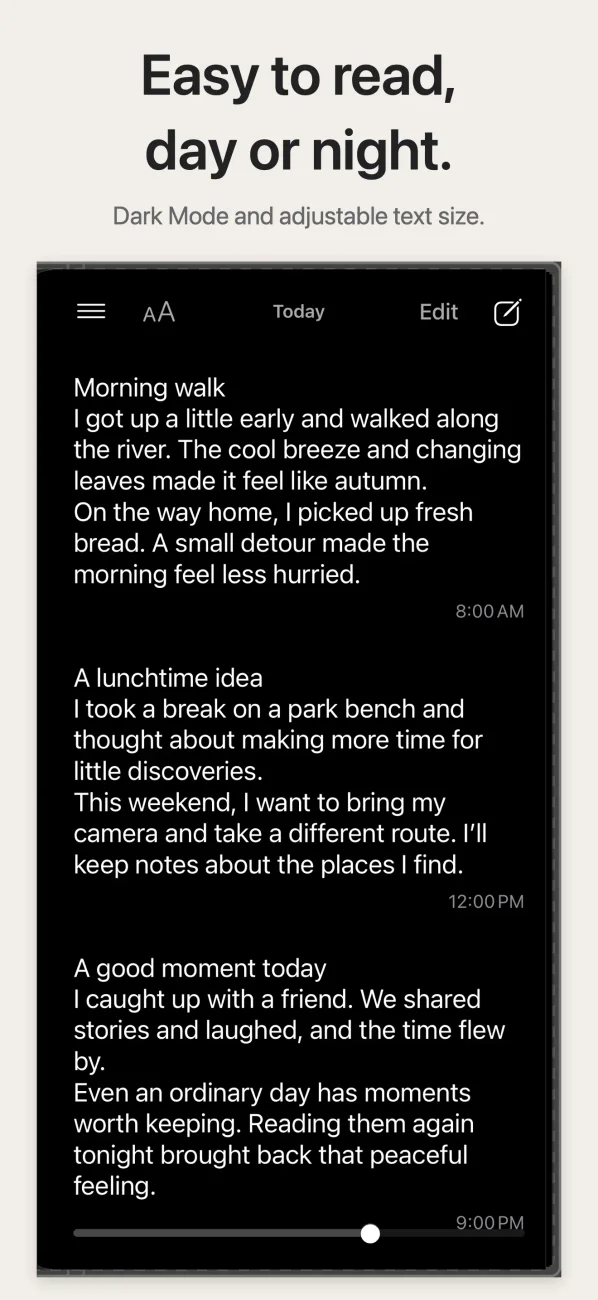
Everything you write lands on that day's page. Flip through your days like a book and read them again, just like a paper diary.
No titles, no setup. Open it and write. A simple notebook, made since 2013.
■ One day, one page
Notes and diary entries you write each day are gathered on the same page automatically. Without organizing anything, your days line up like a book.
■ Flip back and read again
Swipe or tap to turn pages like paper. Ordinary days become memories worth rereading.
■ Keep it private
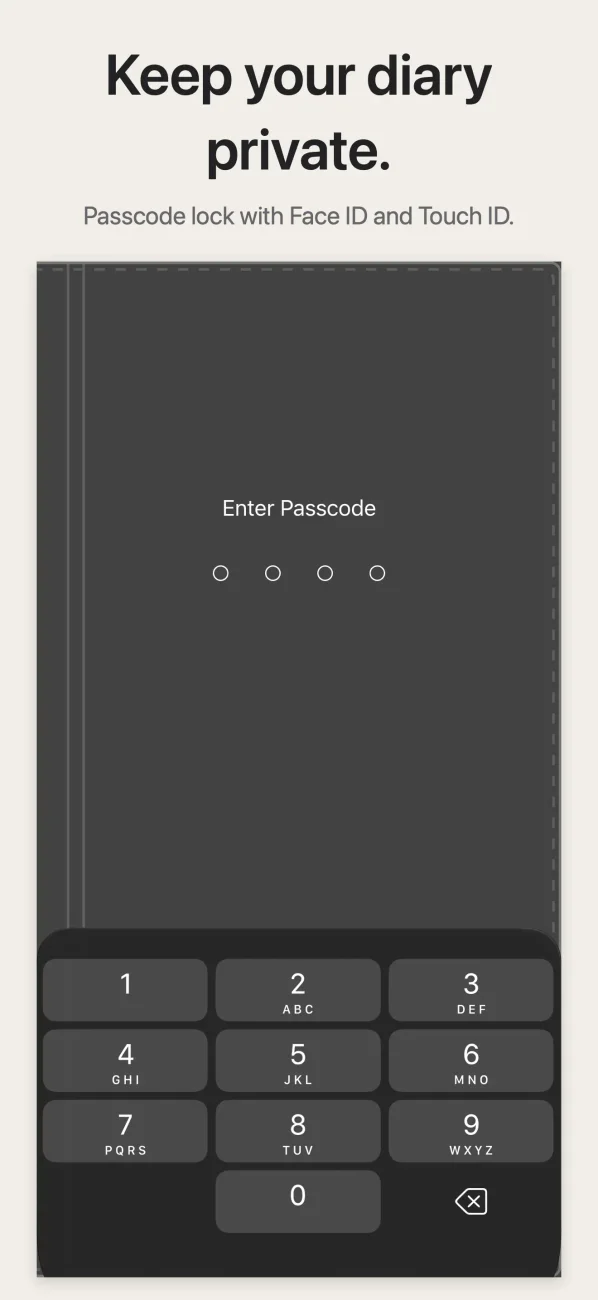
Lock your diary with a passcode. Face ID / Touch ID is available on supported devices.
■ Write the moment it comes
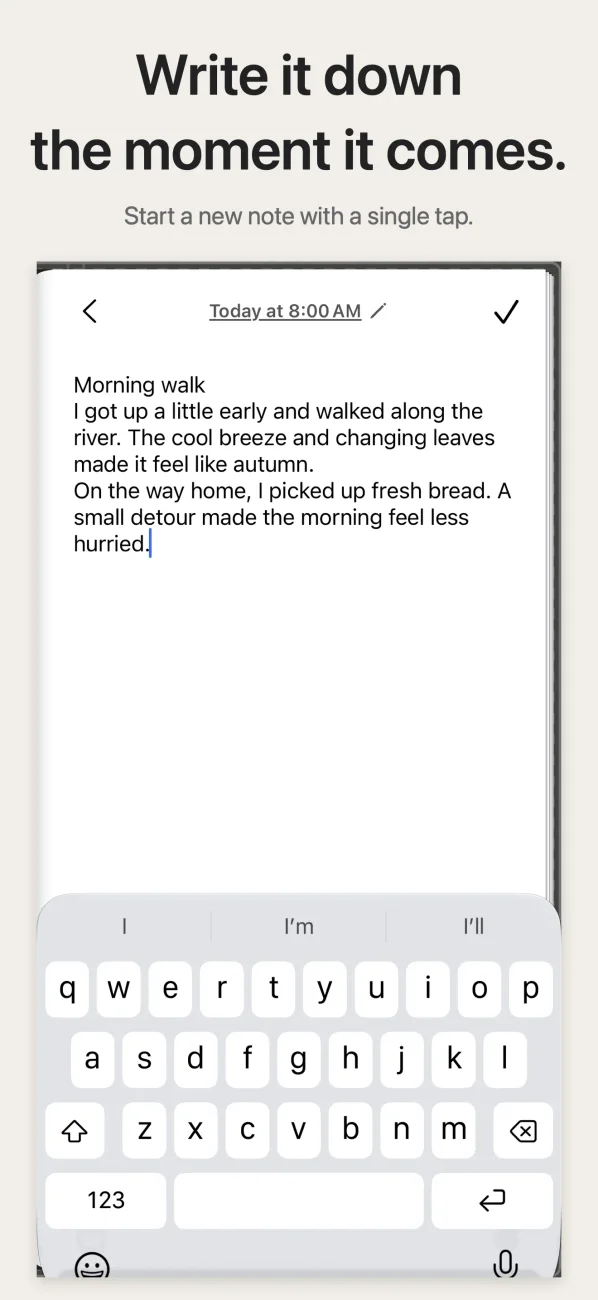
Start a new note with a single tap: a shopping list, an idea, a one-line diary. Change a note's date to record plans or past events.
■ Find any day
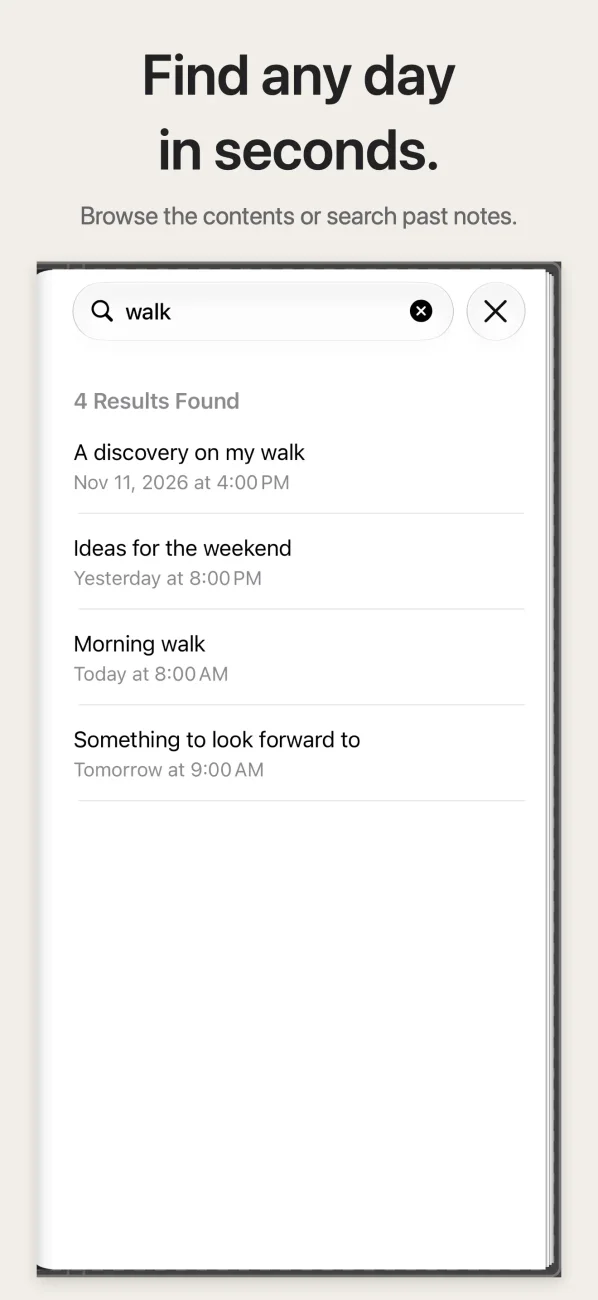
Use the contents list or search to go straight to the page you want.
■ Comfortable to read and write
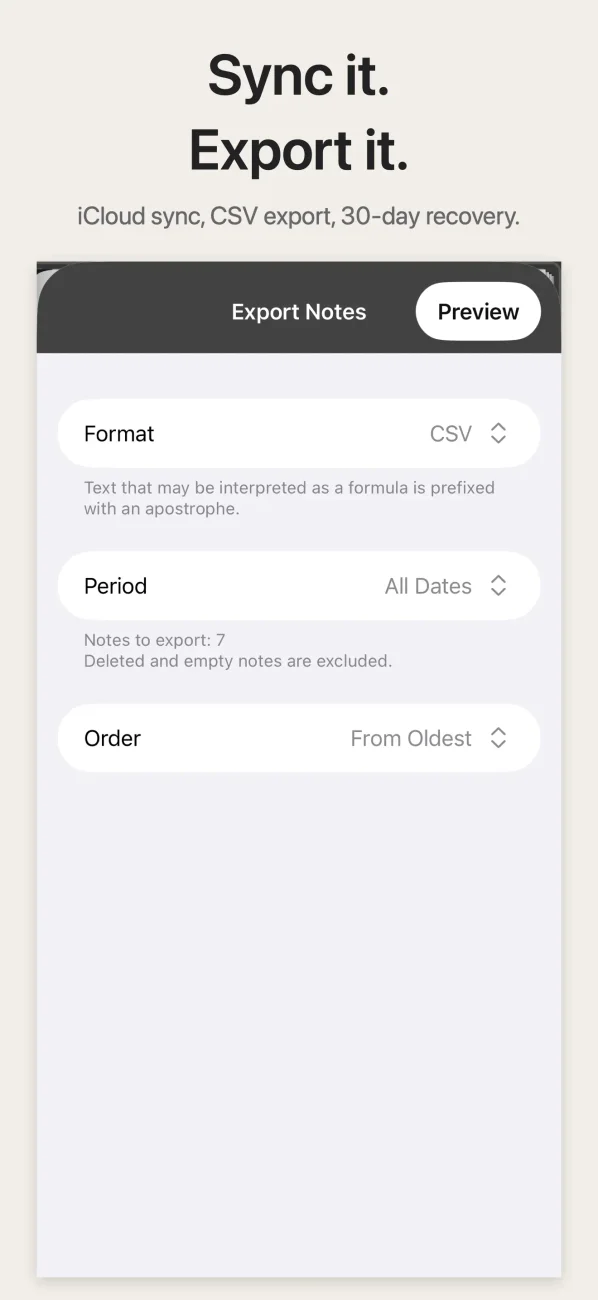
Adjust the text size or use Dark Mode. Copy, print or share your notes, or export them as CSV.
■ Sync between devices with iCloud
With iCloud sync enabled, notes synchronize automatically between devices using the same Apple Account. iCloud sync is enabled by default for new installations. iCloud Drive and Notebook's iCloud access must be enabled, with available storage and a network connection. Synchronization may take time.
iCloud sync and device backups are separate features. Check your sync status and backups before changing devices.
■ Recover deleted notes
Recover notes within 30 days of deletion from Recently Deleted in Settings.
■ Choose annual, monthly or lifetime Premium
Core features are free. All plans offer the same Premium benefits, including ad removal. Annual and monthly subscriptions renew automatically until canceled. After cancellation, access continues until the end of the paid period. Lifetime is a one-time purchase with no expiry. Existing lifetime purchases and features already unlocked through rewarded ads remain valid. Restore purchases with the Apple Account used to buy them. Manage or cancel subscriptions in your Apple Account settings.
Terms of Use (Apple Standard EULA): https://www.apple.com/legal/internet-services/itunes/dev/stdeula/
Privacy Policy: https://kojiapp.work/notebook/privacy-policy/
What’s new
Version 5.4.3 · Nov 24, 2026
You can now check the iCloud sync status in Settings. Refreshed the Premium screen to make it easier to read. Also improved stability and fixed minor bugs.
App privacy
What Koji Ito declares on the App Store about how this app handles data.
-
Data used to track you
May be used to track you across apps and websites owned by other companies.
- Purchases
- Location
- Identifiers
- Usage data
- Other data
-
Data linked to you
May be collected and linked to your identity.
- Purchases
- Location
- Identifiers
- Usage data
- Diagnostics
- Other data
-
Data not linked to you
May be collected but is not linked to your identity.
- User content
- Diagnostics
Privacy practices may vary, for example with the features you use or your age.
Information
- Seller
- Koji Ito
- Category
- Productivity
- Version
- 5.4.3
- Updated
- Nov 24, 2026
- Released
- Jun 5, 2013
- Size
- 26.1 MB
- Requires
- iOS 17.0 or later
- Age rating
- 4+
- Price
- Free
- In-app purchases
- Yes
- Languages
- English, French, German, Japanese, Korean, Portuguese, Simplified Chinese, Spanish
- Copyright
- © 2012–2026 Koji Ito
You might also like
-
 Diary With PasswordNo Ads Journal Diary Notebook
-
 n+otesQuick, easy note, private lock
-
 Notebook – AI Notes, NotepadVoice Memo, To-Do & Planner
-
 Notepad: Easy Notes & MemosSimple Notebook & Writing Pad
-
 Just Write - App For WriterMinimal TXT and RTF Editor
-
 Paper: Writing App, NotesWrite a book novel poem script
-
 mimi – Cute notesCustomizable fonts, notes
-
 Secure NotepadPrivate Notes with Password
-
 Simple Notepad -BestNote-Notes with password and photos
-
 Inkpad Notepad - Notes - To doProductivity