Notepad: Easy Notes & Memos
Simple Notebook & Writing Pad
Designed for iPhone, iPad
Free · In-app purchases
- Age rating4+
- CategoryProductivity
- Developer1381802 Ontario Inc.
- LanguagesEnglish+ 35 more
- Size76.4 MB
Links to the official App Store page
Download.org hosts no file of Notepad: Easy Notes & Memos. The button opens its official App Store page, published by 1381802 Ontario Inc. Listing last checked on Nov 17, 2026.
Screenshots


About
Jot down notes and organize your ideas with Notepad—the classic notepad writing app designed for keeping track of everything that matters.
[ TO-DO LISTS ]
• Create beautiful task lists with interactive checkboxes to track your daily tasks and goals.
• Drag and drop to reorder items—organize your to-dos exactly how you want them.
• Enjoy the satisfying experience of checking off completed tasks as you get things done.
• Perfect for shopping lists, daily chores, project tasks, and everything in between.
[ NOTES ]
• Create unlimited text notes with rich formatting—quickly and easily.
• Tap anywhere to start typing—it's simple, fast, and always saved automatically.
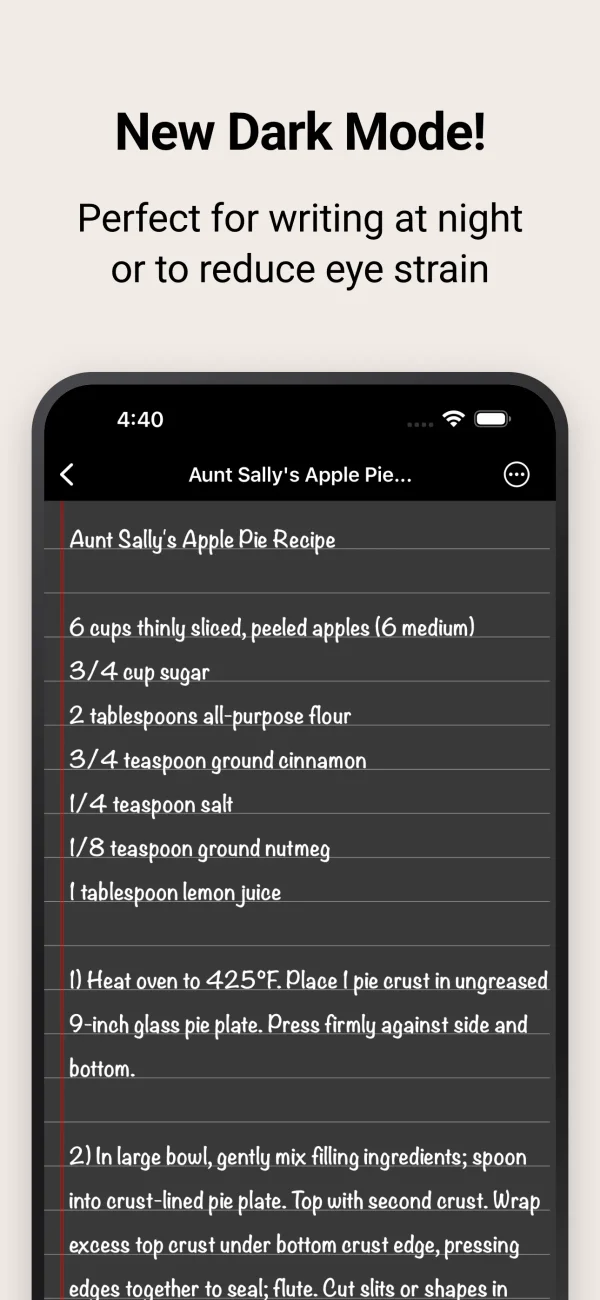
• Works perfectly in both light and dark mode.
[ RICH TEXT FORMATTING ]
• Style your notes with bold, italic, underline, and strikethrough.
• Choose from 7 text colors and 7 highlight colors to make important details stand out.
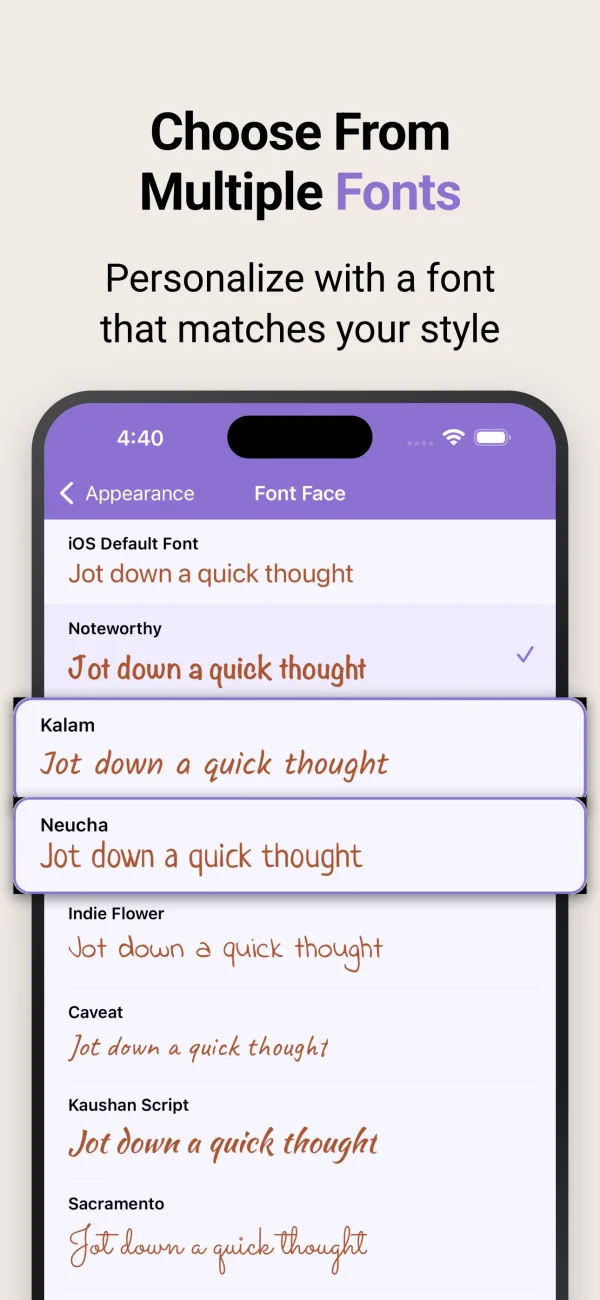
• Pick from 18 handpicked font families—each with proper bold and italic variants.
• A convenient formatting toolbar sits right above the keyboard for fast access.
• Switch fonts anytime—your existing formatting is preserved.
[ HANDWRITTEN NOTES WITH APPLE PENCIL ]
• Capture your thoughts naturally with fluid, responsive handwriting that feels like pen on paper.
• Create beautiful handwritten notes, diagrams, and drawings with realistic ink flow and pressure sensitivity.
• Choose from fountain pens, pencils, and highlighters with customizable colors for a personalized writing experience.
• Enjoy our adaptive paper grid that works perfectly in any orientation or device.
[ FOLDERS - ORGANIZE YOUR NOTES ]
• Organize notes into folders and subfolders with a clean, nested structure.
• Assign a unique color to each folder, making it simple to categorize and find notes at a glance.
• Drag-and-drop to reorder, and move multiple notes easily.
[ PIN & SORT NOTES ]
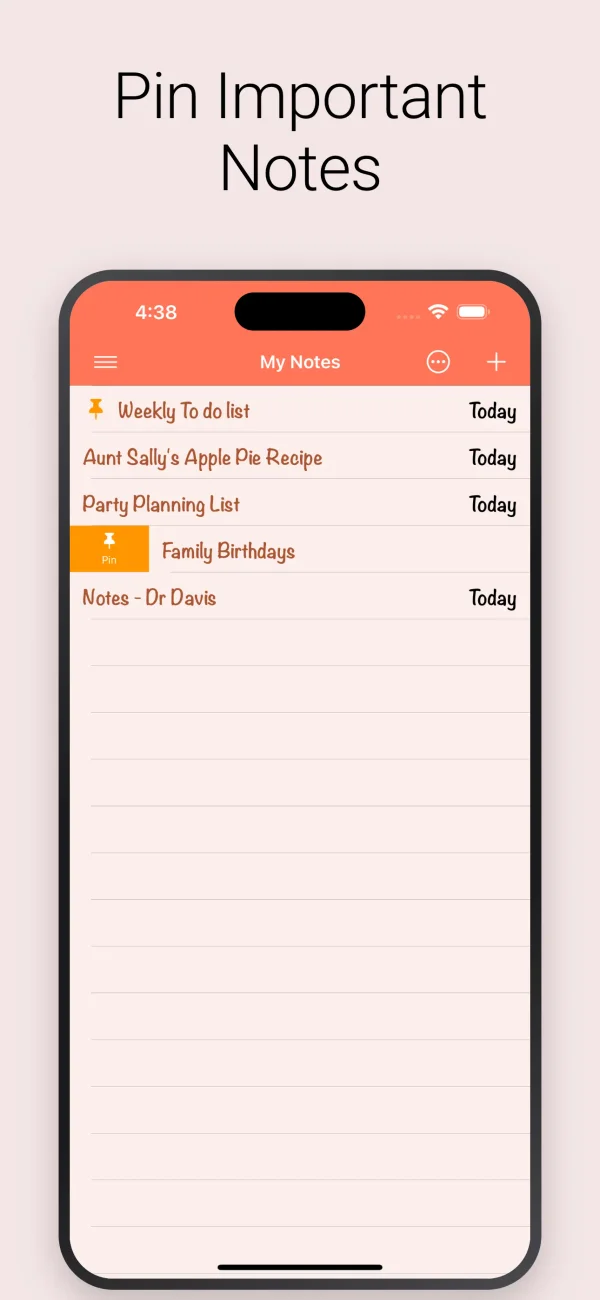
• Pin important notes to the top and sort by date, custom order, or alphabetical order.
[ BACKUP WITH ICLOUD ]
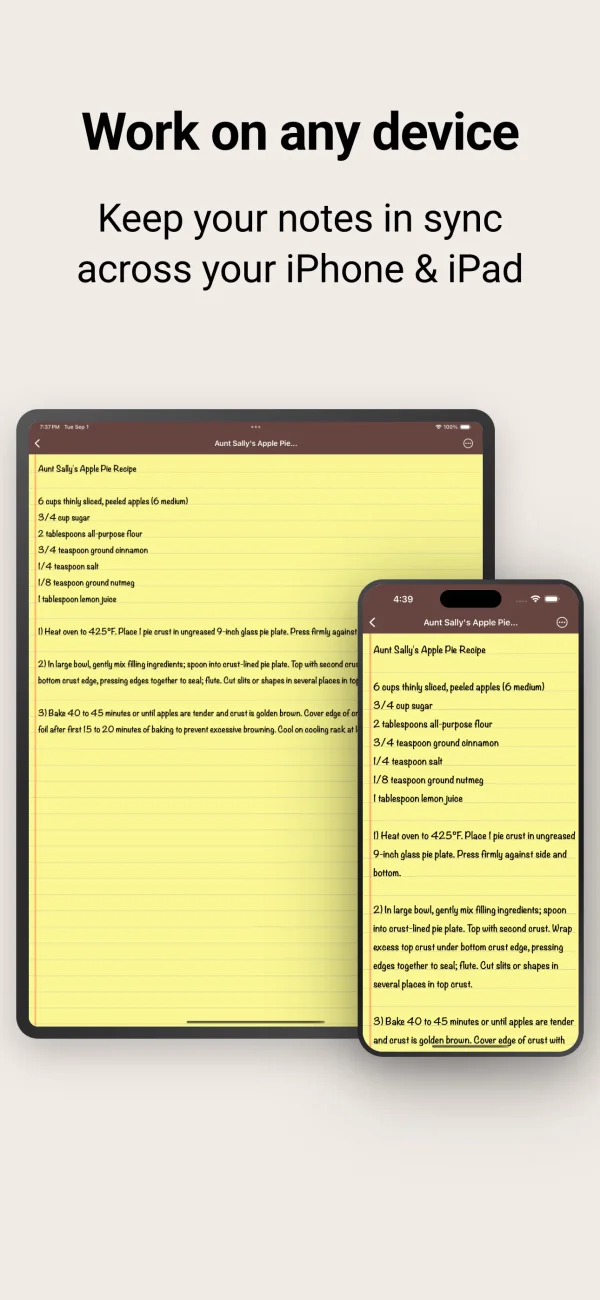
• Keep notes safe with automatic backups and iCloud sync across your devices.
[ PERSONALIZE YOUR NOTEPAD ]
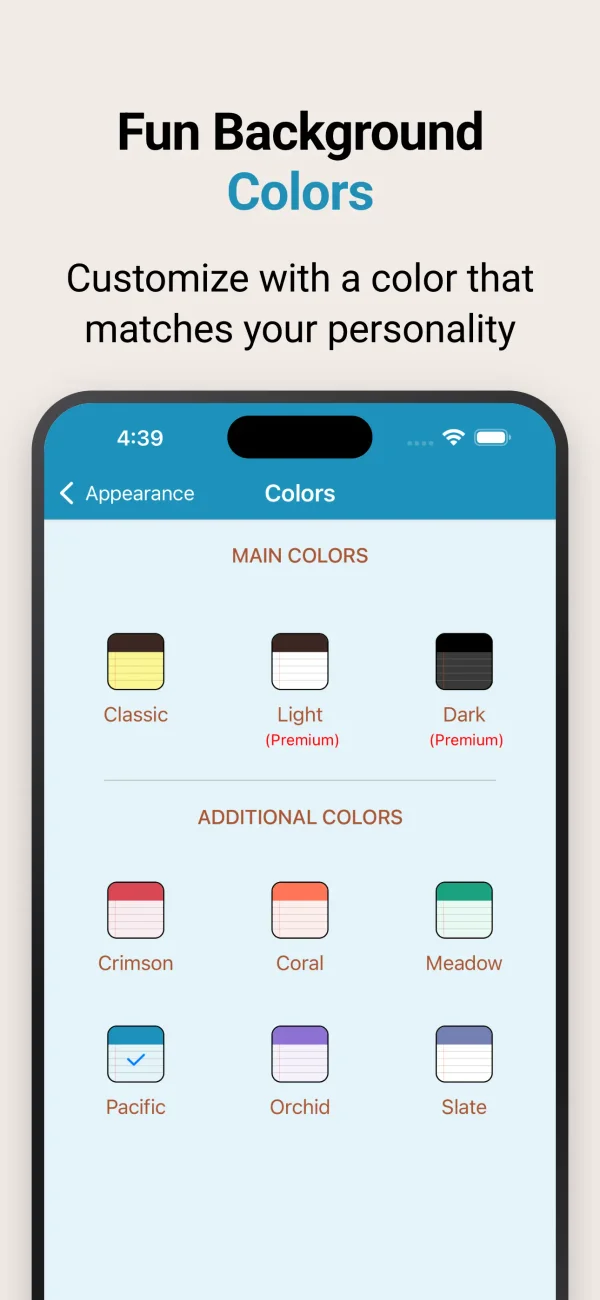
• Give your notepad a personal touch with unique app icons, custom colors, stylish fonts, and a sleek dark mode for night owls.
[ FIND NOTES FAST ]
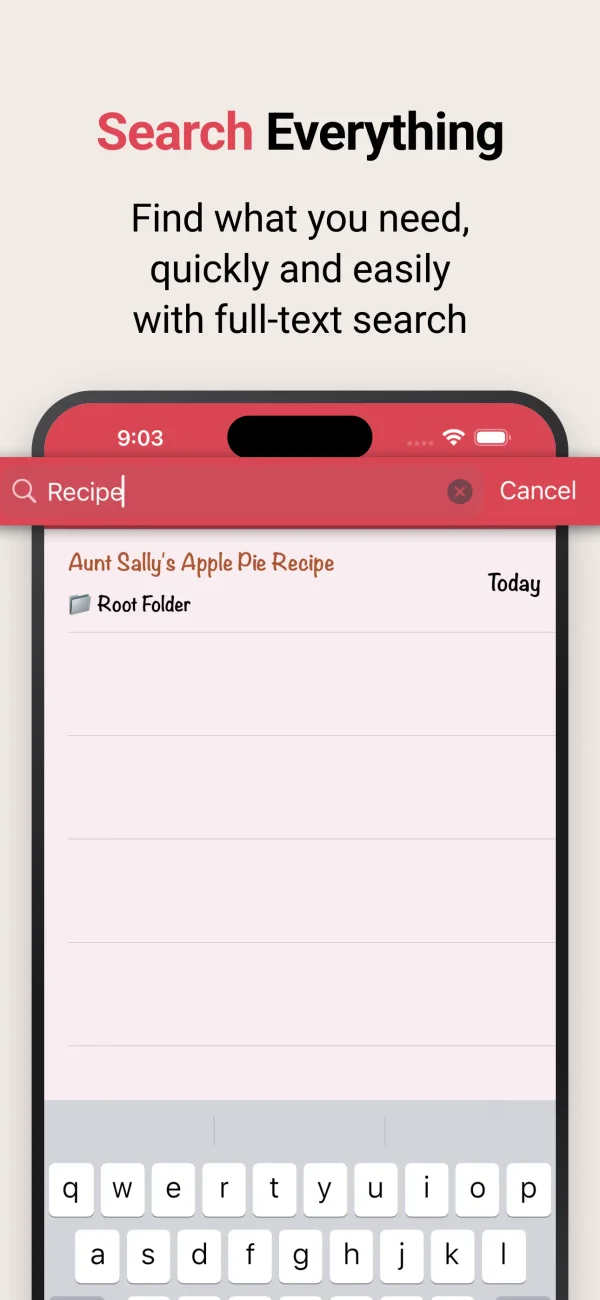
• Use advanced search tools and text highlighting to track down exactly what you're looking for.
[ KEEP YOUR NOTES SAFE ]
• Lock your notes with FaceID or TouchID for extra privacy.
[ SHARE & PRINT ]
• Send your notes to other apps like Mail or WhatsApp, or print them directly from Notepad.
[ PREMIUM FEATURES FOR POWER USERS ]
• Go ad-free, unlock exclusive themes, and get advanced sorting options with Premium.
Notepad combines the nostalgic feel of a simple notebook with the functionality of today's tech. Use Notepad for everything from brainstorming ideas and setting personal reminders to creating shopping lists, to-do lists, grocery lists, chores lists, appointment notes, class notes, daily goals, password hints, birthday reminders, packing lists, travel itineraries, and more.
Write, organize, and stay on top of everything that matters—download Notepad now and stay productive your way!
Terms of Use & Privacy Policy: https://www.oldnotepad.com/terms.
What’s new
Version 6.2.8 · Nov 14, 2026
** What's new in Notepad **
• Bulleted and numbered lists — turn ideas, tasks, and instructions into clear, organized lists.
• Paste and match style — paste without unwanted formatting; text automatically matches your note’s style.
• Edit your way — choose one-tap editing or a dedicated Edit button in Advanced Options.
Additional improvements:
• Enhanced performance and stability across all devices.
App privacy
What 1381802 Ontario Inc. declares on the App Store about how this app handles data.
-
Data used to track you
May be used to track you across apps and websites owned by other companies.
- Usage data
-
Data not linked to you
May be collected but is not linked to your identity.
- Usage data
- Diagnostics
Privacy practices may vary, for example with the features you use or your age.
Information
- Seller
- 1381802 Ontario Inc.
- Category
- Productivity
- Version
- 6.2.8
- Updated
- Nov 14, 2026
- Released
- Nov 1, 2013
- Size
- 76.4 MB
- Requires
- iOS 18.0 or later
- Age rating
- 4+
- Price
- Free
- In-app purchases
- Yes
- Languages
- English, Arabic, Catalan, Czech, Danish, Dutch, Finnish, French, German, Greek, Gujarati, Hebrew + 24 more
- Copyright
- © 2026 1381802 Ontario Inc.
You might also like
-
 n+otesQuick, easy note, private lock
-
 Inkpad Notepad - Notes - To doProductivity
-
 Notebook – AI Notes, NotepadVoice Memo, To-Do & Planner
-
 Notebook – Diary & Journal AppPrivate Daily Notes with Lock
-
 Penbook: Paper Planner & NotesJournal, Notebook & Study
-
 Feenote - Notes and listsNote-taking & handwriting
-
 EasyNotes: Notes, Memo & ListsSticky Notes, Color Notepad
-
 MyScript Notes: AI HandwritingSmart note taking, PDF & study
-
 Noteful: Notes & PDF MarkupHighlight. Write. Learn.
-
 Noteshelf: AI Notes & PDFHandwriting, Planner & Journal